- 바이러스 없음
- 스파이웨어 없음
- 멀웨어 없음
com.accarunit.motionvideoeditor이 파일은 게시 전 편집자가 다운로드·검사·설치했습니다.
모든 파일은 게시 전에 VirusTotal로도 검사합니다.

Motion Ninja MOD APK (프로 잠금 해제)
추가 정보: Motion Ninja MOD APK (프로 잠금 해제)
에 대한 설명 Motion Ninja MOD APK (프로 잠금 해제)
Motion Ninja MOD APK는 프로 잠금 해제 도구 전체를 열어 줍니다. 내보낸 영상에 워터마크가 없고, 모든 프리미엄 효과와 전환을 바로 넣을 수 있으며, 원래 유료 플랜 뒤에 있던 고급 키프레임 도구도 쓸 수 있습니다. 구독 화면에 방해받지 않고 휴대폰에서 돌아가는 After Effects 스타일의 편집기라고 생각하시면 됩니다.
이 페이지의 파일은 게시 전에 에디터가 악성코드 검사를 하고 실제 안드로이드 기기에 설치해 보았으며, 저희는 2018년부터 이 절차를 지켜 왔습니다. 위의 버튼으로 받아서 몇 분 안에 편집을 시작하실 수 있습니다.
Motion Ninja란 무엇인가요?
Motion Ninja는 ACCARUNIT에서 만든 모바일 모션 디자인 및 영상 애프터 이펙트 편집기이며, 스토어에는 개발자가 changpeng으로 표기되어 있습니다. 흔한 클립 자르기 앱보다 한 단계 위에 있습니다. 실제 레이어로 작업하고 키프레임으로 애니메이션을 만들며, 대부분의 휴대폰 편집기로는 만들 수 없는 장면을 구현할 수 있습니다.
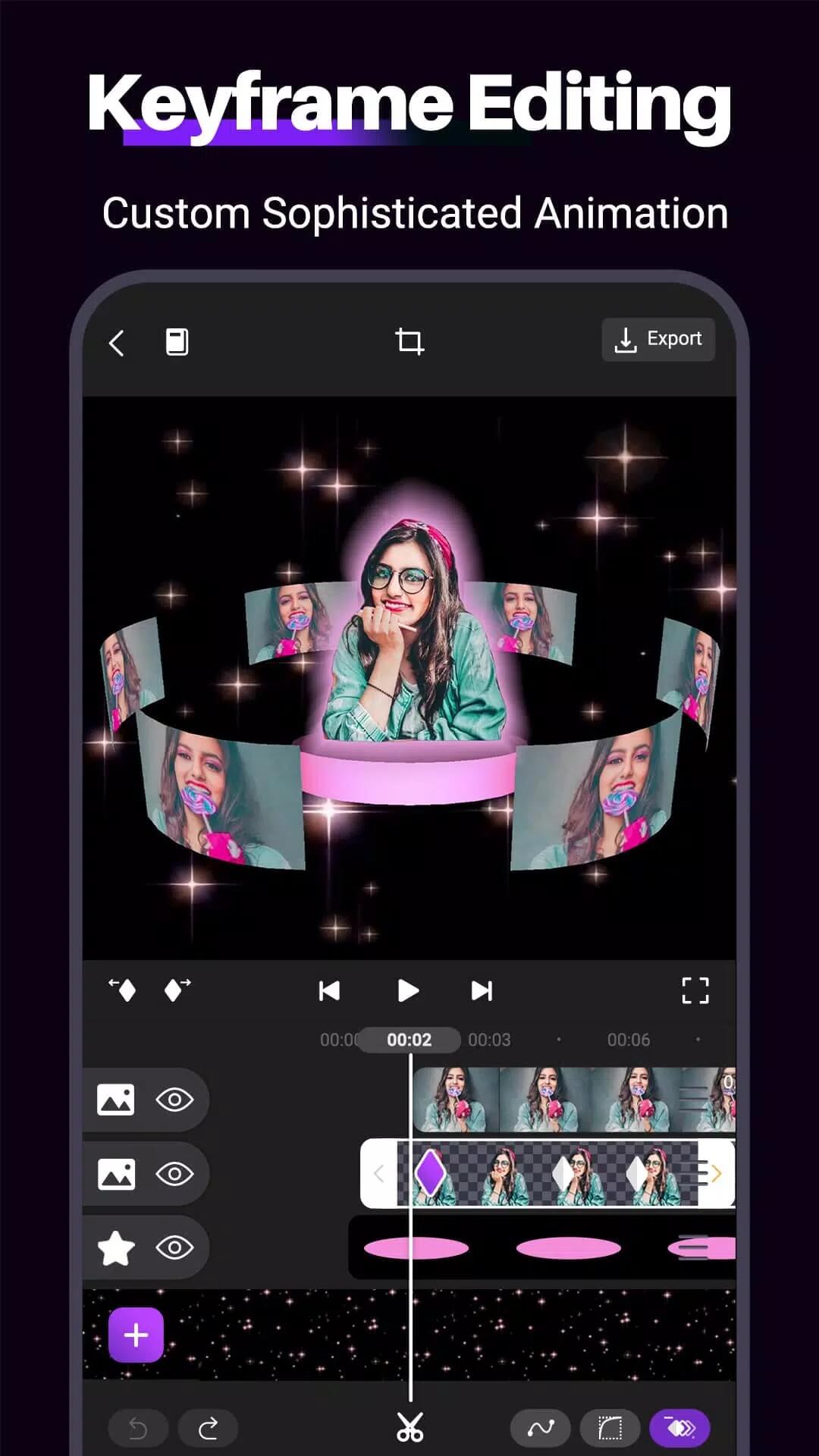
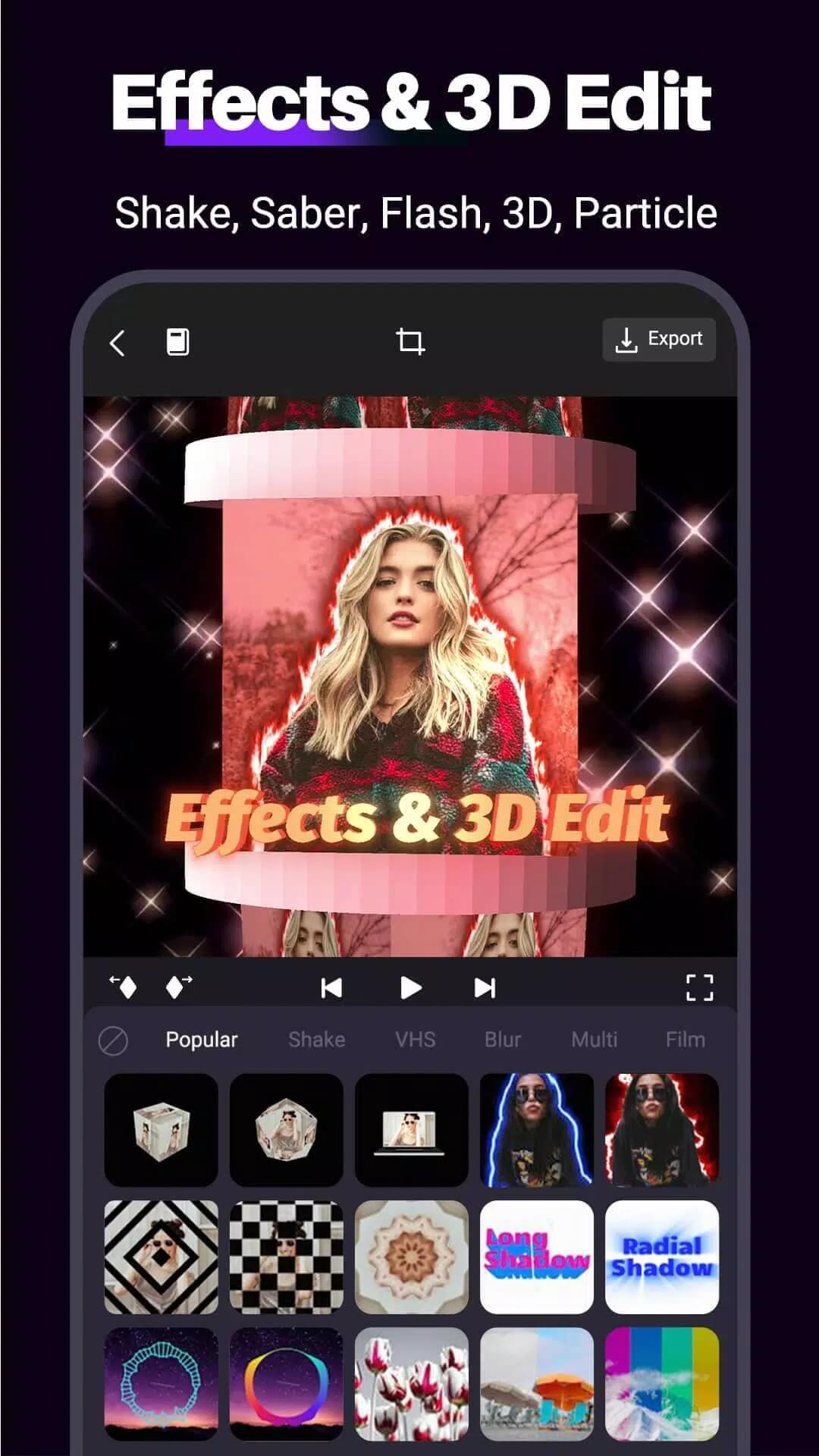
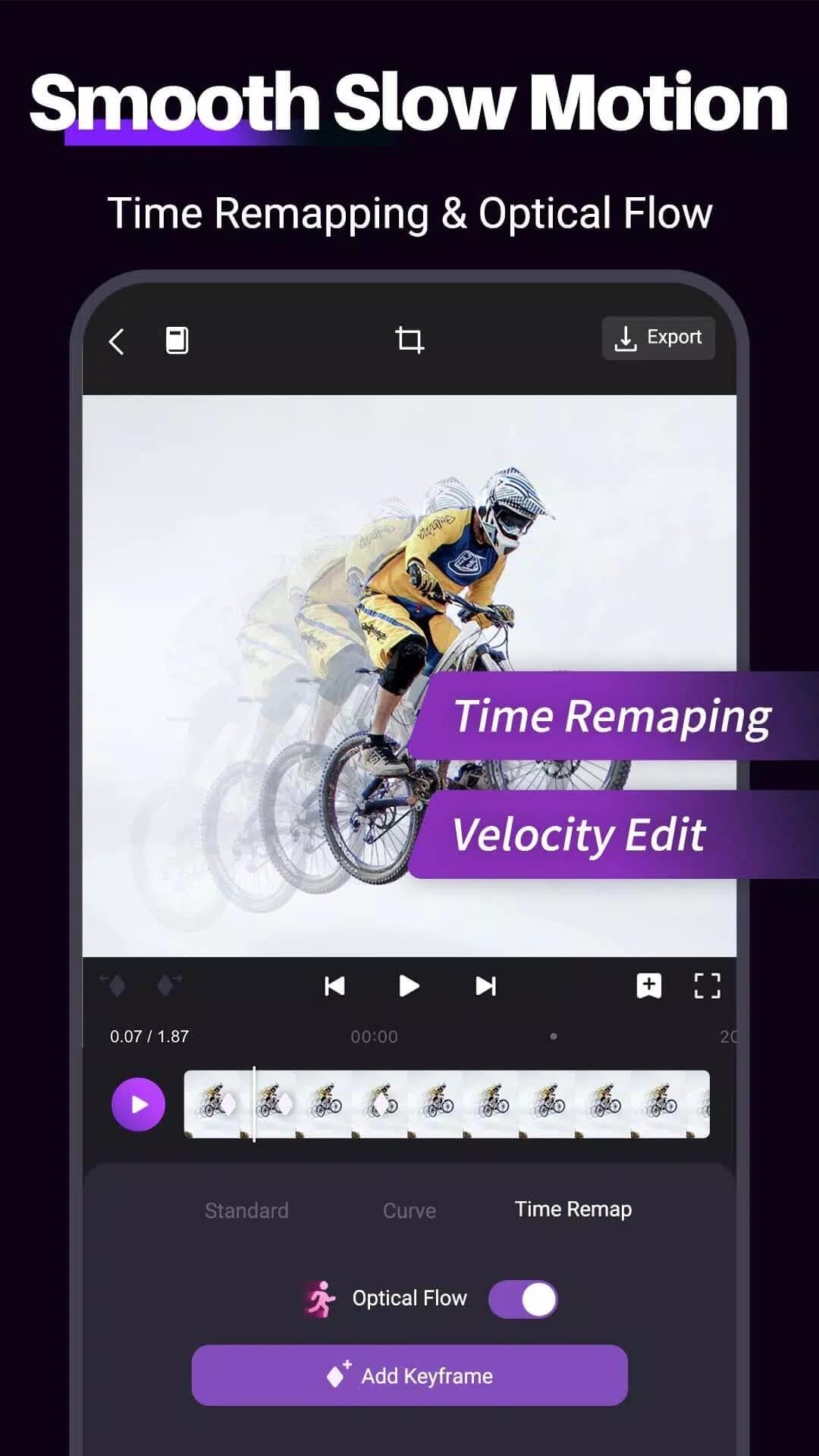
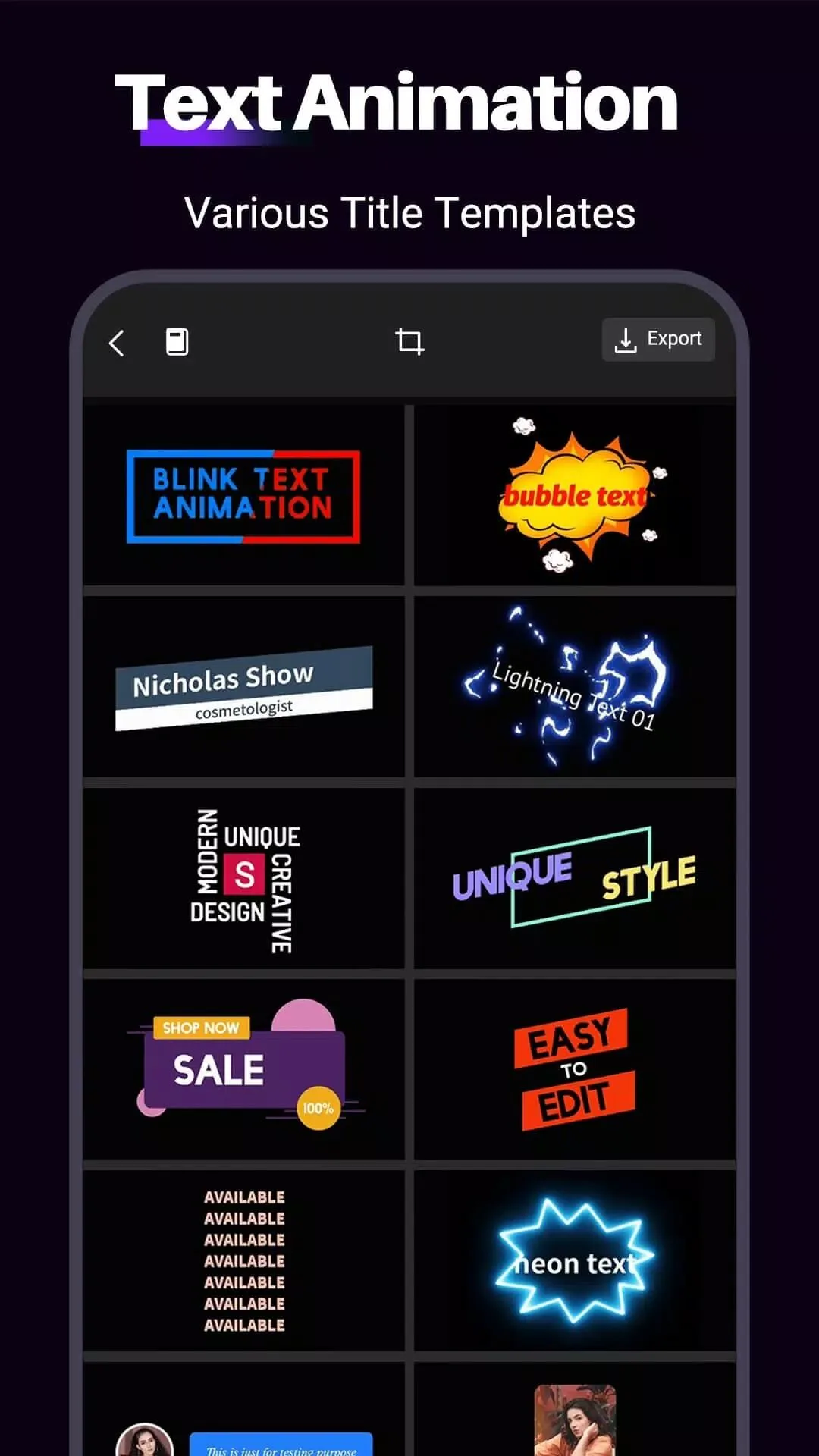
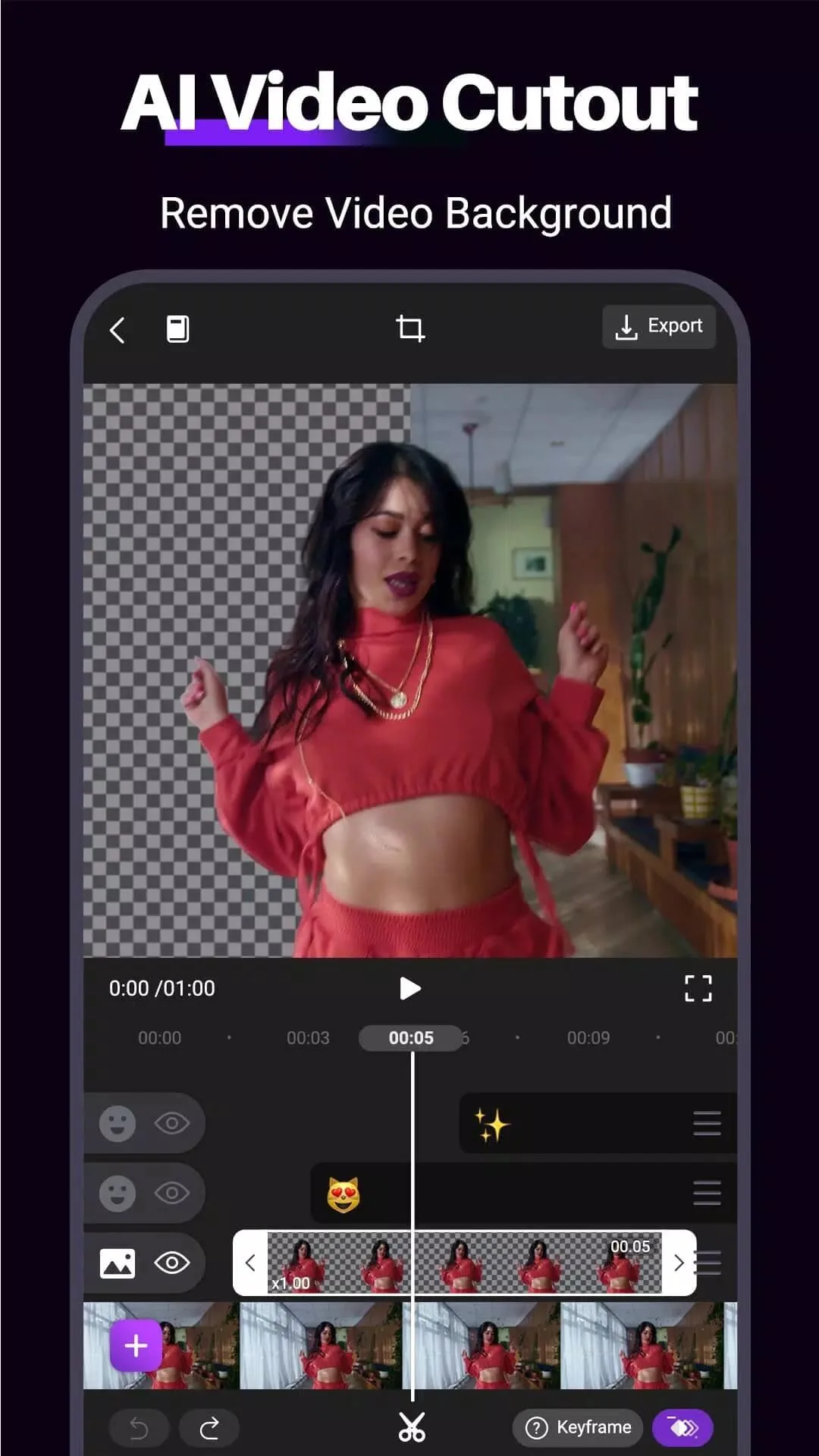
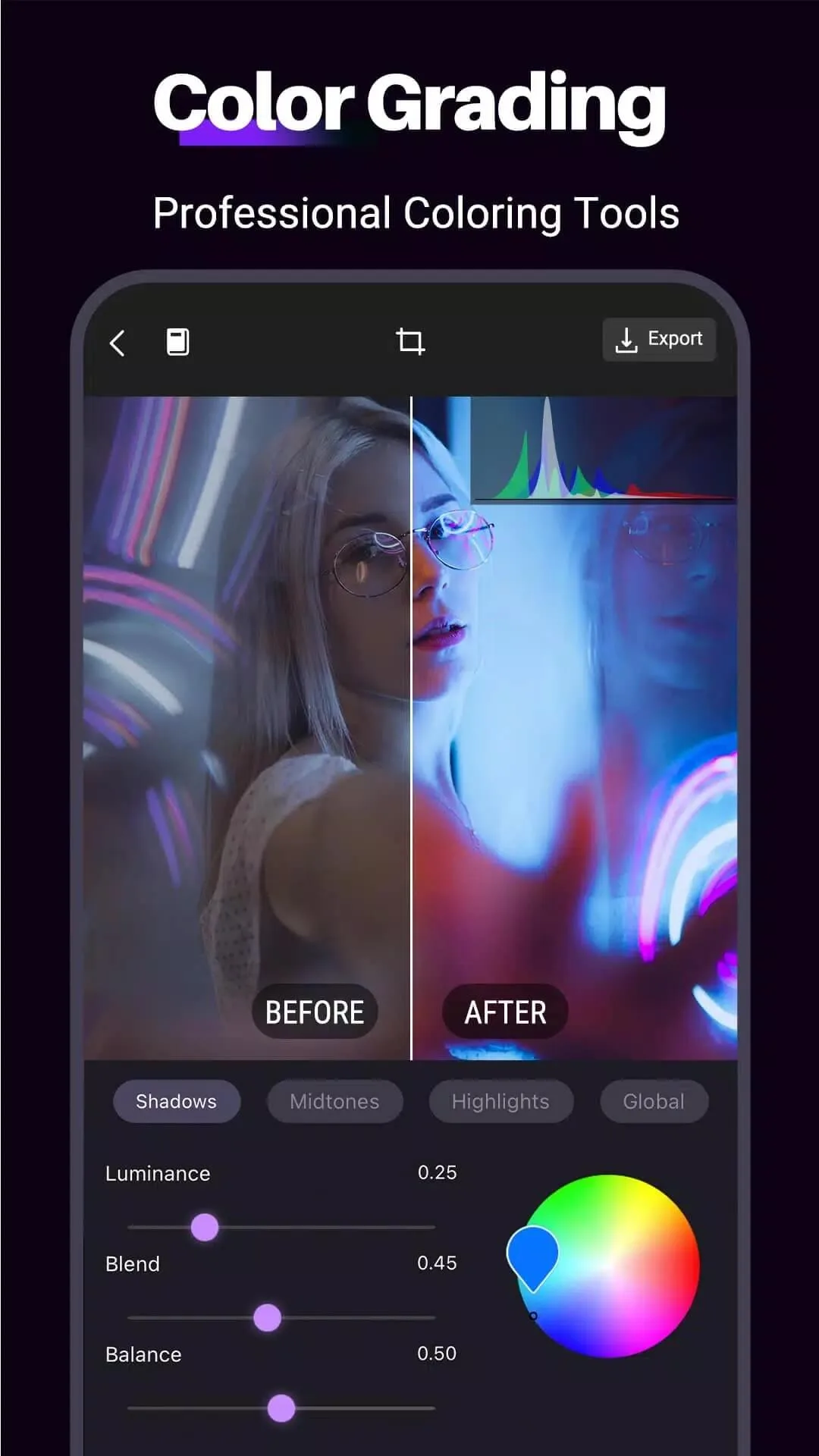
기능 목록은 데스크톱에 가까운 수준입니다. 키프레임 애니메이션을 지원하는 다중 레이어 편집, 배경을 바꾸는 크로마키(그린 스크린), 영화 같은 느낌을 주는 모션 블러와 글로우, 슬로 모션이나 빨리 감기를 위한 전체 속도 조절이 있습니다. 50개 이상의 전환 효과가 내장되어 있고 최대 1080p와 4K로 내보낼 수 있습니다. 다운로드 수는 약 1,800만 회이며 평점은 4.5점 안팎입니다.
프로 잠금 해제로 얻는 것
| MOD 기능 | 편집기에서 달라지는 점 |
|---|---|
| 워터마크 없음 | 완성된 영상이 Motion Ninja 로고 없이 깔끔하게 내보내집니다. |
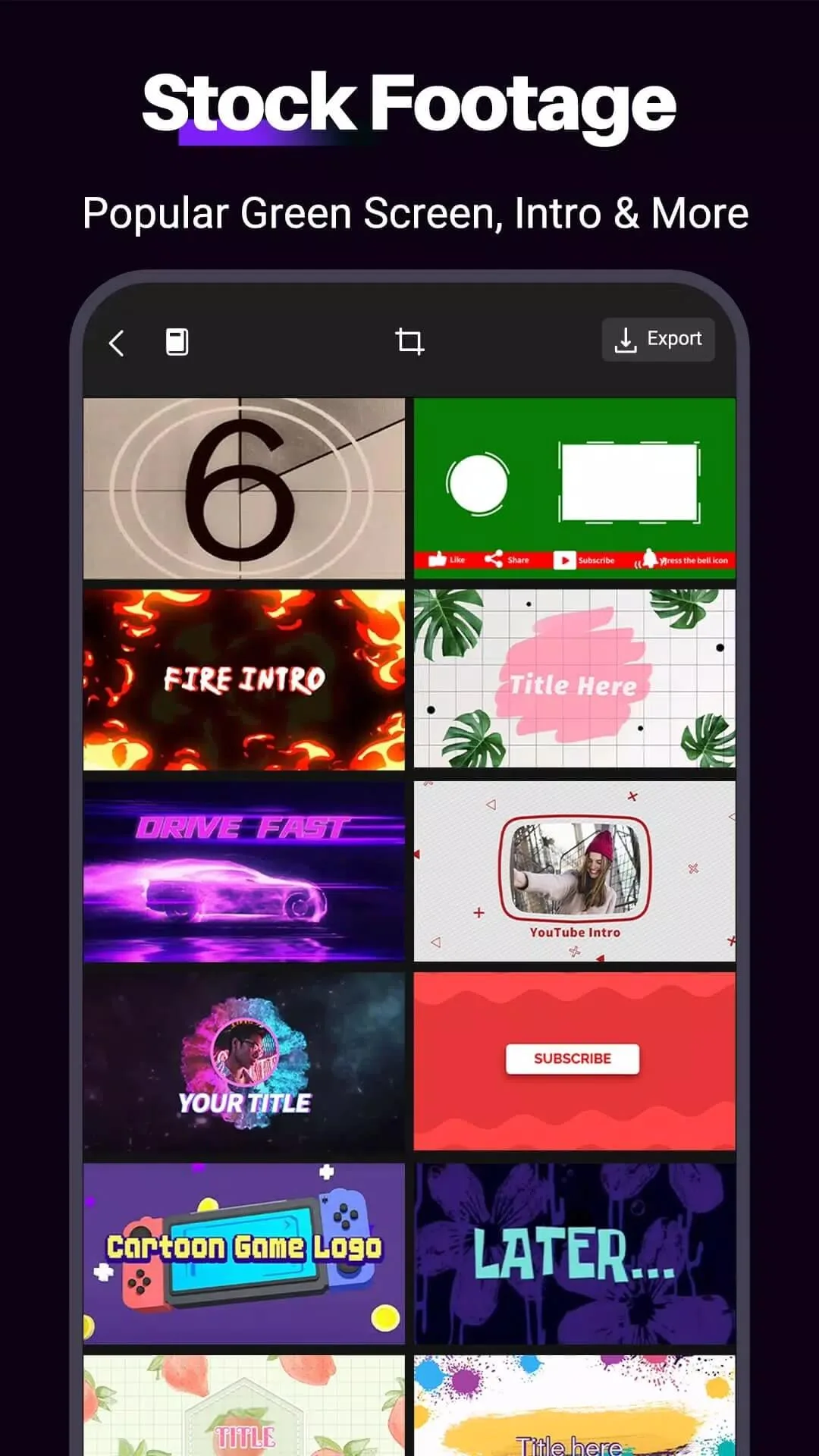
| 프리미엄 효과 & 전환 | 잠겨 있던 효과, 프리셋, 전환 팩이 처음부터 모두 열려 있습니다. |
| 무제한 내보내기 | 프로 전용 제한 없이 원하는 만큼 프로젝트를 최대 1080p와 4K로 렌더링할 수 있습니다. |
| 고급 도구 | 상위 등급의 키프레임, 블렌딩, 모션 제어가 켜져 있습니다. |
솔직하게 한 가지 말씀드립니다. 프로 잠금 해제는 편집기 자체의 클라이언트 측 기능, 즉 휴대폰 앱 안에 있는 도구를 열어 줍니다. Motion Ninja가 제공한 적 없는 클라우드 서비스나 온라인 AI 도구를 추가하는 것은 아니므로, 표에 있는 내용이 얻으실 수 있는 전부입니다. 현재 빌드의 정확한 MOD 패키지는 이 페이지 상단의 "MOD 정보" 줄에 표시되어 있으며, 업데이트가 있을 때마다 다시 테스트합니다.
Motion Ninja MOD APK 다운로드 및 설치 방법
Play 스토어에서 검색하는 방식이 아니라 사이드로딩으로 설치합니다. 모든 과정이 이 페이지에서 이루어지며 약 2분이 걸립니다.
- 이 페이지 상단의 녹색 APK 다운로드 버튼을 누르세요. 파일이 바로 내려받아지며 회원가입이나 SMS 인증은 필요 없습니다.
- 사용 중인 브라우저나 파일 관리자에서 출처를 알 수 없는 앱 설치를 허용하세요(설정 → 보안).
- Google Play의 원본 Motion Ninja가 설치되어 있다면 먼저 삭제하세요. 서명이 다르기 때문에 MOD는 그 위에 설치되지 않습니다.
- 다운로드한 파일을 열고 설치를 누른 뒤, 편집기를 실행해 새 프로젝트를 시작하세요.
다운로드 용량은 약 149 MB이며 안드로이드 5.0 이상이 필요합니다. 앱 사이드로딩이 처음이신가요? APK 설치 가이드에서 같은 과정을 스크린샷과 함께 안내해 드립니다.
키프레임, 크로마키, 전환 효과
기본 자르기 앱 대신 이 앱을 고르는 이유는 몇 가지 기능에 있습니다. 어디에 쓰이는지 살펴보겠습니다.
- 키프레임 애니메이션으로 어떤 레이어든 시간에 따라 이동, 크기 조절, 회전을 할 수 있어서 텍스트, 스티커, 클립이 툭툭 끊기지 않고 부드럽게 움직입니다.
- 크로마키는 단색 초록 배경을 제거하며, 이를 이용해 새로운 장면에 나를 넣거나 특수 효과 장면을 만듭니다.
- 속도 조절로 타임라인의 어느 구간이든 부드러운 슬로 모션과 빨리 감기를 적용할 수 있습니다.
- 전환 및 효과 라이브러리는 깔끔한 페이드부터 글리치와 라이트 릭 스타일까지 50개 이상이며, 클립 사이로 끌어다 놓기만 하면 됩니다.
모바일 모션 편집 팁
- 처음부터 레이어로 쌓아 가세요. 복잡하게 뒤엉킨 트랙을 나중에 푸는 것보다 깔끔하게 쌓은 구성에 키프레임을 넣는 것이 훨씬 쉽습니다.
- 부드러움을 위해 키프레임을 쓰세요. 키프레임 두 개와 약간의 이징만으로 딱딱한 움직임이 자연스럽게 바뀝니다.
- 크로마키를 쓸 계획이라면 고르게 조명이 비친 평평한 초록 배경에서 촬영하세요. 조명이 고르지 않으면 가장자리가 거칠어집니다.
- 빠른 소셜 클립은 1080p로, 디테일이 필요할 때는 4K로 내보내고, 프레임 레이트는 플랫폼에 맞추세요.
MOD와 구독, 무엇을 고를까요?
원본 Motion Ninja는 무료로 설치할 수 있고 프로 등급은 구독으로 판매되며, 그 수익은 앱을 계속 업데이트하는 ACCARUNIT에 돌아갑니다. 자주 편집하고 개발자를 후원하고 싶으시다면 공식 프로가 합리적인 선택입니다. 이 페이지의 MOD는 다른 길을 택해서, 정기 결제 없이 같은 프로 편집 도구를 열어 줍니다. 영상만 만들고 싶은 분께는 바로 그 점이 핵심입니다.
어느 쪽이든 쓸 만한 편집기를 얻게 됩니다. 동영상 플레이어 및 편집기 섹션에서 더 많은 추천 앱을 둘러보시거나, 같은 방식으로 테스트한 다른 앱이 궁금하시면 전체 MOD APK 카탈로그를 살펴보세요.
FAQ
Motion Ninja란 무엇인가요?
프로 잠금 해제로 무엇을 얻나요?
Motion Ninja MOD APK는 안전한가요?
4K 내보내기를 지원하나요?
Google Play에서 설치하나요, APK로 설치하나요?
요구 사양과 파일 용량은 어떻게 되나요?
다운로드 Motion Ninja MOD (프로 잠금 해제)
- 바이러스 없음
- 스파이웨어 없음
- 멀웨어 없음
리뷰 (1)