- ウイルスなし
- スパイウェアなし
- マルウェアなし
cn.wps.moffice_engこのファイルは公開前に編集者がダウンロード・スキャン・インストールしました。
すべてのファイルは公開前にVirusTotalでも確認しています。

WPS Office MOD APK(プレミアムアンロック済み)

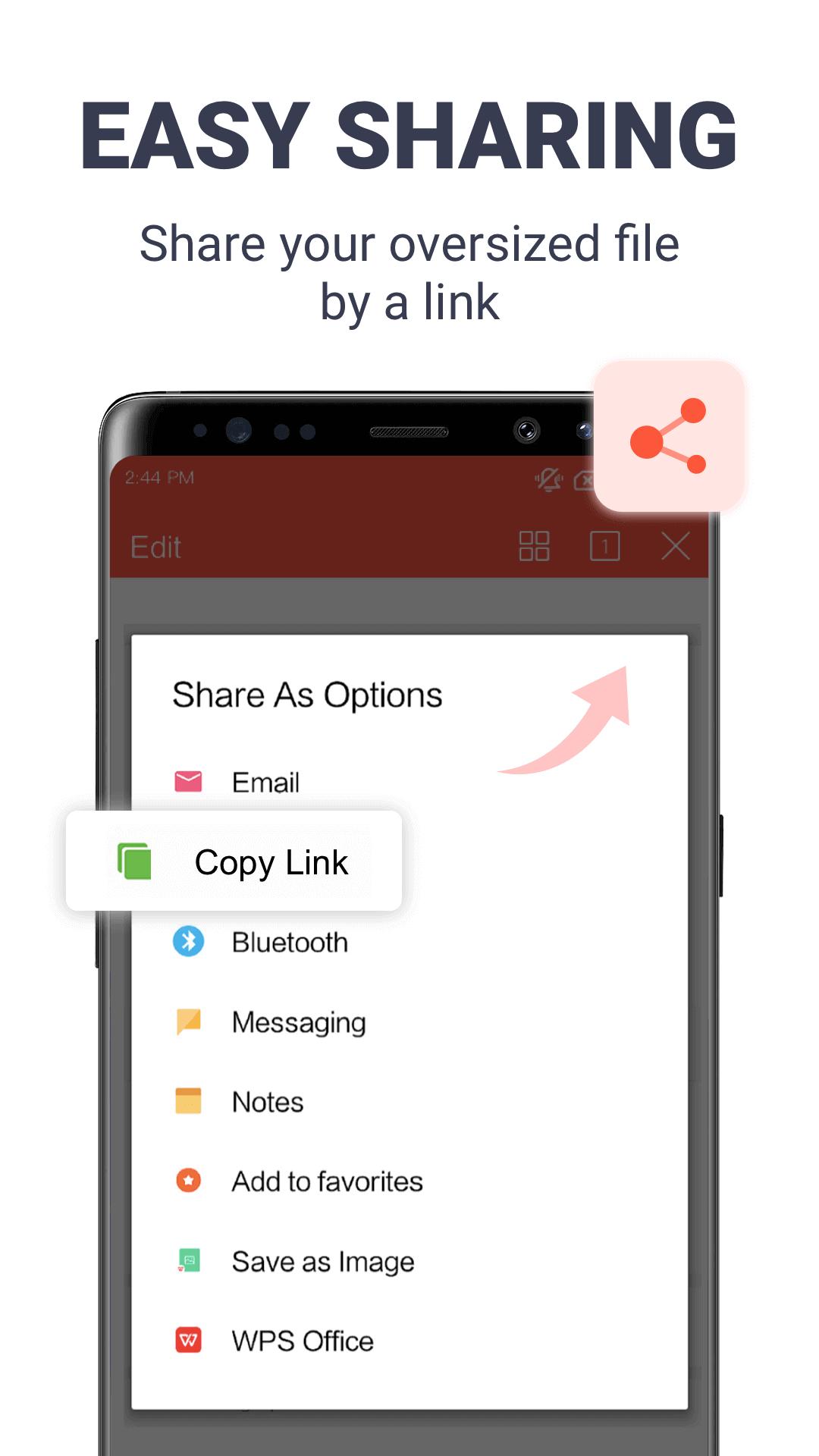
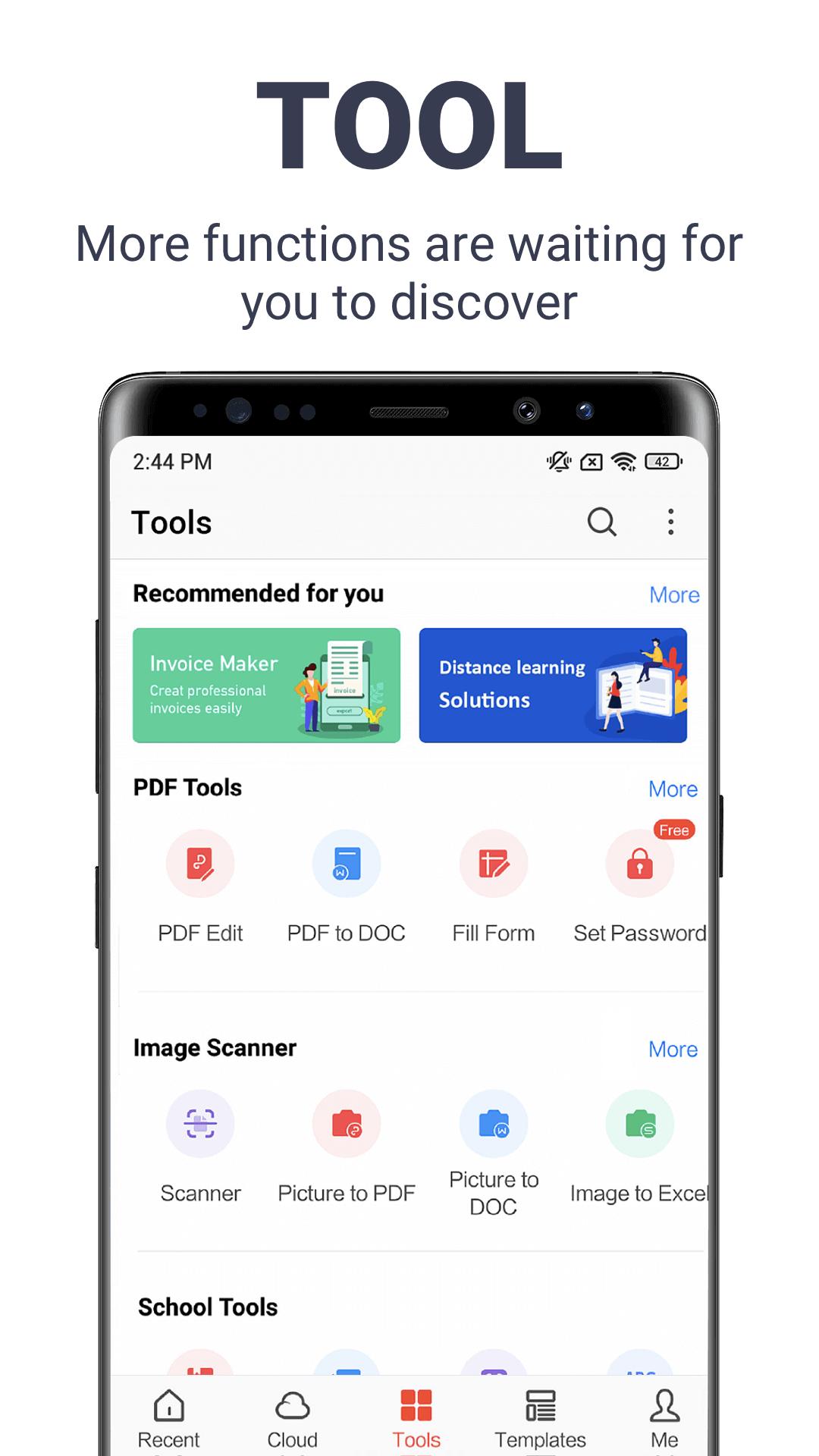
詳細情報: WPS Office MOD APK(プレミアムアンロック済み)
cn.wps.moffice_engの説明 WPS Office MOD APK(プレミアムアンロック済み)
WPS Office MOD APKは、WPS SOFTWARE PTE. LTD.(旧Kingsoft Office)が提供するオールインワンのオフィススイートWPS Officeのプレミアム版です。Word、Excel、PowerPointのファイルを編集でき、スマートフォンでPDFも扱えます。この改変版では、サブスクリプションなしで、端末内のプレミアム機能、PDFツール一式、プレミアムテンプレートが使え、広告も表示されません。ファイルは、公開前に編集部がマルウェアをスキャンし、実際のAndroid端末にインストールして確認しています。サイズは約267 MBと大きいので、Wi-Fiでのダウンロードをおすすめします。最初に正直にお伝えしておくと、WPS AI、20 GBのクラウド、端末間同期はWPSのサーバー上で動作し、アカウントに紐づいたままです。期待する前に、下のクライアントとサーバーの違いのセクションをお読みください。
WPS Officeとは?
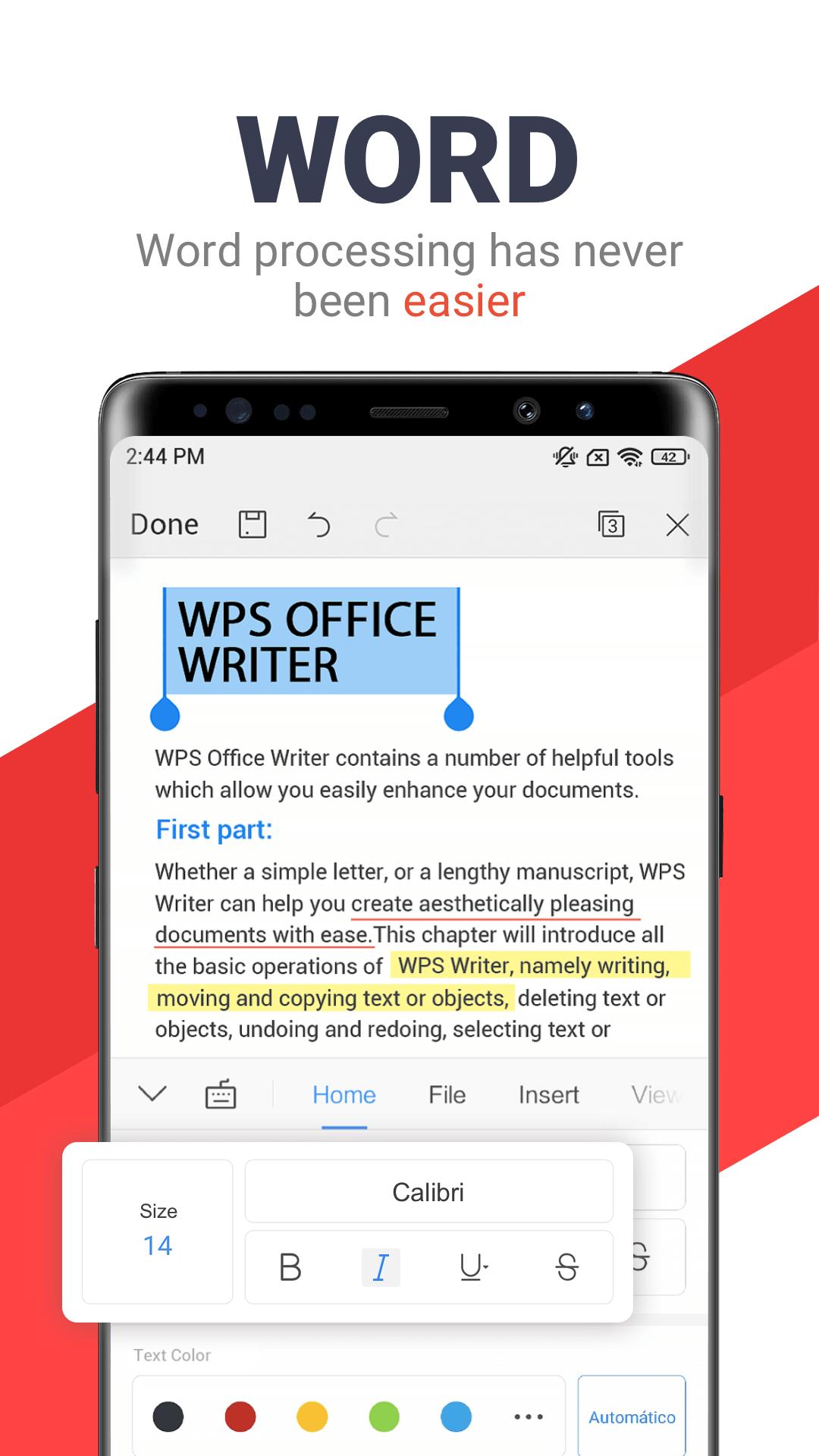
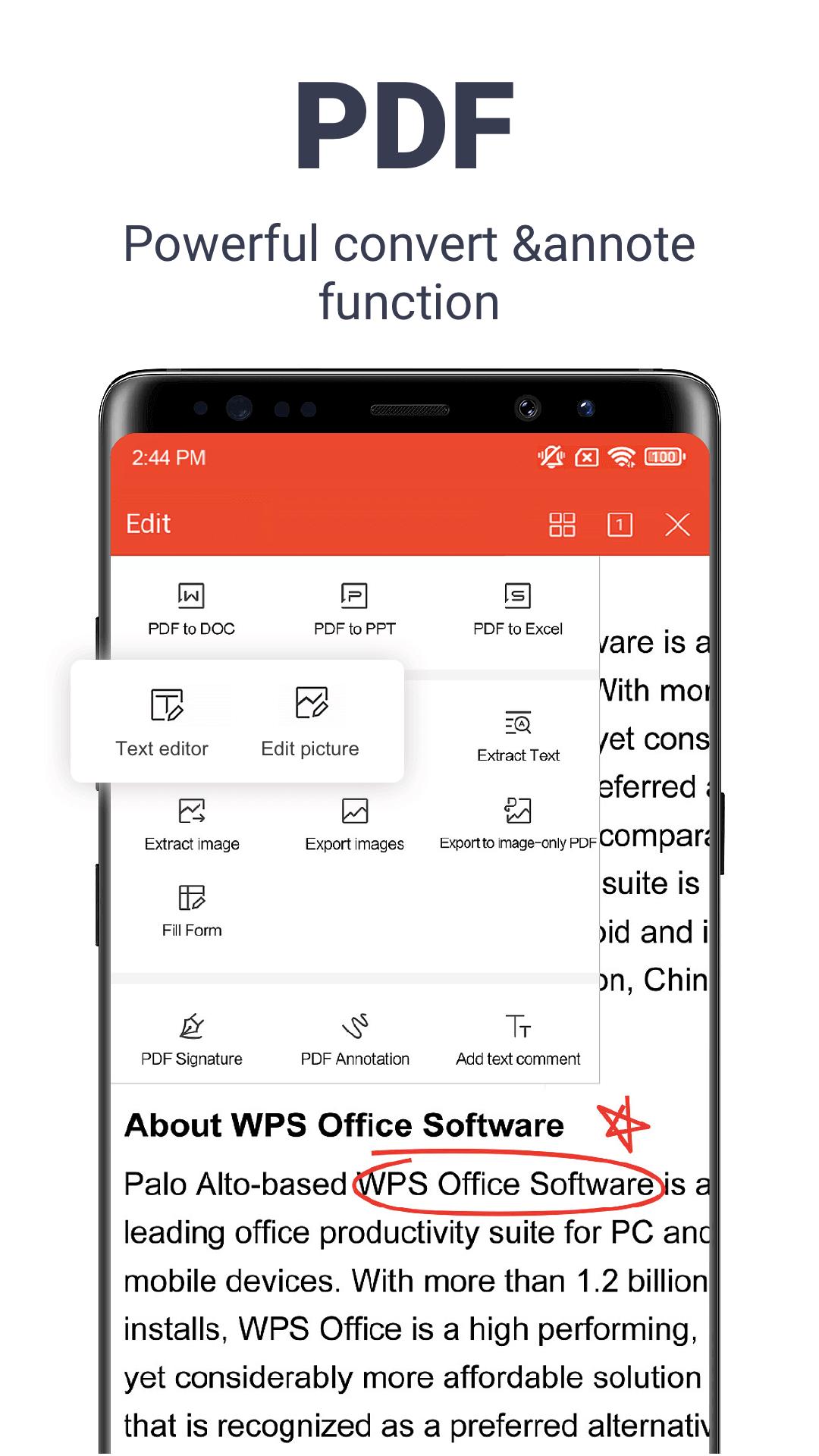
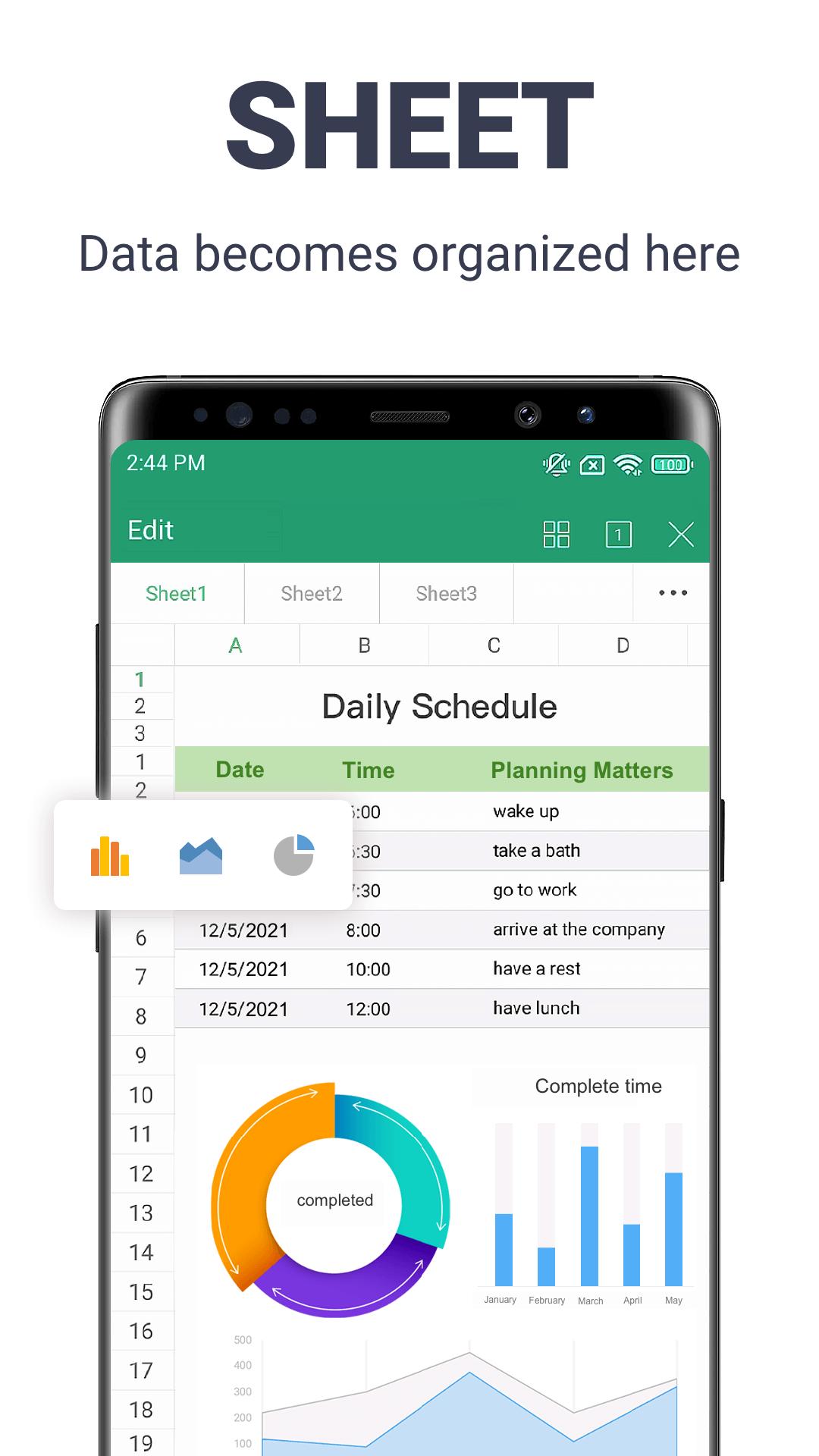
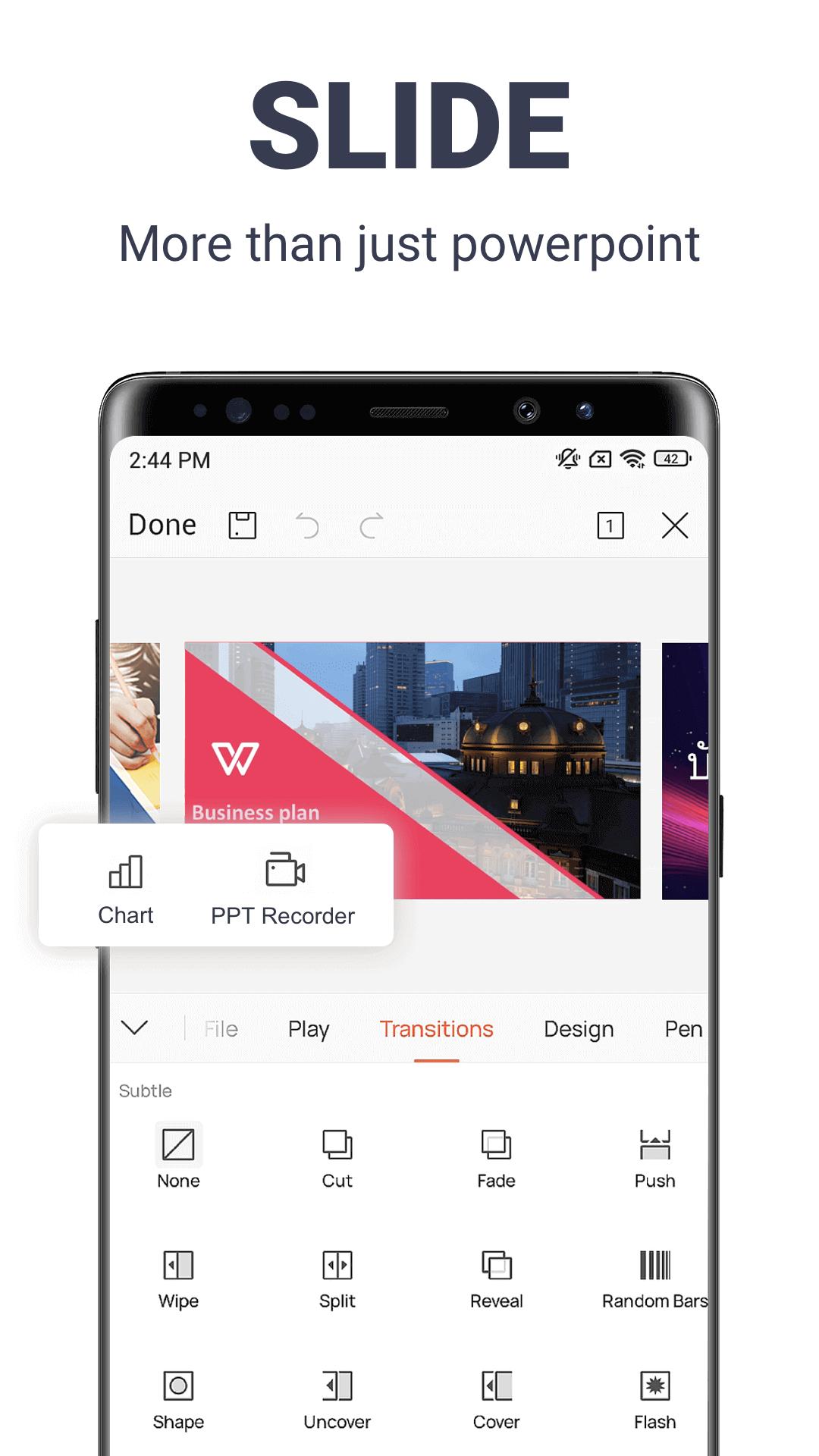
WPS Officeは、3つのエディターとPDFモジュールを1つのアプリにまとめています。文書用のWriter、表計算用のSpreadsheet、スライド用のPresentationです。3つともMicrosoft形式との互換性があり、DOCとDOCX、XLSとXLSX、PPTとPPTXを、レイアウトを崩さずに開いて保存できます。PDFファイルの閲覧と編集、紙の書類のOCRスキャン、形式間の変換にも対応しています。
WPSは長年Androidで提供されており、サインインすると、独自のDriveやOneDriveなど複数のクラウドに接続できます。ダウンロードサイズは約267 MBで、Android 7.0以降が必要です。以前の名前であるKingsoft Officeでご存じの方もいるかもしれません。同じスイートで、パッケージ名はcn.wps.moffice_engです。
プレミアムMODでできること
プレミアム版では、スマートフォン上で動作するツールの有料の壁が取り払われます。インストールすると、次のように変わります。
| プレミアム機能 | 内容 |
|---|---|
| 広告なし | 無料版で作業の邪魔になるバナーやポップアップが表示されなくなります。 |
| PDFツール一式 | PDFの編集、変換、結合、分割、署名、OCRが行えます。 |
| プレミアムテンプレート | 有料の文書、スプレッドシート、スライドのテンプレートが開放されます。 |
| クリーンな書き出し | 透かしや課金の案内表示なしで、ファイルを保存、共有できます。 |
これらはクライアント側の機能なので、改変ビルドが端末上で処理します。現行ファイルに含まれる内容は、このページ上部のMOD情報の行でご確認ください。
MODでは提供できないもの(サーバー側)
ここが正直な部分で、表記が「すべて」ではなく「プレミアム」となっている理由でもあります。WPSが販売しているものの一部は、スマートフォンではなくサーバー上にあり、パッチを当てたAPKでは手が届きません。
- WPS AI:AI Writer、Chat PDF、文書翻訳は、WPSアカウントを通じて同社のサーバー上で動作します。
- 20 GBのクラウドストレージ:有料のストレージプランは、アプリのファイルではなくアカウントに付与されます。
- 端末間同期:スマートフォン、タブレット、パソコンで文書の状態をそろえるのは、同じアカウントに紐づくサーバー側の処理です。
改変されたファイルでは、これらをスマートフォンに持ち込むことはできません。AIツールやクラウドが必要な場合は、引き続きWPSアカウントと有料プランが必要です。
WPS Office MOD APKのダウンロードとインストール方法
- このページ上部の緑色のDownload APKボタンをタップします。ファイルは約267 MBあるため、Wi-Fi接続がおすすめです。直接ダウンロードされ、登録やSMS認証は不要です。
- ブラウザまたはファイルマネージャーに対して、提供元不明のアプリのインストールを許可します(設定、続いてセキュリティ)。
- Playストア版がすでにインストールされている場合は、先に削除してください。改変ファイルは署名が異なるため、上書きインストールできません。
- ダウンロードしたファイルを開いて「インストール」をタップし、アプリを起動します。Android 7.0以降が必要です。
サイドロードが初めての方は、APKインストールガイドで、同じ手順をスクリーンショット付きで説明しています。
書類に使っても安全?
ファイル自体は確認済みです。公開前に編集部がマルウェアをスキャンし、実際のAndroid端末にインストールして確認しており、これは2018年から続けている手順と同じです。Play Protectをオンにして、このページのボタンからのみダウンロードしてください。
書類については、別に考えておきたい問題があります。オフィスアプリは個人や仕事のファイルに触れるため、契約書、身分証明書のスキャン、機密情報など、取り扱いに注意が必要なものには、WPSの公式ビルドのほうが安全です。実用的な目安としては、MODは日常的な編集に使い、重要なアカウントには改変アプリ内でサインインしないことです。
MODか公式版か
公式のWPS OfficeはGoogle Playで広告付きで無料で提供されており、Premiumは有料プラン(年間約$29.99)で、20 GBのクラウド、WPS AI、プレミアムPDFツールが含まれます。MODでは、端末内のプレミアム画面が使え、広告も表示されなくなりますが、有効なアカウントが必要なクラウドとAIは利用できません。
作業のスタイルに合う方を選んでください。複数の端末をまたいで使い、WPS AIを頼りにするならサブスクリプション、主に1台のスマートフォンで編集して書き出すならプレミアムAPKです。同じようなスイートをお探しなら、OfficeSuite Proをお試しください。仕事効率化カタログや、より幅広いアプリライブラリもご覧いただけます。
FAQ
WPS Office MODでは何が使えますか?
MODにWPS AIと20 GBのクラウドは含まれますか?
MOD APKは安全ですか?
WPSアカウントは必要ですか?
容量はどれくらいで、必要なAndroidのバージョンは何ですか?
MODと公式の無料アプリ、どちらがよいですか?
ダウンロード WPS Office Mod(プレミアムアンロック済み)
- ウイルスなし
- スパイウェアなし
- マルウェアなし
レビュー (0)