- No viruses
- No spyware
- No malware
cn.wps.moffice_engThis file was downloaded, scanned and installed by our editors before publishing.
Every file is also checked with VirusTotal before publishing.

WPS Office MOD APK (Premium Unlocked)

Additional information about WPS Office MOD APK (Premium Unlocked)
cn.wps.moffice_engThe description of WPS Office MOD APK (Premium Unlocked)
WPS Office MOD APK is the Premium build of WPS Office, the all-in-one suite from WPS SOFTWARE PTE. LTD. (formerly Kingsoft Office) that edits Word, Excel and PowerPoint files and handles PDFs on your phone. This modified version opens the local Premium side, the full PDF toolkit, premium templates and no ads, without a subscription. Our editors scanned the file for malware and installed it on a real Android device before publishing. It is a large download, around 267 MB, so grab it on Wi-Fi. One honest note first: WPS AI, the 20 GB cloud and cross-device sync run on WPS servers and stay tied to your account, so read the client-versus-server section below before you expect them.
What is WPS Office?
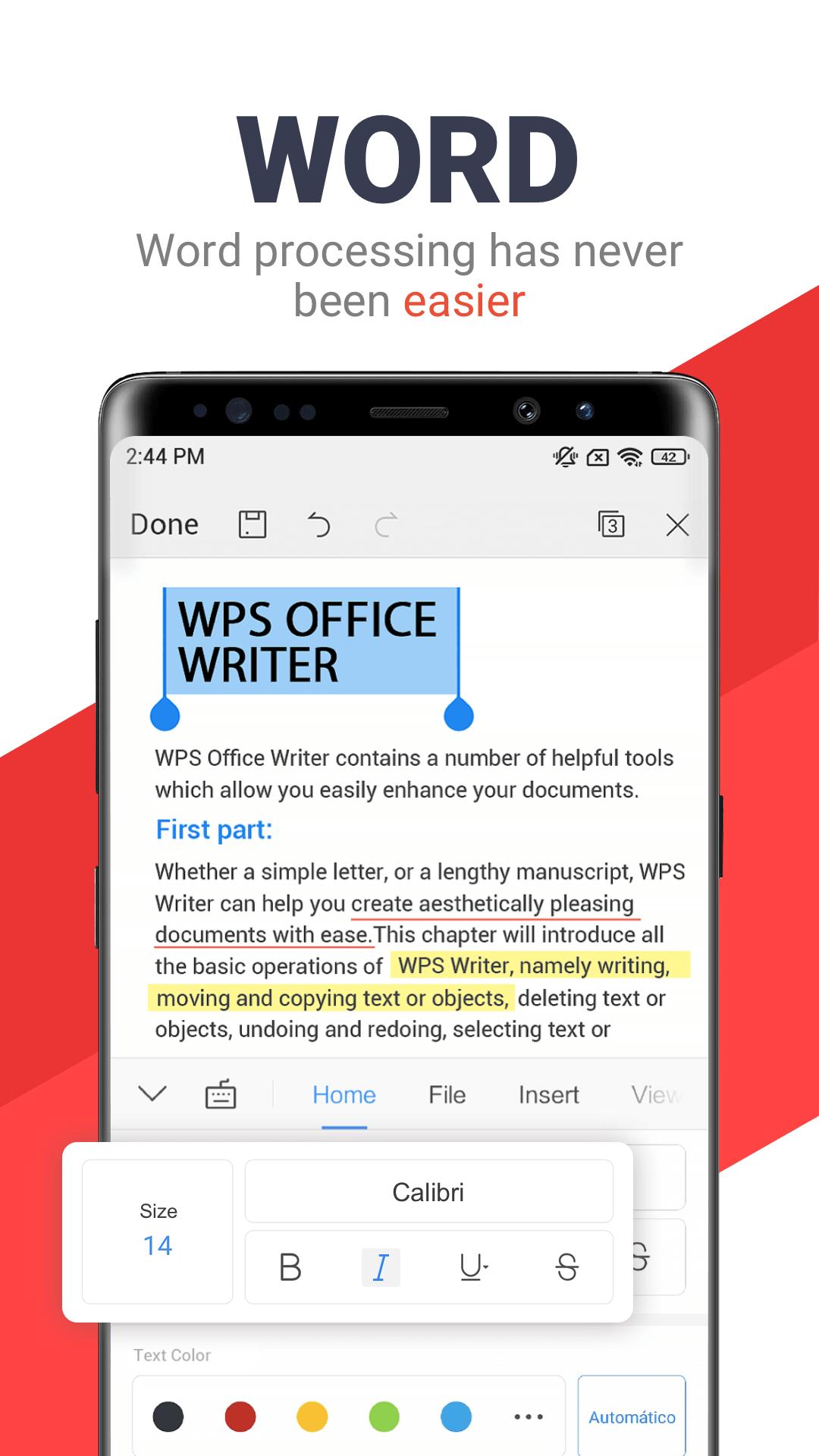
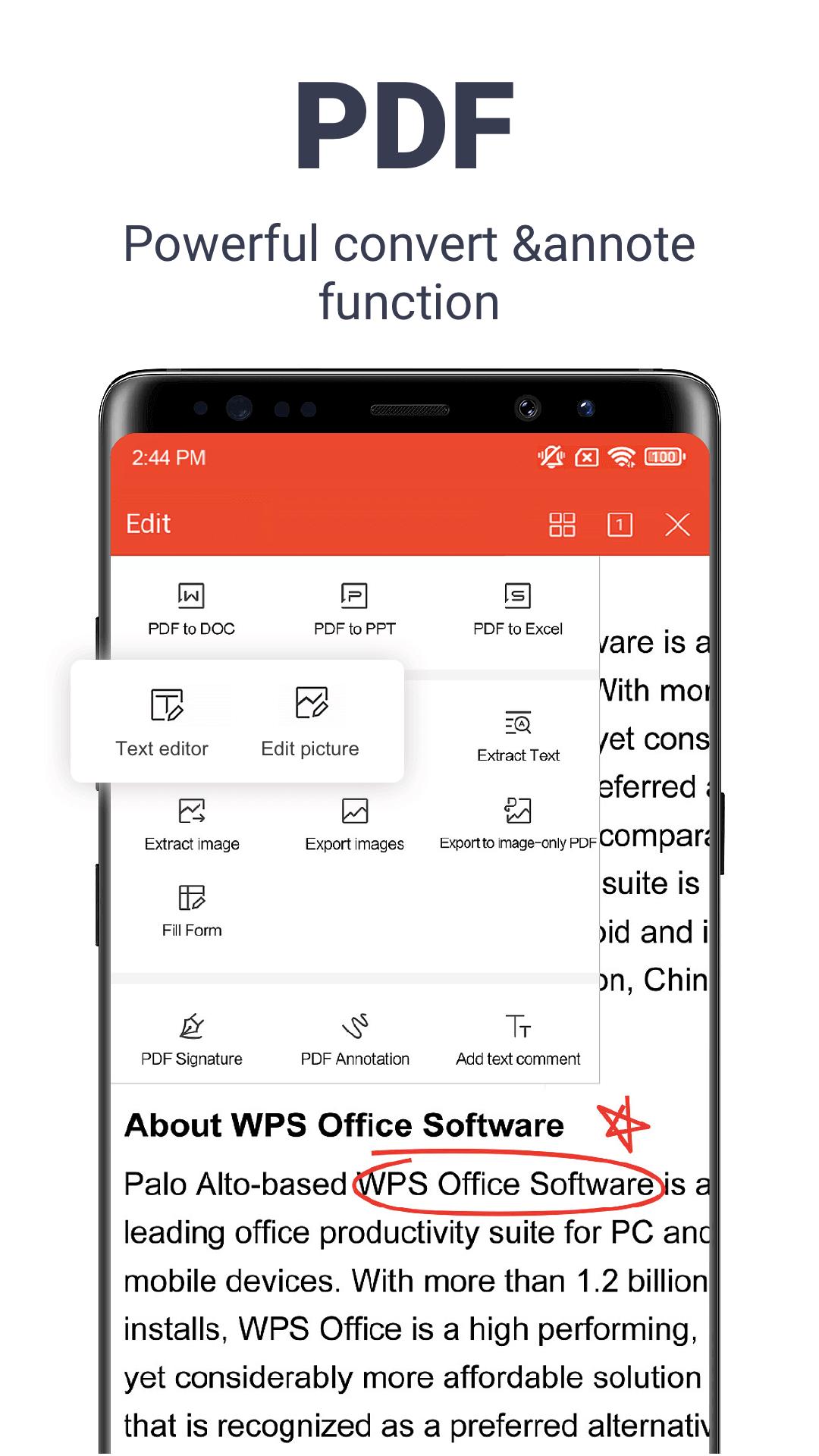
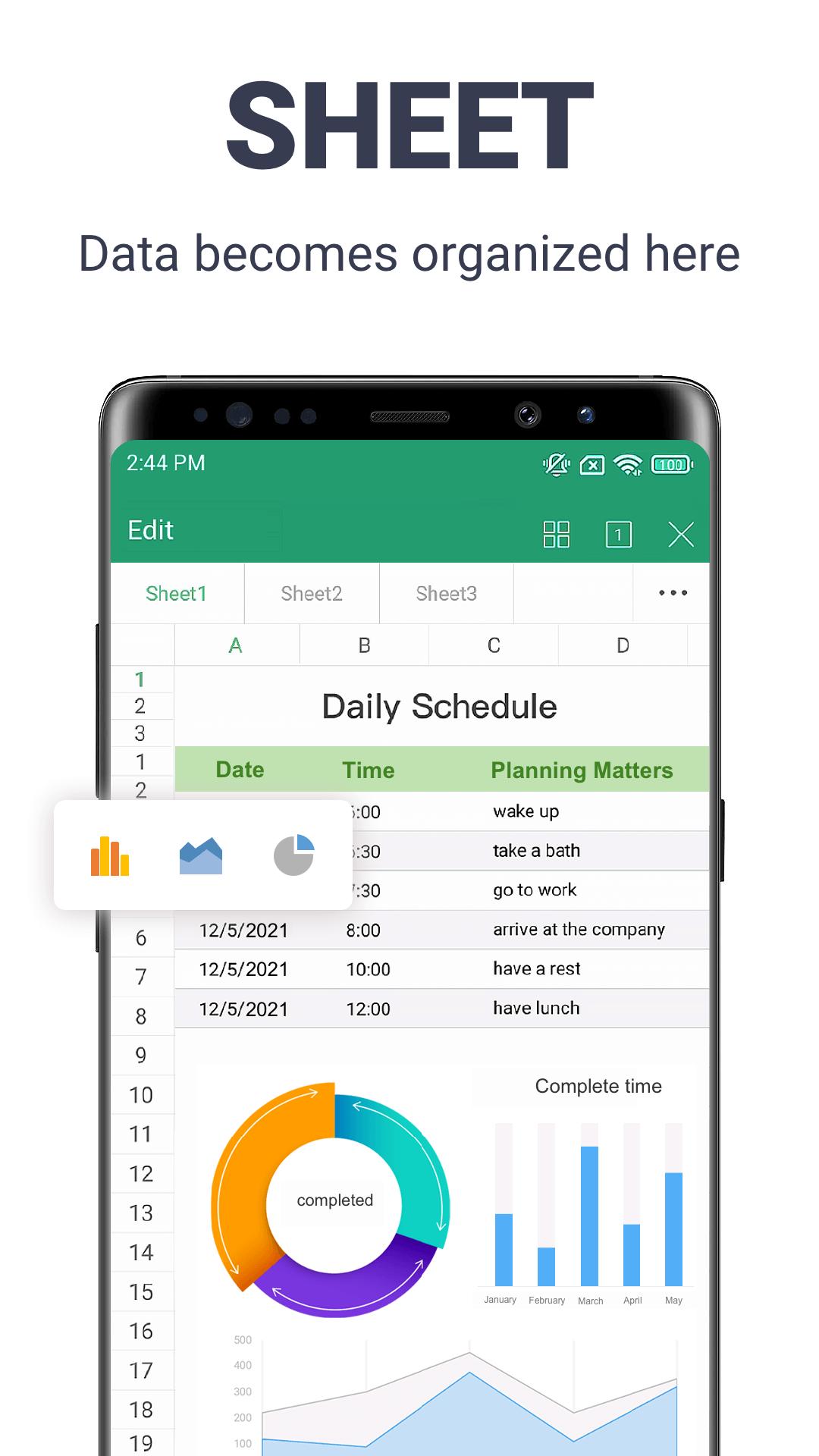
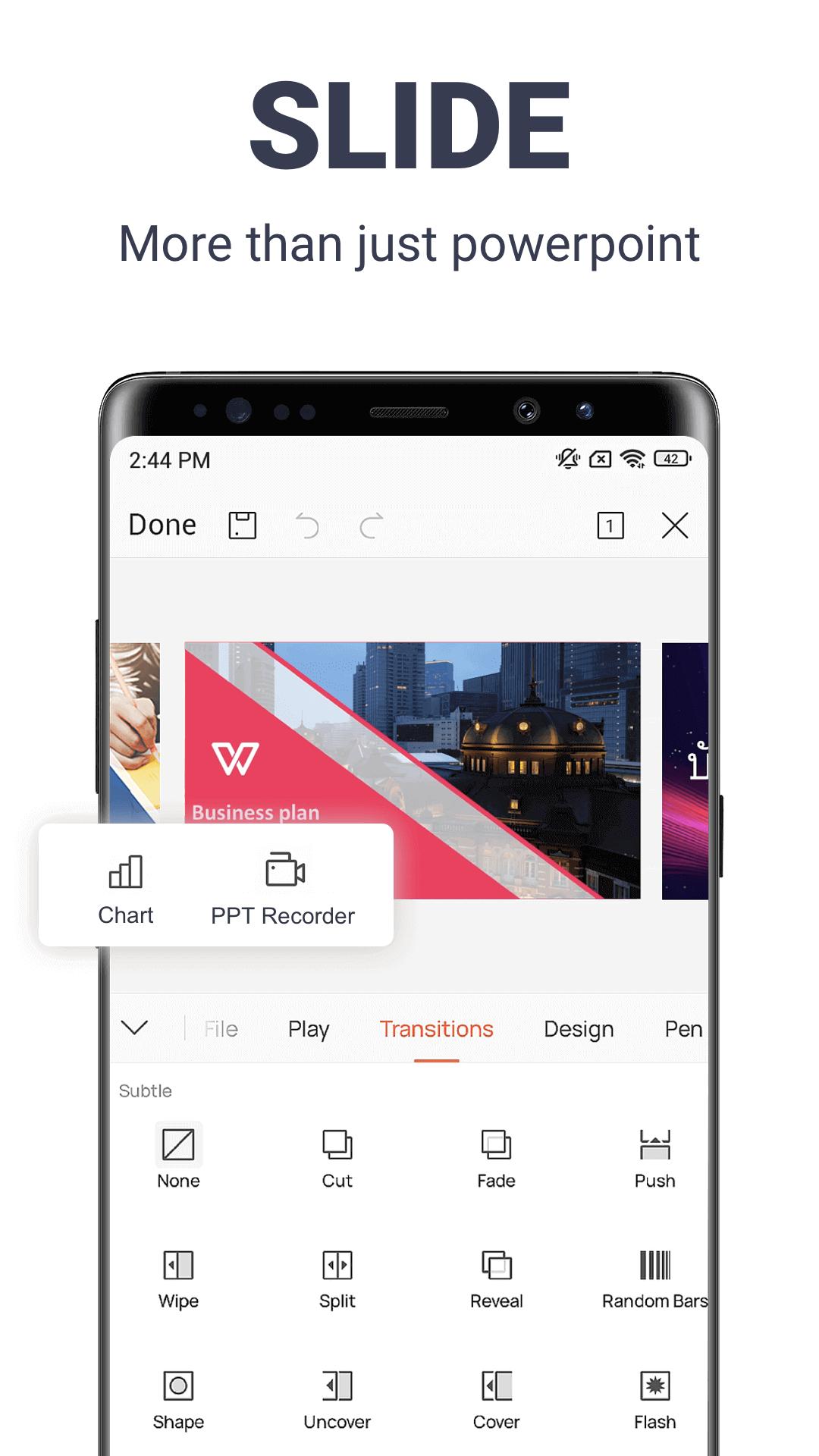
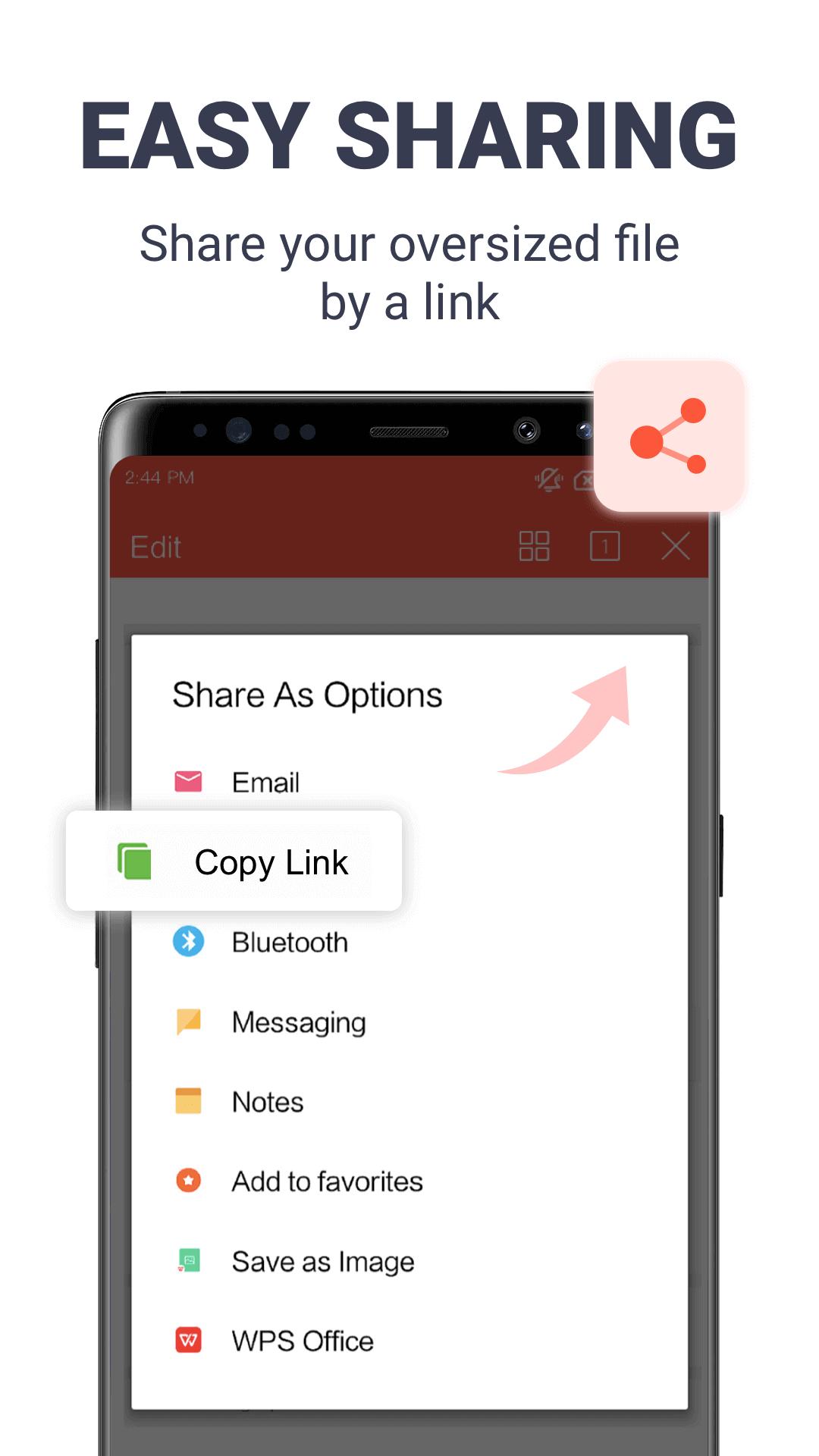
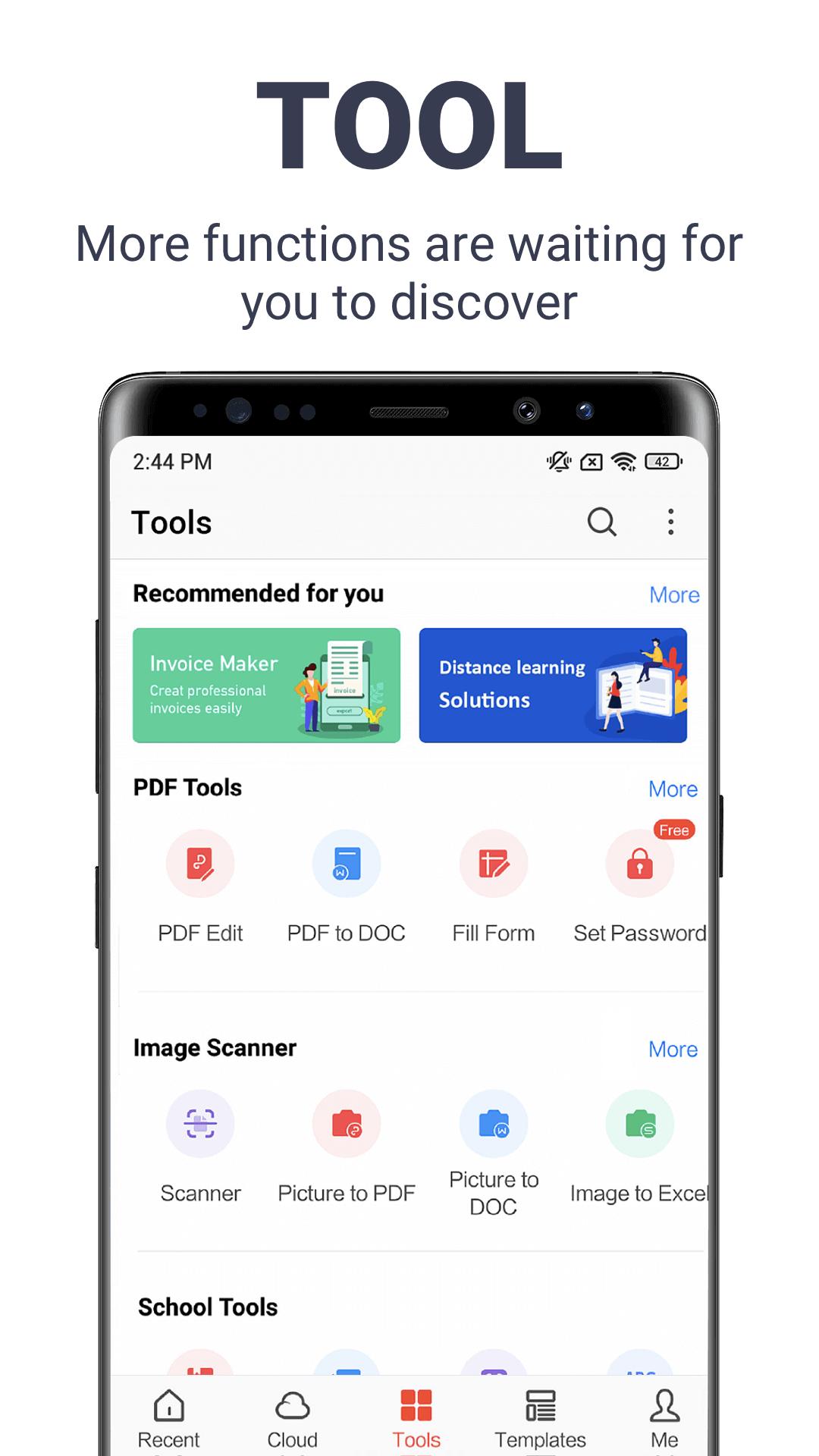
WPS Office packs three editors and a PDF module into one app: Writer for documents, Spreadsheet for tables and Presentation for slides. All three stay compatible with Microsoft formats, so DOC and DOCX, XLS and XLSX, PPT and PPTX open and save without breaking their layout. The app also reads and edits PDF files, scans paper documents with OCR and converts between formats.
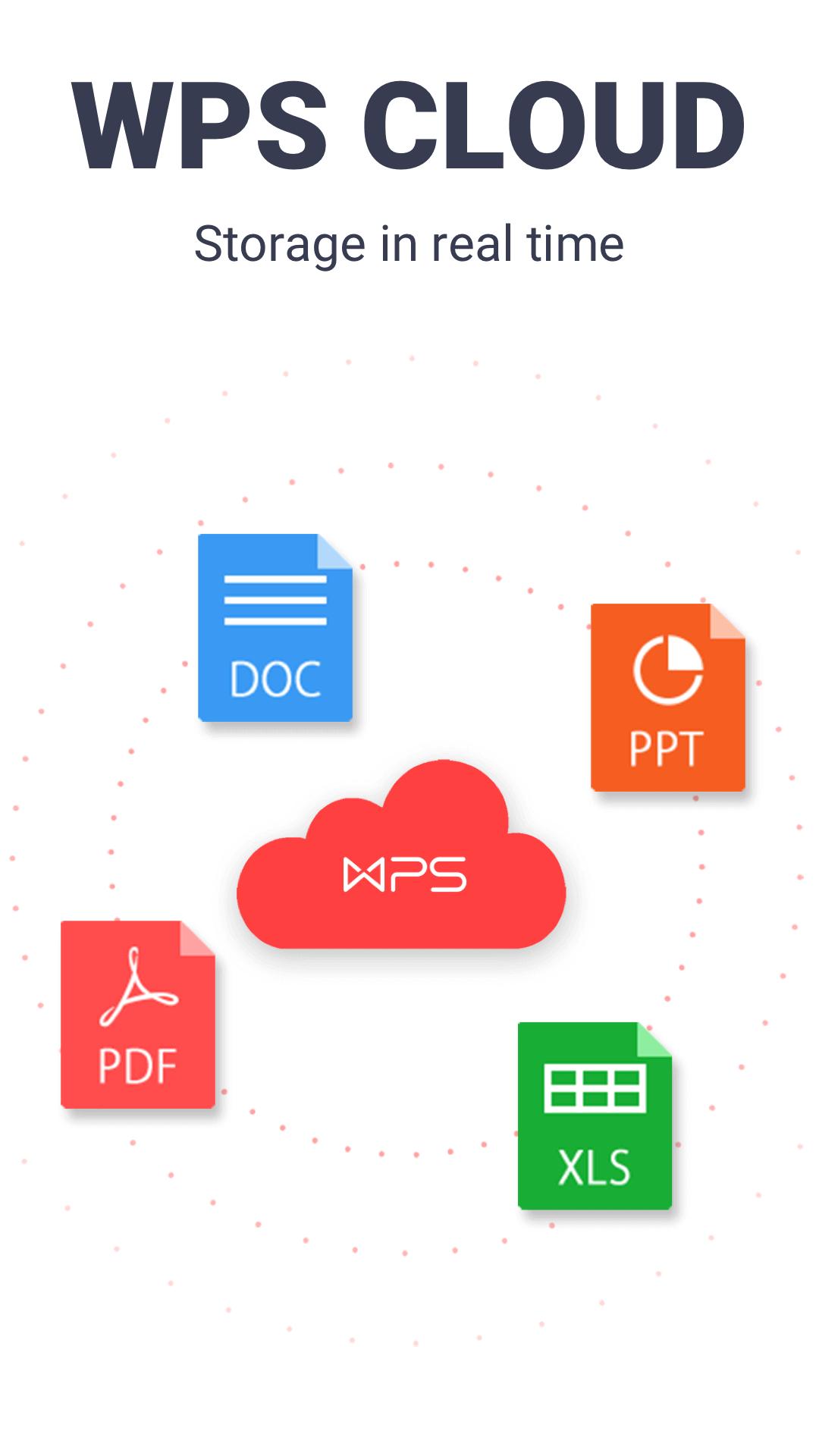
WPS has been on Android for years and connects to several clouds once you sign in, its own Drive along with the likes of OneDrive. The download runs around 267 MB and needs Android 7.0 or newer. You may know it under its old name, Kingsoft Office; it is the same suite, package cn.wps.moffice_eng.
What the Premium MOD gives you
The Premium build lifts the paywall on the tools that run on your phone. Here is what changes once it is installed.
| Premium feature | What it does |
|---|---|
| No ads | Removes the banners and pop-ups that interrupt the free app. |
| Full PDF toolkit | Edit, convert, merge, split, sign and run OCR on PDF files. |
| Premium templates | Opens the paid document, spreadsheet and slide templates. |
| Clean export | Save and share files without watermarks or upsell prompts. |
These are client-side features, so a modified build handles them on the device. Check the MOD info line at the top of this page for exactly what the current file carries.
What the MOD cannot give (server-side)
Here is the honest part, and it is why the label reads Premium and not everything. Some of what WPS sells lives on its servers, not on your phone, and a patched APK cannot reach it.
- WPS AI: the AI Writer, Chat PDF and document translation run through WPS accounts on the company's servers.
- 20 GB cloud storage: the paid storage plan is granted to your account, not to the app file.
- Cross-device sync: keeping a document in step across phone, tablet and desktop is a server job tied to the same account.
No modified file moves those onto your phone. If you need the AI tools or the cloud, that side still means a WPS account and the paid plan.
How to download and install WPS Office MOD APK
- Tap the green Download APK button at the top of this page. The file is around 267 MB, so a Wi-Fi connection helps, and it downloads directly with no registration or SMS.
- Allow installation from unknown sources for your browser or file manager (Settings then Security).
- If the Play Store copy is already installed, remove it first. The modified file has a different signature and will not install over it.
- Open the downloaded file, tap Install, then launch the app. It needs Android 7.0 or newer.
New to sideloading? Our APK install guide walks through the same steps with screenshots.
Is it safe for my documents?
The file itself is checked: our editors scanned it for malware and installed it on a real Android device before it went live, the same process we have run since 2018. Keep Play Protect on and download only from the button on this page.
Your documents are a separate question worth thinking about. An office app touches your personal and work files, so for sensitive material, contracts, ID scans, anything confidential, the official build straight from WPS is the safer call. A practical rule: use the MOD for everyday editing, and do not sign in to a critical account inside a modified app.
MOD or official?
The official WPS Office is free on Google Play with ads, and Premium is a paid plan (around $29.99 a year) that covers the 20 GB cloud, WPS AI and the premium PDF tools. The MOD gives you the local Premium interface and drops the ads, but without the cloud and AI that need a live account.
Pick the route that fits how you work: the subscription if you live across devices and lean on WPS AI, the Premium APK if you mostly edit and export on one phone. Want another suite like this? Try OfficeSuite Pro, or browse the productivity catalog and the wider apps library.
FAQ
What does the WPS Office MOD give you?
Does the MOD include WPS AI and 20 GB cloud?
Is the MOD APK safe?
Do I need a WPS account?
How big is it and which Android version does it need?
MOD or the official free app?
Download WPS Office Mod (Premium Unlocked)
- No viruses
- No spyware
- No malware
The reviews (0)