- 바이러스 없음
- 스파이웨어 없음
- 멀웨어 없음
com.commsource.beautyplus이 파일은 게시 전 편집자가 다운로드·검사·설치했습니다.
모든 파일은 게시 전에 VirusTotal로도 검사합니다.

BeautyPlus MOD APK (프리미엄 잠금 해제)
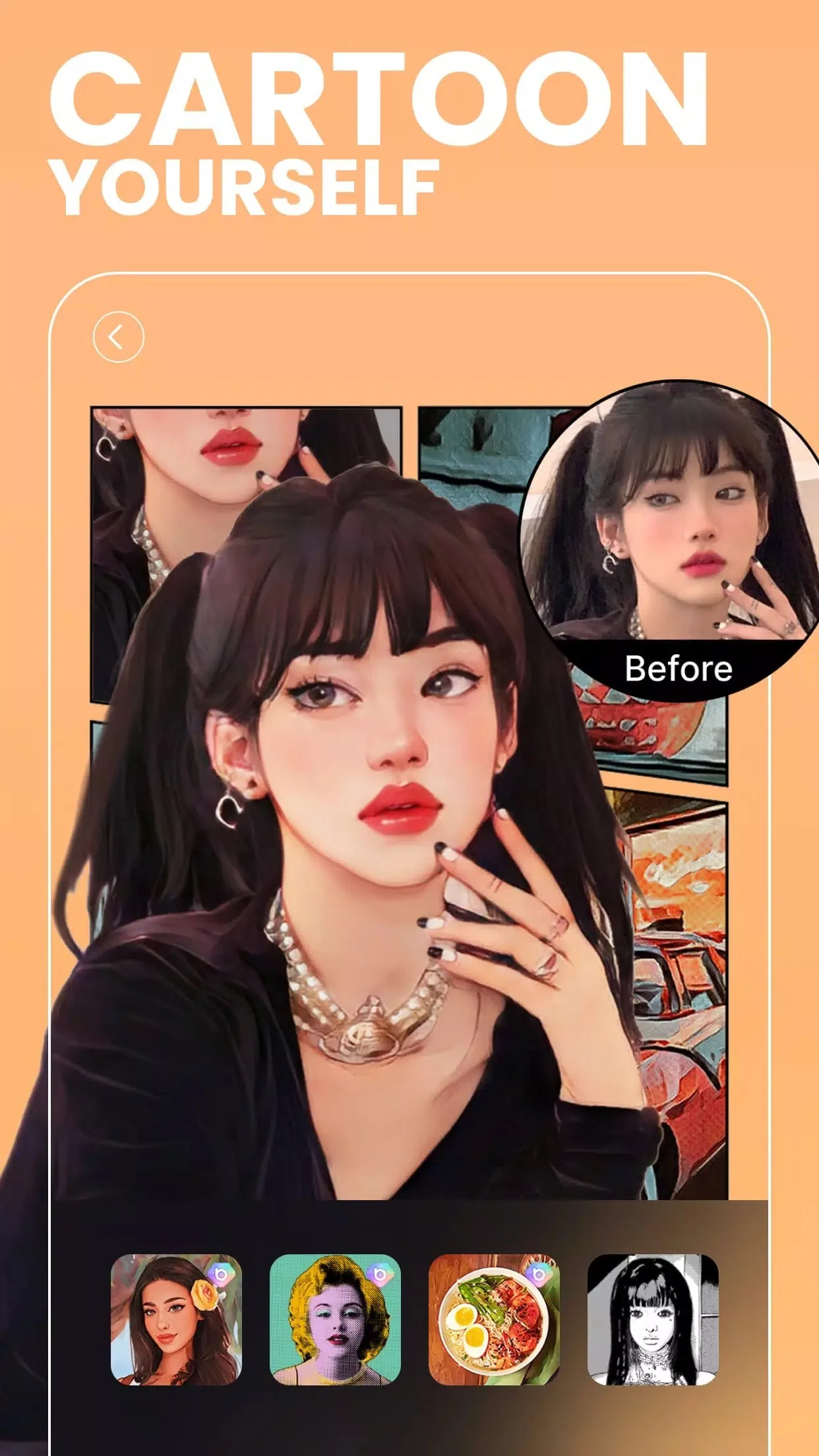
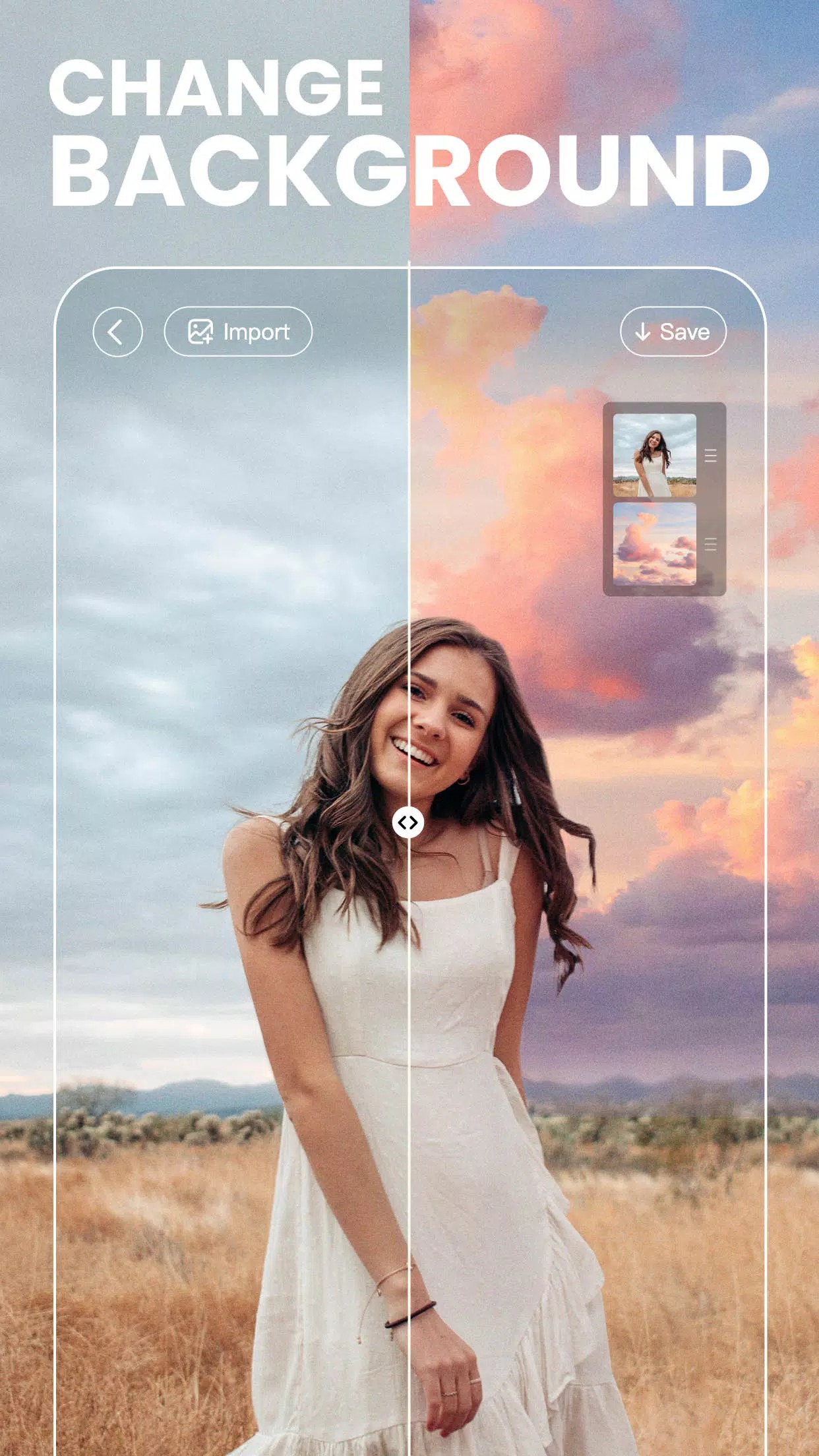
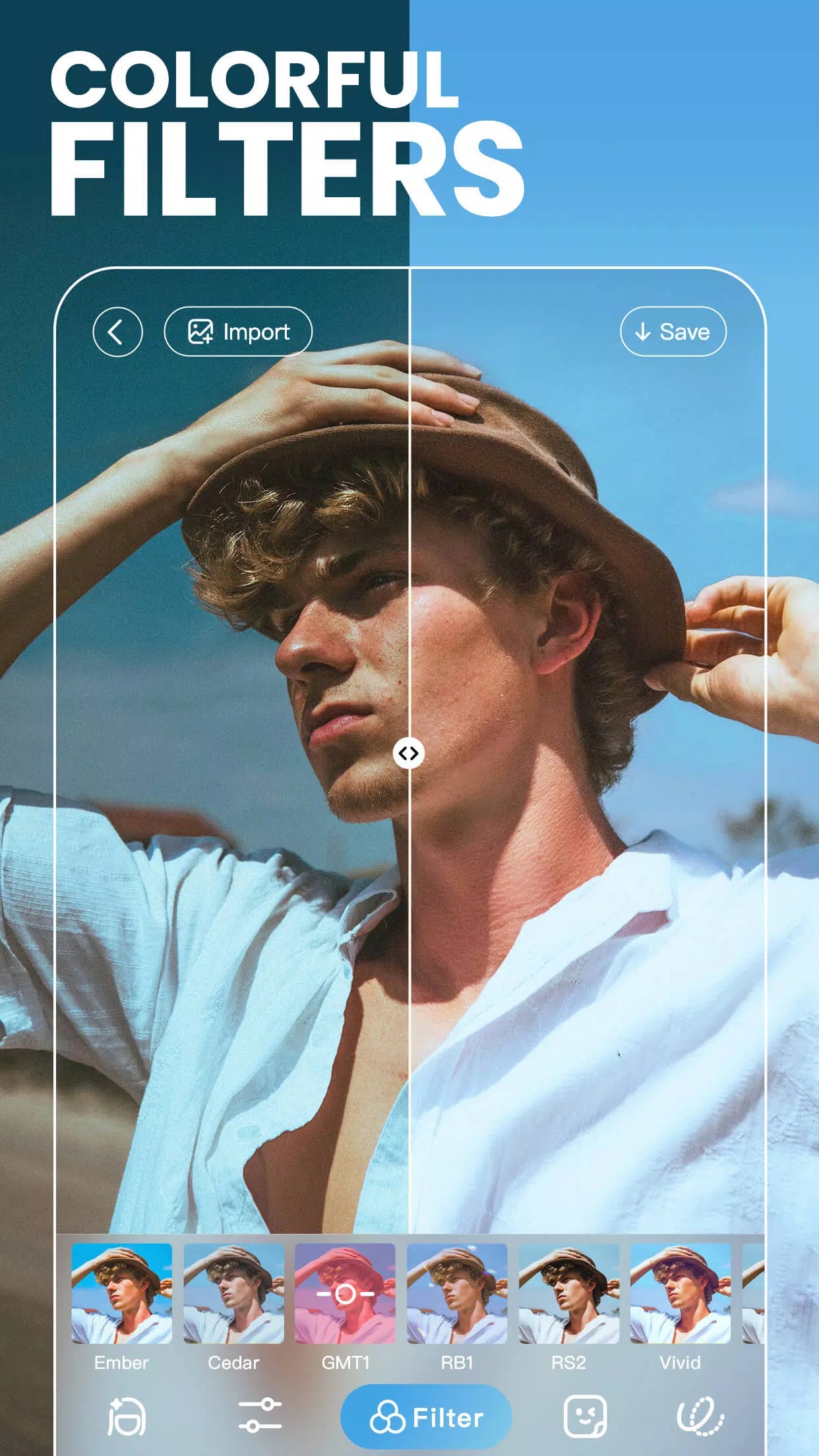
추가 정보: BeautyPlus MOD APK (프리미엄 잠금 해제)
에 대한 설명 BeautyPlus MOD APK (프리미엄 잠금 해제)
BeautyPlus MOD APK는 프리미엄 잠금 해제를 제공합니다. 모든 필터, 프리셋, AR 스티커, 메이크업 팩을 처음부터 바로 쓸 수 있고, 고급 보정 도구도 사용할 수 있으며, 저장한 결과물에는 광고와 워터마크가 없습니다. 월 구독도 필요 없고, 편집기에 잠금 표시도 없습니다. Meitu/Pixocial의 사진 및 셀카 앱 그대로이며, 기기 안에서 작동하는 도구의 유료 장벽만 제거한 버전입니다.
이것이 가능한 이유는 대부분의 도구가 휴대폰에서 직접 실행되기 때문입니다. 필터, 스티커, 수동 보정 슬라이더는 기기에서 불러와 렌더링되므로 MOD로 오프라인에서도 사용할 수 있게 열어 둘 수 있습니다. 이 페이지의 파일은 게시 전에 에디터가 악성코드 검사를 하고 실제 안드로이드 기기에 설치해 확인했으며, 저희는 2018년부터 이 작업을 해 왔습니다.
BeautyPlus란?
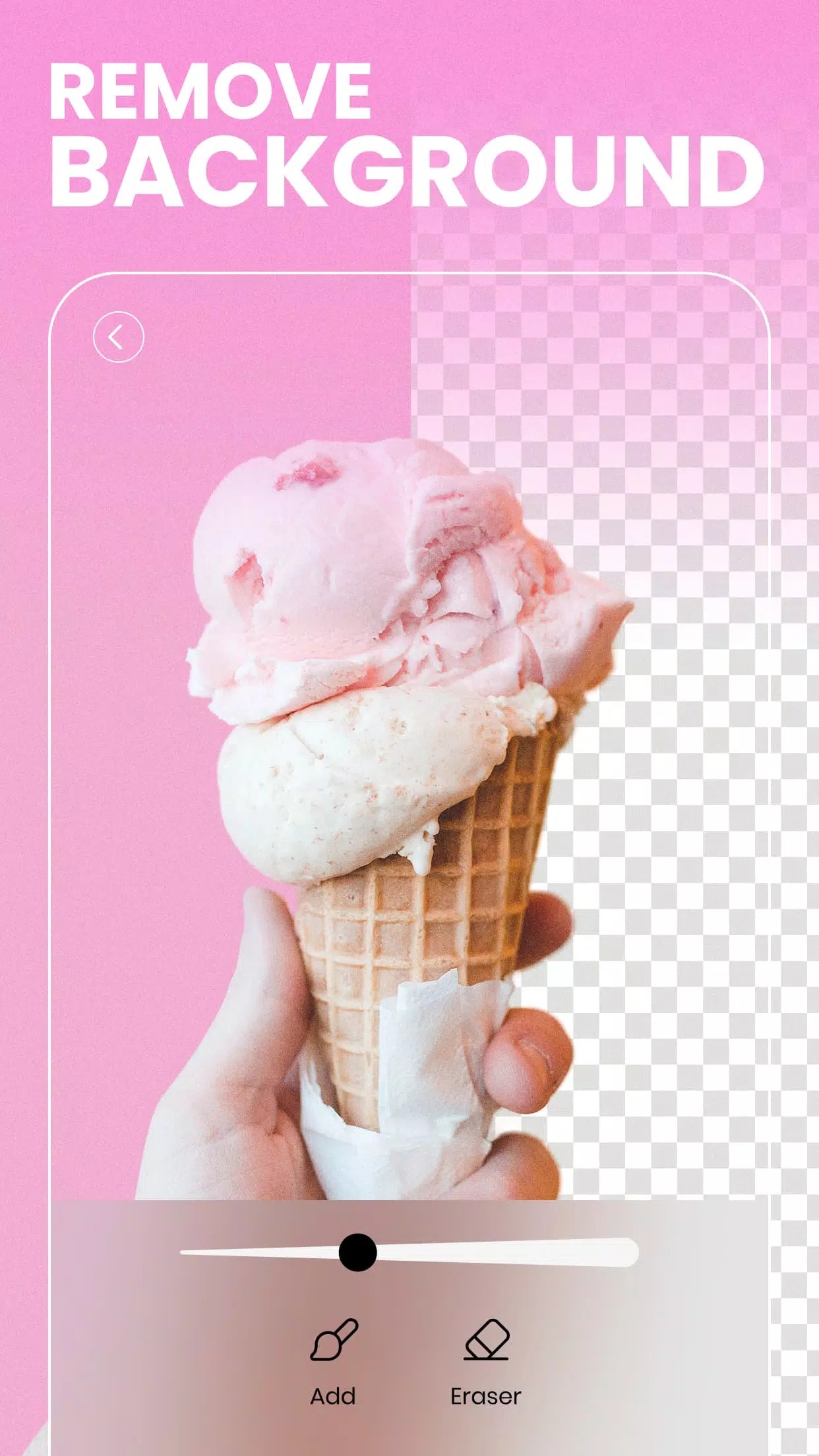
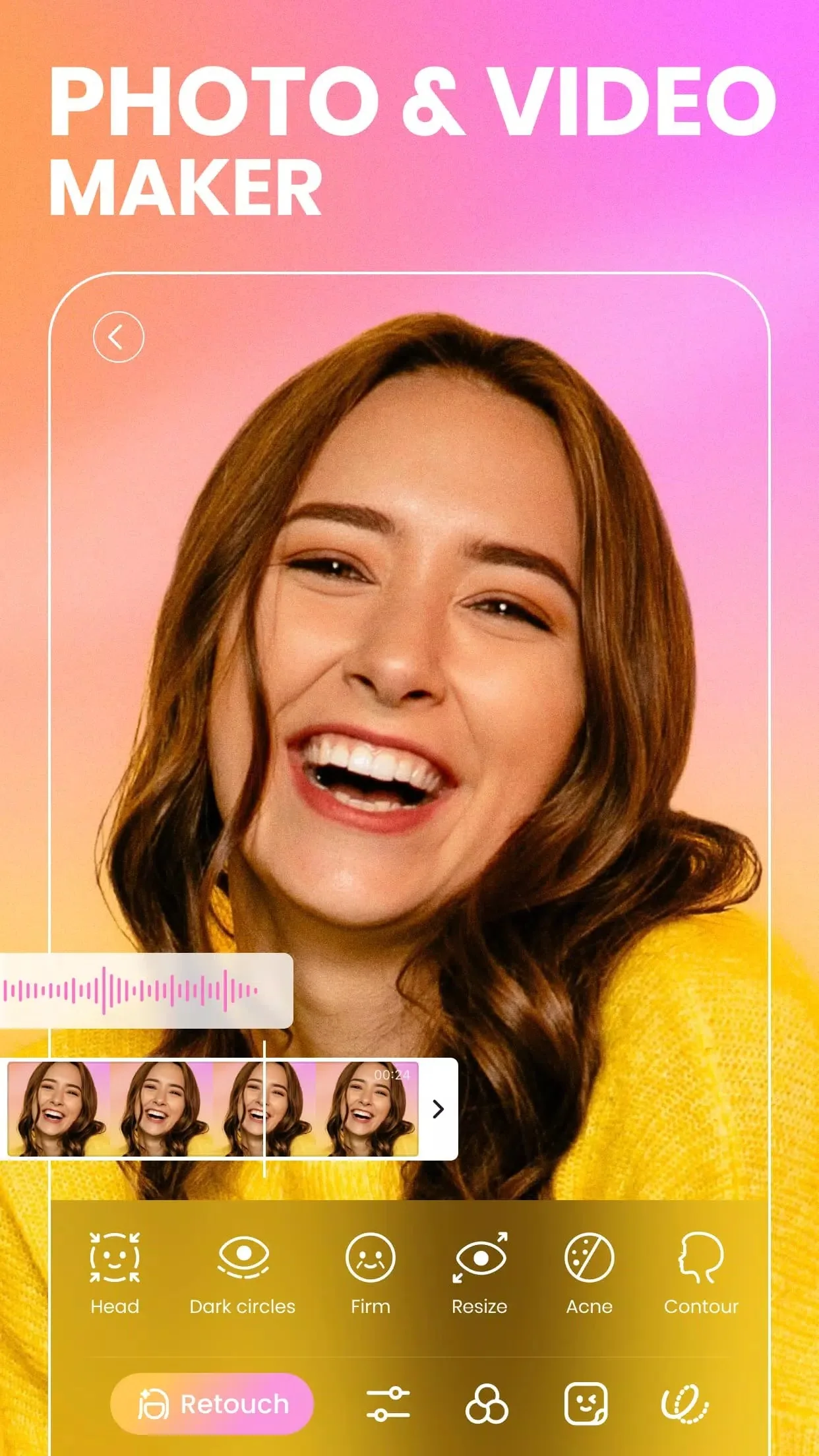
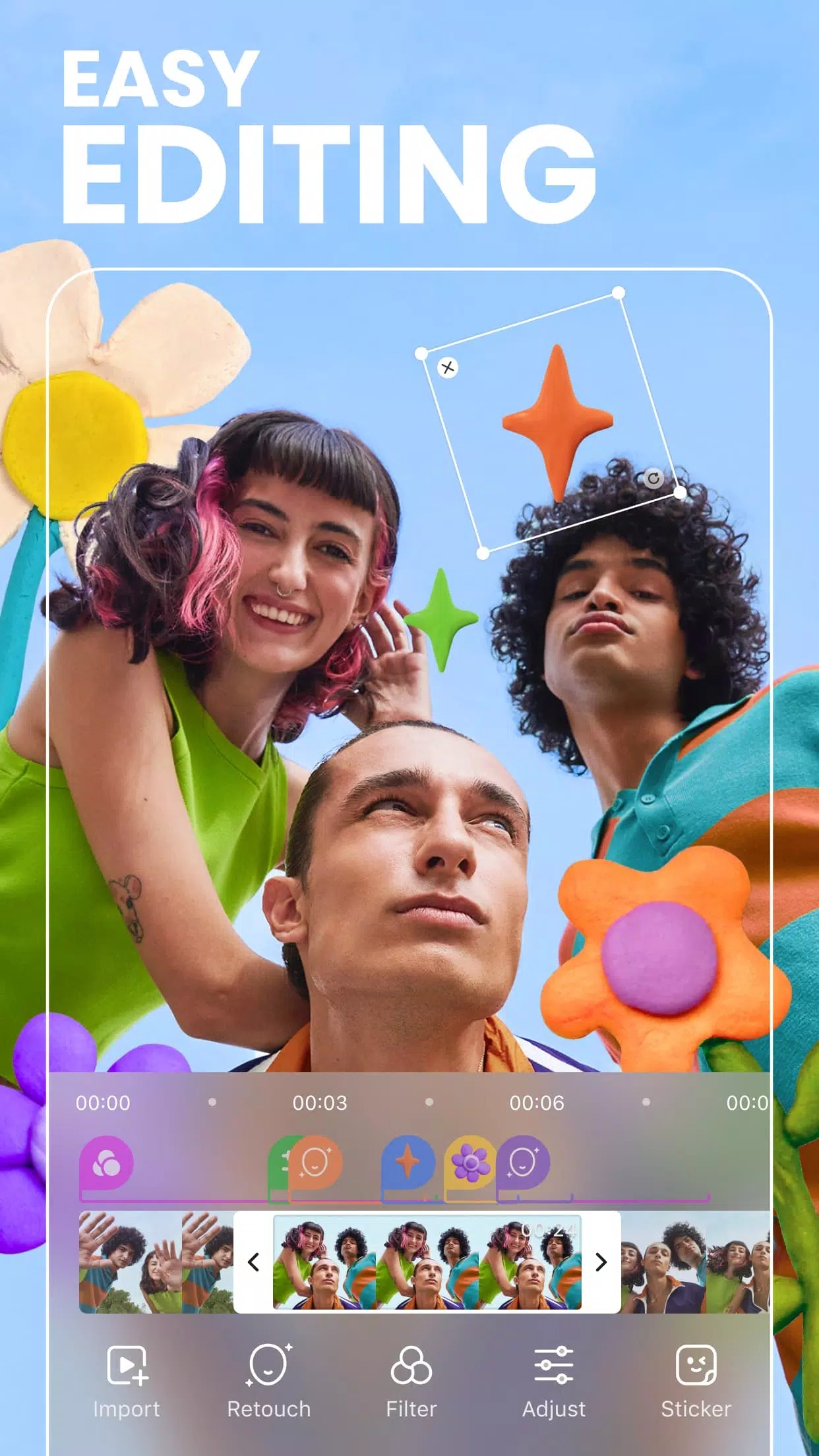
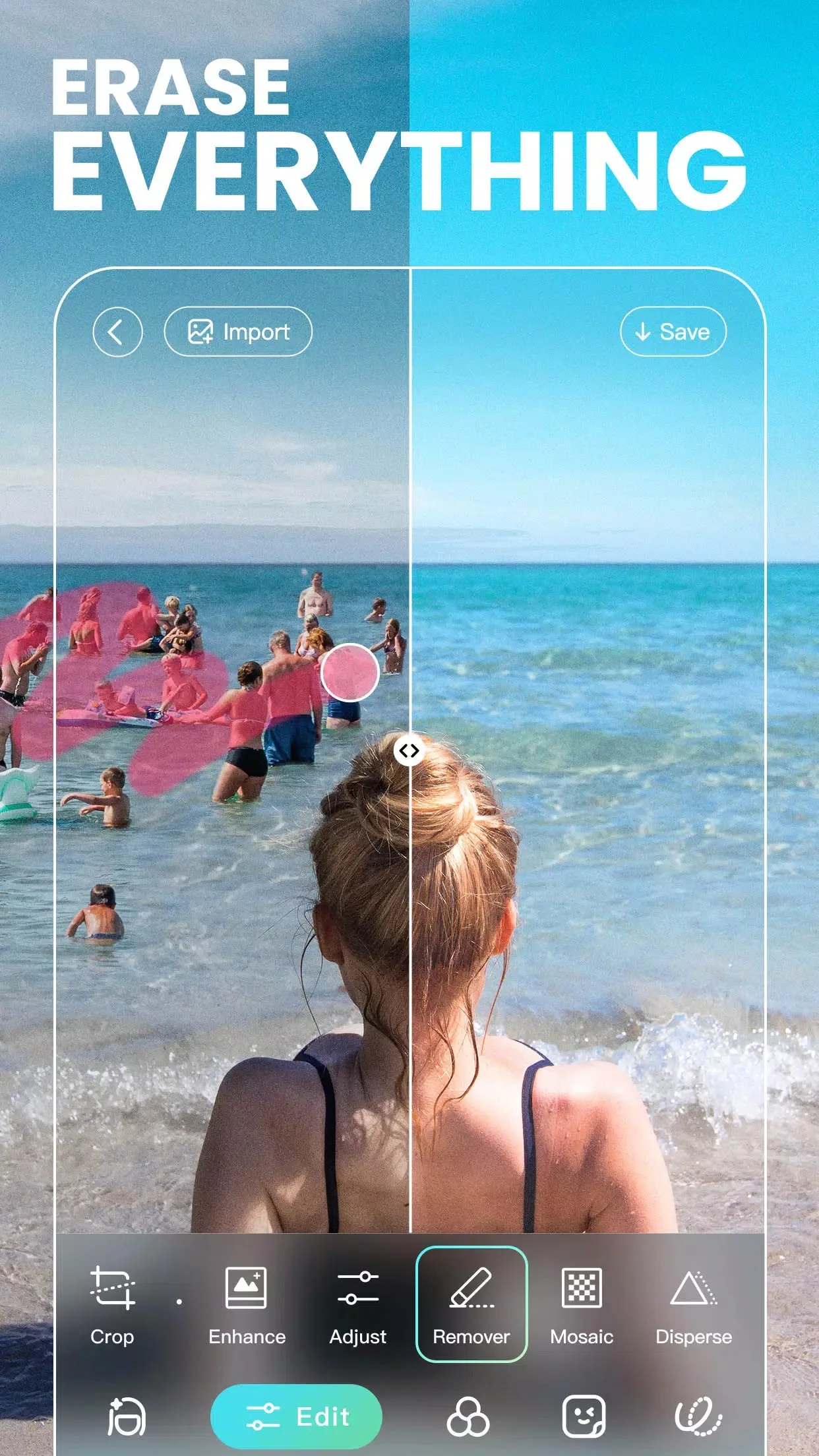
BeautyPlus는 Meitu가 만든 사진 편집기이자 셀카 카메라이며, 현재는 PIXOCIAL TECHNOLOGY (SINGAPORE) 소속입니다. 얼굴 보정, 원탭 자동 보정, 다양한 룩 라이브러리를 중심으로 만들어졌습니다. 200개 이상의 필터, AR 스티커, 가상 메이크업, 사진을 깔끔하게 정리해 주는 오브젝트 제거 기능을 쓸 수 있고, 촬영한 뒤에 고치는 대신 촬영 전에 뷰티 및 필터 설정을 미리 맞출 수 있는 카메라도 제공합니다.
주로 셀카와 인물 사진에 많이 쓰이지만 일상적인 사진 편집도 무리 없이 처리합니다. 피부를 매끄럽게 다듬고, 턱선을 조정하고, 눈을 밝게 하고, 배경 스티커를 넣은 다음 갤러리나 소셜 미디어로 바로 내보낼 수 있습니다. 익히기 쉬워서 한번 쓰기 시작하면 손에서 놓기 어렵습니다.
프리미엄으로 잠금 해제되는 기능
| 프리미엄 기능 | 앱에서 달라지는 점 |
|---|---|
| 모든 필터 & 프리셋 | 필터와 프리셋 전체 라이브러리가 열리며, 잠긴 "프로" 팩이 없습니다. |
| 모든 AR 스티커 & 메이크업 팩 | 모든 스티커 세트와 가상 메이크업 룩을 적용할 수 있습니다. |
| 고급 보정 & 바디 도구 | 상위 등급의 얼굴 및 바디 보정 슬라이더가 잠금 해제됩니다. |
| 광고 없음 | 편집하는 동안 배너 광고와 전면 광고가 나타나지 않습니다. |
| 워터마크 없음 | 모서리에 BeautyPlus 로고 없이 깔끔하게 저장됩니다. |
한 가지 솔직하게 말씀드립니다. MOD가 여는 것은 클라이언트 측 프리미엄 기능, 즉 기기 안에 있는 필터, 스티커, 메이크업, 보정 도구입니다. 클라우드 AI 기능은 다릅니다. AI 보정, AI 인물 사진, 생성형 효과는 Meitu 서버에서 처리되므로 여전히 정상적인 계정이나 유료 요금제가 필요하며, MOD로는 이를 제공할 수 없습니다. 현재 빌드에 해당하는 정확한 MOD 패키지는 이 페이지 상단의 "MOD info" 줄에 표시되어 있으며, 앱이 업데이트될 때마다 다시 확인합니다.
클라이언트 기능과 클라우드 기능
대부분의 사이트가 건너뛰는 간단한 구분입니다. 로컬 도구는 휴대폰에서 작업을 처리하므로 오프라인에서도 실행되고 MOD로 잠금 해제할 수 있습니다. 필터, 프리셋, 수동 보정, AR 스티커, 가상 메이크업, 기본 오브젝트 제거가 여기에 해당합니다. 탭하면 휴대폰이 렌더링하고 끝입니다.
클라우드 기능은 사진을 서버로 보내고, 서버에서 AI가 무거운 작업을 처리한 뒤 결과를 다시 받아옵니다. 이런 확인은 계정과 연동되기 때문에 수정된 빌드에서도 사용할 수 없거나 여전히 구독이 필요할 수 있습니다. 앱 안에서 작은 "AI" 배지가 붙어 있고 인터넷에 접속하는 로딩 표시가 나타나는 기능이라면 서버 측 기능으로 보시면 됩니다. 이 앱의 진짜 장점은 오프라인 프리미엄 도구입니다.
BeautyPlus MOD APK 다운로드 및 설치 방법
다운로드 파일은 APK 하나이며 용량은 약 285 MB이고, 안드로이드 7.0 이상에서 실행됩니다. 모든 과정은 이 페이지에서 시작합니다.
- 이 페이지 상단의 초록색 Download APK 버튼을 누르세요. 회원가입이나 SMS 인증 없이 파일이 바로 다운로드됩니다.
- 사용 중인 브라우저나 파일 관리자에 대해 알 수 없는 출처의 설치를 허용하세요 (설정 → 보안).
- 기존 Google Play 버전이 설치되어 있다면 먼저 삭제하세요. 서명이 달라서 MOD를 그 위에 설치할 수 없습니다.
- 파일을 열고 설치를 누른 다음 BeautyPlus를 실행하고, 요청이 나오면 갤러리와 카메라 권한을 허용하세요.
앱을 직접 설치하는 것이 처음이신가요? APK 설치 가이드에서 같은 과정을 스크린샷과 함께 안내해 드립니다. 앱이 압축을 풀면 용량이 꽤 크므로 시작하기 전에 저장 공간을 충분히 확보해 두세요.
더 좋은 편집을 위한 팁
- 압축이 겹쳐 디테일이 손실되지 않도록 다시 저장한 사본이 아닌 원본 사진으로 작업하세요.
- 마음에 드는 룩을 찾았다면 프리셋으로 저장해 두고 다시 사용하면 피드의 분위기를 일관되게 유지할 수 있습니다.
- 뷰티 슬라이더는 약하게 쓰세요. 피부와 윤곽을 가볍게 만지면 자연스럽게 보이고, 설정을 최대로 올리면 인위적으로 보입니다.
- 같은 필터와 보정 설정을 여러 장의 사진에 한꺼번에 적용하면 사진들의 분위기가 통일됩니다.
- 카메라 설정을 먼저 맞춰 놓고 촬영하면 나중에 손볼 일이 줄어듭니다.
MOD와 원본 중 무엇이 좋을까?
개발사를 응원하고 싶으시다면 원본 BeautyPlus는 Google Play에 있으며, 거기서 클라우드 AI 요금제를 구독하실 수 있습니다. 이 페이지의 MOD는 다른 경우를 위한 것입니다. 구독료를 내지 않고 프리미엄 필터, 스티커, 보정 도구를 쓰고 싶고 오프라인으로 사용해도 괜찮은 경우입니다. 둘 다 같은 핵심 앱이고 패키지도 같으며, 열려 있는 문의 종류만 다릅니다. 선택 전에 다른 편집기와 비교해 보고 싶으시다면 더 많은 사진 앱이나 전체 MOD 카탈로그를 둘러보세요.
FAQ
BeautyPlus MOD로 무엇이 잠금 해제되나요?
MOD에서 AI/클라우드 기능도 작동하나요?
BeautyPlus MOD APK는 안전한가요?
사진에 워터마크가 들어가나요?
Play 스토어 버전을 삭제해야 하나요?
용량과 요구 사양은 어떻게 되나요?
다운로드 BeautyPlus APK 안드로이드용
- 바이러스 없음
- 스파이웨어 없음
- 멀웨어 없음
리뷰 (0)