- No viruses
- No spyware
- No malware
com.commsource.beautyplusThis file was downloaded, scanned and installed by our editors before publishing.
Every file is also checked with VirusTotal before publishing.

BeautyPlus MOD APK (Premium Unlocked)
Additional information about BeautyPlus MOD APK (Premium Unlocked)
com.commsource.beautyplusThe description of BeautyPlus MOD APK (Premium Unlocked)
BeautyPlus MOD APK gives you Premium unlocked: every filter, preset, AR sticker and makeup pack is open from the start, the advanced retouch tools are yours, and your exports come out with no ads and no watermark. No monthly subscription, no locked padlocks in the editor. It is the same photo and selfie app from Meitu/Pixocial, just with the paywall taken off the client-side tools.
This works because most of those tools run right on your phone. The filters, the stickers, the manual retouch sliders, they read and render on your device, so a MOD can open them for offline use. The file on this page is scanned for malware and installed on a real Android device by our editors before publishing, we have done this since 2018.
What is BeautyPlus?
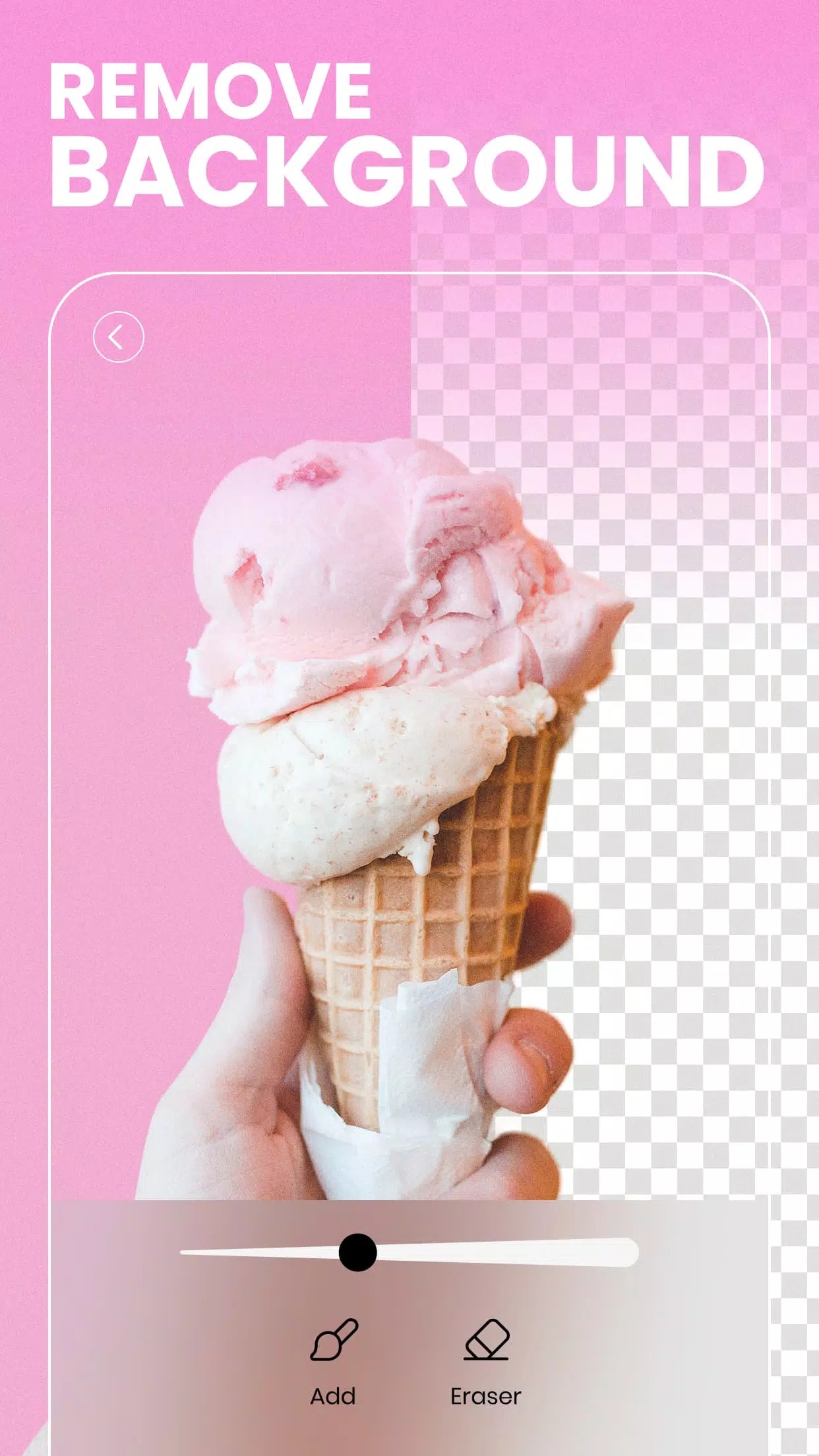
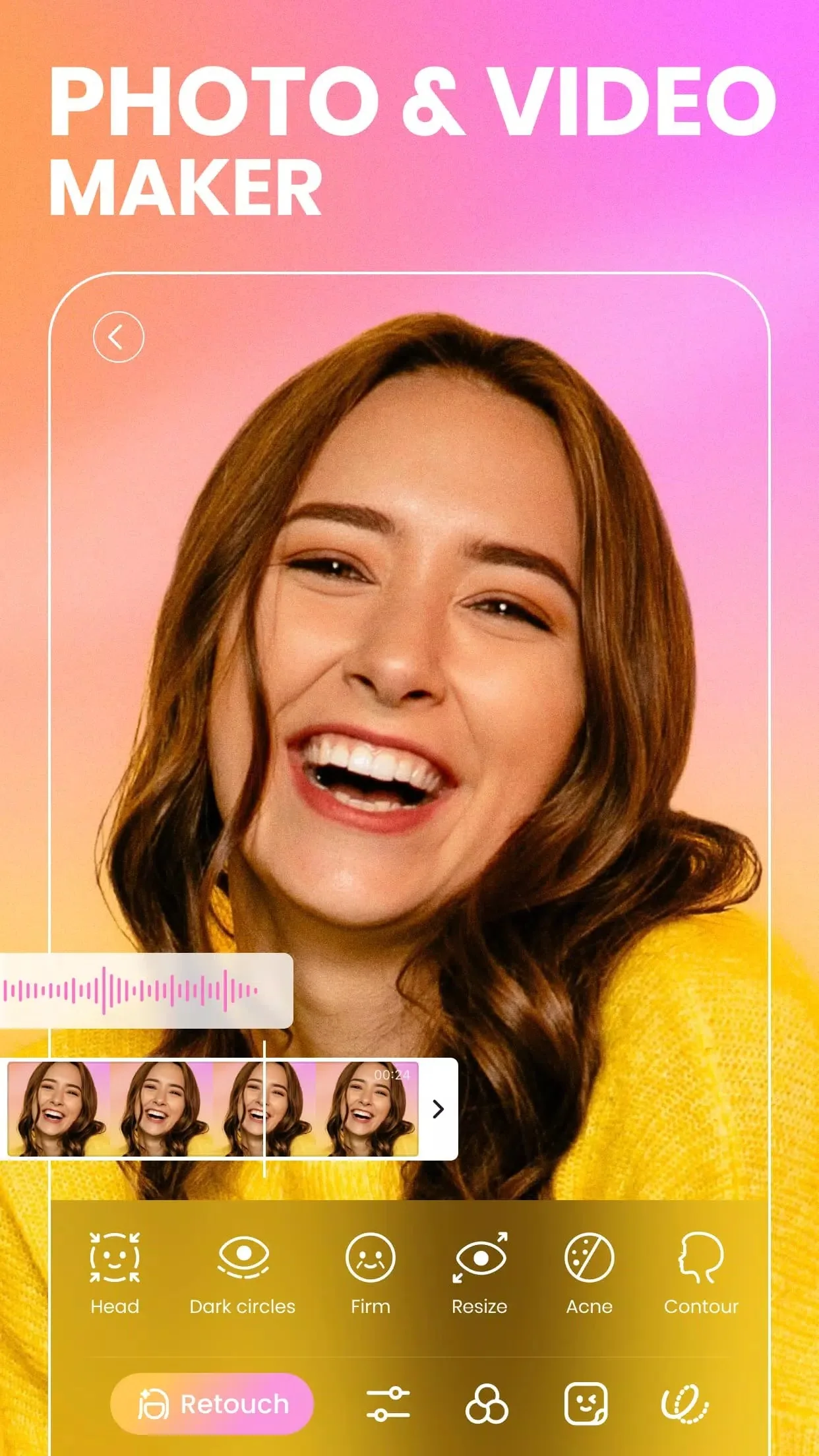
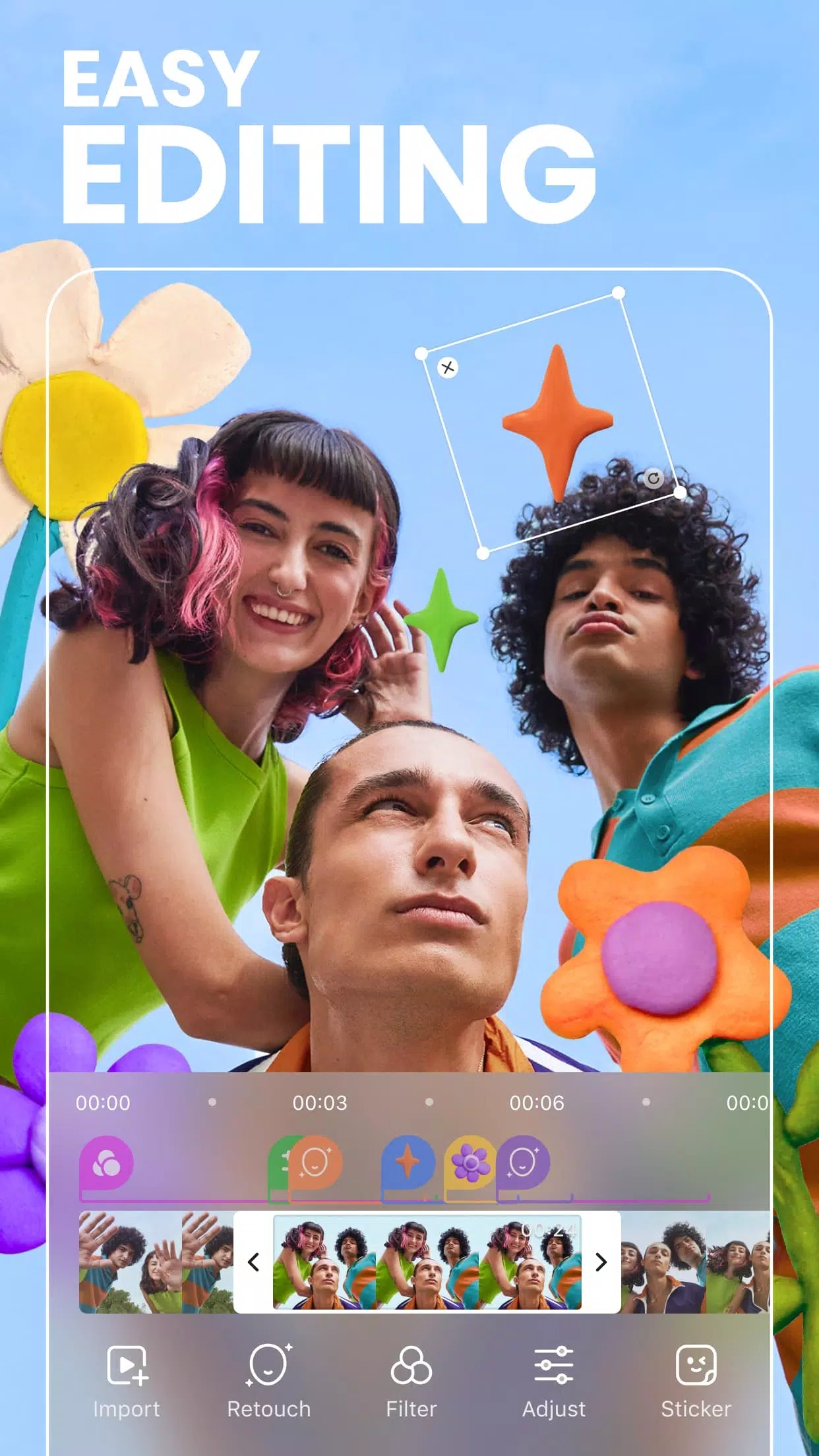
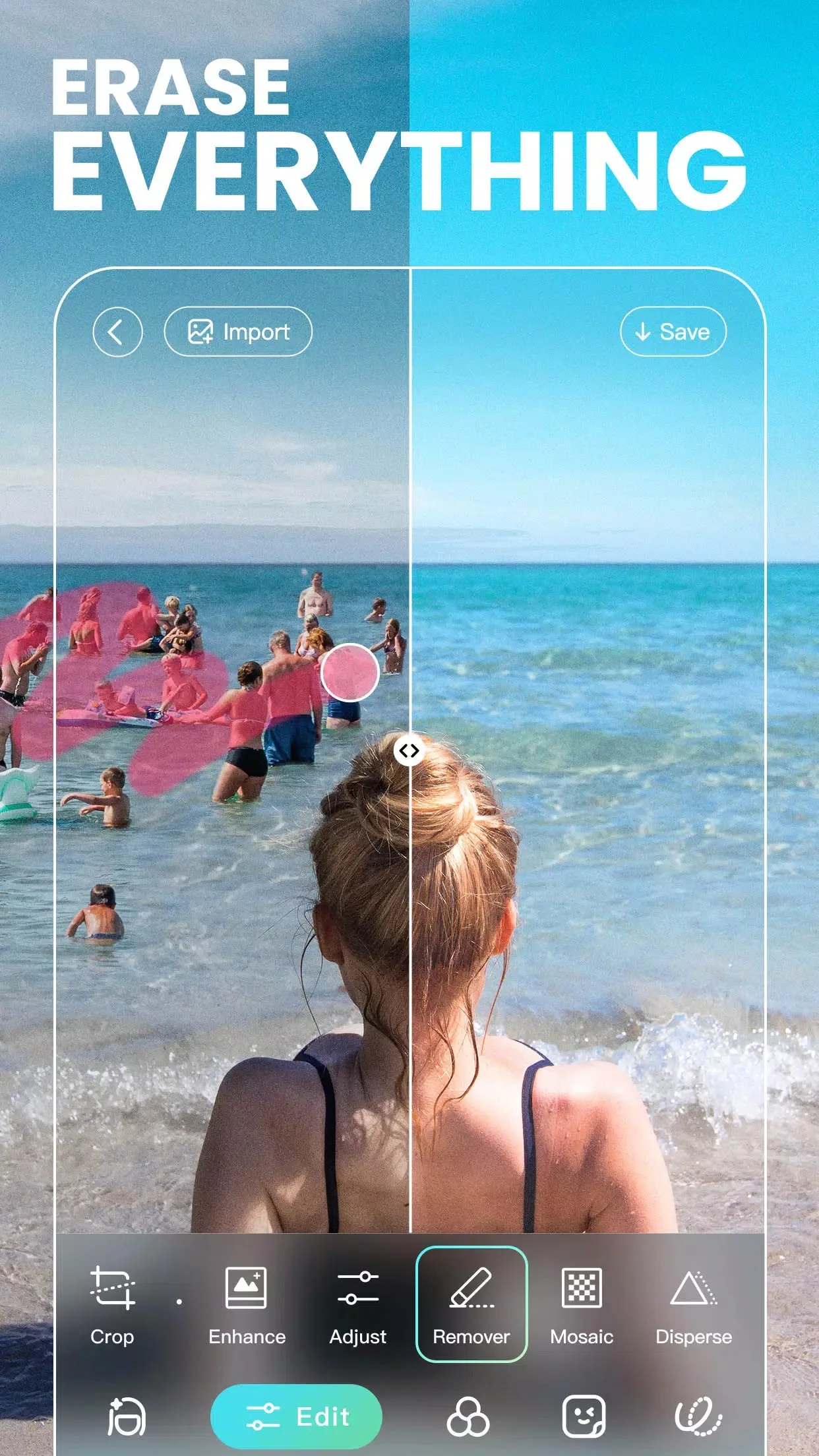
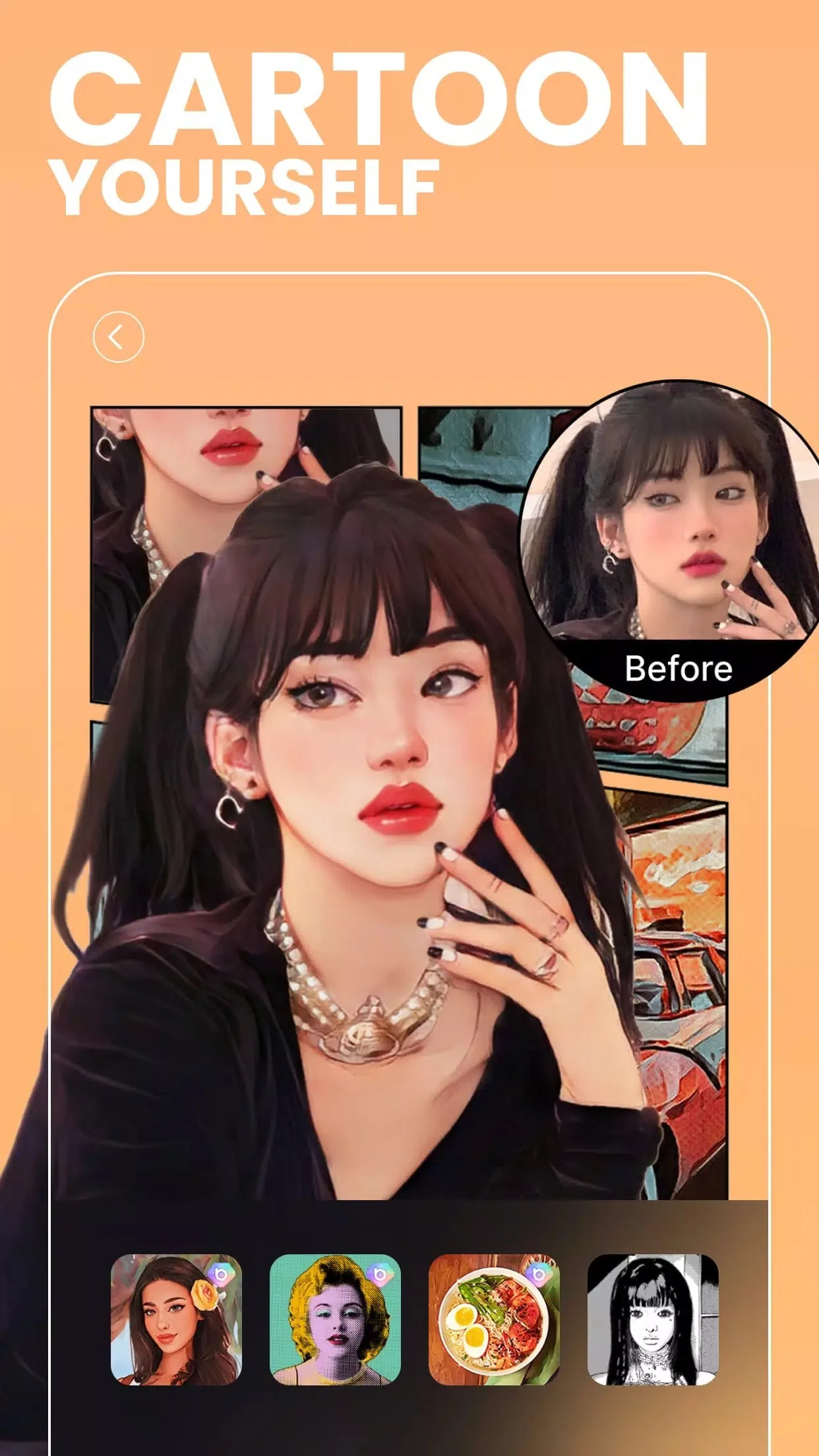
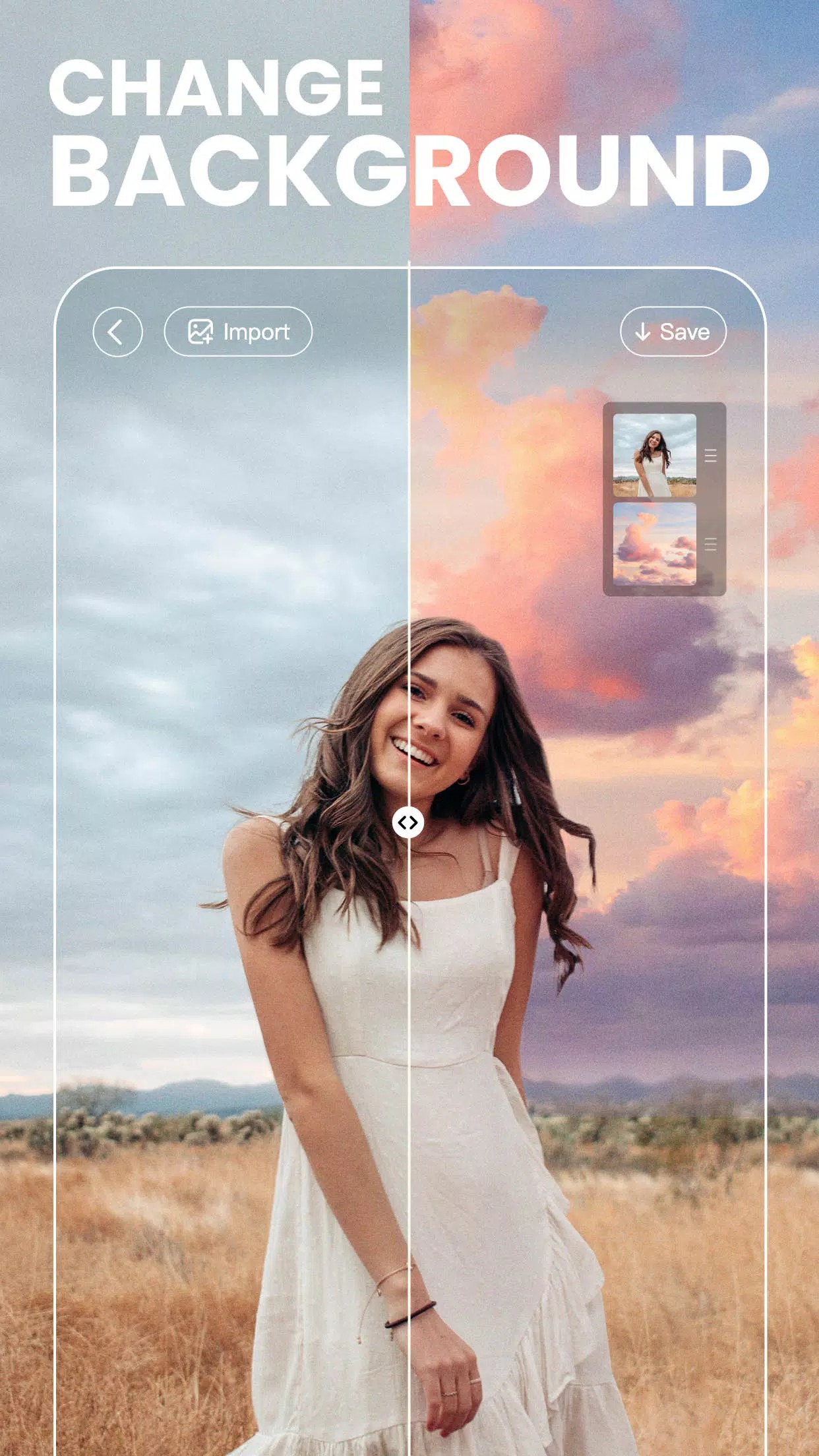
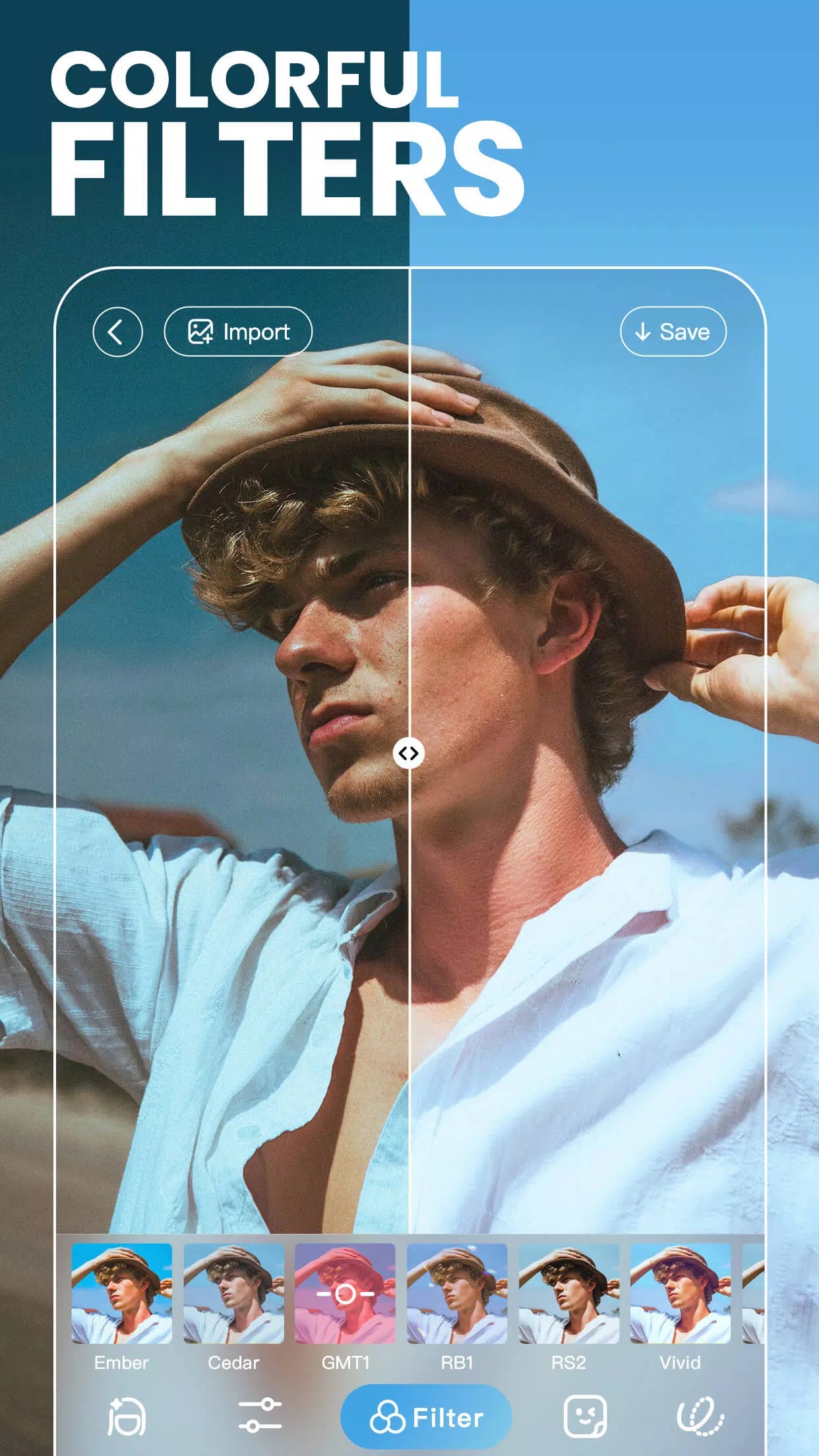
BeautyPlus is a photo editor and selfie camera made by Meitu, now under PIXOCIAL TECHNOLOGY (SINGAPORE). It is built around face retouch, one-tap auto-enhance and a huge library of looks. You get 200+ filters, AR stickers, virtual makeup, object removal for cleaning up a shot, and a camera that lets you set your beauty and filter settings before you take the picture instead of fixing it after.
People mostly use it for selfies and portraits, but it handles everyday photo edits fine too. Smooth skin, reshape a jawline, brighten eyes, drop in a background sticker, then export the result to your gallery or straight to social. It is easy to pick up and hard to put down.
What Premium unlocks
| Premium feature | What it changes in the app |
|---|---|
| All filters & presets | The full filter and preset library is open, no locked "Pro" packs. |
| All AR stickers & makeup packs | Every sticker set and virtual makeup look is available to apply. |
| Advanced retouch & body tools | The higher-tier face and body reshaping sliders are unlocked. |
| No ads | Banner and interstitial ads are gone while you edit. |
| No watermark | Exports save clean, with no BeautyPlus stamp in the corner. |
One honest note. The MOD opens the client-side Premium set, the filters, stickers, makeup and retouch tools that live on your device. The cloud AI features are a different story. AI retouch, AI portrait and the generative effects are processed on Meitu's servers, so they still need a working account or paid plan, and a MOD cannot hand those to you. The exact MOD package for the current build is shown in the "MOD info" line at the top of this page, and we re-check it after each app update.
Client vs cloud features
Here is the simple split most sites skip. Local tools do their work on your phone, so they run offline and the MOD can unlock them: filters, presets, manual retouch, AR stickers, virtual makeup, basic object removal. You tap, the phone renders, done.
Cloud features send your photo up to a server, the AI does the heavy lifting there, and the result comes back down. Those checks tie into your account, so even on a modified build they may be unavailable or still gated behind a subscription. If a feature sits in the app with a little "AI" badge and a loading spinner that pings the internet, treat it as server-side. The offline Premium tools are the real win here.
How to download and install BeautyPlus MOD APK
The download is a single APK, around 285 MB, and it runs on Android 7.0 and up. Everything starts from this page.
- Tap the green Download APK button at the top of this page, the file downloads directly, no registration or SMS.
- Allow installation from unknown sources for your browser or file manager (Settings → Security).
- If the original Google Play version is installed, remove it first, the MOD won't install over it because it has a different signature.
- Open the file, tap Install, then launch BeautyPlus and give it gallery and camera permission when asked.
First time sideloading an app? Our APK install guide walks through the same steps with screenshots. Keep enough free storage before you start, since the app is fairly large once it unpacks.
Tips for better edits
- Work from the original photo, not a re-saved copy, so you don't stack compression and lose detail.
- Save a preset once you land on a look you like, then reuse it to keep your feed consistent.
- Go easy on the beauty sliders. A light touch on skin and reshape reads as natural; maxed-out settings look plastic.
- Batch-apply the same filter and retouch settings across a set of photos to keep them matching.
- Shoot with your camera settings dialed in first, it saves you cleanup work later.
MOD or original?
If you want to support the developer, the original BeautyPlus is on Google Play and you can subscribe there for the cloud AI plans. The MOD on this page is for the other case: you want the Premium filters, stickers and retouch tools without paying a subscription, and you are fine using them offline. Both are the same core app, same package, just a different set of unlocked doors. Browse more photography apps or the full MOD catalog if you want to compare editors before you commit.
FAQ
What does the BeautyPlus MOD unlock?
Do the AI/cloud features work in the MOD?
Is the BeautyPlus MOD APK safe?
Is there a watermark on my photos?
Do I need to remove the Play Store version?
What are the size and requirements?
Download BeautyPlus APK Android
- No viruses
- No spyware
- No malware
The reviews (0)