- No viruses
- No spyware
- No malware
This file was downloaded, scanned and installed by our editors before publishing.
Every file is also checked with VirusTotal before publishing.

dFast APK — Mod Games App Store
Additional information about dFast APK — Mod Games App Store
The description of dFast APK — Mod Games App Store
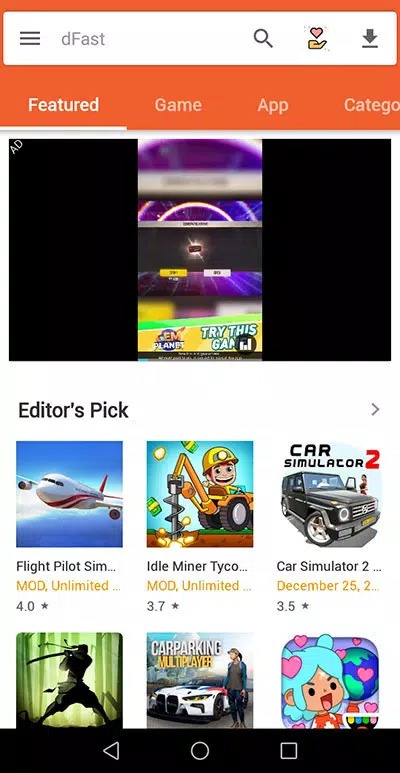
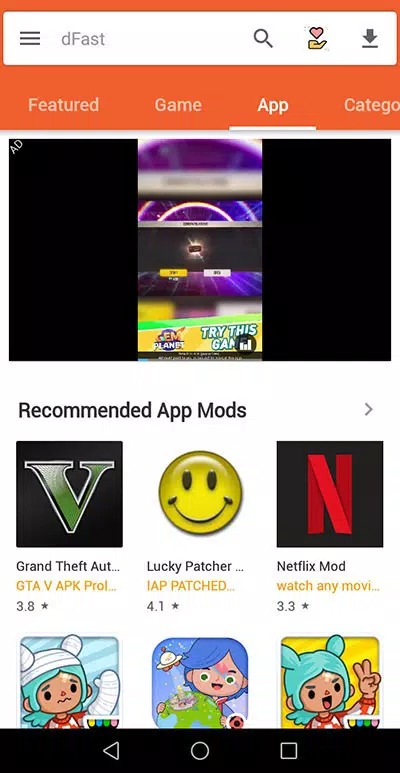
dFast APK is a third-party app store for Android that hands you modded games and apps you won't find on Google Play. Think of it as an alternative marketplace: you install one small app, browse the catalog, and grab modified builds of popular titles in a couple of taps, no account needed. The file on this page is scanned for malware and installed on a real Android device by our editors before publishing, we have done this since 2018.
It is not an official store, and it does not pretend to be one. That is the whole point of it, and also the reason you should read the safety section below before you install anything through it.
What is dFast?
dFast is an alternative app store, not a single game. It bundles a catalog of apps and games that sits outside Google Play, and a good chunk of that catalog is modified versions of well-known titles. The project is usually tied to AhaGames and the developer Sydney Abuya. You open it, search for what you want, and install straight from the app, no sign-up and no card details.
One honest note up front. Some files floating around as "dFast" are actually a light companion or tips app, around 12.7 MB, rather than the full store. So check what you are grabbing. The store itself works like Google Play does, just with regular and modded builds sitting side by side on the same shelves.
What you get with dFast
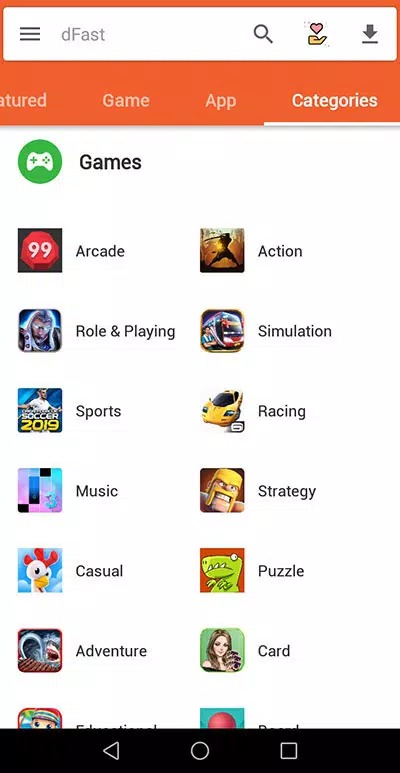
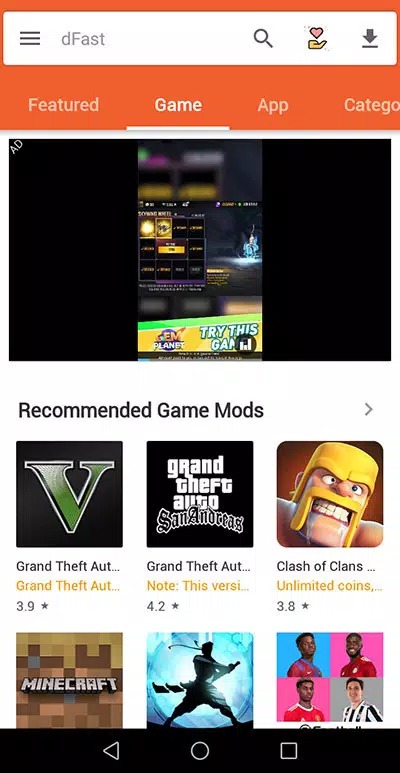
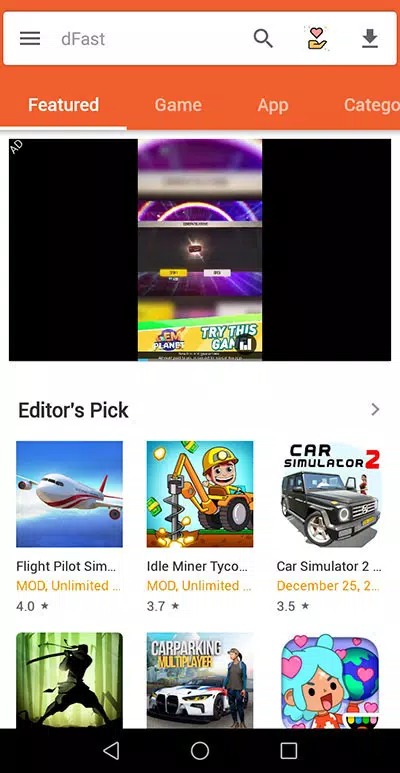
- A catalog of Android apps and games you can browse by category.
- Mod versions of popular titles alongside the standard ones.
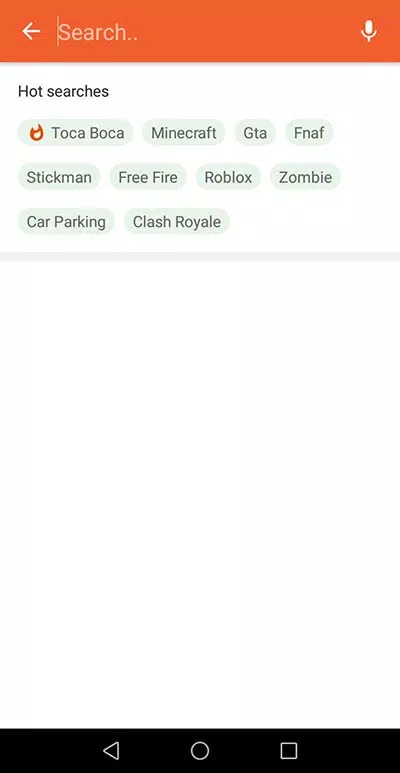
- Search and category filters to find a specific app fast.
- One-tap APK installs handled inside the app.
- No registration, no login, no payment wall to browse.
Risks and honesty
Here is the part a lot of pages skip. dFast runs outside Google Play, which means the apps you install through it sit outside Play Protect's normal checks. The store also leans on ads, and some of them are the pushy, full-screen kind. Expect popups.
The bigger thing is the mods themselves. A modified APK can break a game's terms of service, and in online games that can get your account flagged or banned, since the publisher's server sees a build it doesn't recognise. Offline mods are lower risk because nothing phones home. We test the file on this page and scan it before it goes live, but once you start installing other apps through the store, the caution is on you. Stick to titles you actually need, and check what each one wants before you tap install.
How to download and install dFast APK
The download is a small APK, roughly 12.7 MB, and it needs Android 5.0 or newer. Everything starts from this page.
- Tap the green Download APK button at the top of this page, the file downloads directly, no registration or SMS.
- Allow installation from unknown sources for your browser or file manager (Settings → Security).
- Open the file, tap Install, then launch dFast.
- Search or browse for the app or game you want, and install it from inside dFast, other APKs install the same way.
First time sideloading anything? Our APK install guide walks through the same steps with screenshots. Keep enough free storage and a stable connection while things download.
dFast or official stores?
This comes down to what you are trying to do. For online games, in-app purchases and anything tied to a login, the official Google Play version is the safer call, there is no ban risk and updates are automatic. dFast earns its place when you want an offline mod, an older build, or an app that isn't on Play in your region, and you accept the trade-off.
If you mostly want modded games, browse our MOD APK section for builds we have tested one by one, or our apps catalog for the standard versions. Two routes, and only you can pick which risk you are comfortable with.
Tips
- Keep a mobile antivirus or Play Protect on and let it scan new installs.
- Install only the APKs you actually need, not the whole shelf.
- Don't sign into your main game or Google account through a modded build.
- Check the size and permissions of each app before you tap install.
FAQ
What is dFast?
Is dFast safe?
Can I get banned for using modded games?
Is dFast free?
How do I install dFast?
What are the requirements and size?
Download dFast Apk Android
- No viruses
- No spyware
- No malware
The reviews (1)