- No viruses
- No spyware
- No malware
com.moviesplus1This file was downloaded, scanned and installed by our editors before publishing.
Every file is also checked with VirusTotal before publishing.

Movies Plus APK — Streaming App for Android

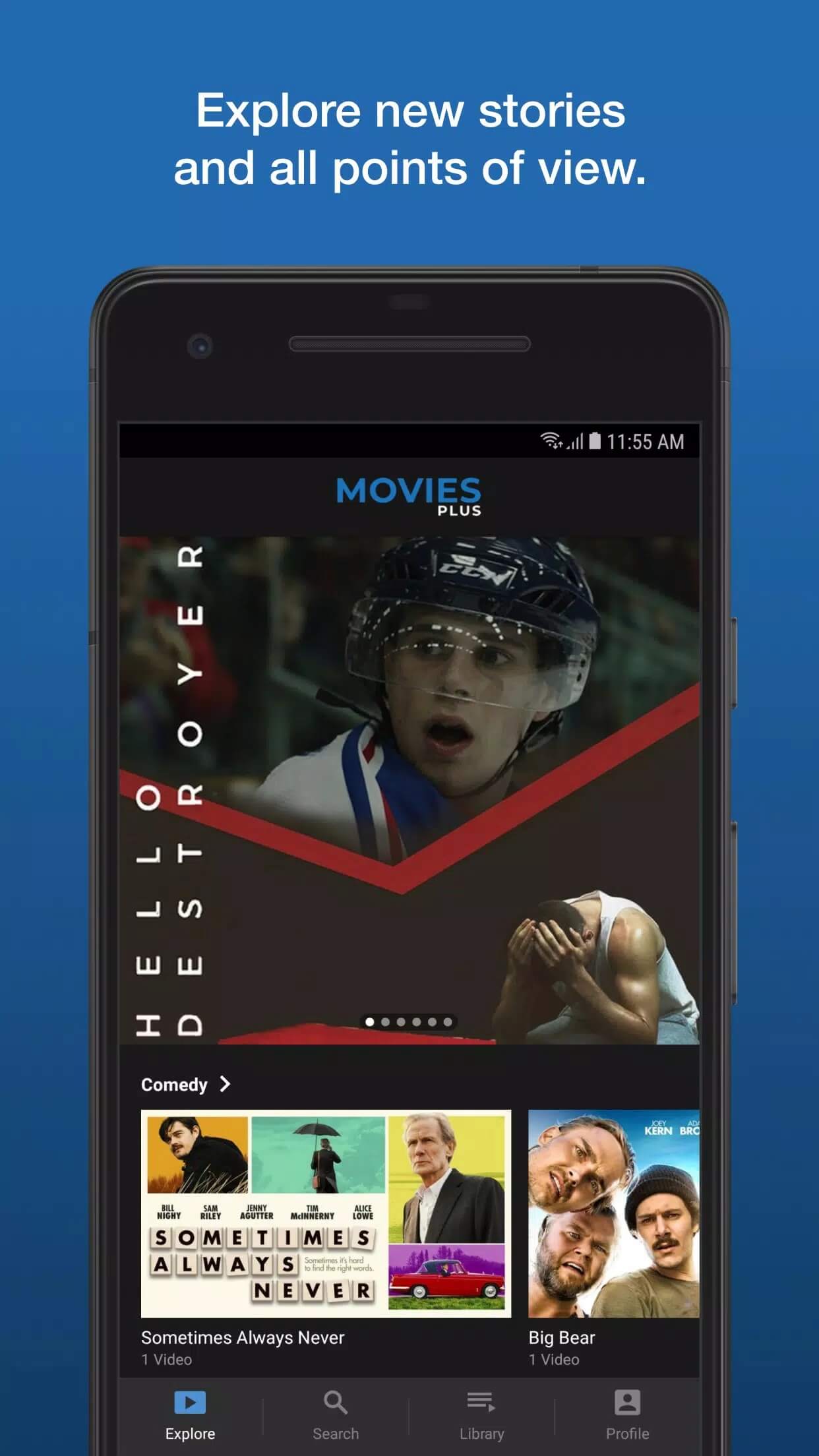
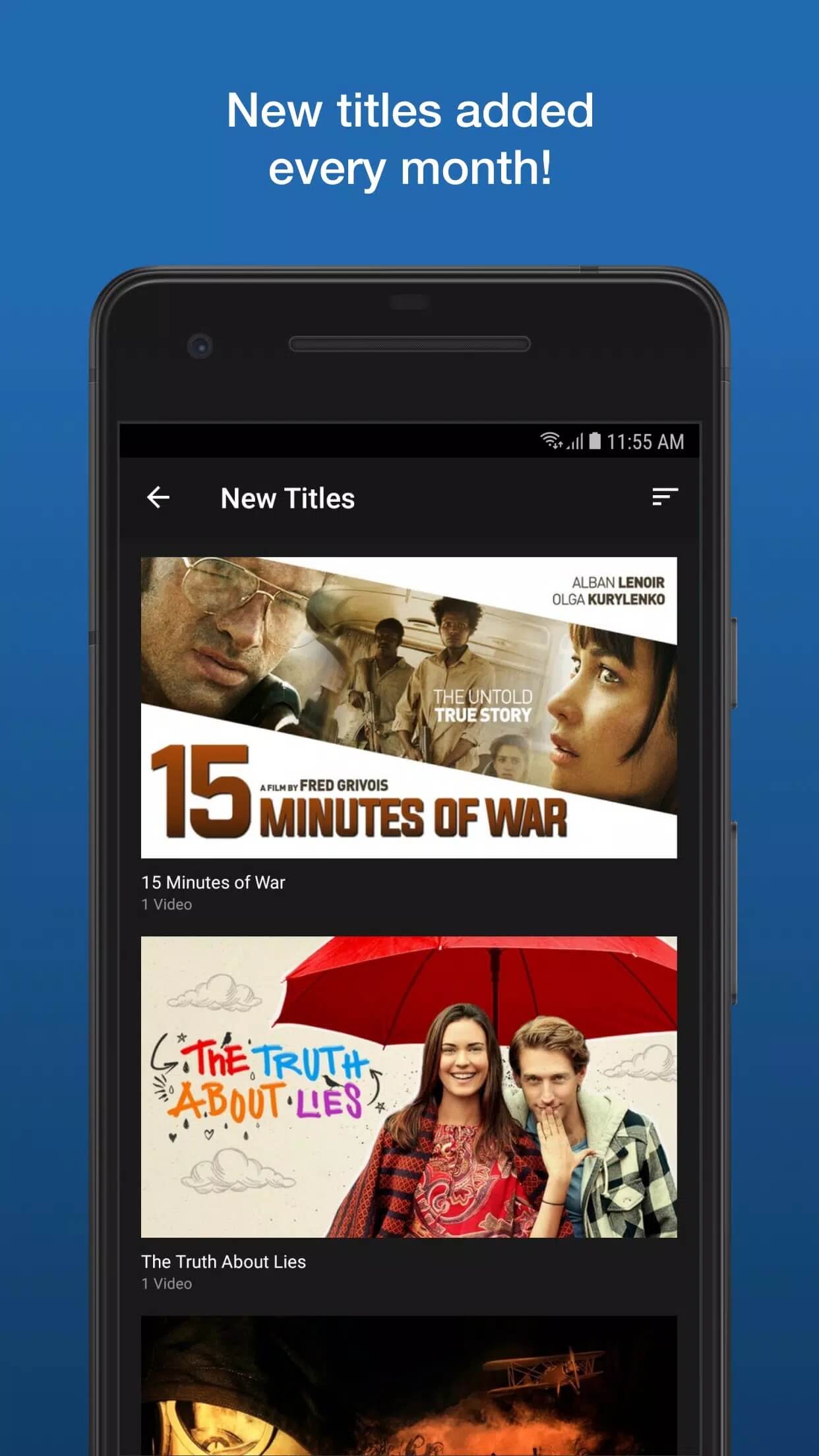
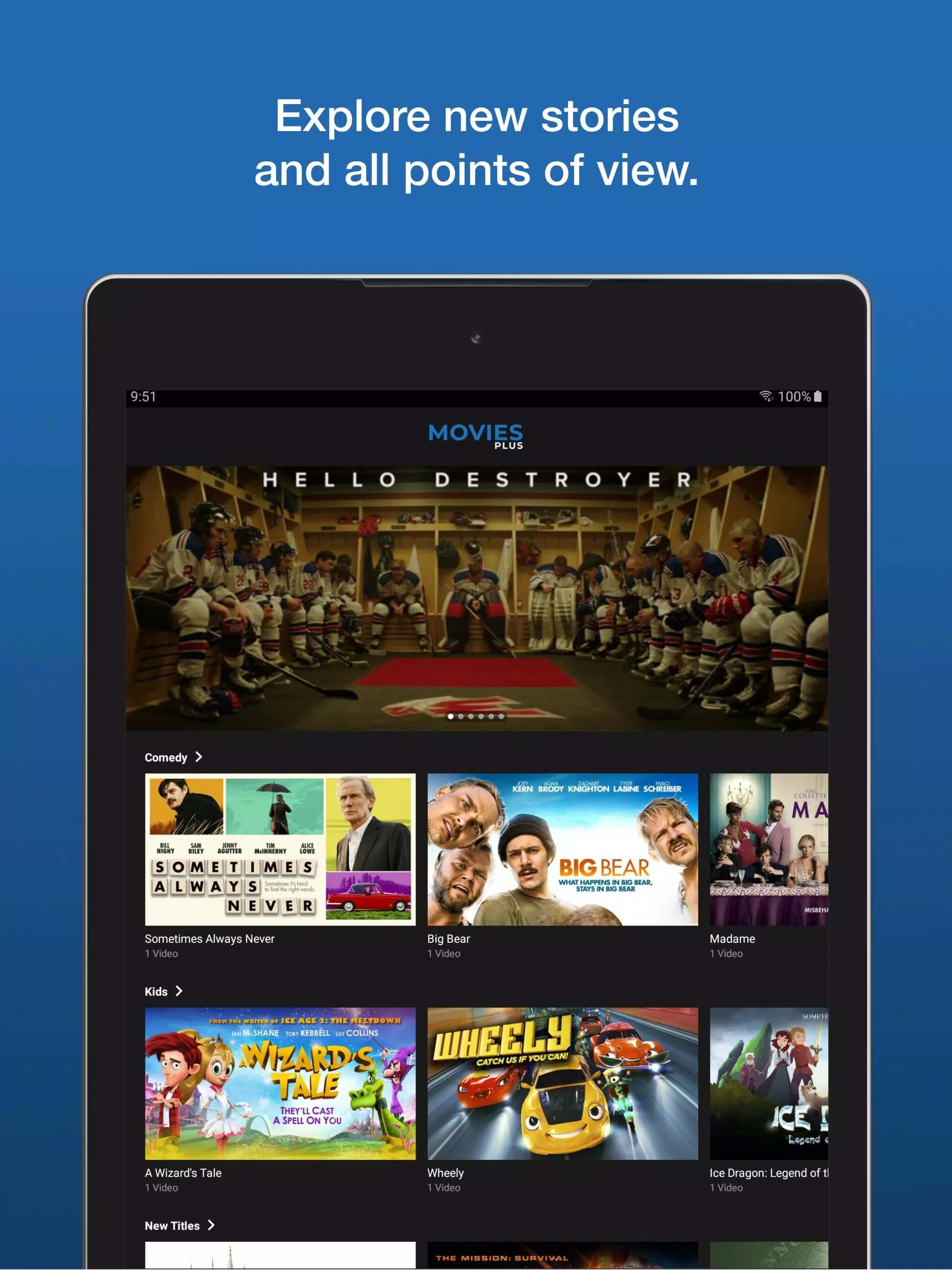
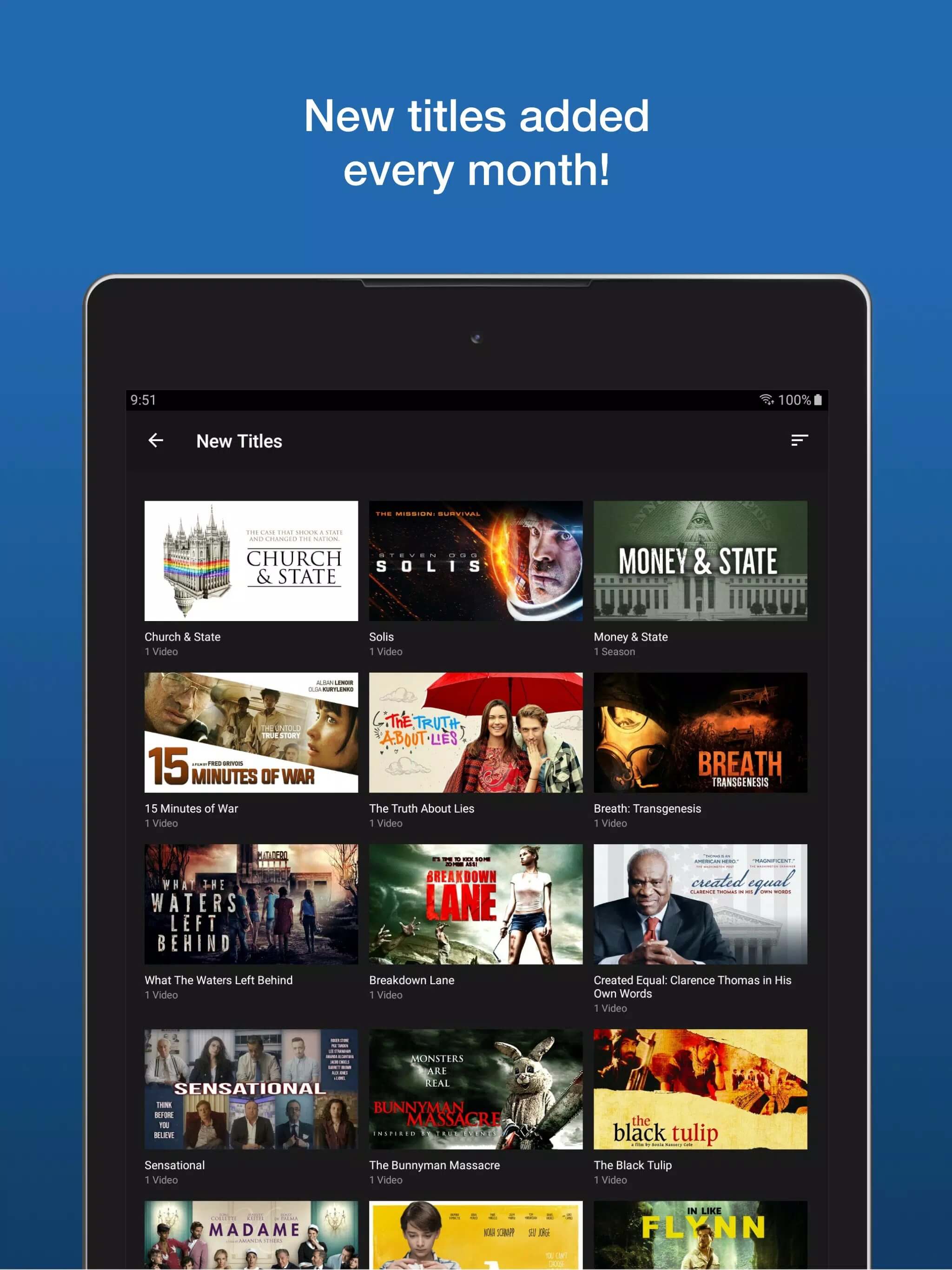
Additional information about Movies Plus APK — Streaming App for Android
com.moviesplus1The description of Movies Plus APK — Streaming App for Android
The Movies Plus APK is a subscription streaming app for Android, and it has a real Google Play listing under the package com.moviesplus1. This page covers what it offers, how the subscription and billing actually work, a few honest safety notes, and which proven legal services you can use to watch movies instead. Short version first: it is a paid app, not a free cinema, so it pays to know what you are signing up for.
The APK on this page is scanned for malware and checked on a real Android device by our editors before publishing, the same check we have run since 2018. Even so, read the licensing section below before you commit money to any subscription.
What is Movies Plus?
Movies Plus is a subscription streaming service for movies and TV shows, delivered in HD. The developer is listed as Movies Plus OLD, and the app appears in Google Play under com.moviesplus1. It runs on Android phones and tablets, and the service also points to PC and Smart TV support. The layout is the usual streaming setup: you browse a catalog, open a title, and hit play. Nothing exotic on the surface.
Subscription and billing
Movies Plus is not free. It runs on a paid subscription, usually offered monthly or yearly, and the exact price depends on your region. Payment goes through your Google account, the same Payments profile you use for other Play purchases, so the plan shows up next to your other Google subscriptions. That matters for one practical reason: you can view and cancel it from your Google account settings, not only from inside the app. If a mirror site promises the whole catalog free forever, treat that as a red flag, not a bargain.
Is the content properly licensed? (what to check)
Here is the honest part. Services that advertise the newest blockbusters in HD for a very low price often have licensing that is hard to verify. We cannot confirm that every title in the Movies Plus catalog is properly licensed, and neither can the mirror sites that re-list it. That does not automatically make it illegal, there is a genuine Play listing and Google billing behind it, but it does mean you are trusting a catalog we cannot vouch for. If you install any third-party APK, take it only from a source you trust, and check the permissions it asks for before you open it. When in doubt, the Play install is the safer path.
How to get Movies Plus

There are two routes, and one is cleaner than the other.
- Best option: install from Google Play, where the app is listed under com.moviesplus1. You get Play's own safety checks and clean, cancelable billing.
- Prefer the APK? Tap the Download button at the top of this page, the file downloads directly, no registration or SMS.
- Allow installation from unknown sources for your browser or file manager (Settings → Security).
- Open the file, tap Install, then sign in and set up your subscription.
The download is a small APK, around 26 MB, and it runs on Android 5.0 and up. First time sideloading an app? Our APK install guide walks through the same steps with screenshots.
Legal ways to watch movies
If you want to watch without the licensing question hanging over you, several apps stream real, licensed catalogs. Some are free with ads, and they are genuinely free, not a trial.
| Service | How it works |
|---|---|
| Tubi | Free with ads, large movie and TV library. |
| Pluto TV | Free with ads, live channels plus on-demand. |
| Plex | Free ad-supported movies and shows, plus your own media. |
| Crackle | Free with ads, curated films and originals. |
| Amazon Freevee | Free with ads, movies and TV from Amazon. |
| The Roku Channel | Free with ads, no Roku device required. |
| Major subscription OTT | Paid, licensed catalogs from the well-known streaming brands. |
One caveat: the exact catalog on each service depends on your country, so a title in one region may be missing in another.
Bottom line
If your goal is reliable, fully legal streaming, the big OTT services and the free ad-supported apps above are the safer pick, you know exactly what you are paying for and the catalog is licensed. Movies Plus is worth a careful look rather than a blind install, mostly because of that open licensing question. Want more options? Browse the apps catalog for other media apps we have checked and installed ourselves.
FAQ
Is Movies Plus free?
Is Movies Plus on Google Play?
Is the Movies Plus APK safe?
Is all the content properly licensed?
What are good legal alternatives?
How do I cancel the subscription?
Download Movies Plus APK Android
- No viruses
- No spyware
- No malware
The reviews (0)