- No viruses
- No spyware
- No malware
This file was downloaded, scanned and installed by our editors before publishing.
Every file is also checked with VirusTotal before publishing.

PPSSPP Gold – PSP Emulator for Android
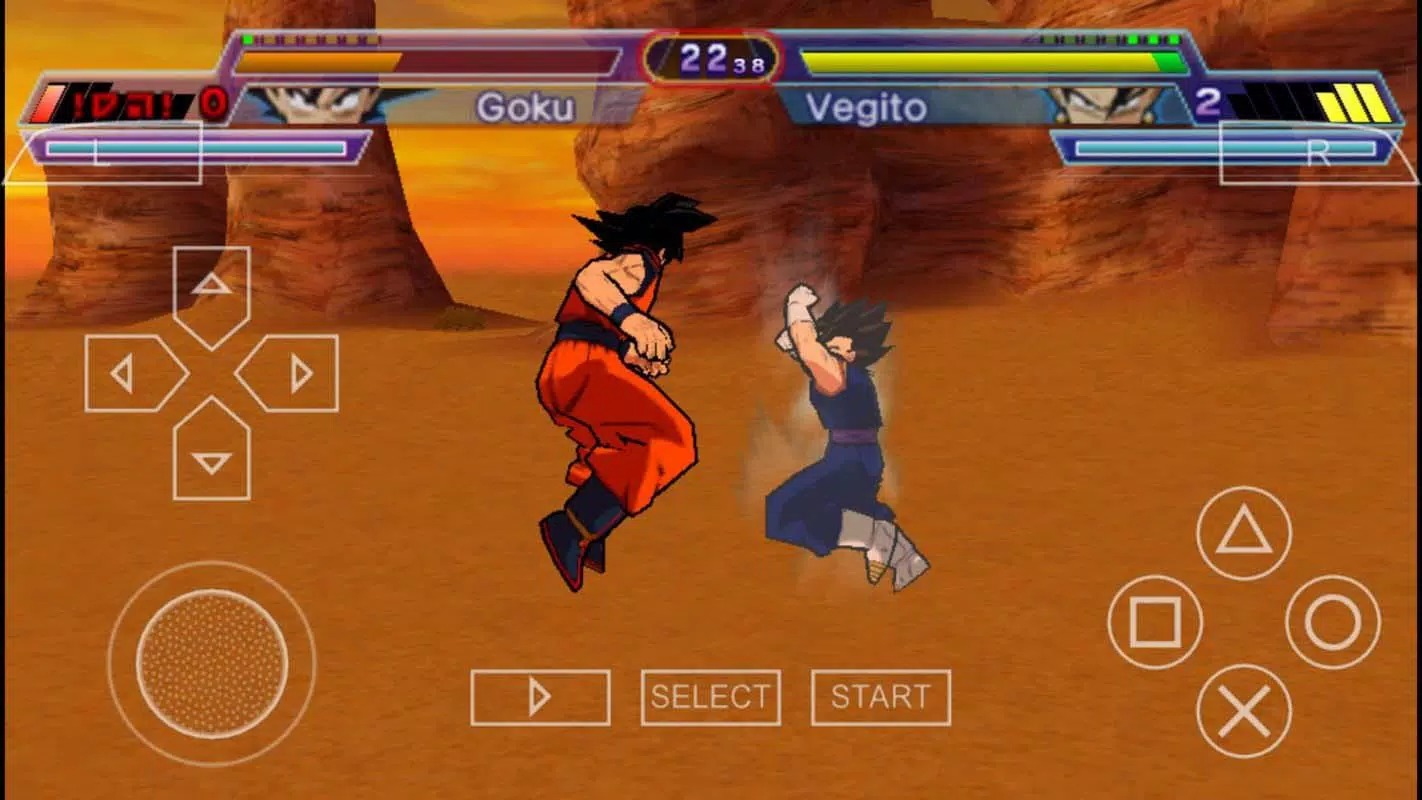
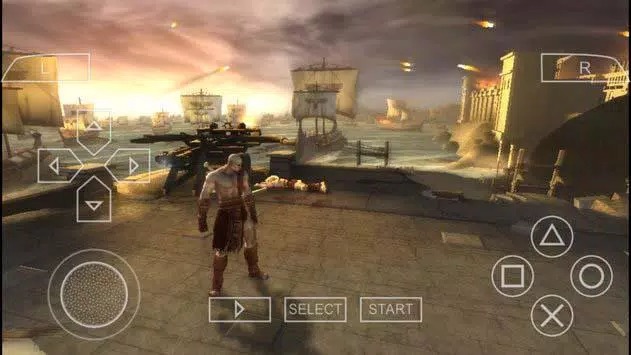
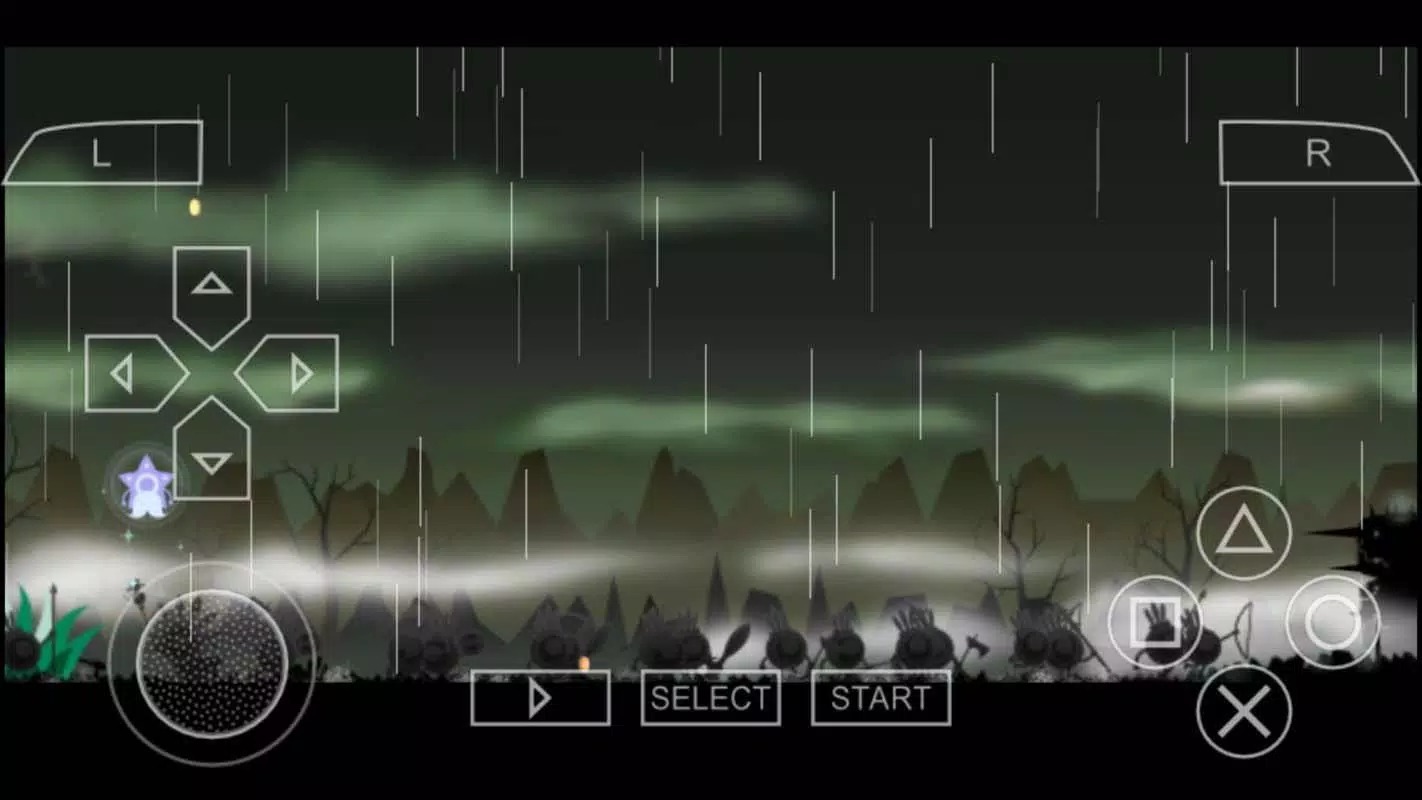
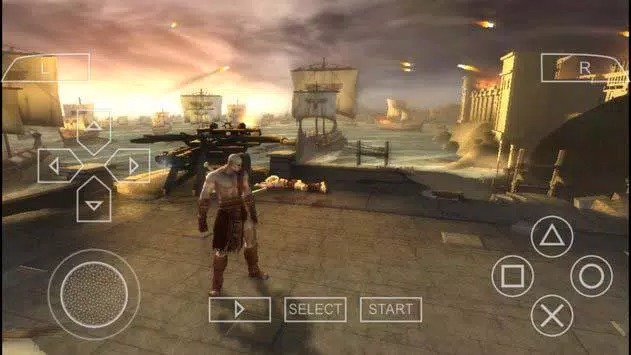
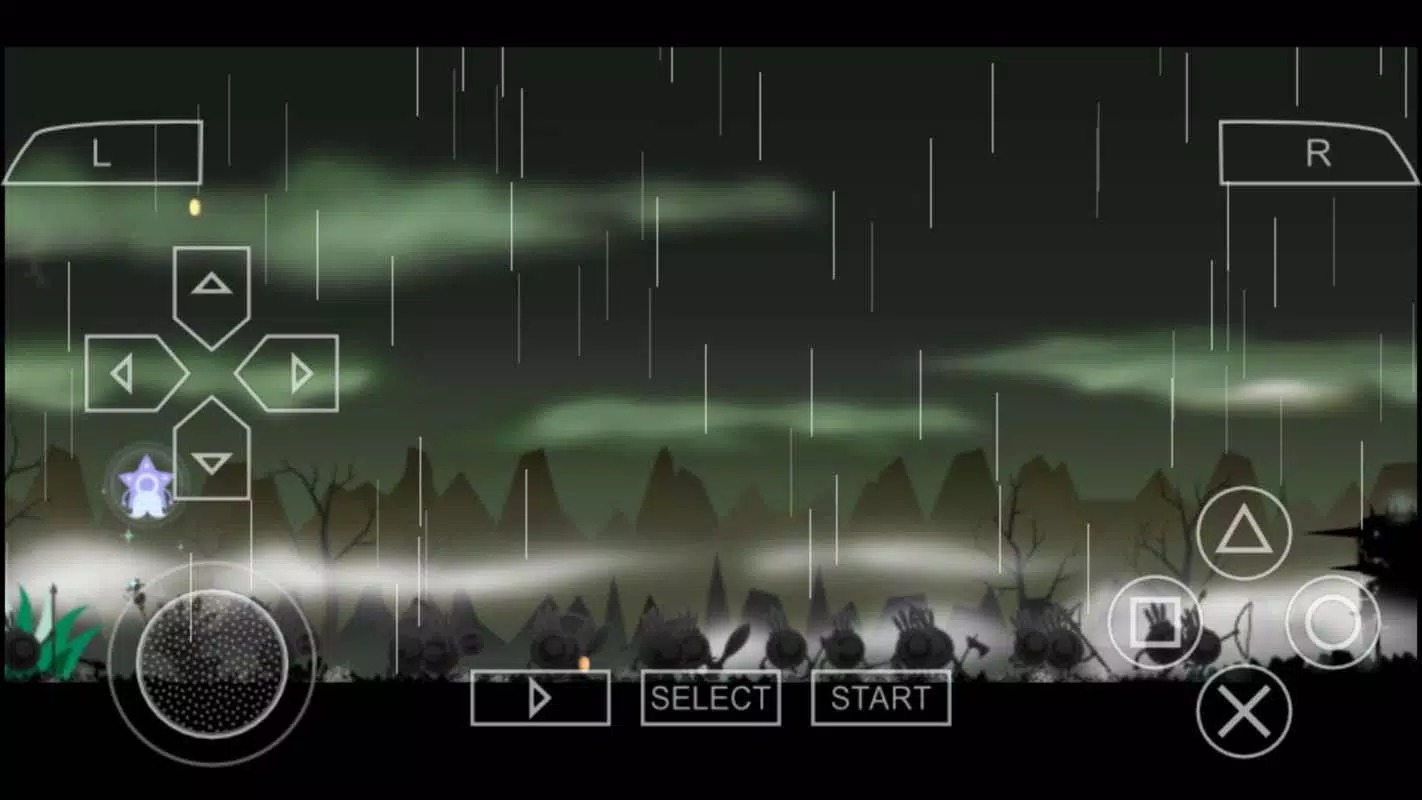
Additional information about PPSSPP Gold – PSP Emulator for Android
The description of PPSSPP Gold – PSP Emulator for Android
PPSSPP Gold APK is a PlayStation Portable emulator for Android, built by Henrik Rydgård, the same developer behind the open PPSSPP project. It runs your own PSP game backups on your phone, with HD upscaling, save states and gamepad support. One thing to be clear about up front: Gold is the paid version, and it is identical to the free build. You are not buying extra features, you are supporting the developer. Every file on this page is scanned for malware and installed on a real Android device by our editors before publishing, we have done this since 2018.
So why pay for it? The short answer is a gold icon on your home screen and a small thank-you to the person who keeps this emulator alive. That is it.
What is PPSSPP Gold?
PPSSPP is an emulator for Sony's PlayStation Portable. It reads game images in the ISO, CSO, PBP and ELF formats, plus demos and homebrew, and plays them on hardware the PSP never ran on. The project is open-source and updated often, so new games keep getting fixed and old bugs keep getting squashed.
Gold is the exact same program with one difference: a yellow icon instead of the usual blue-and-purple one. Henrik Rydgård put it on the store as a way for fans to chip in. Under the hood, the code is the same emulator you would get for free.
PPSSPP Gold vs the free version
| Point | Gold | Free |
|---|---|---|
| Features | All of them | All of them (identical) |
| Price | One-time purchase | Free |
| Icon | Gold | Blue / purple |
| What paying does | Supports the developer | Nothing to pay |
Read that table twice, because a lot of sites get it wrong. The money you spend on Gold is a donation to the developer, not an unlock for hidden settings. If someone tells you Gold runs games faster or strips out ads that the free build has, they are guessing. Both versions perform the same.
Key features
- HD render upscaling, so PSP games look sharper than they ever did on the original 480×272 screen.
- Save states plus the normal in-game saves, so you can freeze a boss fight and pick it up later.
- Performance settings, including lower-resolution effects and frameskip, to keep things smooth on weaker phones.
- External gamepad and controller support over Bluetooth or USB, mapped however you like.
- Cross-platform builds, so the same emulator runs on Windows, Mac, Linux and iOS too.
Games and ROMs: what you need to know
The emulator itself is legal. What you feed it is where you need to be careful. PPSSPP does not come with any games, and it never will. To play, you supply your own game images, and the honest way to get those is to dump the UMD discs you already own into an ISO or CSO file.
Please don't grab pirated ROMs off random sites, and don't hand your own dumps around either. Some titles also lean on system files to run correctly, and the same rule holds there: use only what you obtained legally. The emulator is fine, the games are on you.
How to download and install PPSSPP Gold
The APK is small, around 48 MB, and it needs Android 5.0 or newer. Older versions of the PSP emulator are no longer supported.
- Tap the Download APK button at the top of this page. You can also buy Gold through Google Play or ppsspp.org if you would rather support the project through the store.
- Allow installs from unknown sources for your browser or file manager when Android asks (Settings → Security).
- Open the file, tap Install, then launch the emulator.
- Point PPSSPP at the folder that holds your own game images, pick a title from the list, and play.
First time sideloading an app? Our APK install guide walks through the same steps with screenshots.
Tips for smooth performance
- Turn on buffered rendering first; it clears up most graphical glitches before you touch anything else.
- Raise the rendering resolution one step at a time. Jumping straight to 4x on a mid-range phone will just cause stutter.
- On slower devices, switch off heavy effects like bloom and anti-aliasing to claw back frames.
- Pair a Bluetooth controller. Touch controls work, but a real gamepad makes action games far easier.
Gold or free?
Here is the simple call. If you have a couple of dollars to spare and want to back the project, buy Gold and enjoy the yellow icon. If your budget is zero, the free version gives you every feature with nothing held back. Neither choice changes how your games run. Browse more apps in the entertainment section, and if you get stuck installing, the install guide has you covered.
FAQ
What is the difference between PPSSPP Gold and the free version?
Is PPSSPP Gold legal?
Do I need game files (ROMs) to use it?
Which Android version do I need?
Does Gold run games better than the free version?
Can I use a game controller?
Download PPSSPP Gold APK Android
- No viruses
- No spyware
- No malware
The reviews (0)