- No viruses
- No spyware
- No malware
This file was downloaded, scanned and installed by our editors before publishing.
Every file is also checked with VirusTotal before publishing.

WhatsApp JiMODs (JT WhatsApp) APK for Android

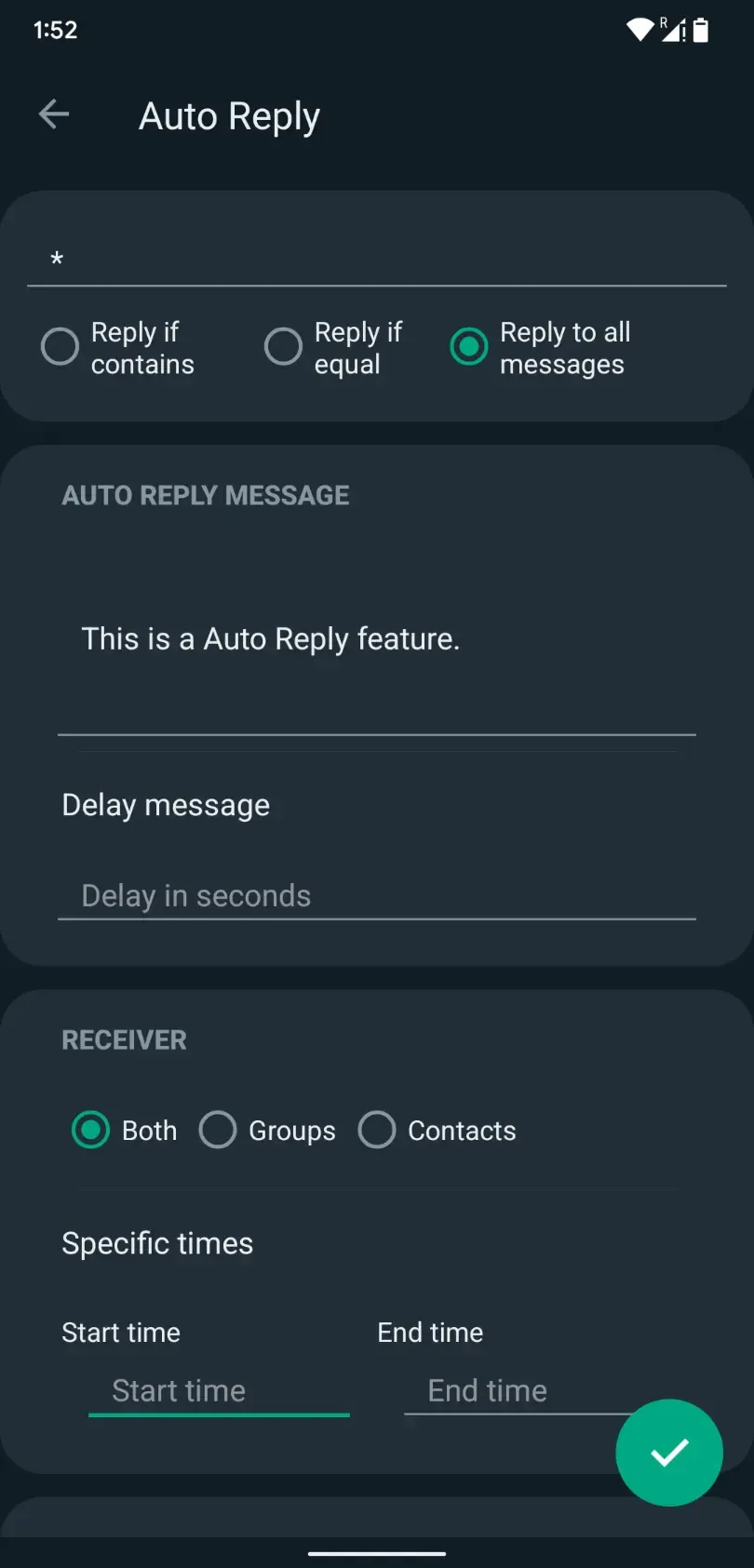
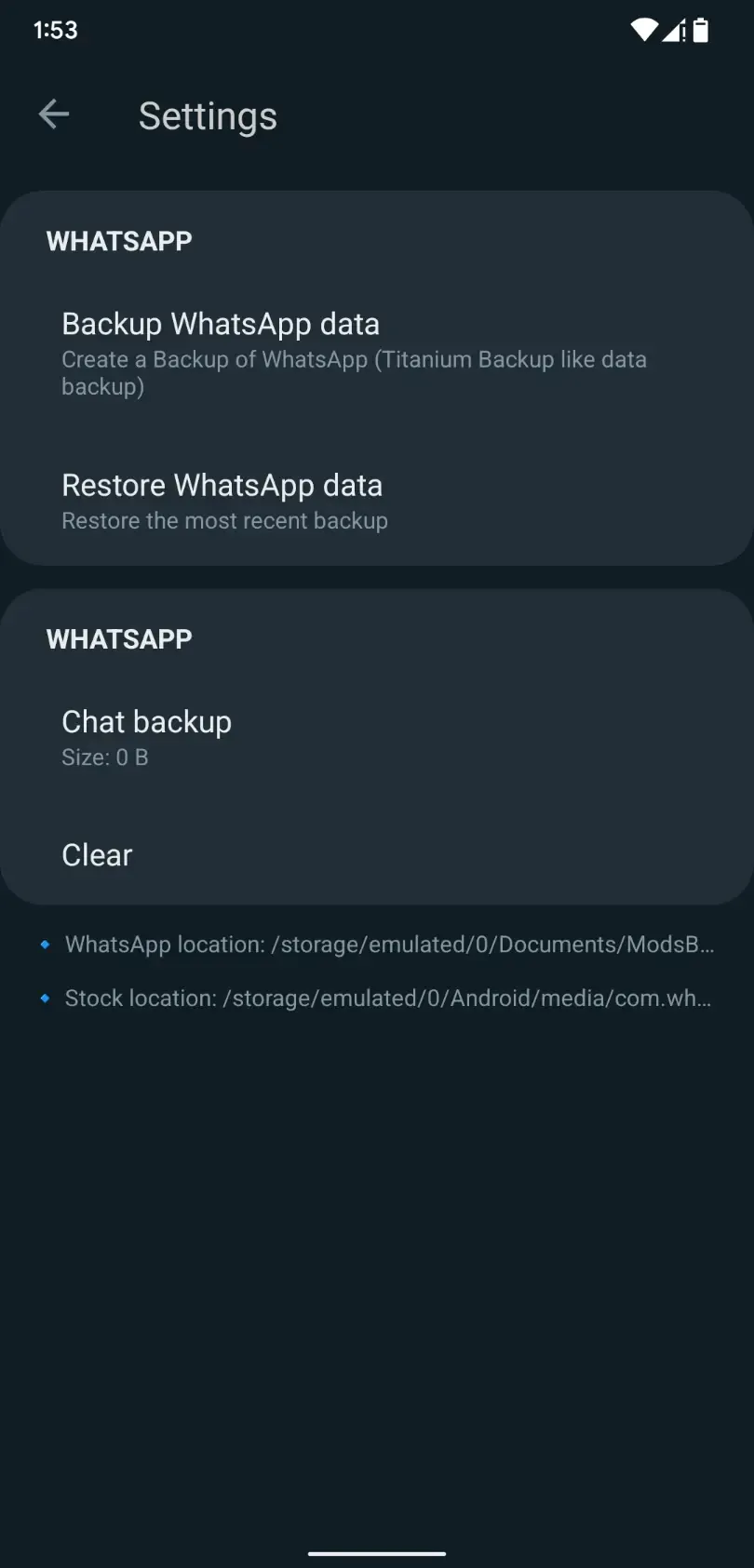
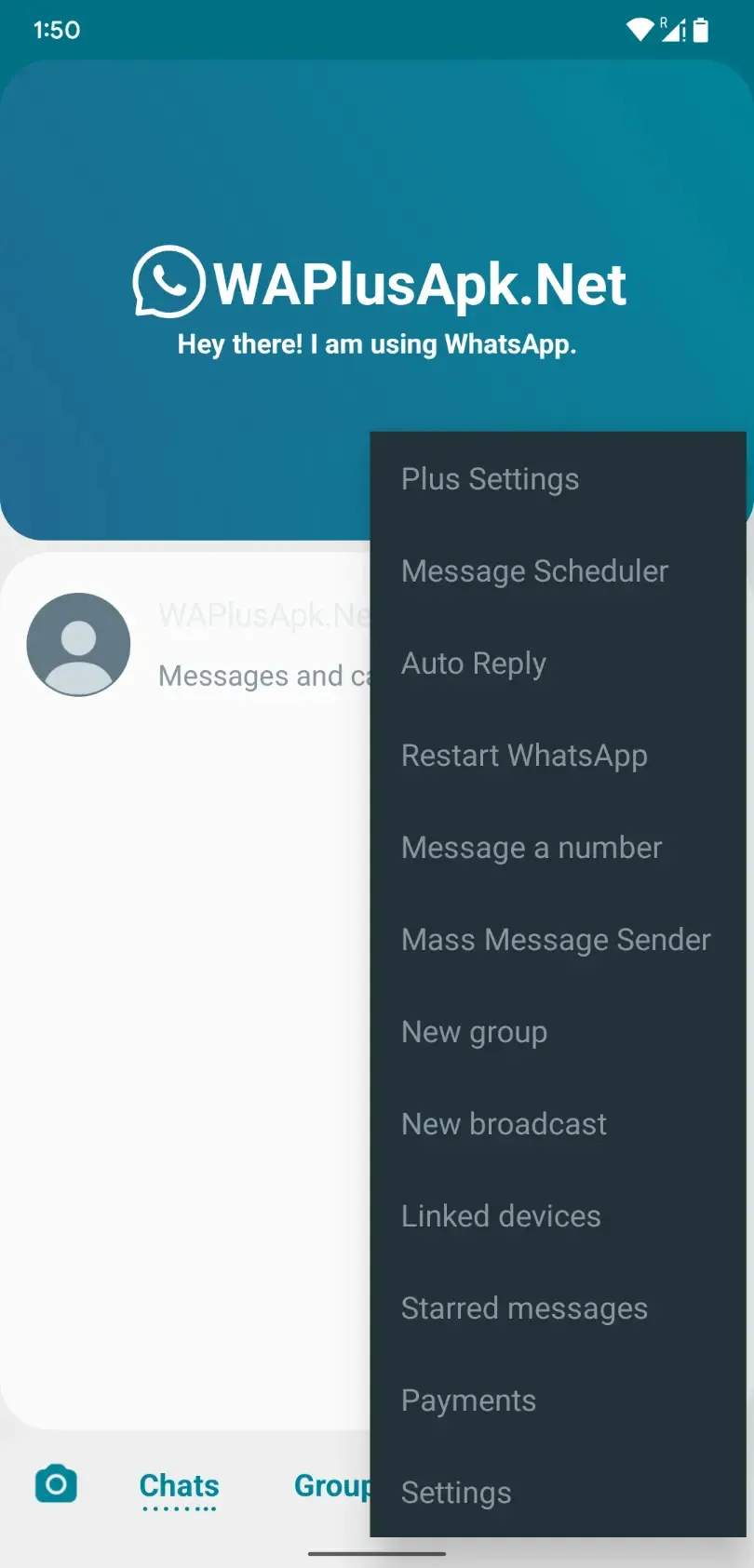
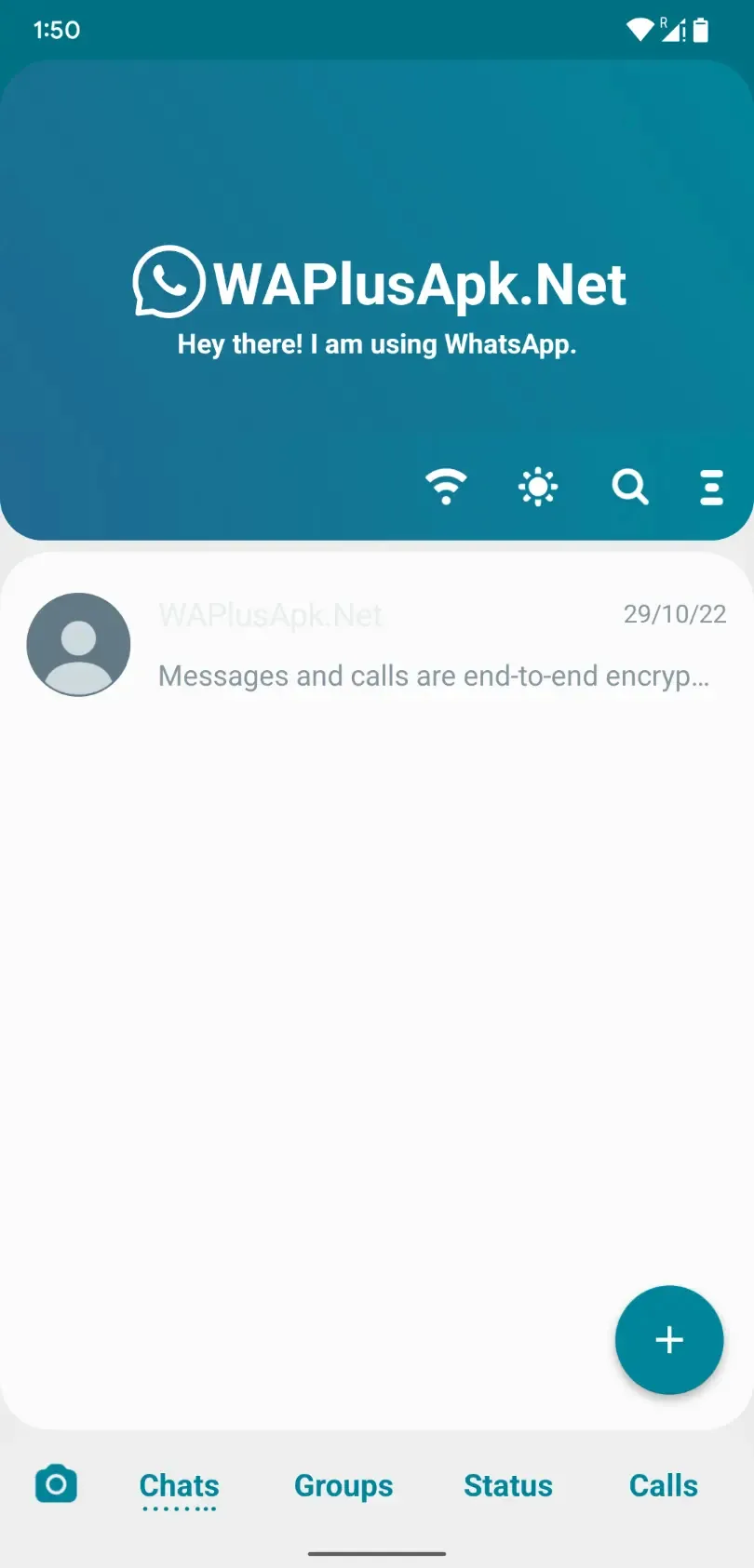
Additional information about WhatsApp JiMODs (JT WhatsApp) APK for Android
The description of WhatsApp JiMODs (JT WhatsApp) APK for Android
WhatsApp JiMODs (also called JT WhatsApp) is an unofficial WhatsApp mod built by Jimtechs, not by WhatsApp or Meta. It adds privacy controls, larger file sending and heavy theming on top of the normal messenger, but it also carries a real risk of your number being banned and gives up the safety checks the official app goes through. This page explains what the mod does, where the risks sit, and how to install it if you decide to.
What is WhatsApp JiMODs (JT WhatsApp)?
WhatsApp JiMODs is a modified WhatsApp client made by Jimtechs (Jim El Rezzi). It is often labeled JT WhatsApp or WhatsApp+ JiMODs, and it shares its base with Fouad WhatsApp, another well-known mod family. In plain terms, someone took the WhatsApp code, added features on top and repackaged it as a separate APK.
What matters most: this is not a product of WhatsApp LLC or Meta. You will not find it on Google Play, it does not pass the checks the official app goes through, and no official support stands behind it. We say that upfront because the mod itself markets none of it.
Features JiMODs adds
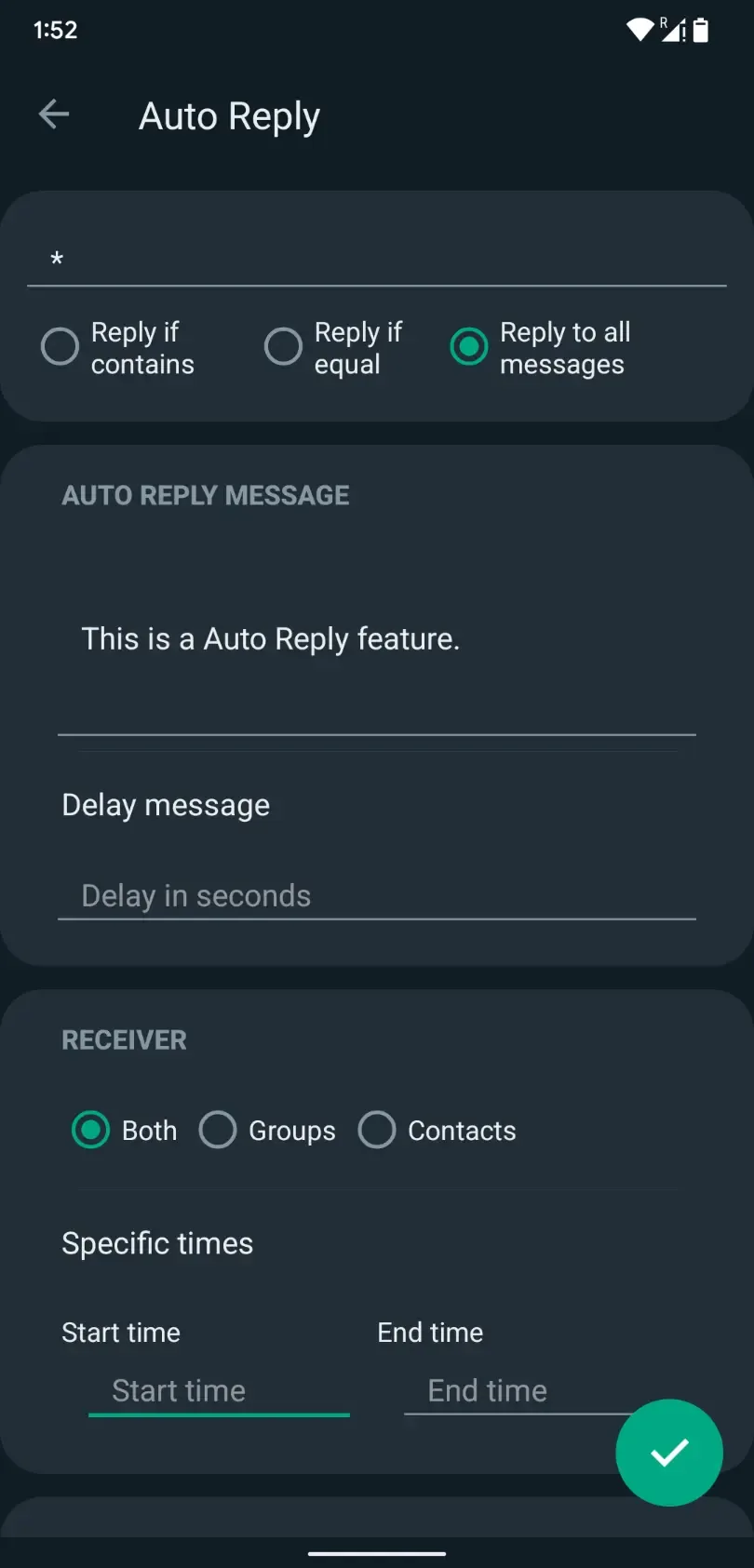
The draw of JiMODs is control over what other people can see, plus cosmetics the official app keeps locked down. Common additions include:
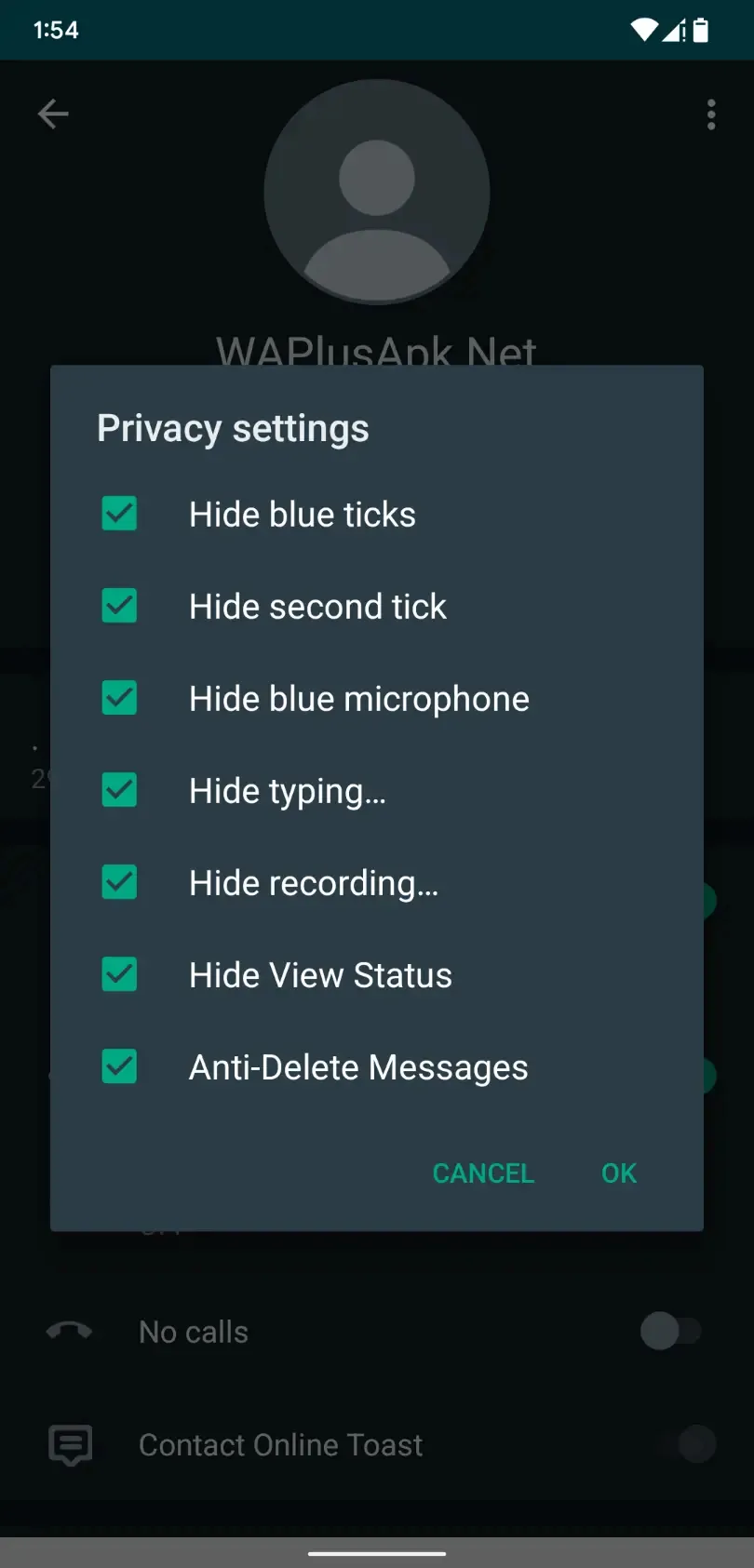
- Hide your online and typing status from other chats.
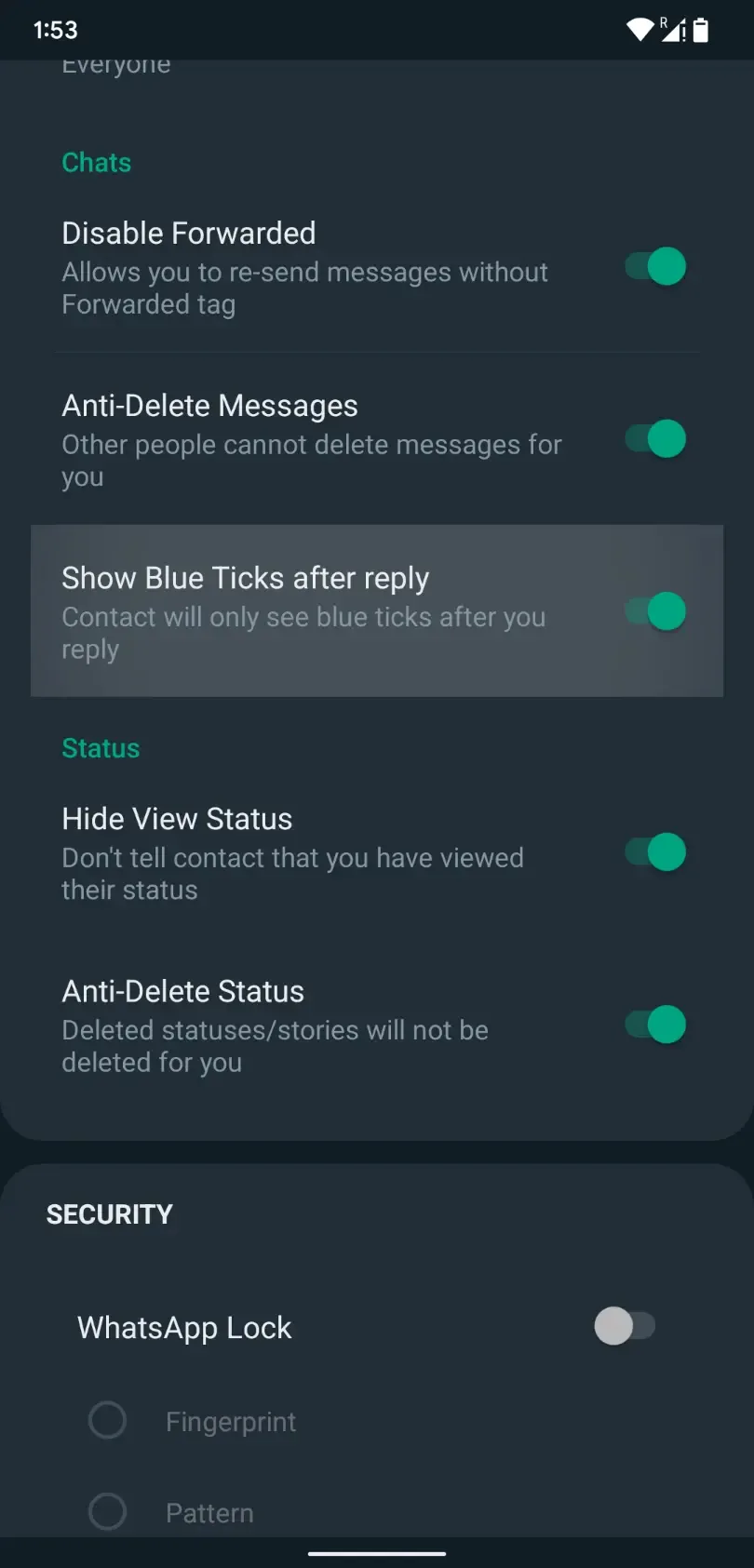
- Turn off blue ticks and the second grey tick, and read messages without a sender knowing.
- Anti-delete: see messages and statuses someone tries to remove after sending.
- View statuses without appearing in the viewer list, and save them directly.
- Send larger files and full-resolution photos without the usual compression.
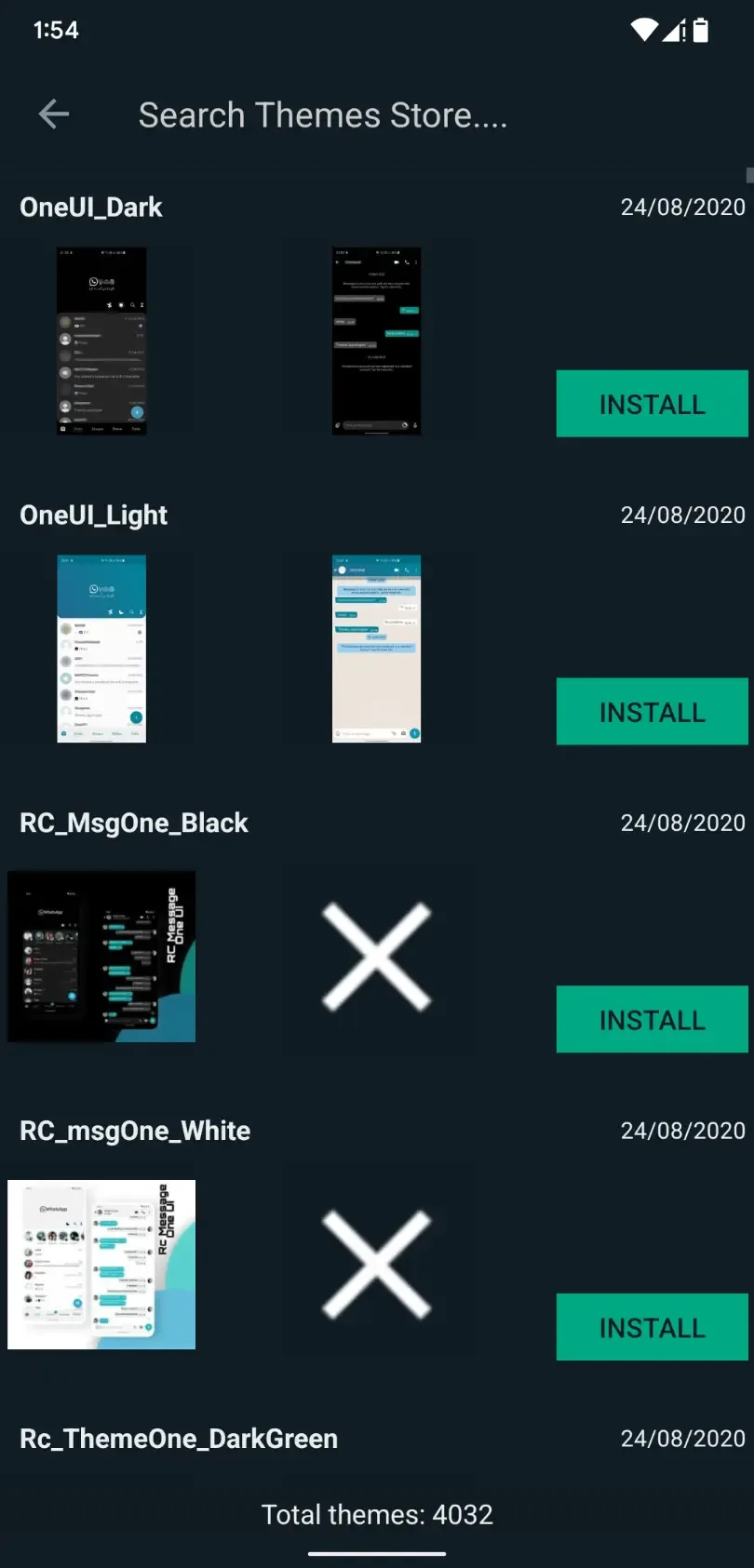
- More than 1,000 themes, plus custom fonts and icons.
These are client-side changes to how the app behaves on your phone. They do not change how WhatsApp works for the people you message, and they are exactly the kind of changes Meta looks for when it flags unofficial clients.
Ban risk (read this first)
This is the part most download pages skip. Meta actively works against unofficial WhatsApp clients, and using JiMODs can get your number banned, either temporarily or for good. Some users report a block within minutes of first sign-in, others run for months. There is no way to know in advance which case is yours.
The mod advertises an anti-ban feature. Treat that as a claim, not a promise. It may cut how often bans happen, but people still lose numbers with it switched on, and no build can stop Meta from acting. If the number on that account matters to you, that alone is a strong reason to stay on the official app.
If you still want to try it, two sensible steps: use a spare number you can afford to lose rather than your main one, and back up your chats often so a ban does not take your history with it. Neither step protects the account itself.
Privacy and safety
JiMODs is a third-party build that handles your messages, contacts and media. Every chat you send passes through code that Jimtechs, not Meta, wrote and packaged. The official app is far from perfect, but it goes through app-store review and Meta's own security process, and this mod goes through neither.
There is no independent audit you can point to, and an APK from a random site can be repackaged by anyone along the way. Our editors scan every file on this page for malware and install it on a real device before it goes live, the same check we have run since 2018. That catches known malware, but it cannot verify what a closed-source mod does with your data once it is running. Install it only if you accept that trade.
How to install WhatsApp JiMODs
The file is about 50 MB and needs Android 4.0.3 or newer. It is not on Google Play, so you install it as an APK from this page.
- If you run another WhatsApp mod, uninstall it first, since two mods on the same number tend to clash. The official app can usually stay, because JiMODs uses its own package.
- Allow installation from unknown sources for your browser or file manager (Settings → Security).
- Download the APK from the button on this page and open it to install.
- Verify your phone number by SMS code, the same as the official app.
- Restore a chat backup if you have one, then set your privacy options inside the app.
New to sideloading? Our APK install guide walks through the same steps with screenshots.
JiMODs vs official WhatsApp
Here is the honest comparison, so you can decide with the trade in front of you.
| Official WhatsApp | WhatsApp JiMODs | |
|---|---|---|
| Source | Google Play, made by Meta | Third-party APK, made by Jimtechs |
| Ban risk | None for normal use | Real: temporary or permanent |
| Security checks | Store review and Meta process | None you can verify |
| Extra privacy and themes | Limited | Wide |
Our take: if the account is important, keep the official app. The extra controls in JiMODs are nice, but they are not worth losing a number you rely on. If you have a spare number and want the theming and privacy tweaks, JiMODs gives you more room to play with. Looking for something else? See more messaging and utility apps in our catalog.
FAQ
Is WhatsApp JiMODs official?
Can my number get banned?
Is it safe and private?
Who develops JiMODs?
What features does it add?
Is it on Google Play?
Download WhatsApp Plus
- No viruses
- No spyware
- No malware
The reviews (4)