- Ei viruksia
- Ei vakoiluohjelmia
- Ei haittaohjelmia
jaineel.videoconvertor.proTämä tiedosto ladattiin, tarkistettiin ja asennettiin toimituksemme toimesta ennen julkaisua.
Jokainen tiedosto tarkistetaan ennen julkaisua myös VirusTotalilla.

Video Converter Pro APK (Full Premium avattu)
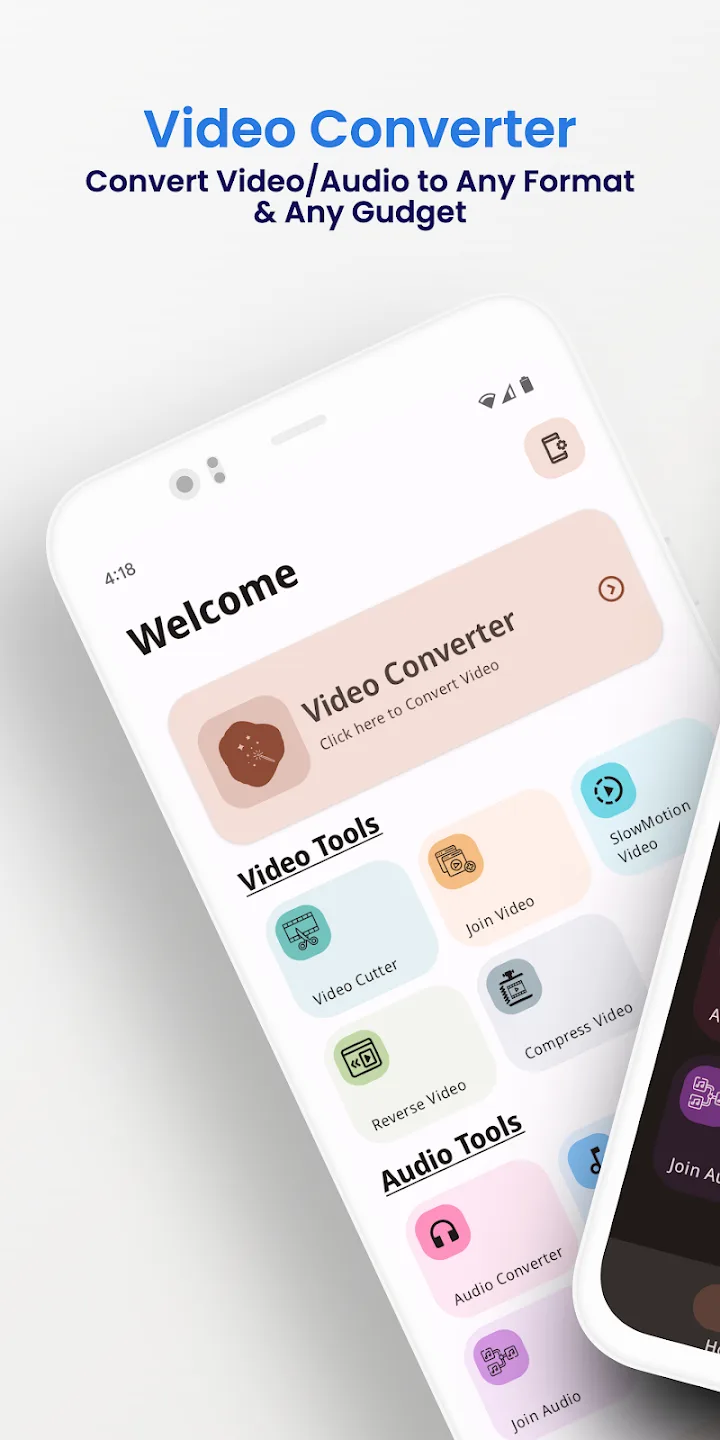
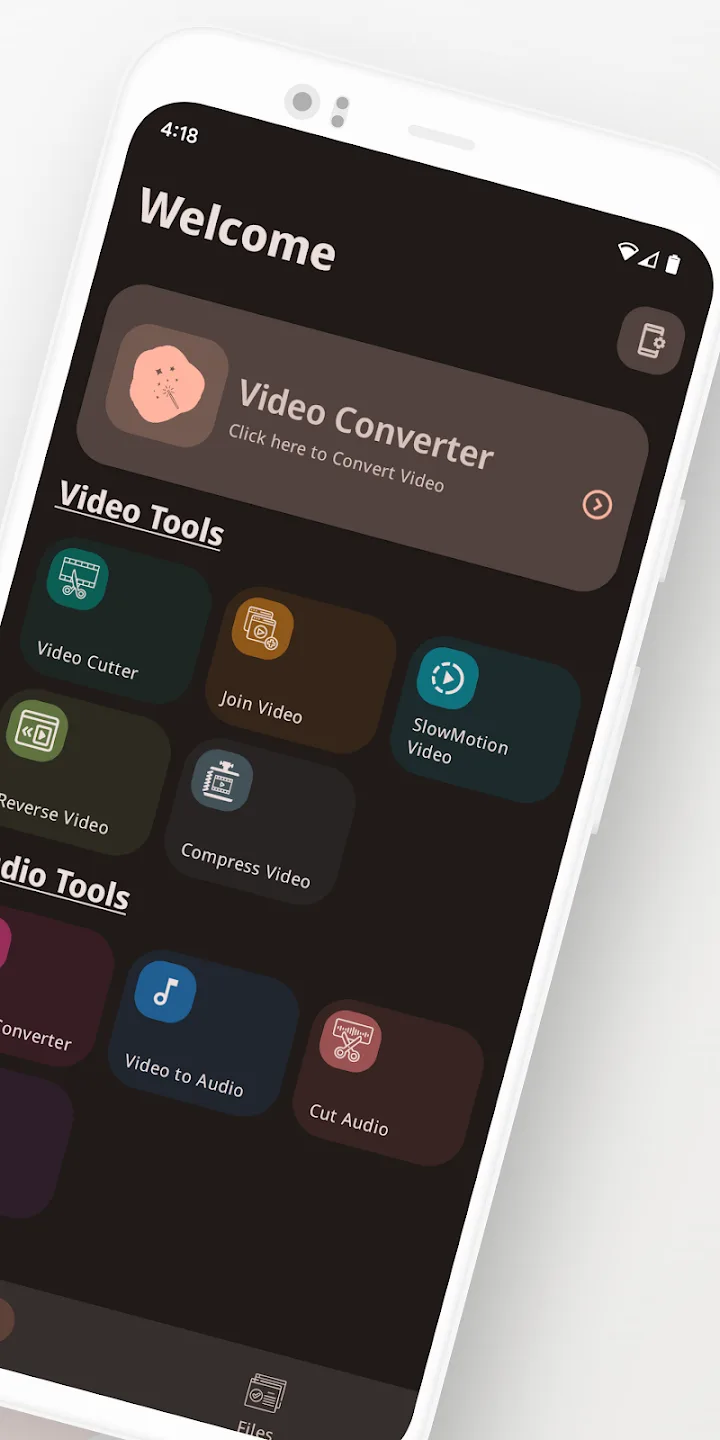
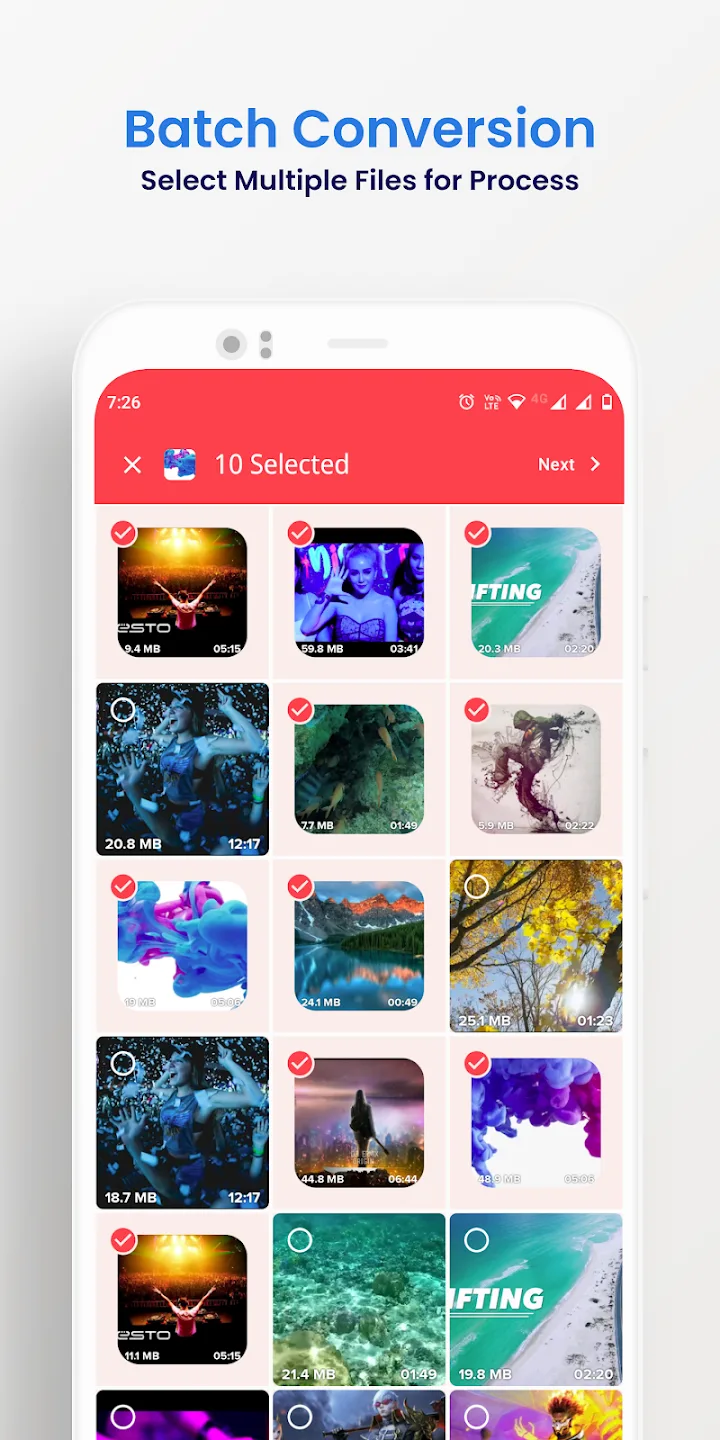
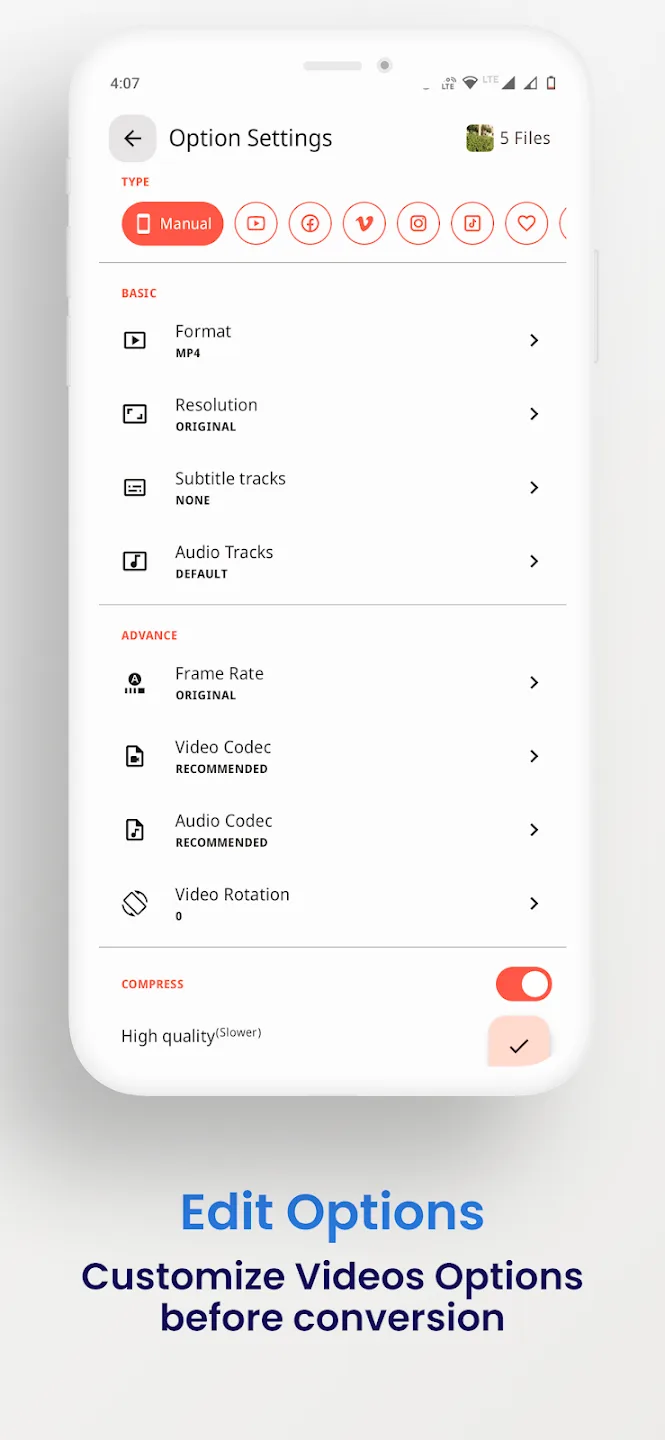
Lisätietoja: Video Converter Pro APK (Full Premium avattu)
jaineel.videoconvertor.proKuvaus Video Converter Pro APK (Full Premium avattu)
Video Converter Pro APK on offline-video- ja äänimuunnin kevyellä sisäänrakennetulla editorilla, ja tässä versiossa maksulliset Full Premium -ominaisuudet on jo kytketty päälle. Se vaihtaa formaatteja ja tekee yksinkertaisia muokkauksia suoraan puhelimellasi, ilman että mitään ladataan pilveen. Paketti jaineel.videoconvertor.pro, kehittäjä VidSoftLab, noin 41 MB, Android 7.0 ja uudemmat.
Toimituksemme tarkisti tämän tiedoston haittaohjelmien varalta ja asensi sen oikealle Android-laitteelle ennen julkaisua, tarkistus jota olemme tehneet vuodesta 2018. Lataa vain tämän sivun painikkeesta.
Mikä Video Converter Pro on?
Video Converter Pron on tehnyt VidSoftLab. Tehtävä on selvä: ota video- tai äänitiedosto yhdessä formaatissa ja tallenna se toisessa tai tee pieni muokkaus siirtämättä mitään pois laitteeltasi. Tiliä ei tarvitse luoda eikä mihinkään kirjautua.
Valitset tiedoston, valitset tulostusformaatin ja asetukset, ja sovellus tekee työn paikallisesti. Siksi se toimii samoin lentokoneessa, metrossa tai missä tahansa ilman Wi-Fiä.
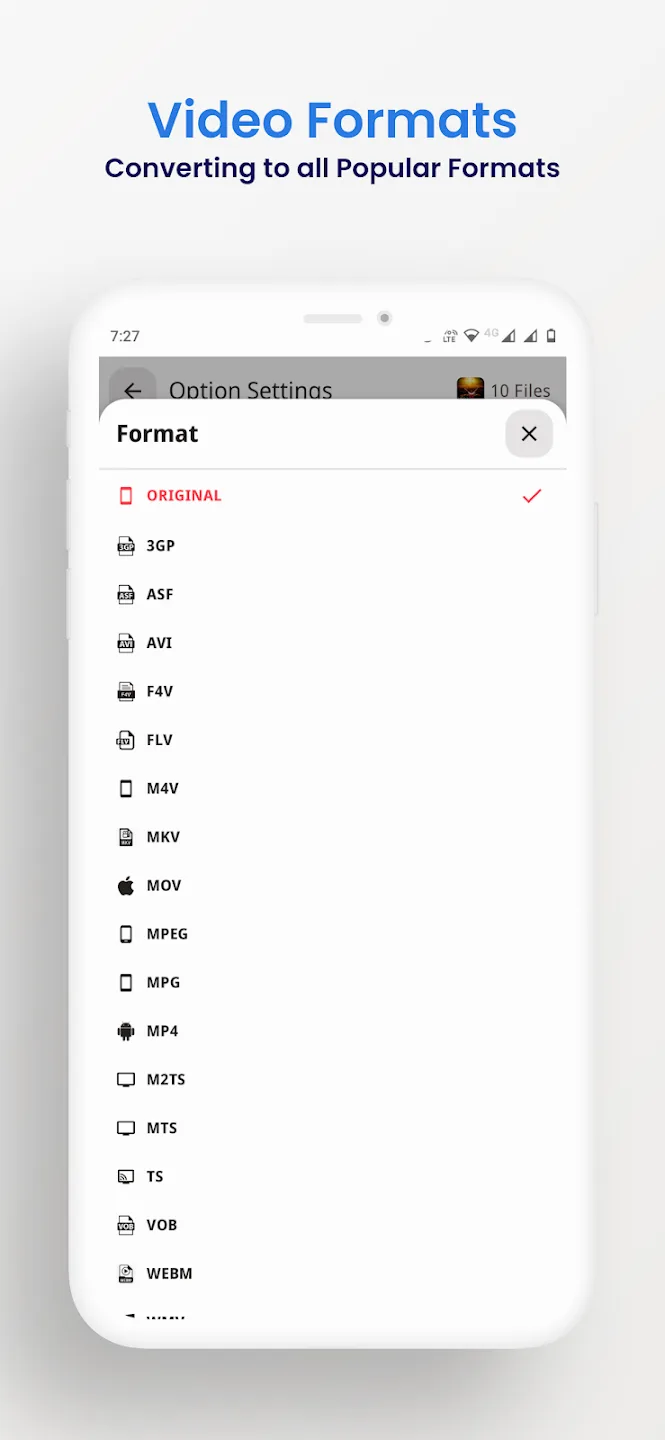
Tuetut formaatit
Muunnin lukee ja kirjoittaa yleiset video- ja äänikontit, joten useimmat puhelimella vastaan tulevat tiedostot menevät läpi. Voit myös erottaa äänen klipistä ja tallentaa sen äänenä, esimerkiksi muuttaa videon MP3:ksi.
| Video | Ääni |
|---|---|
| MP4, MKV, AVI, MOV, FLV | MP3, M4A, AAC, OGG |
| 3GP, WMV, MPEG, VOB, SWF | FLAC, WAV, AC3, OPUS |
| H264- ja H265-ulostulo | Mistä tahansa videosta erotettu ääni |
Muokkaus- ja muunnostyökalut
Formaattivaihtojen lisäksi sovelluksesta löytyvät pienet muokkaukset, joita ihmiset yleensä haluavat ennen klipin jakamista:
- Muunna yllä lueteltujen video- ja ääniformaattien välillä.
- Pakkaa tiedosto pienemmäksi, bittinopeus ja resoluutio valittavissa.
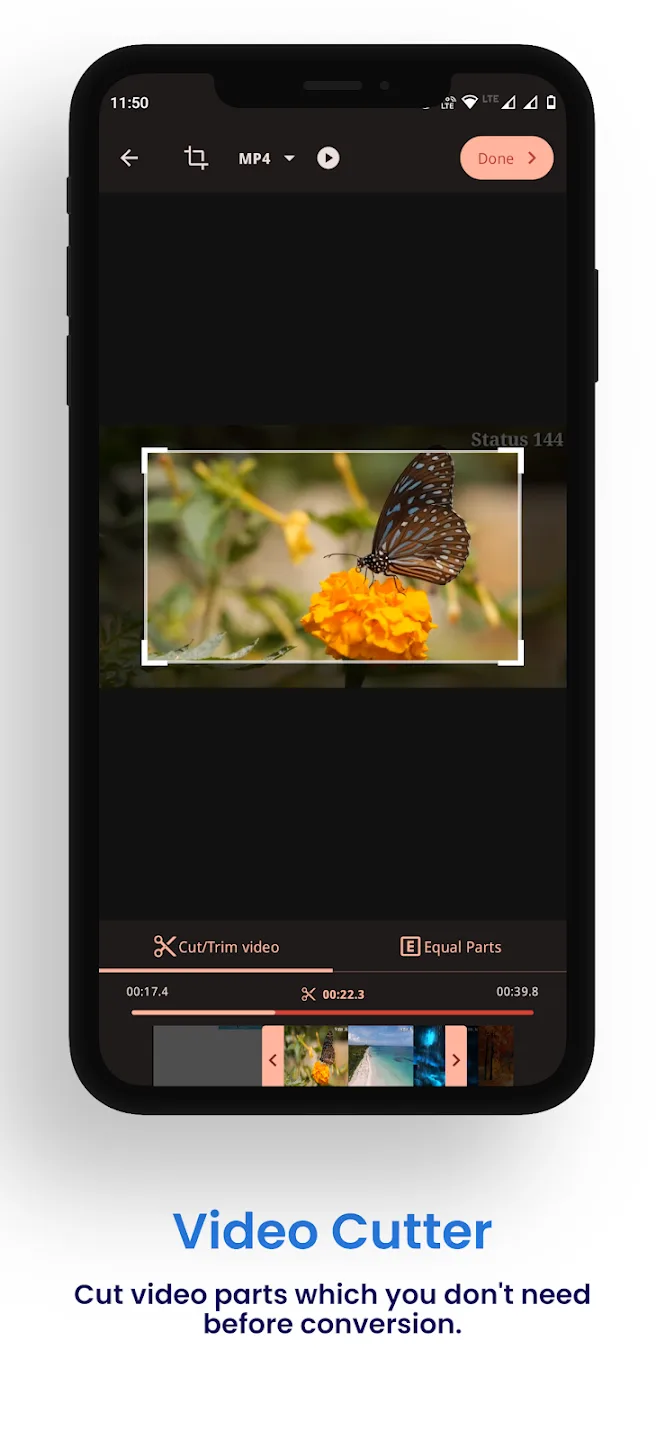
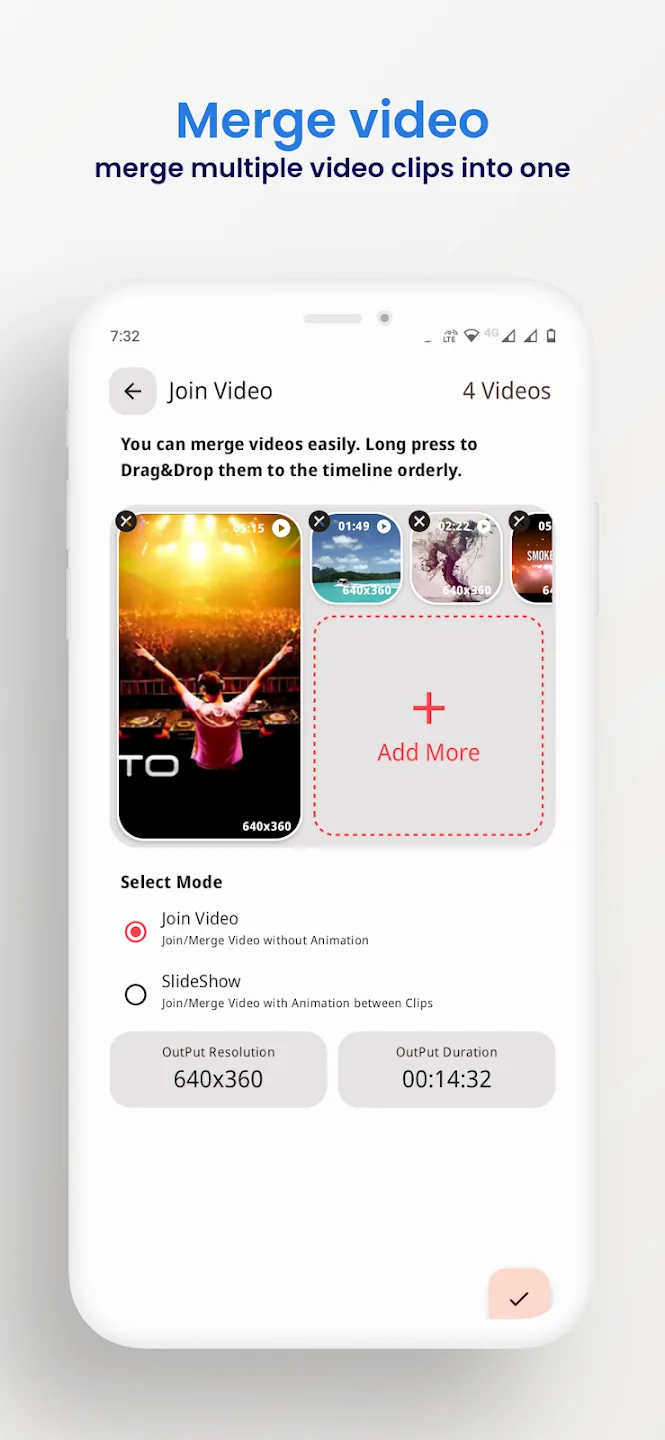
- Leikkaa alku ja loppu tai yhdistä useita klippejä yhdeksi.
- Rajaa, kierrä ja käännä video taaksepäin.
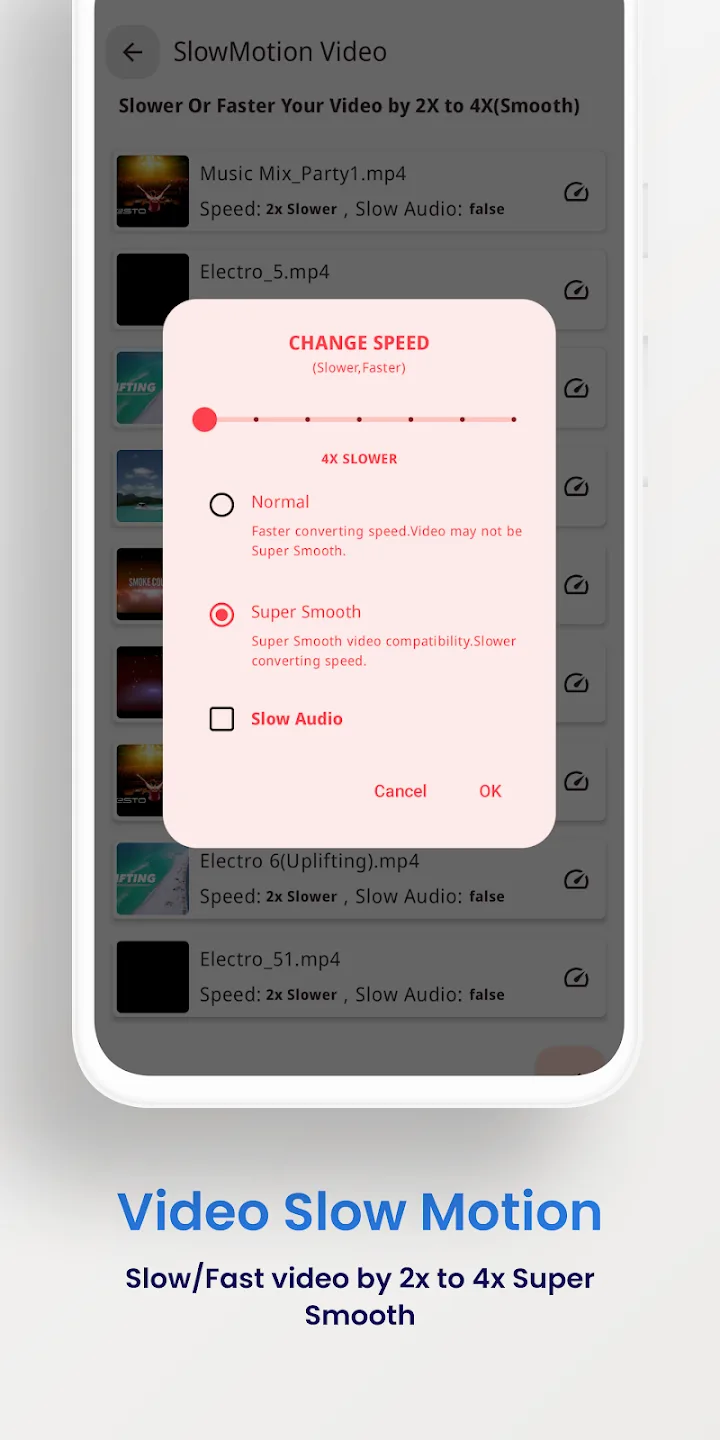
- Vakauta tärisevää kuvaa ja tee hidastuksia.
- Käsittele useita tiedostoja kerralla ja vie jopa 4K:na.
Mitä Full Premium antaa sinulle
Tässä olevat Premium-ominaisuudet ovat clientpuolen juttu: ne muuttavat itse maksullista sovellusta, eivät palvelinta. Kaikki toimii laitteellasi.
| Full Premium | Mitä se tekee |
|---|---|
| Ei mainoksia | Ilmaisversion bannerit ja välimainokset ovat poissa. |
| Kaikki Premium-työkalut aktiivisia | Maksulliset muunnos- ja muokkausvalinnat ovat auki ensimmäisestä käynnistyksestä alkaen. |
| Ei erä- tai vientirajoituksia | Jonota enemmän tiedostoja kerralla ja vie ilman ilmaisversion rajoja. |
Nykyisen tiedoston sisältämä tarkka joukko on lueteltu sivun yläosan MOD info -rivillä, ja tarkistamme sen uudelleen jokaisen uudelleenrakennuksen jälkeen.
Toimii offline: ei tiliä, ei bannia
Muunnos pyörii puhelimellasi, joten et tarvitse internetiä etkä tiliä sovelluksen käyttöön. Premium poistaa clientpuolen lukot, jotka maksullinen versio asettaa ominaisuuksilleen, ja siihen se jää.
Tämän työkalun takana ei ole palvelinta eikä online-profiilia, joten mistään ei voi saada bannia. Se on tavallinen offline-apuohjelma, ei verkkopalvelu.
Näin lataat Video Converter Pro APK:n
- Napauta tämän sivun yläosan vihreää Download APK -painiketta. Tiedosto latautuu suoraan, ilman rekisteröitymistä tai tekstiviestiä.
- Salli asennus tuntemattomista lähteistä selaimellesi tai tiedostonhallinnallesi (Asetukset → Turvallisuus).
- Avaa ladattu tiedosto, napauta Asenna ja käynnistä sovellus. Lataus on noin 41 MB ja vaatii Android 7.0:n tai uudemman.
Ensimmäinen kerta, kun asennat tiedoston käsin? APK-asennusoppaamme käy läpi samat vaiheet kuvakaappauksin.
MOD vai alkuperäinen?
Alkuperäinen Video Converter Pro on ilmainen Google Playssa, mainoksilla ja rajoituksilla, ja sen osto sieltä tukee VidSoftLabia. Jos mieluummin haluat maksulliset ominaisuudet auki ja täysin offline-toiminnan, tämän sivun Premium-APK on sinua varten: sama sovellus, mainokset poissa, rajoitukset poistettu, kaikki paikallista.
Haluatko lisää mediatyökaluja? Kokeile muokkaukseen VivaVideo Prota, selaa muita videosoittimia ja editoreja tai katso tuoreet MOD APK:t katalogista.
UKK
Mitä formaatteja Video Converter Pro tukee?
Mitä Full Premium -versio antaa?
Toimiiko se offline-tilassa?
Osaako se pakata tai leikata videoita?
Onko APK turvallinen ladata?
Mitkä ovat vaatimukset ja tiedoston koko?
Lataa Video Converter Pro
- Ei viruksia
- Ei vakoiluohjelmia
- Ei haittaohjelmia
Arvostelut (0)