- Keine Viren
- Keine Spyware
- Keine Malware
jaineel.videoconvertor.proDiese Datei wurde vor der Veröffentlichung von unseren Redakteuren heruntergeladen, geprüft und installiert.
Jede Datei wird vor der Veröffentlichung zusätzlich mit VirusTotal geprüft.

Video Converter Pro APK (Full Premium freigeschaltet)
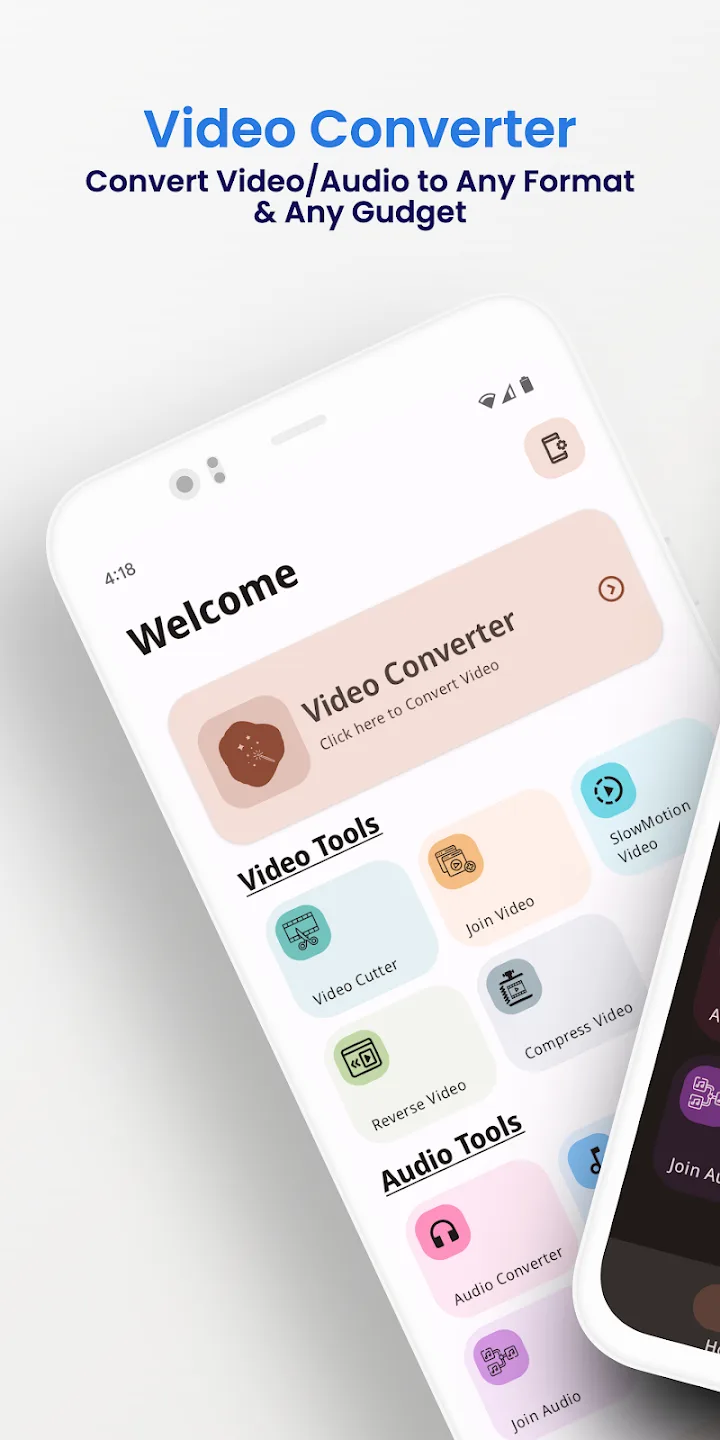
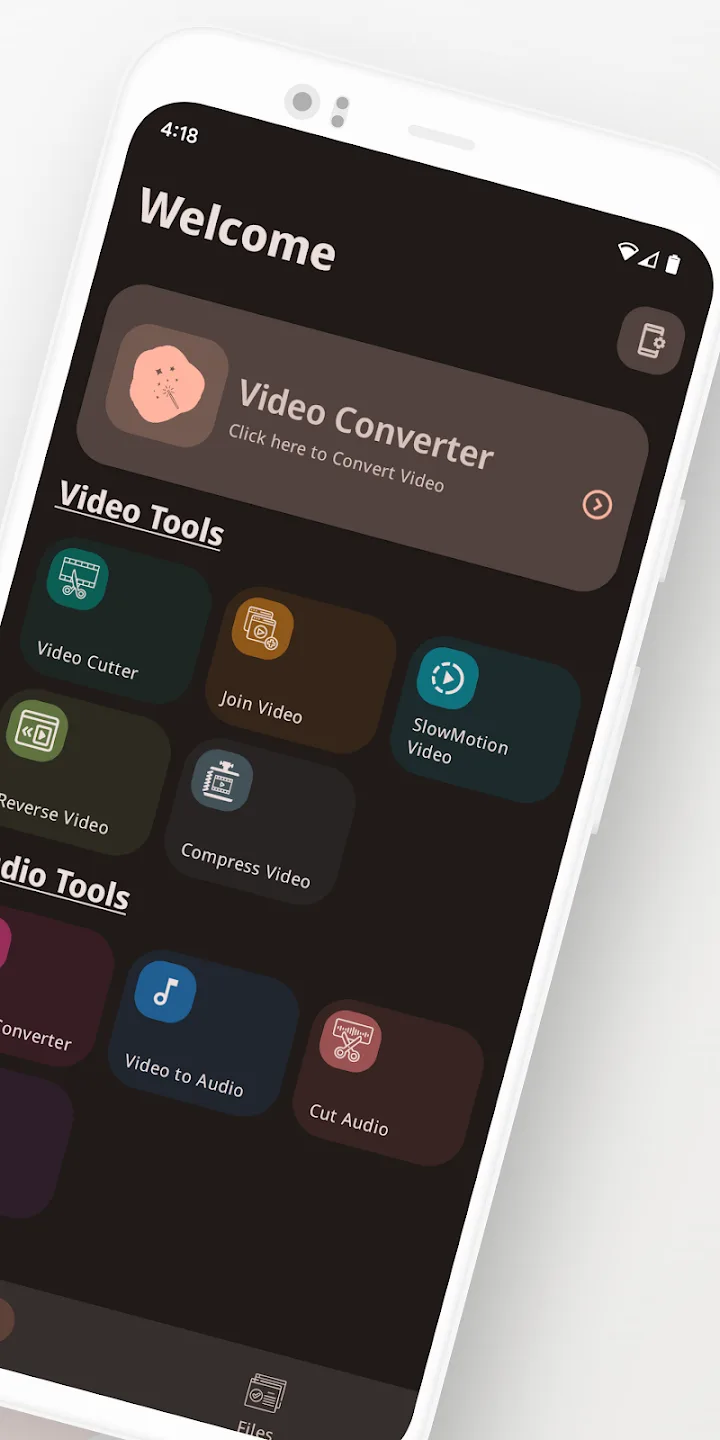
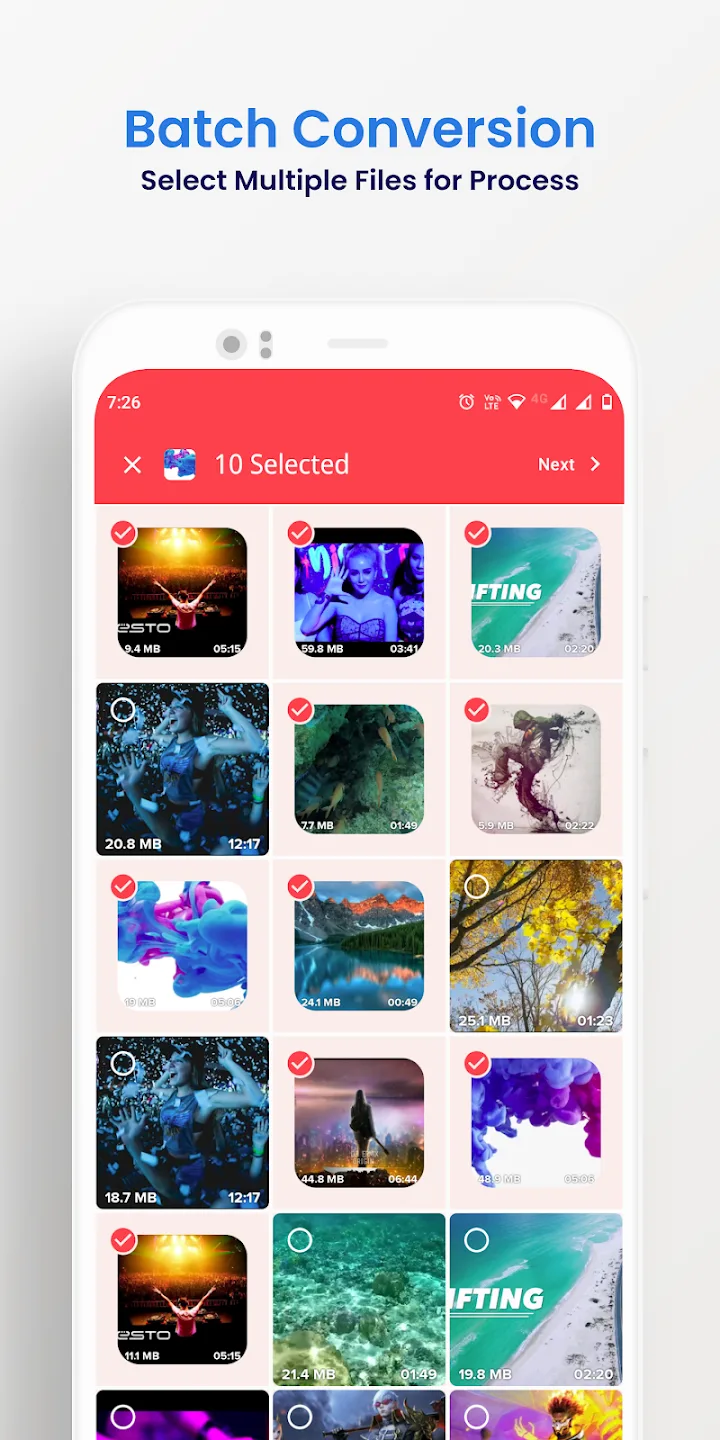
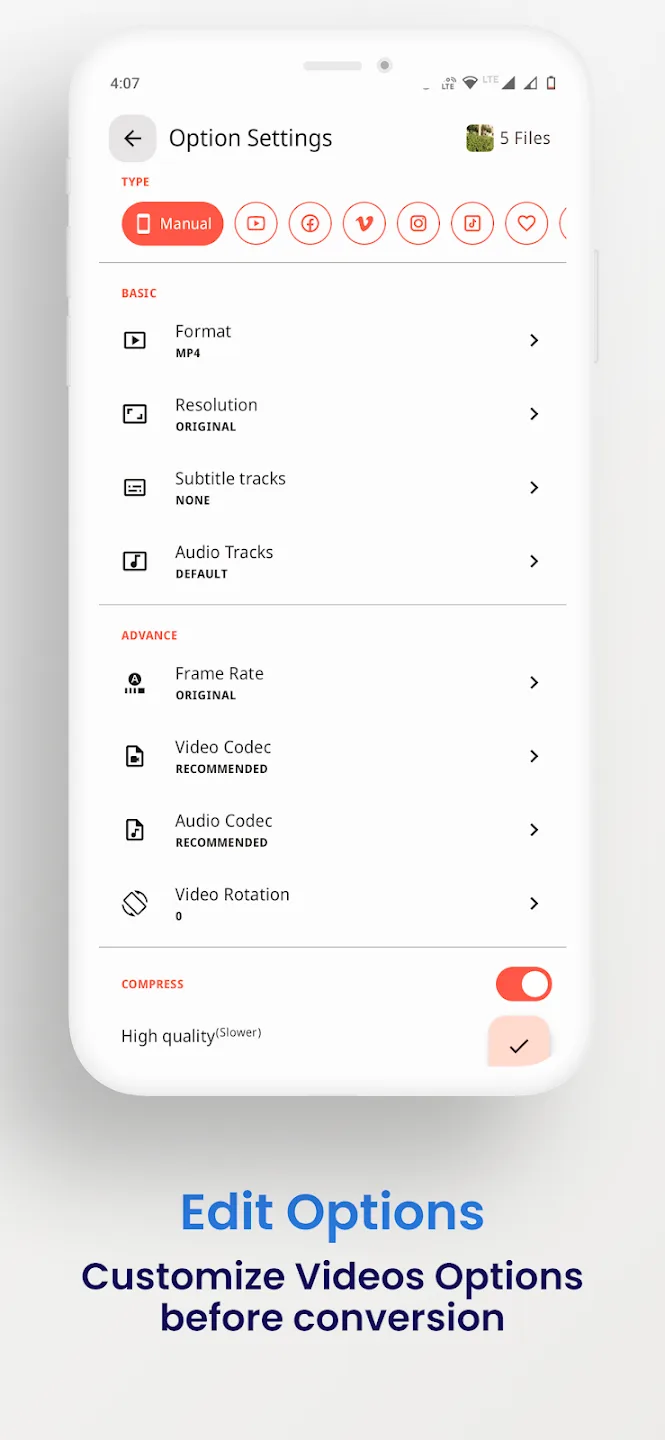
Weitere Informationen über Video Converter Pro APK (Full Premium freigeschaltet)
jaineel.videoconvertor.proDie Beschreibung von Video Converter Pro APK (Full Premium freigeschaltet)
Video Converter Pro APK ist ein Offline-Video- und Audio-Konverter mit einem leichten integrierten Editor, und in diesem Build sind die kostenpflichtigen Full-Premium-Funktionen bereits eingeschaltet. Er wandelt Formate um und erledigt einfache Bearbeitungen direkt auf deinem Handy, ohne dass etwas in eine Cloud hochgeladen wird. Paket jaineel.videoconvertor.pro, Entwickler VidSoftLab, etwa 41 MB, Android 7.0 und höher.
Unsere Redakteure haben diese Datei vor der Veröffentlichung auf Malware geprüft und auf einem echten Android-Gerät installiert, eine Prüfung, die wir seit 2018 durchführen. Lade nur über den Button auf dieser Seite herunter.
Was ist Video Converter Pro?
Video Converter Pro wird von VidSoftLab entwickelt. Die Aufgabe ist einfach: eine Video- oder Audiodatei aus einem Format nehmen und in einem anderen speichern oder eine kleine Bearbeitung vornehmen, ohne etwas von deinem Gerät zu bewegen. Du musst kein Konto erstellen und dich nirgends anmelden.
Du wählst eine Datei, das Ausgabeformat und die Einstellungen, und die App erledigt die Arbeit lokal. Deshalb läuft sie im Flugzeug, in der U-Bahn oder überall ohne WLAN genauso.
Unterstützte Formate
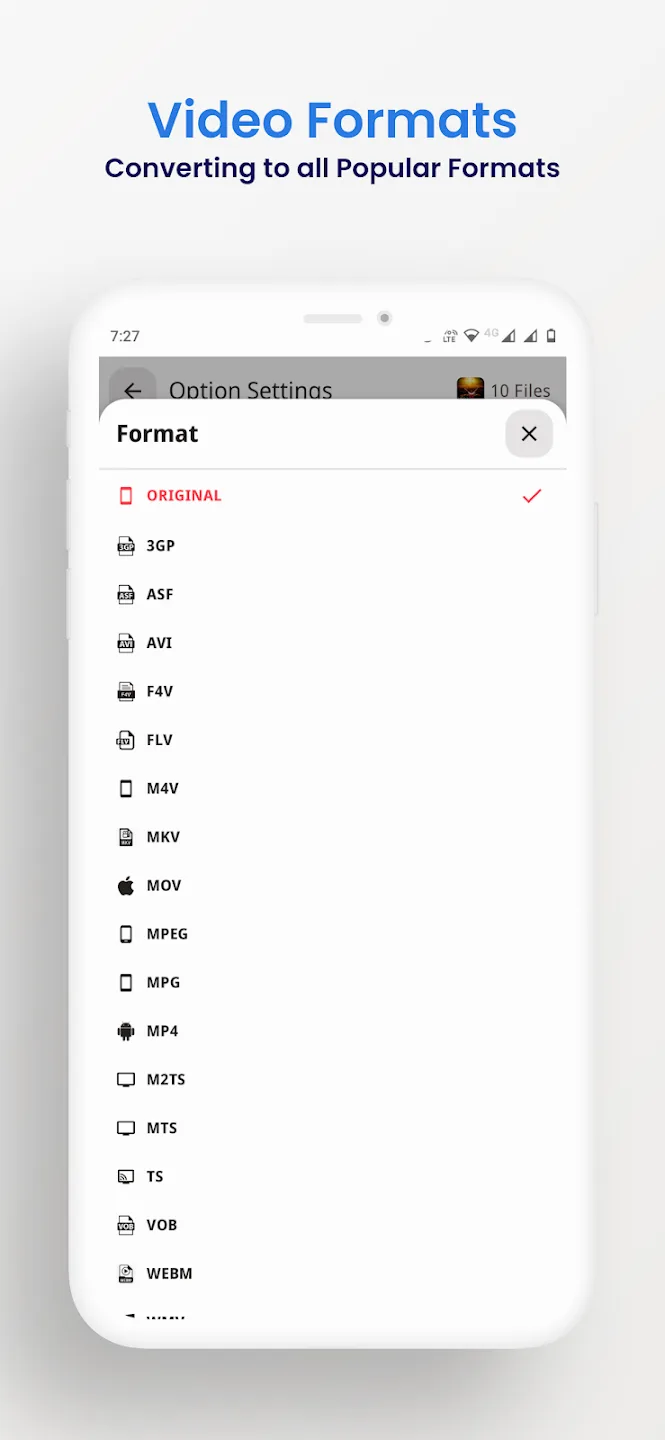
Der Konverter liest und schreibt die gängigen Video- und Audio-Container, die meisten Dateien, die dir auf einem Handy begegnen, laufen also durch. Du kannst auch den Ton aus einem Clip ziehen und als Audio speichern, zum Beispiel ein Video in eine MP3 umwandeln.
| Video | Audio |
|---|---|
| MP4, MKV, AVI, MOV, FLV | MP3, M4A, AAC, OGG |
| 3GP, WMV, MPEG, VOB, SWF | FLAC, WAV, AC3, OPUS |
| H264- und H265-Ausgabe | Audio aus jedem Video |
Bearbeitungs- und Konvertierungswerkzeuge
Über den Formatwechsel hinaus bringt die App die kleinen Bearbeitungen mit, die man vor dem Teilen eines Clips meistens will:
- Konvertiere zwischen den oben genannten Video- und Audioformaten.
- Komprimiere eine Datei auf eine kleinere Größe, mit Auswahl von Bitrate und Auflösung.
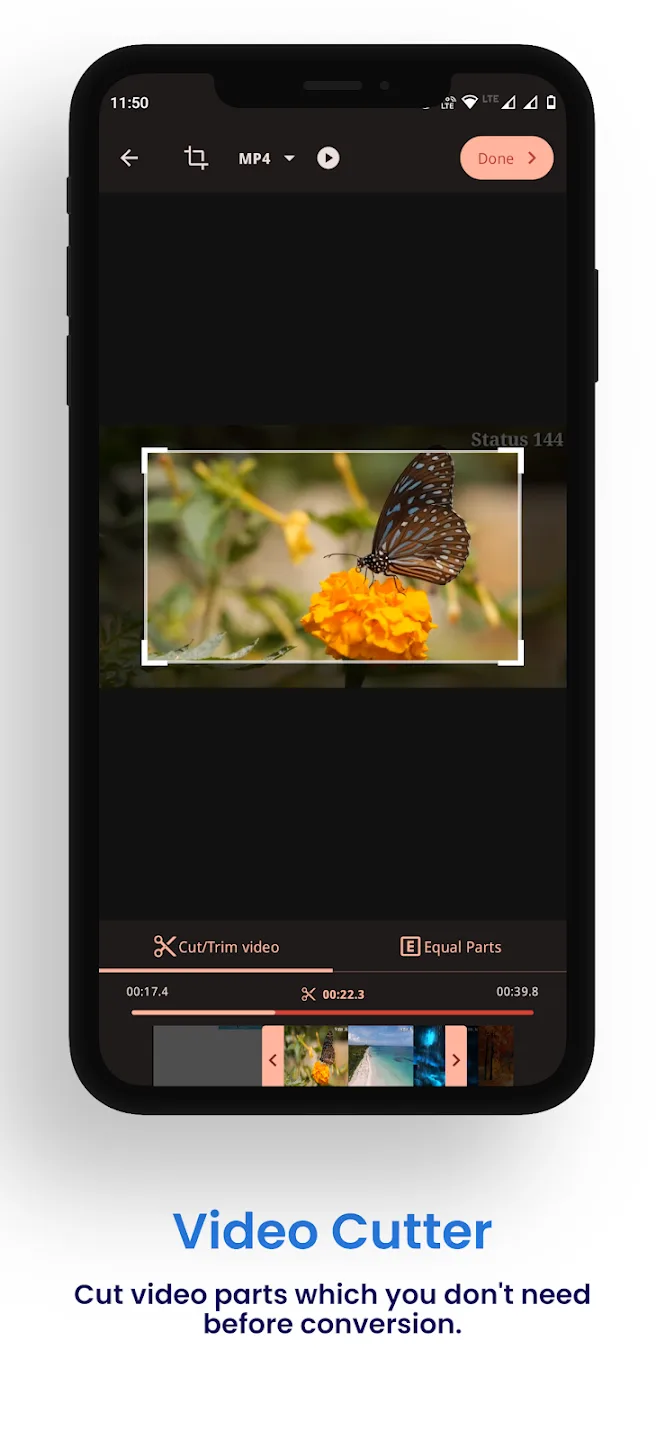
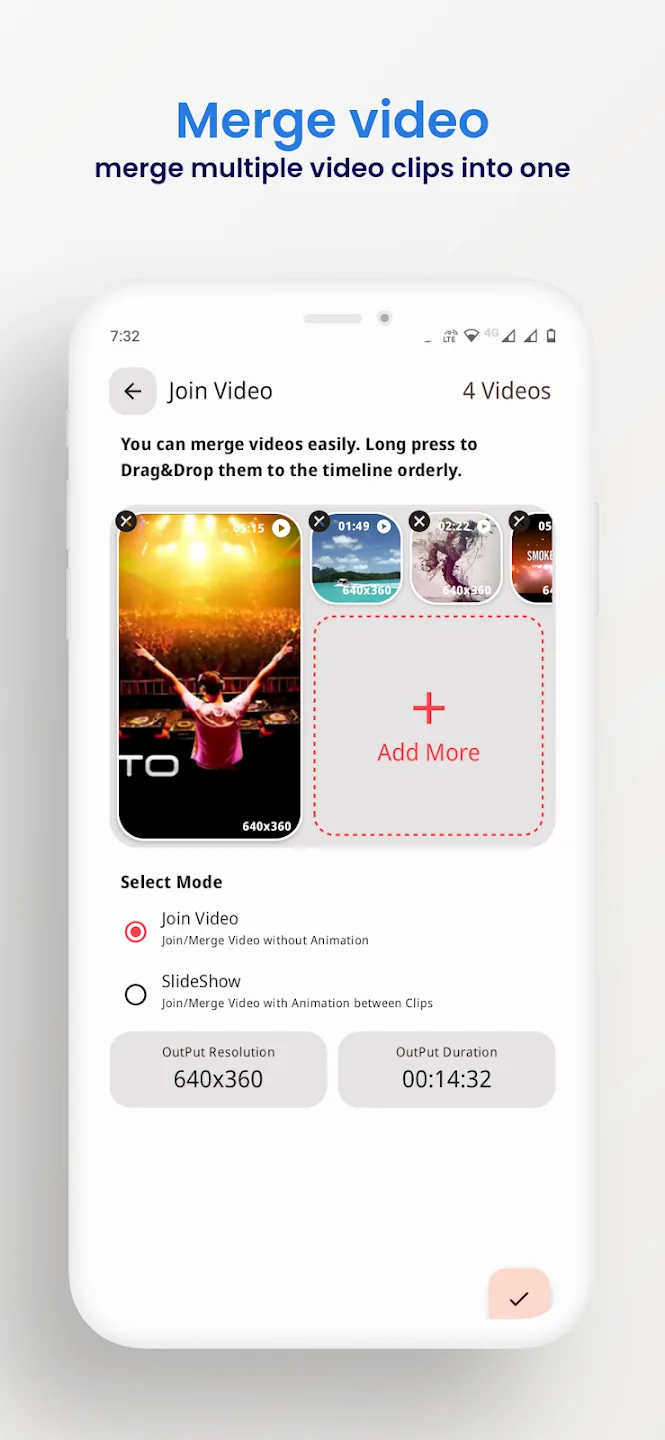
- Schneide Anfang und Ende ab oder füge mehrere Clips zu einem zusammen.
- Beschneide, drehe und kehre ein Video um.
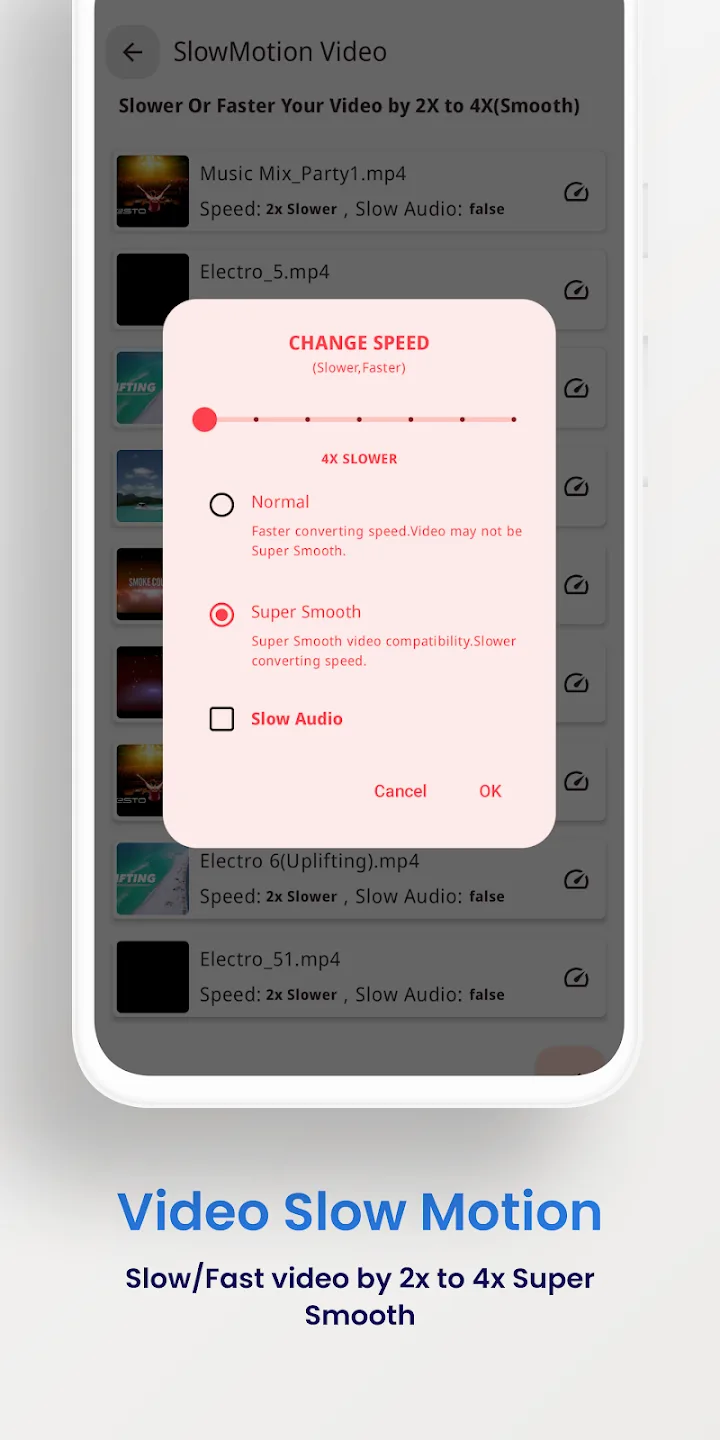
- Stabilisiere verwackeltes Material und erstelle Zeitlupen-Clips.
- Verarbeite mehrere Dateien in einem Durchgang im Stapel und exportiere bis zu 4K.
Was Full Premium dir bringt
Die Premium-Funktionen hier sind eine Sache der Client-Seite: Sie verändern die kostenpflichtige App selbst, nicht einen Server. Alles läuft auf deinem Gerät.
| Full Premium | Was es tut |
|---|---|
| Keine Werbung | Die Banner und Interstitials der kostenlosen Version sind weg. |
| Alle Premium-Werkzeuge aktiv | Die kostenpflichtigen Konvertierungs- und Bearbeitungsoptionen sind ab dem ersten Start offen. |
| Keine Stapel- oder Exportlimits | Reihe mehr Dateien gleichzeitig ein und exportiere ohne die Grenzen der kostenlosen Version. |
Der genaue Umfang, den die aktuelle Datei mitbringt, steht in der Zeile MOD-Info oben auf dieser Seite, und wir prüfen ihn nach jedem Neubau erneut.
Funktioniert offline: kein Konto, kein Bann
Die Konvertierung läuft auf deinem Handy, du brauchst zum Nutzen der App also weder Internet noch ein Konto. Premium entfernt die Client-Sperren, die die kostenpflichtige Version auf ihre Funktionen legt, und hört dort auf.
Hinter diesem Tool steht kein Server und kein Online-Profil, es gibt also nichts, wovon du gesperrt werden könntest. Es ist ein schlichtes Offline-Werkzeug, kein Online-Dienst.
So lädst du Video Converter Pro APK herunter
- Tippe oben auf dieser Seite auf den grünen Button Download APK. Die Datei wird direkt heruntergeladen, ohne Registrierung oder SMS.
- Erlaube die Installation aus unbekannten Quellen für deinen Browser oder Dateimanager (Einstellungen → Sicherheit).
- Öffne die heruntergeladene Datei, tippe auf Installieren und starte dann die App. Der Download ist etwa 41 MB groß und braucht Android 7.0 oder neuer.
Zum ersten Mal eine Datei per Sideloading installieren? Unsere APK-Installationsanleitung führt dich mit Screenshots durch dieselben Schritte.
MOD oder Original?
Der originale Video Converter Pro ist kostenlos bei Google Play, mit Werbung und Limits, und wenn du ihn dort kaufst, unterstützt du VidSoftLab. Wenn du lieber die kostenpflichtigen Funktionen offen und die App voll offline nutzen willst, ist die Premium-APK auf dieser Seite das Richtige für dich: dieselbe App, ohne Werbung, ohne Limits, alles lokal.
Du willst mehr Medien-Werkzeuge? Probiere VivaVideo Pro zum Bearbeiten, stöbere in weiteren Videoplayern und Editoren oder wirf einen Blick auf neue MOD APKs im Katalog.
FAQ
Welche Formate unterstützt Video Converter Pro?
Was bringt die Full Premium Version?
Funktioniert es offline?
Kann es Videos komprimieren oder trimmen?
Ist die APK sicher zum Herunterladen?
Welche Voraussetzungen und welche Dateigröße gibt es?
Herunterladen Video Converter Pro
- Keine Viren
- Keine Spyware
- Keine Malware
Die Rezensionen (0)