- No viruses
- No spyware
- No malware
jaineel.videoconvertor.proThis file was downloaded, scanned and installed by our editors before publishing.
Every file is also checked with VirusTotal before publishing.

Video Converter Pro APK (Full Premium Unlocked)
Additional information about Video Converter Pro APK (Full Premium Unlocked)
jaineel.videoconvertor.proThe description of Video Converter Pro APK (Full Premium Unlocked)
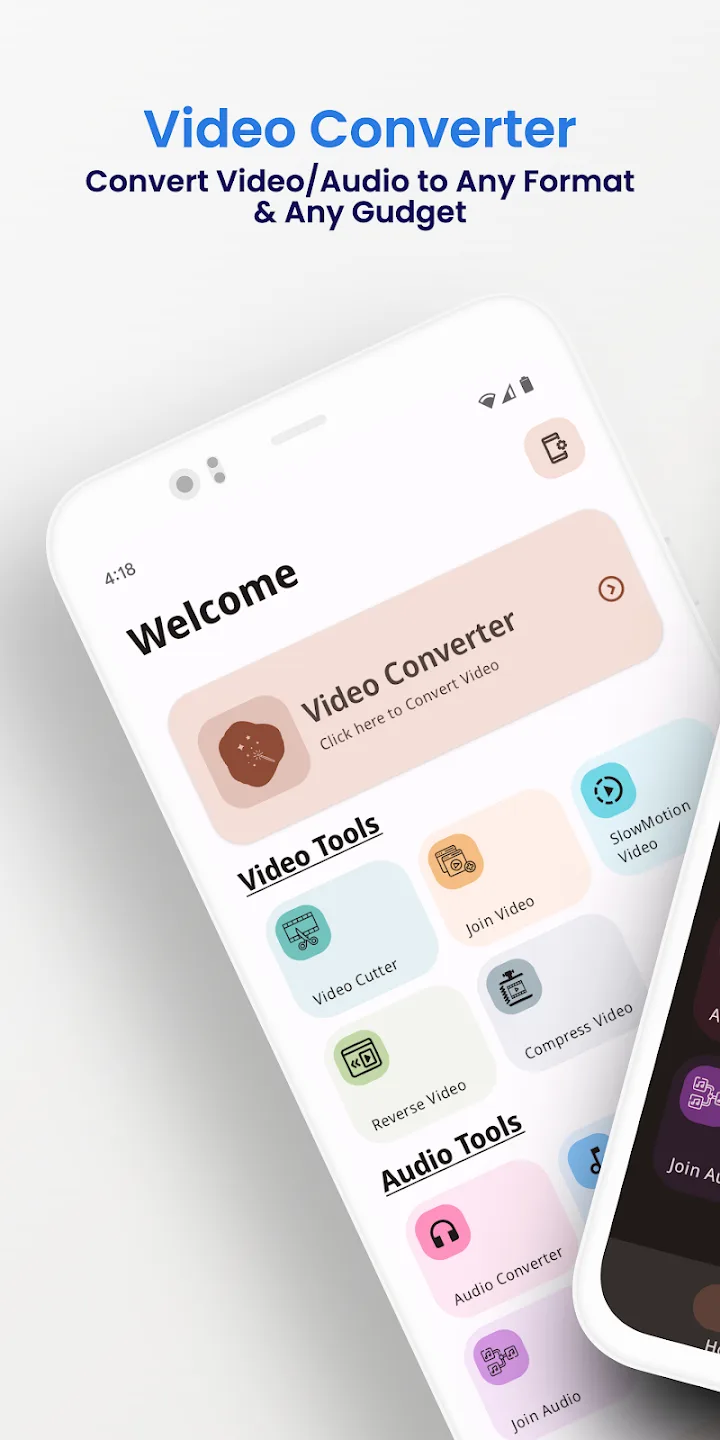
Video Converter Pro APK is an offline video and audio converter with a light built-in editor, and this build has the paid Full Premium features already switched on. It changes formats and does simple edits right on your phone, with nothing uploaded to a cloud. Package jaineel.videoconvertor.pro, developer VidSoftLab, about 41 MB, Android 7.0 and up.
Our editors scanned this file for malware and installed it on a real Android device before publishing, the check we have run since 2018. Download only from the button on this page.
What is Video Converter Pro?
Video Converter Pro is made by VidSoftLab. The job is plain: take a video or audio file in one format and save it in another, or make a small edit, without moving anything off your device. There is no account to create and nothing to sign into.
You pick a file, choose the output format and the settings, and the app does the work locally. That is why it runs the same on a plane, on the metro or anywhere without Wi-Fi.
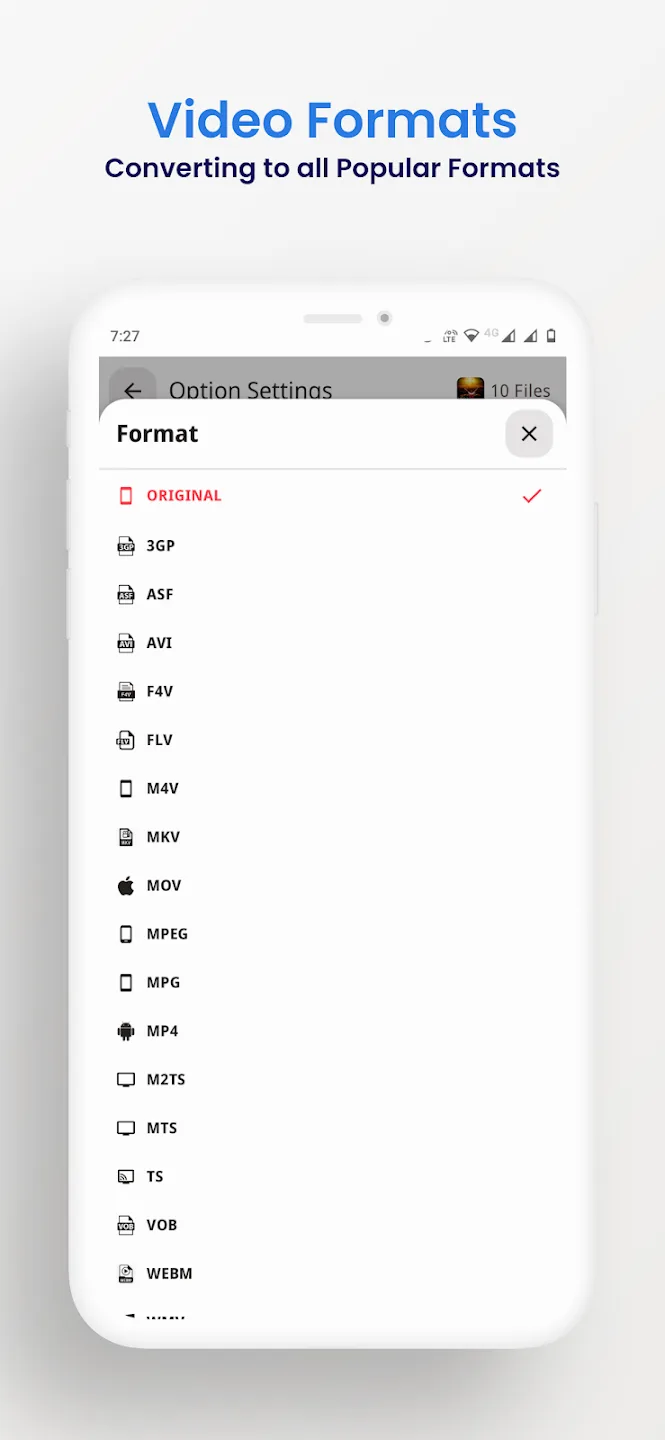
Supported formats
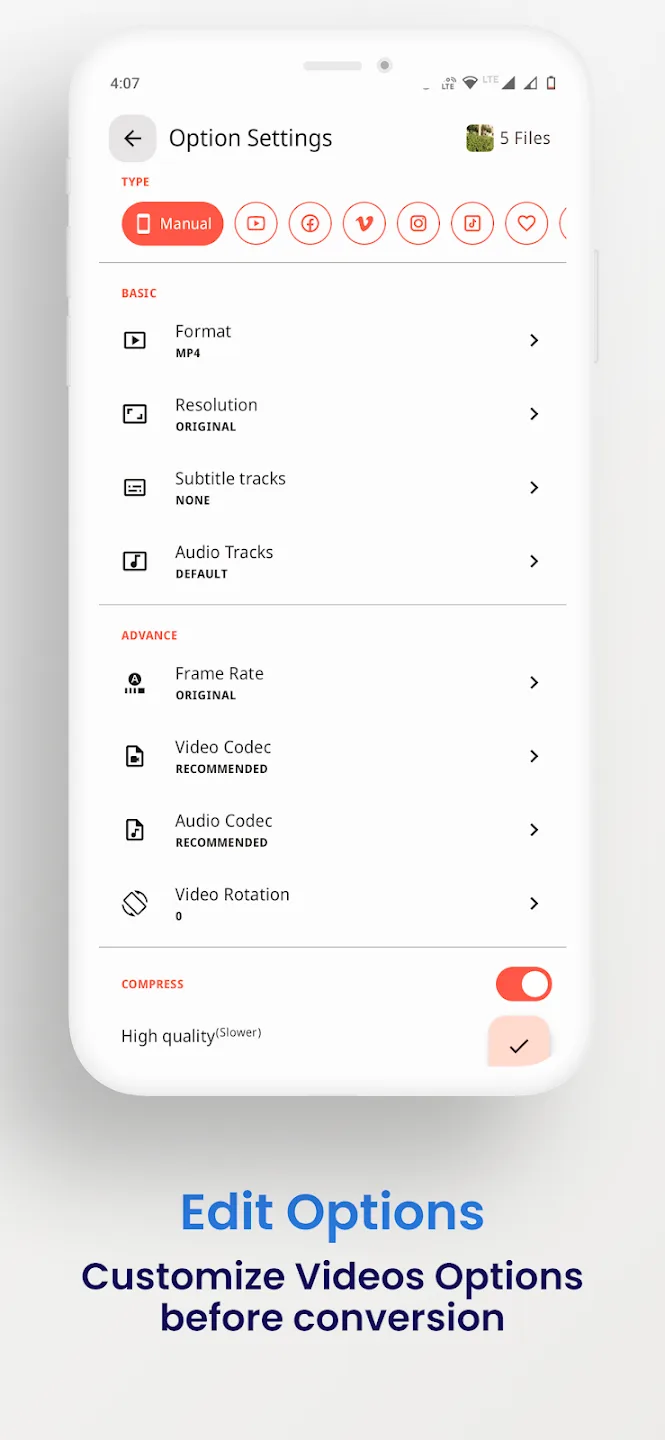
The converter reads and writes the common video and audio containers, so most files you meet on a phone will go through. You can also pull the sound out of a clip and save it as audio, for example turning a video into an MP3.
| Video | Audio |
|---|---|
| MP4, MKV, AVI, MOV, FLV | MP3, M4A, AAC, OGG |
| 3GP, WMV, MPEG, VOB, SWF | FLAC, WAV, AC3, OPUS |
| H264 and H265 output | Audio pulled from any video |
Editing and conversion tools
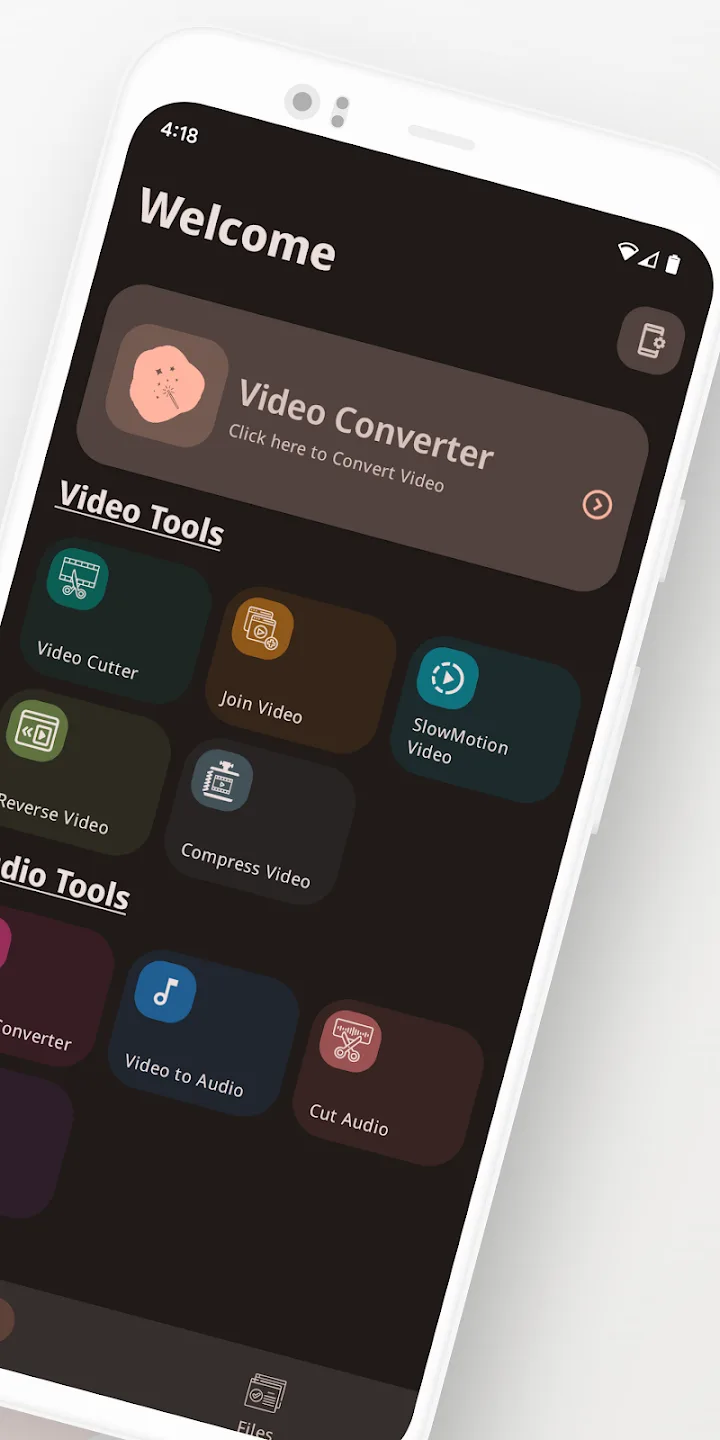
Beyond format swaps, the app carries the small edits people usually want before sharing a clip:
- Convert between the video and audio formats listed above.
- Compress a file to a smaller size, with a choice of bitrate and resolution.
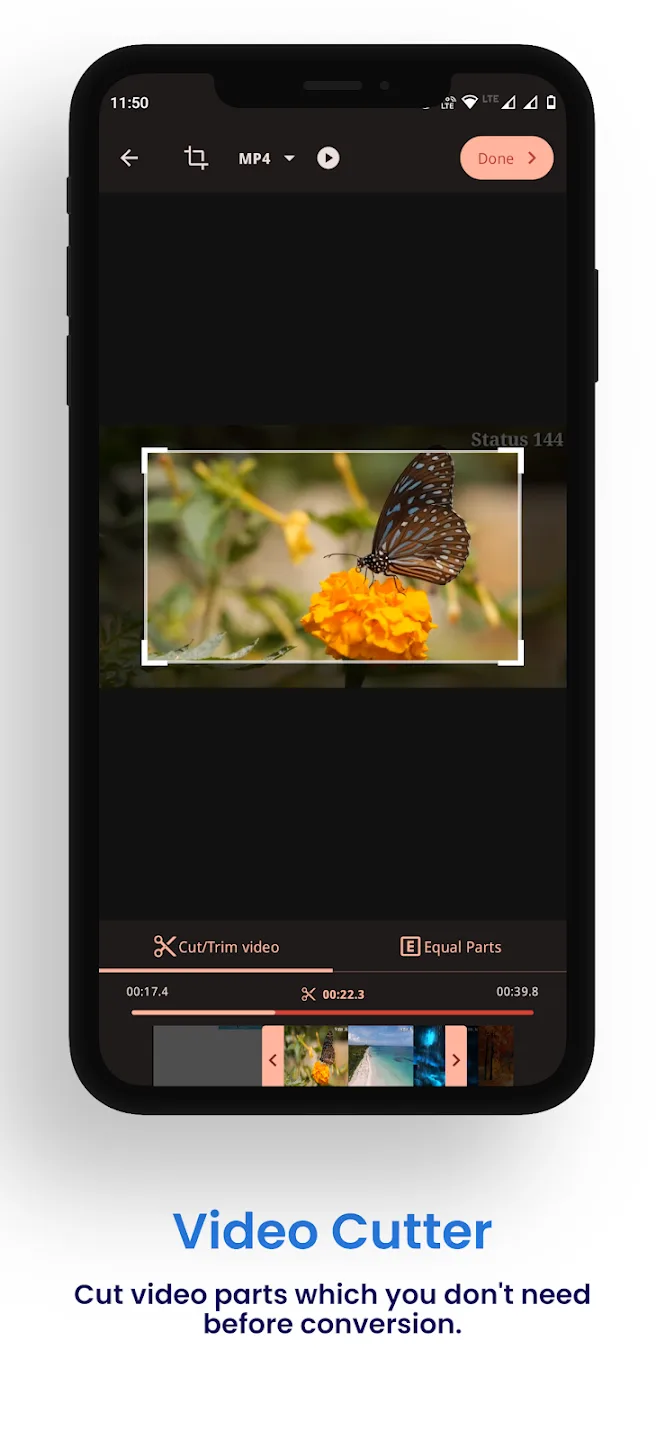
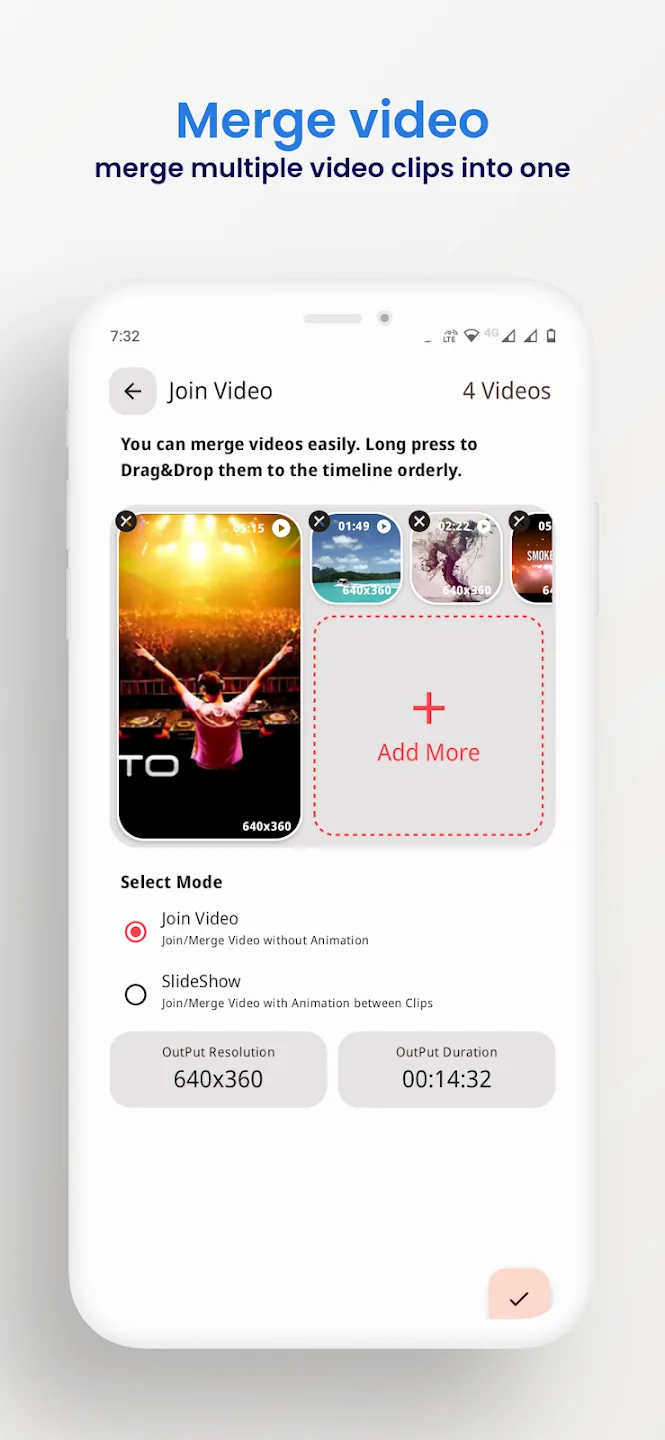
- Trim the start and end, or merge several clips into one.
- Crop, rotate and reverse a video.
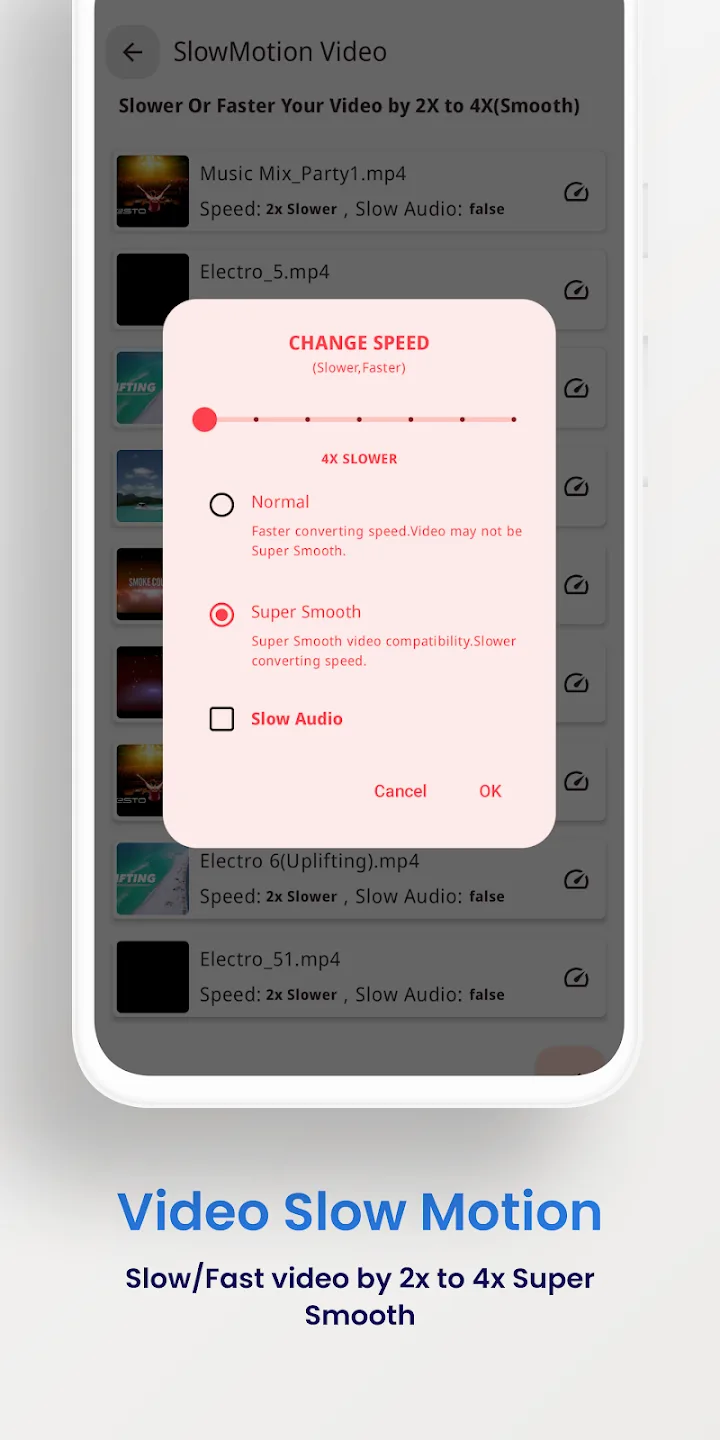
- Stabilise shaky footage and make slow-motion clips.
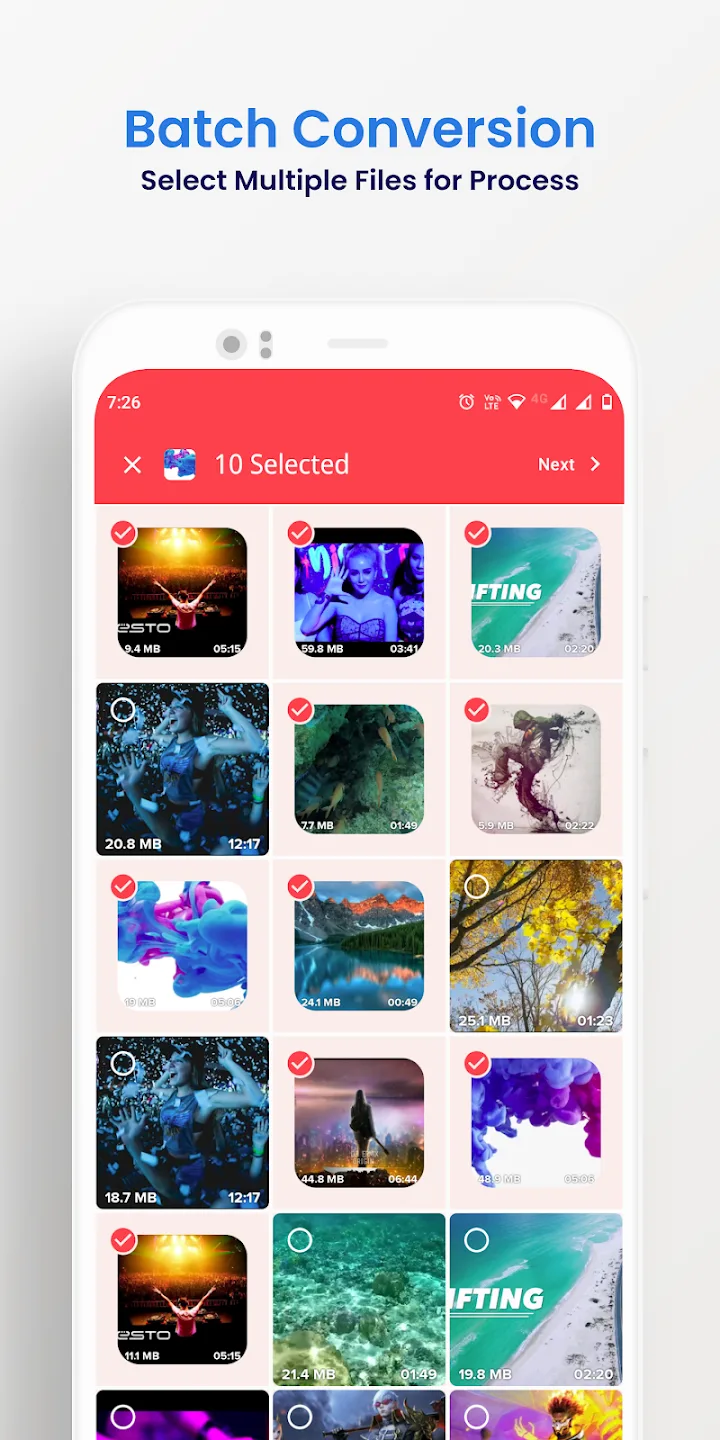
- Batch several files in one pass and export up to 4K.
What Full Premium gives you
The Premium features here are a client-side thing: they change the paid app itself, not a server. Everything runs on your device.
| Full Premium | What it does |
|---|---|
| No ads | The banners and interstitials of the free build are gone. |
| All Premium tools active | The paid conversion and editing options are open from the first launch. |
| No batch or export limits | Queue more files at once and export without the free-version caps. |
The exact set the current file carries is listed in the MOD info line at the top of this page, and we re-check it after each rebuild.
Works offline: no account, no ban
Conversion runs on your phone, so you do not need internet or an account to use the app. Premium removes the client-side locks that the paid version puts on its features, and it stops there.
There is no server behind this tool and no online profile, so there is nothing to get banned from. It is a plain offline utility, not an online service.
How to download Video Converter Pro APK
- Tap the green Download APK button at the top of this page. The file downloads directly, no registration or SMS.
- Allow installation from unknown sources for your browser or file manager (Settings → Security).
- Open the downloaded file, tap Install, then launch the app. The download is about 41 MB and needs Android 7.0 or newer.
First time sideloading a file? Our APK install guide walks through the same steps with screenshots.
MOD or original?
The original Video Converter Pro is free on Google Play, with ads and limits, and buying it there supports VidSoftLab. If you would rather have the paid features open and work fully offline, the Premium APK on this page is for you: same app, ads gone, caps lifted, everything local.
Want more media tools? Try VivaVideo Pro for editing, browse other video players and editors, or check fresh MOD APKs in the catalog.
FAQ
What formats does Video Converter Pro support?
What does the Full Premium version give?
Does it work offline?
Can it compress or trim videos?
Is the APK safe to download?
What are the requirements and file size?
Download Video Converter Pro
- No viruses
- No spyware
- No malware
The reviews (0)