- Không có virus
- Không có phần mềm gián điệp
- Không có mã độc
jaineel.videoconvertor.proTệp này đã được biên tập viên của chúng tôi tải xuống, quét và cài đặt trước khi xuất bản.
Mỗi tệp cũng được kiểm tra bằng VirusTotal trước khi đăng.

Video Converter Pro APK (Full Premium mở khóa)
Thông tin bổ sung về Video Converter Pro APK (Full Premium mở khóa)
jaineel.videoconvertor.proMô tả về Video Converter Pro APK (Full Premium mở khóa)
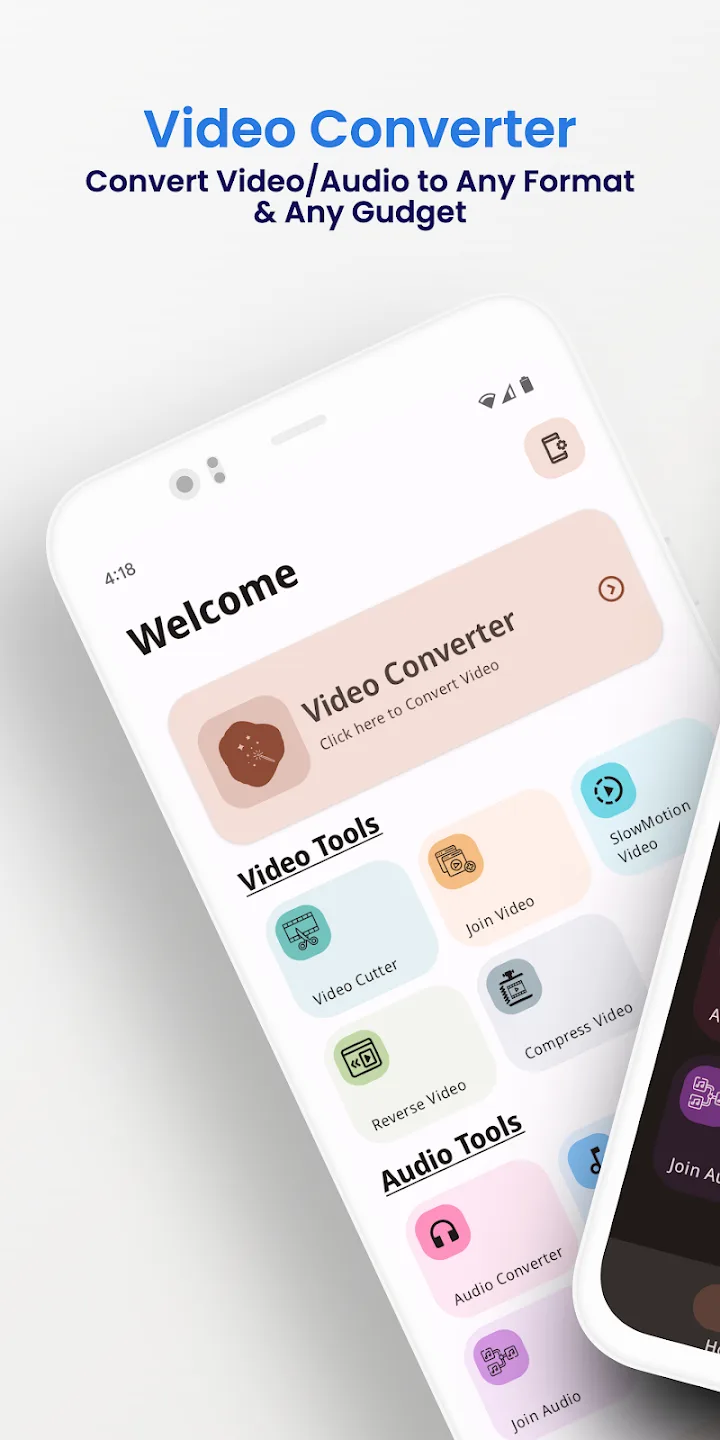
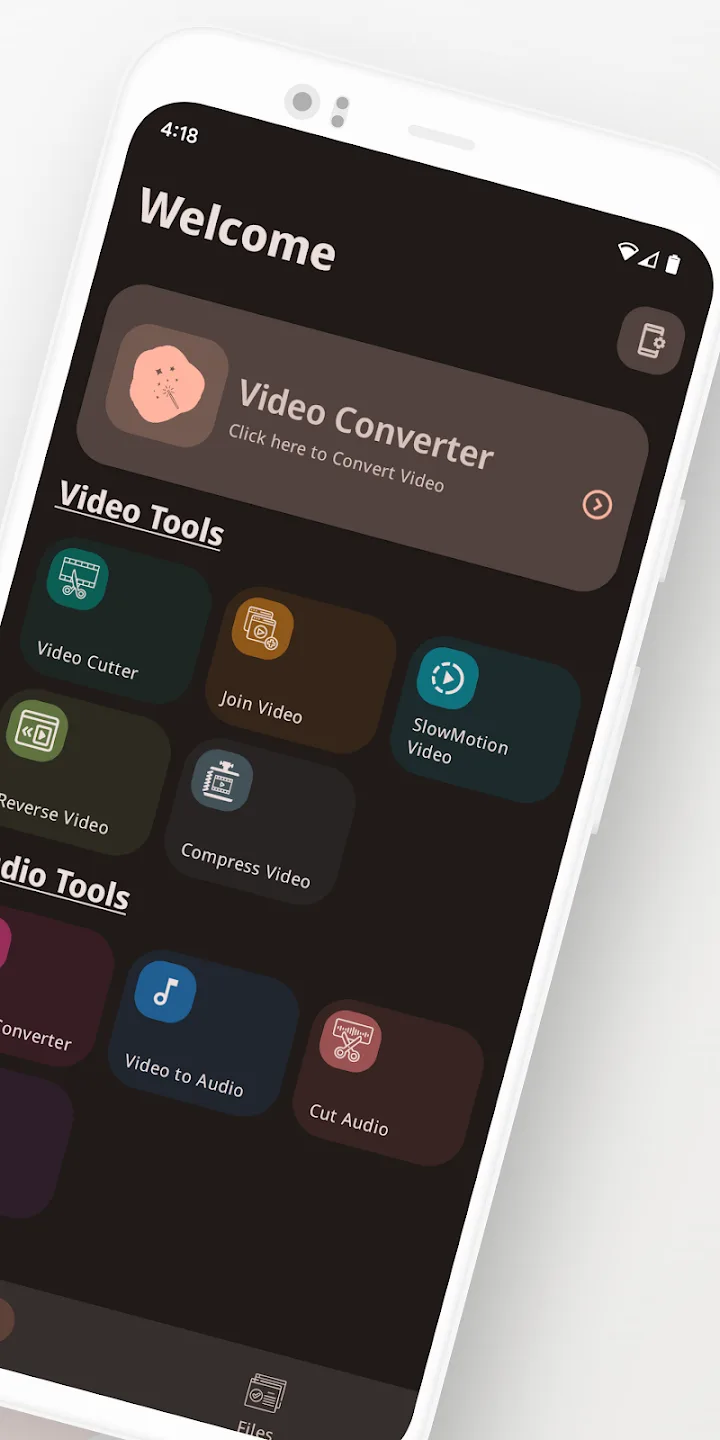
Video Converter Pro APK là công cụ chuyển đổi video và âm thanh offline kèm trình chỉnh sửa nhẹ tích hợp, và bản dựng này đã bật sẵn các tính năng trả phí Full Premium. Nó đổi định dạng và chỉnh sửa đơn giản ngay trên điện thoại, không tải gì lên đám mây. Gói jaineel.videoconvertor.pro, nhà phát triển VidSoftLab, khoảng 41 MB, Android 7.0 trở lên.
Biên tập viên của chúng tôi đã quét mã độc tệp này và cài nó trên thiết bị Android thật trước khi đăng, bước kiểm tra chúng tôi thực hiện từ năm 2018. Chỉ tải từ nút trên trang này.
Video Converter Pro là gì?
Video Converter Pro do VidSoftLab làm ra. Công việc rất rõ ràng: lấy một tệp video hoặc âm thanh ở định dạng này và lưu sang định dạng khác, hoặc chỉnh sửa nhỏ, mà không chuyển gì ra khỏi thiết bị của bạn. Không cần tạo tài khoản và không có gì để đăng nhập.
Bạn chọn một tệp, chọn định dạng đầu ra và các thiết lập, rồi ứng dụng xử lý cục bộ. Vì vậy nó chạy như nhau trên máy bay, trên tàu điện ngầm hay bất cứ nơi nào không có Wi-Fi.
Định dạng được hỗ trợ
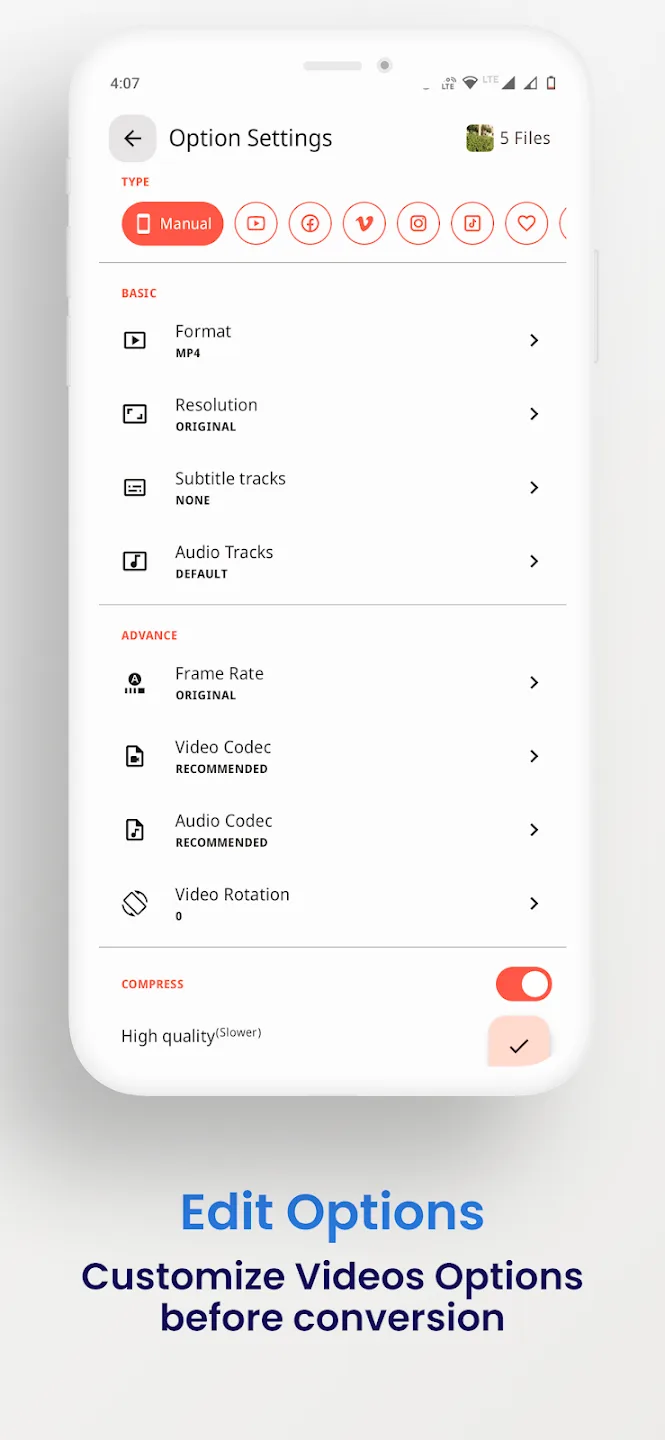
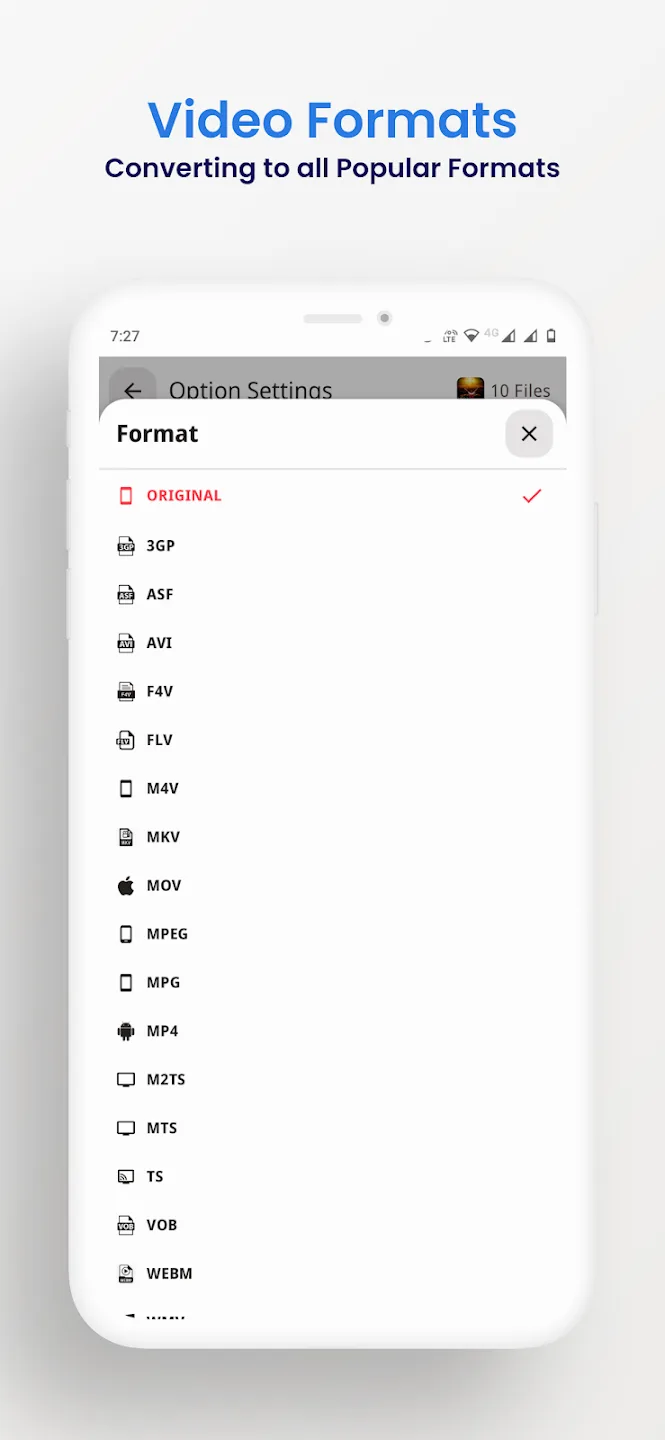
Trình chuyển đổi đọc và ghi các container video và âm thanh phổ biến, nên hầu hết tệp bạn gặp trên điện thoại đều xử lý được. Bạn cũng có thể tách âm thanh khỏi một clip và lưu thành âm thanh, ví dụ biến video thành MP3.
| Video | Âm thanh |
|---|---|
| MP4, MKV, AVI, MOV, FLV | MP3, M4A, AAC, OGG |
| 3GP, WMV, MPEG, VOB, SWF | FLAC, WAV, AC3, OPUS |
| Đầu ra H264 và H265 | Âm thanh tách từ bất kỳ video nào |
Công cụ chỉnh sửa và chuyển đổi
Ngoài đổi định dạng, ứng dụng có các chỉnh sửa nhỏ mà mọi người thường muốn trước khi chia sẻ một clip:
- Chuyển đổi giữa các định dạng video và âm thanh liệt kê ở trên.
- Nén tệp xuống dung lượng nhỏ hơn, với lựa chọn bitrate và độ phân giải.
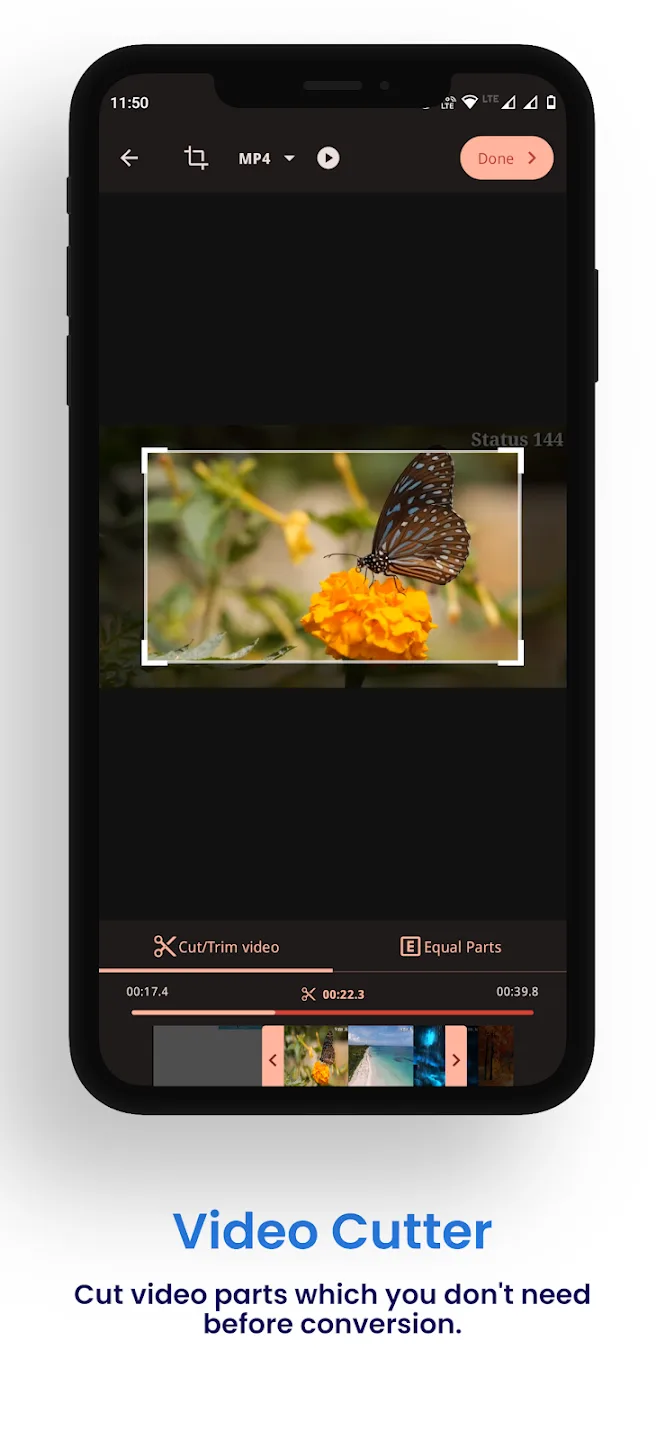
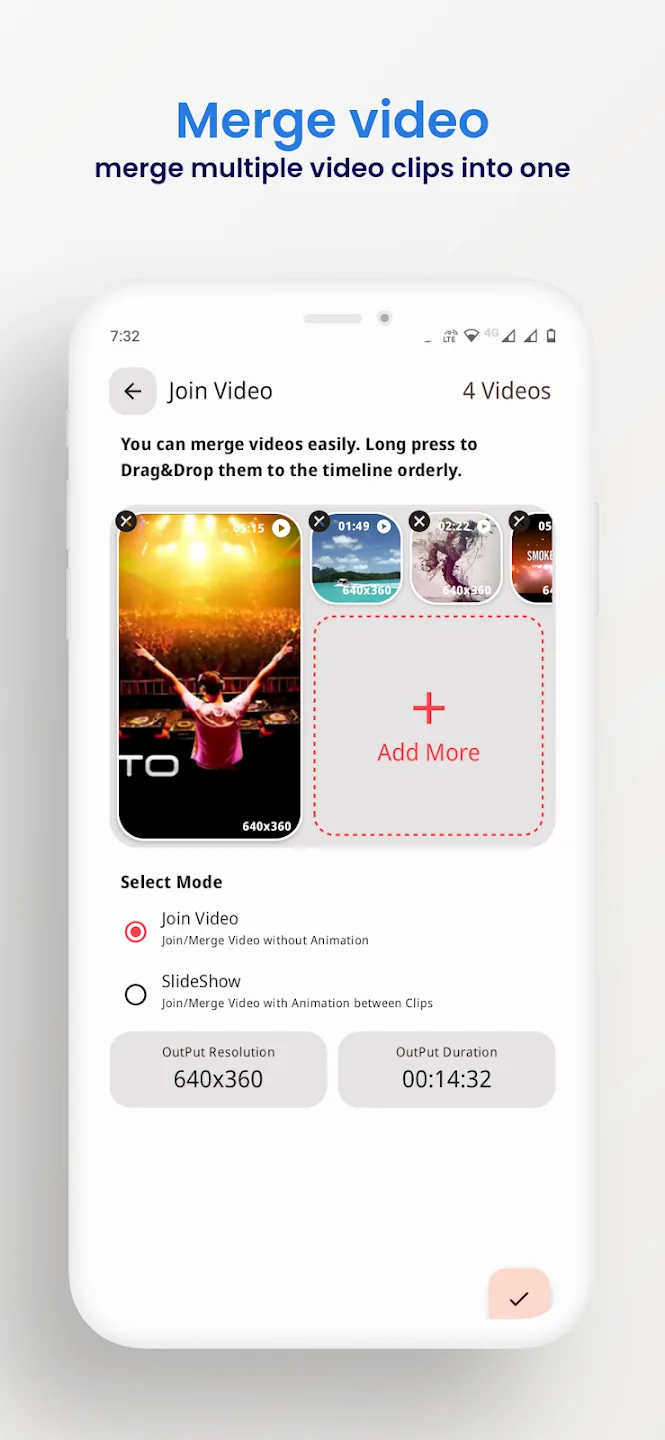
- Cắt đầu và cuối, hoặc ghép nhiều clip thành một.
- Cắt khung, xoay và đảo ngược video.
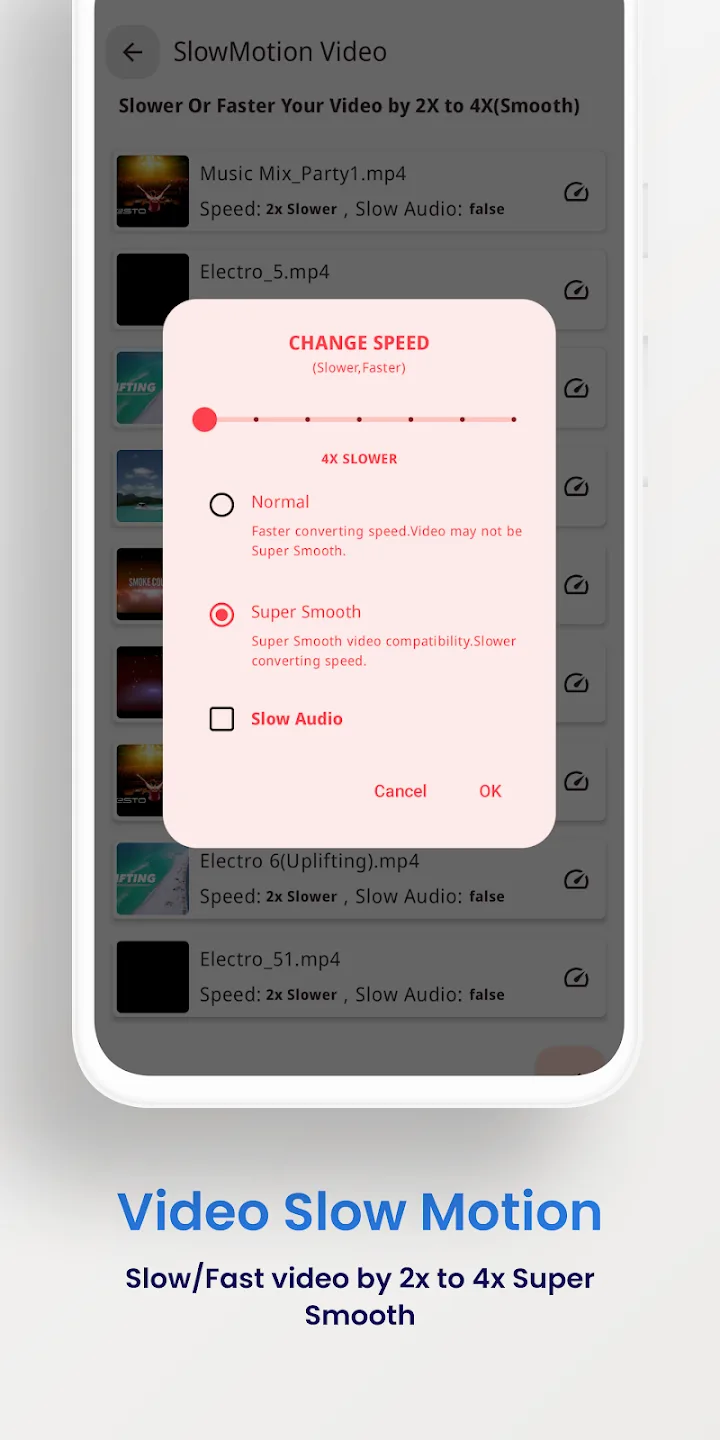
- Chống rung cảnh quay bị rung và tạo clip chuyển động chậm.
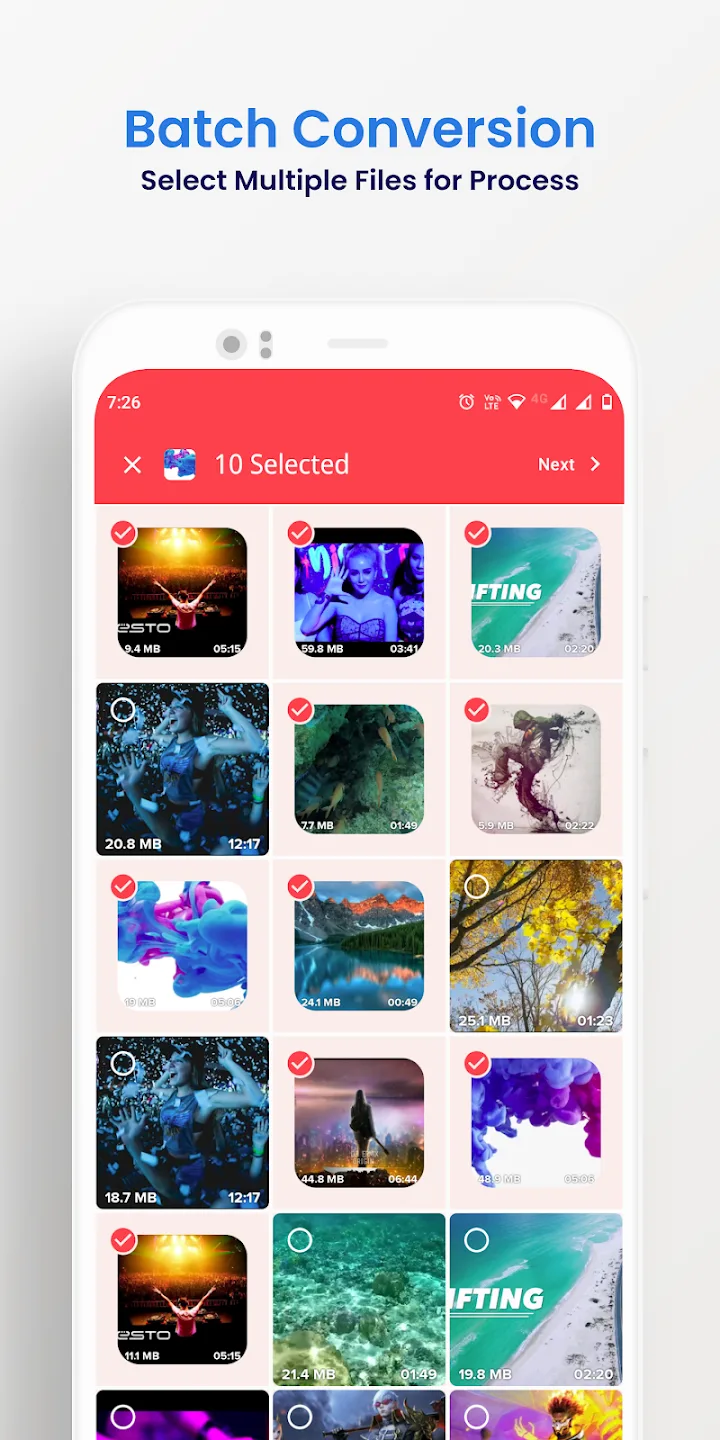
- Xử lý hàng loạt nhiều tệp trong một lượt và xuất tối đa 4K.
Full Premium mang lại gì
Các tính năng Premium ở đây thuộc phía client: chúng thay đổi chính ứng dụng trả phí, không phải máy chủ. Mọi thứ chạy trên thiết bị của bạn.
| Full Premium | Nó làm gì |
|---|---|
| Không quảng cáo | Banner và quảng cáo xen kẽ của bản miễn phí biến mất. |
| Mọi công cụ Premium đang bật | Các tùy chọn chuyển đổi và chỉnh sửa trả phí được mở từ lần khởi chạy đầu tiên. |
| Không giới hạn hàng loạt hay xuất | Xếp hàng nhiều tệp cùng lúc hơn và xuất mà không bị giới hạn của bản miễn phí. |
Bộ tính năng chính xác của tệp hiện tại được liệt kê ở dòng MOD info đầu trang này, và chúng tôi kiểm tra lại sau mỗi lần dựng lại.
Chạy offline: không tài khoản, không bị cấm
Việc chuyển đổi chạy trên điện thoại của bạn, nên bạn không cần internet hay tài khoản để dùng ứng dụng. Premium gỡ các khóa phía client mà bản trả phí đặt lên tính năng của nó, và chỉ dừng ở đó.
Không có máy chủ nào đứng sau công cụ này và không có hồ sơ online, nên không có gì để bị cấm. Đây là một tiện ích offline thuần túy, không phải dịch vụ online.
Cách tải xuống Video Converter Pro APK
- Chạm vào nút xanh Tải xuống APK ở đầu trang này. Tệp tải trực tiếp, không cần đăng ký hay SMS.
- Cho phép cài đặt từ nguồn không xác định cho trình duyệt hoặc trình quản lý tệp của bạn (Cài đặt → Bảo mật).
- Mở tệp đã tải, chạm Cài đặt, rồi khởi chạy ứng dụng. Dung lượng tải khoảng 41 MB và cần Android 7.0 trở lên.
Lần đầu cài tệp thủ công? Hướng dẫn cài đặt APK của chúng tôi chỉ các bước tương tự kèm ảnh chụp màn hình.
MOD hay bản gốc?
Video Converter Pro gốc miễn phí trên Google Play, có quảng cáo và giới hạn, và mua ở đó là ủng hộ VidSoftLab. Nếu bạn muốn các tính năng trả phí được mở và hoạt động hoàn toàn offline, APK Premium trên trang này là dành cho bạn: cùng một ứng dụng, hết quảng cáo, gỡ giới hạn, mọi thứ chạy cục bộ.
Muốn thêm công cụ media? Hãy thử VivaVideo Pro để chỉnh sửa, duyệt các trình phát và trình chỉnh sửa video khác, hoặc xem các MOD APK mới trong danh mục.
Câu hỏi thường gặp
Video Converter Pro hỗ trợ những định dạng nào?
Phiên bản Full Premium mang lại gì?
Ứng dụng có chạy offline không?
Ứng dụng có nén hoặc cắt video được không?
Tải APK có an toàn không?
Yêu cầu và dung lượng tệp là bao nhiêu?
Tải xuống Video Converter Pro
- Không có virus
- Không có phần mềm gián điệp
- Không có mã độc
Đánh giá (0)