- Tidak ada virus
- Tidak ada spyware
- Tidak ada malware
jaineel.videoconvertor.proBerkas ini telah diunduh, dipindai, dan dipasang oleh editor kami sebelum dipublikasikan.
Setiap file juga diperiksa dengan VirusTotal sebelum dipublikasikan.

Video Converter Pro APK (Full Premium Terbuka)
Informasi tambahan tentang Video Converter Pro APK (Full Premium Terbuka)
jaineel.videoconvertor.proDeskripsi Video Converter Pro APK (Full Premium Terbuka)
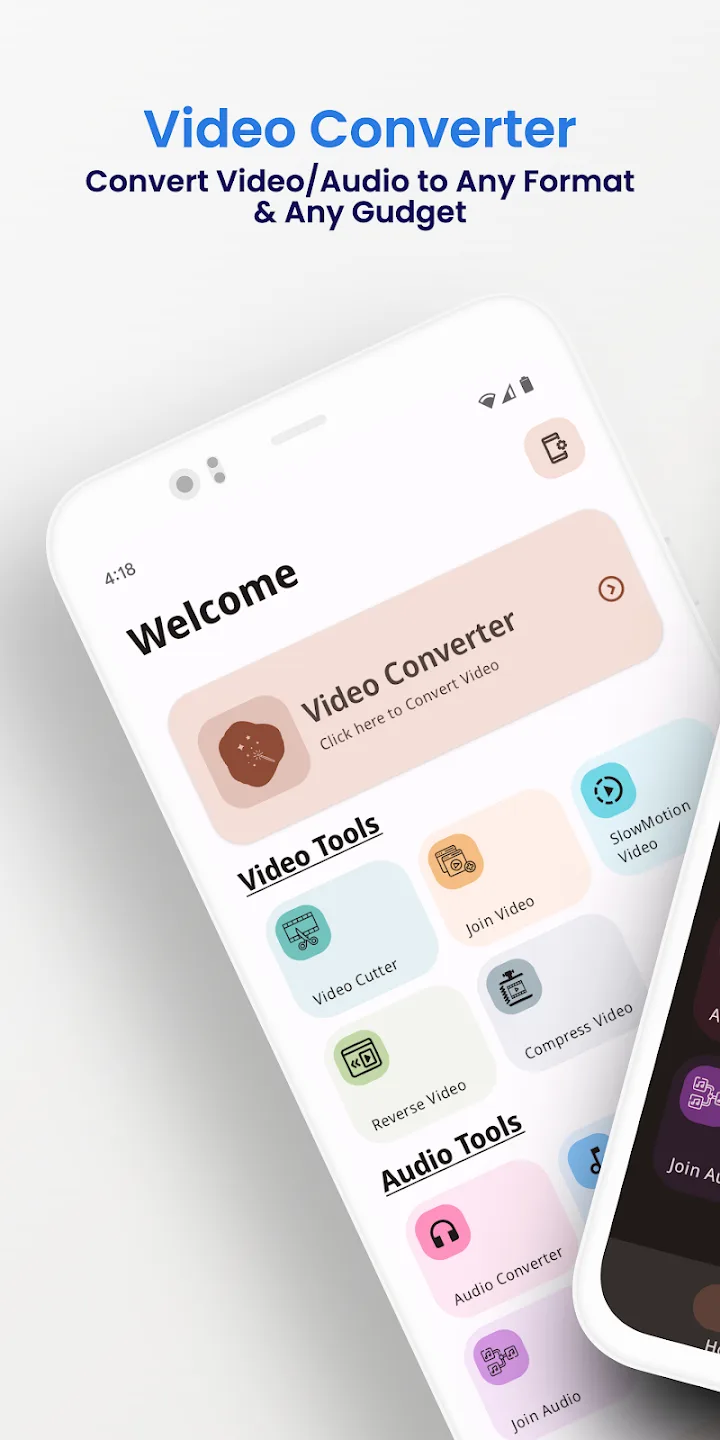
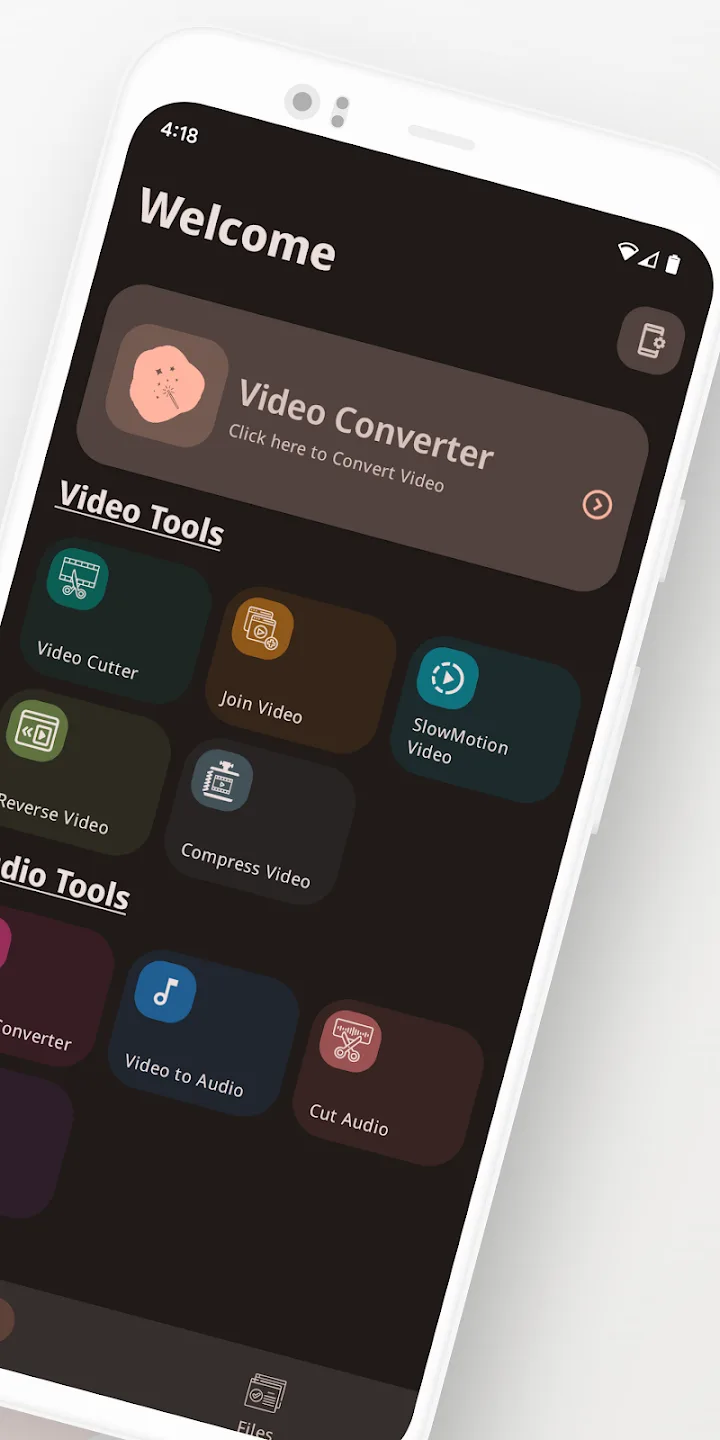
Video Converter Pro APK adalah konverter video dan audio offline dengan editor ringan bawaan, dan build ini sudah mengaktifkan fitur berbayar Full Premium. Aplikasi ini mengubah format dan melakukan pengeditan sederhana langsung di ponsel Anda, tanpa mengunggah apa pun ke cloud. Paket jaineel.videoconvertor.pro, pengembang VidSoftLab, sekitar 41 MB, Android 7.0 ke atas.
Editor kami memindai file ini untuk malware dan memasangnya di perangkat Android nyata sebelum dipublikasikan, pemeriksaan yang sudah kami lakukan sejak 2018. Unduh hanya dari tombol di halaman ini.
Apa itu Video Converter Pro?
Video Converter Pro dibuat oleh VidSoftLab. Tugasnya sederhana: mengambil file video atau audio dalam satu format dan menyimpannya dalam format lain, atau melakukan pengeditan kecil, tanpa memindahkan apa pun keluar dari perangkat Anda. Tidak perlu membuat akun dan tidak ada yang perlu di-login.
Anda memilih file, menentukan format keluaran dan pengaturannya, lalu aplikasi bekerja secara lokal. Karena itu aplikasi ini berjalan sama saja di pesawat, di metro, atau di mana pun tanpa Wi-Fi.
Format yang didukung
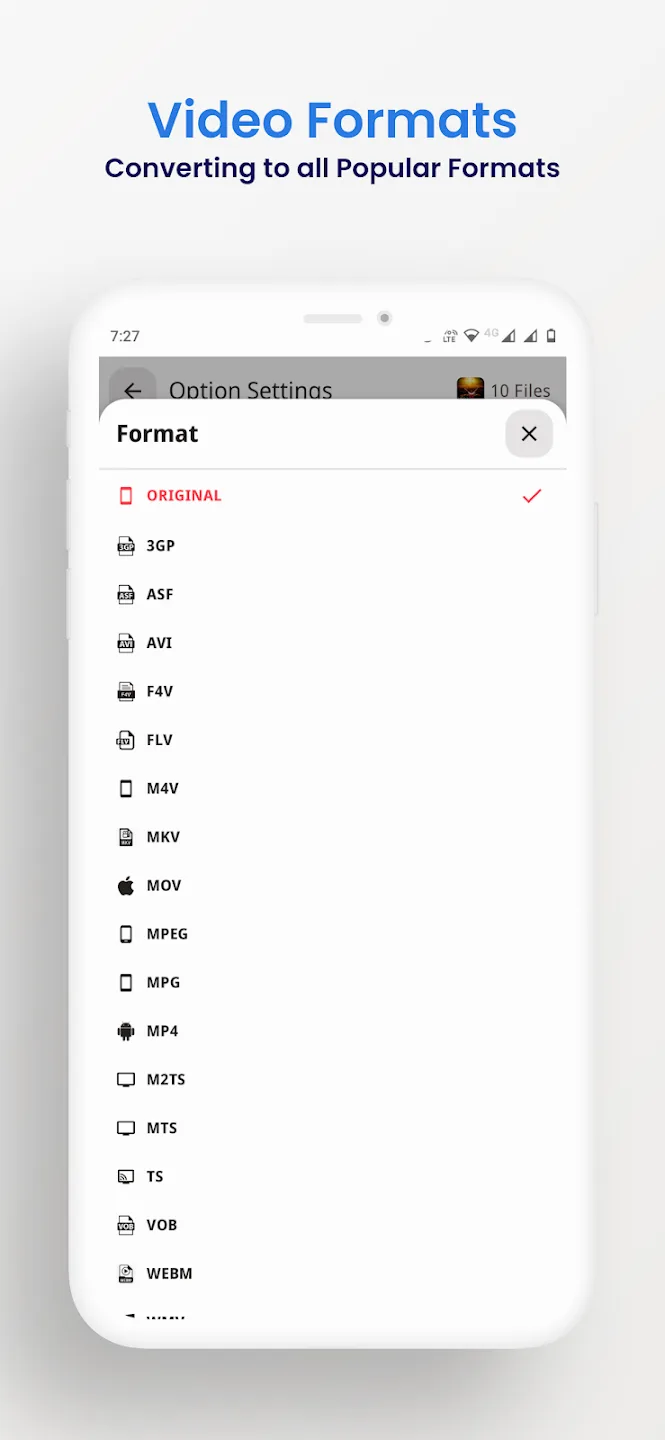
Konverter ini membaca dan menulis container video dan audio yang umum, sehingga sebagian besar file yang Anda temui di ponsel bisa diproses. Anda juga bisa mengambil suara dari sebuah klip dan menyimpannya sebagai audio, misalnya mengubah video menjadi MP3.
| Video | Audio |
|---|---|
| MP4, MKV, AVI, MOV, FLV | MP3, M4A, AAC, OGG |
| 3GP, WMV, MPEG, VOB, SWF | FLAC, WAV, AC3, OPUS |
| Keluaran H264 dan H265 | Audio diambil dari video apa pun |
Alat pengeditan dan konversi
Selain mengganti format, aplikasi ini membawa pengeditan kecil yang biasanya dibutuhkan orang sebelum membagikan klip:
- Konversi antar format video dan audio yang tercantum di atas.
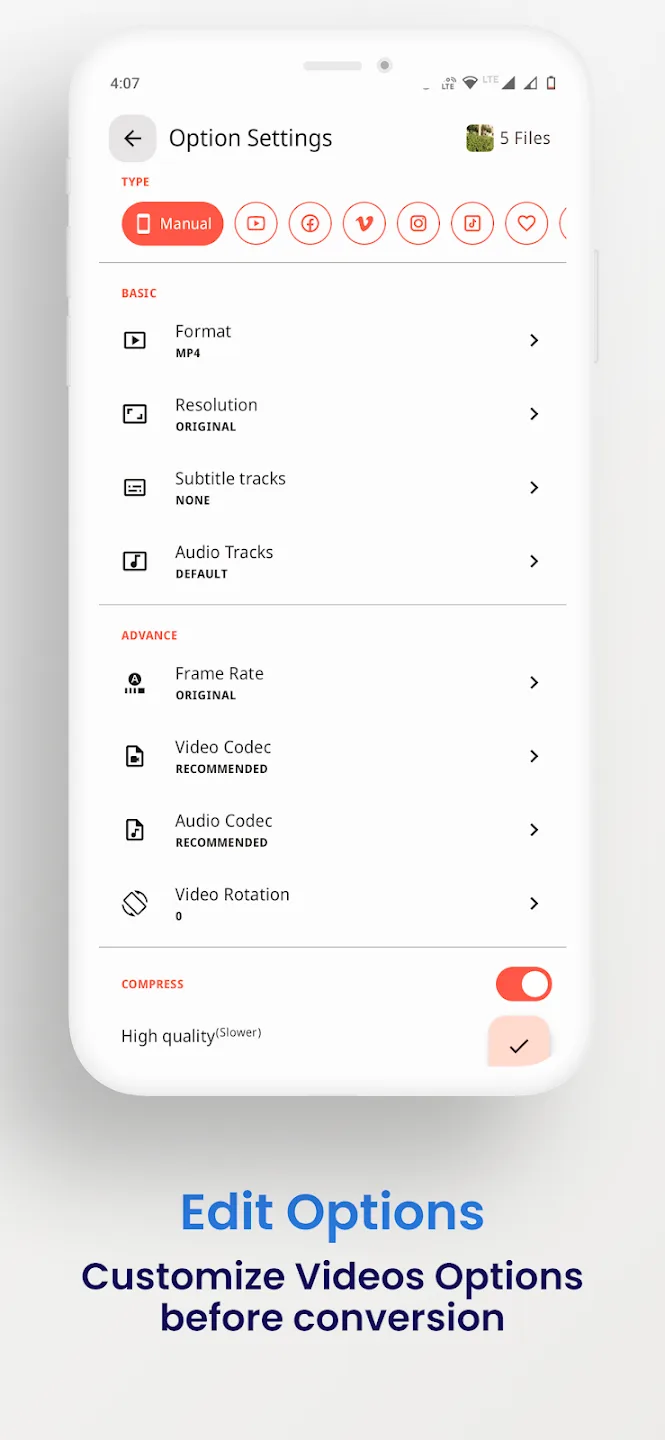
- Kompres file ke ukuran lebih kecil, dengan pilihan bitrate dan resolusi.
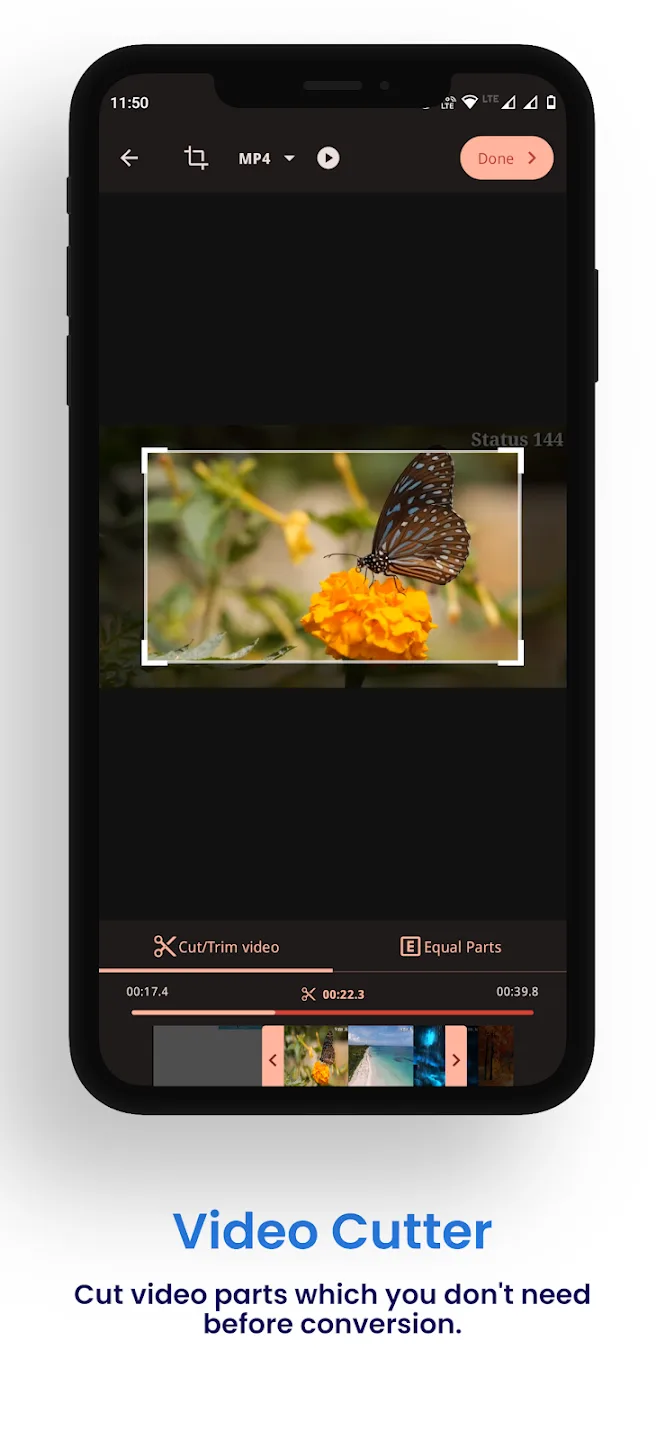
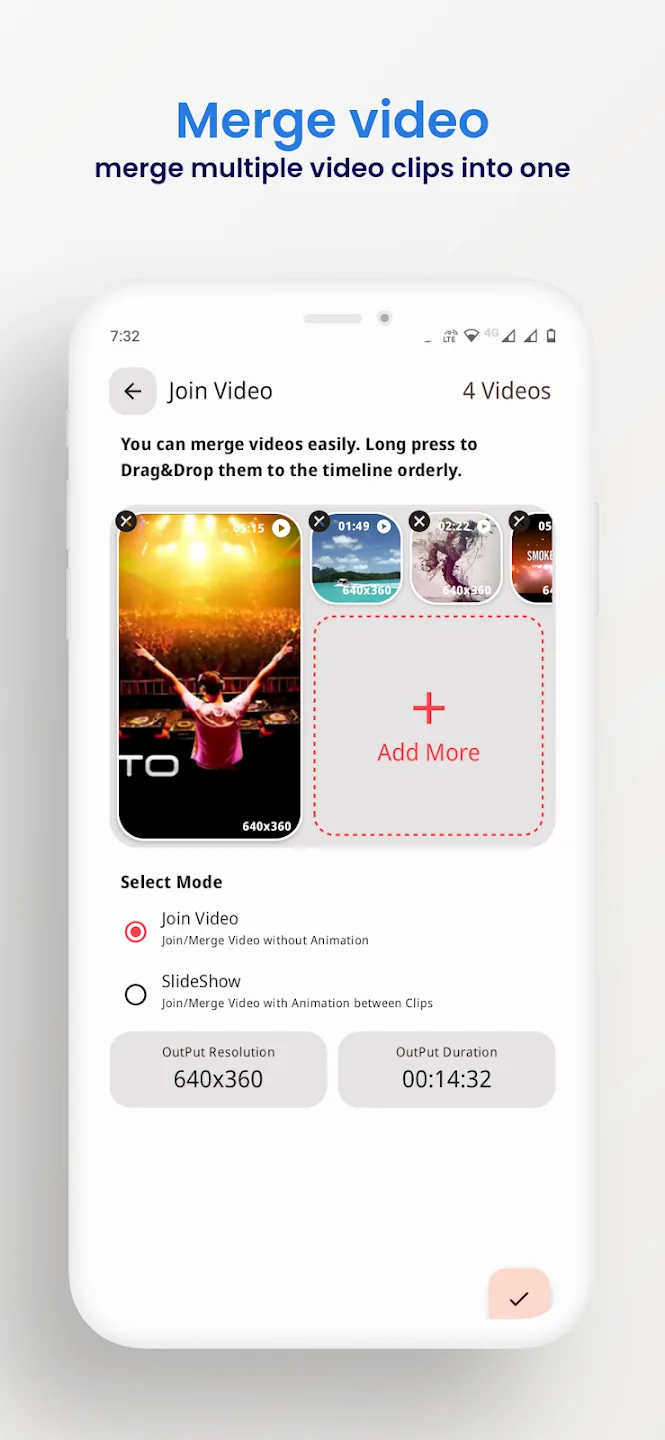
- Potong awal dan akhir, atau gabungkan beberapa klip menjadi satu.
- Crop, putar, dan balik video.
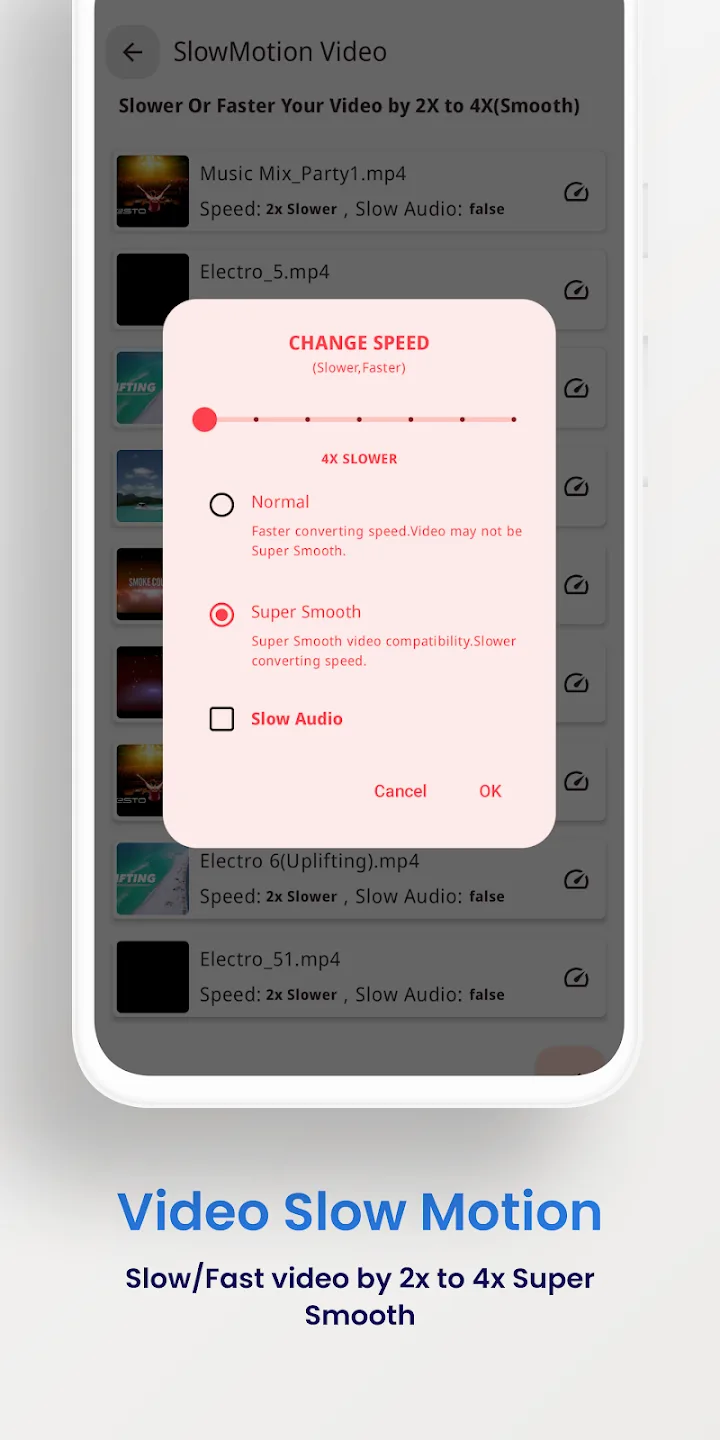
- Stabilkan rekaman yang goyang dan buat klip slow-motion.
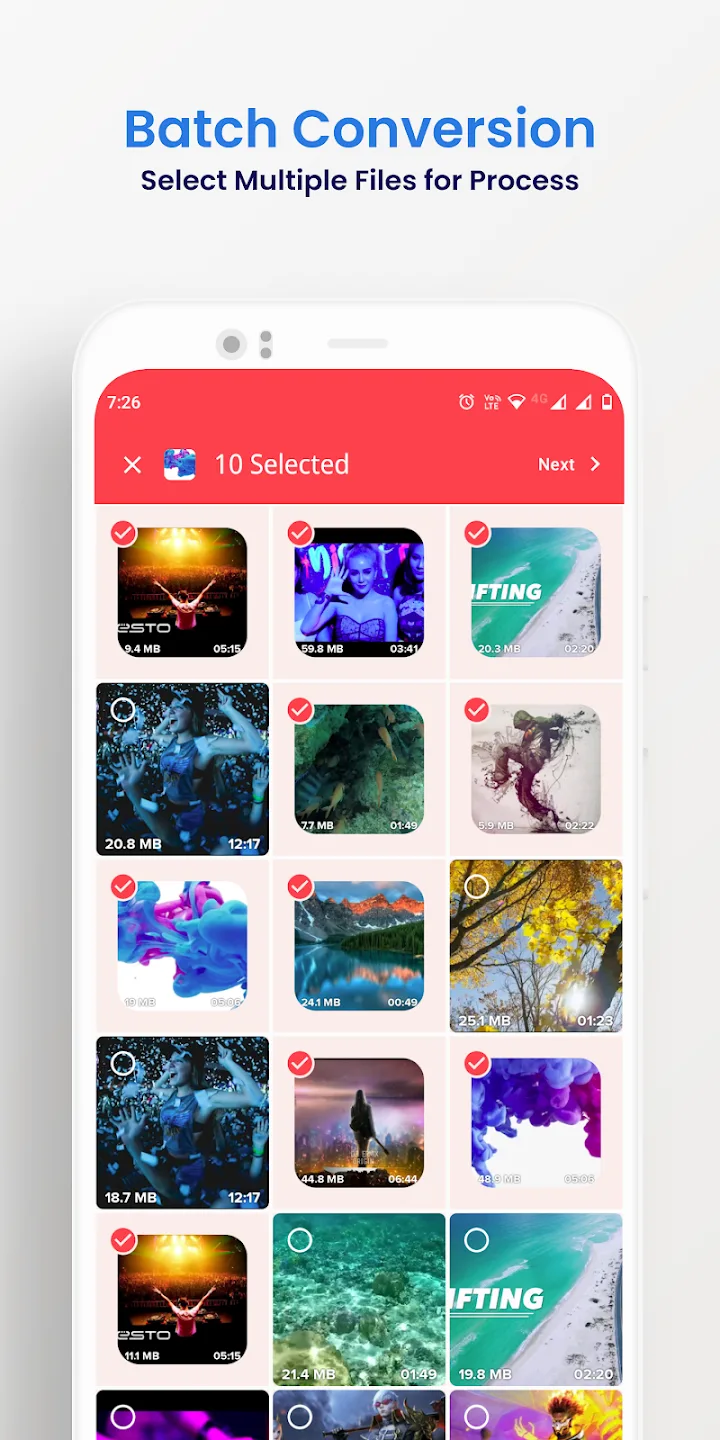
- Proses beberapa file sekaligus (batch) dan ekspor hingga 4K.
Yang diberikan Full Premium
Fitur Premium di sini bersifat sisi klien: ia mengubah aplikasi berbayar itu sendiri, bukan server. Semuanya berjalan di perangkat Anda.
| Full Premium | Fungsinya |
|---|---|
| Tanpa iklan | Banner dan iklan interstisial dari build gratis dihilangkan. |
| Semua alat Premium aktif | Opsi konversi dan pengeditan berbayar terbuka sejak peluncuran pertama. |
| Tanpa batas batch atau ekspor | Masukkan lebih banyak file ke antrean sekaligus dan ekspor tanpa batasan versi gratis. |
Daftar fitur persis yang dibawa file saat ini tercantum di baris MOD info di bagian atas halaman ini, dan kami memeriksanya ulang setiap kali ada rebuild.
Bisa offline: tanpa akun, tanpa ban
Konversi berjalan di ponsel Anda, jadi Anda tidak memerlukan internet atau akun untuk memakai aplikasi ini. Premium menghapus kunci sisi klien yang dipasang versi berbayar pada fitur-fiturnya, dan hanya sampai di situ.
Tidak ada server di balik alat ini dan tidak ada profil online, jadi tidak ada yang bisa membuat Anda terkena ban. Ini adalah utilitas offline biasa, bukan layanan online.
Cara mengunduh Video Converter Pro APK
- Ketuk tombol hijau Download APK di bagian atas halaman ini. File diunduh langsung, tanpa registrasi atau SMS.
- Izinkan pemasangan dari sumber tidak dikenal untuk browser atau file manager Anda (Pengaturan → Keamanan).
- Buka file yang diunduh, ketuk Pasang, lalu jalankan aplikasi. Ukuran unduhan sekitar 41 MB dan memerlukan Android 7.0 atau lebih baru.
Baru pertama kali memasang file dari luar toko? Panduan pemasangan APK kami menjelaskan langkah yang sama lengkap dengan tangkapan layar.
MOD atau versi asli?
Video Converter Pro asli gratis di Google Play, dengan iklan dan batasan, dan membelinya di sana mendukung VidSoftLab. Jika Anda lebih suka fitur berbayar yang terbuka dan bekerja sepenuhnya offline, APK Premium di halaman ini cocok untuk Anda: aplikasi yang sama, tanpa iklan, tanpa batasan, semuanya lokal.
Ingin alat media lainnya? Coba VivaVideo Pro untuk mengedit, telusuri pemutar dan editor video lainnya, atau lihat MOD APK terbaru di katalog.
FAQ
Format apa saja yang didukung Video Converter Pro?
Apa yang diberikan versi Full Premium?
Apakah bisa dipakai offline?
Bisakah aplikasi ini mengompres atau memotong video?
Apakah APK ini aman diunduh?
Apa persyaratan dan ukuran filenya?
Unduh Video Converter Pro
- Tidak ada virus
- Tidak ada spyware
- Tidak ada malware
Ulasan (0)