- Nessun virus
- Nessuno spyware
- Nessun malware
jaineel.videoconvertor.proQuesto file è stato scaricato, analizzato e installato dai nostri redattori prima della pubblicazione.
Ogni file viene controllato anche con VirusTotal prima della pubblicazione.

Video Converter Pro APK (Premium completo sbloccato)
Informazioni aggiuntive su Video Converter Pro APK (Premium completo sbloccato)
jaineel.videoconvertor.proLa descrizione di Video Converter Pro APK (Premium completo sbloccato)
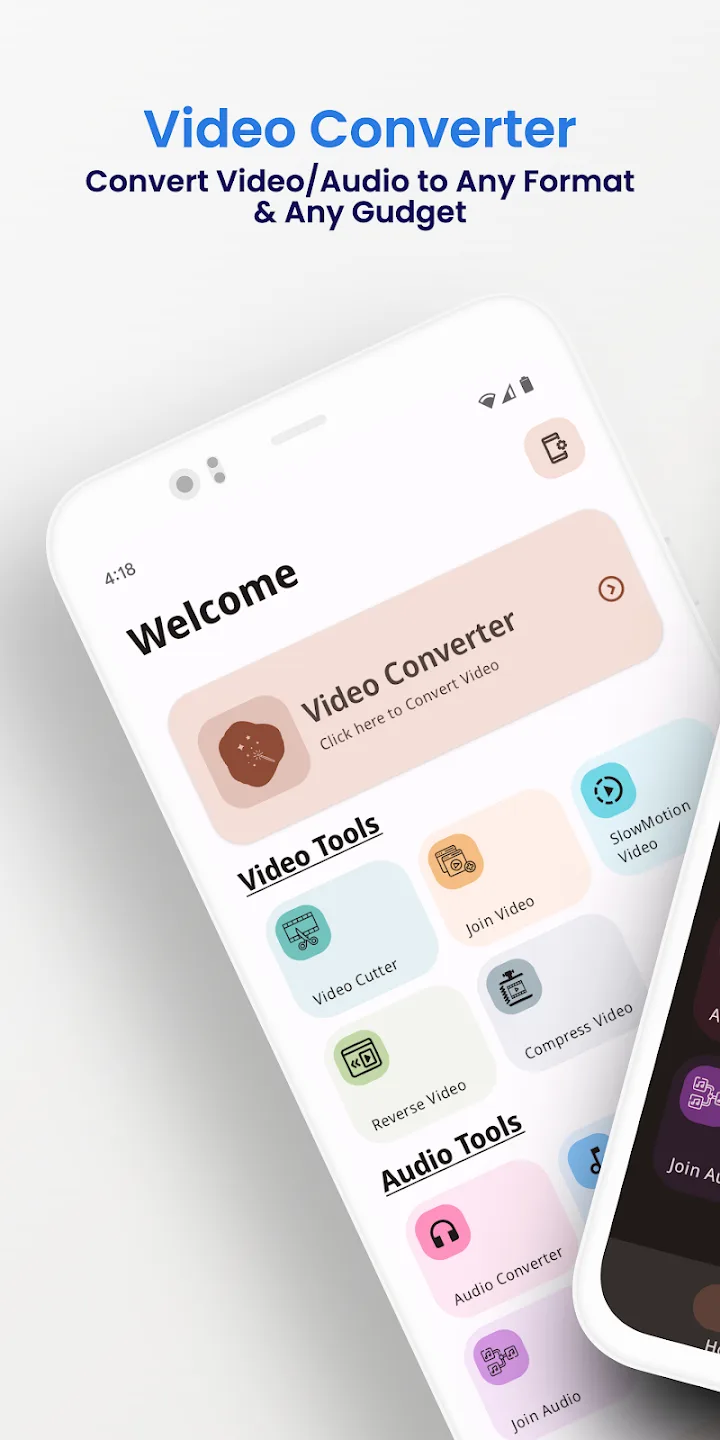
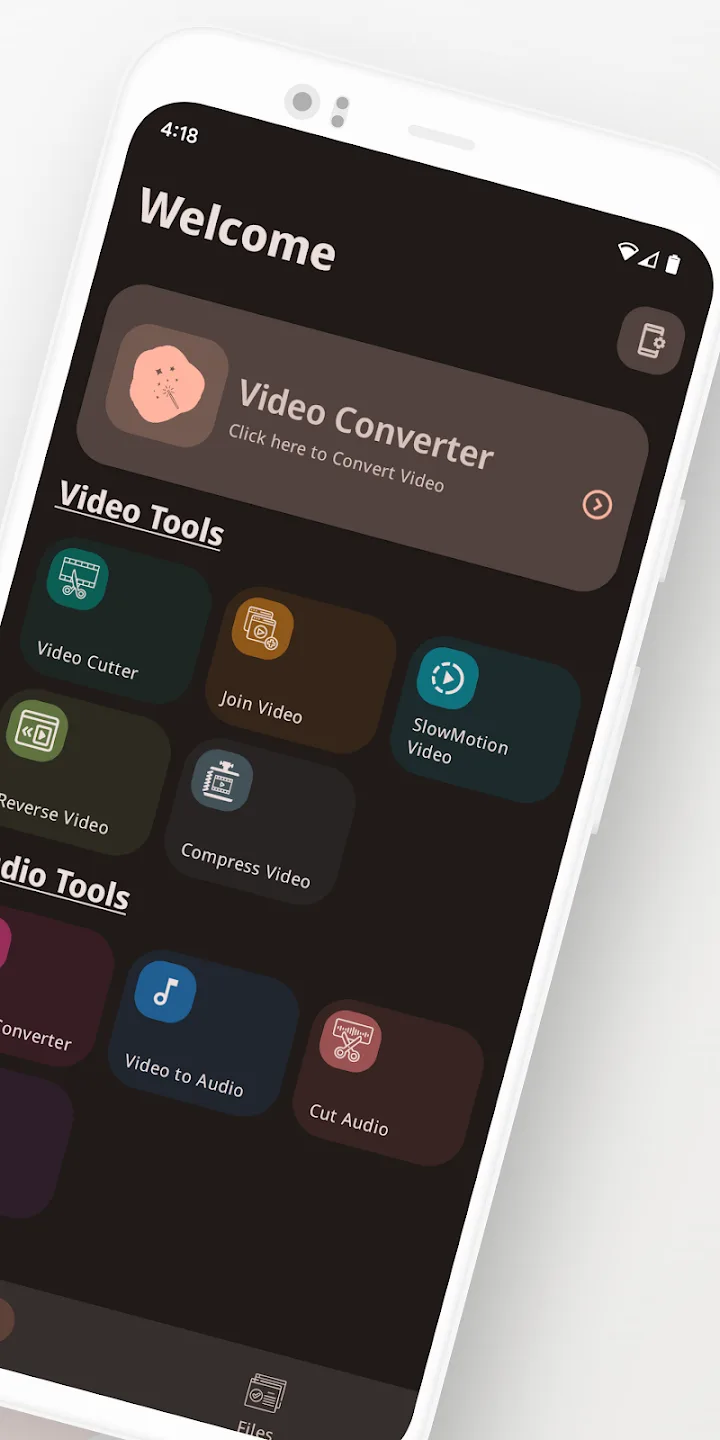
Video Converter Pro APK è un convertitore video e audio offline con un editor leggero integrato, e questa build ha già attive le funzioni a pagamento di Premium completo. Cambia i formati e fa semplici modifiche direttamente sul tuo telefono, senza caricare nulla su un cloud. Pacchetto jaineel.videoconvertor.pro, sviluppatore VidSoftLab, circa 41 MB, Android 7.0 e successivi.
I nostri redattori hanno controllato questo file contro i malware e lo hanno installato su un vero dispositivo Android prima della pubblicazione, un controllo che facciamo dal 2018. Scarica solo dal pulsante di questa pagina.
Cos'è Video Converter Pro?
Video Converter Pro è sviluppato da VidSoftLab. Il compito è semplice: prendere un file video o audio in un formato e salvarlo in un altro, oppure fare una piccola modifica, senza spostare nulla fuori dal tuo dispositivo. Non c'è nessun account da creare e nessun accesso da effettuare.
Scegli un file, il formato di output e le impostazioni, e l'app fa il lavoro in locale. Per questo funziona allo stesso modo in aereo, in metropolitana o ovunque non ci sia il Wi-Fi.
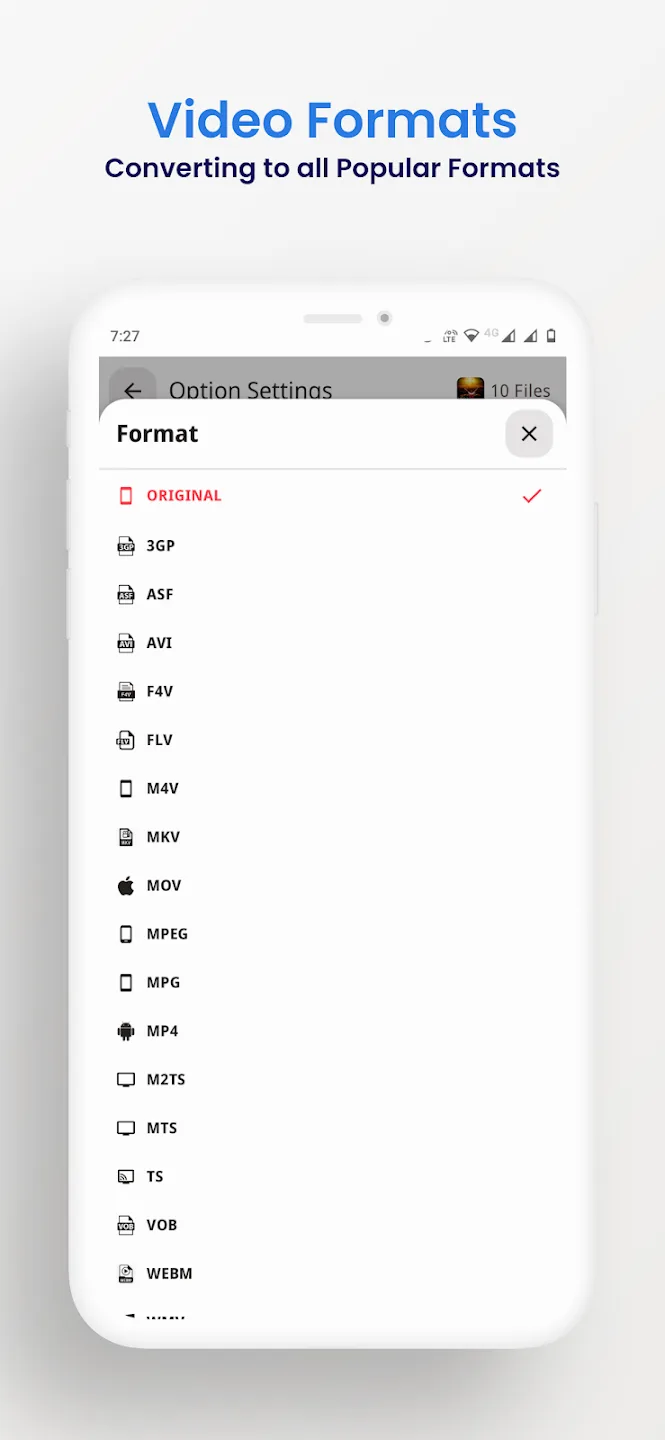
Formati supportati
Il convertitore legge e scrive i contenitori video e audio più comuni, quindi la maggior parte dei file che incontri su un telefono passerà senza problemi. Puoi anche estrarre il sonoro da una clip e salvarlo come audio, per esempio trasformando un video in un MP3.
| Video | Audio |
|---|---|
| MP4, MKV, AVI, MOV, FLV | MP3, M4A, AAC, OGG |
| 3GP, WMV, MPEG, VOB, SWF | FLAC, WAV, AC3, OPUS |
| Output H264 e H265 | Audio estratto da qualsiasi video |
Strumenti di modifica e conversione
Oltre al cambio di formato, l'app offre le piccole modifiche che di solito si vogliono fare prima di condividere una clip:
- Converti tra i formati video e audio elencati sopra.
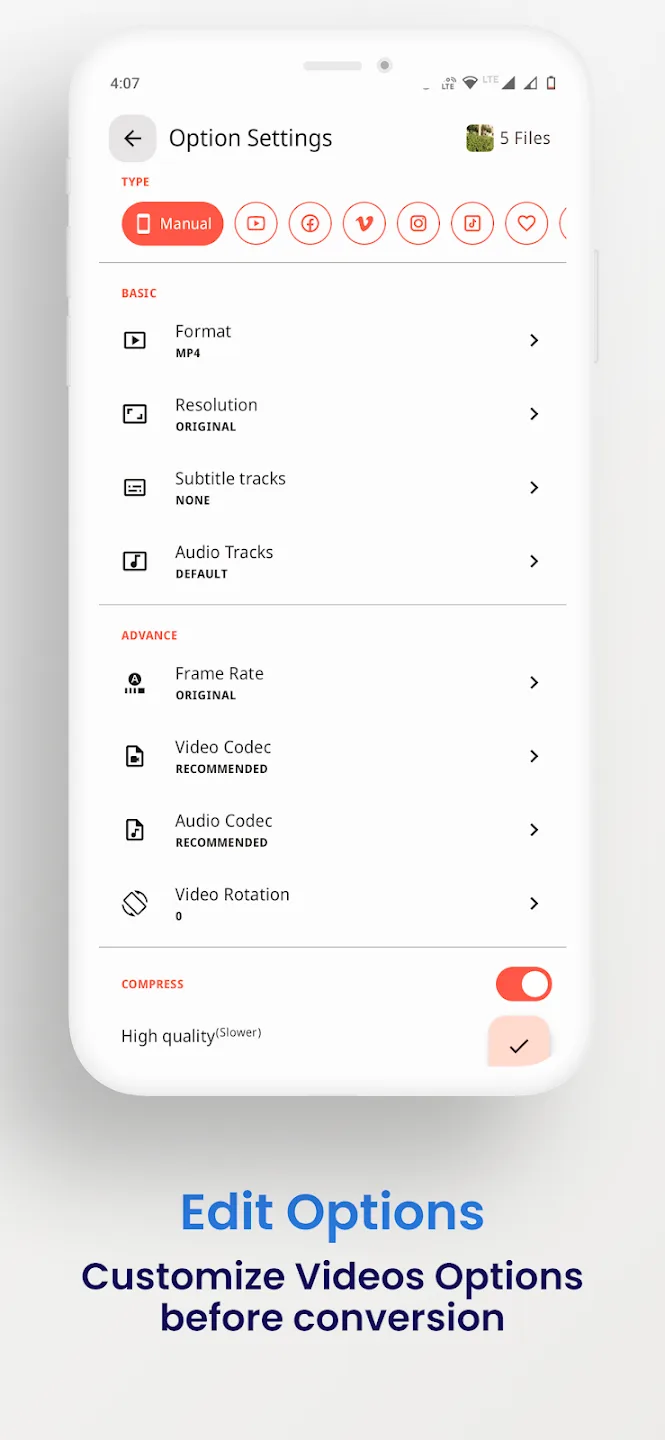
- Comprimi un file a una dimensione più piccola, con una scelta di bitrate e risoluzione.
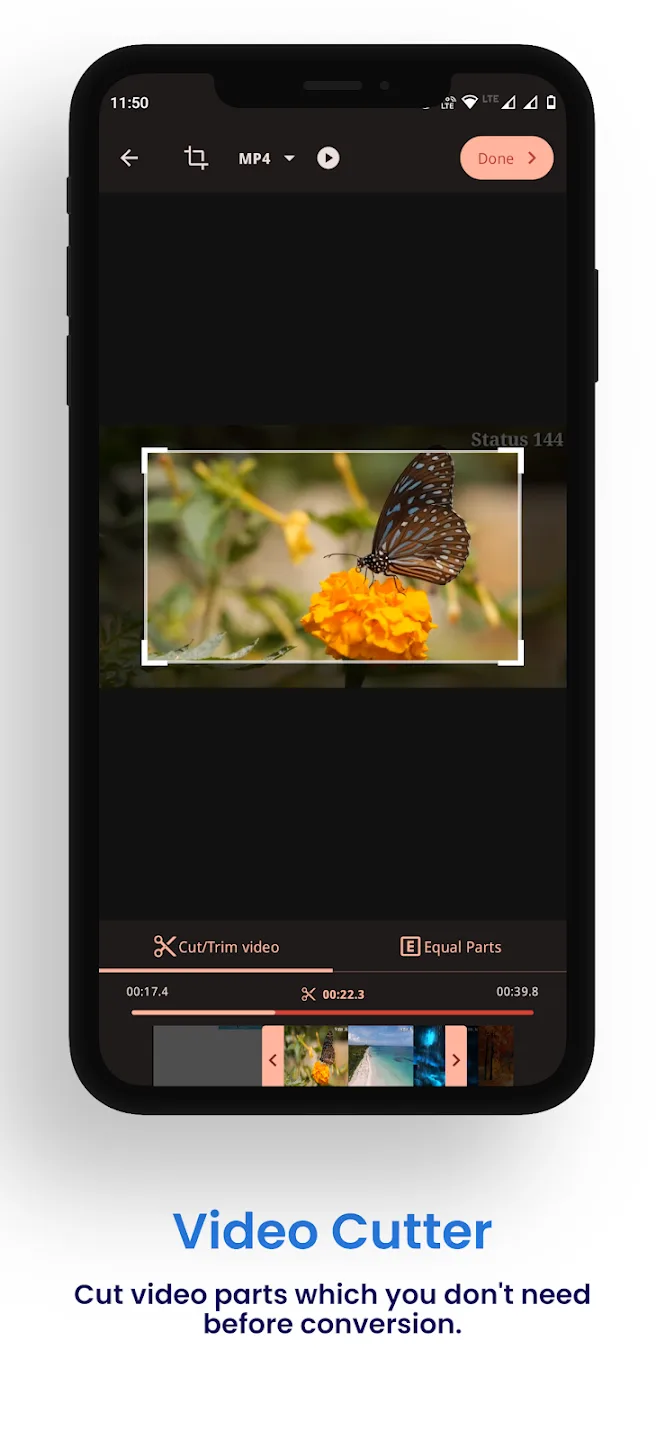
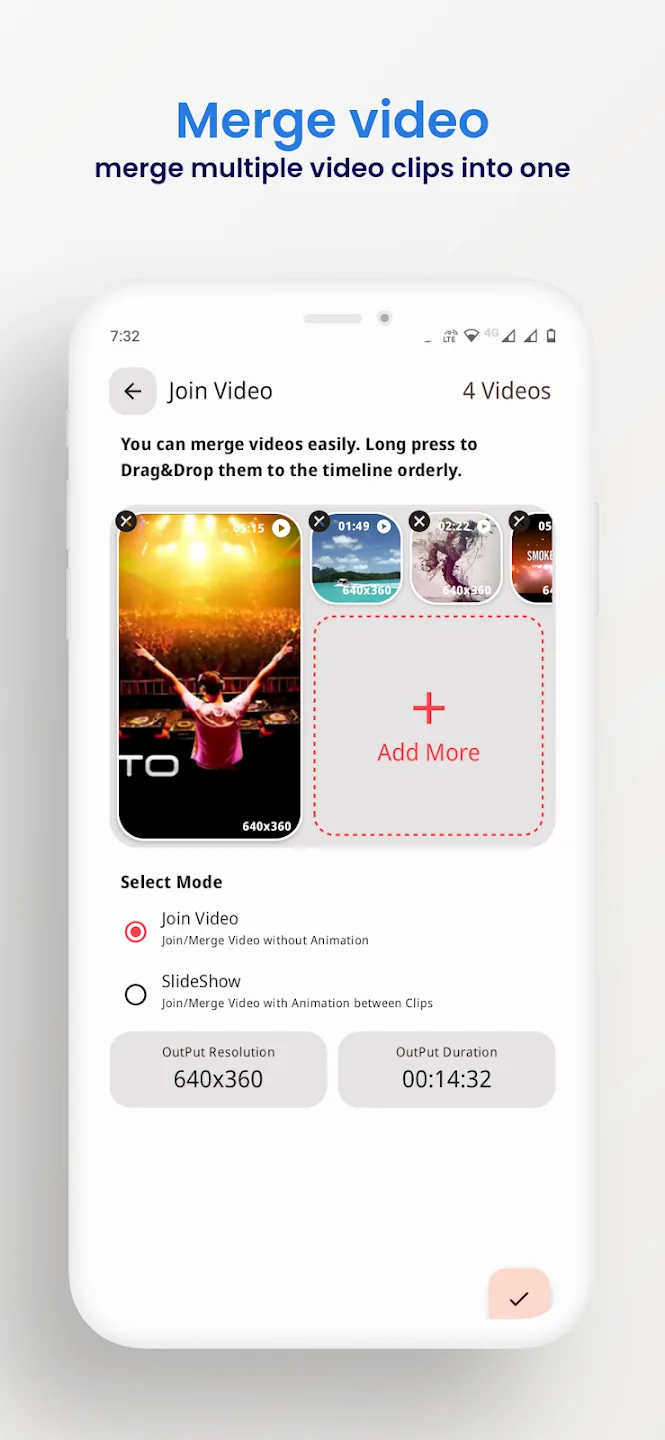
- Taglia l'inizio e la fine, oppure unisci più clip in una sola.
- Ritaglia, ruota e inverti un video.
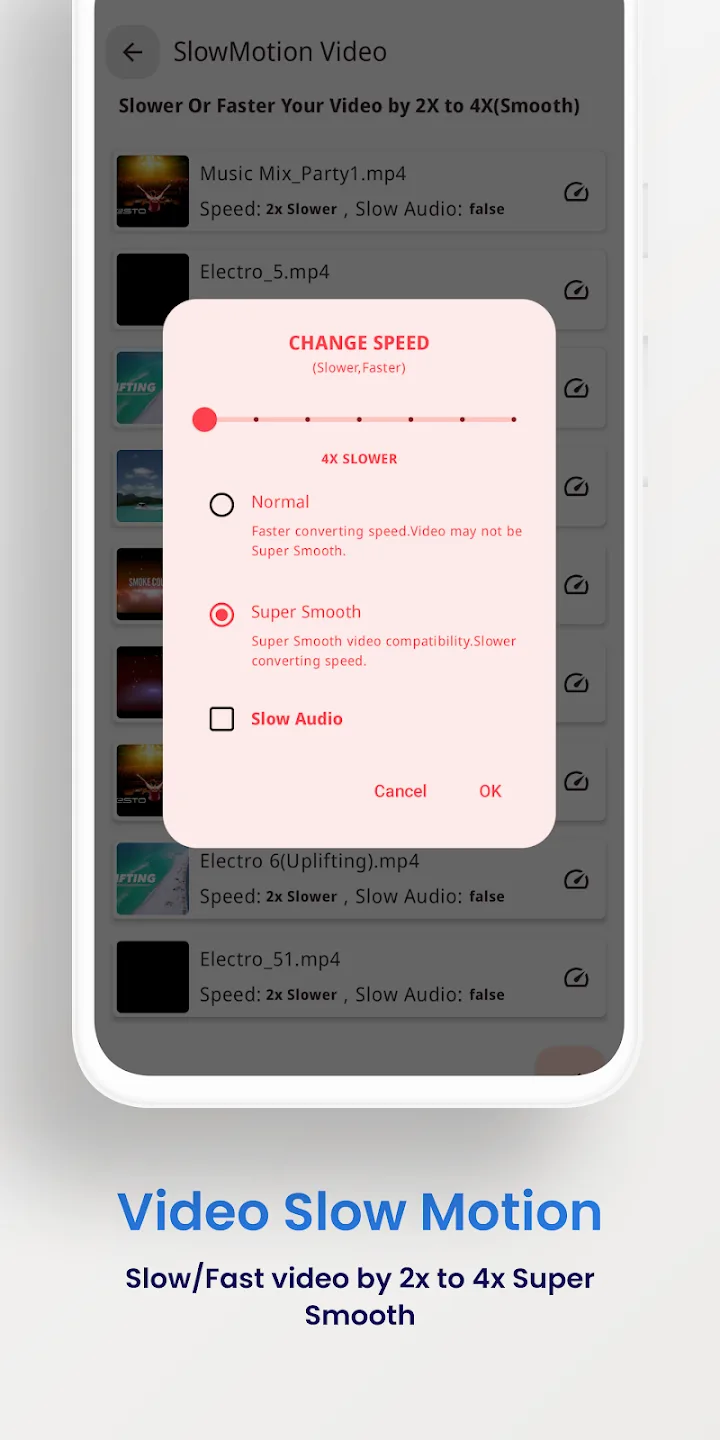
- Stabilizza i filmati mossi e crea clip al rallentatore.
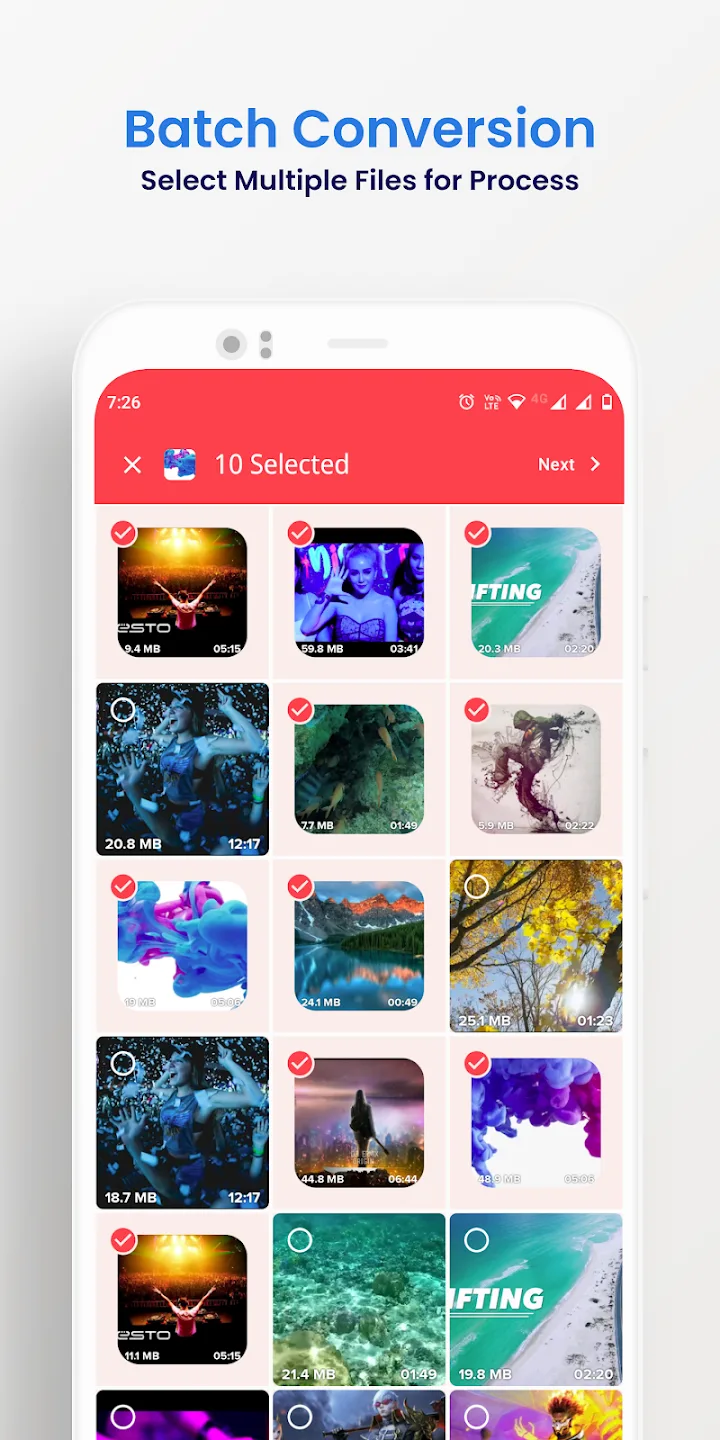
- Elabora più file in blocco in un solo passaggio ed esporta fino a 4K.
Cosa ti dà Premium completo
Le funzioni Premium qui sono una questione lato client: cambiano l'app a pagamento stessa, non un server. Tutto funziona sul tuo dispositivo.
| Premium completo | Cosa fa |
|---|---|
| Senza pubblicità | I banner e gli interstitial della build gratuita non ci sono più. |
| Tutti gli strumenti Premium attivi | Le opzioni di conversione e modifica a pagamento sono aperte fin dal primo avvio. |
| Nessun limite di batch o di esportazione | Metti in coda più file alla volta ed esporta senza i limiti della versione gratuita. |
L'insieme esatto di funzioni del file attuale è indicato nella riga Info MOD in cima a questa pagina, e lo ricontrolliamo dopo ogni nuova build.
Funziona offline: nessun account, nessun ban
La conversione avviene sul tuo telefono, quindi non ti serve internet né un account per usare l'app. Premium rimuove i blocchi lato client che la versione a pagamento applica alle sue funzioni, e si ferma lì.
Dietro questo strumento non c'è nessun server e nessun profilo online, quindi non c'è nulla da cui essere bannati. È una semplice utility offline, non un servizio online.
Come scaricare Video Converter Pro APK
- Tocca il pulsante verde Scarica APK in cima a questa pagina. Il file si scarica direttamente, senza registrazione né SMS.
- Consenti l'installazione da origini sconosciute per il tuo browser o file manager (Impostazioni → Sicurezza).
- Apri il file scaricato, tocca Installa, poi avvia l'app. Il download pesa circa 41 MB e richiede Android 7.0 o successivo.
È la prima volta che installi un file a mano? La nostra guida all'installazione degli APK ti spiega gli stessi passaggi con le schermate.
MOD o originale?
Il Video Converter Pro originale è gratuito su Google Play, con pubblicità e limiti, e acquistarlo lì supporta VidSoftLab. Se preferisci avere le funzioni a pagamento aperte e lavorare completamente offline, l'APK Premium di questa pagina fa per te: stessa app, senza pubblicità, limiti tolti, tutto in locale.
Vuoi altri strumenti multimediali? Prova VivaVideo Pro per il montaggio, sfoglia altri lettori ed editor video oppure guarda i nuovi MOD APK del catalogo.
FAQ
Quali formati supporta Video Converter Pro?
Cosa offre la versione Full Premium?
Funziona offline?
Può comprimere o tagliare i video?
L'APK è sicuro da scaricare?
Quali sono i requisiti e la dimensione del file?
Scarica Video Converter Pro
- Nessun virus
- Nessuno spyware
- Nessun malware
Le recensioni (0)