- Aucun virus
- Aucun logiciel espion
- Aucun logiciel malveillant
jaineel.videoconvertor.proCe fichier a été téléchargé, analysé et installé par nos rédacteurs avant sa publication.
Chaque fichier est également analysé avec VirusTotal avant publication.

Video Converter Pro APK (Full Premium débloqué)
Informations complémentaires sur Video Converter Pro APK (Full Premium débloqué)
jaineel.videoconvertor.proLa description de Video Converter Pro APK (Full Premium débloqué)
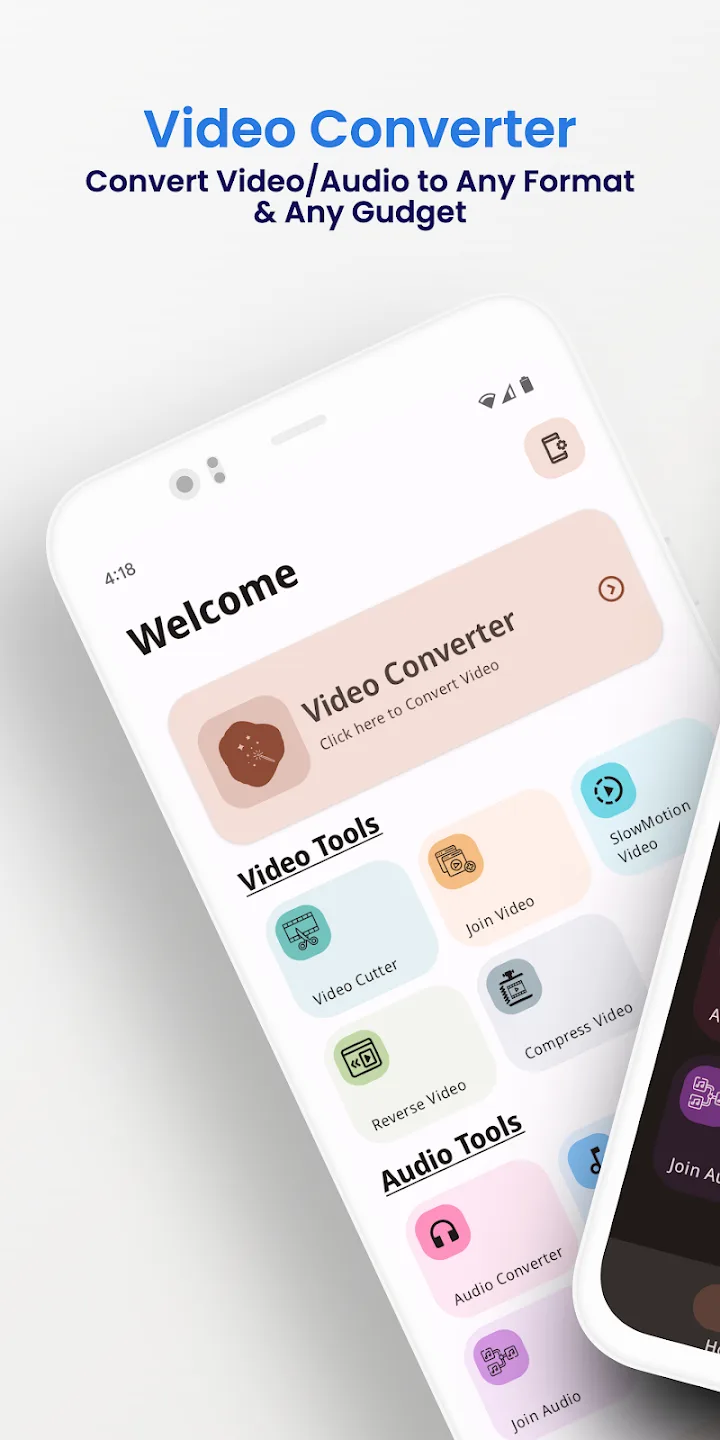
Video Converter Pro APK est un convertisseur vidéo et audio hors ligne avec un éditeur intégré léger, et cette version a déjà activé les fonctionnalités payantes Full Premium. Il change les formats et effectue de petites modifications directement sur votre téléphone, sans rien envoyer vers un cloud. Package jaineel.videoconvertor.pro, développeur VidSoftLab, environ 41 Mo, Android 7.0 et plus.
Nos rédacteurs ont scanné ce fichier à la recherche de malwares et l'ont installé sur un appareil Android réel avant publication, un contrôle que nous effectuons depuis 2018. Téléchargez uniquement depuis le bouton de cette page.
Qu'est-ce que Video Converter Pro ?
Video Converter Pro est développé par VidSoftLab. La mission est simple : prendre un fichier vidéo ou audio dans un format et l'enregistrer dans un autre, ou effectuer une petite modification, sans rien faire sortir de votre appareil. Il n'y a aucun compte à créer ni rien où se connecter.
Vous choisissez un fichier, sélectionnez le format de sortie et les paramètres, et l'application fait le travail en local. C'est pourquoi elle fonctionne de la même façon dans l'avion, dans le métro ou partout où il n'y a pas de Wi-Fi.
Formats pris en charge
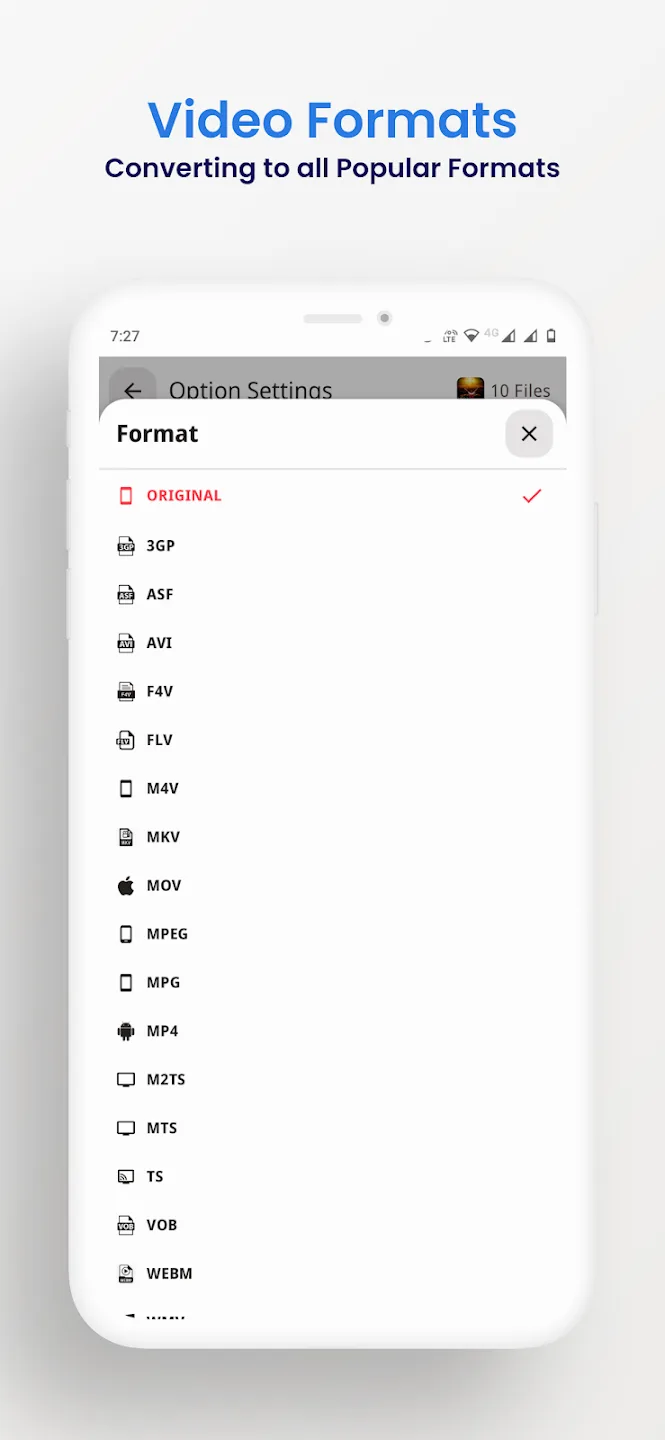
Le convertisseur lit et écrit les conteneurs vidéo et audio courants, donc la plupart des fichiers que vous rencontrez sur un téléphone passeront sans problème. Vous pouvez aussi extraire le son d'un clip et l'enregistrer en audio, par exemple transformer une vidéo en MP3.
| Vidéo | Audio |
|---|---|
| MP4, MKV, AVI, MOV, FLV | MP3, M4A, AAC, OGG |
| 3GP, WMV, MPEG, VOB, SWF | FLAC, WAV, AC3, OPUS |
| Sortie H264 et H265 | Audio extrait de n'importe quelle vidéo |
Outils d'édition et de conversion
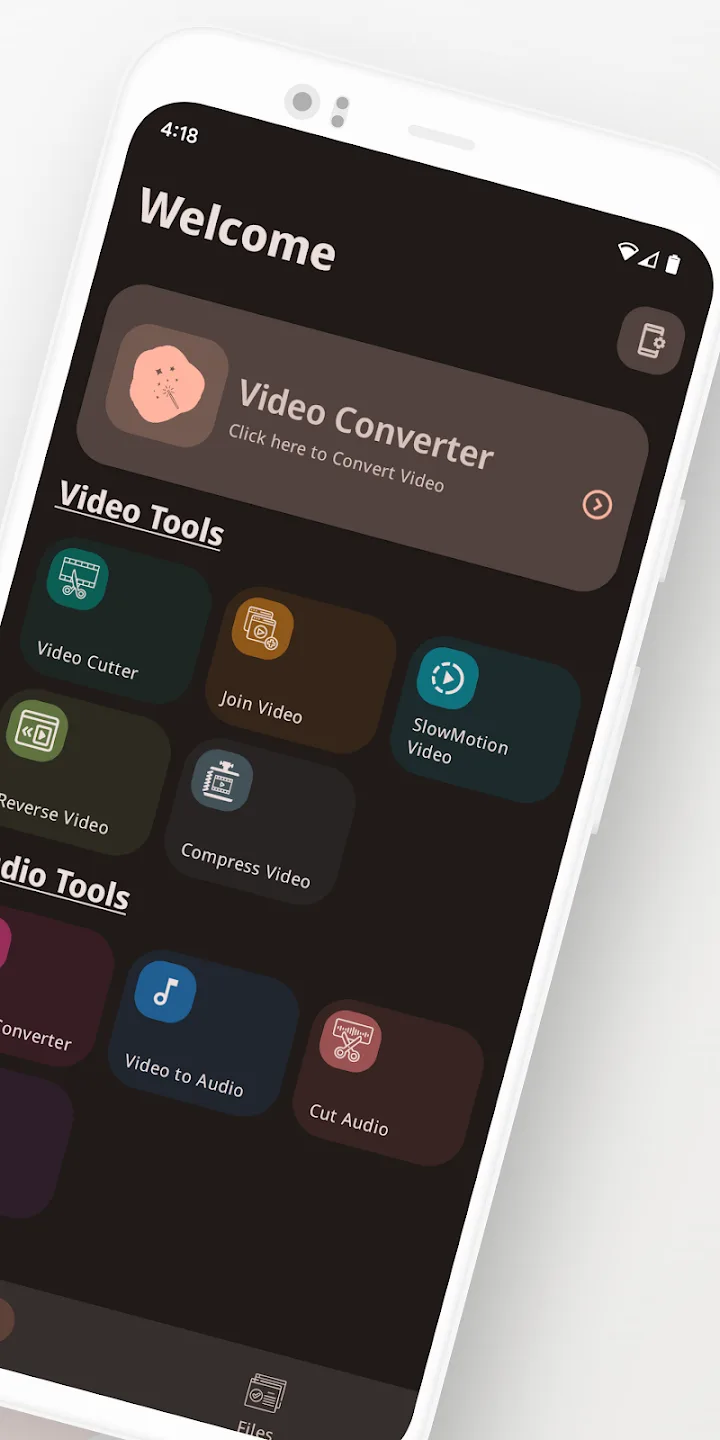
Au-delà des changements de format, l'application propose les petites modifications que l'on souhaite généralement faire avant de partager un clip :
- Convertissez entre les formats vidéo et audio listés ci-dessus.
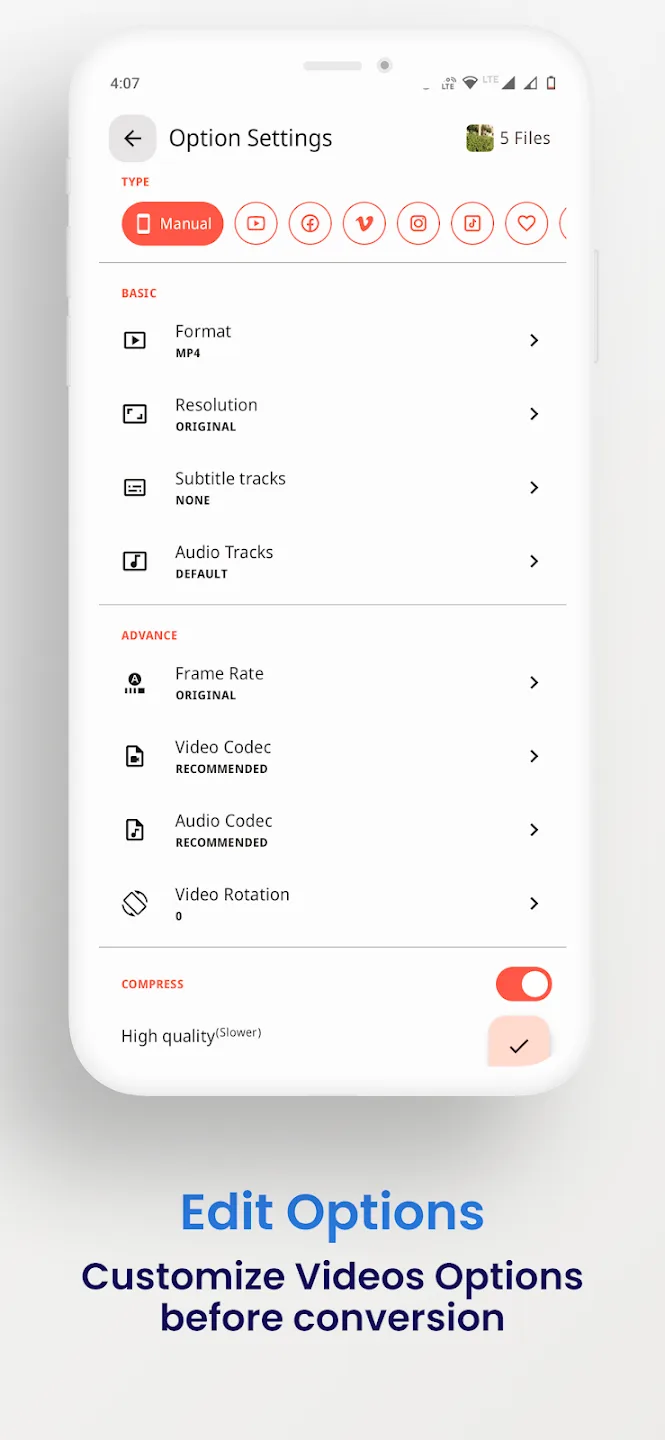
- Compressez un fichier à une taille plus petite, avec un choix de débit binaire et de résolution.
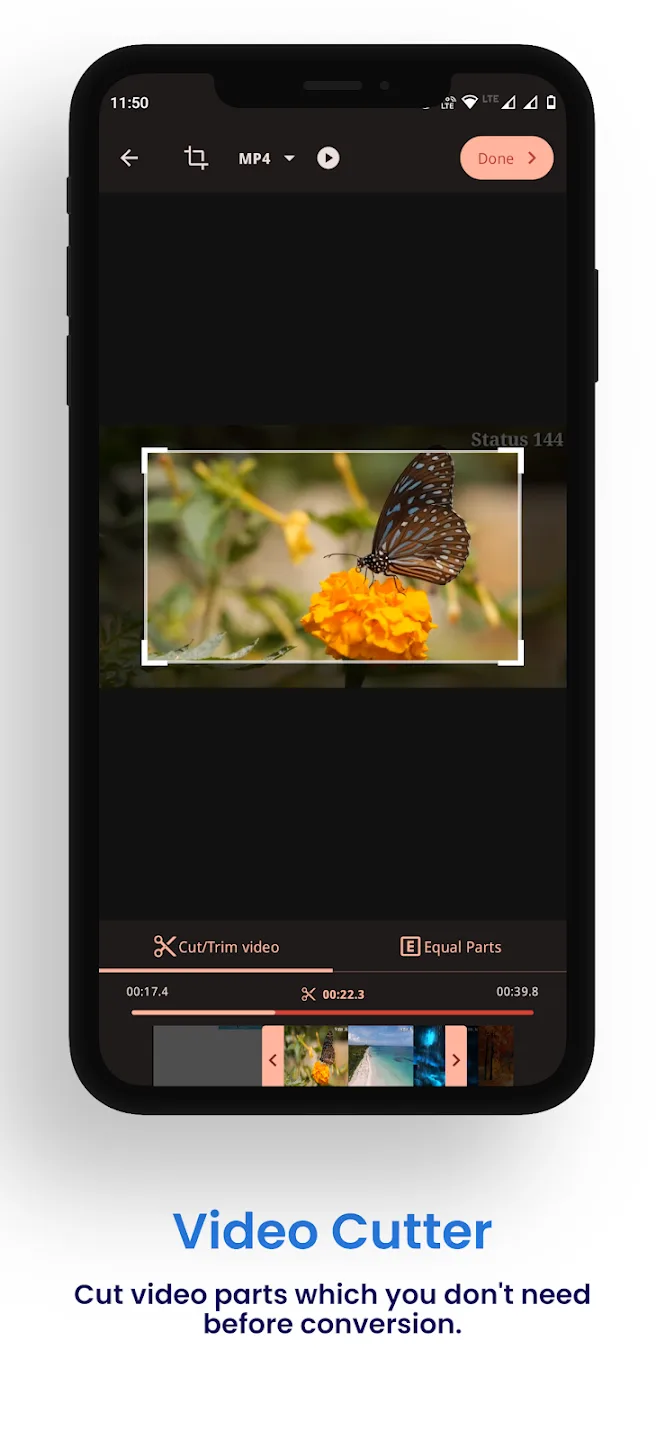
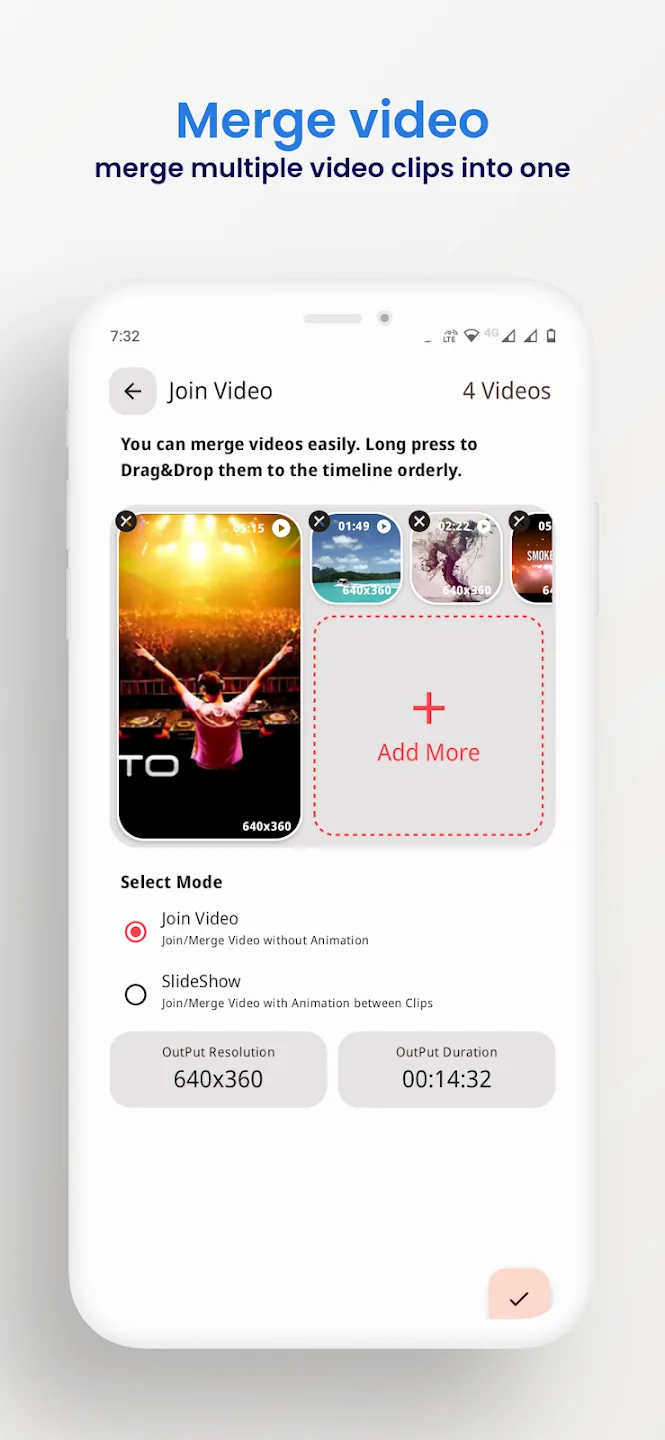
- Coupez le début et la fin, ou fusionnez plusieurs clips en un seul.
- Recadrez, faites pivoter et inversez une vidéo.
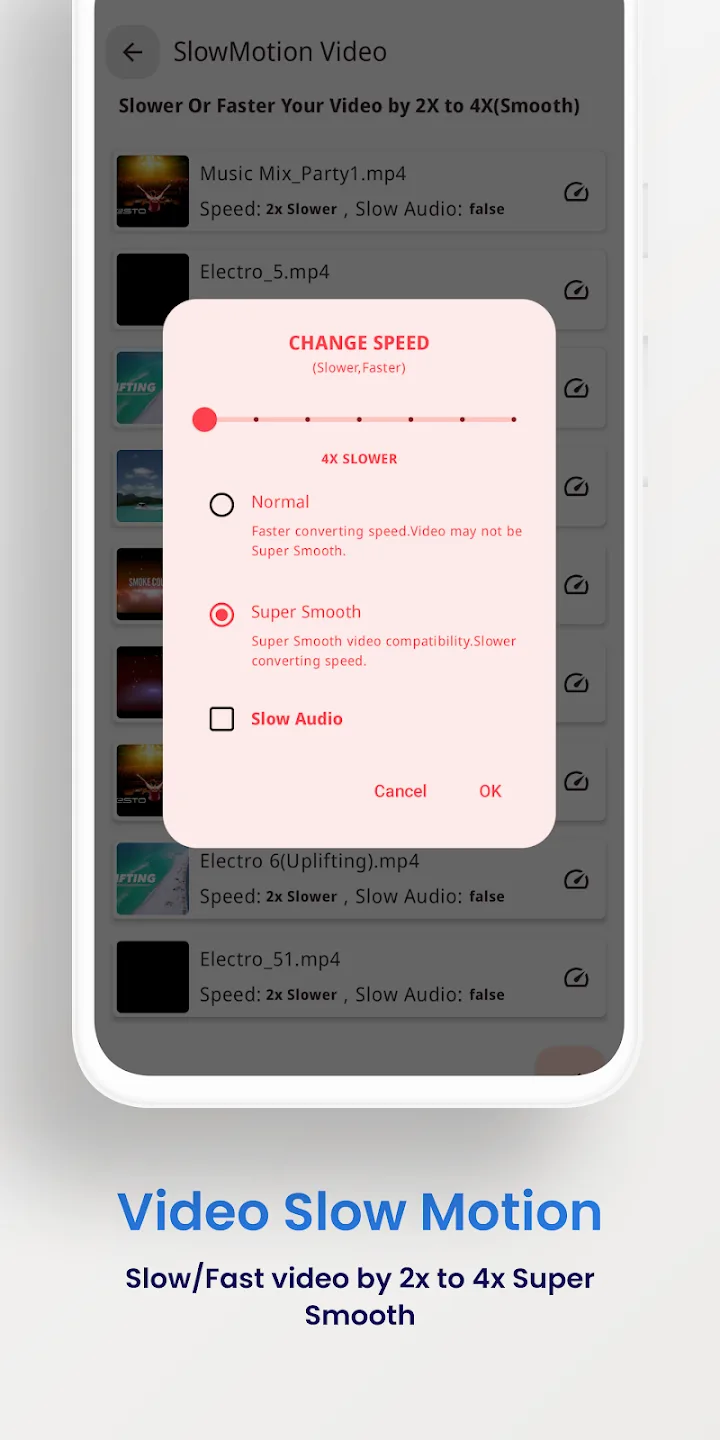
- Stabilisez les images tremblantes et créez des clips au ralenti.
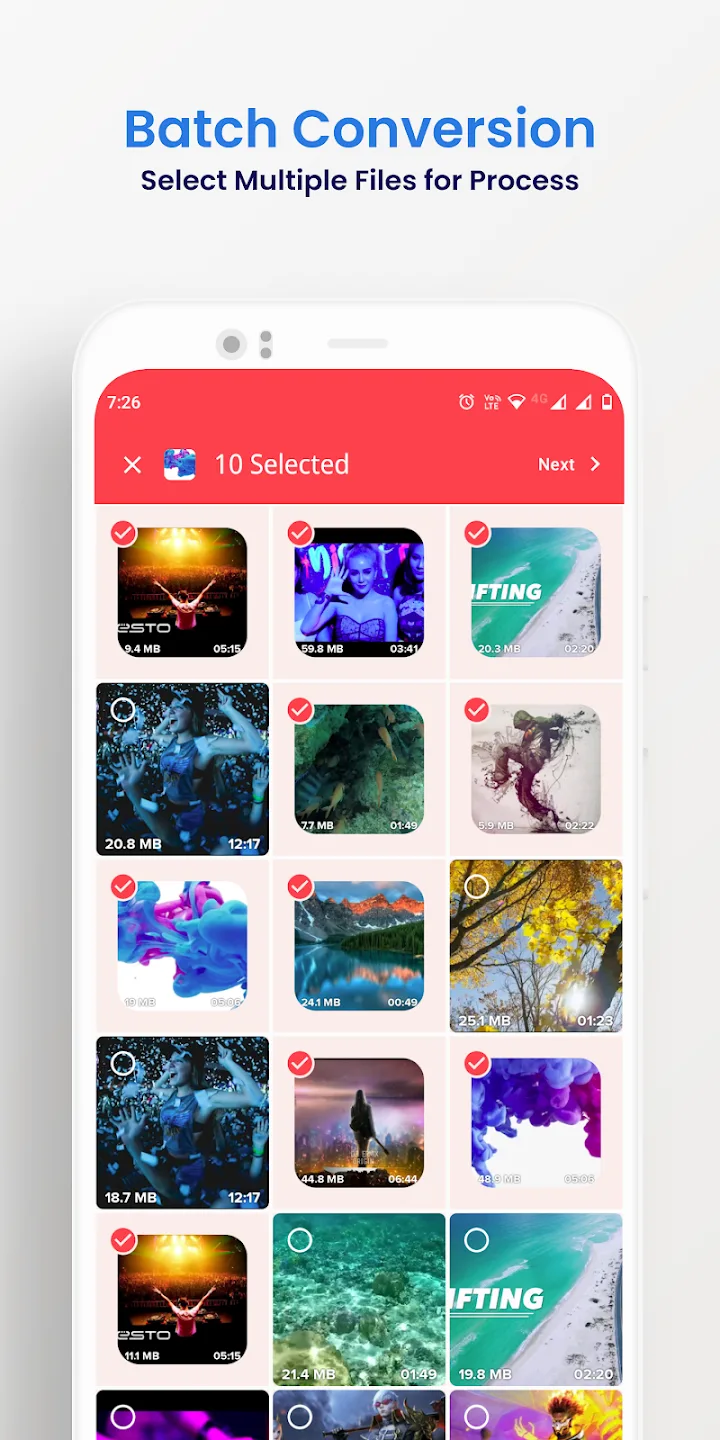
- Traitez plusieurs fichiers en un seul passage et exportez jusqu'en 4K.
Ce que Full Premium vous apporte
Les fonctionnalités Premium ici sont une affaire côté client : elles modifient l'application payante elle-même, pas un serveur. Tout se passe sur votre appareil.
| Full Premium | Ce que cela fait |
|---|---|
| Sans publicités | Les bannières et interstitiels de la version gratuite ont disparu. |
| Tous les outils Premium actifs | Les options payantes de conversion et d'édition sont ouvertes dès le premier lancement. |
| Aucune limite de traitement par lot ou d'export | Mettez plus de fichiers en file d'attente à la fois et exportez sans les plafonds de la version gratuite. |
L'ensemble exact que porte le fichier actuel est indiqué dans la ligne MOD info en haut de cette page, et nous le revérifions après chaque nouvelle version.
Fonctionne hors ligne : sans compte, sans bannissement
La conversion s'exécute sur votre téléphone, vous n'avez donc besoin ni d'internet ni de compte pour utiliser l'application. Premium supprime les verrous côté client que la version payante impose à ses fonctionnalités, et cela s'arrête là.
Il n'y a aucun serveur derrière cet outil ni de profil en ligne, donc il n'y a rien dont vous puissiez être banni. C'est un simple utilitaire hors ligne, pas un service en ligne.
Comment télécharger Video Converter Pro APK
- Appuyez sur le bouton vert Télécharger l'APK en haut de cette page. Le fichier se télécharge directement, sans inscription ni SMS.
- Autorisez l'installation depuis des sources inconnues pour votre navigateur ou gestionnaire de fichiers (Paramètres → Sécurité).
- Ouvrez le fichier téléchargé, appuyez sur Installer, puis lancez l'application. Le téléchargement fait environ 41 Mo et nécessite Android 7.0 ou plus récent.
Première installation manuelle d'un fichier ? Notre guide d'installation APK détaille les mêmes étapes avec des captures d'écran.
MOD ou original ?
L'original Video Converter Pro est gratuit sur Google Play, avec des publicités et des limites, et l'acheter là-bas soutient VidSoftLab. Si vous préférez avoir les fonctionnalités payantes ouvertes et travailler entièrement hors ligne, l'APK Premium de cette page est fait pour vous : même application, publicités disparues, plafonds levés, tout en local.
Vous voulez plus d'outils multimédias ? Essayez VivaVideo Pro pour l'édition, parcourez d'autres lecteurs et éditeurs vidéo, ou découvrez les derniers MOD APK du catalogue.
FAQ
Quels formats Video Converter Pro prend-il en charge ?
Que donne la version Full Premium ?
Fonctionne-t-il hors ligne ?
Peut-il compresser ou couper des vidéos ?
L'APK est-il sûr à télécharger ?
Quels sont les prérequis et la taille du fichier ?
Télécharger Video Converter Pro
- Aucun virus
- Aucun logiciel espion
- Aucun logiciel malveillant
Les avis (0)