- No viruses
- No spyware
- No malware
lv.mcprotector.mcpro24fpsThis file was downloaded, scanned and installed by our editors before publishing.
Every file is also checked with VirusTotal before publishing.

mcpro24fps MOD APK (Full Unlocked)

Additional information about mcpro24fps MOD APK (Full Unlocked)
lv.mcprotector.mcpro24fpsThe description of mcpro24fps MOD APK (Full Unlocked)
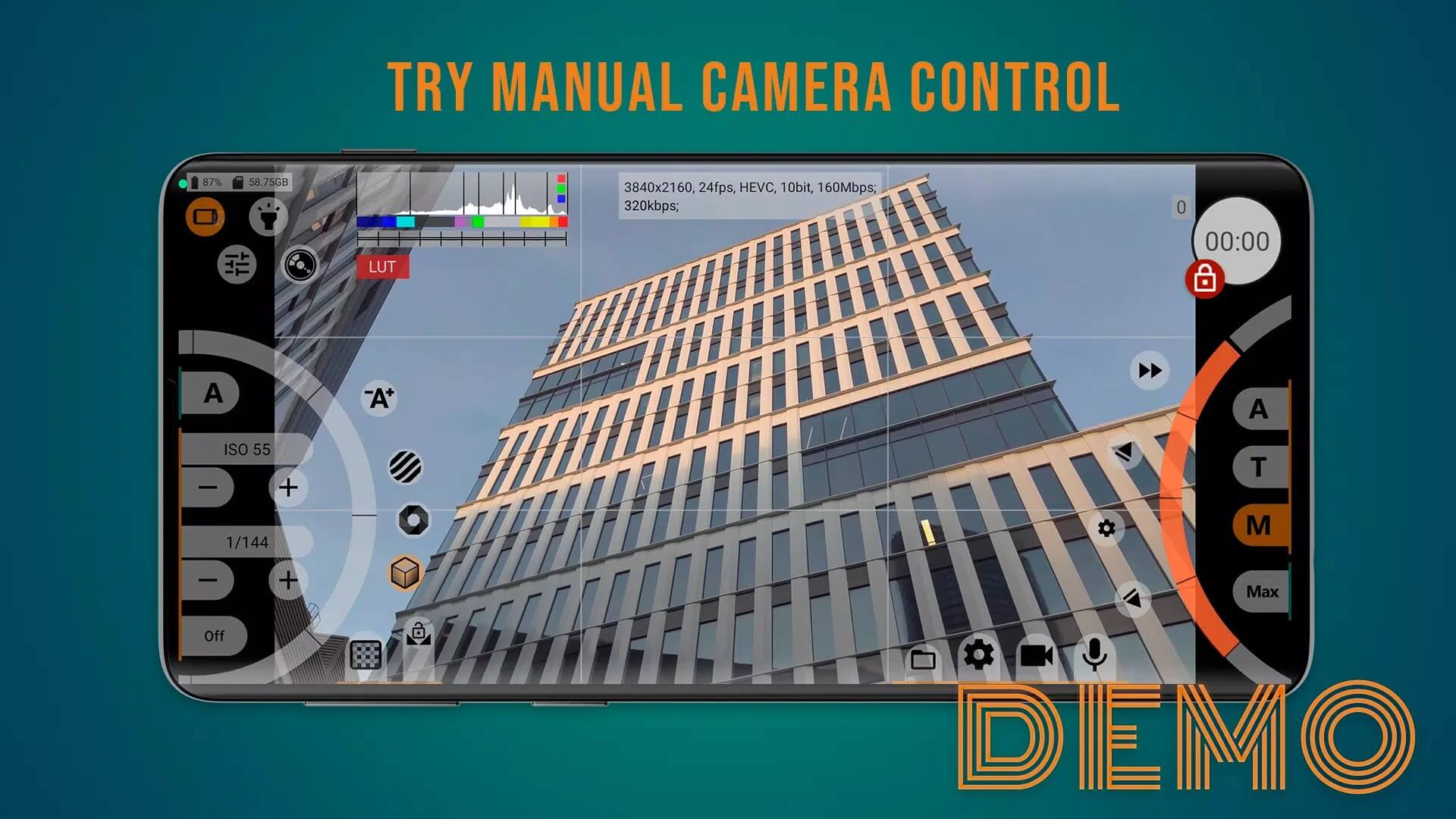
mcpro24fps MOD APK gives you the full manual video camera unlocked, so the paid Pro features open without a purchase. This is not a game cheat, it is a real shooting tool: manual frame rate, your own bitrate, LOG capture and proper focus aids, all in your hands from the first launch.
Here is the honest part. On Google Play mcpro24fps ships as a demo, and the full feature set is a paid unlock. The build on this page opens those paid features so you can shoot with everything on. Every file here is scanned for malware and installed on a real Android device by our editors before publishing, we have done this since 2018.
What is mcpro24fps?
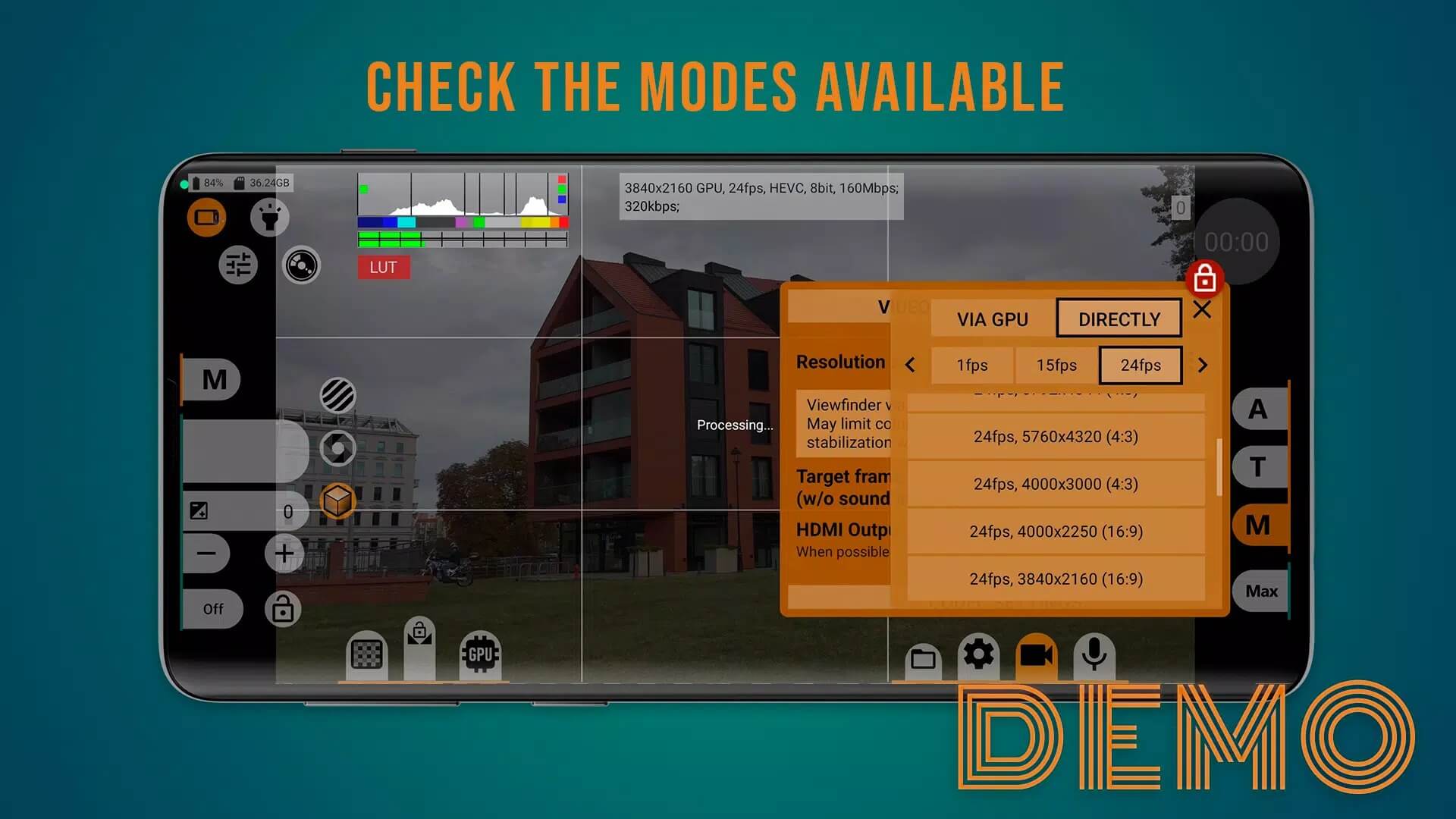
mcpro24fps is a manual video camera app from Chantal Pro SIA, made for people who want to control the shot themselves instead of trusting auto mode. You set the frame rate, choose your bitrate and resolution, and dial in exposure, white balance and focus by hand. Higher frame rates like 48, 50, 60 and above are available on phones whose sensors support them, so the ceiling depends on your hardware. The app is tiny, around 3 MB, and runs on Android 7.0 and up.
On the Play Store it sits in the Libraries & Demo category, which tells you how it works. The version you get there is a demo, and the full toolkit is a paid unlock. That is normal for a pro utility like this one. The MOD on this page takes that wall down.
What the Full/Unlocked version gives
| Unlocked feature | What it does in the app |
|---|---|
| Full manual controls | Frame rate, exposure, white balance and manual focus are all adjustable by hand. |
| High bitrate recording | Record at high bitrates for cleaner footage with less compression. |
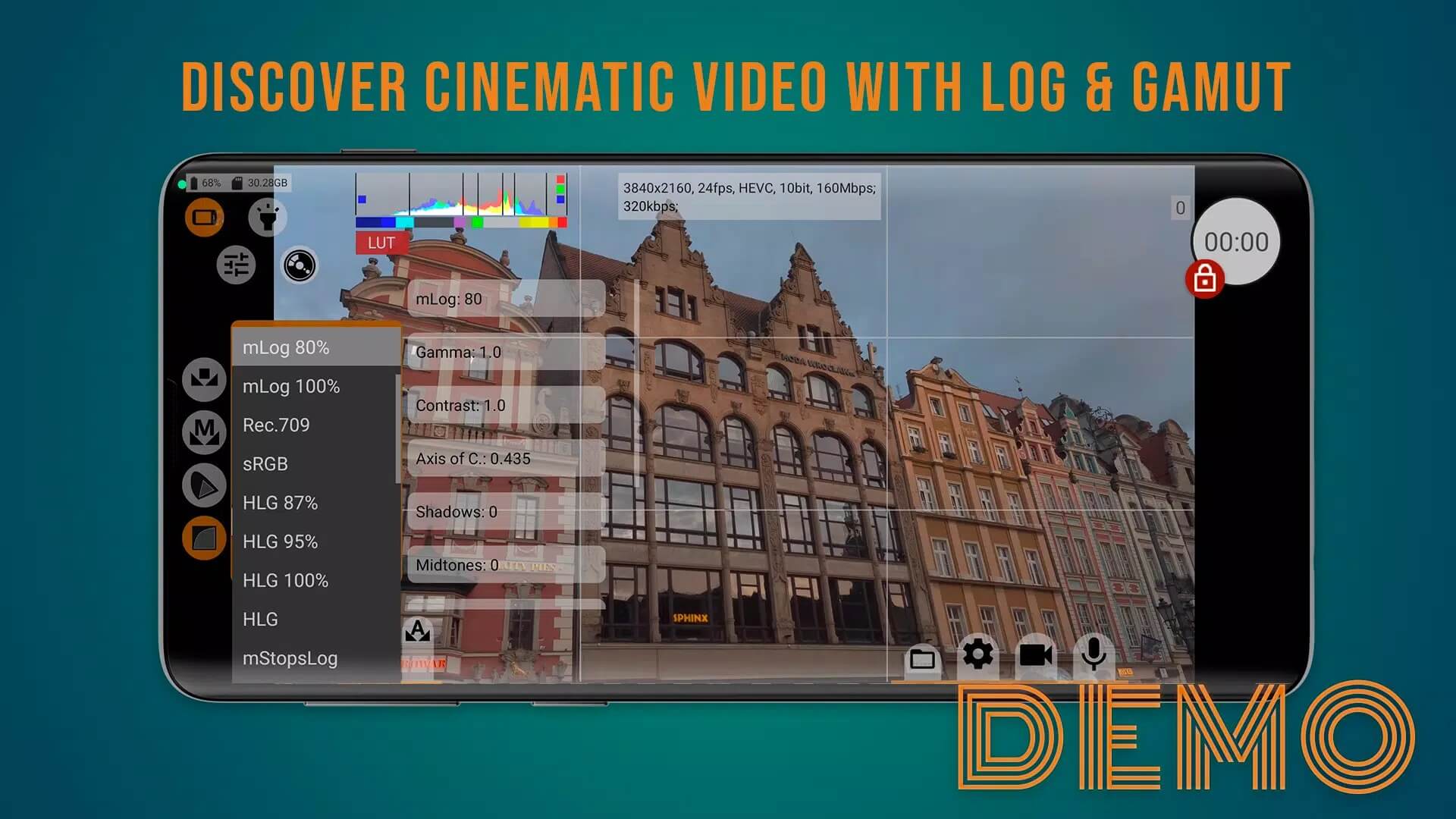
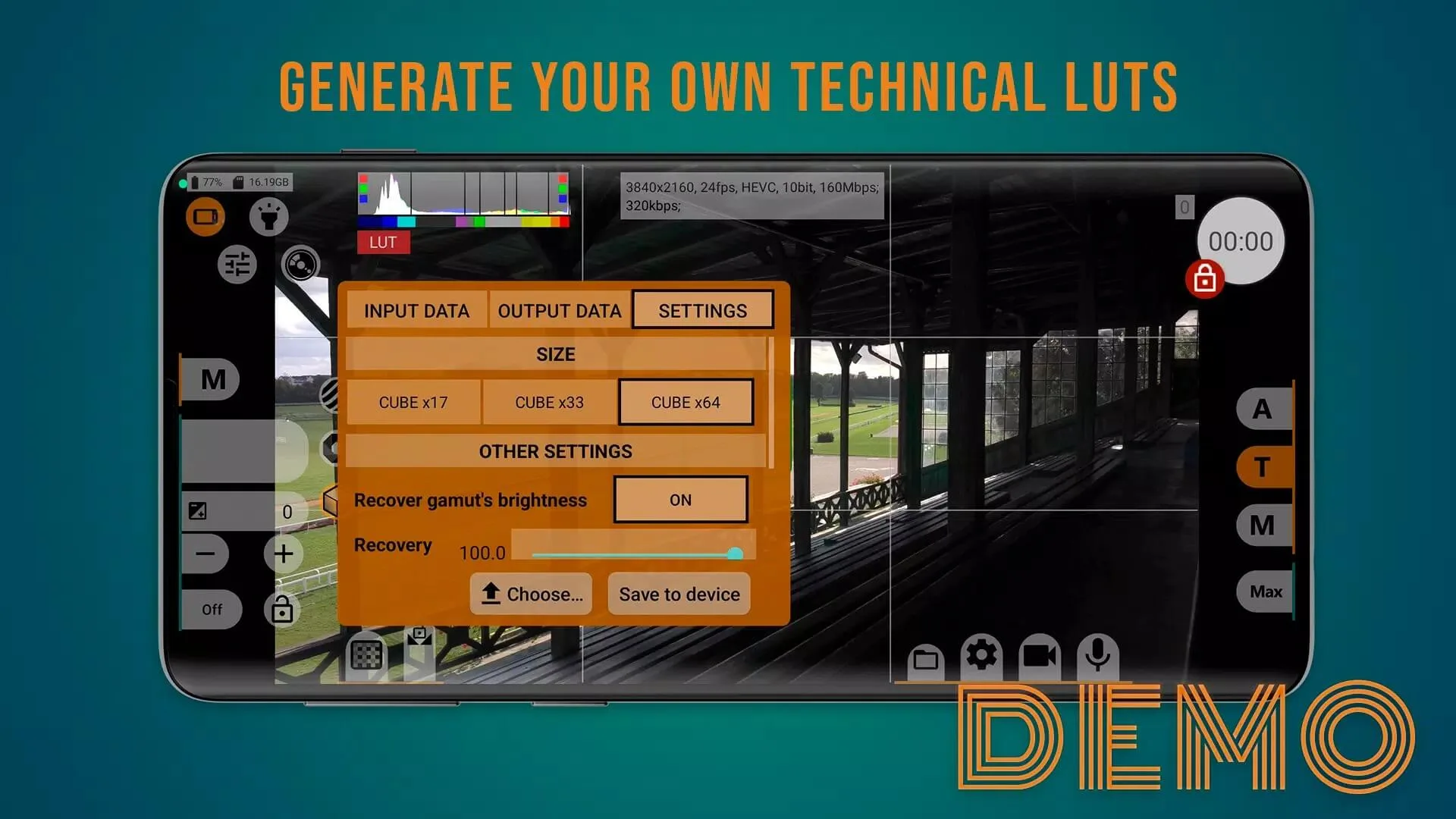
| LOG / flat profile & LUT | Shoot a flat LOG image for grading, with a real-time LUT preview so you still see a normal picture while filming. |
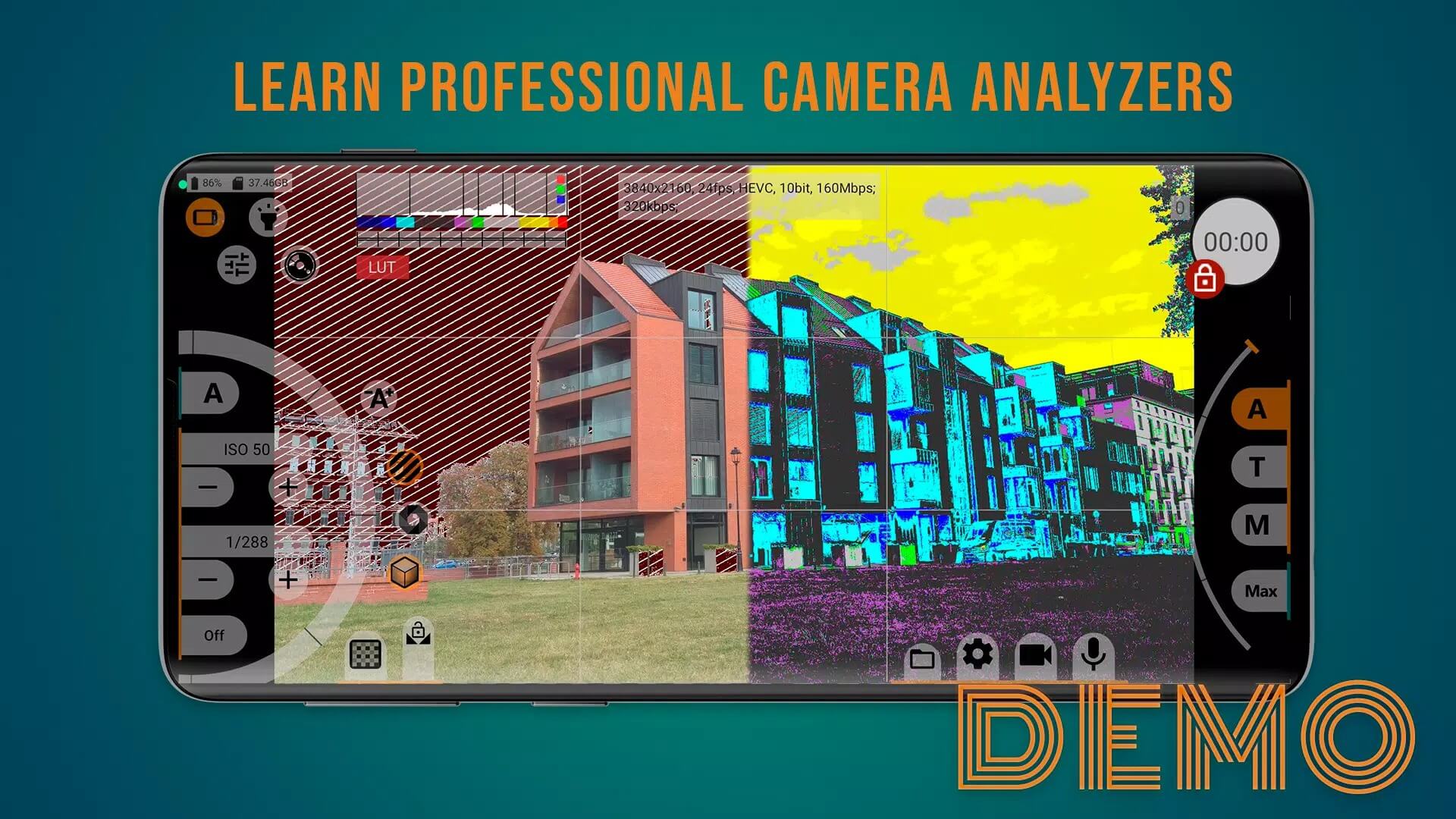
| Focus peaking, zebra & waveform | On-screen aids that help you nail sharp focus and read exposure at a glance. |
| No demo limits | The demo restrictions are removed and the full feature set stays open. |
One honest note on the wording. "Unlocked" here means the paid full-version features are open, nothing more exotic than that. There is no extra magic bolted on top, just the complete app you would otherwise pay the developer for. The exact package for the current build is listed in the "MOD info" line at the top of this page, and we re-test it after each update.
Who it's for
This app is for mobile videographers, short-film makers and vloggers who care about a manual, cinematic look. If you like setting your own shutter and frame rate, shooting flat and grading later, or pulling focus by eye with peaking on, you will feel at home fast. It rewards a bit of patience. If the stock camera app already covers what you shoot, you probably do not need this one, and that is fine.
How to download and install mcpro24fps MOD APK
The download is a single small APK, around 3 MB, and it all starts from this page.
- Tap the green Download APK button at the top of this page, the file downloads directly, no registration or SMS.
- Allow installation from unknown sources for your browser or file manager (Settings → Security).
- If the demo from Google Play is already installed, remove it first, the unlocked build has a different signature and will not install over it.
- Open the file, tap Install, then launch mcpro24fps and grant it camera and microphone access.
You need Android 7.0 or newer, and a fair chunk of free storage if you plan to record at high bitrate. First time sideloading anything? Our APK install guide walks through the same steps with screenshots.
Full APK or buy on Google Play?
Both paths land you on the same features. You can buy the full version straight from the developer, which is the direct way to support Chantal Pro SIA and keep the app updated. The MOD on this page opens those same paid features for free, so you can shoot with the full toolkit and decide for yourself whether it fits your workflow. Want more tools like it? Browse our full list of apps or the wider MOD catalog, and if you shoot photos too, a manual camera such as ReLens Camera is worth a look.
Tips for better footage
- Match your frame rate to the job: 24 or 25 fps for a filmic feel, higher rates only when you plan to slow the clip down.
- Higher bitrate means bigger files and more heat, so keep an eye on storage and phone temperature on long takes.
- Turn on focus peaking before you hit record, it is the quickest way to keep your subject sharp.
- Shooting LOG? Load a LUT for the preview so you are not judging exposure off a flat, washed-out image.
- Lock exposure and white balance for a shot instead of letting them drift mid-take.
FAQ
What is mcpro24fps?
What does the Full/Unlocked APK give?
Is the mcpro24fps APK safe?
What are the requirements?
Which version is this?
What is the difference between the original and the unlocked APK?
Download mcpro24fps Mod (Unlocked)
- No viruses
- No spyware
- No malware
The reviews (0)