- No viruses
- No spyware
- No malware
com.applisto.appcloner.premiumThis file was downloaded, scanned and installed by our editors before publishing.
Every file is also checked with VirusTotal before publishing.

App Cloner Premium APK (Premium Unlocked)
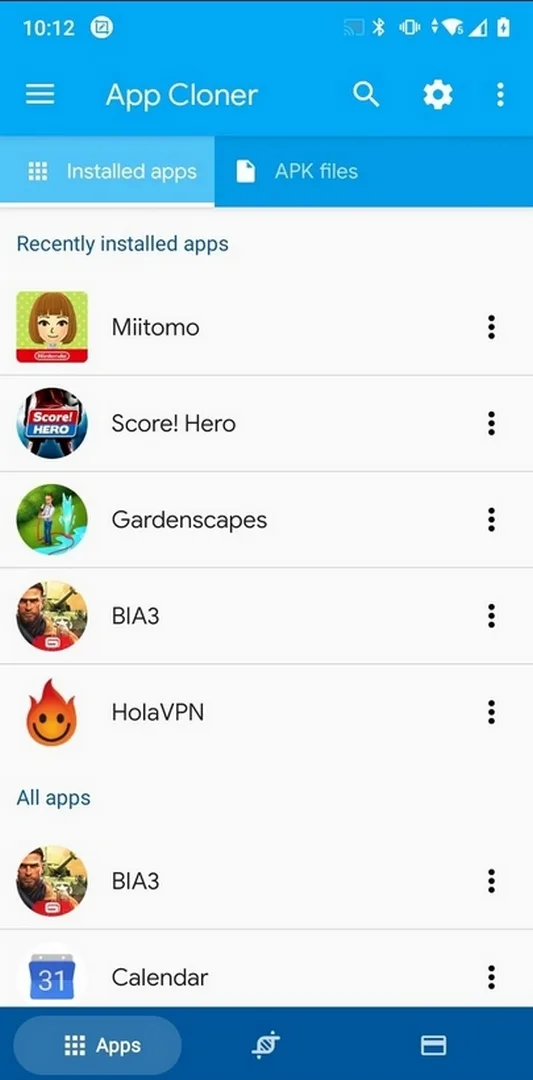
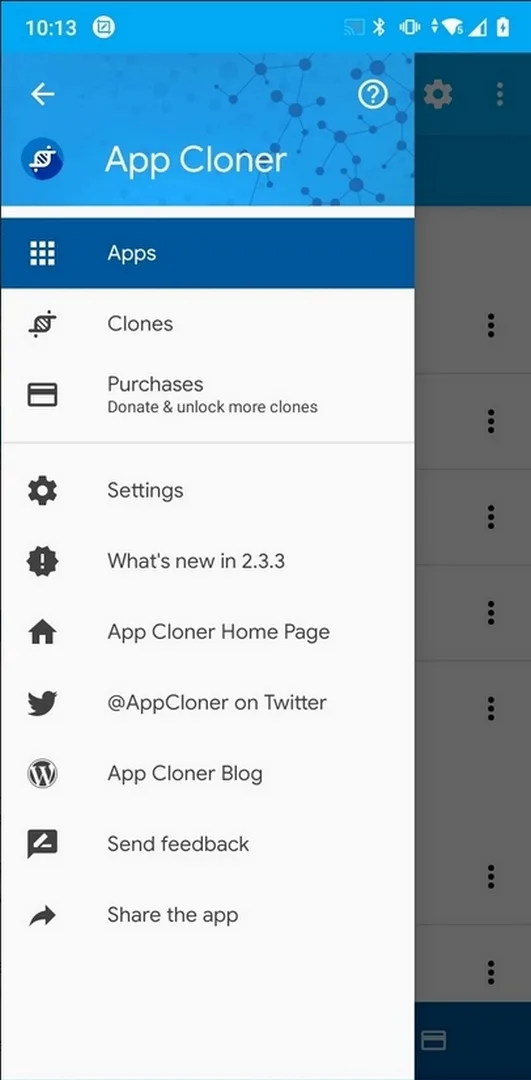
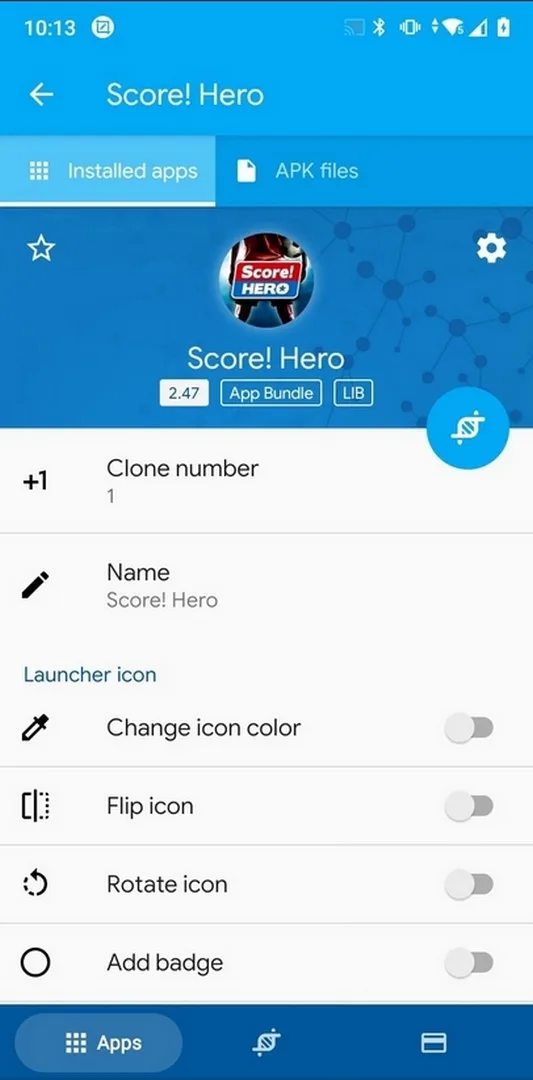
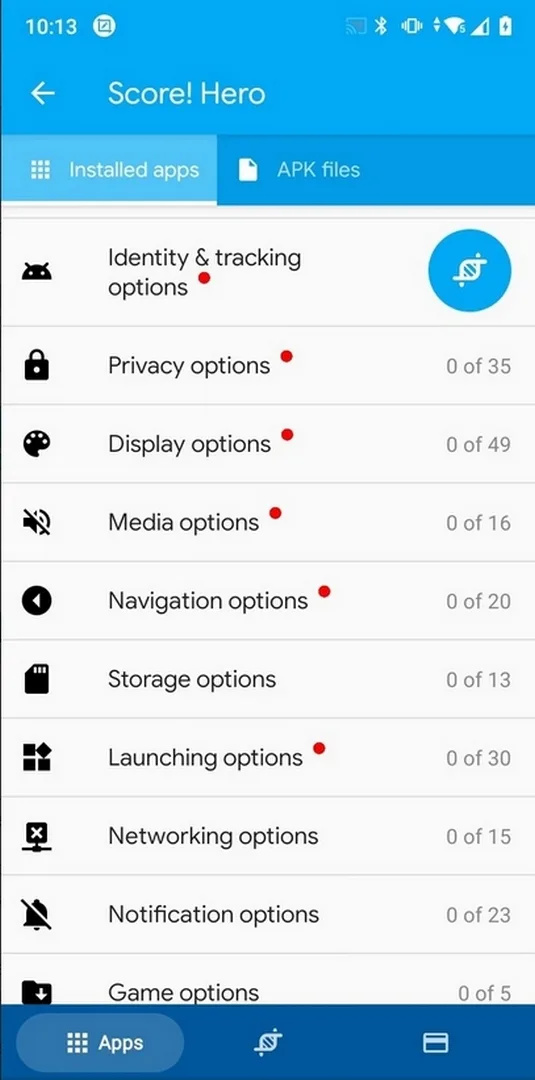
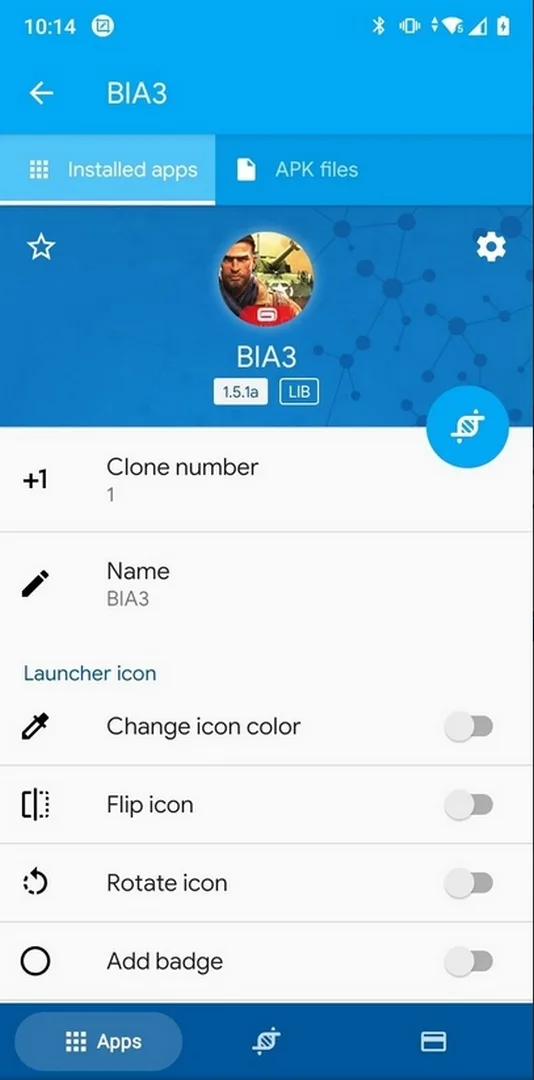
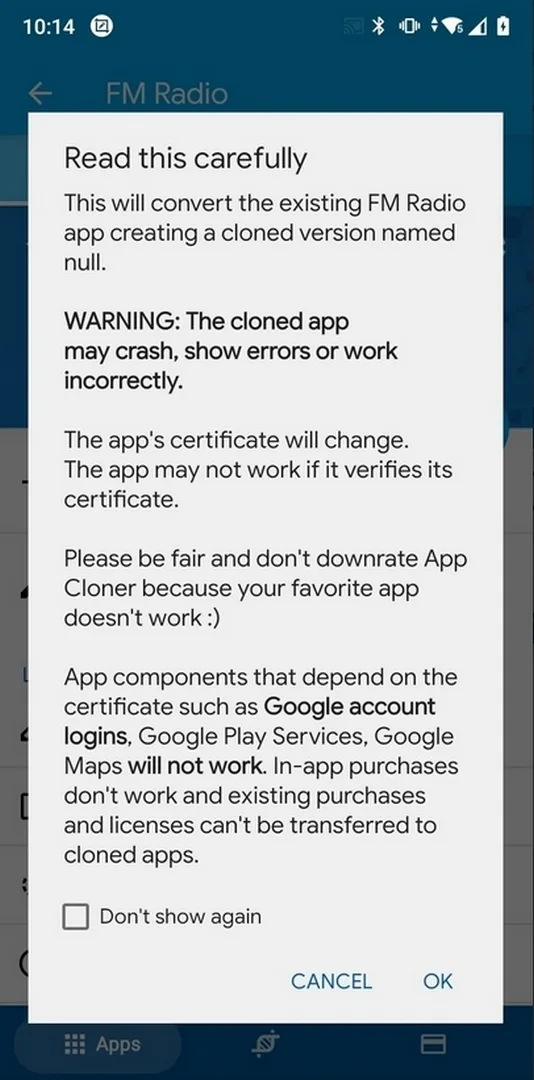
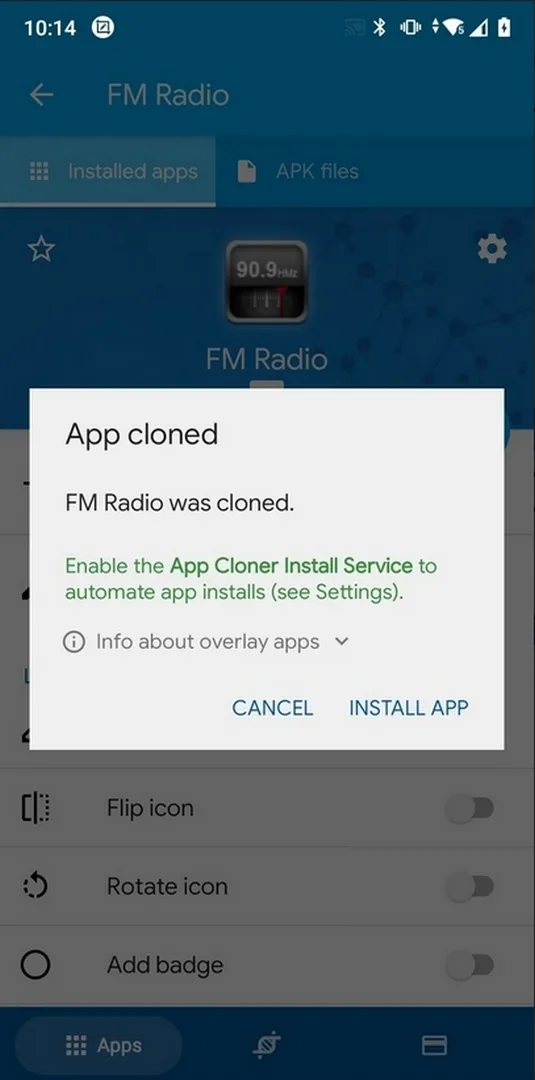
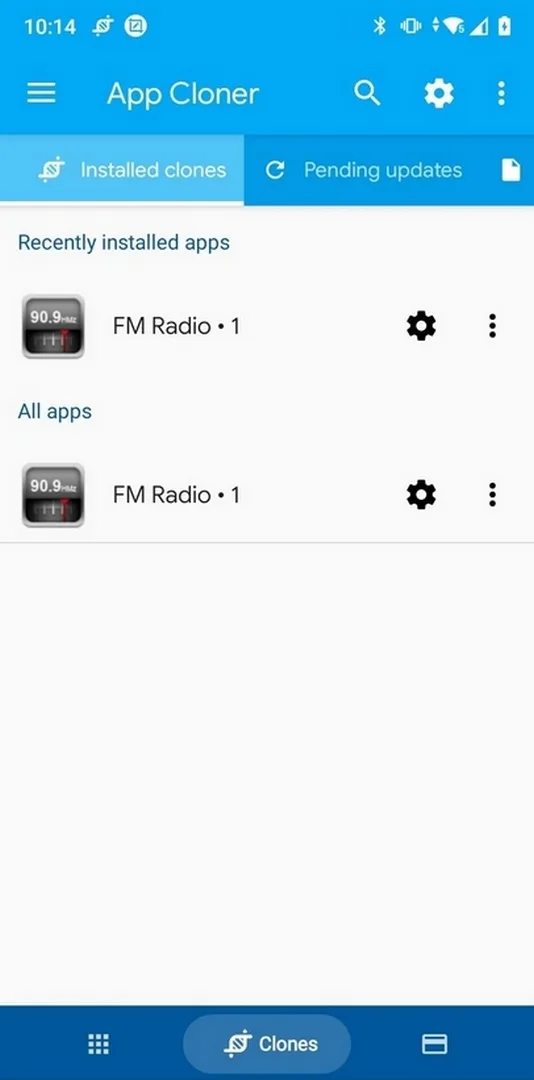
Additional information about App Cloner Premium APK (Premium Unlocked)
com.applisto.appcloner.premiumThe description of App Cloner Premium APK (Premium Unlocked)
App Cloner Premium APK is the patched App Listo utility with Premium and all add-ons unlocked: make independent copies of your installed apps, run several accounts on one phone, rename and re-icon each clone, and turn on the extra clone options without ads. This file was downloaded, scanned for malware and tested by our editors on real devices before publishing, so you can start cloning right away.
On this page you get the latest working build. The exact package for the current version is listed in the «MOD info» line at the top of the page. One honest point before you download: cloning changes an app's signature, so Google sign-in and some protected apps will not work inside a clone. We cover exactly what that means below, because it is the part most sites leave out.
What is App Cloner?
App Cloner by App Listo makes separate copies of the apps already installed on your phone, such as Instagram, Telegram, WhatsApp or a game. Each clone is its own app with its own login, so you can stay signed in to two accounts at the same time. You can give a clone a different name and icon to tell them apart. Clones do not update on their own, so when the original app updates you re-clone it to match.
What Premium and Add-ons unlock
| MOD feature | What it changes in the app |
|---|---|
| More clones | Make up to 20 clones; supporting the developer raises the limit up to 1000. |
| All permissions | Customise every clone permission, instead of the free cap of five. |
| Full add-ons | Password lock, incognito, hide Android ID, spoof location and more are open. |
| No ads | The ads from the free version are removed. |
The exact set for the current build is shown in the «MOD info» line at the top of this page.
Limitations you must know
This is the honest part. When App Cloner builds a clone, it re-signs the app, which gives it a different signature from the original. Because of that, some things simply cannot work in a clone: Google sign-in, Google Play Services, Play Games, Google Drive backup and in-app purchases. Apps that check their own signature or use strong copy protection may refuse to open at all as clones. This is not a fault in the mod; it is how clone signing works. If an app depends on a Google login, run it as the original and clone something else instead.
How to download and install App Cloner Premium APK
- Tap the green Download APK button on this page. The file downloads directly, with no registration or SMS.
- Allow installation from unknown sources for your browser in Android settings (Settings → Security).
- The file is small, around 7 MB, so it installs fast. Open it and tap Install.
- Make sure the app you want to clone is already installed, then open App Cloner, pick it and build the clone.
Step-by-step screenshots are in our APK install guide.
Typical use cases
- Run two WhatsApp or Telegram accounts on one phone, for example a personal number and a second one.
- Keep work and personal profiles of the same app separate.
- Test a beta build next to the stable app without losing your main data.
- Add a password lock or incognito add-on to a clone for a bit more privacy.
Premium or free?
The free version limits you to five permissions and a small number of clones. Premium opens all the add-ons, the full permission list and up to 20 clones. Either way, keep the signature limits in mind: a clone that needs Google sign-in or in-app purchases will not behave like the original. Use it for honest reasons, like keeping a work and a personal account apart. Browse more Android apps or check other MOD APKs in the catalog.
FAQ
What does App Cloner do?
What does Premium unlock?
Does Google login work in a cloned app?
Why won't my cloned app open?
Is App Cloner Premium APK safe to download?
How many clones can I make?
Download App Cloner Premium
- No viruses
- No spyware
- No malware
The reviews (0)