- No viruses
- No spyware
- No malware
This file was downloaded, scanned and installed by our editors before publishing.
Every file is also checked with VirusTotal before publishing.

Movie Fire APK — Free Streaming App for FireStick
Additional information about Movie Fire APK — Free Streaming App for FireStick
The description of Movie Fire APK — Free Streaming App for FireStick
Movie Fire APK is a free, third-party streaming app for Amazon FireStick, Fire TV and Android phones. You sideload it, open it, and browse movies, TV shows and live channels pulled together from outside sources. It is not on Google Play or the Amazon Appstore, so the only way to get it is as a standalone APK. The file on this page is scanned for malware and installed on a real Android device by our editors before publishing, we have done this since 2018. One thing to be clear about up front: the app holds no content licences, so treat it as what it is.
What is Movie Fire?
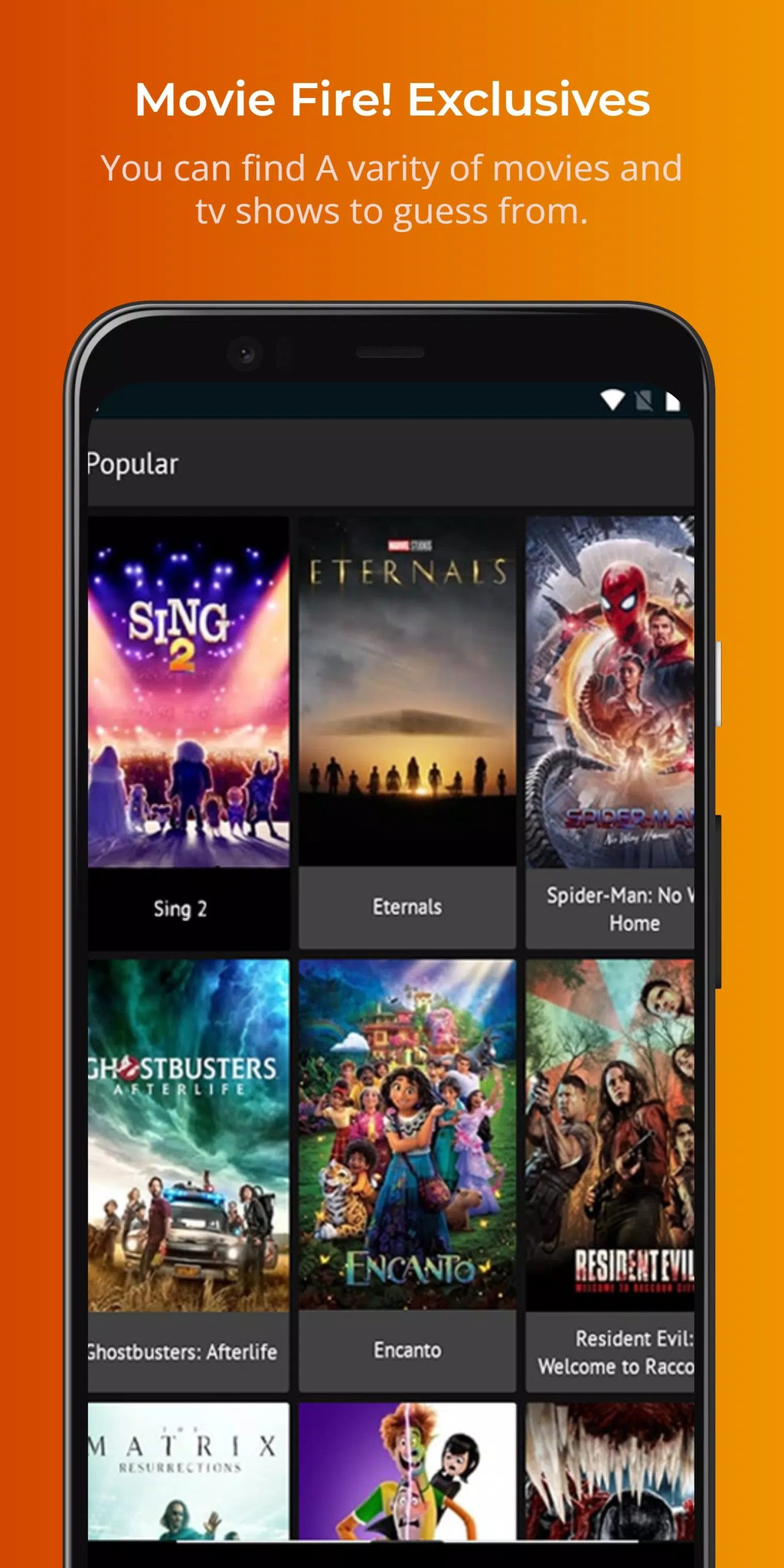
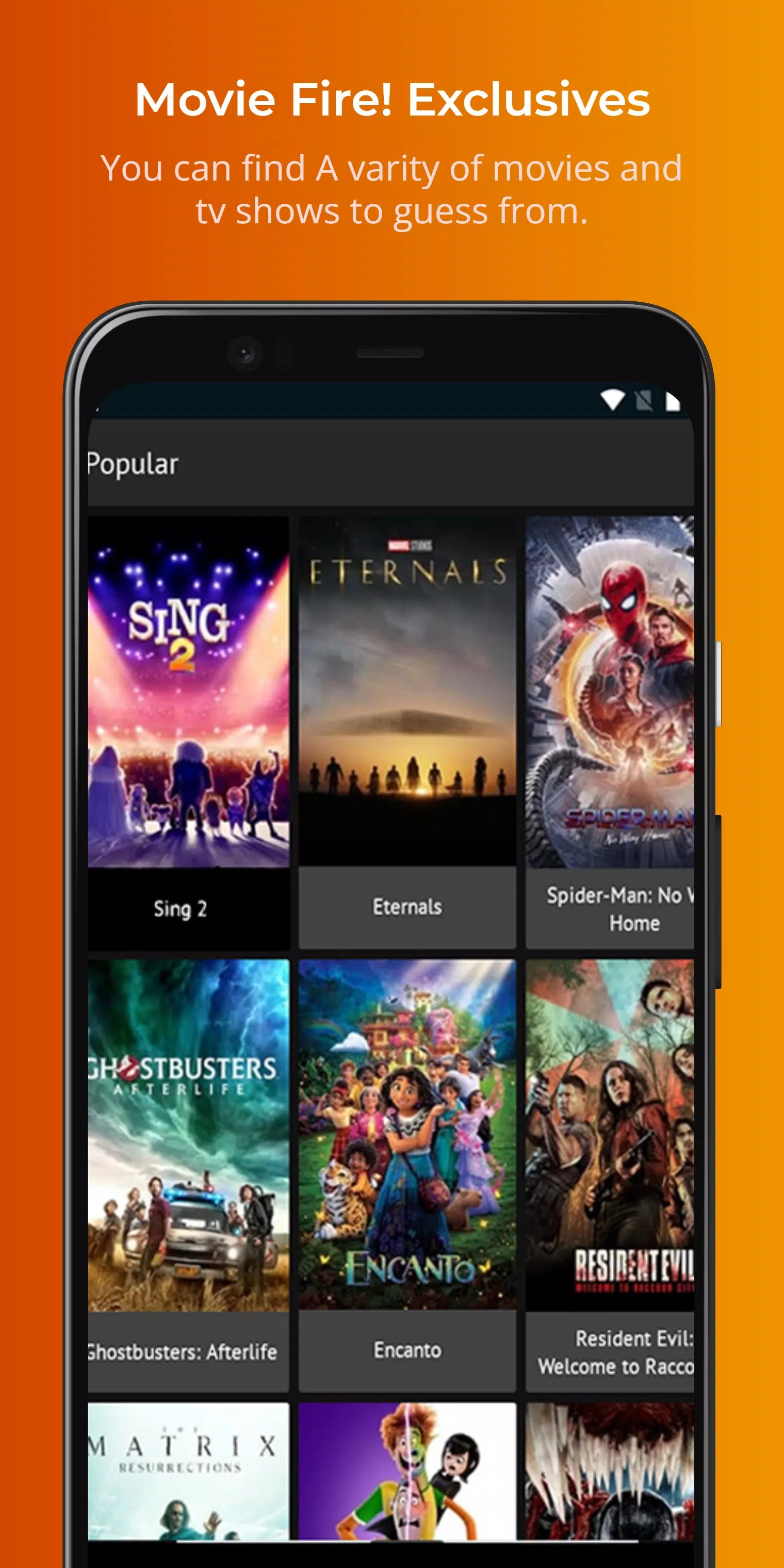
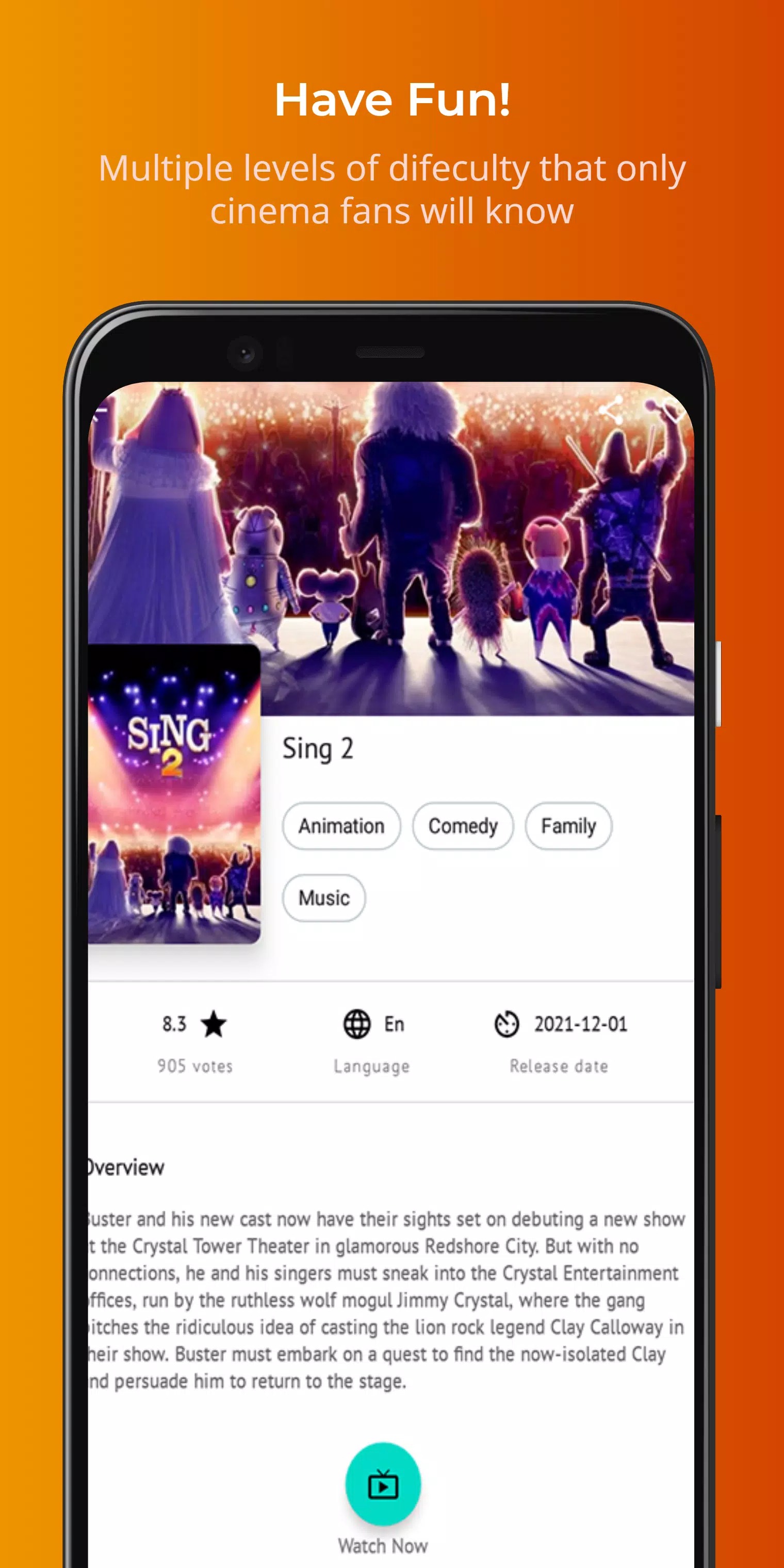
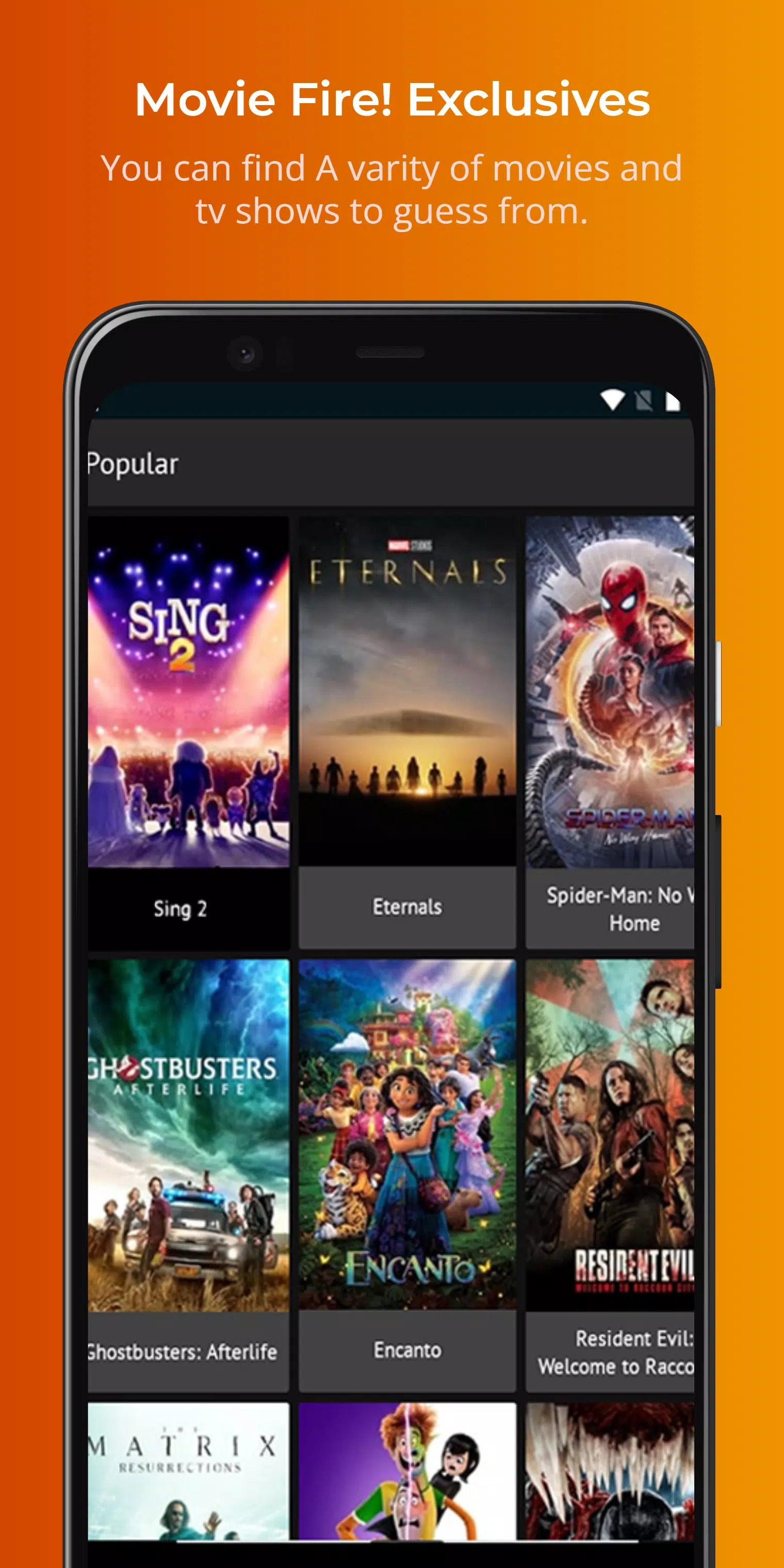
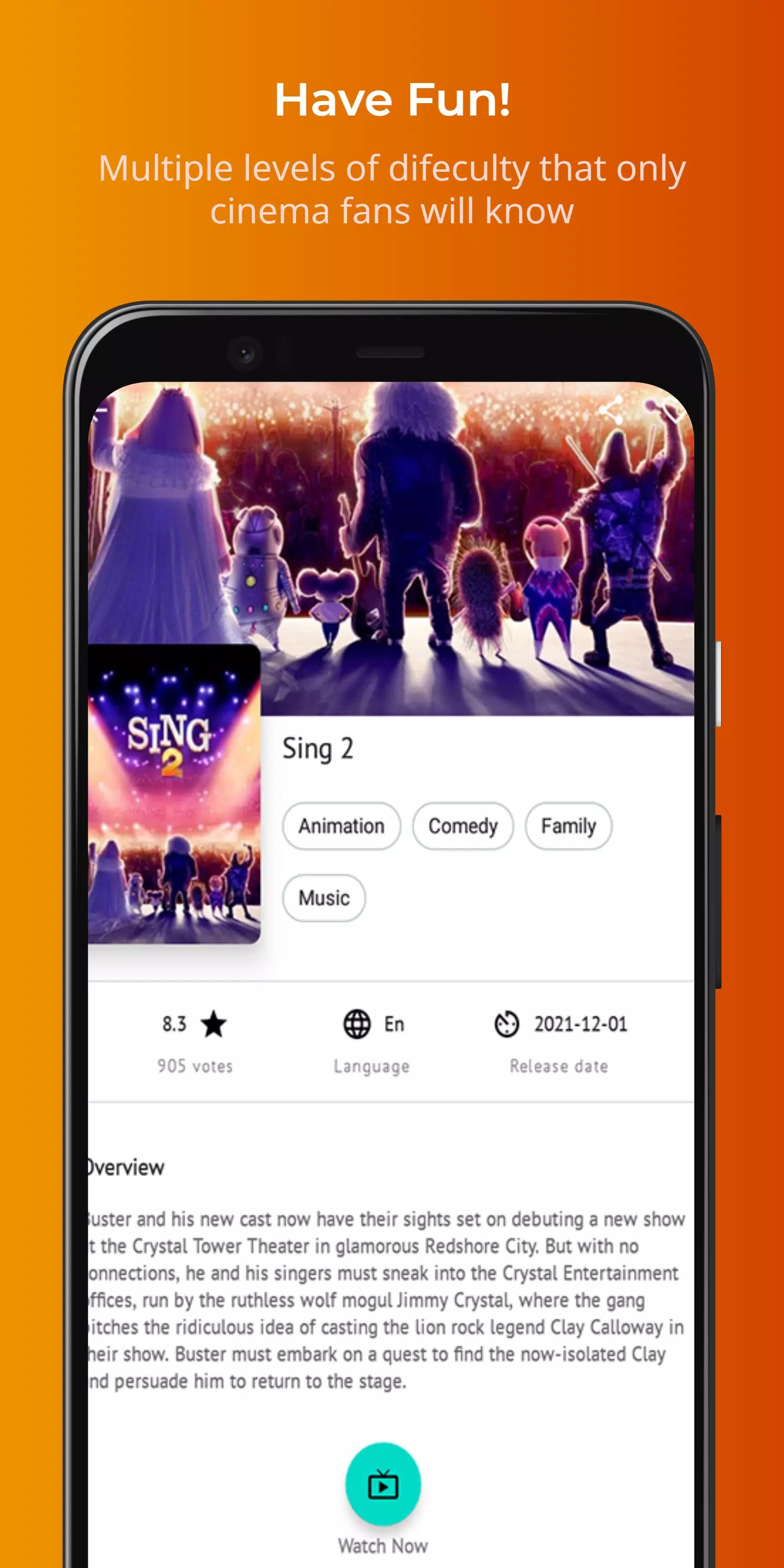
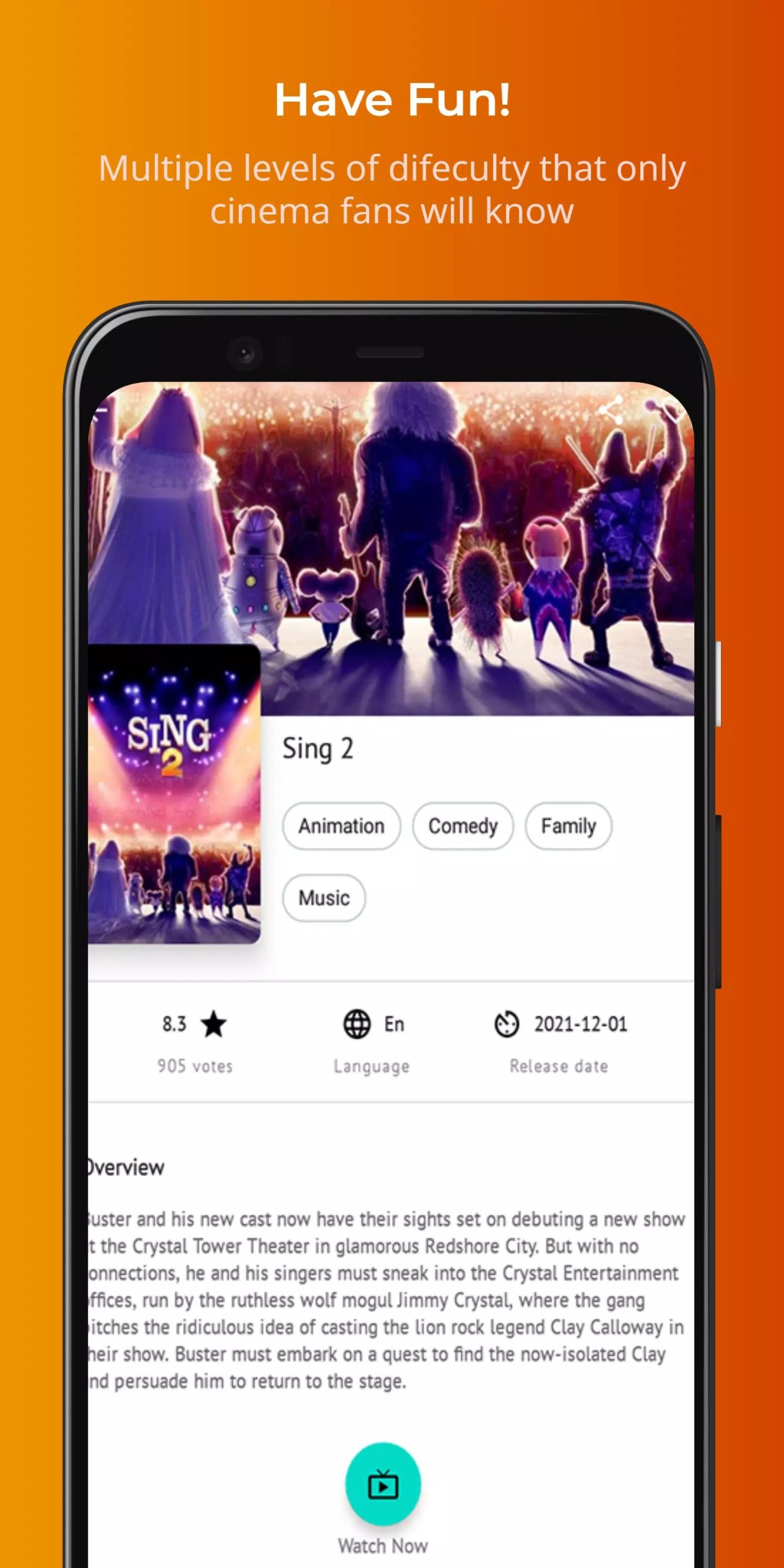
Movie Fire is a streaming front-end built mainly for FireStick and Fire TV, with an Android build that runs on phones and tablets too. It does not host any video itself. Instead it gathers links from third-party servers and plays them inside the app, sorting everything into categories you can search and scroll. When a stream is available in HD or 1080p, it will play at that quality; when it isn't, you get whatever the source offers.
It also hooks into a few outside services. You can connect Real-Debrid for faster, cleaner links, Trakt to track what you watch across devices, and hand playback to an external player like TPlayer. None of that changes the basic point. This is not an official service, and the films and shows come from sources Movie Fire does not own or license.
How to install Movie Fire APK on FireStick (sideload)
FireStick won't run sideloaded apps out of the box, so you flip one setting first, then use the Downloader app. The APK is about 29 MB and needs Android 5.0 or newer.
- On your FireStick, open Settings → My Fire TV → Developer options and turn on Apps from Unknown Sources.
- Install the free Downloader app from the Amazon Appstore if you don't already have it.
- Open Downloader, enter the APK URL for Movie Fire, and let the file download.
- When it finishes, tap Install, then Open to launch the app.
On an Android phone the steps are shorter: tap the Download APK button on this page, allow your browser to install unknown apps, then open the file. First time sideloading? Our APK install guide walks through it with screenshots.
Is Movie Fire safe and legal?
Two separate questions, so let's split them. The APK we host is checked for malware and tested on a real device, so the file you download from this page is clean. What we can't vouch for is the content inside. Movie Fire pulls streams from unverified third-party servers, and those links change constantly, so quality and uptime are hit or miss.
On the legal side, be straight with yourself. Streaming films and shows the app hasn't licensed sits in a grey area, and in most countries the responsibility falls on you, the viewer. There are no guarantees the app stays updated or online, either. A VPN is common in this space, but it doesn't make unlicensed content legal. If any of that gives you pause, the next section is for you.
Legal free alternatives
You can watch a lot for free without the grey-area risk. These apps are ad-supported, fully legal, and most install straight from the Amazon Appstore on FireStick.
| App | What you get |
|---|---|
| Tubi | Large on-demand library of movies and TV, free with ads. |
| Pluto TV | Hundreds of live channels plus on-demand, no sign-up needed. |
| Amazon Freevee | Free movies and shows built right into the Fire TV interface. |
| Plex | Free live channels and on-demand titles alongside your own media. |
| YouTube | Full free films, plus endless creator content. |
None of these match a piracy app for sheer catalogue size, but they are safe, stable and free to keep. For more picks, browse our entertainment section.
Features overview
Here is what Movie Fire actually offers, kept plain:
- A large mixed library of movies, TV series and live channels.
- Categories, genres and a search bar to find titles fast.
- External player support, so streams can open in TPlayer or similar.
- Real-Debrid and Trakt integration for better links and watch-history sync.
- HD or 1080p playback when the source provides it.
If you want more streaming apps like this, our apps catalog has plenty, and TV-focused options such as TeleLatino and Magis TV cover live channels in the same third-party style.
FAQ
What is Movie Fire and is it official?
Is Movie Fire legal?
Is the APK safe to install?
How do I install it on FireStick?
What are legal free alternatives?
What are the requirements?
Download Movie Fire! APK Android
- No viruses
- No spyware
- No malware
The reviews (0)