- No viruses
- No spyware
- No malware
com.teslacoilsw.launcher.primeThis file was downloaded, scanned and installed by our editors before publishing.
Every file is also checked with VirusTotal before publishing.

Nova Launcher Prime APK (Prime Unlocked)
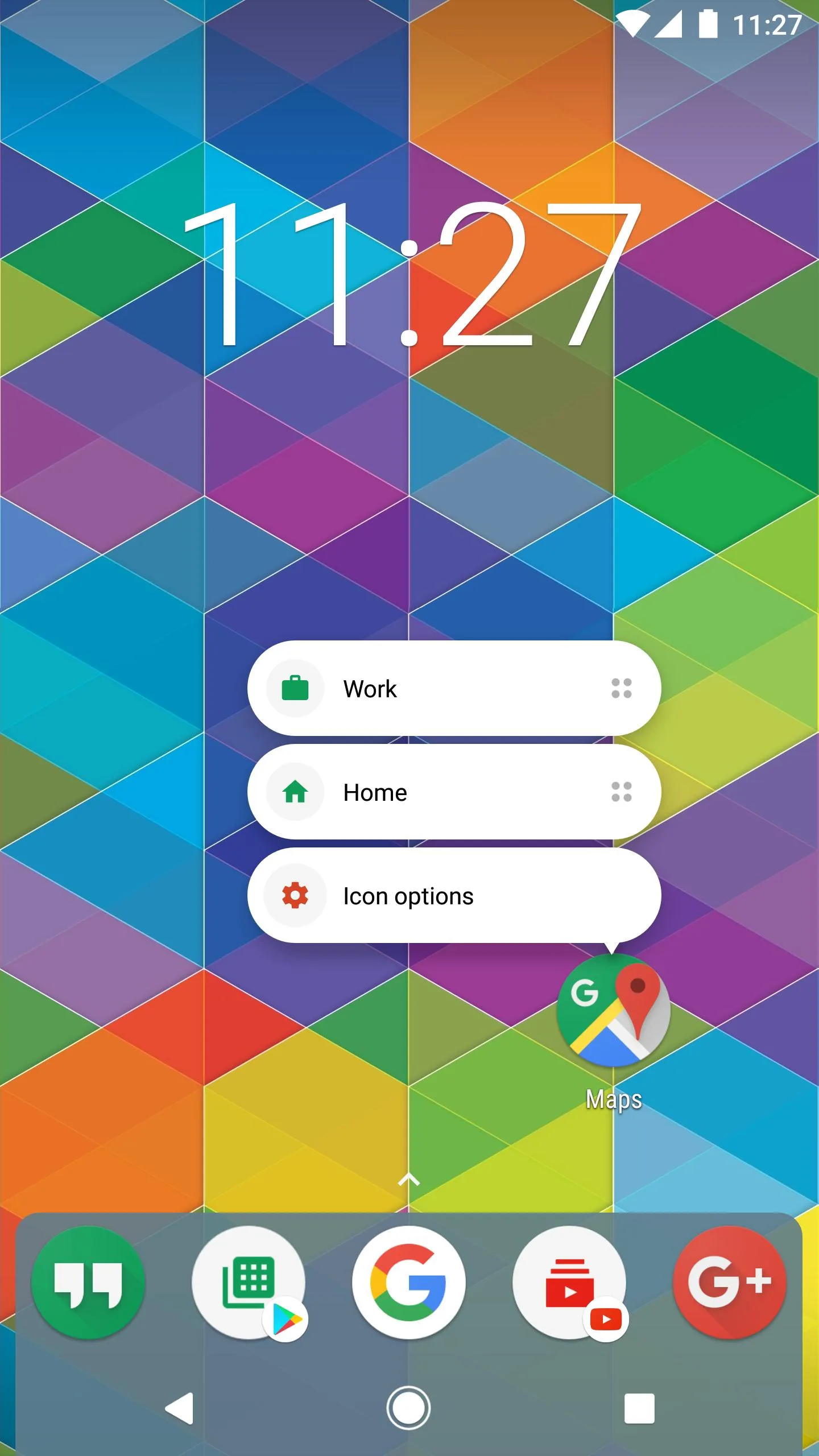
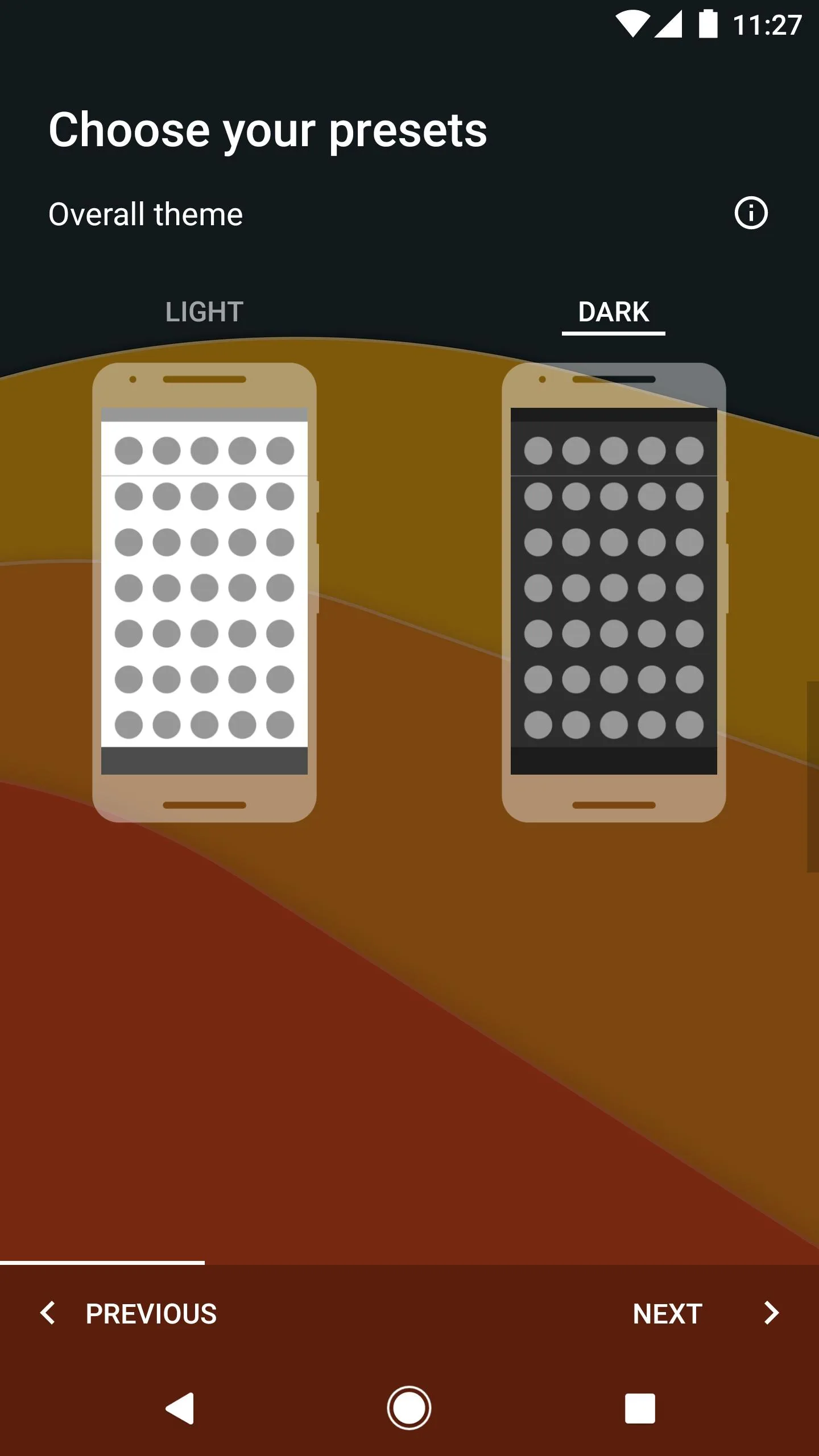
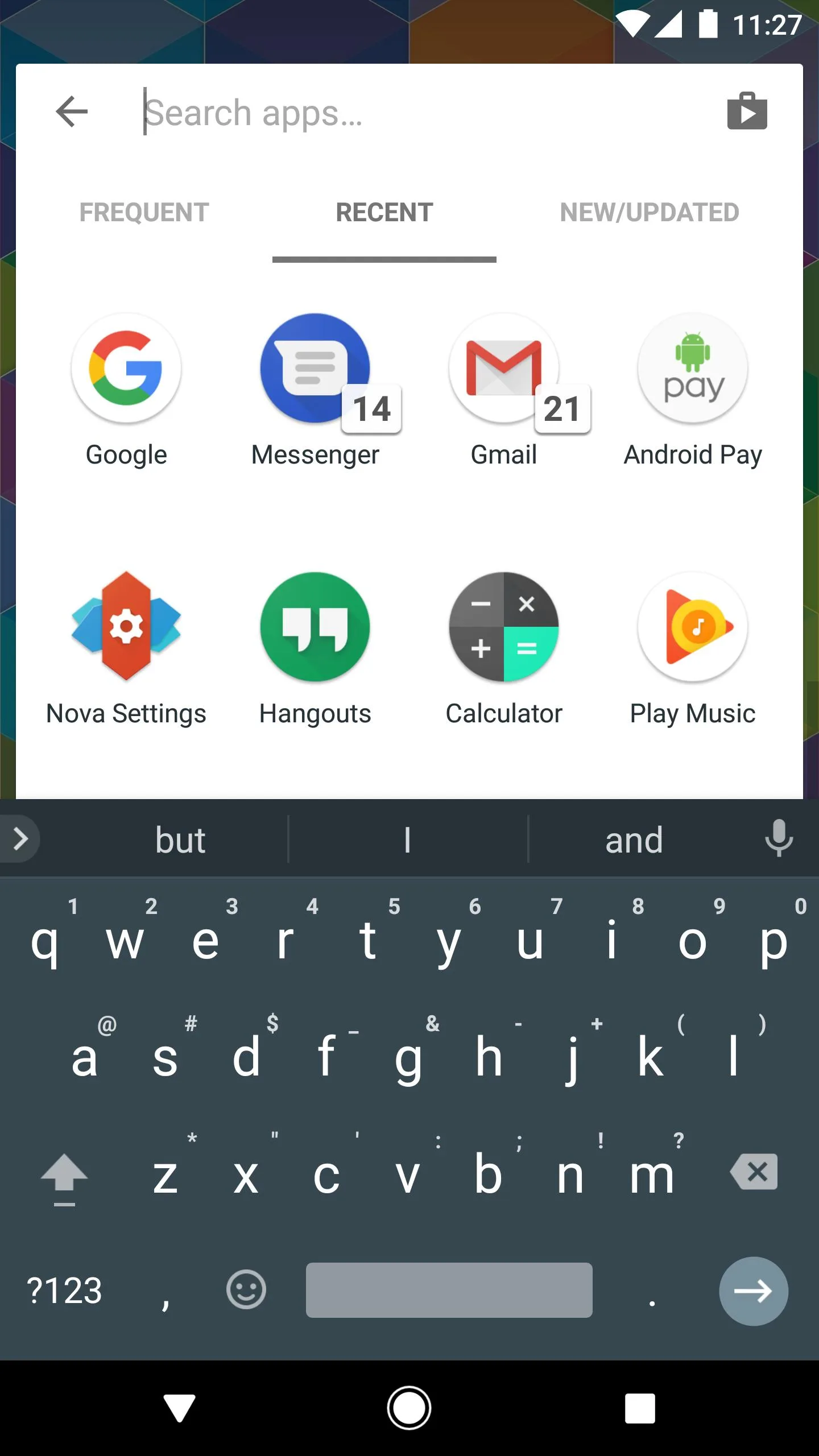
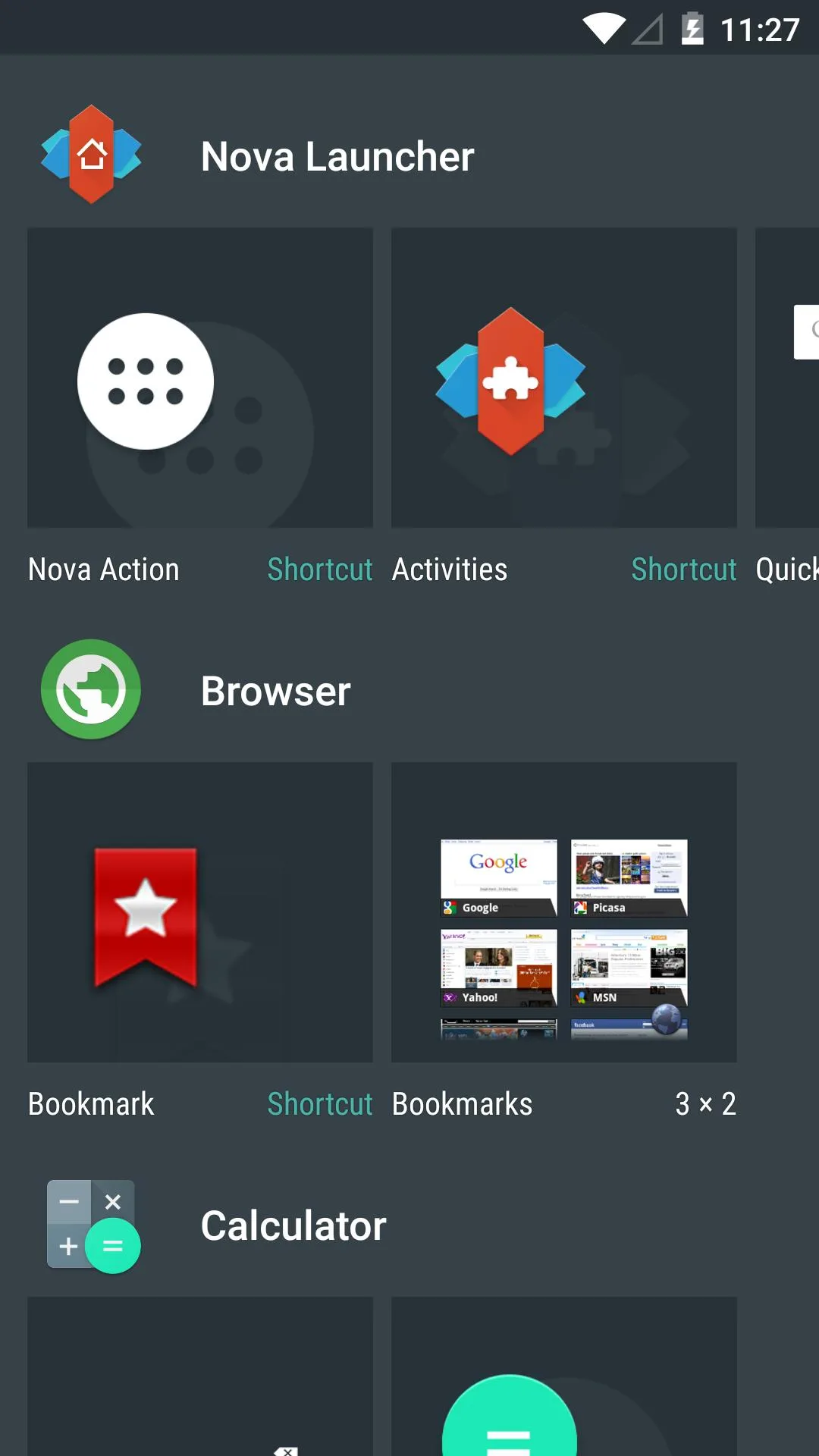
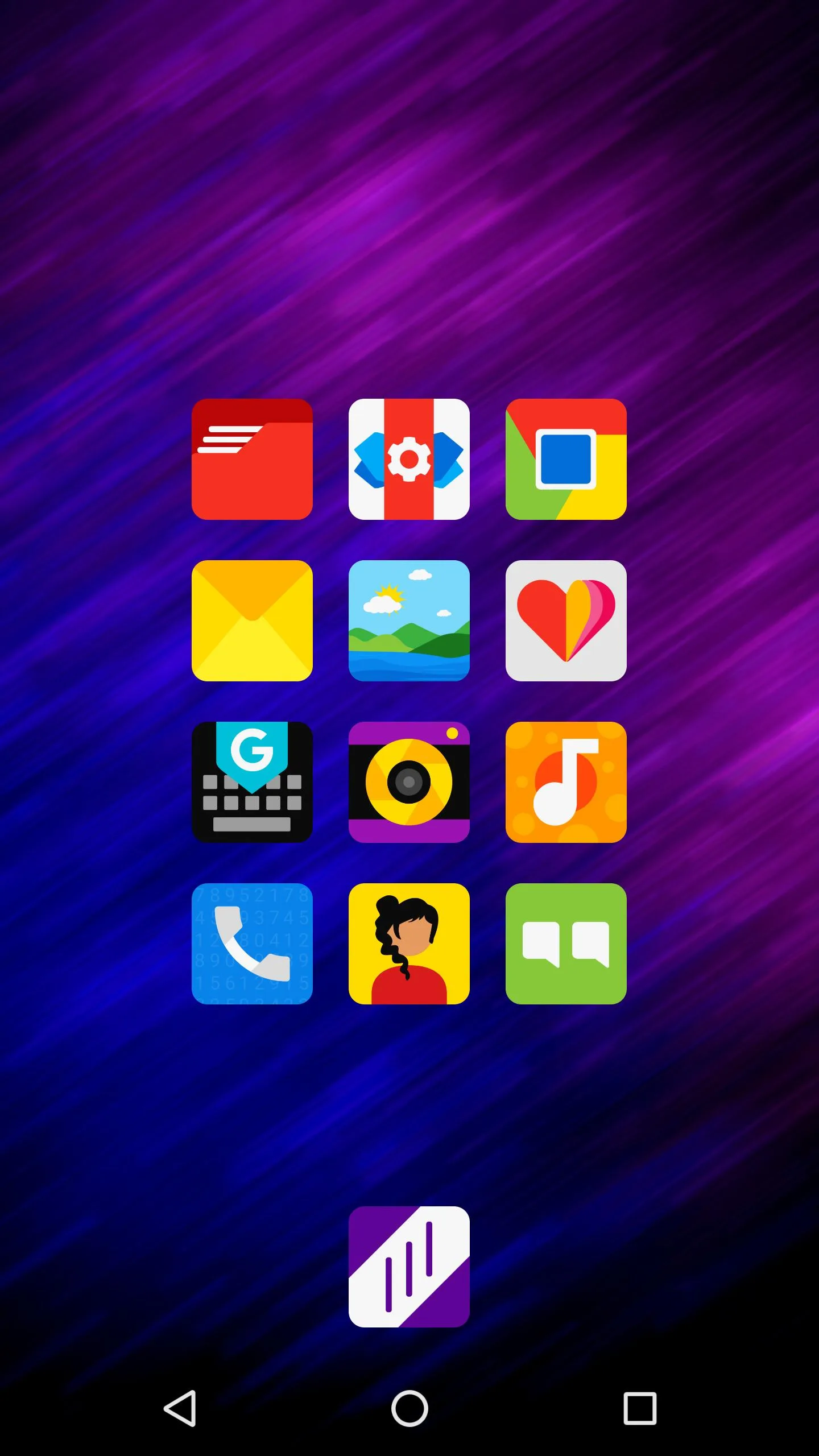
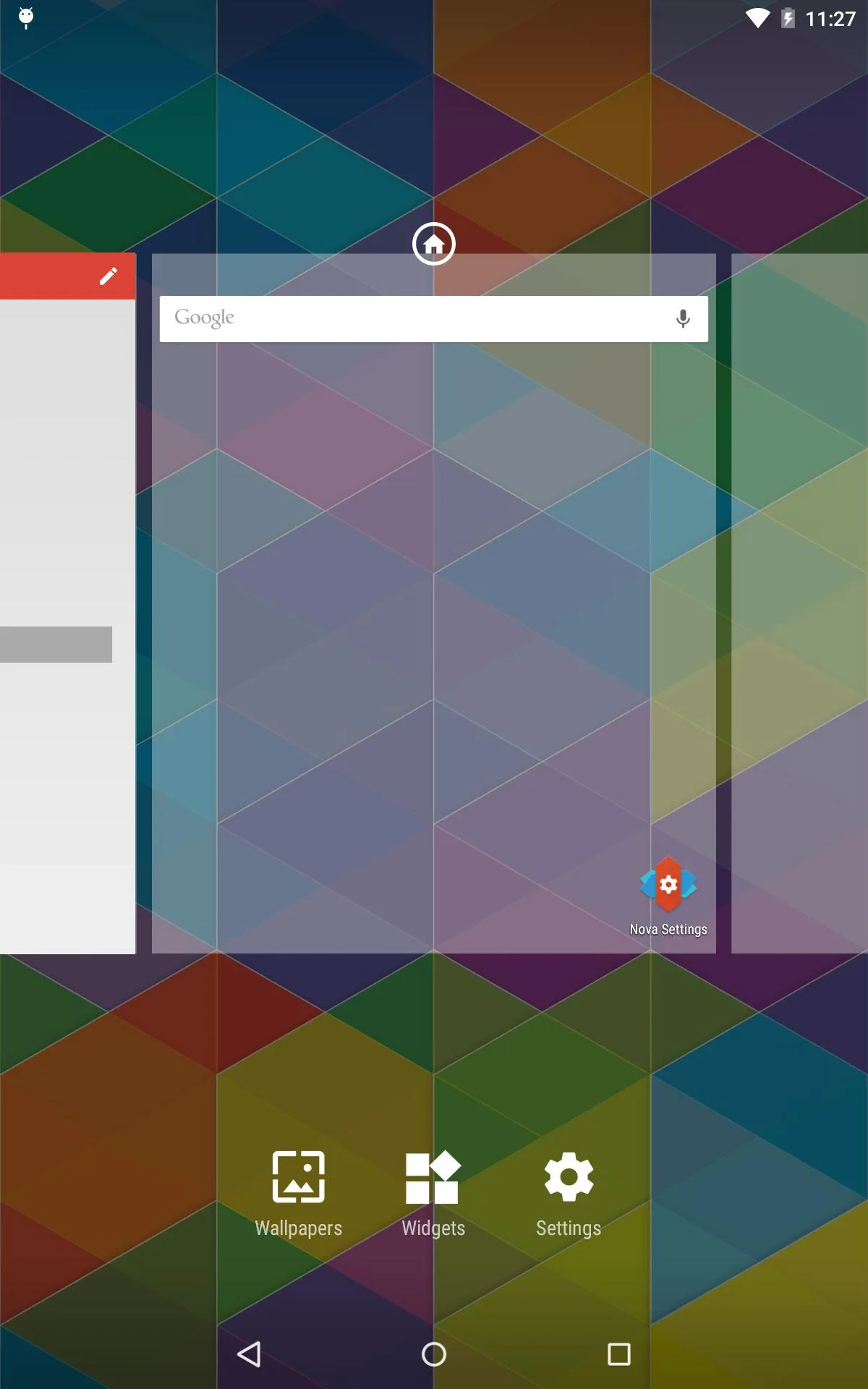
Additional information about Nova Launcher Prime APK (Prime Unlocked)
com.teslacoilsw.launcher.primeThe description of Nova Launcher Prime APK (Prime Unlocked)
Nova Launcher Prime APK is the Nova home screen with the paid Prime tier already open, so gestures, hide apps, extra scroll effects and unread badges all work without buying anything. Nova Launcher itself is a custom launcher from TeslaCoil Software, and Prime is the paid unlock that sits on top of it. This build gives you those Prime features from the first launch. Every file here is scanned for malware and installed on a real Android device by our editors before publishing, and we have done this since 2018.
It is small, it is quick, and it changes how your phone feels day to day. You get the polished stock launcher plus the power-user tools most people pay for.
What is Nova Launcher Prime?
Nova Launcher replaces the home screen and app drawer that shipped with your phone. Instead of the layout your manufacturer picked, you set the grid, the icons, the folders and the animations yourself. The app is light, about 12 MB, and it stays fast even on older hardware. That is a big reason it has held its spot as one of the most-installed launchers on Android for years.
The free version already does a lot. Prime is the paid layer on top: it flips on the settings that let you go deeper, the ones a casual user rarely touches but a customizer lives in. This page hands you that paid layer unlocked.
What Prime unlocks
| Prime feature | What it does on your home screen |
|---|---|
| Gesture control | Assign swipe up, swipe down, pinch and double-tap to open apps or shortcuts. |
| Hide apps | Keep bloatware or private apps out of the drawer without uninstalling them. |
| Extra scroll effects | Cube, cascade and other page-turn animations for the home screen and drawer. |
| Unread badges | Show unread counts on the icons for mail, messages and more. |
| Custom drawer groups | Build tabs and subfolders inside the app drawer to sort your apps. |
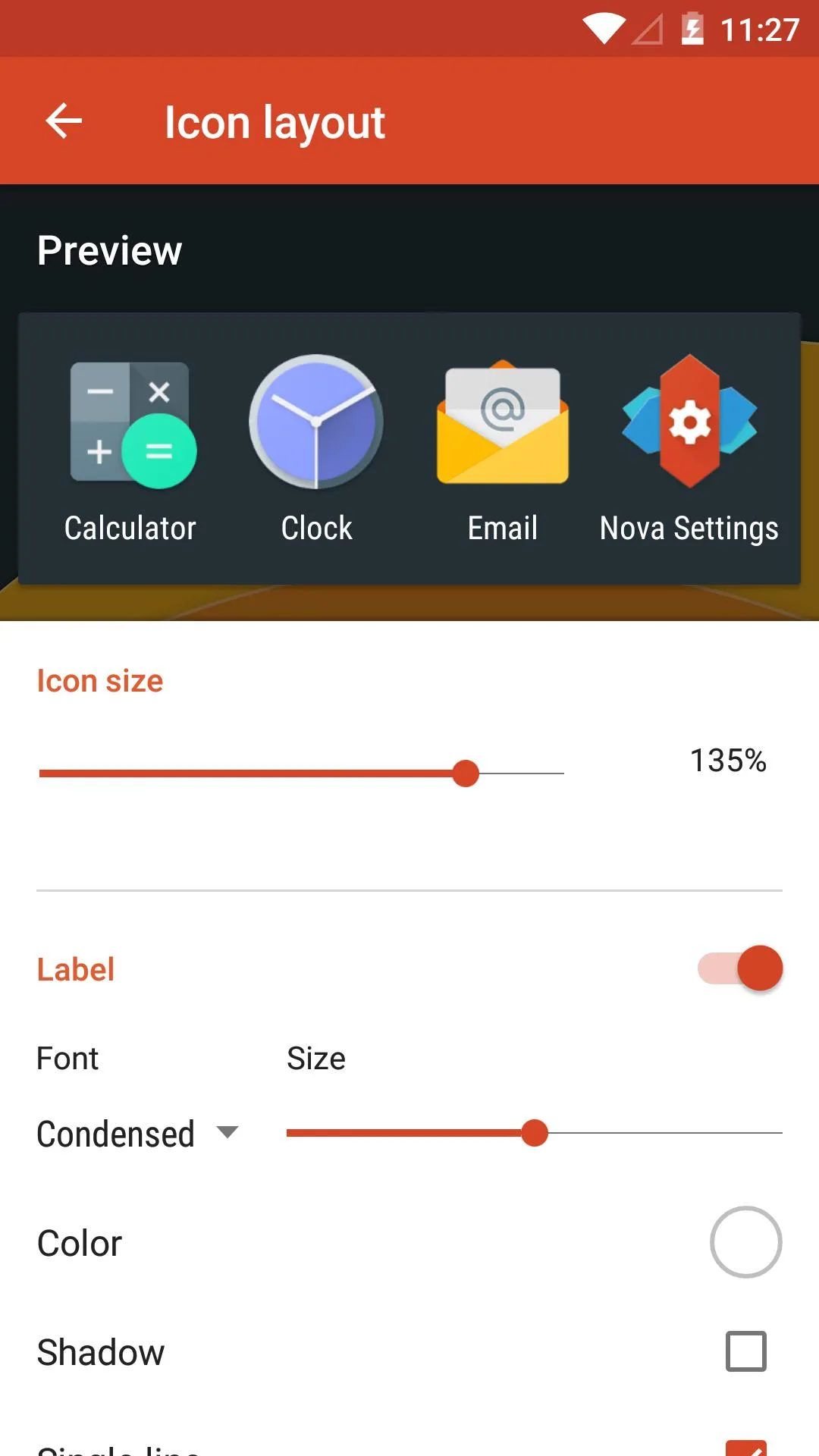
| Icon and grid tweaks | Finer control over icon size, subgrid placement and label styling. |
The mod opens all of these paid settings for free. Dark theme and the night-mode options are in there too, which helps a little with battery on an OLED panel.
Free Nova vs Prime (mod)
Here is the honest breakdown. The base Nova Launcher is free on Google Play and always has been, so you can grab it there and use the core launcher at no cost. Prime is normally a one-time in-app purchase that switches on the extra features listed above. The build on this page is that Prime unlock without the payment step, which is why gestures and hide apps just work out of the box.
One fair note: TeslaCoil has kept Nova going for over a decade on that Prime money. If the launcher becomes your daily driver and you can spare it, buying Prime through Google Play supports the developer directly. No pressure either way, the mod stands on its own.
How to download and install Nova Launcher Prime APK
The download is a single small APK, and setup takes a couple of minutes.
- Tap the green Download APK button at the top of this page, the file downloads directly, no registration or SMS.
- Allow installation from unknown sources for your browser or file manager (Settings → Security).
- If a Play Store copy of Nova is already installed, remove it first, the mod won't install over it because it has a different signature.
- Open the file, tap Install, then set Nova as your default launcher when the phone asks.
The APK is around 12 MB and needs Android 5.0 or newer, so almost any phone from the last several years runs it. Because a sideloaded APK is signed by the modder and not by TeslaCoil, Play Protect may pop a warning during install, that is normal for any app you install from outside the Play Store, and you can continue. First time sideloading? Our APK install guide walks through the same steps with screenshots.
Customization tips
- Map a swipe-up gesture to your camera or search, and swipe-down to the notification shade. It is the fastest quality-of-life change.
- Hide the apps you never open, carrier bloat, duplicate browsers, to keep the drawer clean.
- Turn on unread badges for mail and messages so you can skip opening each app to check.
- Pick an icon pack and drop the grid to something like 5x5, the whole screen looks more balanced.
- Switch on the dark theme, easier on the eyes at night and a small battery saver on OLED screens.
Want more home screen tools? Browse our personalization section, or check the wider apps catalog for icon packs and widgets that pair well with Nova.
FAQ
What is Nova Launcher Prime?
What does the Prime version unlock?
Is Nova Launcher Prime free here?
Is the APK safe to install?
What Android version do I need?
Will it replace my current launcher?
Download Nova Launcher Prime Mod (Unlocked)
- No viruses
- No spyware
- No malware
The reviews (1)