- No viruses
- No spyware
- No malware
com.gau.go.launcherexThis file was downloaded, scanned and installed by our editors before publishing.
Every file is also checked with VirusTotal before publishing.

GO Launcher Z Prime APK (VIP Unlocked)
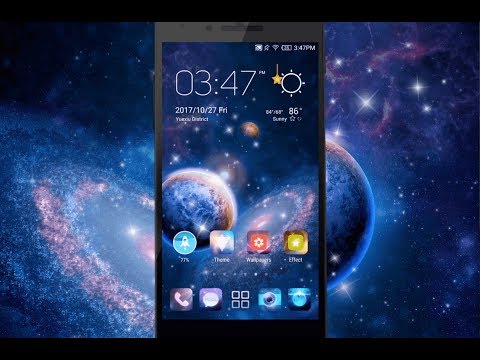
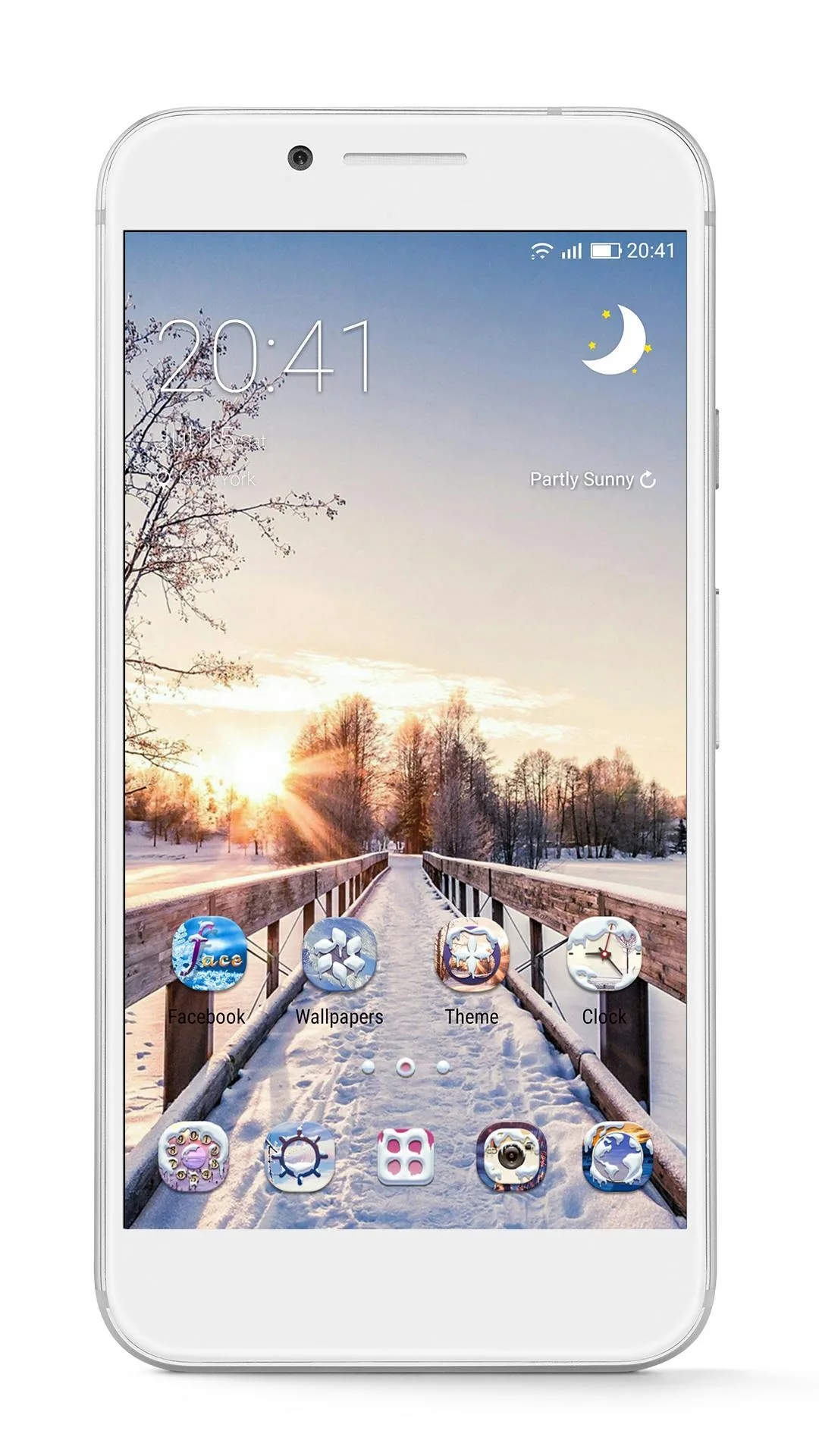
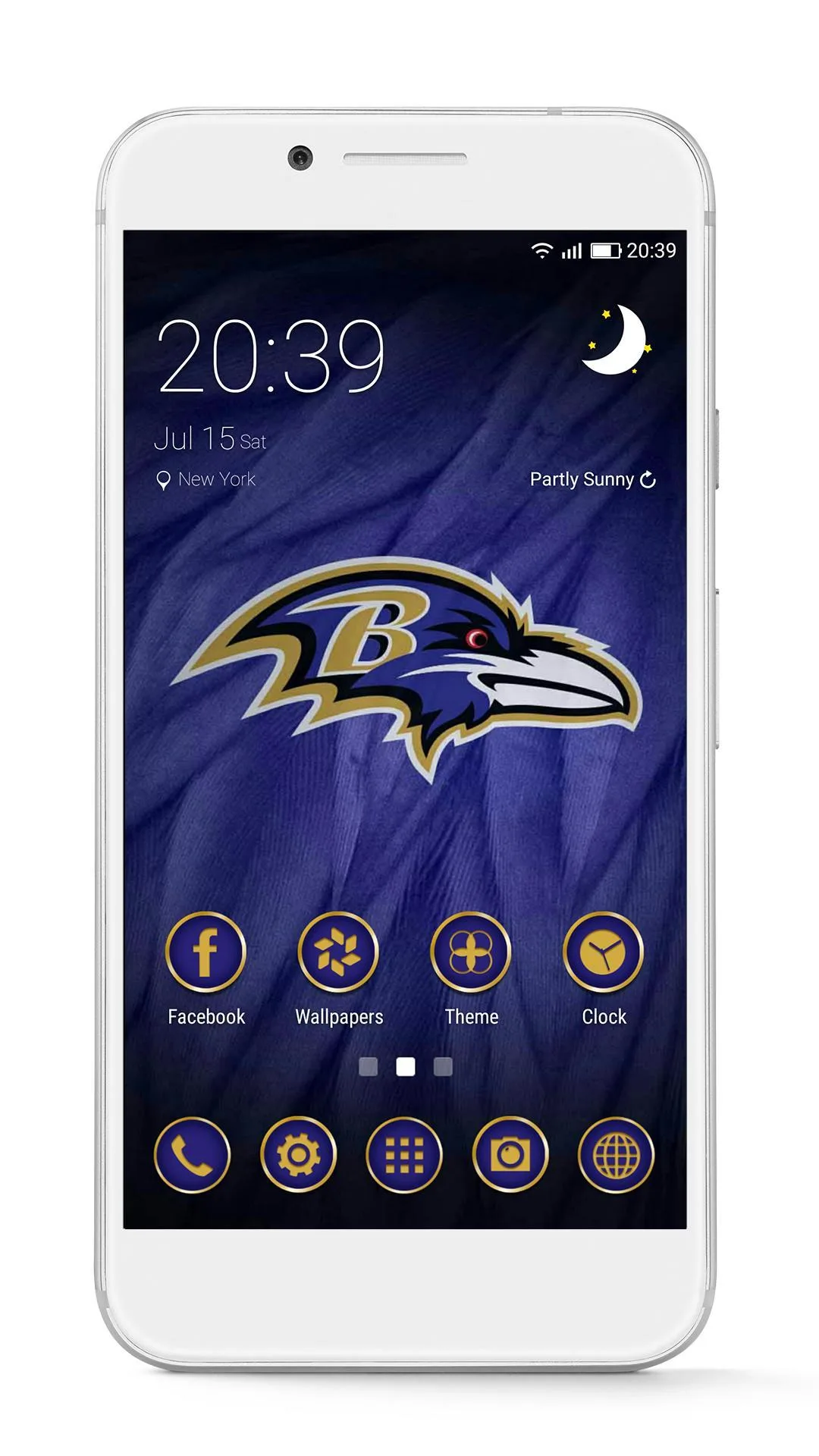
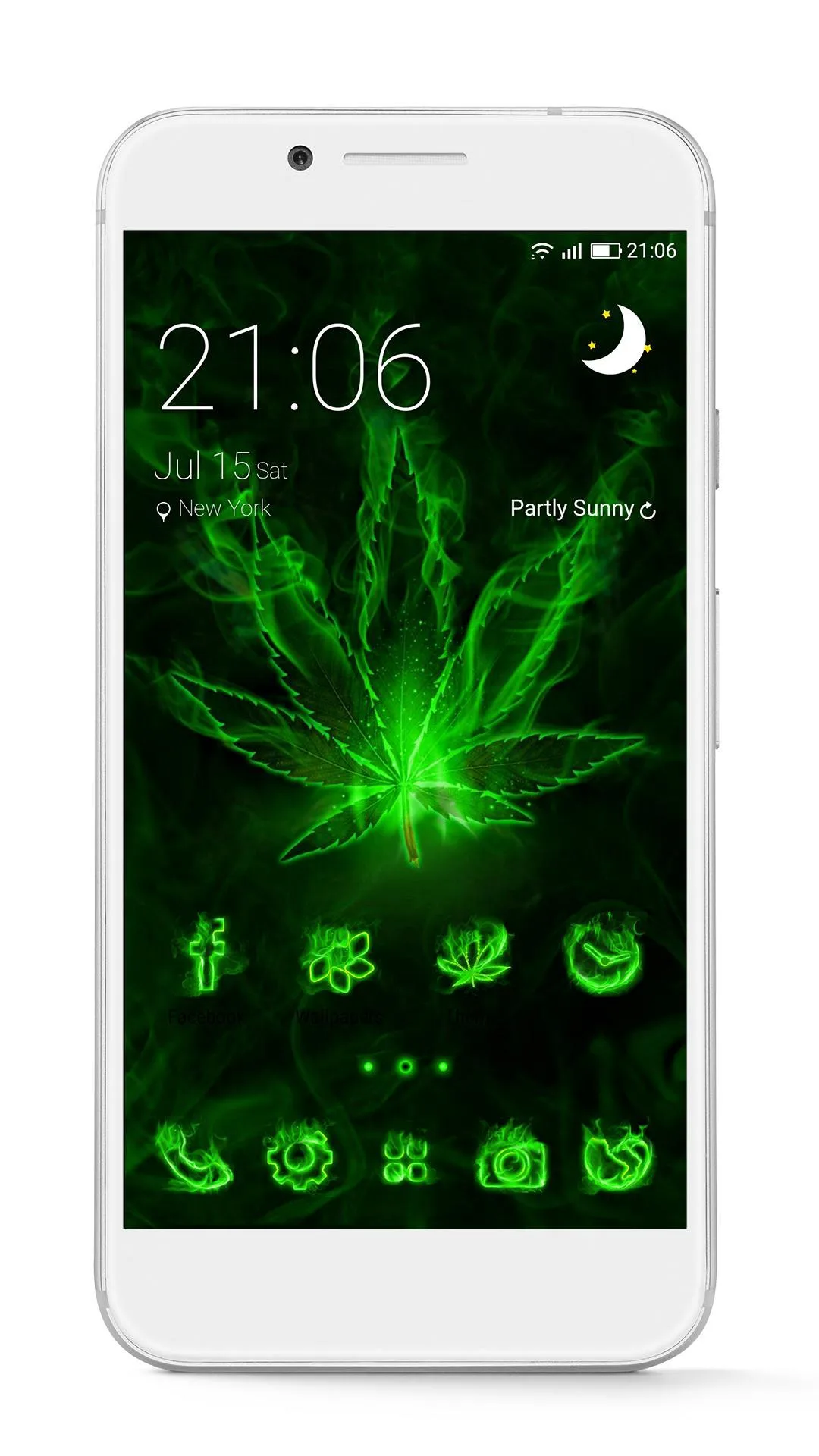
Additional information about GO Launcher Z Prime APK (VIP Unlocked)
com.gau.go.launcherexThe description of GO Launcher Z Prime APK (VIP Unlocked)
GO Launcher Z Prime APK is the full launcher with the VIP unlock active from the start: every theme and HD wallpaper is open, all the 3D transition effects are on, and the ads are gone. This is a home-screen replacement, not a game, so it changes how your whole phone looks and feels, not an in-game balance. There is no account and no server behind it, so nothing here can get you banned.
On this page you can download the working version of the Prime build. Every file is scanned for malware and tested by our editors on real devices before it goes live, so you know it installs and runs.
What is GO Launcher Z?
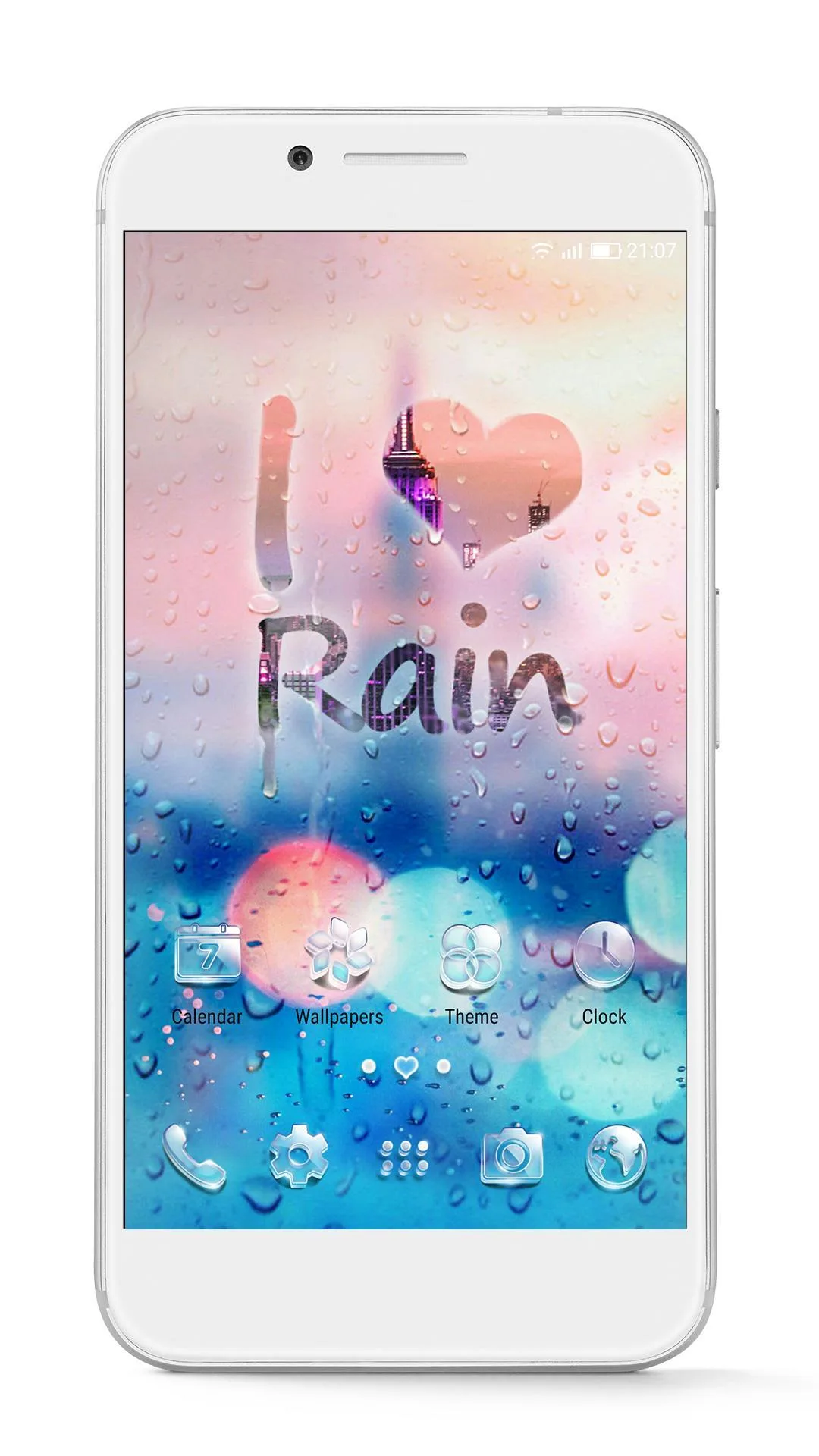
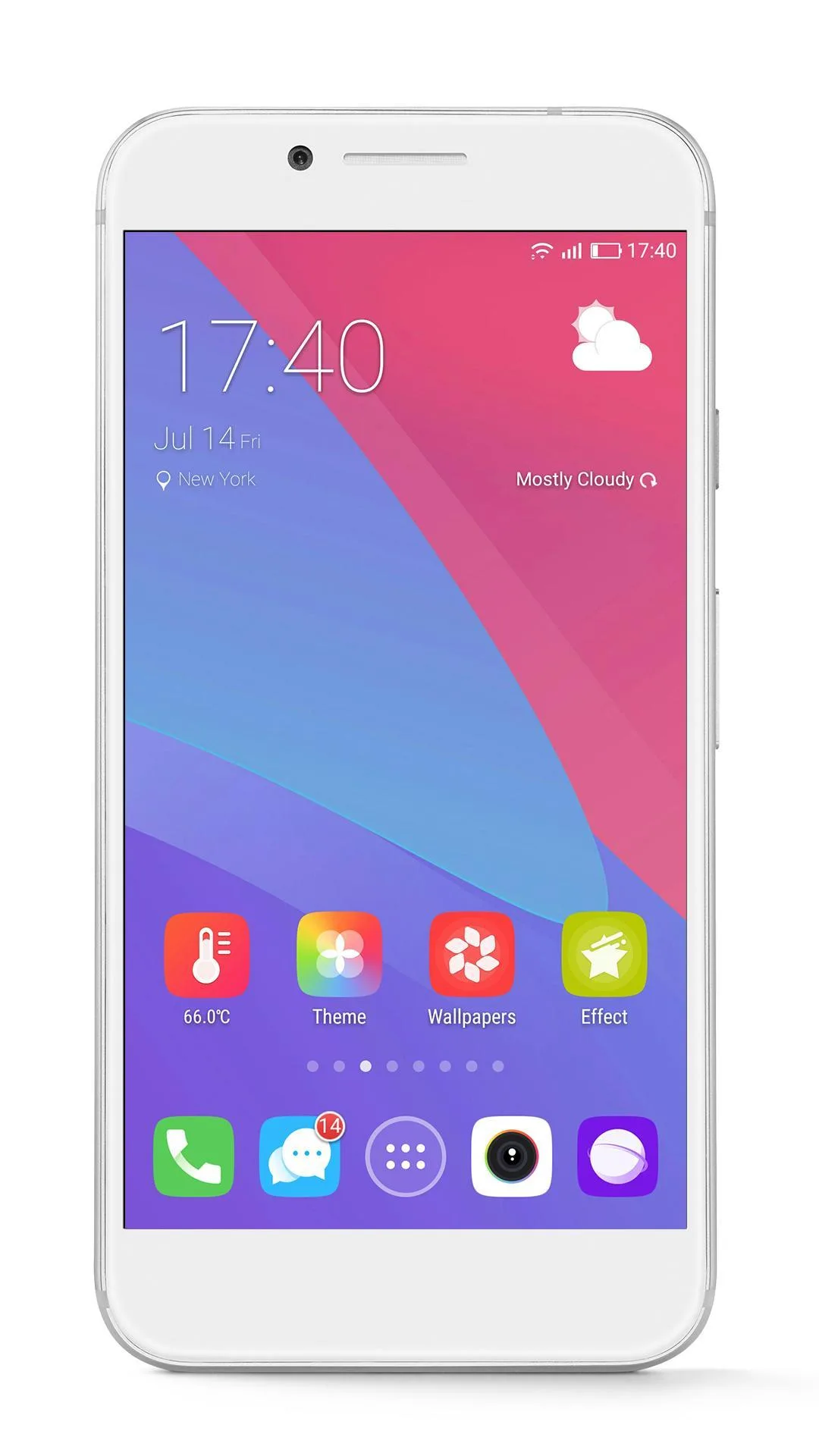
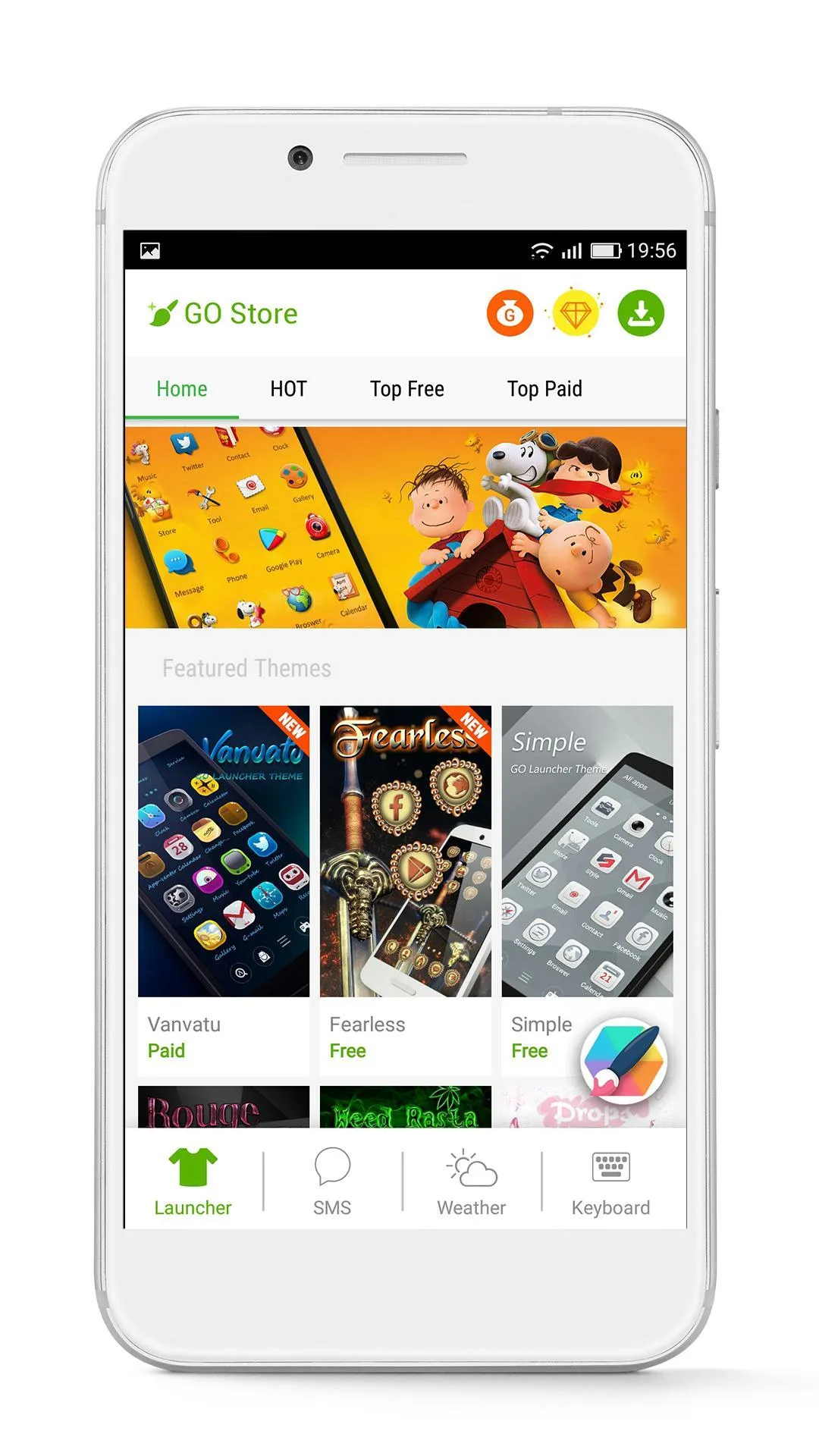
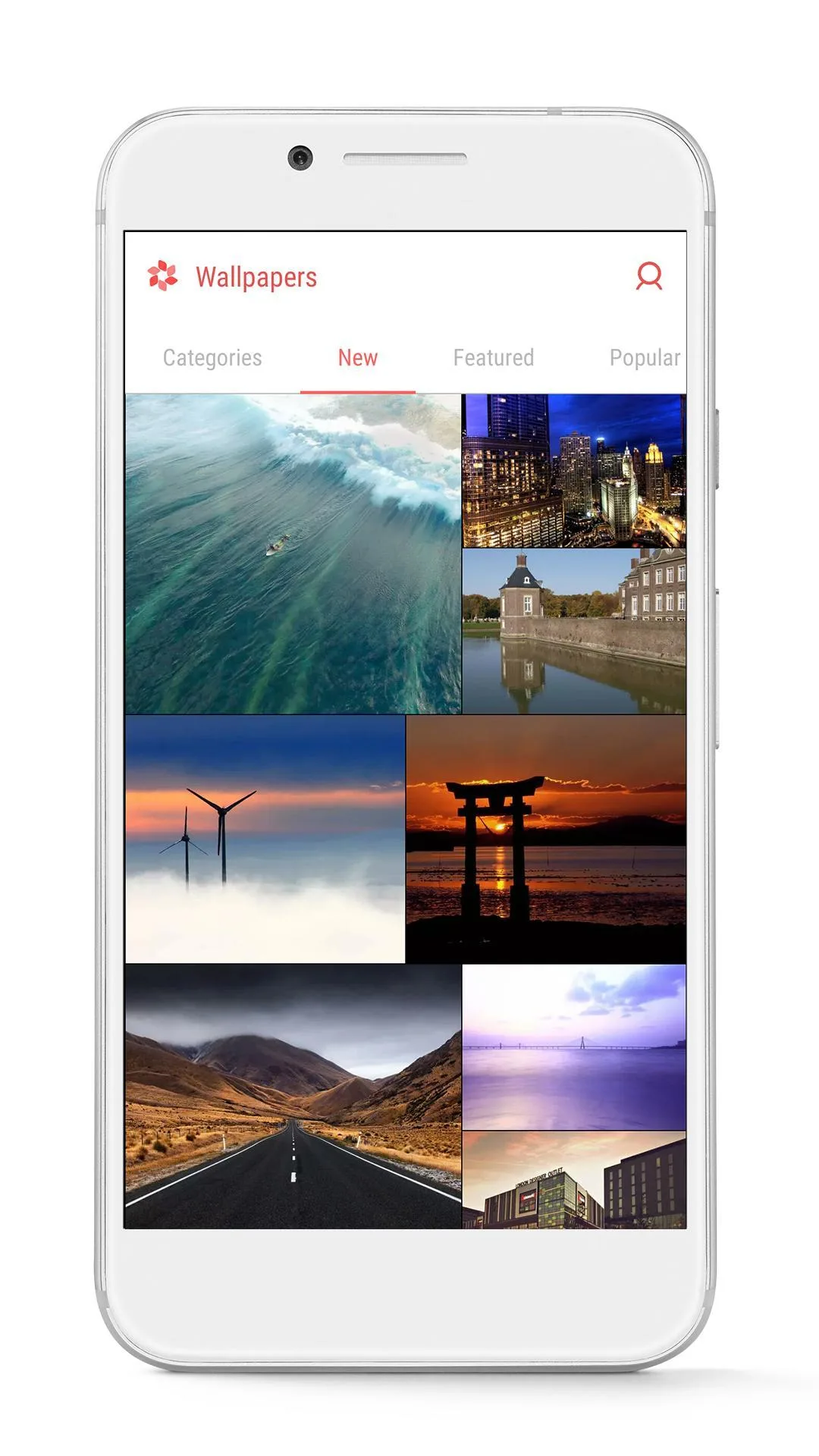
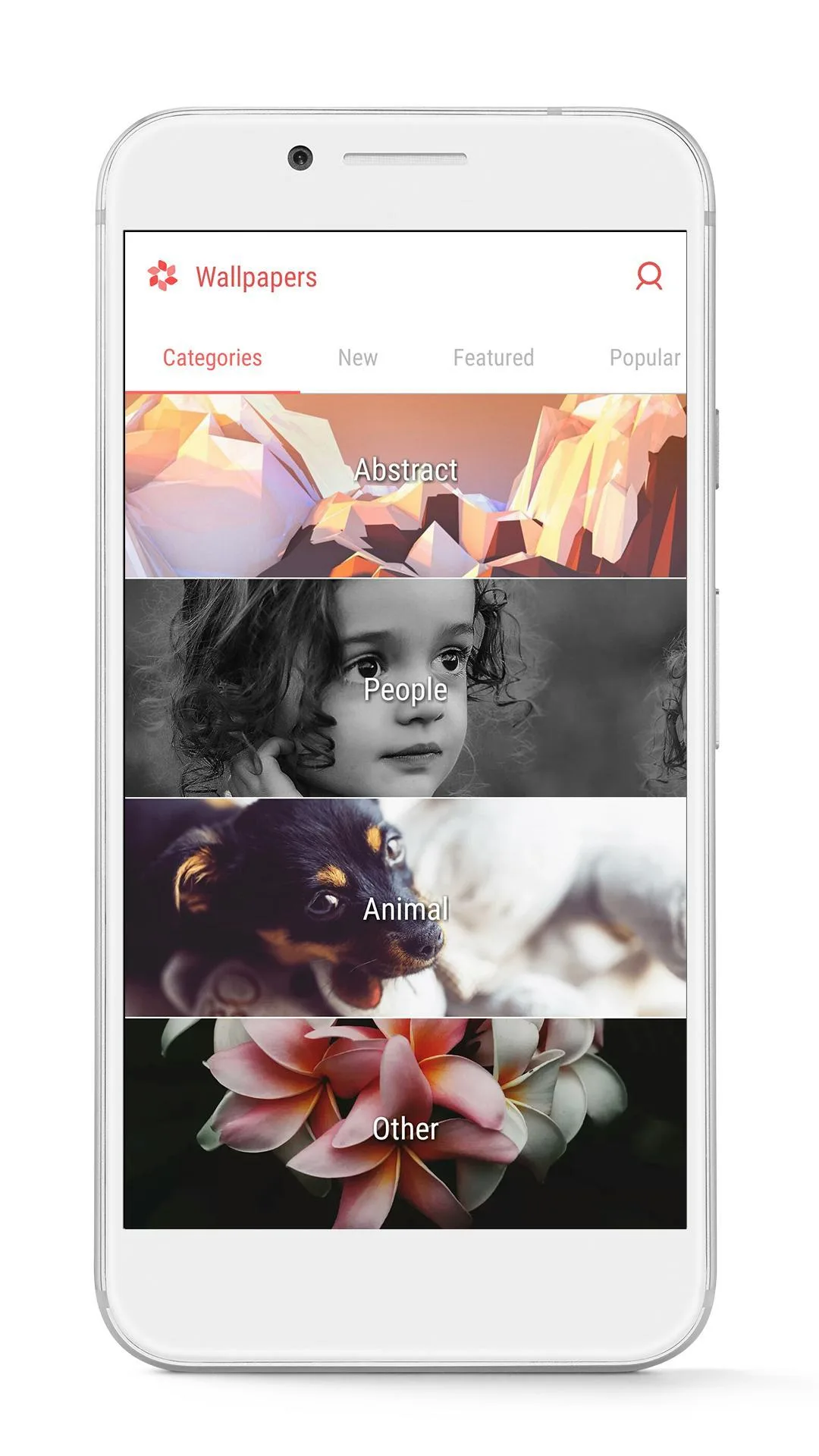
GO Launcher Z by GOMO is a custom launcher that replaces the standard Android home screen. It brings a 3D engine, a library of over 10,000 themes and HD wallpapers, custom icons, grids and folders, transition effects, an app drawer, and the option to hide or lock apps. There is also a built-in cleaner (Dr. Clean) to free up memory.
Honest note: the app is mature. Its last update was in January 2025, so it is a legacy launcher rather than an actively developed one. It still installs and works, and most of its personalization holds up, but on the newest Android versions a few effects may behave differently.
What Prime / VIP unlocks
| Prime feature | What it opens up |
|---|---|
| All VIP themes and wallpapers | Every premium theme and HD wallpaper is available, not just the free set. |
| All 3D and transition effects | The full set of screen-swipe and parallax effects is turned on. |
| No ads | No banner or promo interruptions in the launcher. |
| Full personalization | Complete access to icon, grid, folder and drawer customization. |
To be clear, this is not «money» or coins. GO Launcher is an app, so the mod unlocks the launcher's premium features rather than any in-game currency. The exact package for the current build is listed in the «MOD info» line at the top of this page.
Offline use, permissions and safety
The launcher itself runs offline. You only need an internet connection to download new themes and wallpapers from the GO Theme store. There is no login and no online profile, so there is nothing to ban, and a launcher mod carries none of the account risk you get with online games.
A launcher does ask for access to your home screen and notifications. That is normal for this type of app, since it is replacing your desktop. The safe approach is the same as always: install only a verified APK, keep Play Protect on, and download only from the button on this page.
How to download, install and set as default
- Tap the Download APK button at the top of this page. The file downloads directly, no registration or SMS.
- Allow installation from unknown sources for your browser in Android settings (Settings → Security).
- Open the downloaded file and tap Install. The launcher is about 56 MB, so make sure you have room.
- To make it your home screen, go to Settings → Home app and pick GO Launcher, or long-press an empty spot on the screen and choose it there.
Step-by-step screenshots are in our APK install guide.
Tips for themes and performance
- On older or low-end phones, stick to lighter themes: heavy 3D packs can slow the home screen.
- Turn off effects you do not use. Fewer transition animations means a snappier launcher.
- Group apps into app drawer folders to keep the screen clean and reduce swiping.
- Use live wallpapers sparingly. They look good but they drain the battery faster than a static HD image.
Prime or free?
If you just want the basics and do not mind ads, the free version is on Google Play with in-app purchases, and it supports GOMO (link in the info table above). If you'd rather have every theme, all the effects and no ads from the start, the Prime build is for you. Keep the legacy status in mind: on the very newest Android, expect the odd effect to differ. For more options, browse other personalization apps, useful Android apps, or fresh MOD APKs in the catalog.
FAQ
Is GO Launcher Z still available?
What does GO Launcher Prime / VIP unlock?
Does it work offline?
Is the mod safe to download?
Can I get banned for using it?
How do I set it as the default launcher?
Download GO Launcher (Premium)
- No viruses
- No spyware
- No malware
The reviews (0)