- No viruses
- No spyware
- No malware
video.reface.appThis file was downloaded, scanned and installed by our editors before publishing.
Every file is also checked with VirusTotal before publishing.

Reface MOD APK (Pro Unlocked, No Watermark)
Additional information about Reface MOD APK (Pro Unlocked, No Watermark)
video.reface.appThe description of Reface MOD APK (Pro Unlocked, No Watermark)
The Reface MOD APK gives you Pro Unlocked, which strips the watermark off your exports and clears the ads and paywall screen so the whole editor opens up from the first tap. You pick a template, drop your face in, and share a clean clip with no logo across it. One thing to know up front: Reface runs its face swaps in the cloud, so the AI itself still processes on Neocortext's servers, not on your phone. The file on this page is scanned for malware and installed on a real Android device by our editors before publishing, we have done this since 2018.
What is Reface?
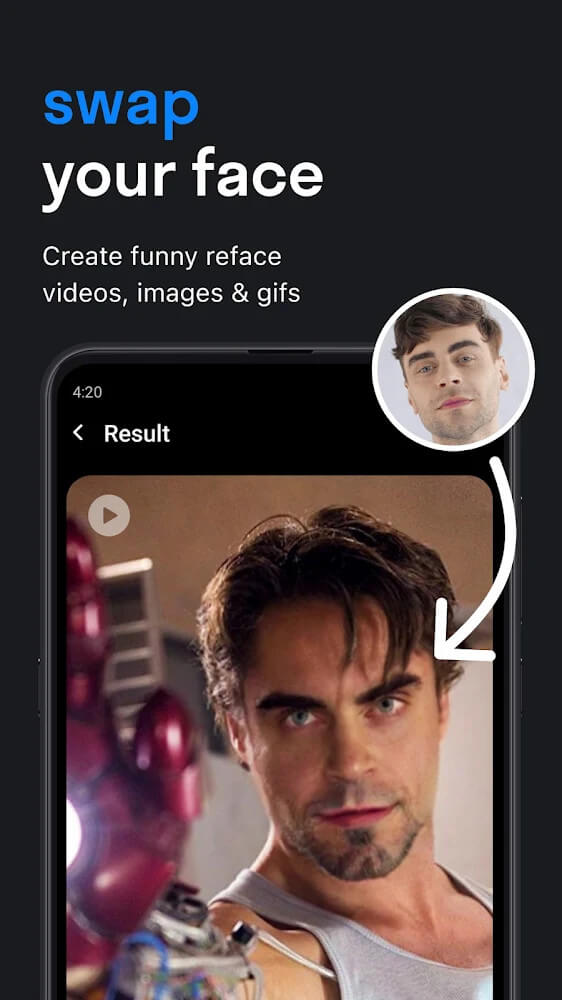
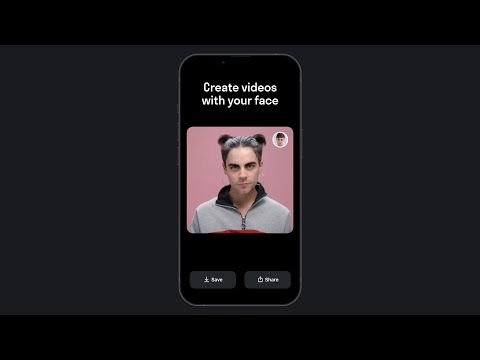
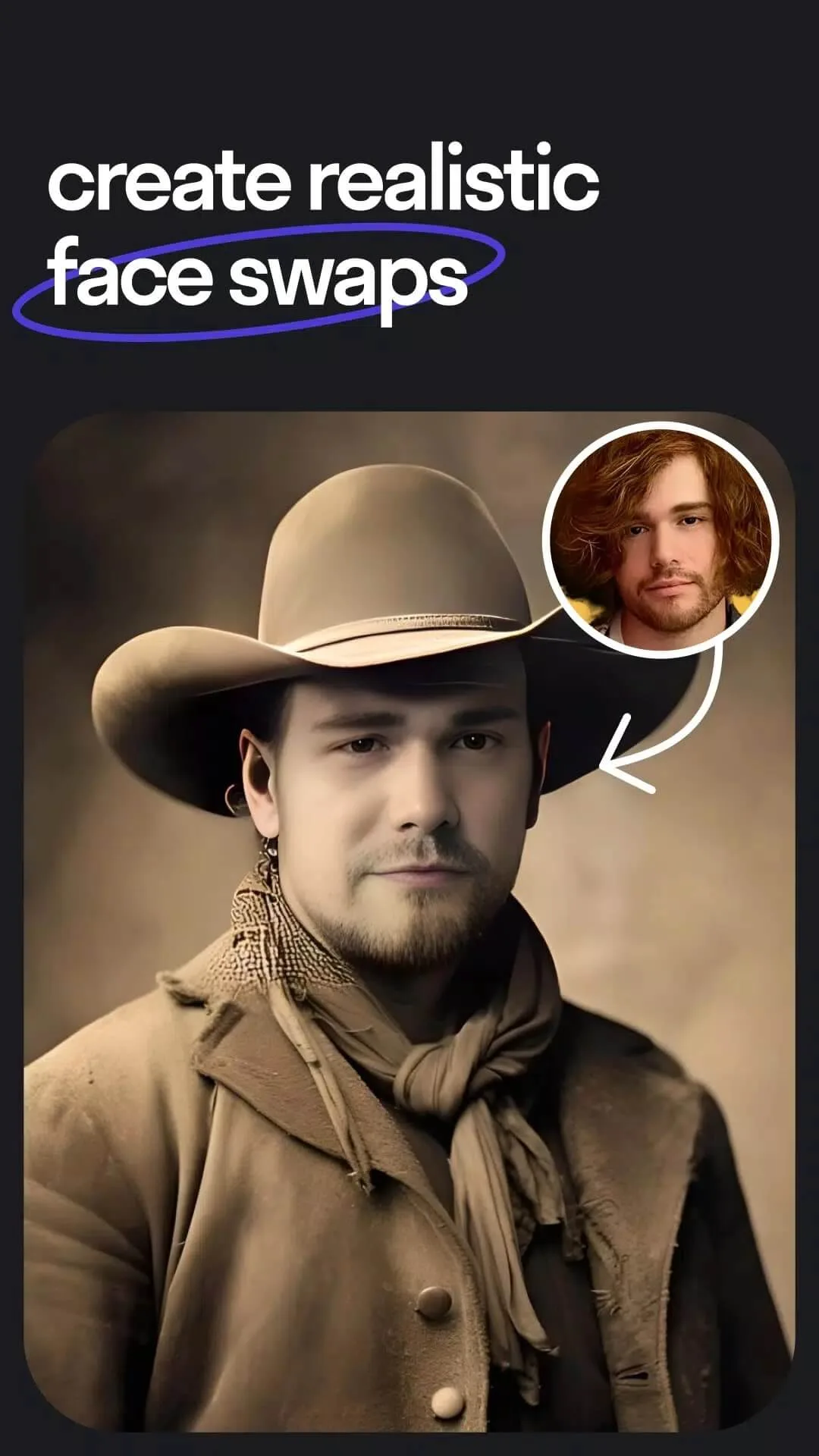
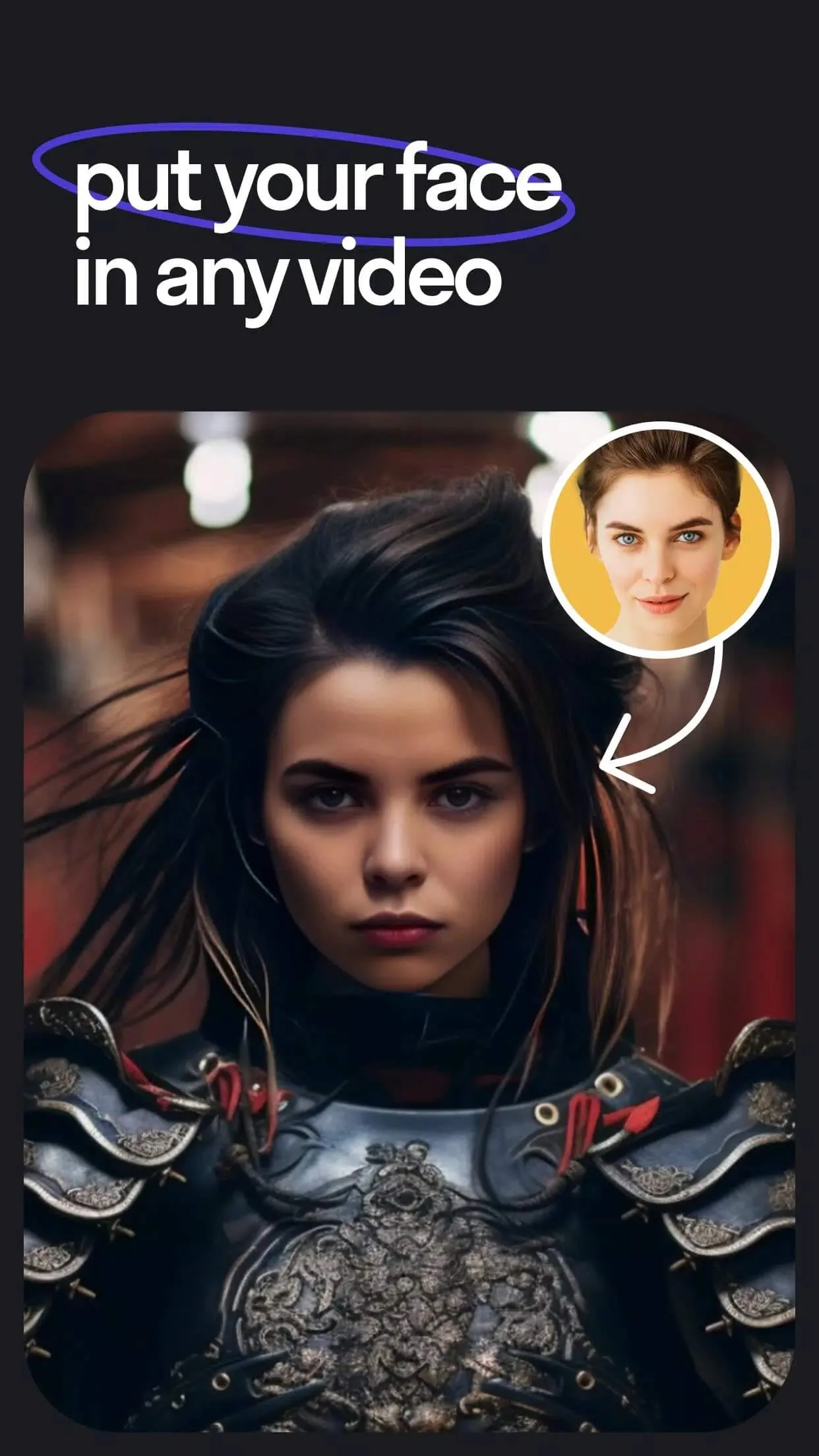
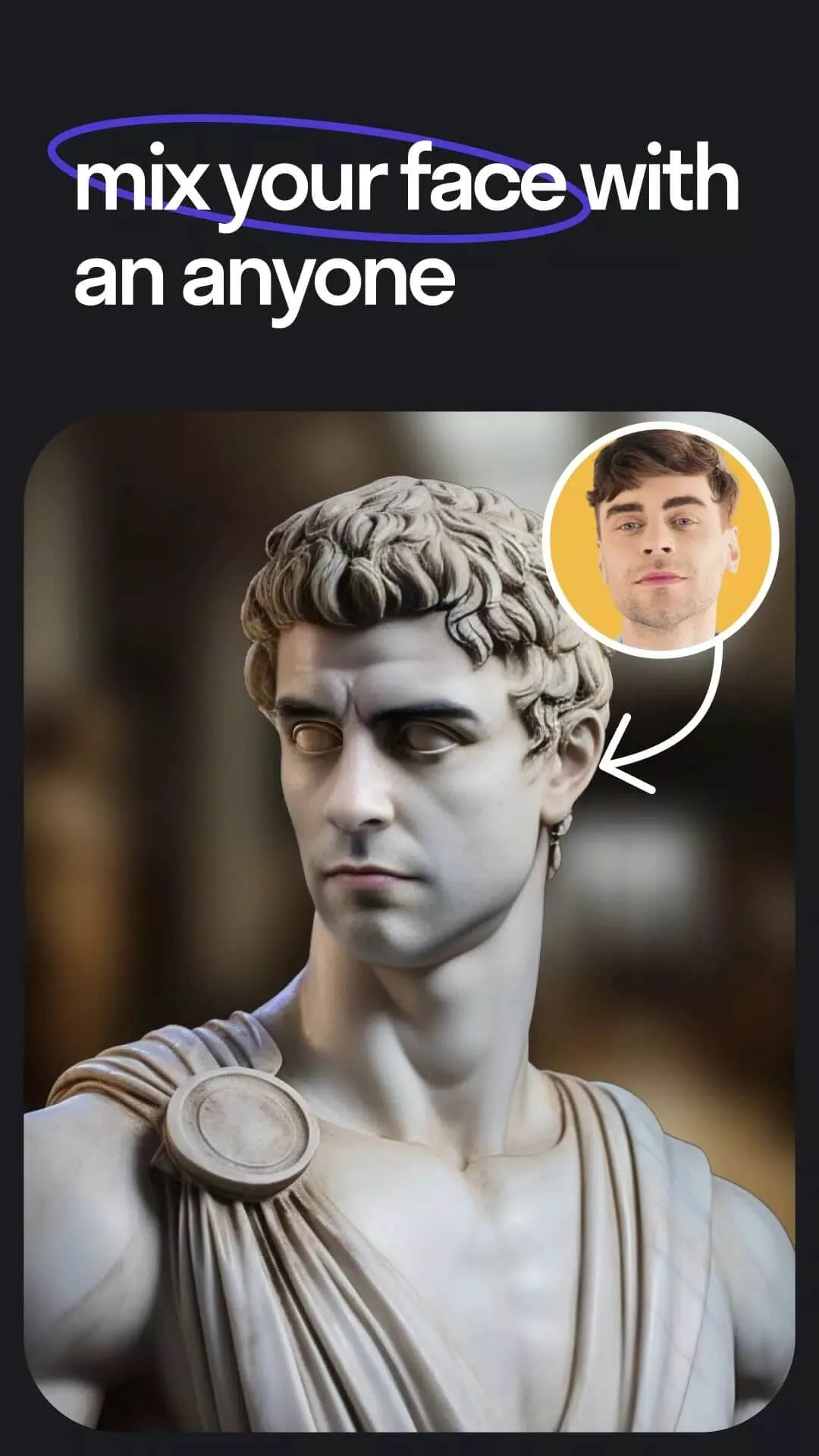
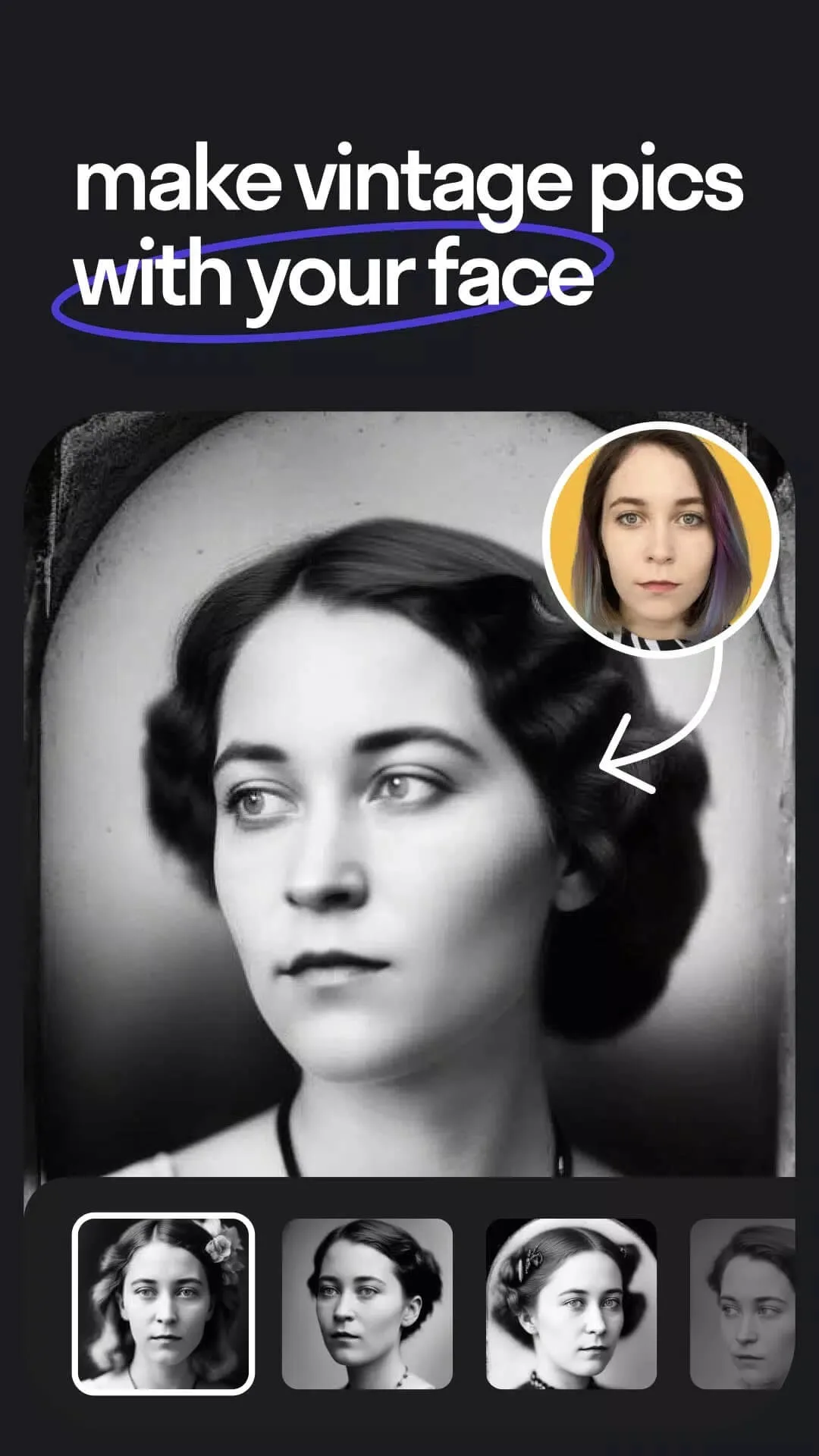
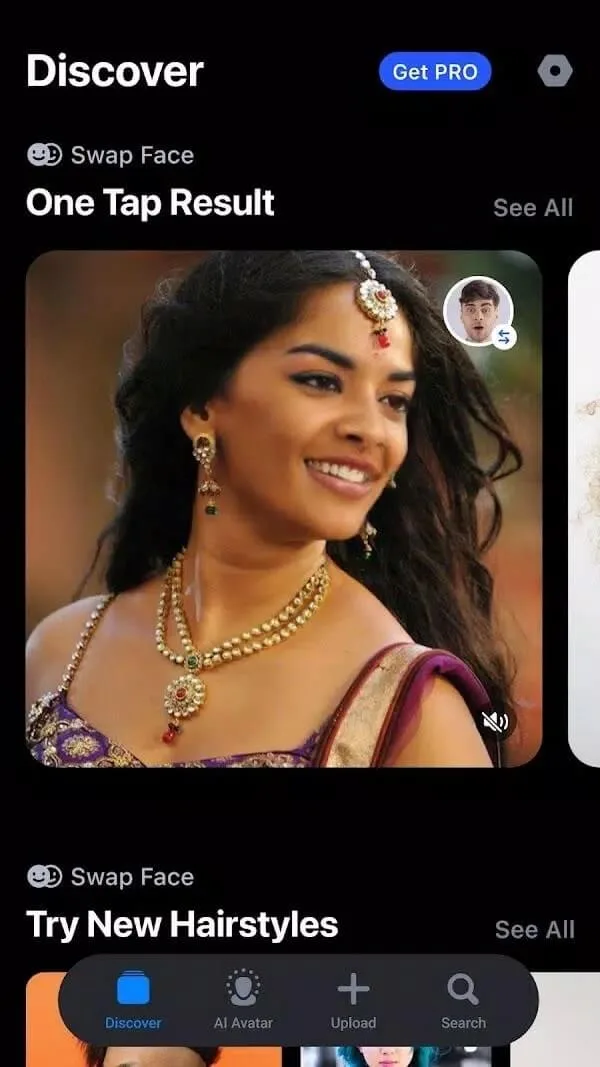
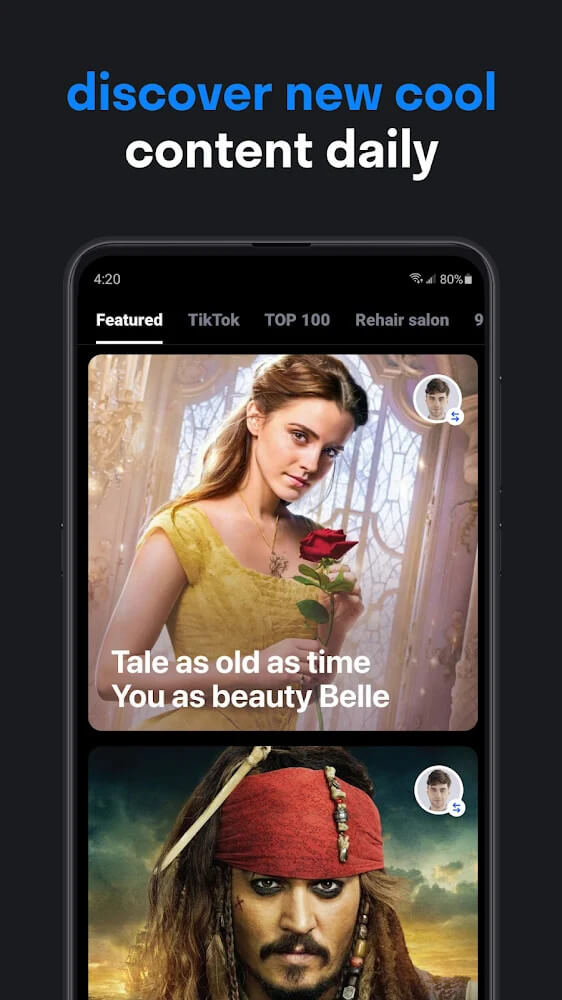
Reface is an AI face-swap app from Neocortext, Inc. You take a photo of your face, choose a video, GIF or meme from the library, and the app maps your face onto a celebrity, a movie character or an animated clip. It takes a couple of taps. The results look convincing because the swap tracks expressions and lighting instead of pasting a flat picture, and there are thousands of templates to work through.
Once a clip is ready you export it and share it straight to WhatsApp, Instagram, TikTok or wherever your friends hang out. People mostly use it for jokes, reaction clips and quick memes. It is one of the more popular entertainment apps in this space, and the swaps are the whole draw.
What the Reface MOD unlocks
| MOD feature | What it changes in the app |
|---|---|
| No watermark | Your exported videos and GIFs come out clean, without the Reface logo in the corner. |
| No ads | Removes the banner and full-screen ads between swaps. |
| Pro screen unlocked | The paywall prompt is cleared, so Pro-tagged templates and export options open in the interface. |
Here is the honest part. The MOD lifts client-side limits, the things baked into the app on your device: the logo, the ad slots, the "go Pro" screen. It does not add server power. Whatever Reface computes in the cloud stays on Reface's side, so the MOD cannot conjure extra generations that the app does not already run locally.
Server-side AI: what a MOD can and can't do
This is where a lot of MOD listings oversell. The actual face-swap render happens on Neocortext's servers, and the heavier Pro features, AI avatars and some of the newer effects are tied to your account and subscription on that server. A modified build changes the app on your phone, not the account status the server checks. So those server-gated features can simply not respond, or throw an error, even with the paywall visually cleared.
There is a second catch worth naming. Using a modded client goes against the app's terms, and the account you sign in with can get flagged or limited. It usually works fine for the watermark-free exports most people came for, but treat the deeper AI-avatar stuff as not guaranteed, and use a throwaway login if you want to play it safe.
Privacy note
Because the processing is remote, the app uploads the face image you feed it to Reface's servers to run the swap. That is biometric data leaving your device. Per Neocortext's own policy the uploads are deleted after a set period, but they do go up while the render runs. Simple rule: don't upload someone else's face without their say-so, and keep that in mind before you drop a coworker or a stranger into a clip for laughs.
How to download and install Reface MOD APK
The download is a single APK, around 77 MB, and it needs Android 7.0 or newer. Everything starts from this page.
- Tap the green Download APK button at the top of this page. The file downloads directly, no registration or SMS.
- Allow installation from unknown sources for your browser or file manager (Settings then Security).
- If the Google Play version of Reface is already installed, remove it first. The MOD won't install over it, since it carries a different signature.
- Open the file, tap Install, then launch the app and sign in or skip to start swapping.
New to sideloading? Our APK install guide walks through the same steps with screenshots. Keep a stable connection while you use the app, since every swap has to reach the server to render.
MOD or subscription?
The original Reface is free, but it runs ads and stamps a watermark on your exports, and the good stuff sits behind a Pro subscription. Pay for Pro and you get watermark-free clips and the full feature set the official way, server features included. The MOD hands you the no-watermark, no-ads experience for free, and that covers what most people want, but the server-side AI and long-term stability are not something a MOD can promise.
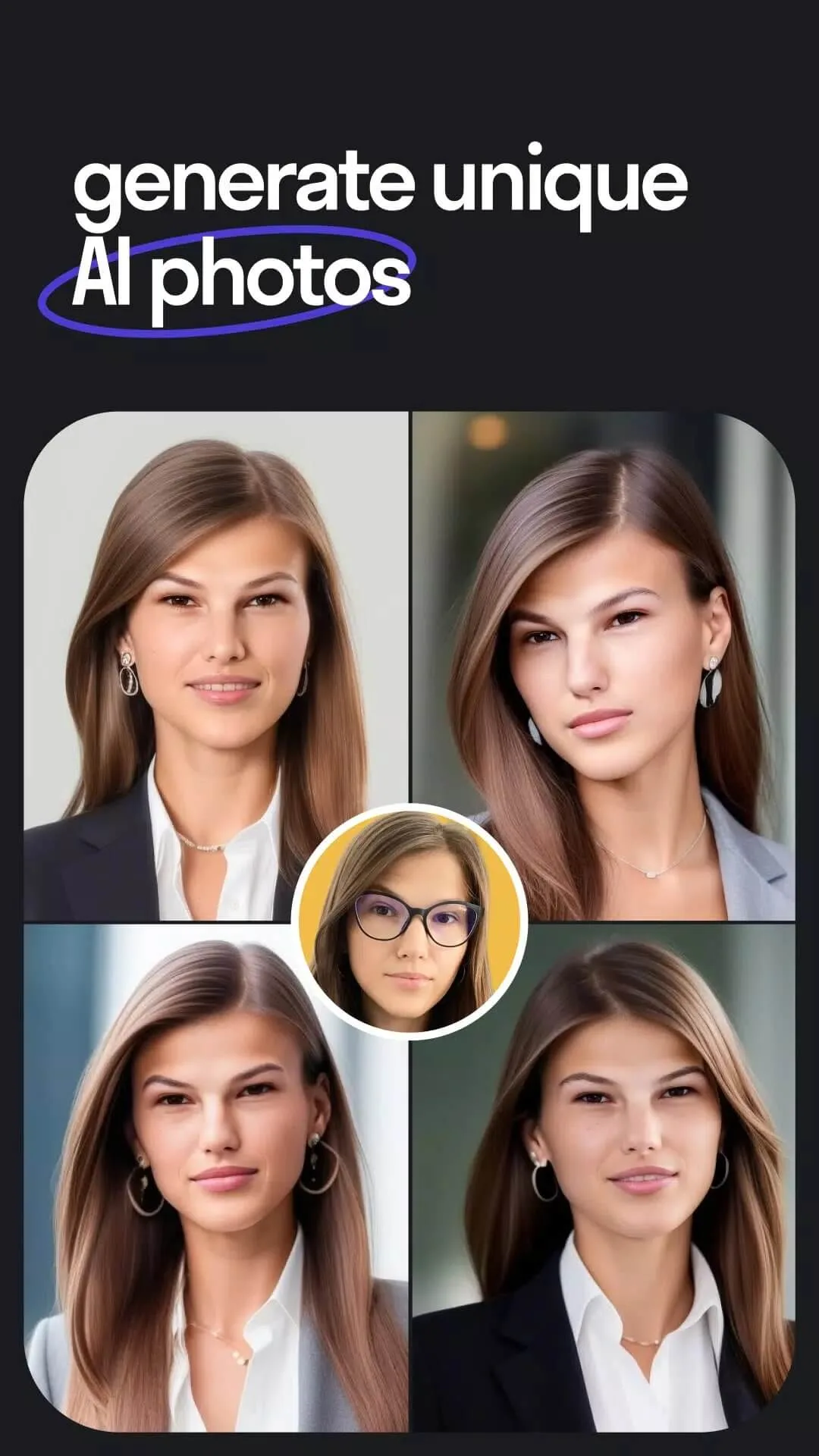
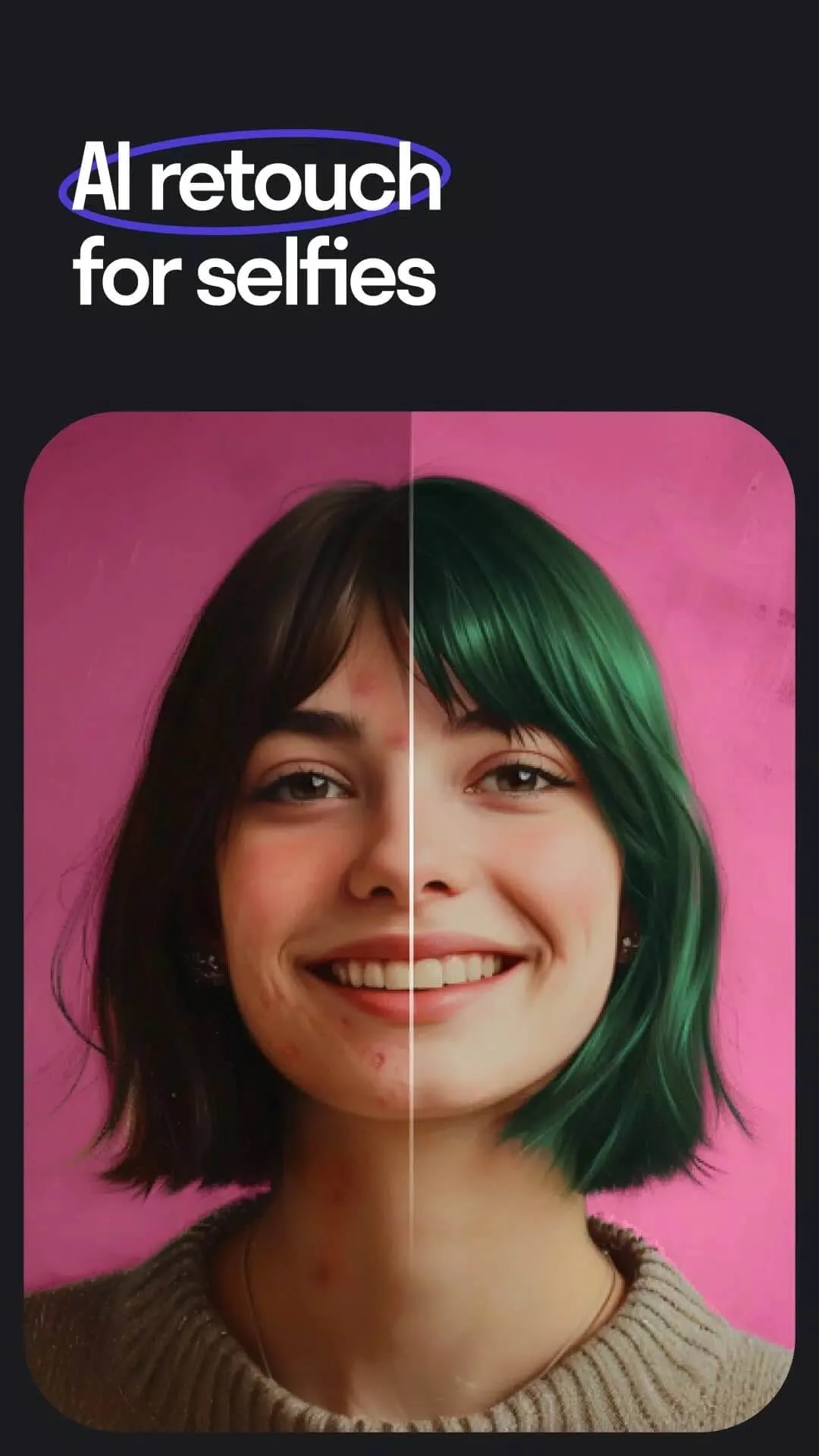
If you like face and photo AI tools, FaceApp is worth a look for portrait edits and age filters. You can also browse more entertainment apps or dig through the full MOD catalog for other unlocked builds.
FAQ
Does the MOD really unlock all Pro features?
Does Reface work offline?
Can my account get limited or banned?
Is my face data private?
Is the APK safe to install?
How big is the download and what do I need?
Download Reface Mod (Pro Unlocked)
- No viruses
- No spyware
- No malware
The reviews (0)