- No viruses
- No spyware
- No malware
com.spotify.liteThis file was downloaded, scanned and installed by our editors before publishing.
Every file is also checked with VirusTotal before publishing.

Spotify Lite APK: The Lightweight Spotify Explained
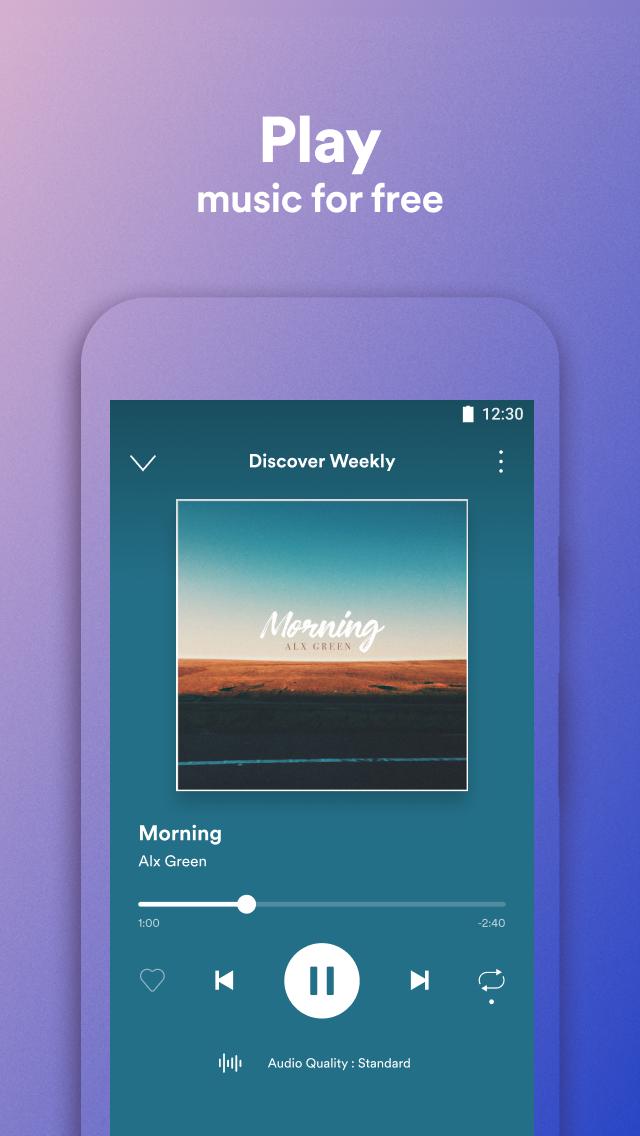
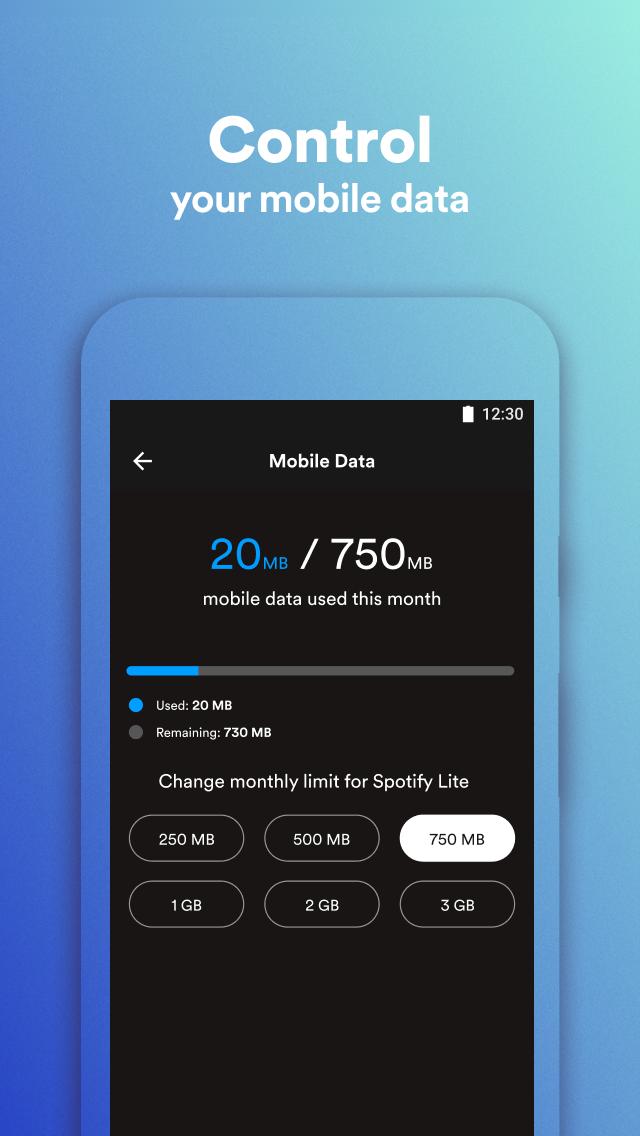
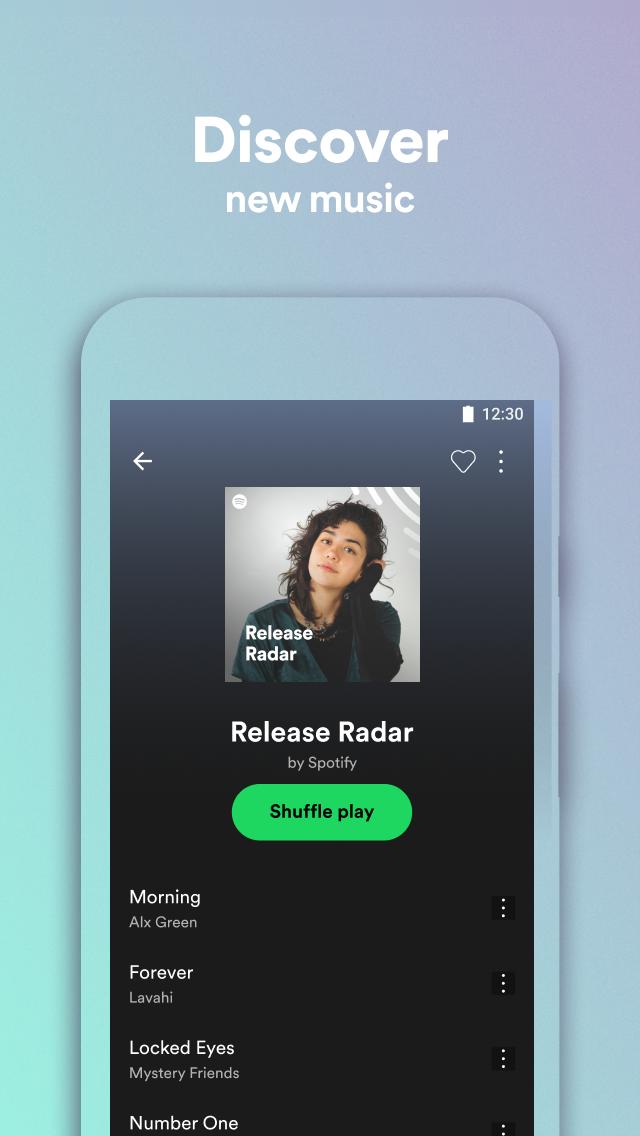
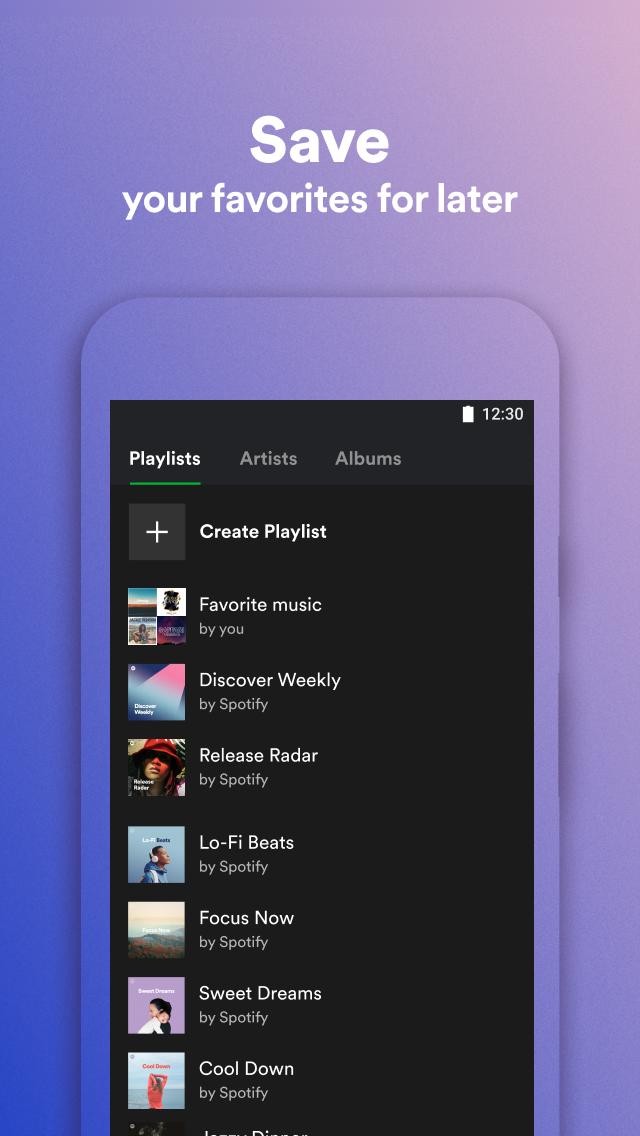
Additional information about Spotify Lite APK: The Lightweight Spotify Explained
com.spotify.liteThe description of Spotify Lite APK: The Lightweight Spotify Explained
Spotify Lite MOD APK is what a lot of people type into search, so let's be straight with you up front. Spotify Lite is the small, official Spotify app built by Spotify AB, and the file on this page is the clean, free APK, not a cracked build. It weighs around 20 MB, sips your mobile data, and runs fine on older and budget phones. Every file here is scanned for malware and installed on a real Android device by our editors before publishing, we have done this since 2018.
Below we cover what Lite actually does, where it beats the regular Spotify app, and why a "Premium unlocked" mod can't deliver what other pages claim.
What is Spotify Lite?
Spotify Lite is a stripped-down version of Spotify made for weaker phones and tight data plans. The regular app can sit at roughly 85 MB on your device; Lite installs at about 20 MB and stays light while it runs. That gap matters a lot on a phone with 1 or 2 GB of RAM or barely any free storage.
The app is published by Spotify AB under the package com.spotify.lite, the same company behind the main client. It keeps the core streaming experience but drops the heavier extras. A handy touch: you can set a monthly data limit right in the settings, and the app warns you as you get close, which really helps on a prepaid plan. It also holds up better on a slow or patchy connection.
Free vs Premium: what Lite actually gives
Here is the honest split. Almost everything below is free, and the limits are not caused by the APK, they are just the free Spotify account tier.
| What you get | How it works in Lite |
|---|---|
| Millions of tracks | Full catalog, streamed on demand, at no cost. |
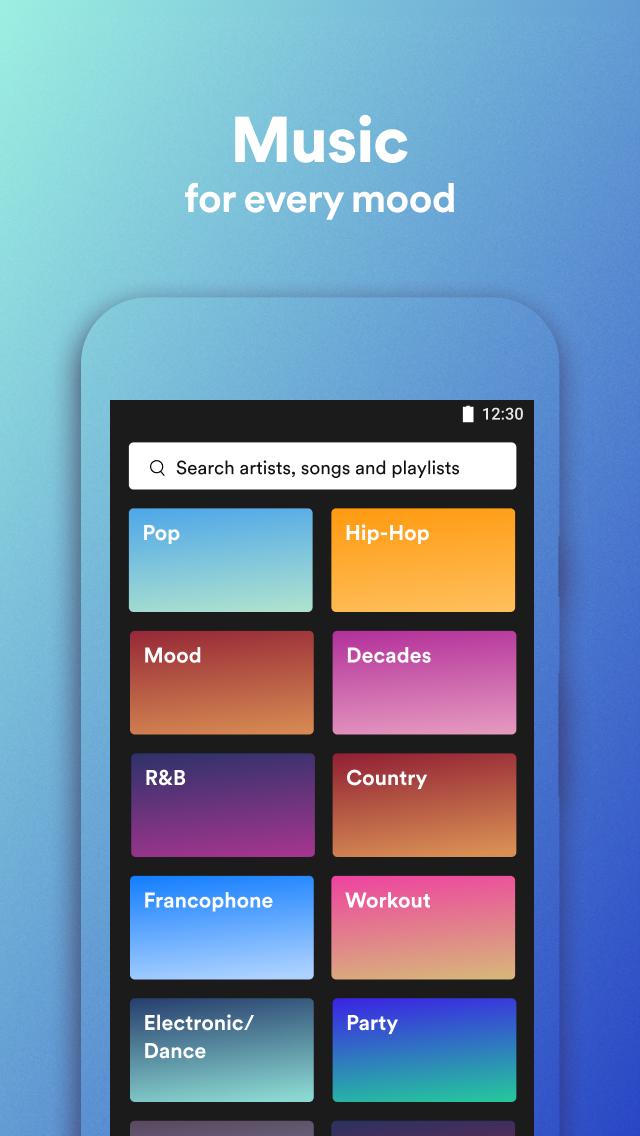
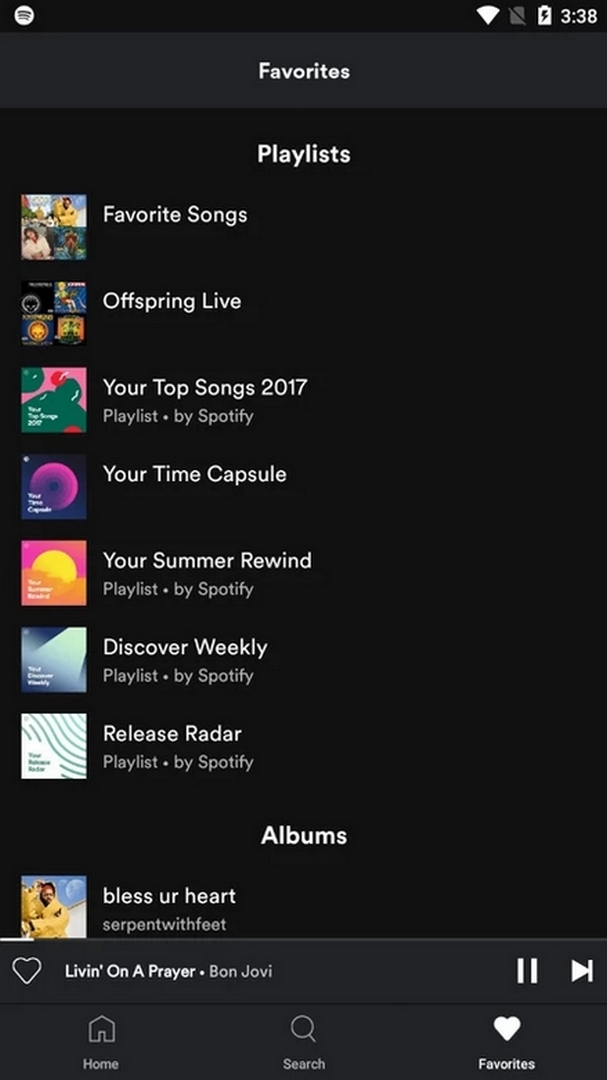
| Search, playlists, Favorites | Find songs, build playlists, save what you like. |
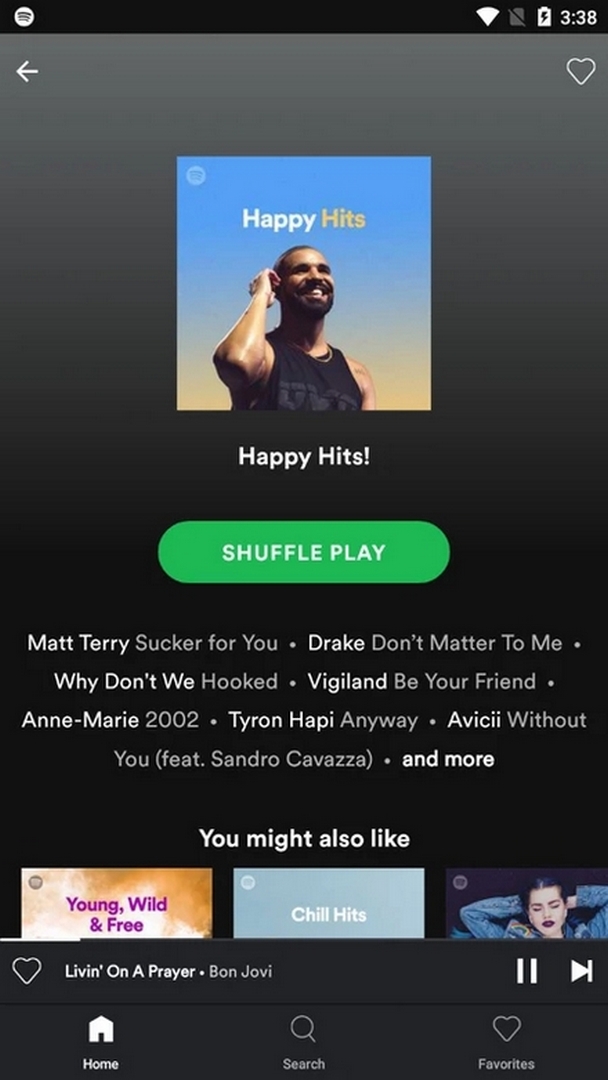
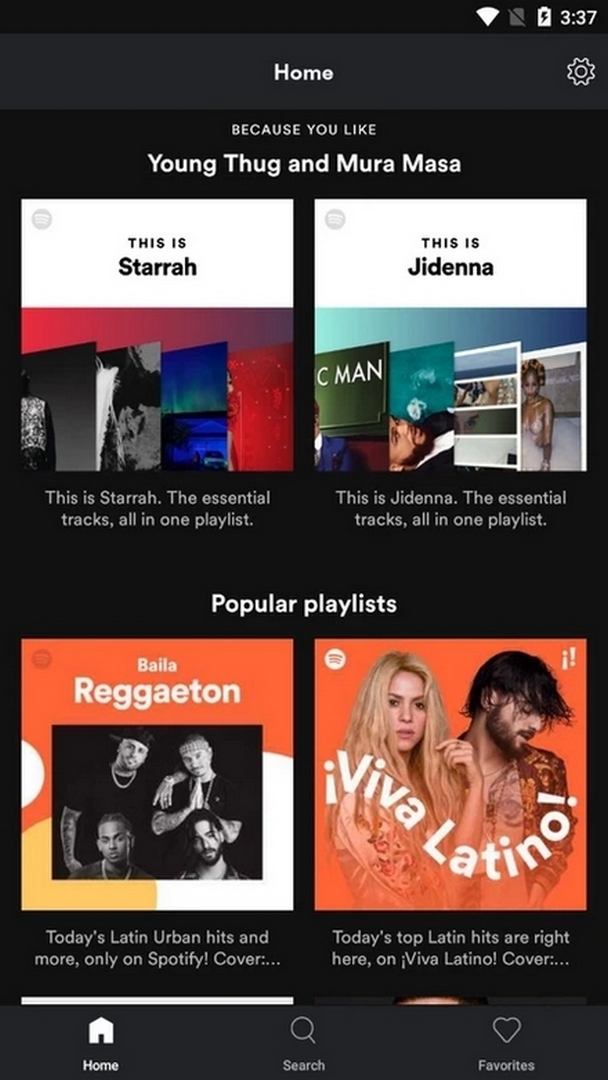
| Recommendations | Personal mixes and suggestions based on what you play. |
| Ads between songs | Free tier plays audio ads, same as free Spotify anywhere. |
| Skip limit | About 6 skips per hour, and playlists play in shuffle. |
| Offline downloads | Not available in Lite, this is a Premium-only feature on the regular app. |
One thing to keep clear. Ads, the skip cap and shuffle are tied to your Spotify account plan, not to this file. Installing a different APK does not change any of that, because those rules live on Spotify's side.
Does a "Premium Unlocked" mod work?
Short answer: no, not reliably. Spotify checks your subscription and your playback rights on its own servers every time you press play, so "Premium" status is decided online, not by the app sitting on your phone. A modified APK can paint a "Premium" label on your screen, but the server still treats the account as free, so the ads, the skip limit and the missing offline downloads all stay put.
There is a plain technical wall too: Spotify Lite has no full offline mode at all, so no mod can add a feature the app was never built with. And using a tampered build goes against Spotify's terms of service, which means an account caught doing it can be blocked. If you want ad-free listening, real offline saving and unlimited skips, the honest route is an official Premium plan. If you just want free music on a light app, the APK on this page already gives you that.
Spotify Lite vs regular Spotify
- Size: Lite is around 20 MB, the full app is roughly four times bigger.
- Requirements: Lite runs on Android 5.0+ and behaves better on low-end hardware.
- Data and storage: the built-in data cap and lighter footprint make Lite kinder to cheap plans and small phones.
- Where Lite wins: old devices, limited storage, weak signal, prepaid data.
- Where you need regular Spotify: Premium offline downloads and the full feature set live on the standard client, not Lite.
Data and storage saving tips
- Set a monthly data cap in the app settings so streaming can't blow through your plan.
- Lower the streaming quality on mobile data. It cuts usage a lot with little audible loss on phone speakers.
- Check your storage now and then and clear the cache if the app starts feeling heavy.
- On a shaky connection, Lite recovers faster than the full app.
How to download and install
The download is a single APK, about 20.7 MB, and it installs in under a minute.
- Tap the green Download APK button at the top of this page, the file downloads directly, no sign-up or SMS.
- Allow installation from unknown sources for your browser or file manager (Settings → Security).
- Open the file, tap Install, then sign in with your normal Spotify account or make a free one.
Spotify Lite is free, and you can also grab it straight from Google Play under com.spotify.lite if you prefer. First time sideloading an APK? Our APK install guide walks through the same steps with screenshots. Want proper offline downloads and no ads? That needs an official Spotify Premium plan, not a mod. For more listening apps, browse our music and audio section or the wider MOD catalog.
FAQ
Is Spotify Lite free?
Does the "Premium Unlocked" mod really unlock Premium?
Can I download songs for offline in Lite?
How is Lite different from regular Spotify?
Is the APK safe?
What are the requirements?
Download Spotify Lite Mod (Premium Unlocked)
- No viruses
- No spyware
- No malware
The reviews (2)