- No viruses
- No spyware
- No malware
This file was downloaded, scanned and installed by our editors before publishing.
Every file is also checked with VirusTotal before publishing.

AeroInsta (Insta Aero) APK for Android

Additional information about AeroInsta (Insta Aero) APK for Android
The description of AeroInsta (Insta Aero) APK for Android
AeroInsta APK (also listed as Insta Aero) is a modified Instagram client that adds a download button, story-privacy tricks and an ad-lighter feed on top of the app you already know. It is not an official Meta product, it is a third-party build, and you sign in with your own Instagram username and password. The file on this page is scanned for malware and installed on a real Android device by our editors before publishing, we have done this since 2018.
Read the ban-risk section below before you log in. A mod client breaks Instagram's rules, so this is a tool you use with your eyes open, not a plain swap for the stock app.
What is AeroInsta (Insta Aero)?
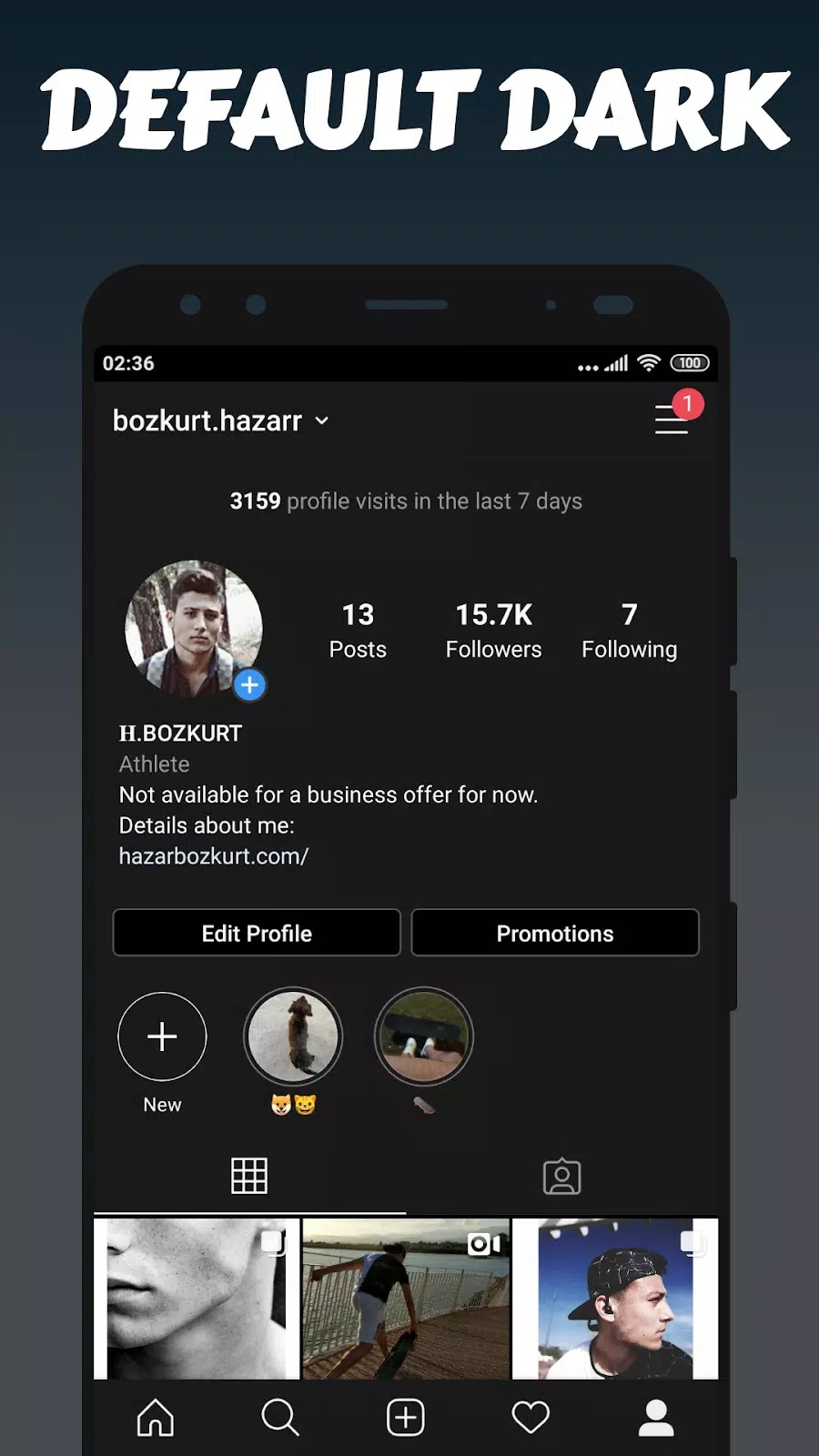
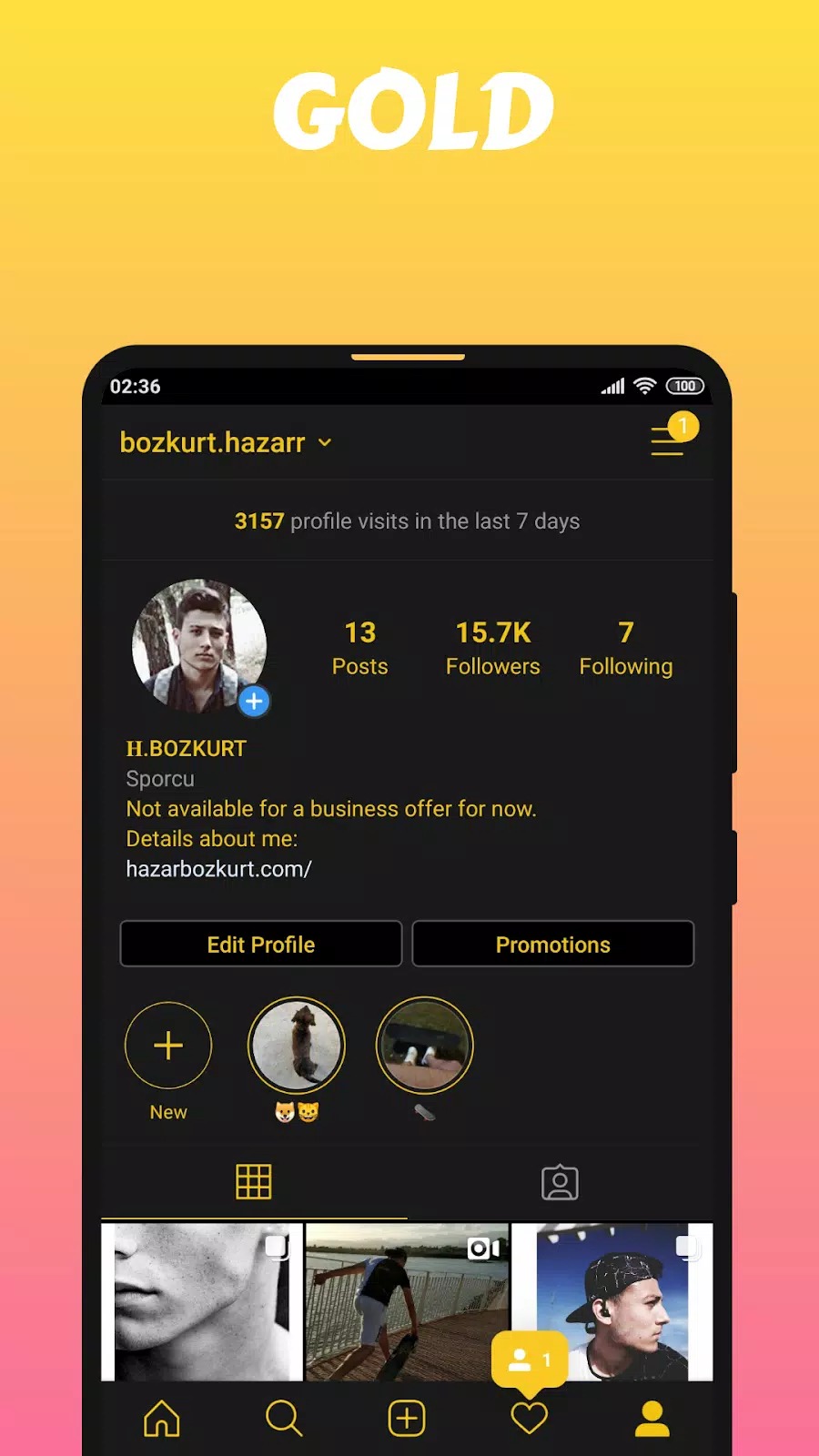
AeroInsta is a modified overlay built on top of Instagram. You get the same feed, Stories, Reels and DMs, plus extra buttons the official app leaves out, like saving a photo straight to your phone. Think of it as a reskinned Instagram with power-user features bolted on.
It is not affiliated with Meta or Instagram, and you will not find it on Google Play, third-party clients are not allowed there. Because it is unofficial, the download comes as an APK you install yourself. The app still needs a real Instagram account to work, since it talks to Instagram's normal servers under the hood.
Key features
| Feature | What it does |
|---|---|
| Media downloader | Save photos, videos and Stories, plus media sent in chats, straight to your gallery. |
| Auto-sorting | Downloaded files land in tidy folders instead of one messy pile. |
| Hide activity | Turn off read receipts in DMs and view Stories or lives without showing up as a viewer. |
| High-res photos | Load images at full resolution instead of Instagram's compressed version. |
| Dark theme & fewer ads | A built-in dark mode and a cleaner feed with less advertising. |
All of it runs client-side, on your phone, which is exactly why it also carries the risks below. The features are handy, but they change how the app behaves, and Instagram can tell.
Ban risk and account safety
Here is the honest part. Using any modified Instagram client breaks Instagram's Terms of Service, so your account can get a warning, a temporary limit, or a full ban. Nobody can promise you won't be flagged, the risk is real and it sits with your account, not the file.
A few sensible habits cut the odds. Do not run it on your main account, keep a spare login for it. Turn on two-factor authentication. And weigh whether the extra features are worth the chance of losing access, because if a ban lands, it can be permanent.
Privacy considerations
You log in with your real Instagram credentials, so a third-party app is handling your username, password and traffic. That is a trust call. Only install a version you got from a source you trust, which is why we scan and test the file here rather than pointing you at random mirrors.
The privacy features, hiding your view on a Story, muting read receipts, are genuinely useful and work on your side of the app. But they protect what other users see, not your account standing. They do not cancel out the ban risk, so treat those as two separate things.
How to download and install
The download is a single APK, around 71 MB. You install it yourself, there is no Play Store listing for this one.
- Tap the Download APK button at the top of this page, the file downloads directly, no registration or SMS.
- Allow installation from unknown sources for your browser or file manager (Settings → Security).
- Open the file and tap Install. You need Android 9.0 or newer and enough free storage.
- Launch the app and sign in with your Instagram account, ideally a spare one, then set up two-factor if you haven't.
First time sideloading an app? Our APK install guide walks through the same steps with screenshots. If an older Instagram-mod build is already on the phone, remove it first so the new one installs clean.
AeroInsta or official Instagram?
If your account matters to you, the official Instagram app is the safe pick, no ToS problem, no ban risk, and it updates through the Play Store. AeroInsta trades that safety for extra features: downloads, privacy toggles and a lighter feed. That is the whole deal, more control on one hand, real risk on the other. Want other tools like this? Browse our social apps or the wider apps catalog.
FAQ
What is AeroInsta (Insta Aero)?
Is AeroInsta on Google Play?
Can my Instagram account get banned?
Is it safe to log in with my account?
Is AeroInsta affiliated with Instagram or Meta?
What are the requirements?
Download AeroInsta (Insta Aero) APK Android
- No viruses
- No spyware
- No malware
The reviews (0)