- No viruses
- No spyware
- No malware
jp.pxv.androidThis file was downloaded, scanned and installed by our editors before publishing.
Every file is also checked with VirusTotal before publishing.

pixiv MOD APK (Premium Unlocked)
Additional information about pixiv MOD APK (Premium Unlocked)
jp.pxv.androidThe description of pixiv MOD APK (Premium Unlocked)
pixiv MOD APK gives you an ad-free version of pixiv, the Japanese art community where millions of illustrations, manga and web novels are posted every day. No banners between artworks, a cleaner feed, and premium-style browsing without the paywall nags. It is the same pixiv from pixiv Inc., just quieter.
One honest thing up front. pixiv Premium is a server-side subscription tied to your account, so a modified APK cannot hand you the real thing. What it does deliver is no ads and a smoother interface. Every file on this page is scanned for malware and installed on a real Android device by our editors before publishing, we have done this since 2018.
What is pixiv?
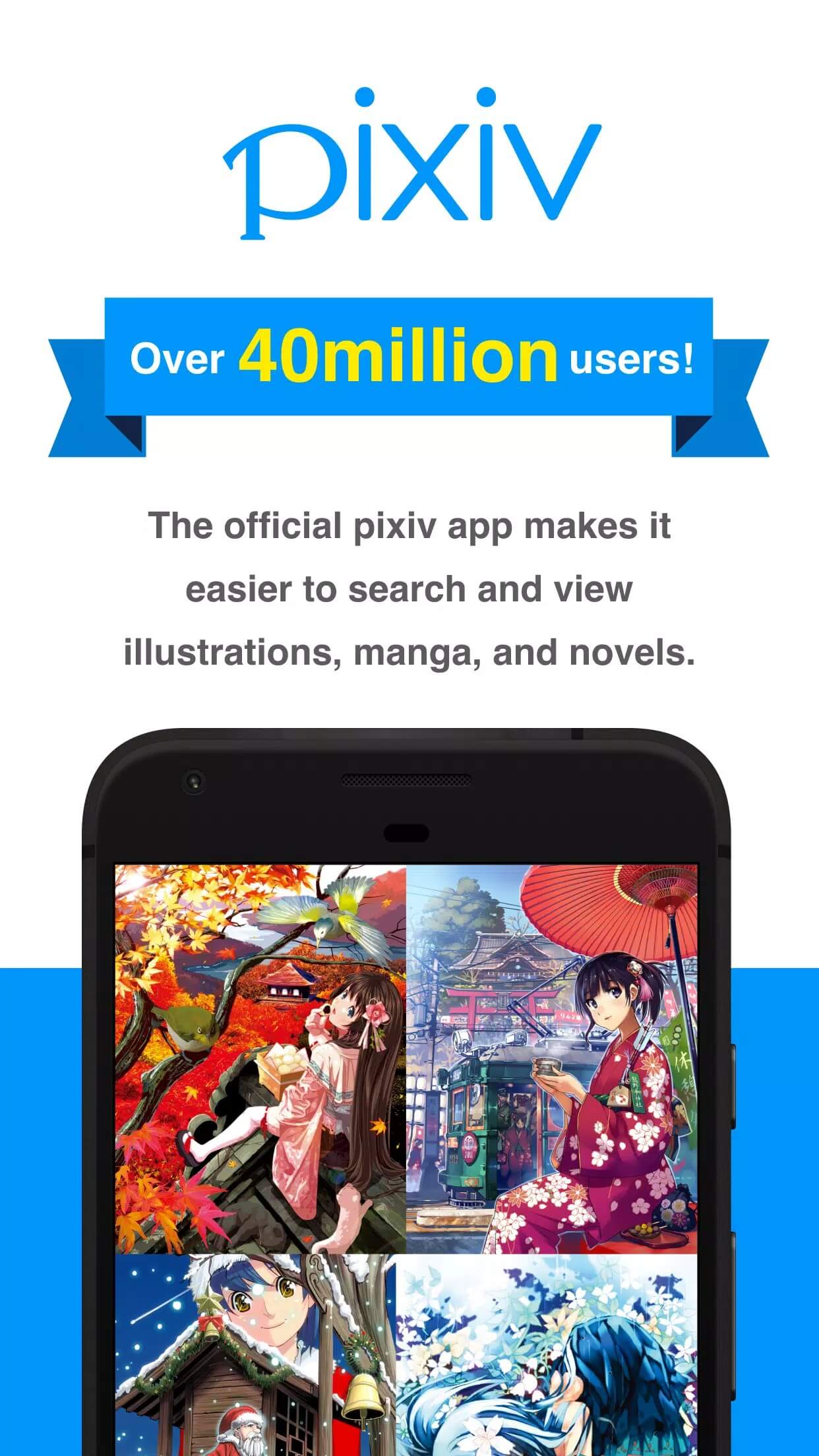
pixiv is a social network built for artists, run by pixiv Inc. out of Tokyo. Think of it as a gallery and a community rolled together: you scroll a feed of art, follow creators you like, and post your own work for others to find. It is one of the largest art platforms anywhere, with tens of millions of pieces uploaded.
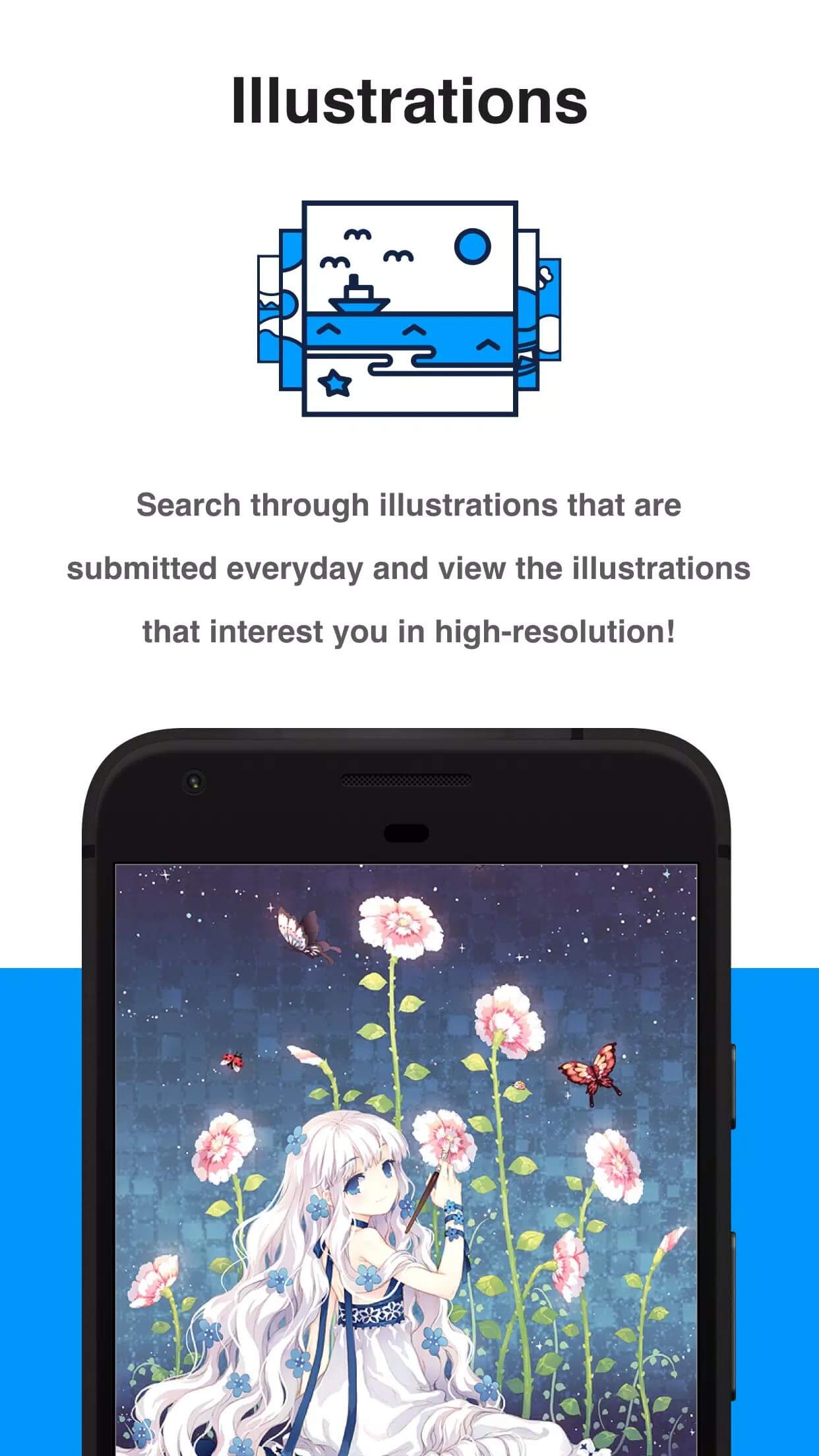
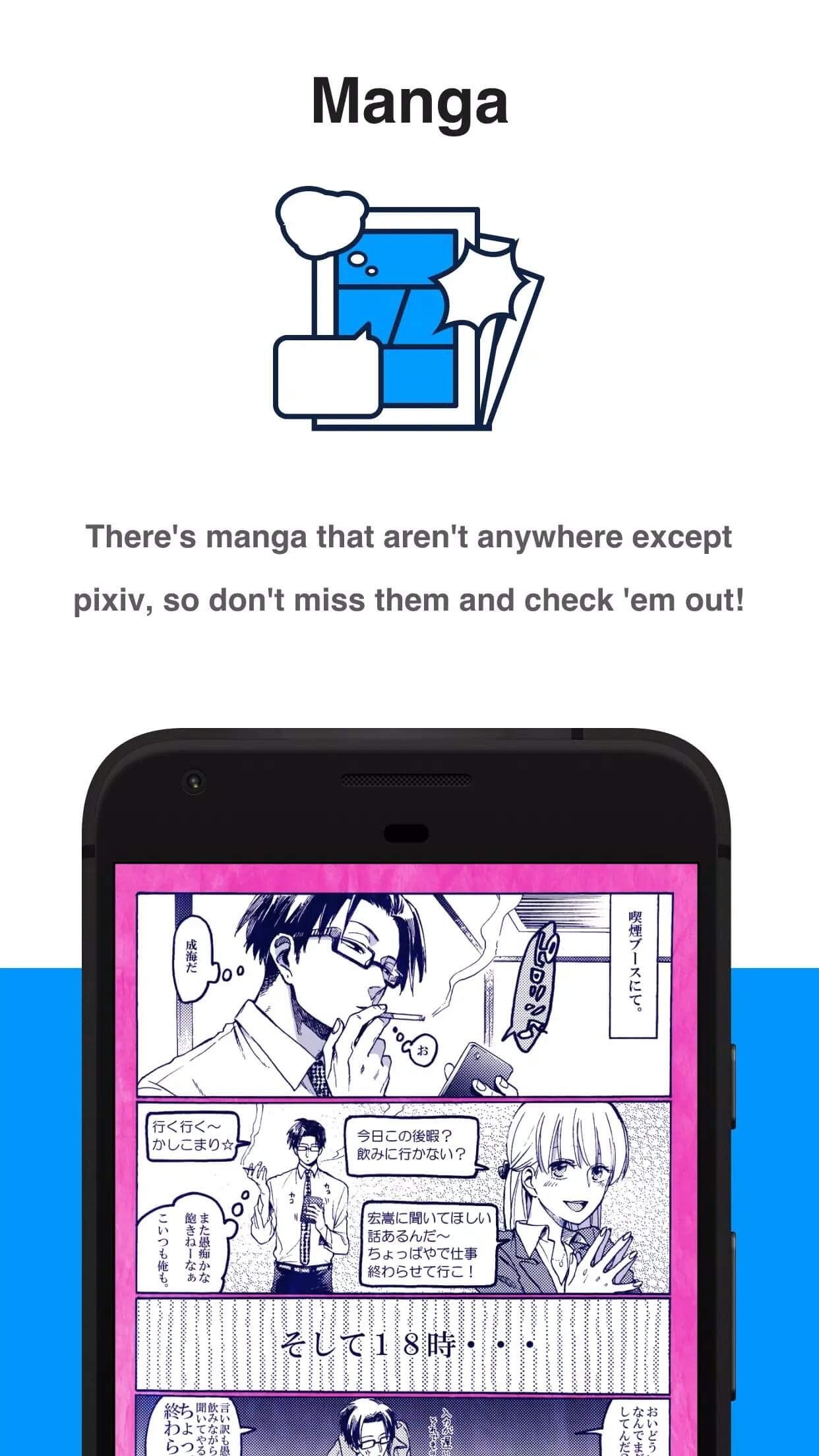
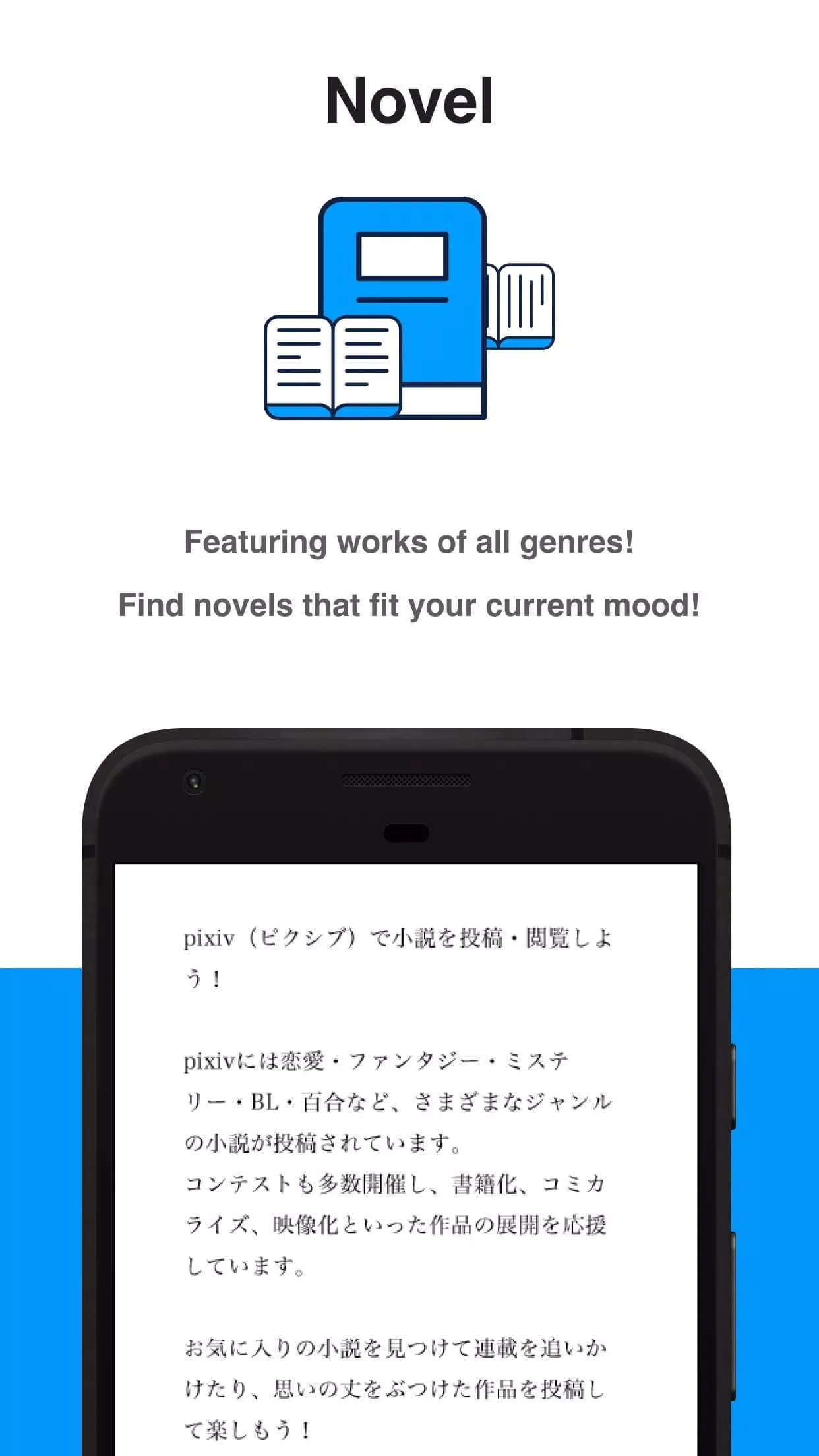
The site splits into three big sections. Illustrations cover single images and fan art, Manga holds multi-page comics, and Novels is text fiction from the same crowd. On top of that you get daily and weekly rankings, tag search, bookmarks and named collections, plus comments and likes on every post. If you draw, read or just browse, there is a lot here.
What the MOD gives you
| MOD feature | What it changes in the app |
|---|---|
| No ads | Banner and interstitial ads are stripped out on your device, so the feed loads clean. |
| Cleaner browsing | Fewer prompts and upsells while you scroll art, manga and novels. |
| Server Premium perks (not guaranteed) | Search by popularity, extended view history, tag mute and hi-res downloads belong to the pixiv Premium subscription, which is checked on pixiv's servers. A client MOD cannot reliably give you these. |
So the short version: the MOD is really an ad-free build with a tidier interface. The features people most want from Premium, ranking search and full view history, live on pixiv's side, not on your phone. Any page that promises all of Premium from an APK is stretching it. The exact MOD package is listed in the "MOD info" line near the top of this page, and we re-check it after each app update.
Premium: what actually unlocks (honest)
Here is the part most mod sites skip. Real pixiv Premium is verified against your account on pixiv's servers. That is how features like popularity search, extended history and higher-resolution downloads know they are allowed to run. A modified APK only changes what happens on your device, so it can remove ads and tweak the look, but it cannot flip the switch that pixiv's servers control.
One more caution. Signing into an account you care about through an unofficial build carries some risk, and pixiv can restrict accounts that look off. If you want the full Premium set, the honest route is a subscription. Use the MOD for a clean, ad-free read, and keep your main account safe.
How to download and install pixiv MOD APK
The download is a single APK, around 31.9 MB, and it runs on Android 6.0 and up. Everything starts from this page.
- Tap the green Download APK button at the top of this page, the file downloads directly, no registration or SMS.
- Allow installation from unknown sources for your browser or file manager (Settings → Security).
- If the Google Play version is already installed and the install fails, remove it first, since the MOD is signed differently.
- Open the file, tap Install, then launch pixiv and sign in or register a new account.
First time sideloading an app? Our APK install guide walks through the same steps with screenshots. Keep enough free storage and a stable connection while it installs.
Using pixiv: art, manga, novels
- Use the daily and weekly rankings to find trending work fast, they are the quickest way to see what the community is into.
- Bookmark anything you like and sort it into named collections, so your references stay organized.
- Your view history helps you backtrack to a piece you scrolled past but forgot to save.
- Post your own illustrations, comics or novels, tag them well, and the recommendation feed starts showing them to the right readers.
- Adult and other age-gated content is controlled through your account settings, so you decide what shows up.
MOD or original?
The original pixiv app is free, and using it supports the artists and pixiv Inc. directly, with Premium sold as a paid subscription. The MOD's pull is simple: no ads and a cleaner scroll. If all you want is a quiet way to browse art without banners, the MOD does that well. For the genuine Premium features, though, you need the server-side subscription, and no APK gets around that. Browse more social apps or dig into other MOD APKs in the catalog.
FAQ
What does the pixiv MOD unlock?
Does the MOD give real pixiv Premium?
What is pixiv for?
Is it safe to log in under the MOD?
Is the pixiv MOD APK safe?
How big is it and what does it need?
Download pixiv Mod (Premium Unlocked)
- No viruses
- No spyware
- No malware
The reviews (0)