- No viruses
- No spyware
- No malware
com.amazon.avod.thirdpartyclientThis file was downloaded, scanned and installed by our editors before publishing.
Every file is also checked with VirusTotal before publishing.

Amazon Prime Video APK (Official App)
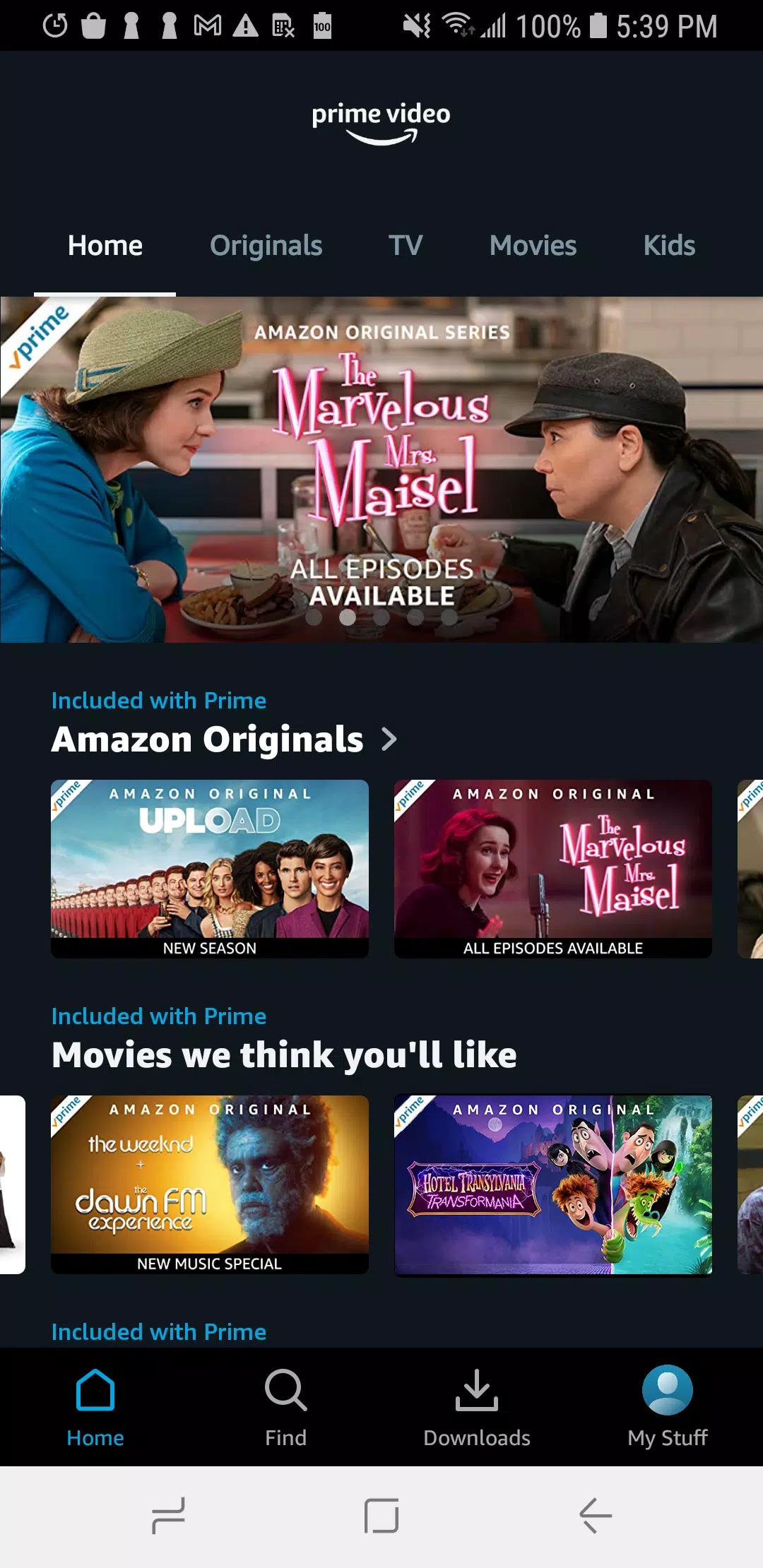
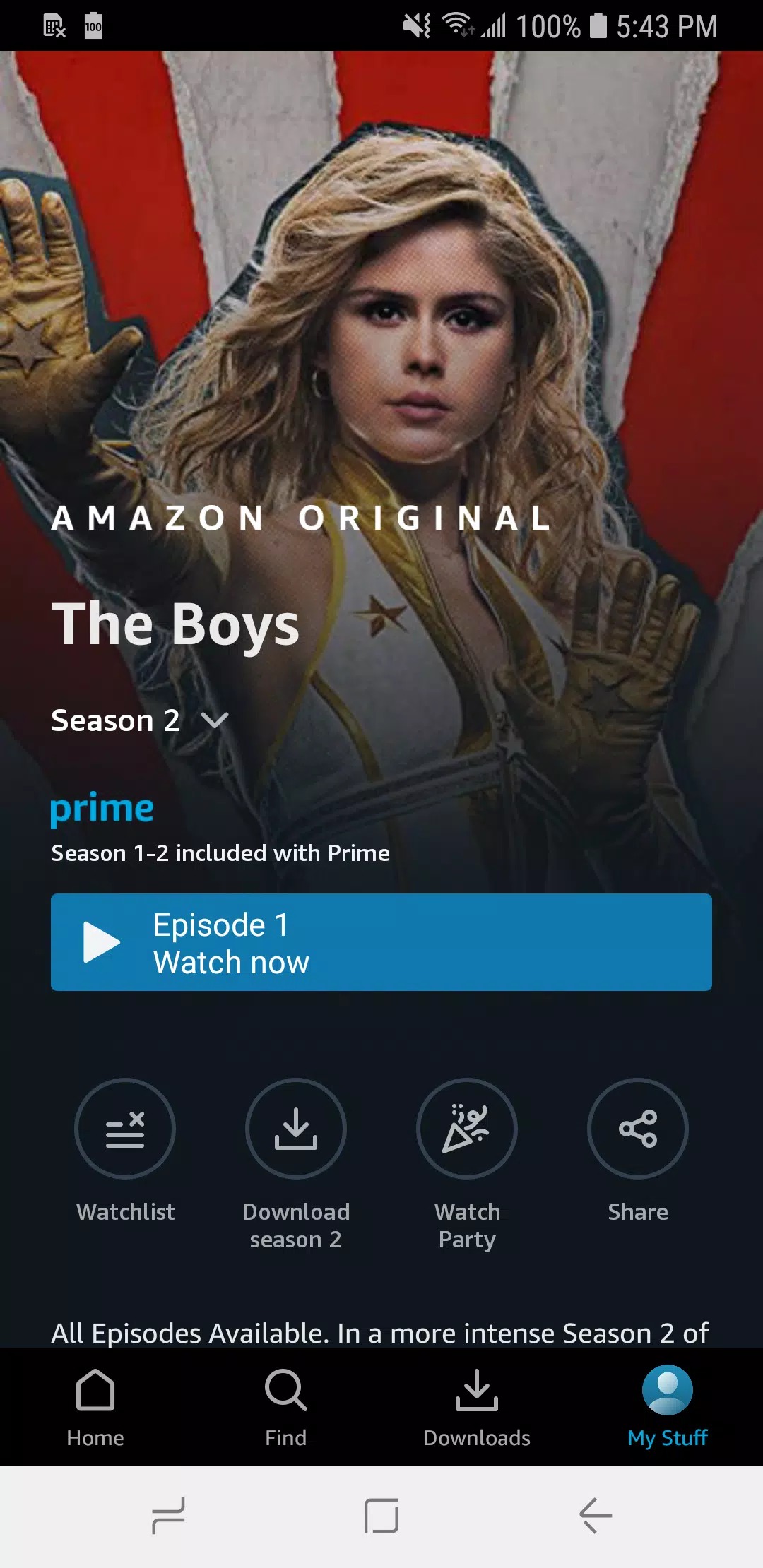
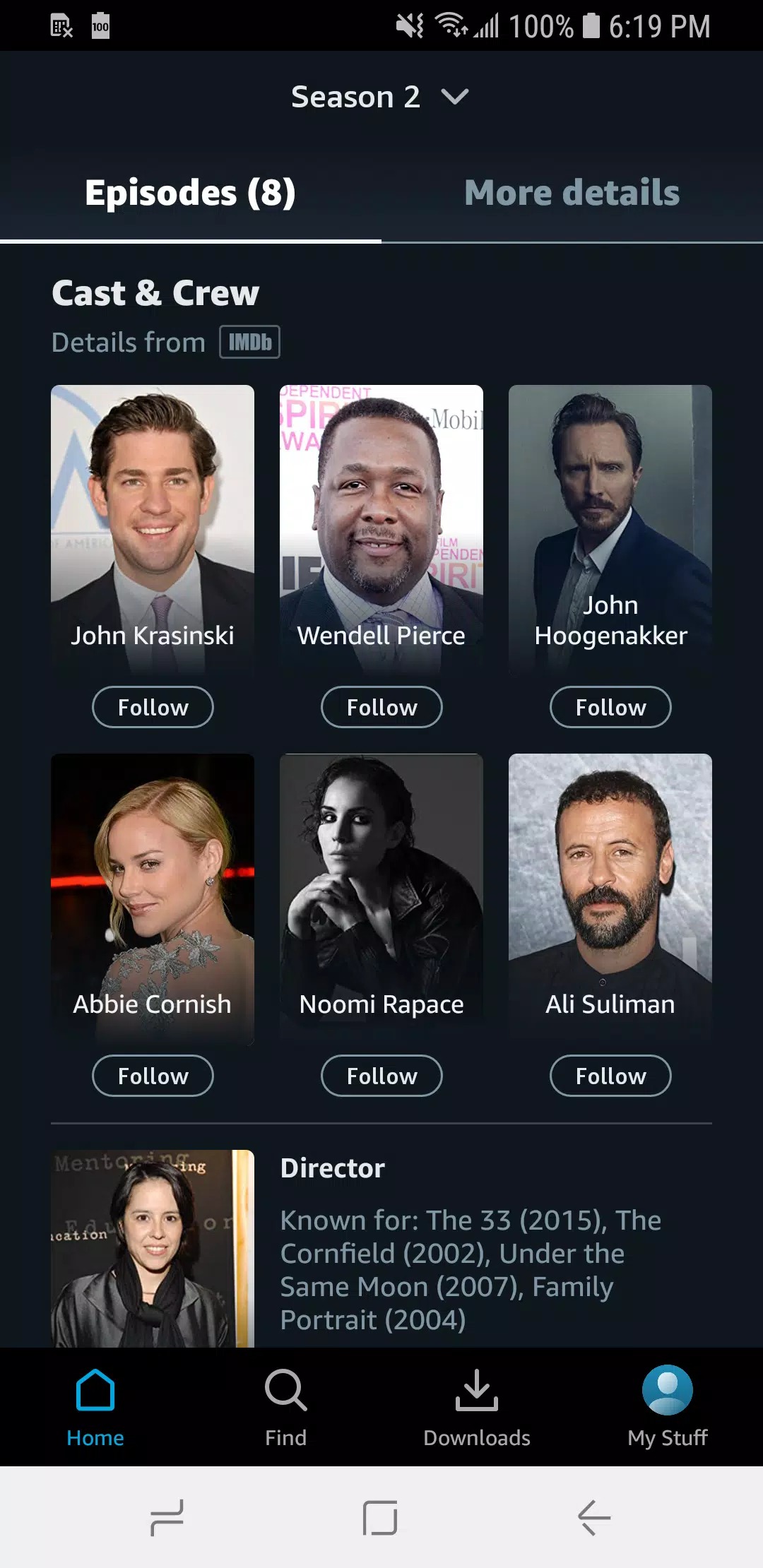
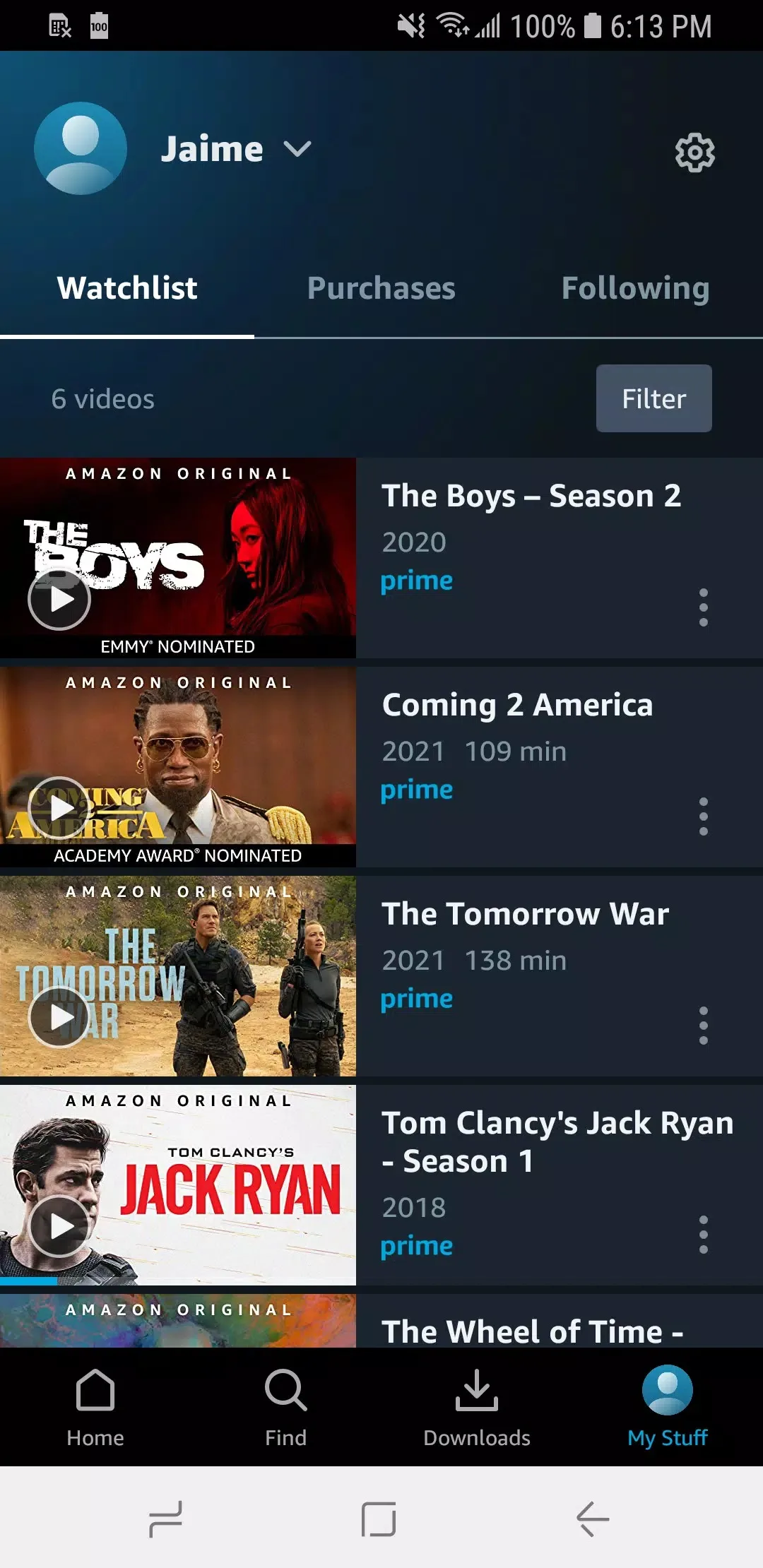
Additional information about Amazon Prime Video APK (Official App)
com.amazon.avod.thirdpartyclientThe description of Amazon Prime Video APK (Official App)
Amazon Prime Video APK is the official Amazon app for streaming movies, TV shows and live sport on Android, the same client you would install from a store, packaged here as a direct APK. You might want the APK when Google Play is missing from your device, when the app is not listed in your country's store, when you are setting up a TV box, or when you want to roll back to an older build. On this page you can download the latest version, scanned for malware and installed on a real Android device by our editors before publishing. We have done this since 2018.
One honest note before you start: the app is free, but the content is not. You need an Amazon account to watch, either a Prime membership or a free account that lets you rent or buy titles one by one.
What is Prime Video?
Prime Video is Amazon's streaming service. Alongside licensed films and series it has its own Amazon Originals, such as The Boys and Fallout, that you won't find anywhere else. You can also rent or buy individual films, and add extra Channels, like a sports or a movie service, on top of your account.
Inside the app you get a profile for each person in the house, X-Ray to check the cast and soundtrack while a scene plays, and Watch Party to view something with friends in sync. It is the full service, not a cut-down version.
Why download the APK instead of Google Play?
The APK is for the cases where the Play Store can't help you. The most common one is a device with no Google services at all: many budget tablets, Huawei phones and Android TV boxes ship without Google Play, so an APK is the only way to install the app.
It also covers a few other situations. Your country's store may not list Prime Video yet. Your phone may be too old for the current build, and for that our archive keeps an older version for Android below 9. Or you may simply prefer to keep the install file yourself. In every case you get the same official app, just as a file you control.
Is this a MOD?
No. This is the original, official Prime Video APK from Amazon, not a modified build. We say this plainly because you will find "Prime Video MOD APK, Premium Unlocked" files elsewhere, and they do not do what they claim.
A Prime subscription lives on Amazon's servers and is tied to your account. No APK can switch it on, because the file on your phone never decides whether you are a paying member. The server does. So a "premium unlocked" mod cannot give you free Prime, and those files are often repackaged with unwanted extras. The safe choice is the original app, which is exactly what you download here.
How to install on Android and Android TV
Installing takes a couple of minutes. On a phone or tablet the steps are:
- Tap the green Download APK button at the top of this page. The file downloads directly, with no registration or SMS.
- Allow installation from unknown sources for your browser or file manager (Settings → Security, or Settings → Apps → Special access).
- Open the downloaded file, tap Install, then launch the app and sign in with your Amazon account.
On an Android TV or a TV box without a store, copy the APK to a USB stick or download it with a file manager on the device, then open it from there to install. If this is your first sideload, our APK install guide walks through the same steps with screenshots.
Offline downloads and video quality
One reason to use the app rather than a browser is offline downloads. You can save eligible movies and episodes to the device and watch them later with no connection, which is handy on a plane or a commute. How many titles you can keep at once depends on your plan and the studio's rules.
You also control quality. Pick a lower setting to save mobile data, or the highest your plan and screen support for the best picture. The choice sits in the app's download and streaming settings, per title or as a default.
If you already have Google Play and it works, the store install is the simplest route. If your device has no store, sits in an unlisted region, or you just want the file in hand, the APK on this page is for you. Want more streaming on the same device? Try Netflix or the MX Player Pro local player, or browse more entertainment apps in the catalog.
FAQ
Is the Amazon Prime Video APK free?
Can I watch Prime Video without a subscription?
Is this a modded version?
Does it work on Android TV or TV boxes?
What Android version do I need?
Can I download movies for offline?
Download Amazon Prime Video Mod (Premium Unlocked)
- No viruses
- No spyware
- No malware
The reviews (0)