- No viruses
- No spyware
- No malware
com.hitrolab.audioeditorThis file was downloaded, scanned and installed by our editors before publishing.
Every file is also checked with VirusTotal before publishing.

AudioLab MOD APK (Pro Unlocked)
Additional information about AudioLab MOD APK (Pro Unlocked)
com.hitrolab.audioeditorThe description of AudioLab MOD APK (Pro Unlocked)
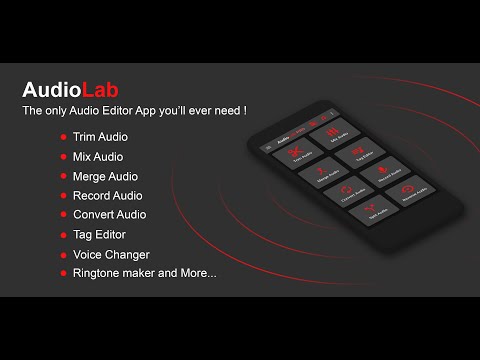
AudioLab MOD APK gives you the full audio editor with Pro unlocked: no ads, no export watermark, and the advanced tools opened up from the start. Cut a track, mix a few together, pull the audio out of a video, or build a ringtone in a minute. It is an offline editor, so the Pro features unlock right on your phone.
The file on this page is scanned for malware and installed on a real Android device by our editors before publishing, we have done this since 2018.
What is AudioLab?
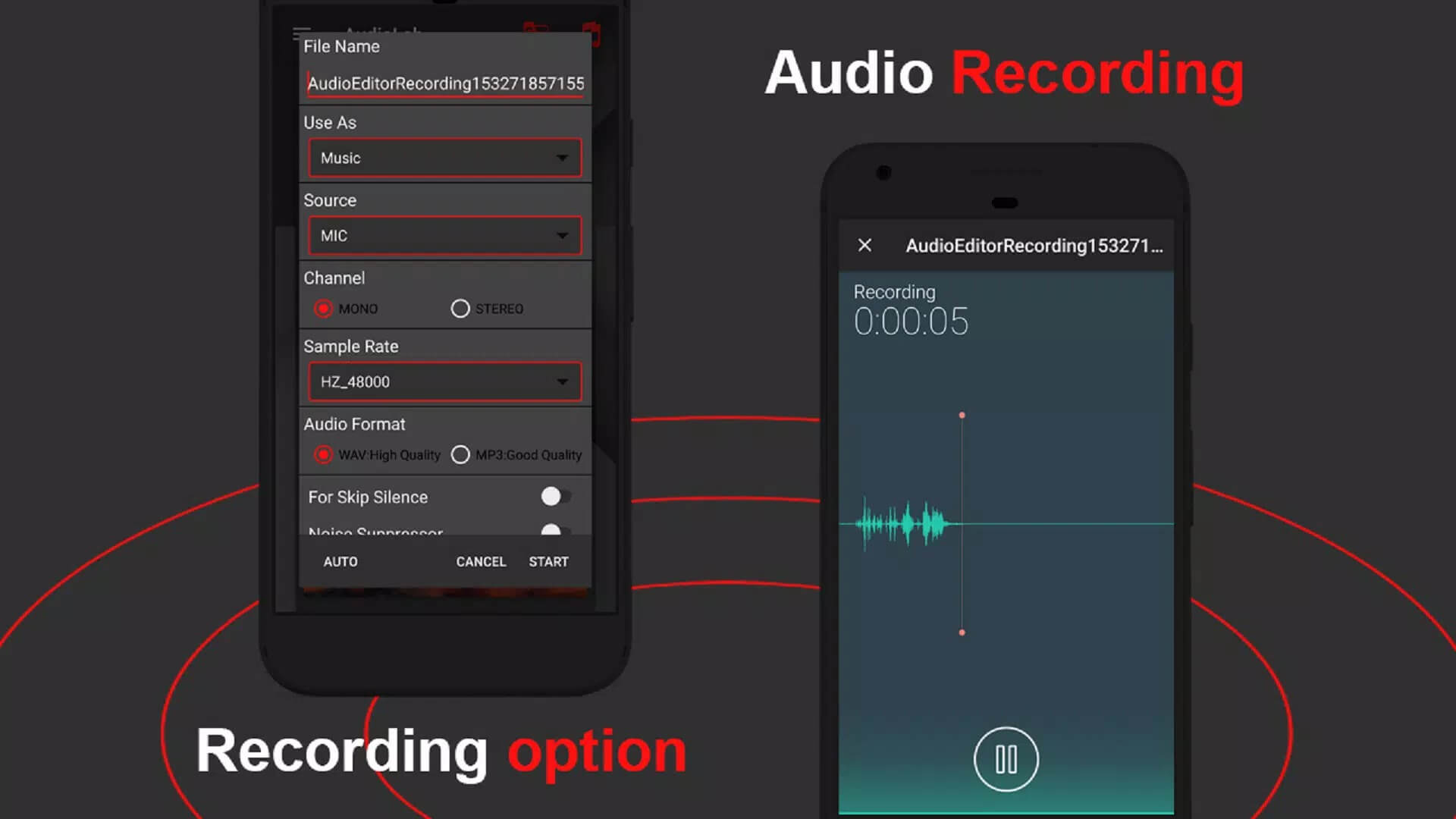
AudioLab is an all-in-one audio tool from HitroLab. Think of it as a small studio in your pocket: an editor and cutter, a merger, a format converter, a ringtone maker, and a text-to-speech tool, all in one app. It runs locally on your device, so you can trim and export files without an account or a live connection.
The developer's full name on Google Play is HitroLab - Mp3 Audio Editor and Ringtone Maker Dev, and the app sits in the Music & Audio category. It is popular for one reason: most people just want to cut a song or make a ringtone fast, and this does that without fuss.
What the Pro MOD unlocks
| MOD feature | What it changes in the app |
|---|---|
| Pro features unlocked | Export limits and locked formats are opened up, so you save your work without the usual caps. |
| No ads, no watermark | The banner and interstitial ads are gone, and exported audio comes out clean. |
| Advanced tools opened | The Pro-tier effects and editing tools are ready to use from the first launch. |
Here is the honest part, and it is good news. AudioLab is an offline editor, so its Pro features are checked on the device, not on a server. That means the unlock is real: the MOD flips them on locally and the app just works. No subscription server to fight, nothing to sync.
Key tools
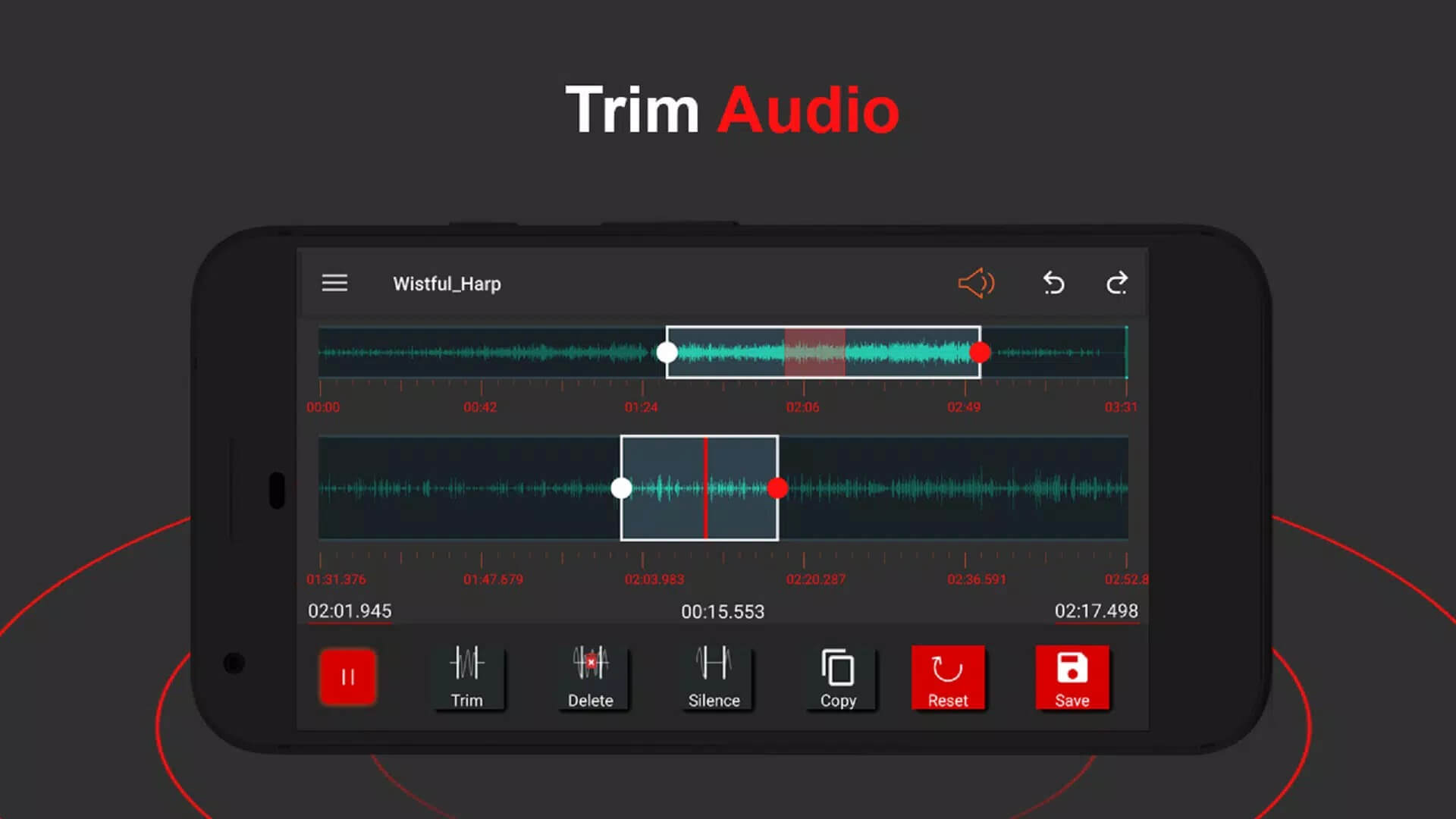
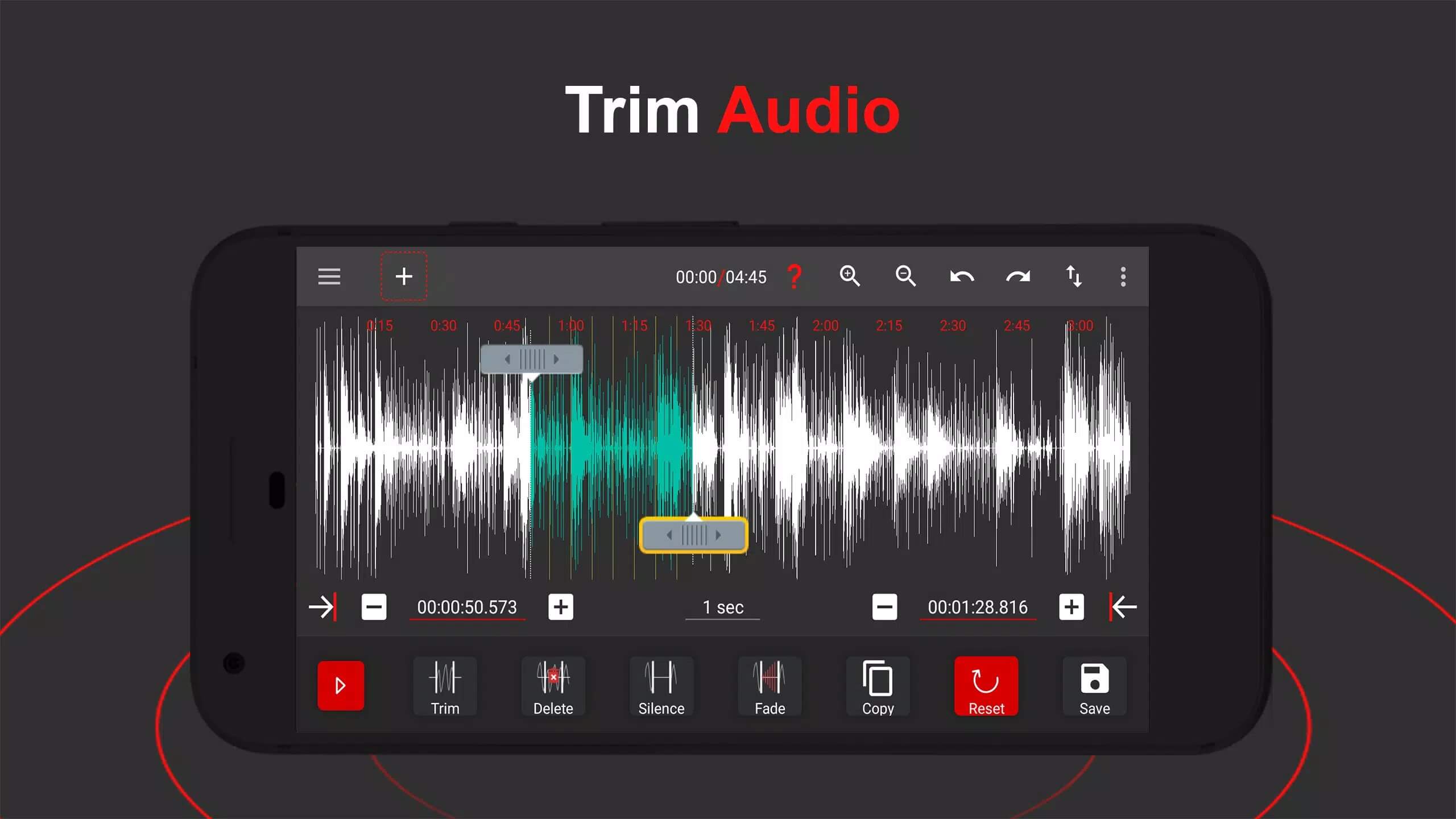
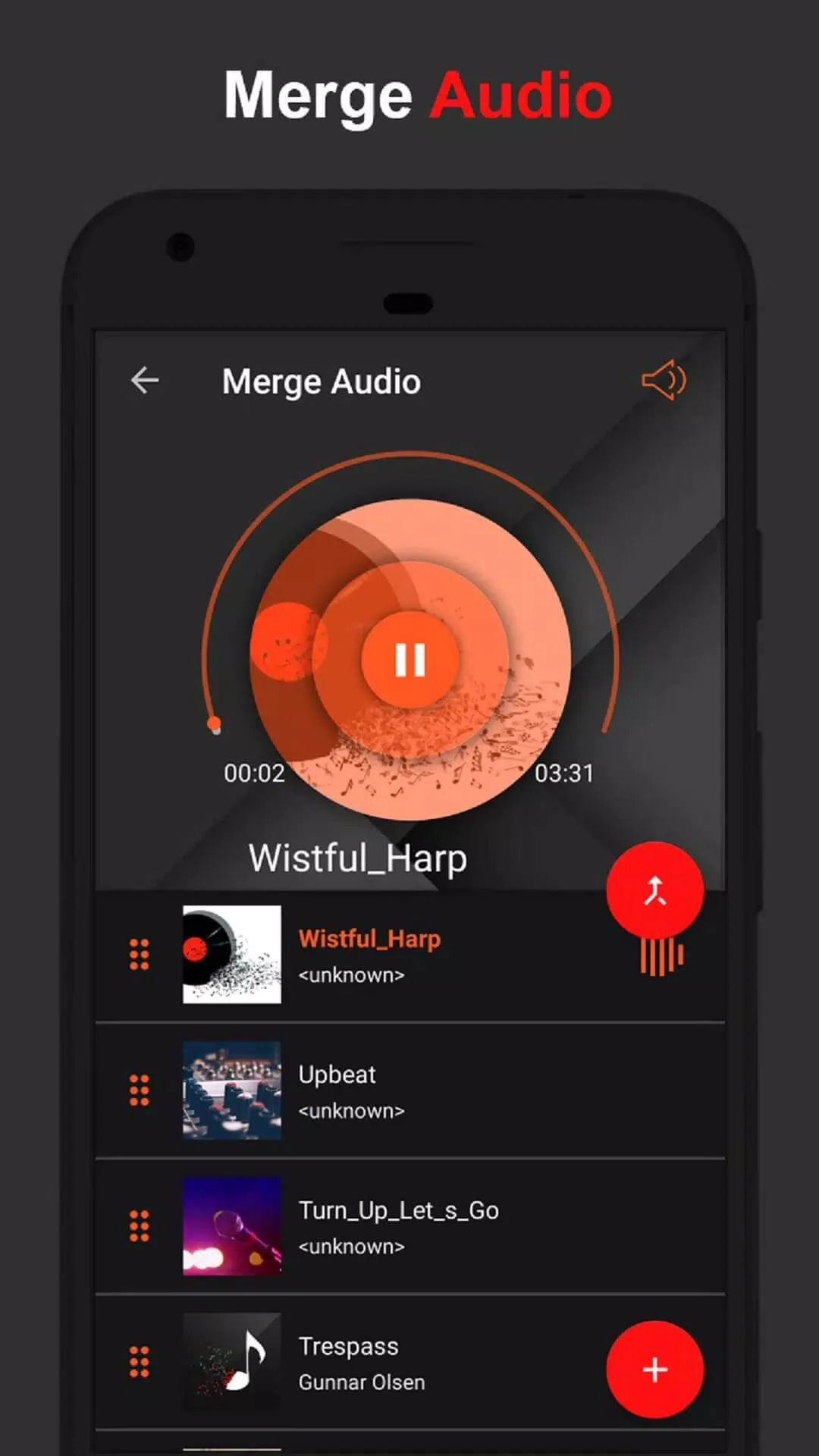
- Precise cut, trim and merge — set exact start and end points, then join clips into one file.
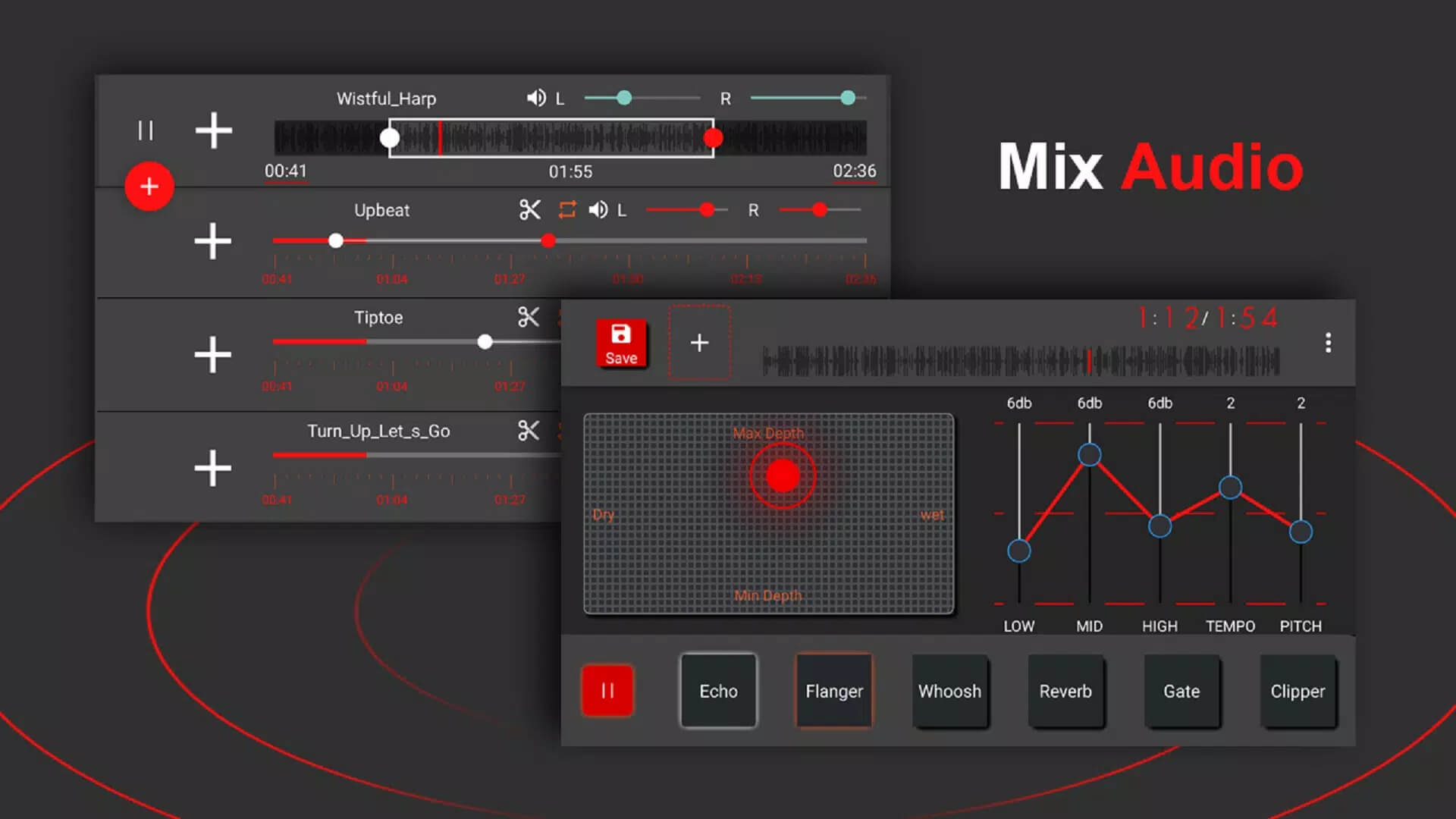
- Mix up to 4 tracks together, handy for mashups or layering a voice over music.
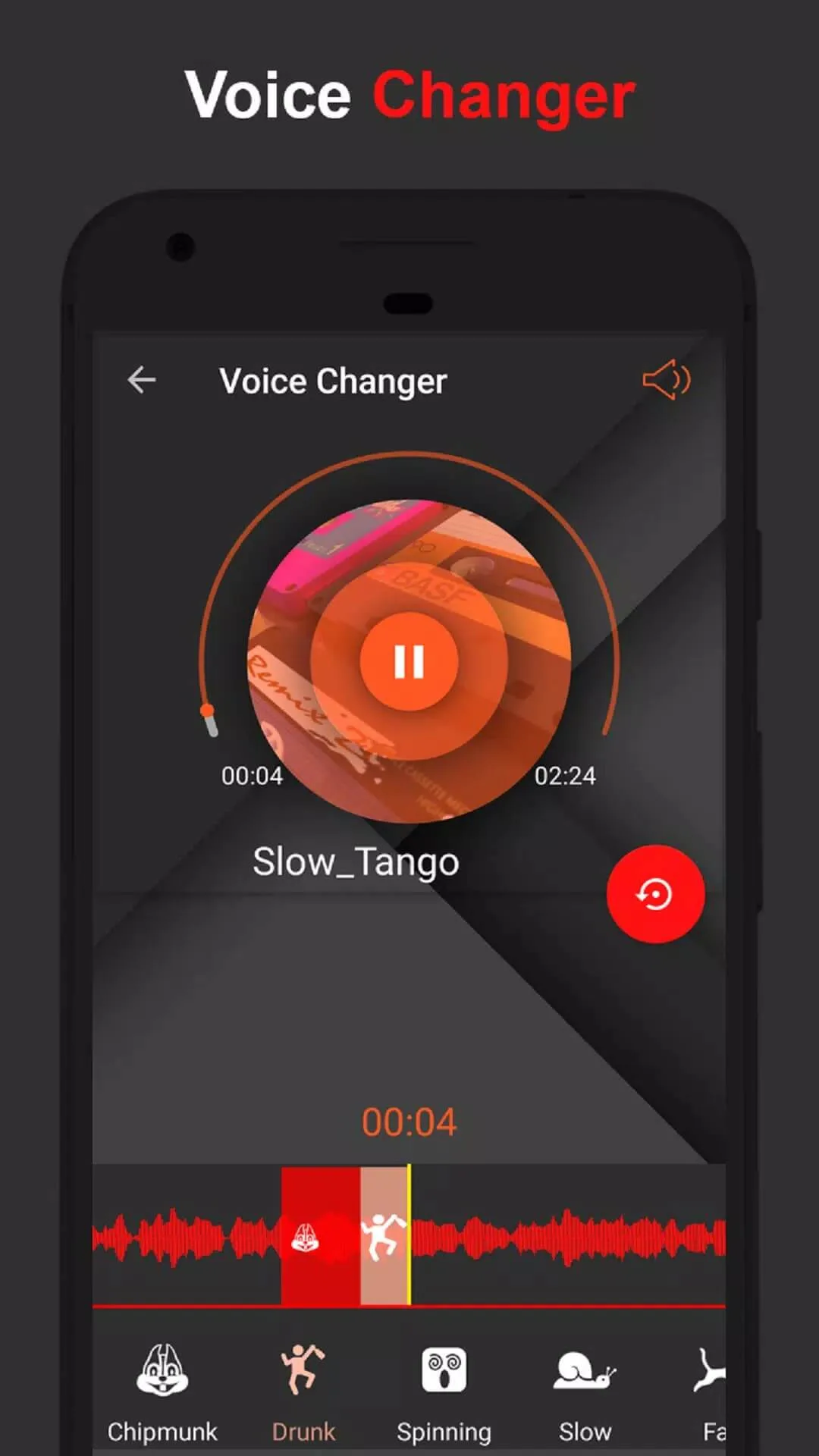
- Effects like Echo, Reverb and 3D Audio to shape how a clip sounds.
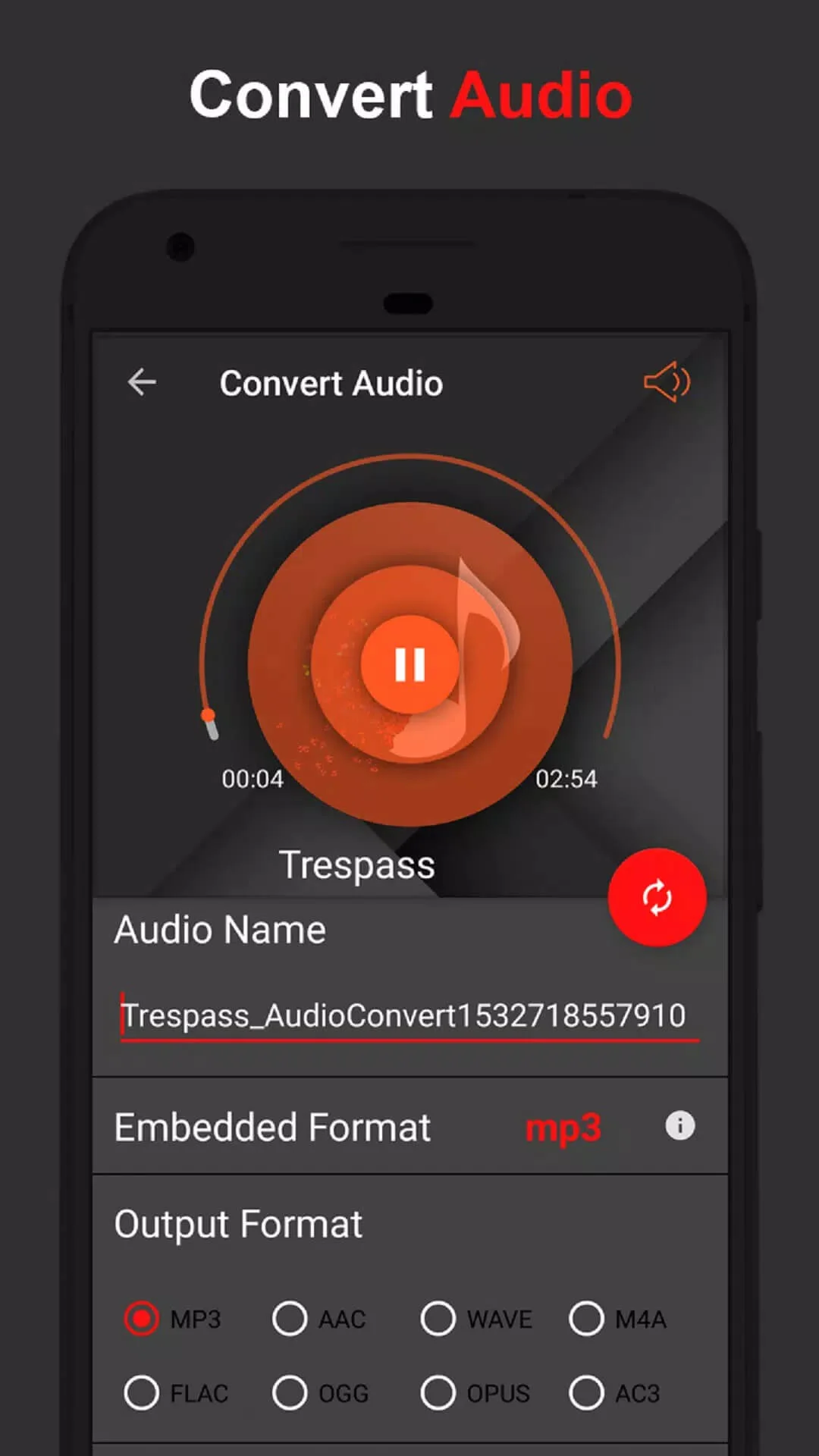
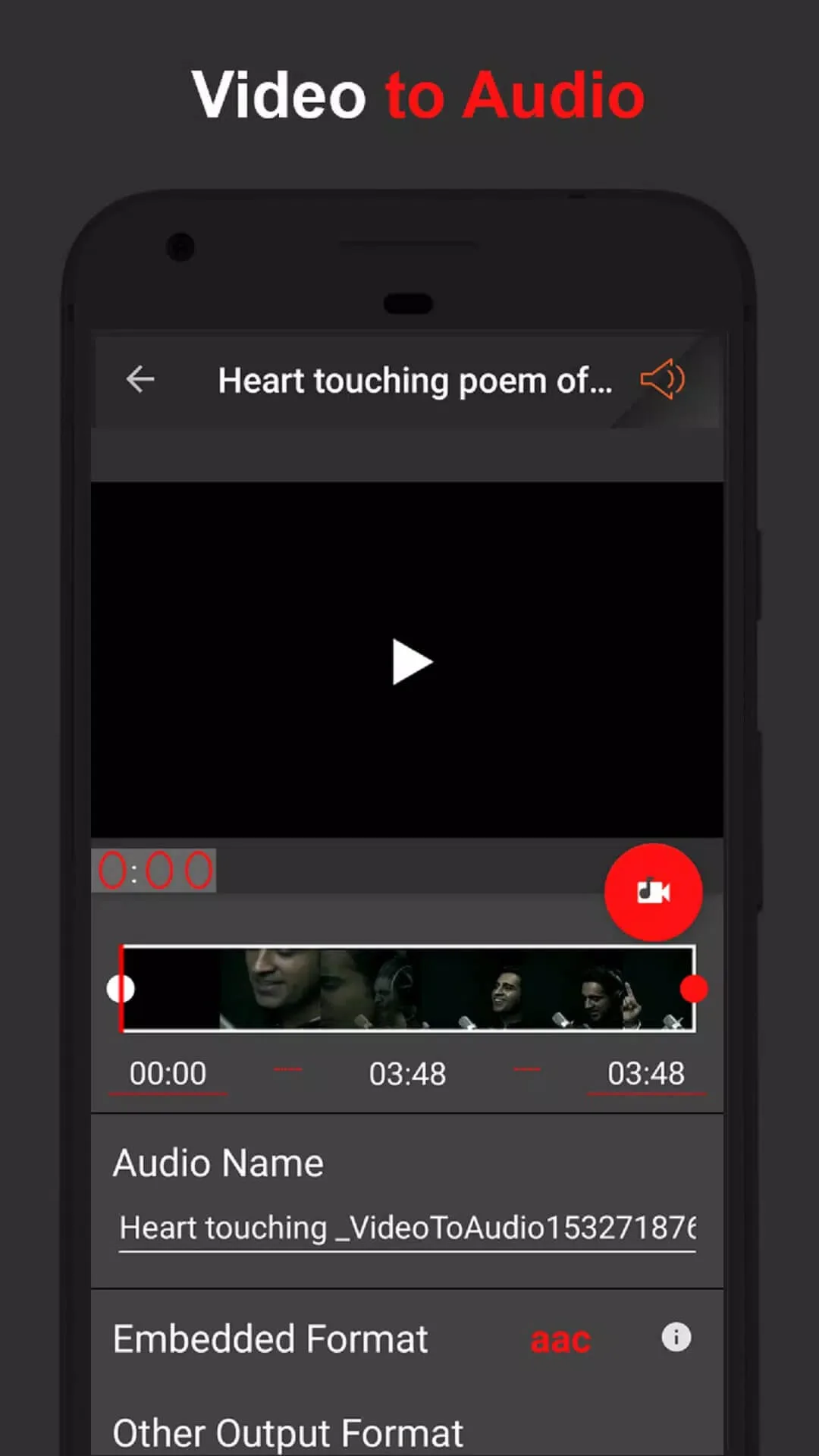
- Convert video to MP3, and swap between mp3, wav, flac, m4a, aac and ogg.
- Ringtone maker to turn any clip into a call or notification tone.
- Text-to-speech in several languages, useful for voiceovers.
- Recent versions add AI-style helpers such as vocal removal, stem splitting, noise reduction and key or BPM detection, depending on the build you install.
How to download and install AudioLab MOD APK
The download is a single APK, roughly 38.5 MB, and it runs on Android 7.0 and up. Everything starts from this page, not a store.
- Tap the green Download APK button at the top of this page, the file downloads directly, no registration or SMS.
- Allow installation from unknown sources for your browser or file manager (Settings → Security).
- If the Google Play version is already installed, remove it first, the MOD won't install over it because it has a different signature.
- Open the file, tap Install, then launch AudioLab and start editing.
First time sideloading? Our APK install guide walks through the same steps with screenshots.
Is it safe / any ban risk?
There is nothing to ban here. AudioLab does not need an account or a login, and the editing happens on your device, so no server is watching what you do. You are not gaming an online economy, you are just editing audio.
Safety comes down to the file itself. Every build on this page is scanned for malware and installed on a real Android device by our editors before it goes live, the same check we have run since 2018. Grab it only from the button on this page and you are fine.
MOD or original?
The original AudioLab is free on Google Play, with the Pro tier sold through a subscription or in-app purchase. If you can, paying for it supports HitroLab and keeps the updates coming. The MOD here simply gives you those Pro tools without the fee, working fully offline. Either way you get the same editor, so pick what fits your budget. Want more like this? Browse our music & audio apps or see other MOD APKs in the catalog.
FAQ
What does the AudioLab Pro MOD unlock?
Is AudioLab offline?
Is the MOD APK safe?
What audio formats does it support?
Can I make ringtones and convert video to MP3?
What are the requirements and size?
Download AudioLab Mod (Pro Unlocked)
- No viruses
- No spyware
- No malware
The reviews (0)