- No viruses
- No spyware
- No malware
This file was downloaded, scanned and installed by our editors before publishing.
Every file is also checked with VirusTotal before publishing.

English Uzbek Translator APK
Additional information about English Uzbek Translator APK
The description of English Uzbek Translator APK
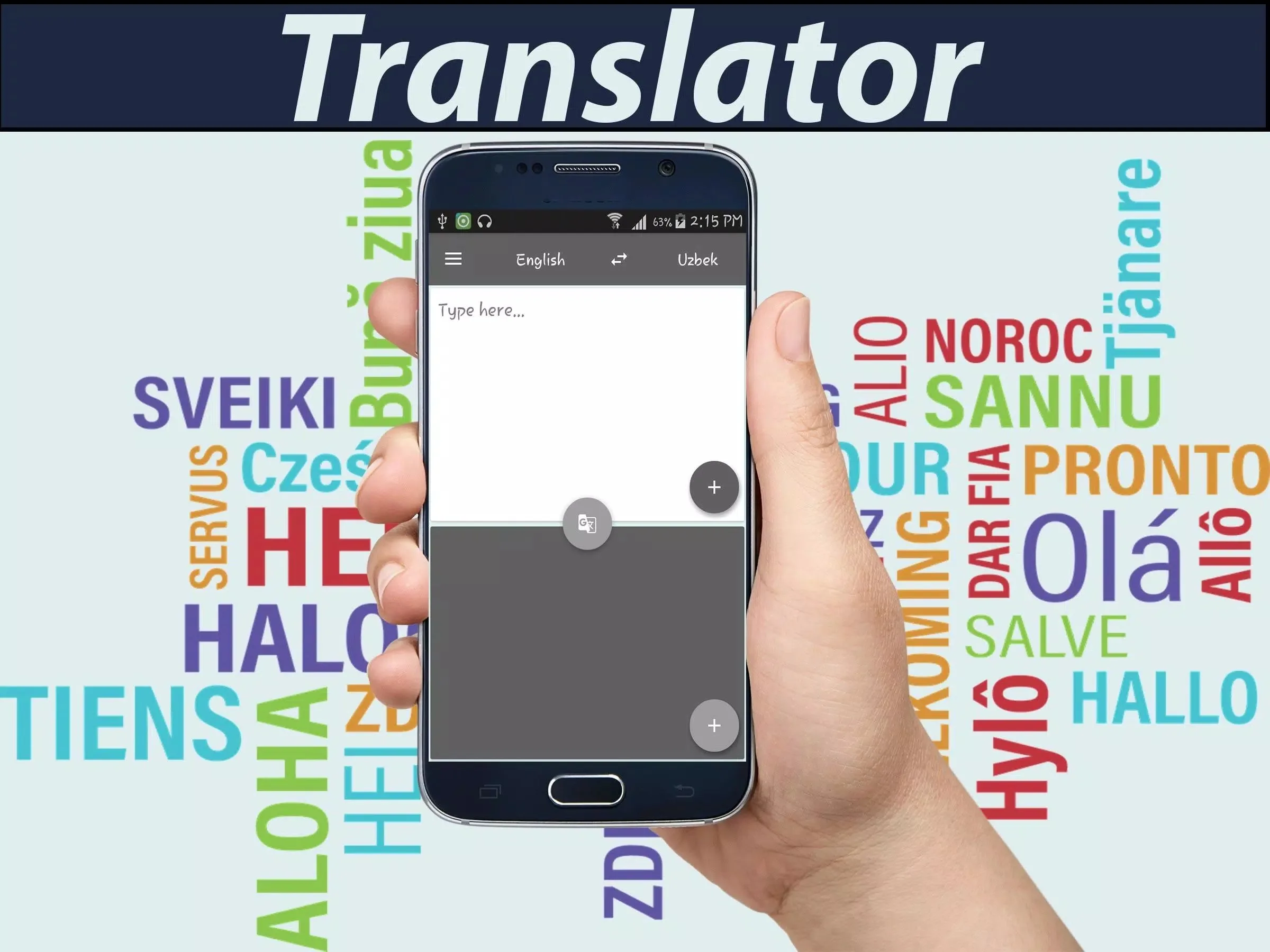
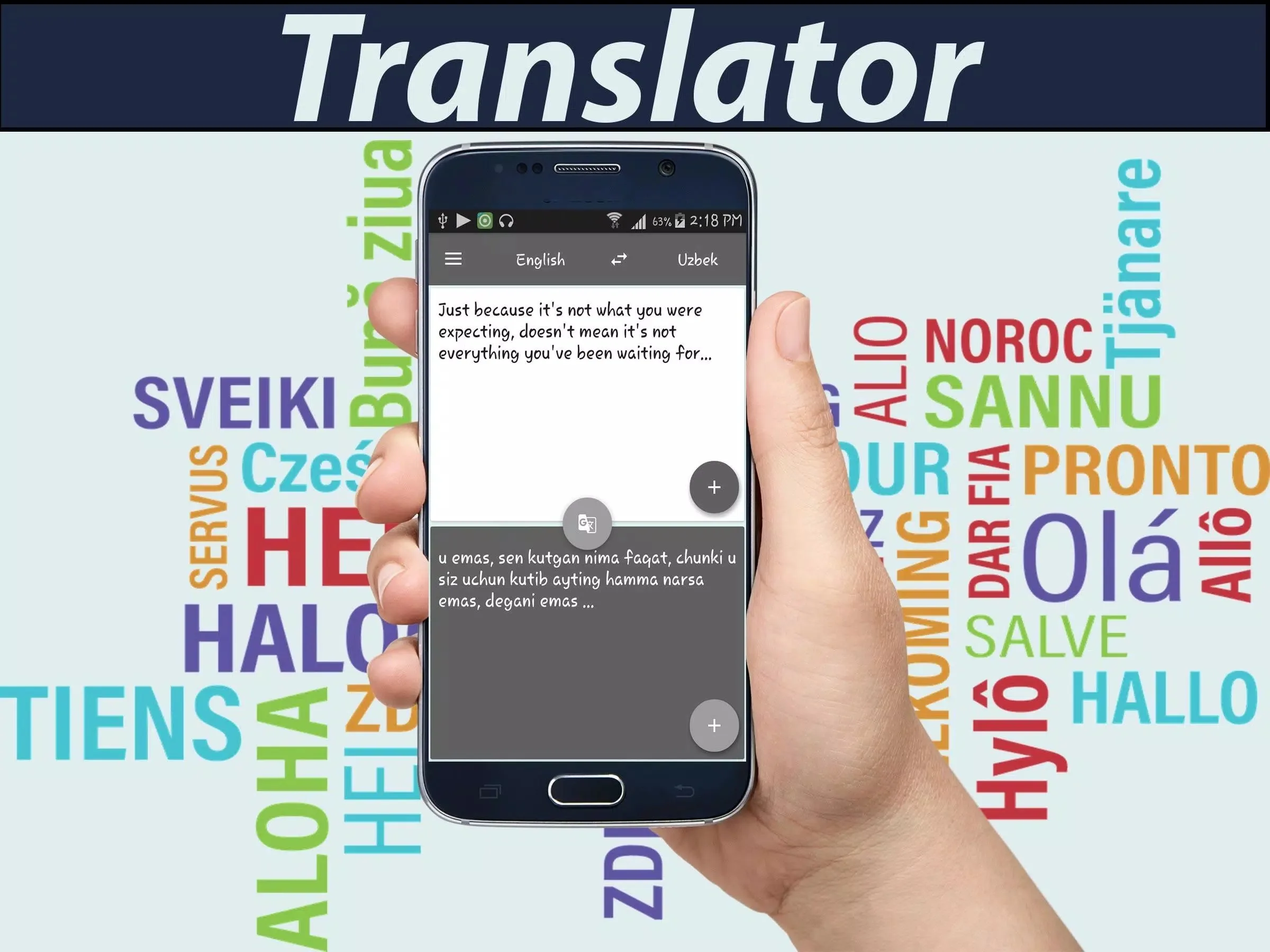
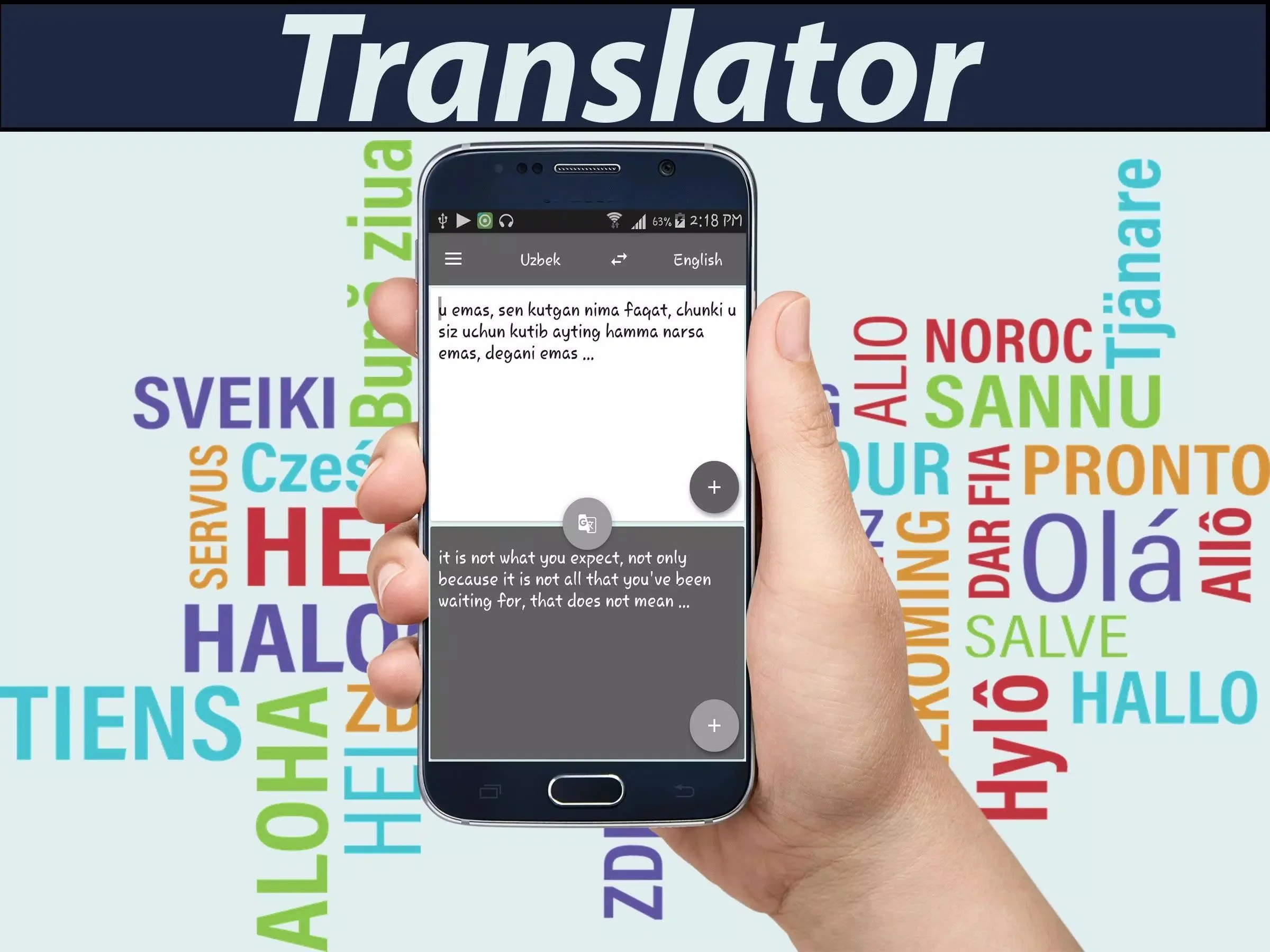
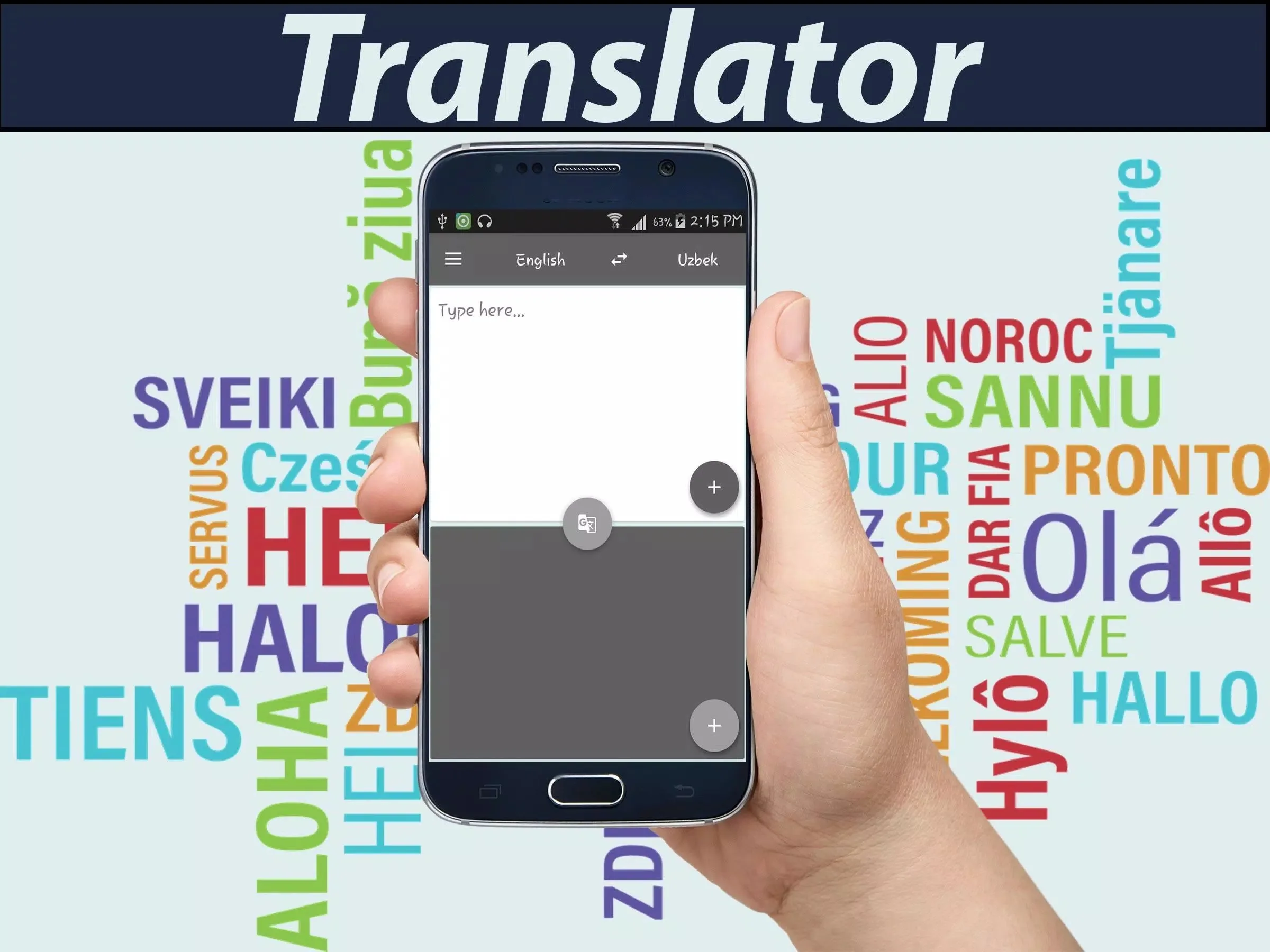
English Uzbek Translator is a lightweight app that translates text and voice both ways between English and Uzbek, reads the result out loud, and keeps a history of what you looked up. You type or speak a word, tap translate, and get the Uzbek (or English) back in a second. It is small, free, and built for quick everyday use.
The APK on this page is scanned for malware and installed on a real Android device by our editors before publishing, we have done this since 2018. One thing to know up front: this translator sends your text to a server, so you need an internet connection for it to work. More on that below.
What is English Uzbek Translator?
English Uzbek Translator is a translation app from Vaniinfo Solution, listed under Education. It handles both directions, English to Uzbek and Uzbek to English, so you are covered whichever way you need. You can type your text or use voice input if typing is slow on your phone.
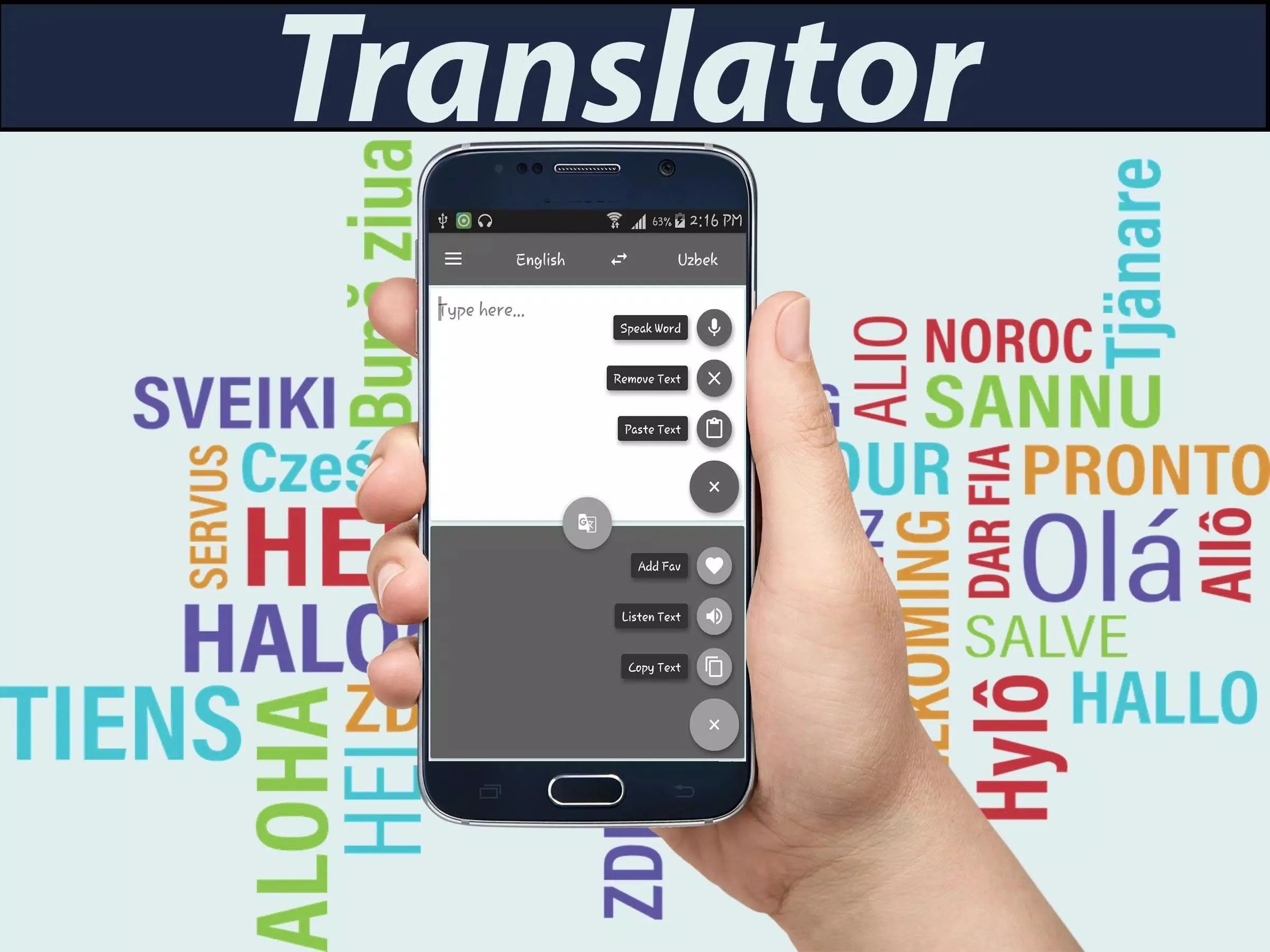
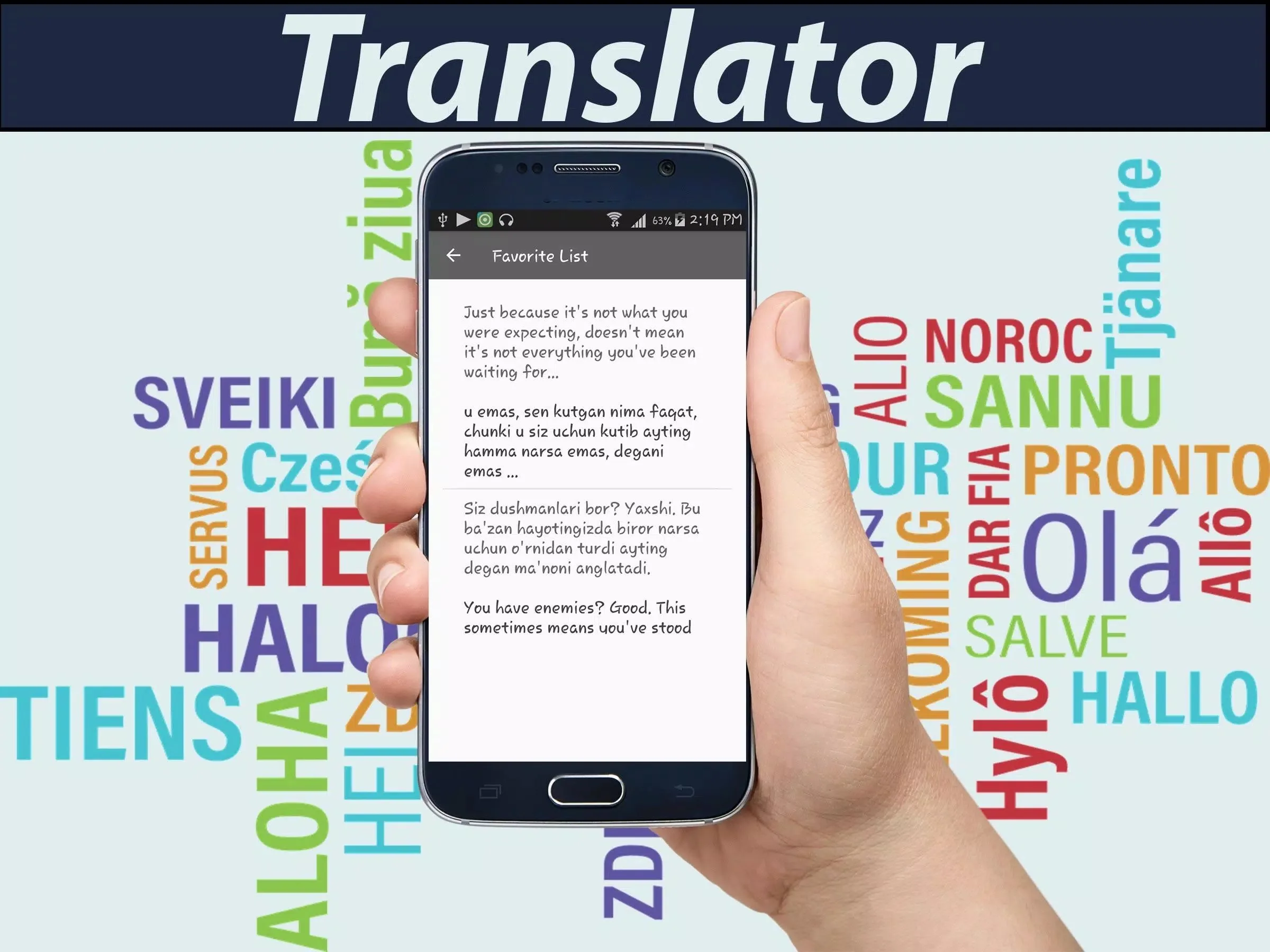
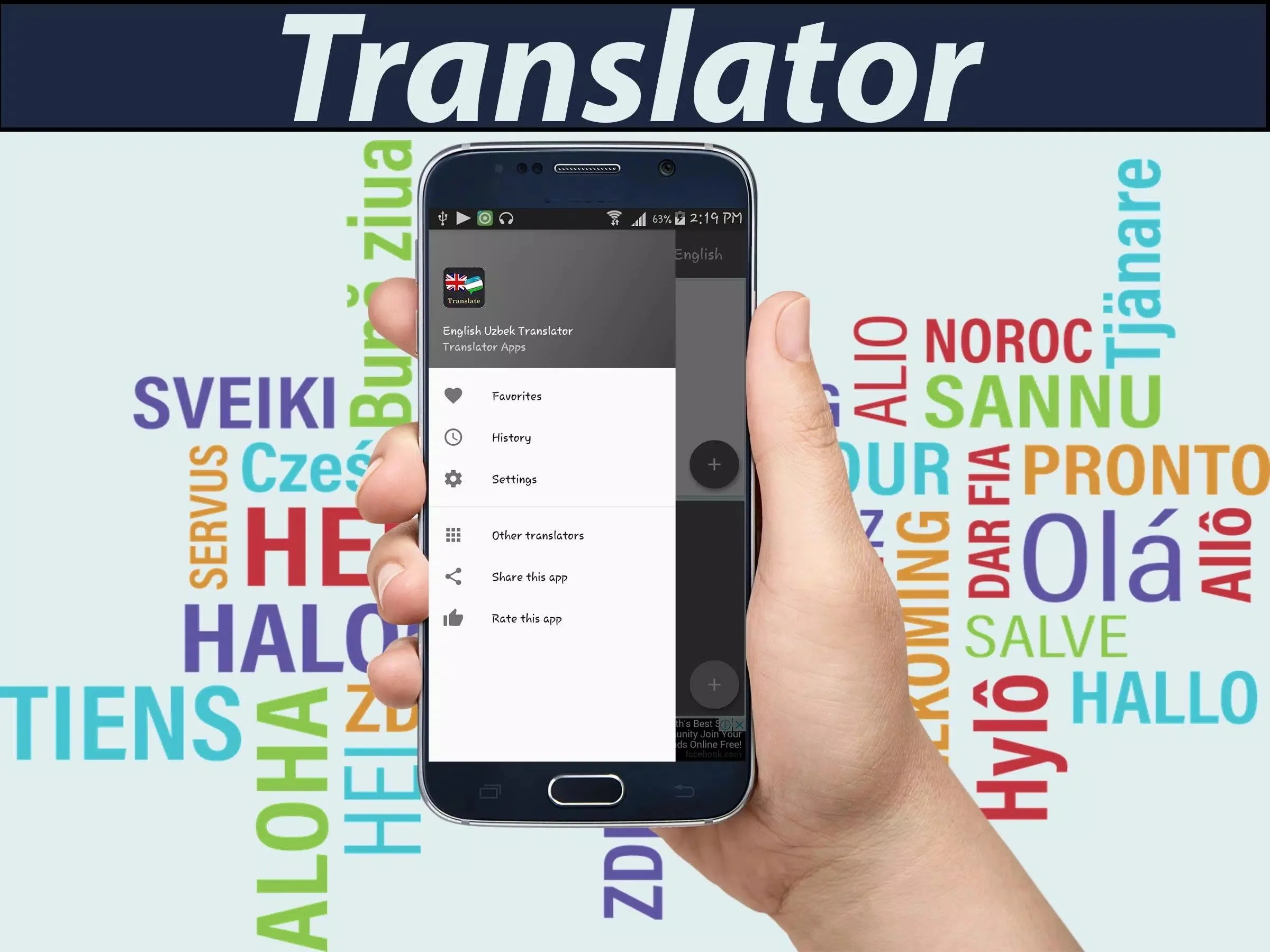
Beyond plain translation, it speaks the result with text-to-speech, which is handy when you want the pronunciation and not just the spelling. There is a built-in English-Uzbek dictionary, a history of your past translations, and a share button that pushes the output straight to WhatsApp, SMS or e-mail. It is a good fit for students, travellers heading to Uzbekistan, and anyone doing light business across the two languages.
Key features
- Two-way translation of words and phrases, English to Uzbek and back.
- Voice input plus text-to-speech, so you can speak a phrase and hear the answer read aloud.
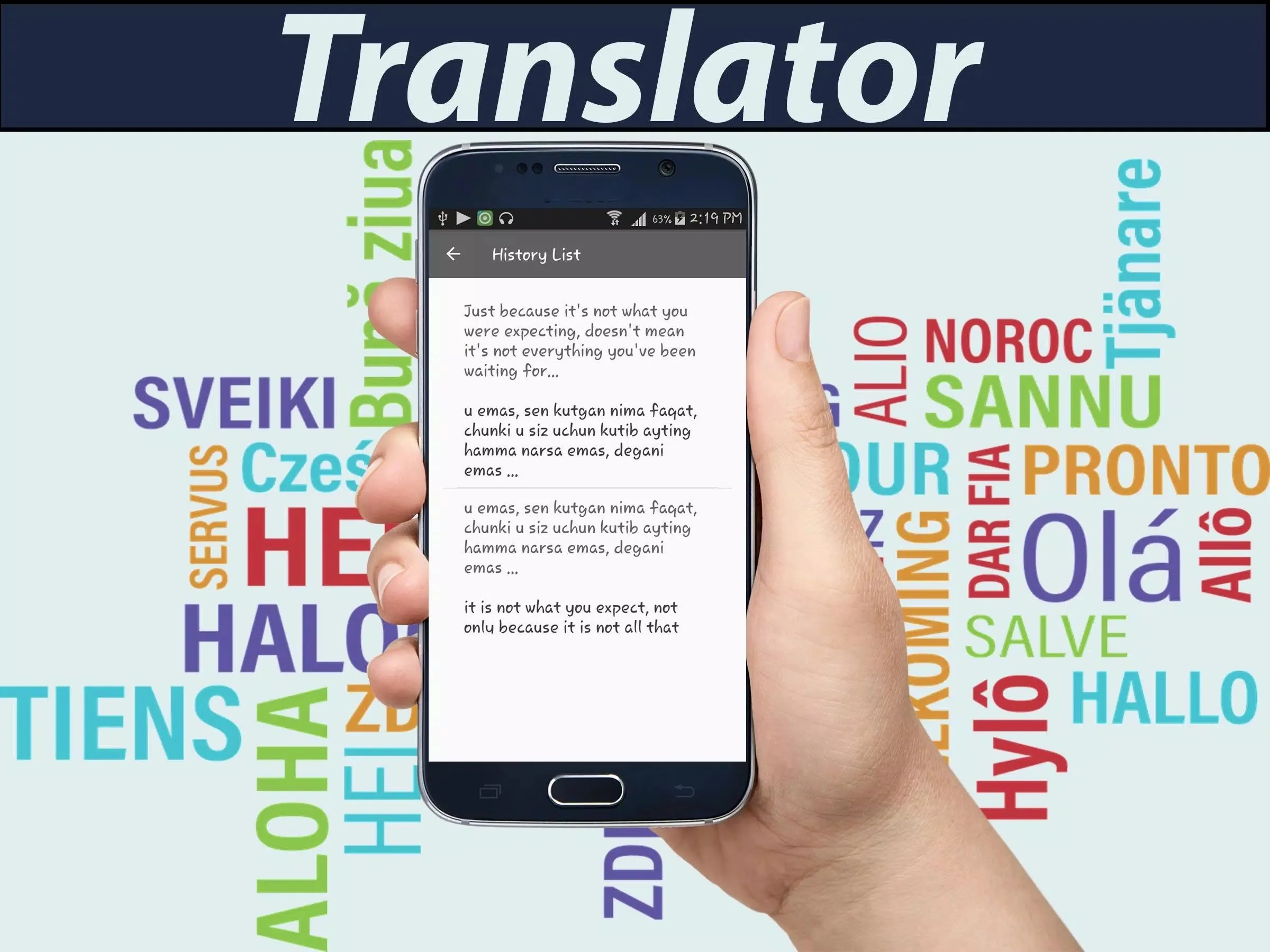
- Built-in dictionary and a saved history of your translations.
- Share any result to WhatsApp, SMS or e-mail in one tap.
- Small download, around 7.5 MB, so it runs fine on older and low-storage phones.
Online vs offline — how translation works
Here is the honest part, because a lot of pages get it wrong. This app does the actual translating on a server, not on your phone. When you tap translate, it sends your text out, the server processes it, and the Uzbek or English comes back. That means you need the internet on, 3G, 4G or Wi-Fi, for the app to do its main job.
If the publisher lists an offline mode for a given version, treat it as limited. Saved history and words you already looked up may show without a connection, but a fresh, full translation of new text generally will not. So do not count on it on a plane or in a dead zone. If offline translation is what you really need, that is a fair thing to check before you rely on this one.
How to download and install
The file is a small APK and the whole thing installs in under a minute on most phones.
- Tap the green Download button at the top of this page. The file comes straight down, no registration or SMS.
- Allow installation from unknown sources for your browser or file manager (Settings → Security).
- Open the downloaded file, tap Install, then launch the app.
The download is roughly 7.5 MB and it needs Android 5.0 or newer. First time sideloading an app? Our APK install guide walks through the same steps with screenshots.
Tips for better translations
- Keep phrases short. A tight sentence translates cleaner than a long, rambling one.
- Double-check idioms and slang. Machine translation takes those literally more often than not.
- Use the text-to-speech button to catch the pronunciation, not just the written form.
- Remember this is machine translation. For contracts, visas or official papers, get a human translator to confirm.
Is it free / safe?
The app is free to download and use, paid for with ads rather than a subscription, so there is nothing to unlock behind a paywall. On safety, every build we publish here is scanned for malware and installed on a real Android device by our editors before it goes live. Grab it from the button on this page and you are getting the file we actually tested. If you want more like it, browse the rest of our education apps for other translators and dictionaries.
FAQ
Does English Uzbek Translator work offline?
Can it translate voice and speak the result?
Does it translate both directions (EN→UZ and UZ→EN)?
Is the app free?
How accurate is it?
What are the size and requirements?
Download English Uzbek Translator
- No viruses
- No spyware
- No malware
The reviews (0)