- No viruses
- No spyware
- No malware
This file was downloaded, scanned and installed by our editors before publishing.
Every file is also checked with VirusTotal before publishing.

Homeworkify APK (AI Homework Solver)
Additional information about Homeworkify APK (AI Homework Solver)
The description of Homeworkify APK (AI Homework Solver)
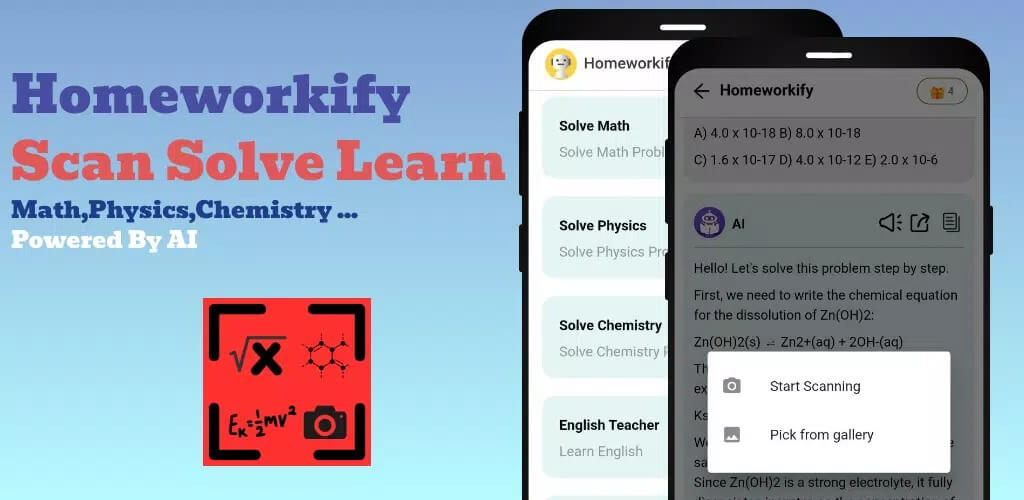
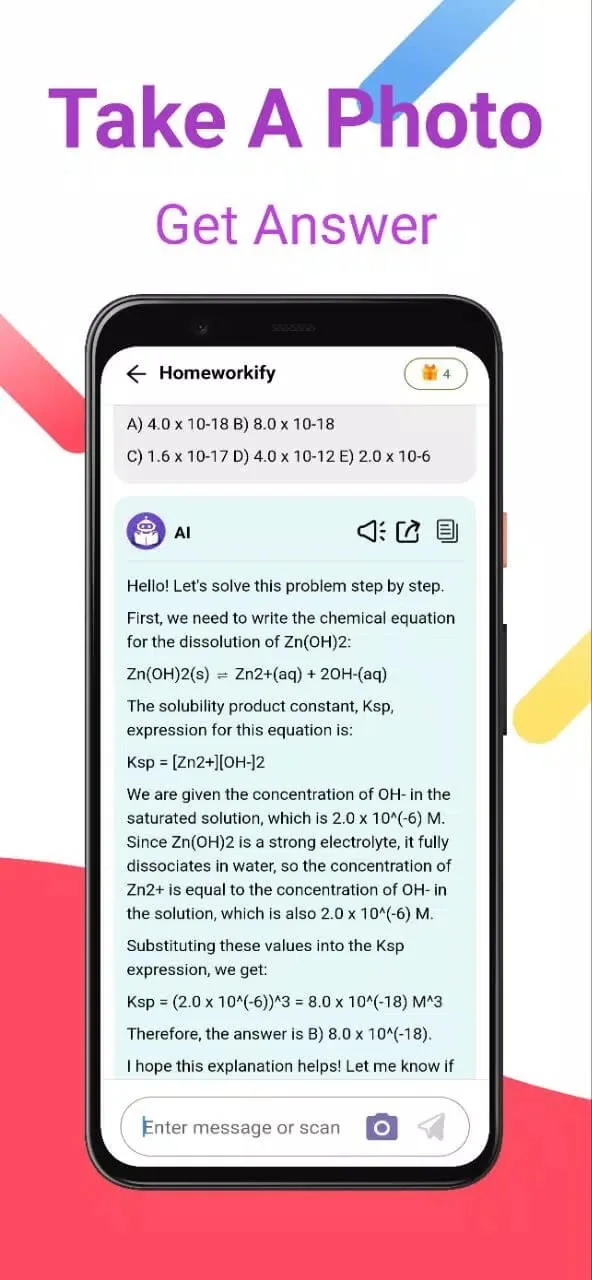
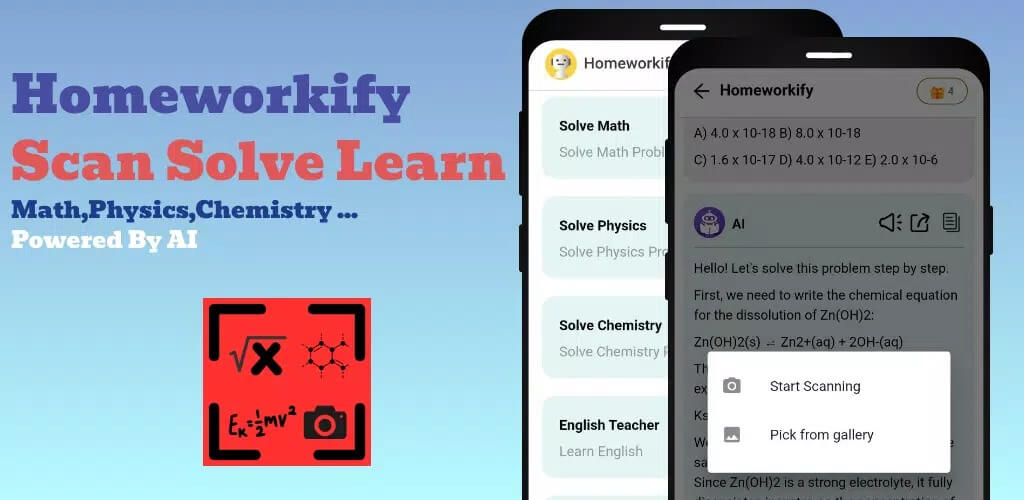
Homeworkify APK is an AI homework helper from developer Mathlab. You point your camera at a math, physics or chemistry problem, and it works out the answer with the steps in between. Think of it as a study tool for checking your own work and understanding the method, not a shortcut for copying answers. This page hands you the original v1.0.0 file.
Every build here is scanned for malware and installed on a real Android device by our editors before publishing, we have done this since 2018. So you know what you are getting before you tap install.
What is Homeworkify?
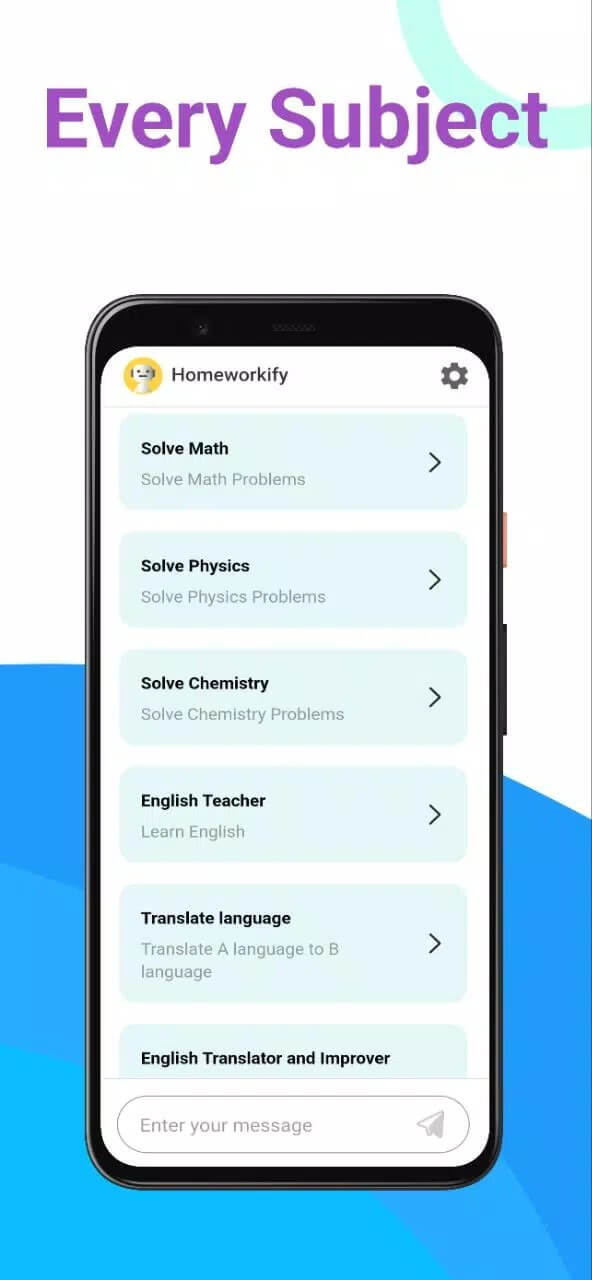
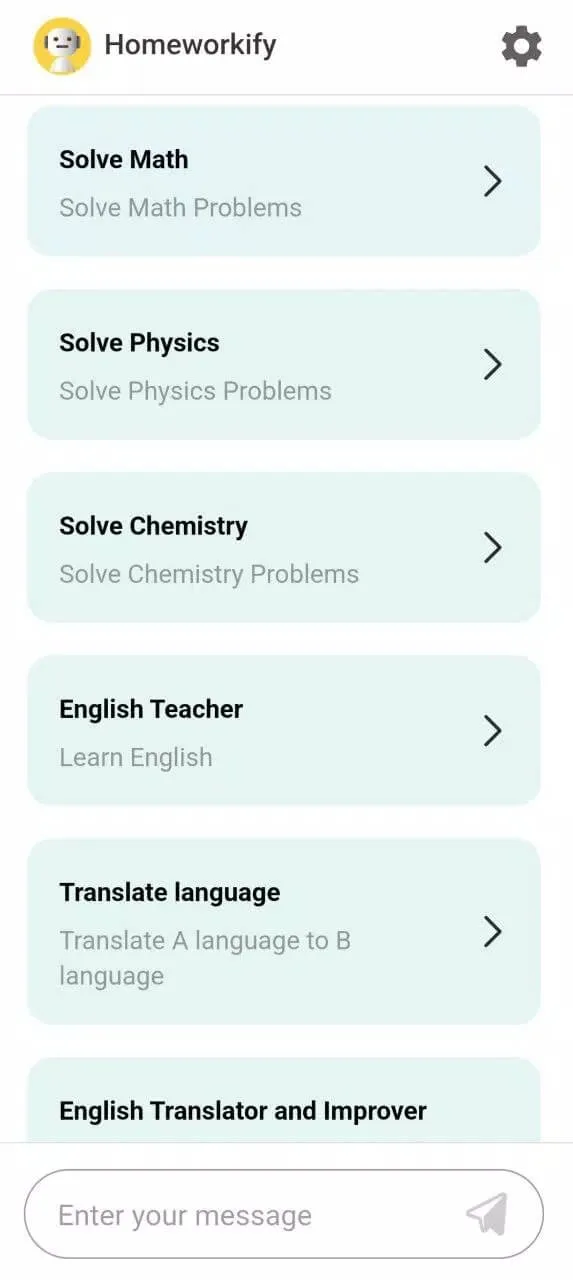
Homeworkify is a small AI solver built by Mathlab, sitting in the Education category with a few thousand installs so far. The idea is simple: snap a photo of a question, or type it in, and the app returns a worked solution. It covers the usual school subjects, mainly math, physics and chemistry, and there is an AI chat where you can ask follow-up questions when a step doesn't click.
The developer also lists test-prep help for exams like IELTS, TOEFL and GRE. Treat that as a stated feature rather than a promise, since the app is young and still finding its feet. What it does well is break a problem into steps you can actually follow.
How it works
The flow takes about ten seconds once you have an account.
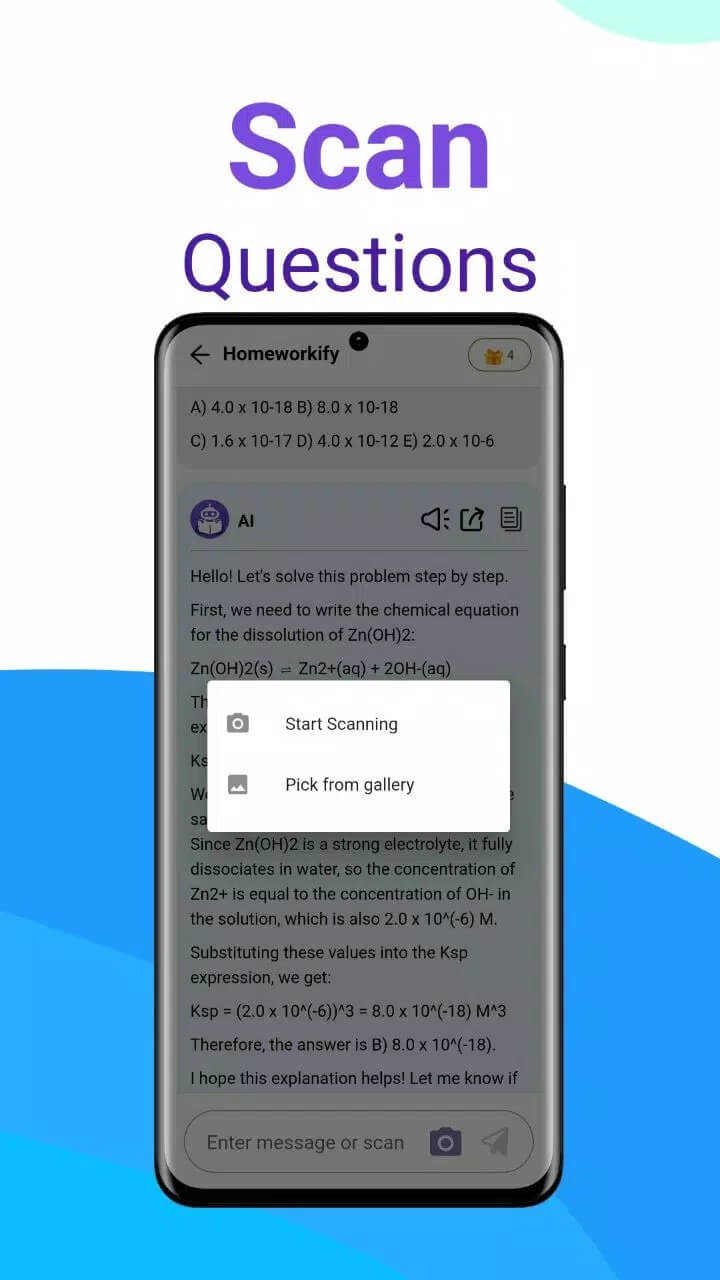
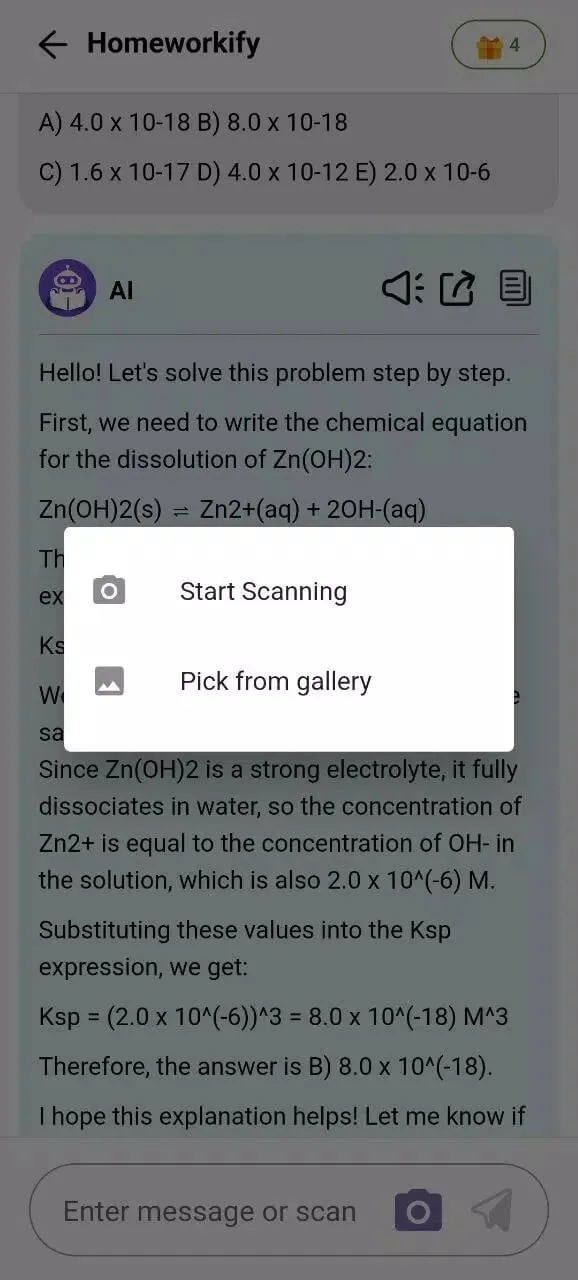
- Open the app and scan a problem with your camera, or type it out by hand.
- The app reads the question and figures out what is being asked.
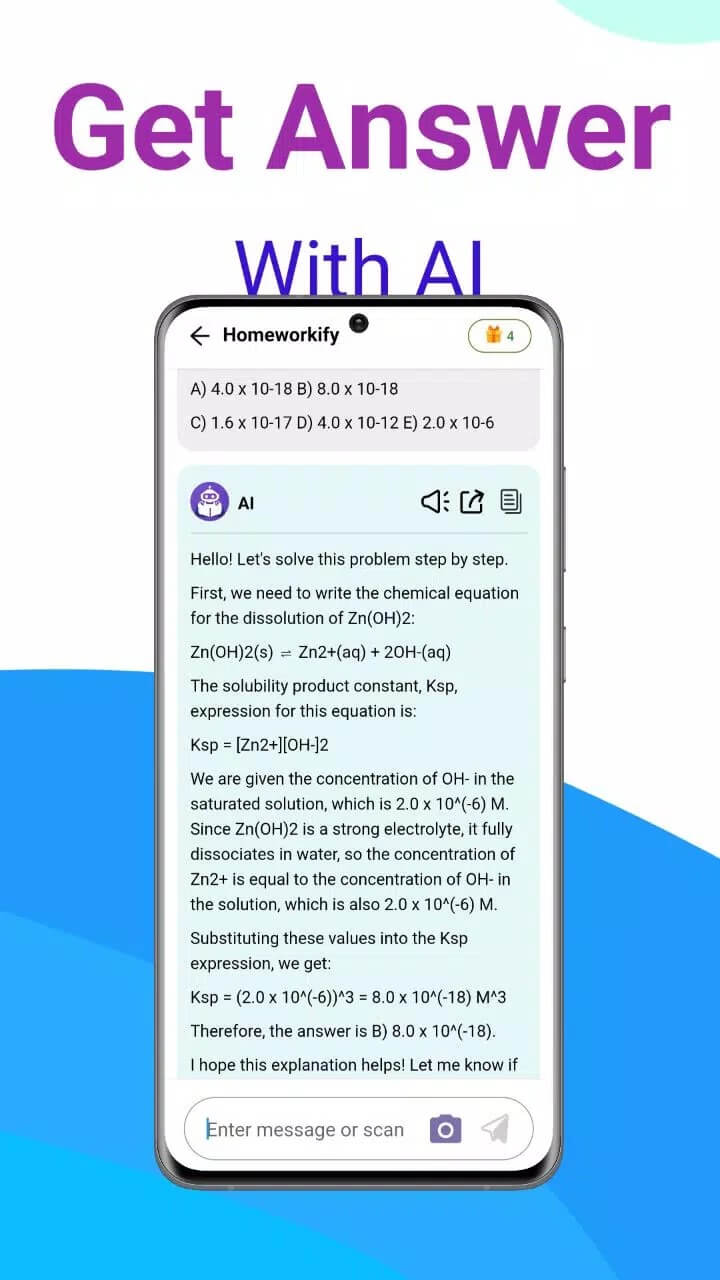
- The AI generates a step-by-step solution, with the reasoning shown, not just the final number.
- Stuck on a step? Ask the AI chat to explain it a different way.
One thing to understand up front: the solving happens on Mathlab's servers, not on your phone. That means you need an internet connection and a signed-in account for it to work at all. Offline, the app has nothing to run.
Is there a MOD / unlimited AI?
No, and honestly a MOD would not help here. The AI answers are generated on Homeworkify's backend, and any limits on your account or plan are enforced server-side. A client-side MOD can only touch what runs on your device, so it can't hand you unlimited server AI, whatever other sites claim. There is nothing on the phone to unlock.
That is why we list the original APK on this page, the same file you would get from Google Play. It is the real app, not a repack. If you see "unlimited AI" builds elsewhere, they can't deliver what they advertise, because the paid part never lived on your device to begin with.
Academic honesty
Use Homeworkify to learn, not to fake it. Reading through the steps, redoing the problem yourself, checking an answer you already worked out, that is where the app earns its place. Blindly copying the final answer onto graded work is a bad bet: it breaks most schools' rules on assisted work, and it leaves you lost on the test where no app is allowed. Keep in mind the AI can be wrong too, so verify anything important against your textbook or teacher.
Privacy note
Two things worth knowing before you dive in. First, the app scans your homework and sends those images to the server for processing, so your problem sheets leave your phone. Second, it asks you to register, usually through a Google or Facebook login. None of that is unusual for an AI service, but you are handing over data, so avoid pointing the camera at anything personal you would not want uploaded.
How to download and install Homeworkify APK
The download here is the original app, roughly 118–164 MB, and it runs on Android 5.0 and up.
- Tap the green Download APK button at the top of this page. The file downloads directly, no registration or SMS.
- Allow installation from unknown sources for your browser or file manager (Settings → Security).
- Open the file, tap Install, and wait for it to finish.
- Launch the app, create an account or sign in with Google, and scan your first problem.
First time sideloading an app? Our APK install guide walks through the same steps with screenshots. For more study tools, browse the rest of our education apps.
FAQ
What is Homeworkify?
Is there a MOD with unlimited AI?
Does it need internet and an account?
Is it accurate, and can I just copy the answers?
Is the APK safe?
What are the requirements and file size?
Download Homeworkify APK Android
- No viruses
- No spyware
- No malware
The reviews (0)