- No viruses
- No spyware
- No malware
This file was downloaded, scanned and installed by our editors before publishing.
Every file is also checked with VirusTotal before publishing.

Zub APK — Document Your Maker Projects
Additional information about Zub APK — Document Your Maker Projects
The description of Zub APK — Document Your Maker Projects
Zub APK is a free educational app from Unstructured Studio that helps children record and organise videos about the things they make. It is not a game and not a mod: it is the original, free, open-source app, checked for malware and installed on a real Android device by our editors before publishing. On this page you can download the current version for Android 7.0 and newer.
What is Zub?
Zub is made by Unstructured Studio, a non-profit that builds open learning tools and works between Canada and India. The name comes from zubaan, a word for voice, and that is the idea: give a child a simple way to speak about a project in their own words. Instead of one long, messy clip, the app walks the child through short recordings and puts them together into a clear, semi-structured video.
The app is cross-platform, built with React Native, so the same kind of project works on Android and iOS. Zub is also the recording side of a wider project called ZubHub, an open platform where young makers can share what they build. It stays free because it is open-source, and the code is public on GitHub.
How the guided recording works
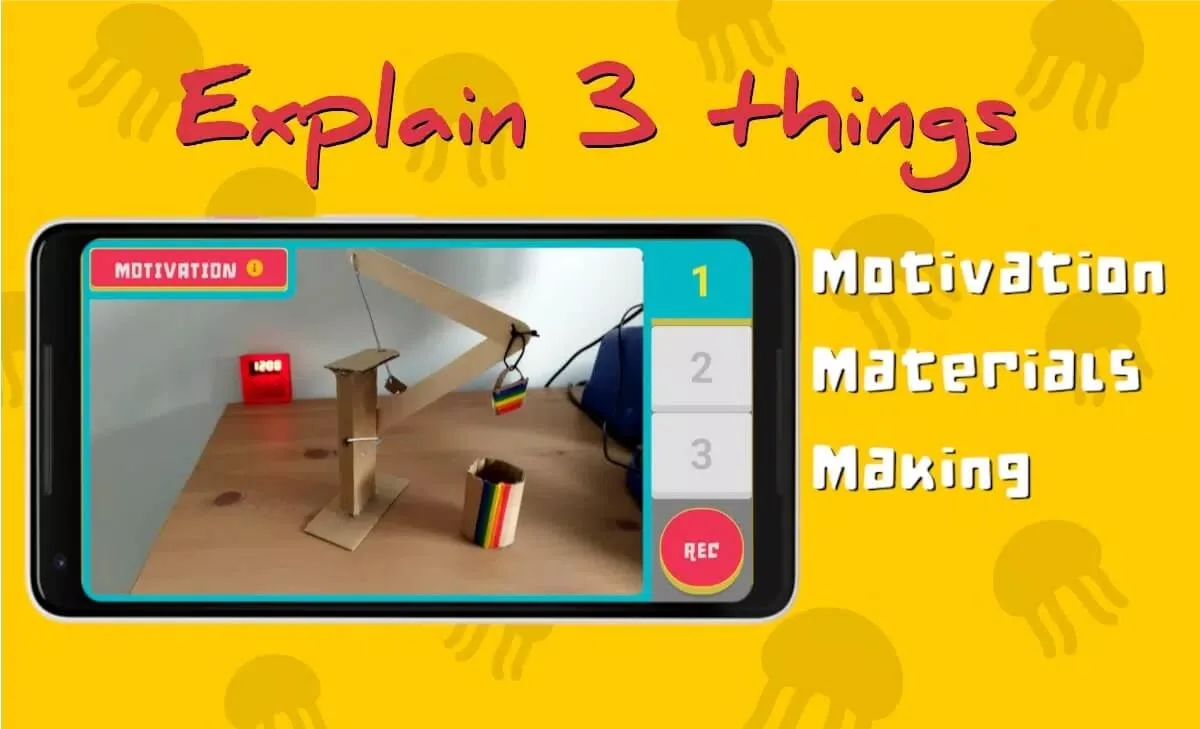
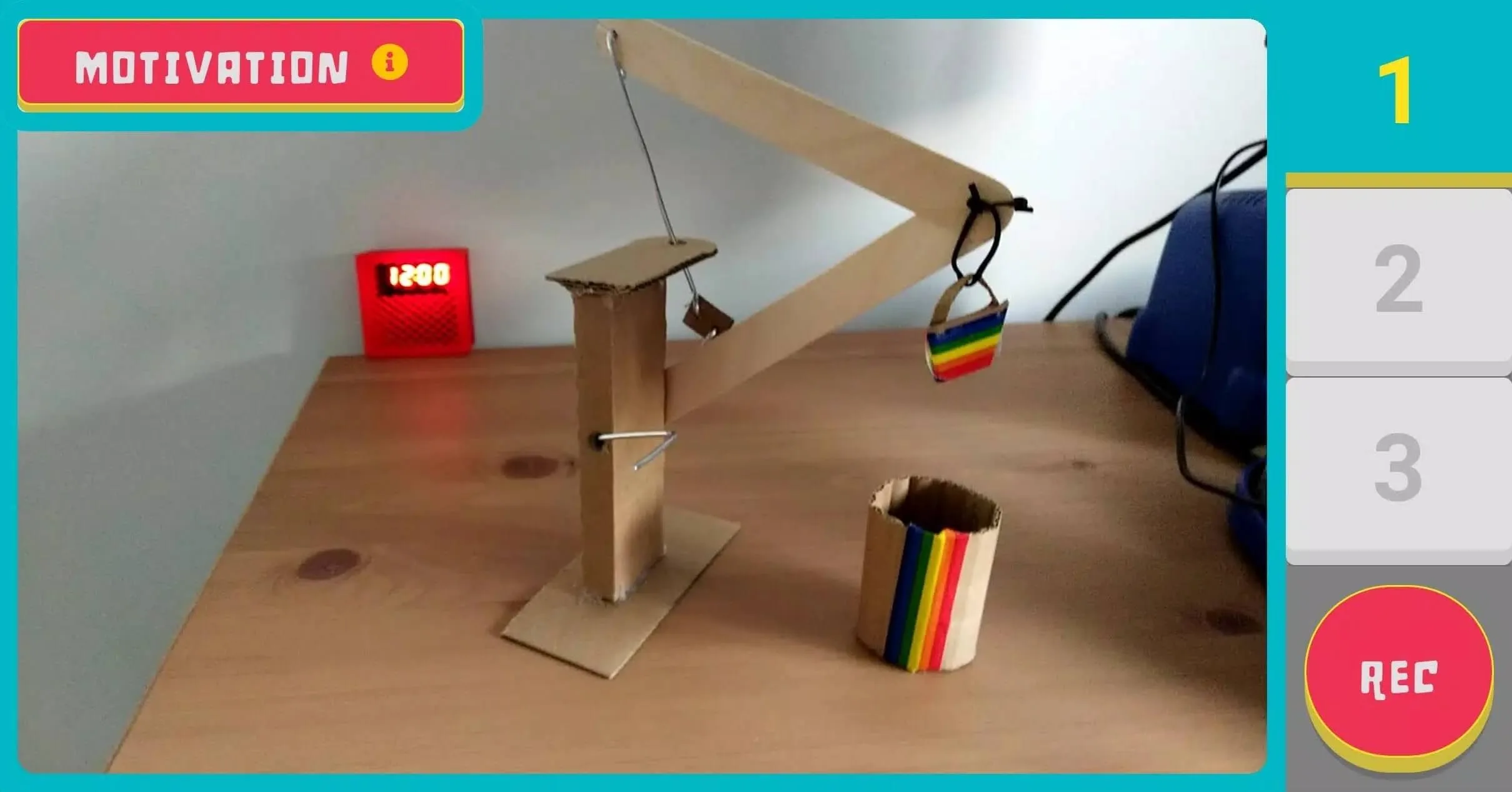
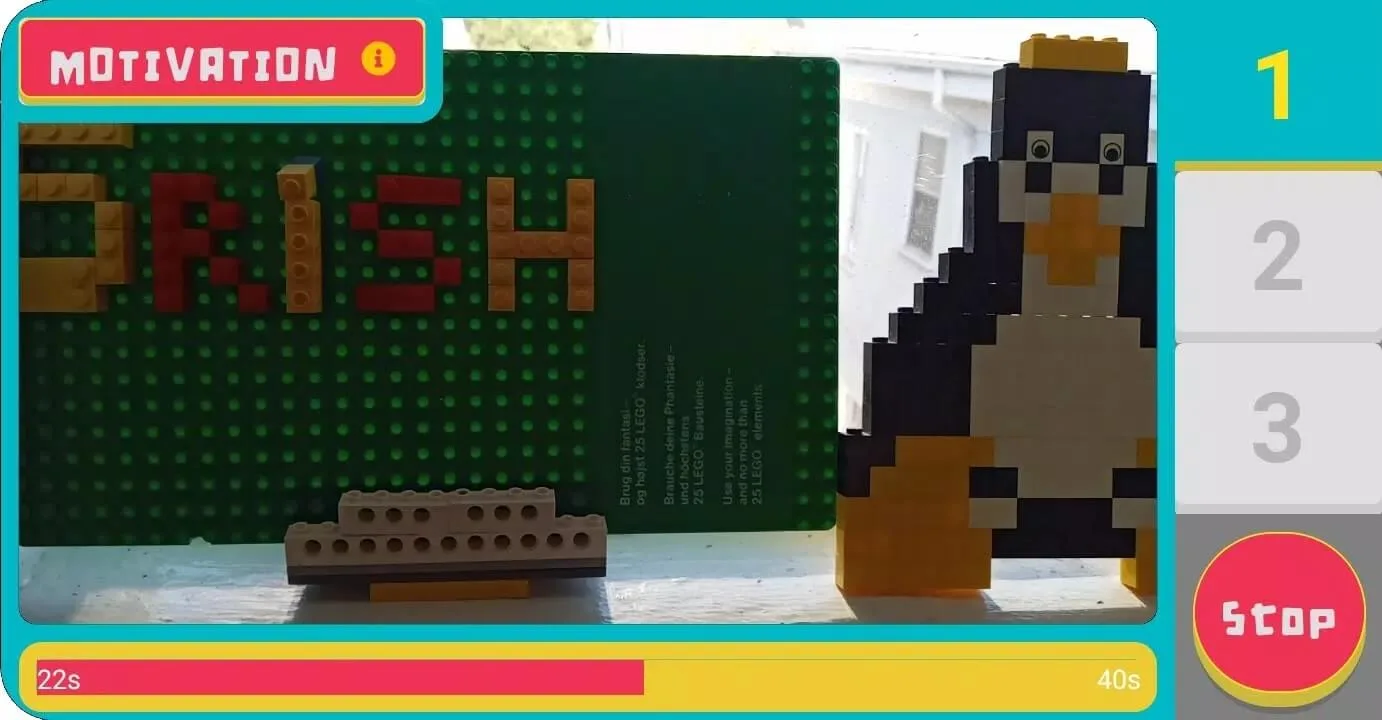
Zub breaks a project video into three simple stages, so a child always knows what to film next:
- Motivation: a short clip about why they made the project and what it is for.
- Materials: the parts, tools and materials they used.
- Making: the steps of building it, shown part by part.
Each stage is recorded as its own audio and video segment. When the parts are done, the app joins them into one finished clip that another person can follow from start to end. The child can re-record any segment before saving, so a shaky first try is easy to redo. Because the video is built in short pieces, a younger maker can finish it across several sittings without losing their place.
Who it's for
Zub is built for children, but it is just as useful for the adults around them: teachers, parents and people running maker or STEM clubs. The stage-by-stage structure helps a young maker put their thoughts in order and explain a project clearly, which is often harder than building it.
Because the app is free and open-source, a whole classroom can use it without licences or accounts, and a club can install it on shared tablets at no cost. There are no ads and no in-app purchases to worry about. A finished Zub video can then be shared or uploaded to the ZubHub platform, where other young makers can watch it and learn from it.
How to download and install Zub APK
This is the original free app, not a mod, so there is nothing to buy and nothing to sign in for. The download is a single file of about 58 MB, and its package name is studio.unstructured.zub, which you can check in the app info line at the top of this page.
- Tap the green Download APK button at the top of this page. The file downloads directly, with no registration or SMS.
- Allow installation from unknown sources for your browser or file manager (Settings → Security).
- Open the downloaded file, tap Install, then launch Zub and start a new project.
New to installing apps this way? Our APK install guide walks through the same steps with screenshots. Zub needs Android 7.0 or newer, and there is an iOS version too if you use an iPhone or iPad.
Is Zub free and safe?
Yes. Zub is completely free and open-source: there are no paid features, no premium tier and no mod version, because none is needed. Anyone claiming to sell a Zub mod or a paid upgrade is offering something that does not exist.
The file on this page was scanned for malware and installed on a real Android device by our editors before publishing, the same check we have run since 2018. Since Zub is aimed at classrooms and young makers, it keeps things simple and asks for no unusual permissions. Browse more education apps and other Android apps in the catalog, or try Toca Life World if you want another creative app for kids.
FAQ
What is the Zub app for?
Who made Zub?
Is Zub free?
Is there a Zub MOD version?
Is Zub safe for kids?
What are the requirements and file size?
Download Zub
- No viruses
- No spyware
- No malware
The reviews (0)