- No viruses
- No spyware
- No malware
This file was downloaded, scanned and installed by our editors before publishing.
Every file is also checked with VirusTotal before publishing.

Komiku APK — Baca Komik Manga
Additional information about Komiku APK — Baca Komik Manga
The description of Komiku APK — Baca Komik Manga
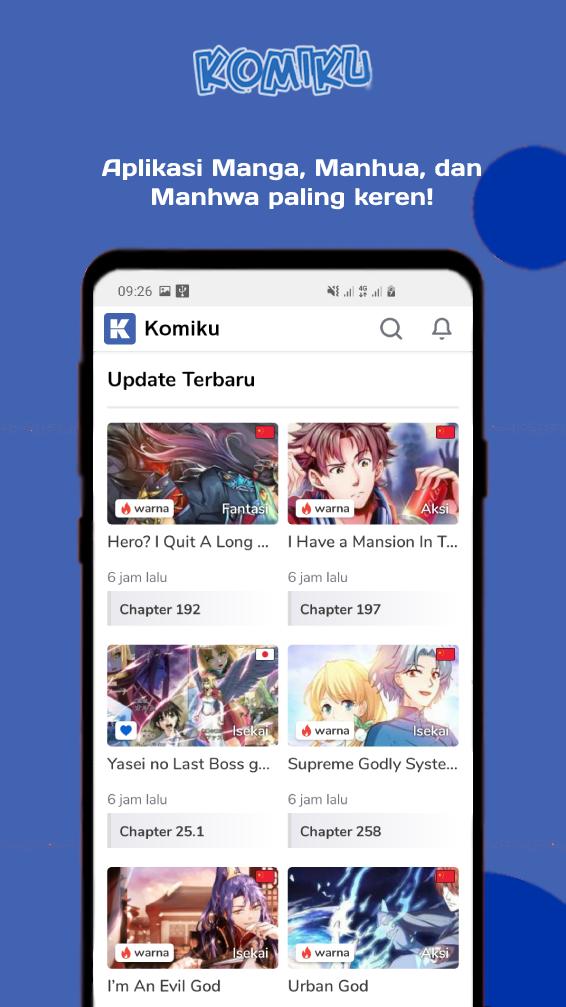
Komiku APK is a free Indonesian manga reader for Android that pulls its library from komiku.org. You get manga, manhwa and manhua in one app, with search, a favourites list, offline downloads and daily chapter updates. One thing to know up front: the titles here are fan translations (scanlations), not official licensed releases. More on that below.
The reader itself is light and quick, the download is small, and it runs on most phones. The file on this page is scanned for malware and installed on a real Android device by our editors before publishing, we have done this since 2018. Grab it from the Download APK button and you can start reading in a couple of minutes.
What is Komiku?
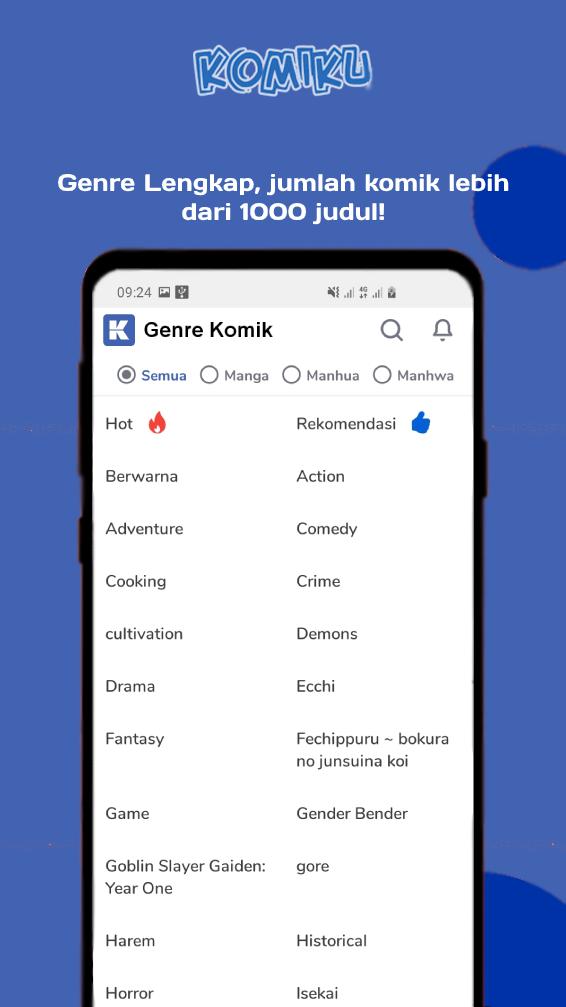
Komiku is a reading app tied to the komiku.org / komiku.co.id website, aimed at Indonesian readers. It gives you a big catalogue of manga, manhwa and manhua translated into Indonesian, sorted so you can browse by popularity, genre or newest chapters. New chapters land daily, which is the main draw for people who follow ongoing series.
Inside the app you search by title, add series to a favourites list, and pick up where you left off thanks to reading history. It is built for one job, reading comics, and it does not try to be more than that. If you already read on the website, the app is basically the same catalogue in a form that is easier to use on a phone.
Features
| Feature | What it does |
|---|---|
| Search | Find a series by title across the full catalogue. |
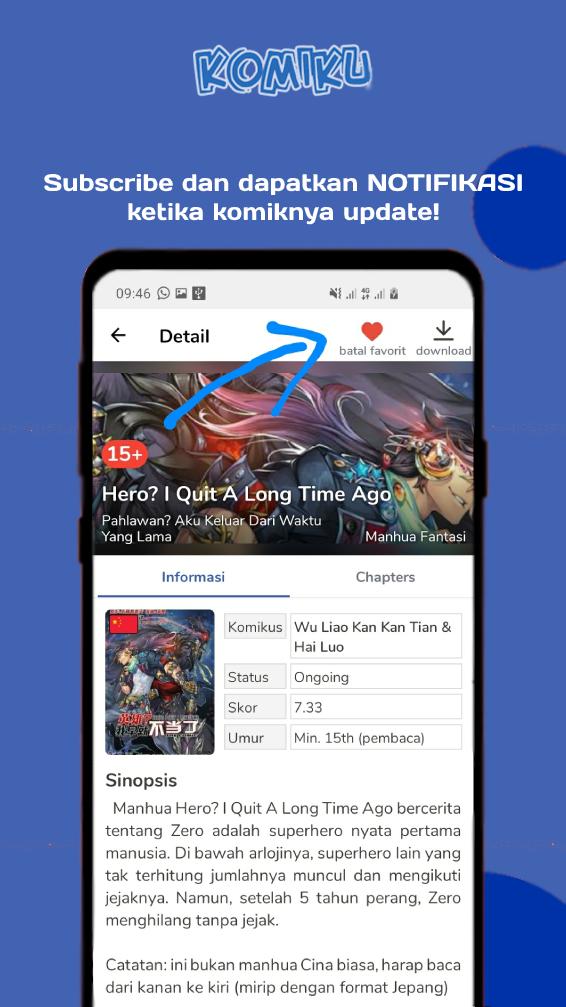
| Favourites | Bookmark the series you follow so new chapters are one tap away. |
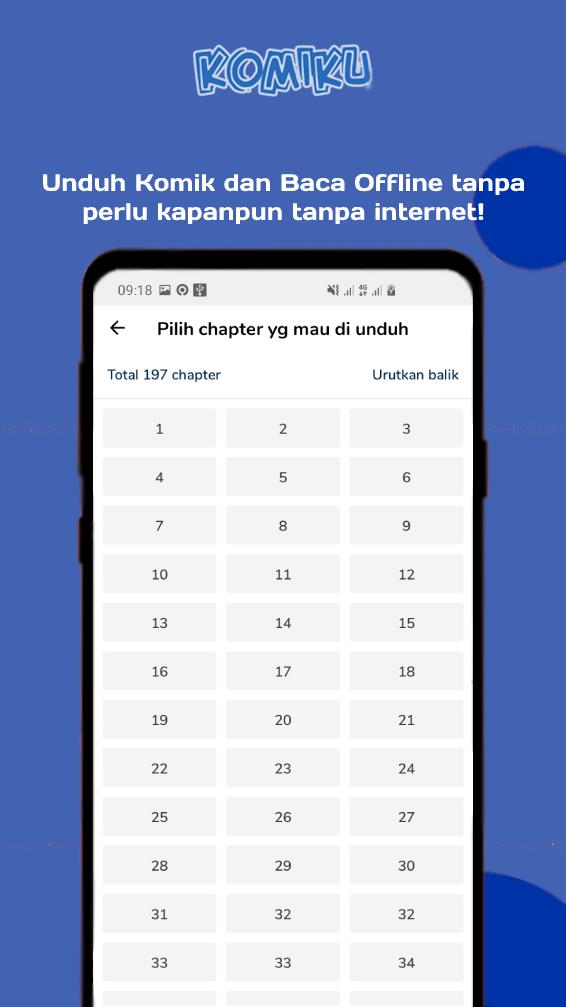
| Offline download | Save chapters to your phone and read them with no connection. |
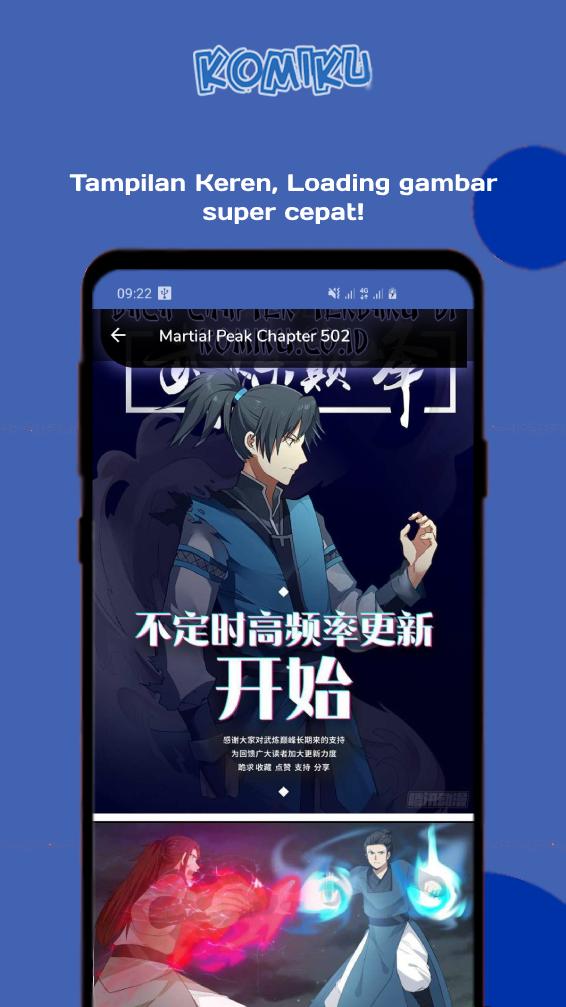
| Scroll and slider modes | Read long-strip style by scrolling, or swipe page by page. Your choice. |
| New chapter notifications | Get a ping when a series on your list updates. |
| Light and dark theme | Switch to a dark background for easier reading at night. |
That mix covers what most readers actually use. The offline download is the part worth setting up first, since it lets you queue chapters on Wi-Fi and read them later on the train or a plane.
Is it legal? Copyright note
Here is the honest part. Komiku serves unofficial fan translations, and those scans are shared without a licence from the publishers or the artists. That means the people who make the comics get no income from what you read here. We are not going to pretend otherwise, and we are not going to tell you it is something it is not.
You read on your own responsibility. If a series you love has an official release, the best thing you can do is buy it or read it on a licensed service, because that money is what keeps artists drawing. Plenty of legal options are free to read, so supporting creators does not always cost anything.
Legal alternatives
If you would rather read through official channels, these apps carry licensed comics and pay the creators:
- MANGA Plus by Shueisha — free, official, with same-day chapters of many popular series.
- Webtoon — huge catalogue of manhwa and webcomics, most of it free to read.
- Shonen Jump / Manga UP! — official publisher apps with big back catalogues.
- Apps from official publishers and licensed local platforms that serve the Indonesian market.
None of these will have every title Komiku lists, but for anything popular you will usually find a legal home for it.
How to download and install Komiku APK
The download is a single small APK, around 14 MB, and it runs on Android 5.0 and up. Here is the whole process.
- Tap the green Download APK button at the top of this page. The file downloads directly, no registration or SMS.
- Allow installation from unknown sources for your browser or file manager (Settings → Security).
- Open the downloaded file and tap Install.
- Launch the app, run a search or open the popular list, and start reading.
First time sideloading an app? Our APK install guide walks through the same steps with screenshots. If a previous copy is already on your phone, installing over it is fine as long as it is the same build.
Tips
- Download the next few chapters over Wi-Fi before you head out, so offline reading is ready when you need it.
- Turn on notifications for your favourites, so you hear about new chapters the day they drop.
- Use the dark theme at night. It is easier on the eyes and saves a little battery on OLED screens.
- Switch between scroll and slider mode depending on the title, long-strip webtoons read better with scroll, classic manga pages with the slider.
FAQ
What is Komiku?
Can I read offline?
Is Komiku legal?
What are the legal alternatives?
Is the APK safe?
What are the requirements?
Download Komiku APK Android
- No viruses
- No spyware
- No malware
The reviews (0)