- No viruses
- No spyware
- No malware
This file was downloaded, scanned and installed by our editors before publishing.
Every file is also checked with VirusTotal before publishing.

QManga APK — Manga & Manhwa Reader for Android
Additional information about QManga APK — Manga & Manhwa Reader for Android
The description of QManga APK — Manga & Manhwa Reader for Android
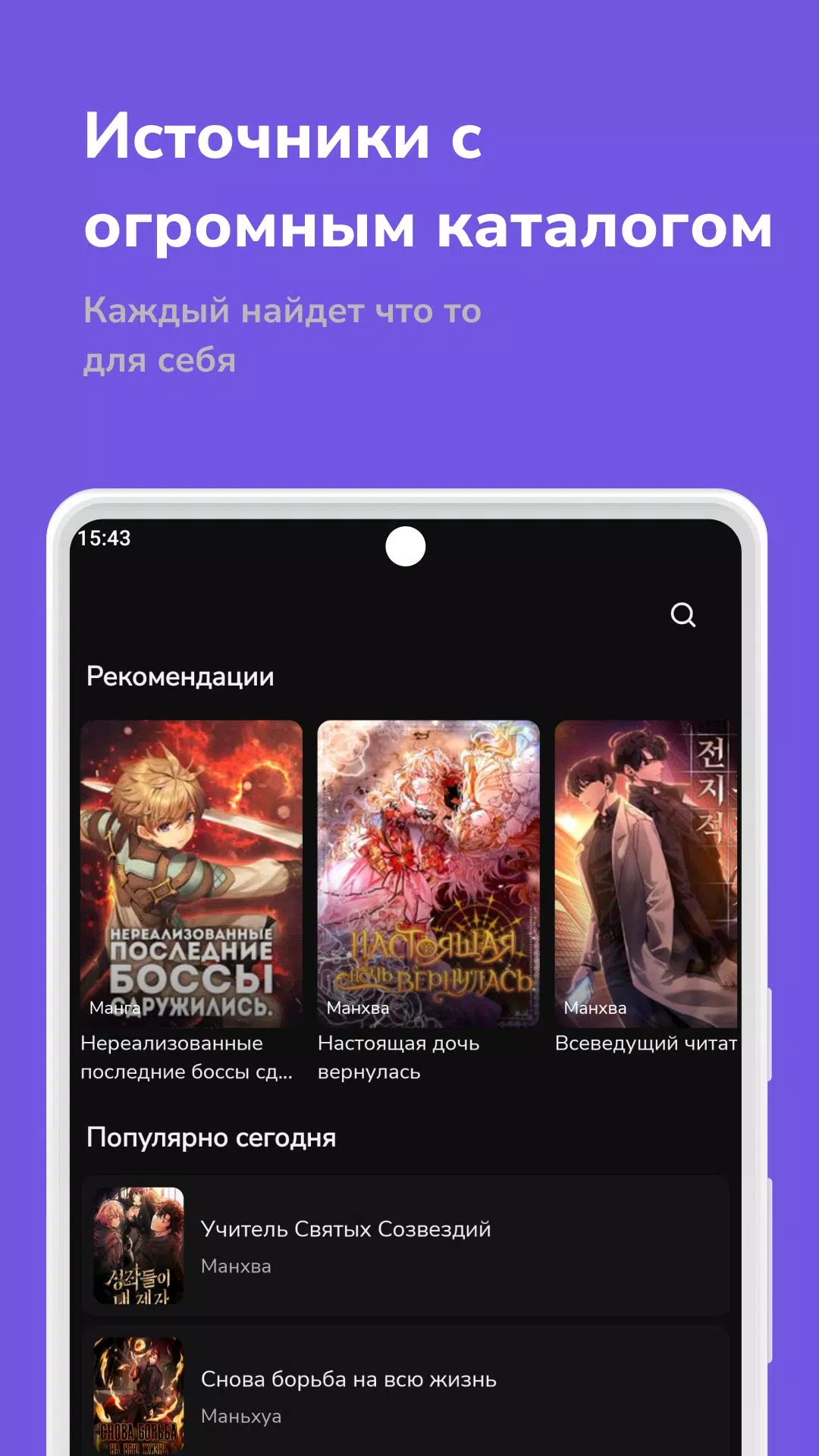
The QManga APK is a manga, manhwa and comics reader for Android. You browse a large library, open a title and read chapter by chapter. One thing you should know up front: QManga is not on the Play Store. You install it as an APK file. This file is scanned for malware and installed on a real Android device by our editors before publishing, we have done this since 2018.
What is QManga?
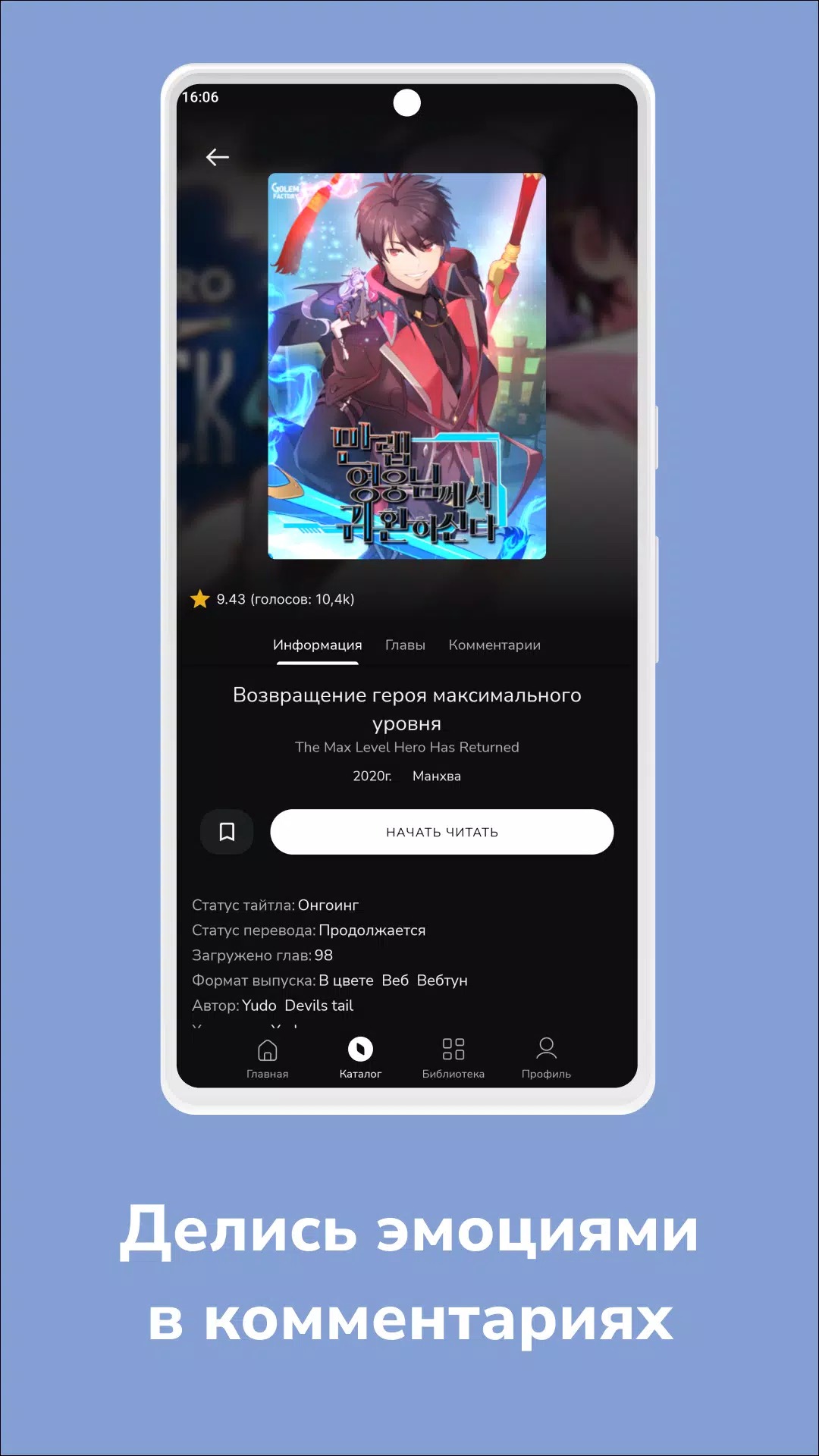
QManga is a reader app built by developer Zakhar Timoshenko. It pulls together a big catalog of manga, manhwa and comics into one place, so you do not have to jump between sites. New chapters get added often, so ongoing series stay up to date. You can search by name and filter by genre, popularity or release date, which makes it easy to find something new to read or pick up where you left off. Because everything sits in one catalog, hopping from a finished series to your next read takes a couple of taps. It covers Japanese manga, Korean manhwa and general comics, so most reading tastes are handled.
Reading experience and features
The reader is simple and does its job well. Here is what you get:
- Brightness control so you can read comfortably at night.
- Reading direction options for both left-to-right and right-to-left titles.
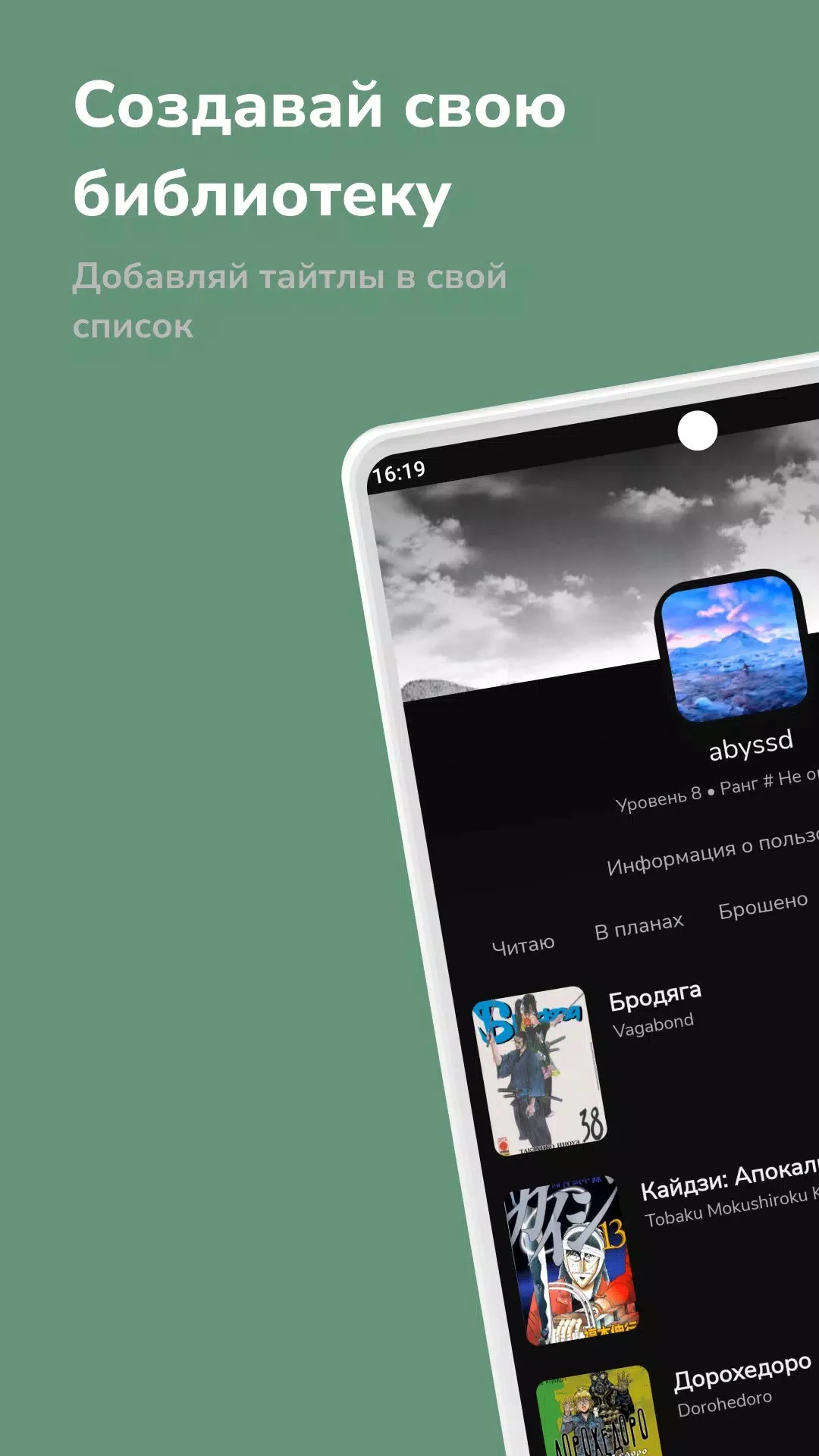
- Bookmarks to save your place and come back later.
- Offline reading — download chapters and read them with no internet.
- Daily updates so fresh chapters show up fast.
- A clean interface that stays out of your way.
It is not flawless. Some titles are hidden in certain regions because of rights, so you may not see everything the app holds. And on big new releases, when a lot of people jump in at once, the app can lag or feel slow for a bit. For everyday reading, though, it holds up fine.
Is it free? Ads and subscription
QManga is free to download and free to read. It shows ads to cover its costs. There is an optional premium or donation tier that can remove those ads, but that is handled inside the app. We do not hand out an "unlocked premium" build, and this file is not a mod — it is the original free app. If you want the ad-free tier, you support it through QManga itself. In our testing the ads were the usual banners and full-screen spots between chapters, not enough to ruin a reading session.
Content and legality
QManga gathers titles that belong to their authors and publishers. What you can open depends on your region and on who holds the rights to each series, so availability changes over time. If you want to support the creators and read with full peace of mind, official readers are the way to go. Good legal options include:
- Manga Plus by Shueisha
- VIZ / Shonen Jump
- K MANGA by Kodansha
- Manga UP!
- Webtoon
- INKR
- Azuki
These apps pay the people who make the work, and many of them offer free chapters too.
How to download and install QManga APK
Grab the file straight from the Download APK button on this page — not from any app store, because QManga is not listed there. Then follow these steps:
- Tap the Download APK button above and let the file finish.
- Open your phone Settings and allow installs from Unknown sources for your browser or file manager.
- Open the downloaded file and tap Install.
- Launch QManga and start reading.
The download is small, around 6.3 MB, and it runs on Android 5.0 and up. If any step is new to you, our how to install APK guide walks through it in detail.
Requirements
You need Android 5.0 or higher and about 6.3 MB of free space. That is a light footprint, so it fits even on older phones. Want more to read? Check the Comics hub, try a related reader like MangaOwl, or browse more Apps.
FAQ
Is QManga free?
Is QManga on Google Play?
Is the APK safe?
Does QManga support offline reading?
Why are some titles missing?
Are there legal alternatives?
Download QManga APK Android
- No viruses
- No spyware
- No malware
The reviews (0)