- No viruses
- No spyware
- No malware
This file was downloaded, scanned and installed by our editors before publishing.
Every file is also checked with VirusTotal before publishing.

Manga Melon APK — Manga Reader for Android


Additional information about Manga Melon APK — Manga Reader for Android
The description of Manga Melon APK — Manga Reader for Android
The Manga Melon APK is a manga reader for Android from ACES SOLUTION that pulls chapters from a lot of different sources into one app. You get one library, one search box, and offline downloads, instead of jumping between a dozen reader sites. One honest note up front: the content it serves is unlicensed, and the app is no longer on Google Play, so you install it as an APK. The file on this page is scanned for malware and installed on a real Android device by our editors before publishing, we have done this since 2018. It runs on Android 8.0 and up.
What is Manga Melon?
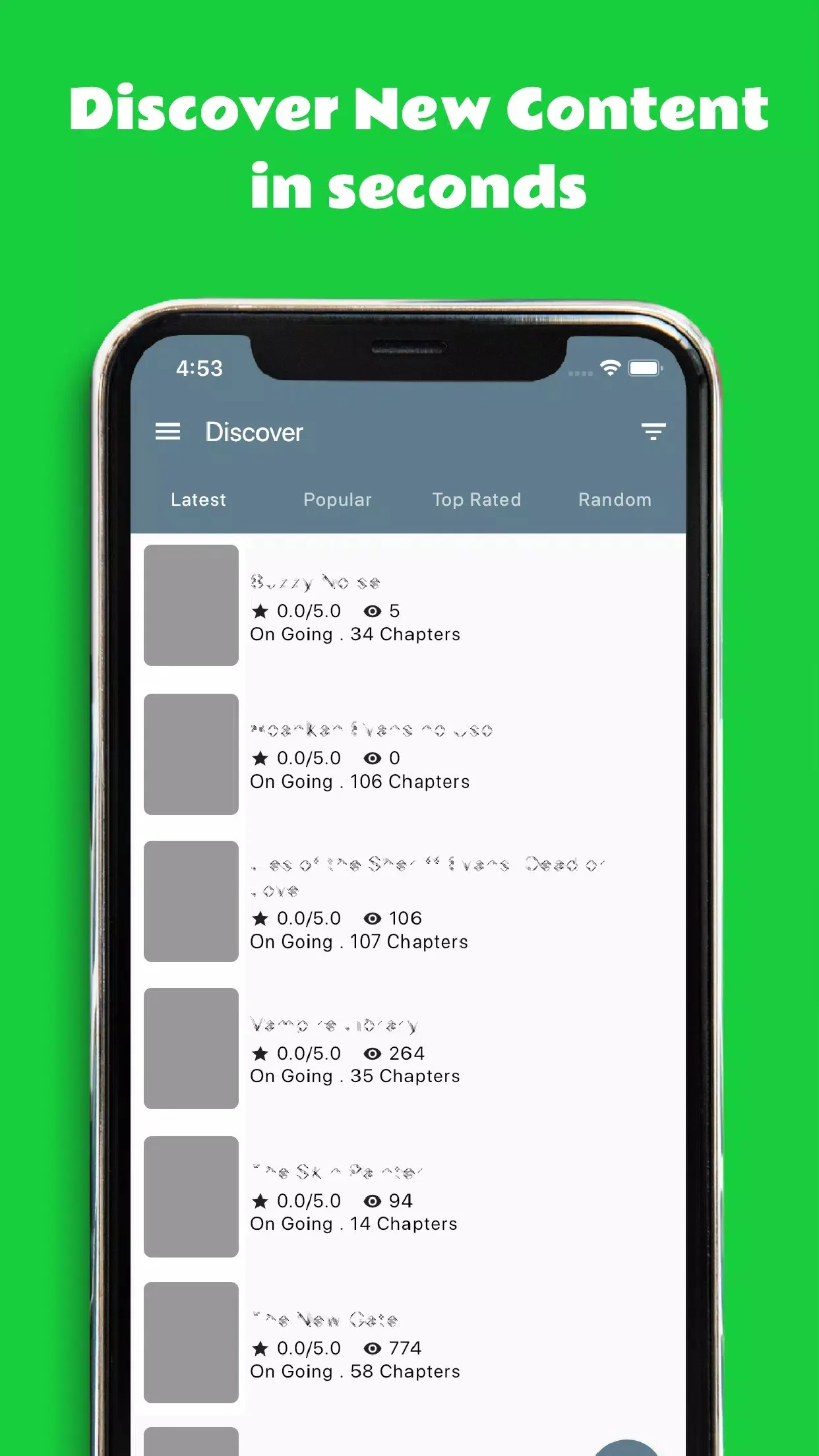
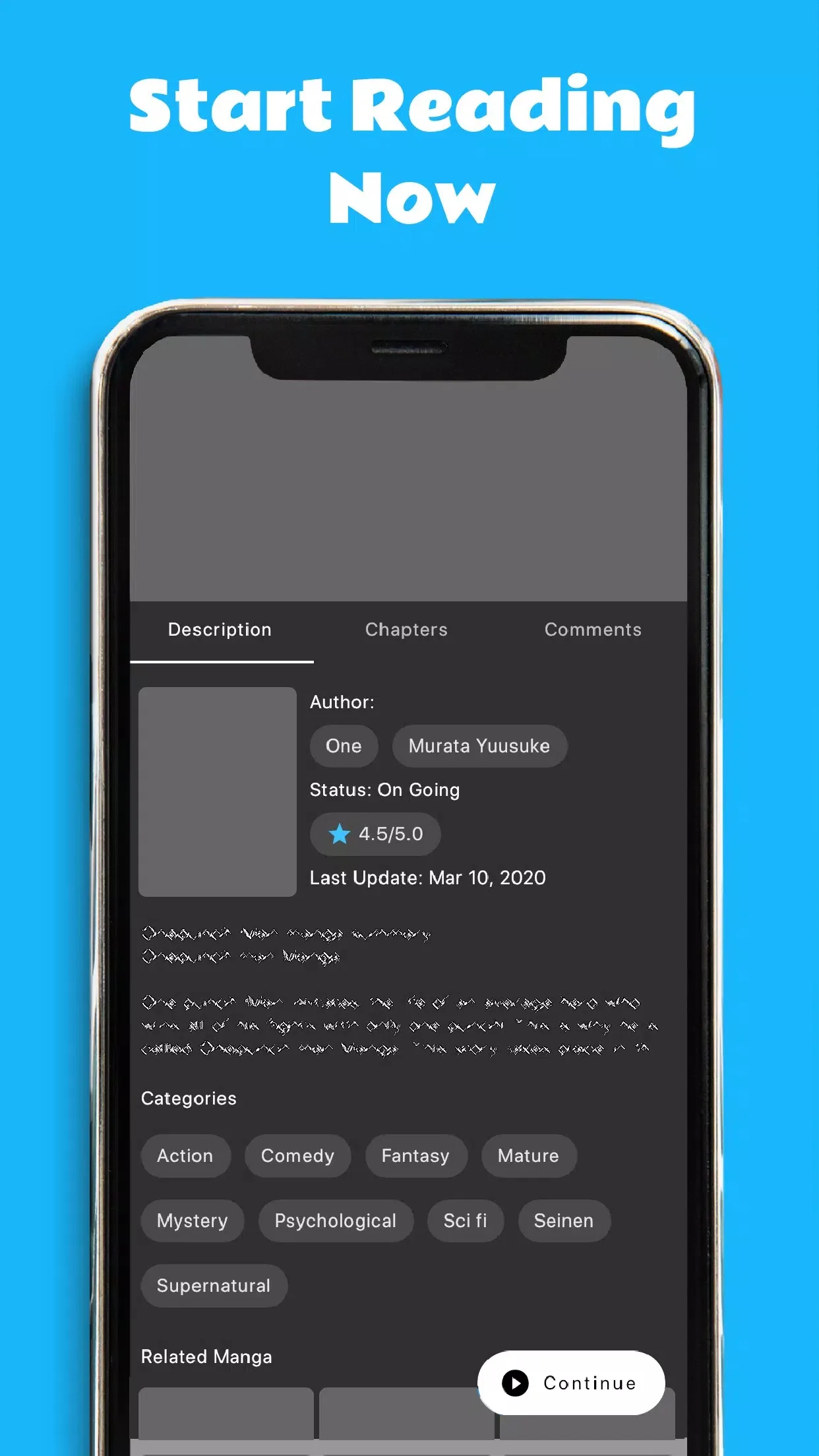
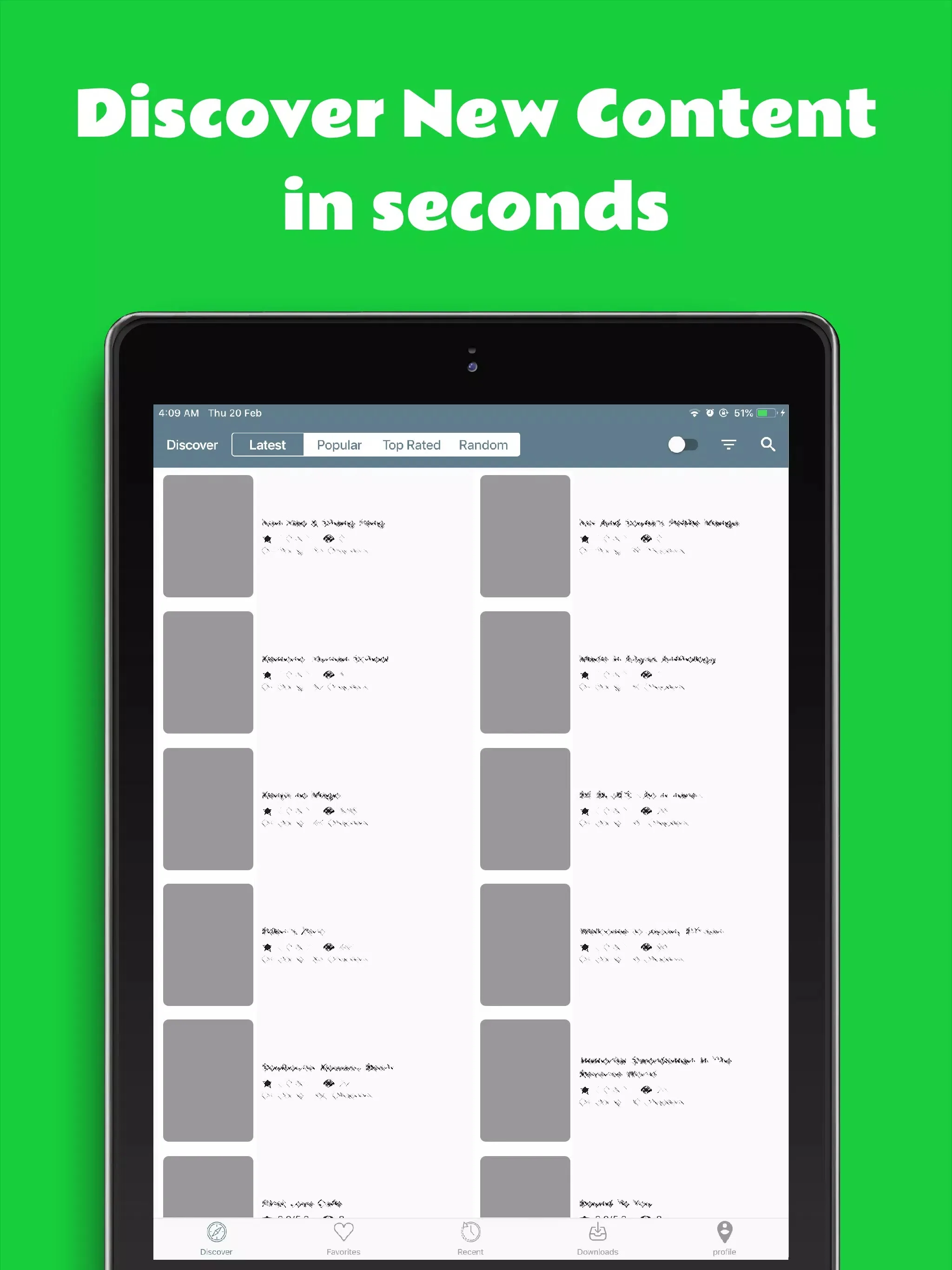
Manga Melon is an aggregator reader. It doesn't host manga itself, it indexes chapters from outside sources and shows them in a single, clean layout. According to the developer, it reaches hundreds of sources and tens of thousands of titles, though we can't independently verify those numbers, treat them as the developer's claim. What you actually feel while using it is simpler: a big catalog, fast search, and the option to save chapters for later. It looks and behaves like a normal reader app, with a genre browser, a history list, and reading modes you can switch on the fly.
Key features
- Large catalog gathered from many third-party sources, all searchable in one place.
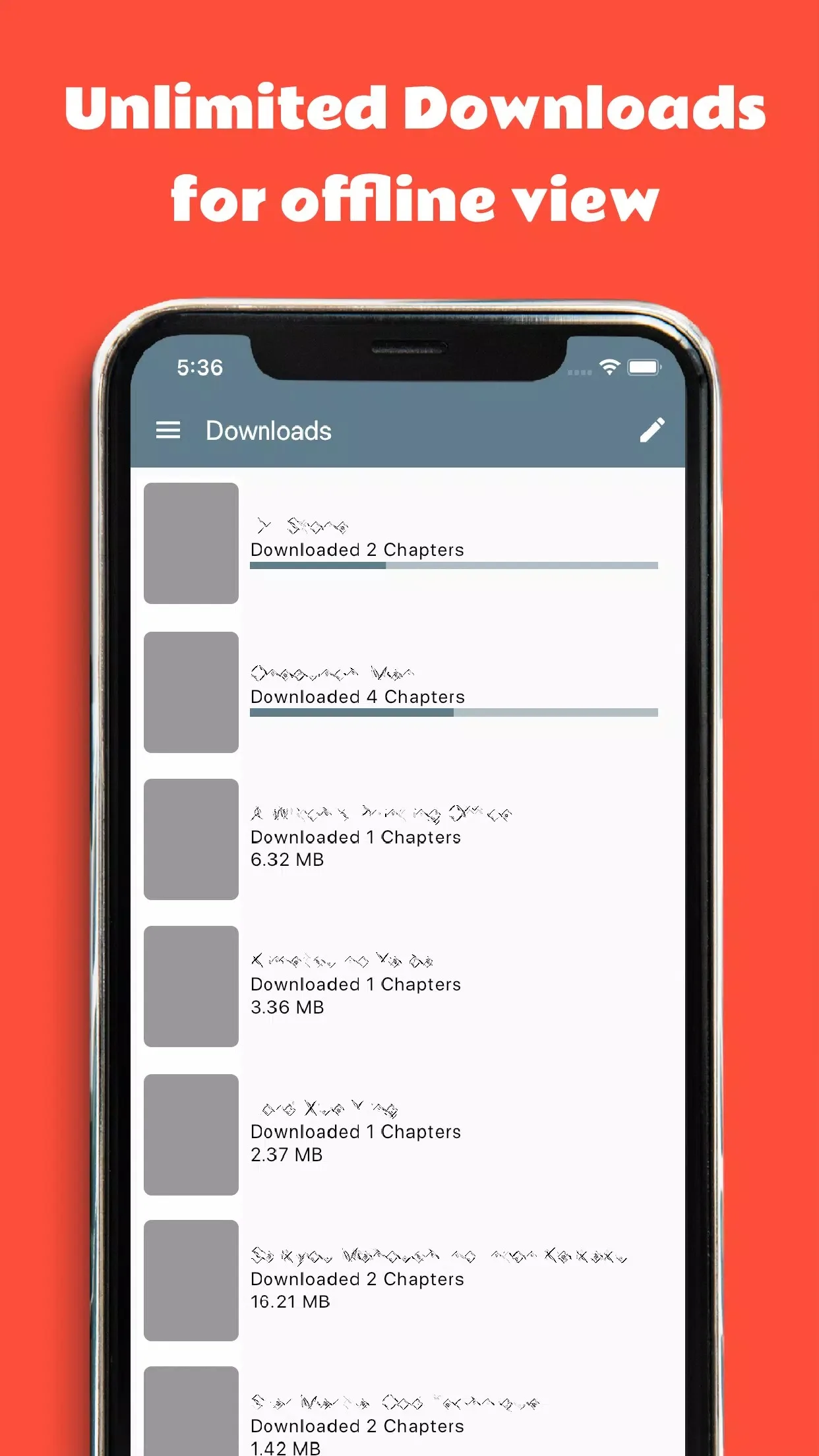
- Offline downloads: save chapters to your phone and read them with no connection.
- Vertical or horizontal reading, plus light and dark themes so night reading is easy on the eyes.
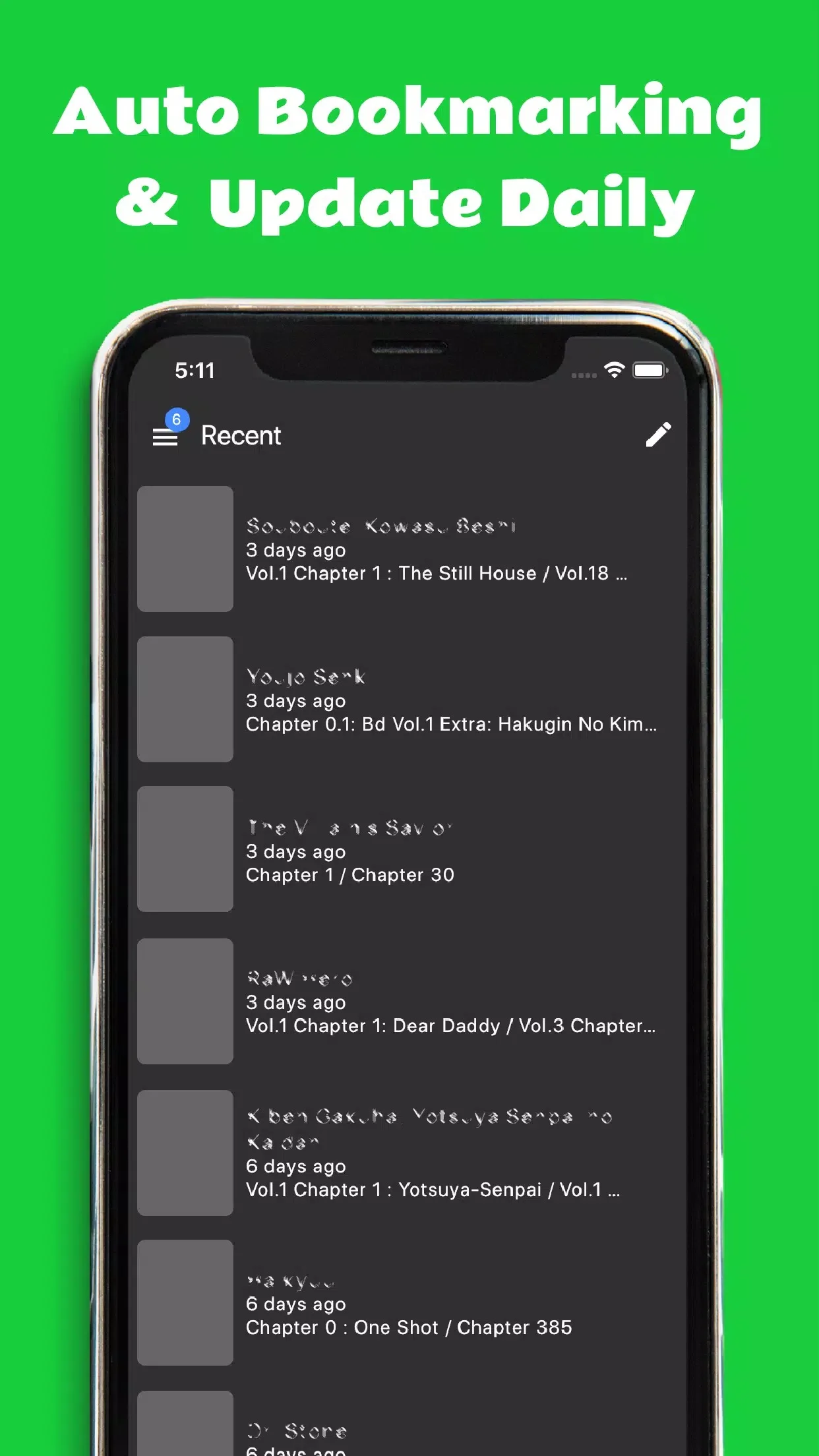
- Search by title, genre or author, with a history list that remembers where you left off.
- A speed optimizer that trims data use while pages load, handy on a slow or metered connection.
Is Manga Melon legal and safe?
Here is the part most download pages skip. Manga Melon aggregates unlicensed content, which is why it was pulled from Google Play back in October 2022. Legally it sits in a gray, piracy-adjacent zone: the manga is not officially licensed for distribution through the app. That's the honest status, and it's worth knowing before you install.
Safety is a separate question from legality. An APK is only as clean as its source. Download the file from the button on this page, not from a random mirror, and check what permissions it asks for on first launch, a reader has no reason to demand your contacts or call logs. Keep the rest of your device tidy and you're fine.
Legal alternatives
If you'd rather read manga through official, licensed apps that support the artists, a few good ones exist. They're stable, they update on schedule, and they won't vanish from the store.
| App | What it offers |
|---|---|
| Manga Plus (Shueisha) | Free official chapters from Shueisha, including simultaneous releases with Japan. |
| VIZ / Shonen Jump | Huge licensed library with a low-cost subscription for the full back catalog. |
| Manga UP! (Square Enix) | Official Square Enix titles, free daily chapters with a ticket system. |
| Azuki, Comikey, INKR | Licensed simulpubs and curated catalogs from newer digital publishers. |
How to download and install Manga Melon
This is an Android APK, so the whole thing installs from your phone in a couple of minutes. No account, no sign-up.
- Tap the green Download APK button at the top of this page, the file downloads directly, no registration or SMS.
- Allow installation from unknown sources for your browser or file manager (Settings → Security).
- Open the downloaded file and tap Install, the app is roughly 49.5 MB and needs Android 8.0 or newer.
- Launch it, pick your reading mode, and browse or search for a title to start.
First time sideloading an APK? Our APK install guide walks through the same steps with screenshots, so you don't have to guess at any setting.
Tips for better reading
- Switch to the dark theme for late-night sessions, it cuts glare and saves a little battery on OLED screens.
- Download the next few chapters over Wi-Fi before a commute or a flight, then read them offline.
- Turn on the speed optimizer when you're on mobile data to keep your usage down.
- Bookmark ongoing series so new chapters are easy to find instead of searching each time.
FAQ
What is Manga Melon?
Is Manga Melon on Google Play?
Does Manga Melon work offline?
Is Manga Melon legal and safe?
What Android version and file size does it need?
What are the legal alternatives to Manga Melon?
Download Manga Melon APK Android
- No viruses
- No spyware
- No malware
The reviews (0)