- No viruses
- No spyware
- No malware
This file was downloaded, scanned and installed by our editors before publishing.
Every file is also checked with VirusTotal before publishing.

Mp3 Download APK — Free Music Downloader for Android
Additional information about Mp3 Download APK — Free Music Downloader for Android
The description of Mp3 Download APK — Free Music Downloader for Android
Mp3 Download free music downloader is a small Android app for searching tracks, playing them and saving audio for offline listening. It is a light tool, around 8.6 MB, not a streaming service. One thing to say up front: whether a download is legal depends on the track and where it comes from, not on the app itself. The file on this page is scanned for malware and installed on a real Android device by our editors before publishing, we have done this since 2018.
So this page keeps it straight. Here is what the app actually does, where the copyright line sits, and how to grab music the legal way instead.
What is Mp3 Download — Free Music Downloader?
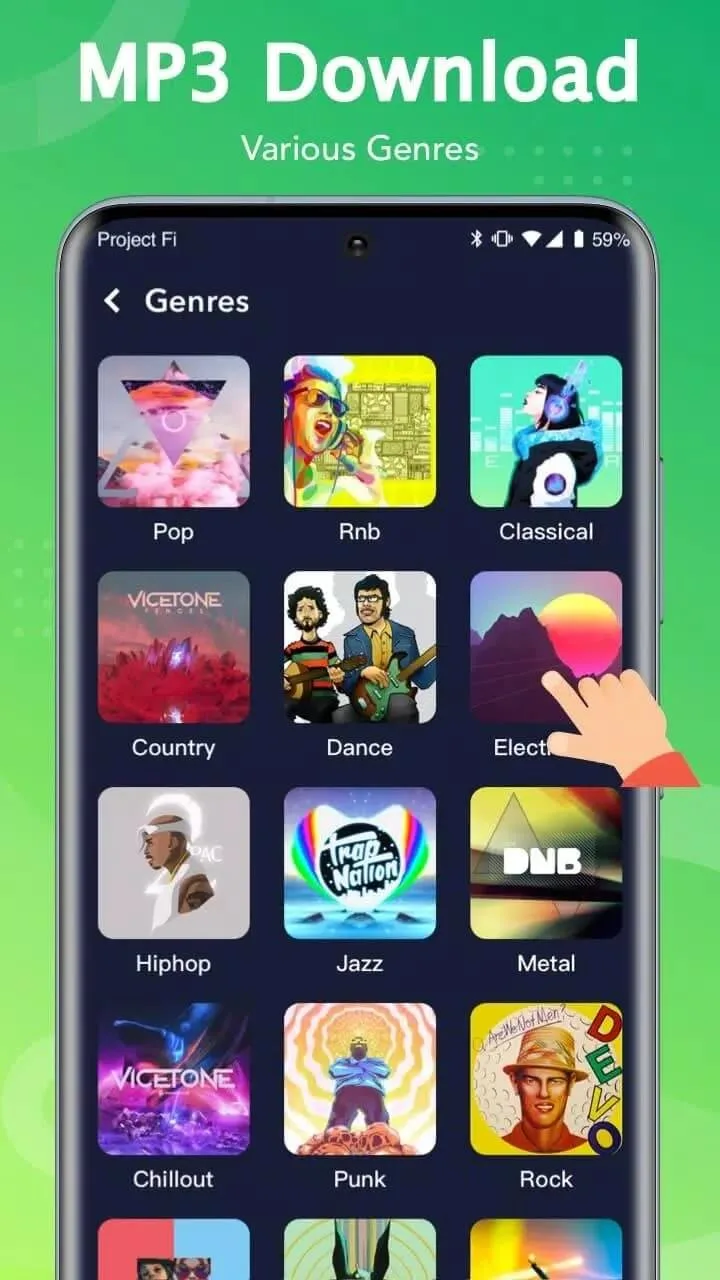
Mp3 Download is a compact music app built by a small studio listed as "free mp3 music download Alice studio". You type a song or browse by genre, preview a result, then save it as an mp3 to play later without a connection. It runs on Android 4.1 and up, so even an old phone handles it.
Keep your expectations realistic. This is a basic downloader, not Spotify or YouTube Music. There is no huge licensed library behind it and no account tied to a label. It searches public sources and pulls audio from them, which is exactly where the legal question comes in.
Features
| Feature | What it does |
|---|---|
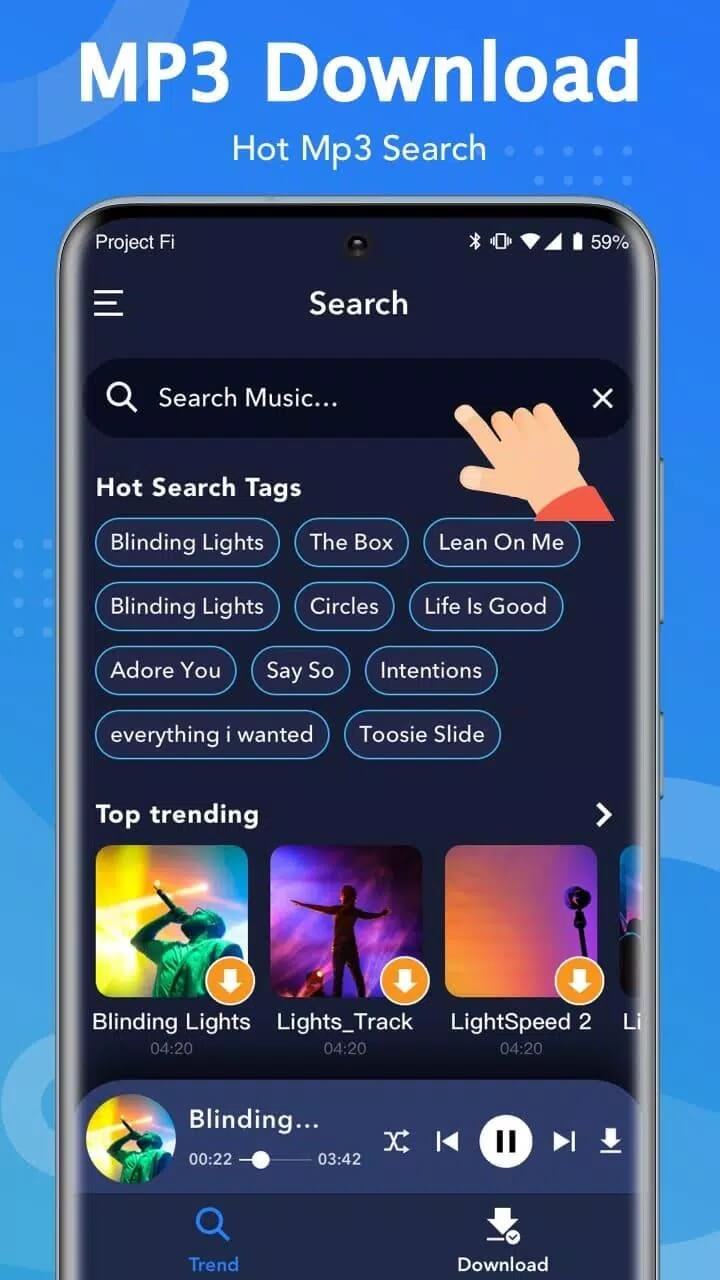
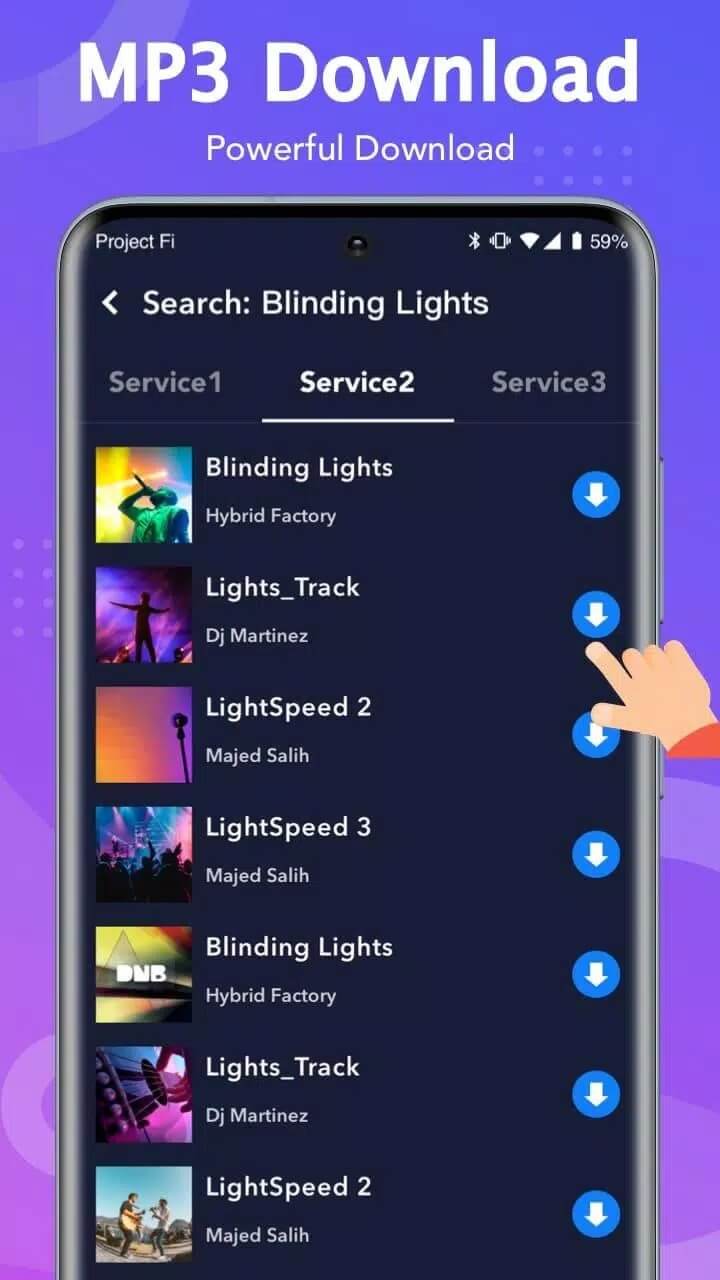
| Search by title or genre | Look up a track by name or browse simple genre lists to find something to play. |
| In-app playback | Preview and listen to a result inside the app before you save anything. |
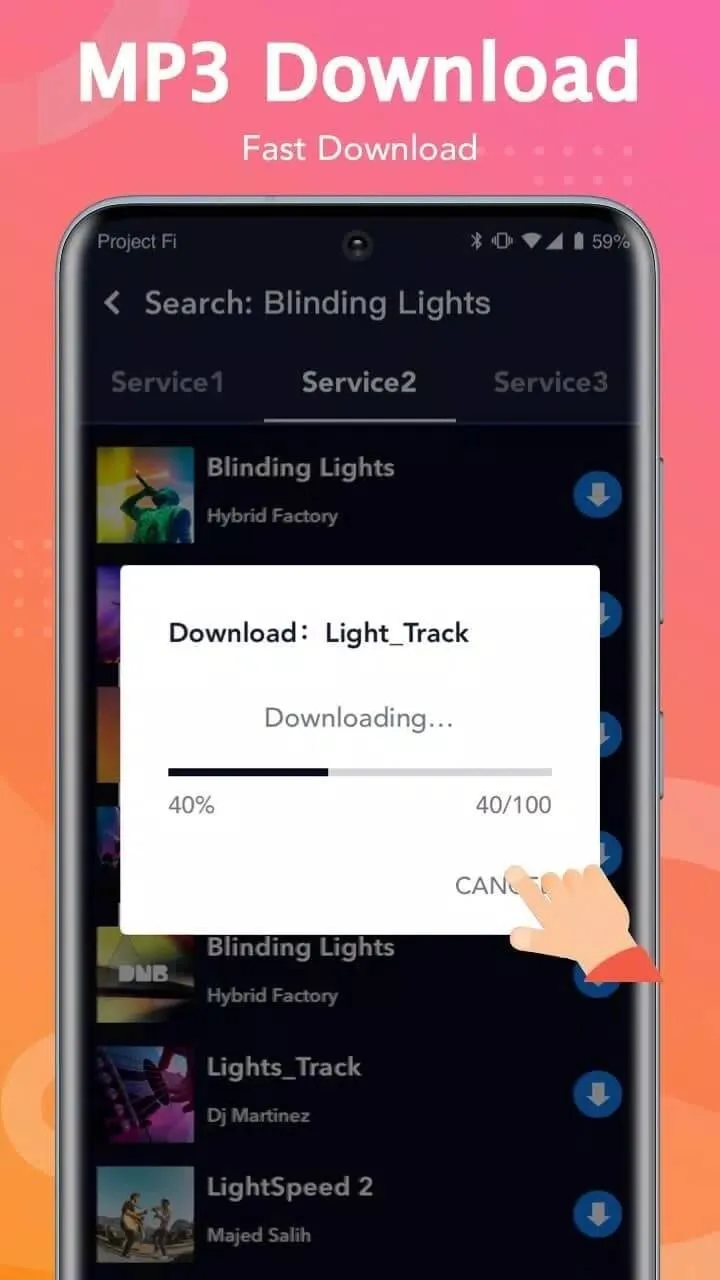
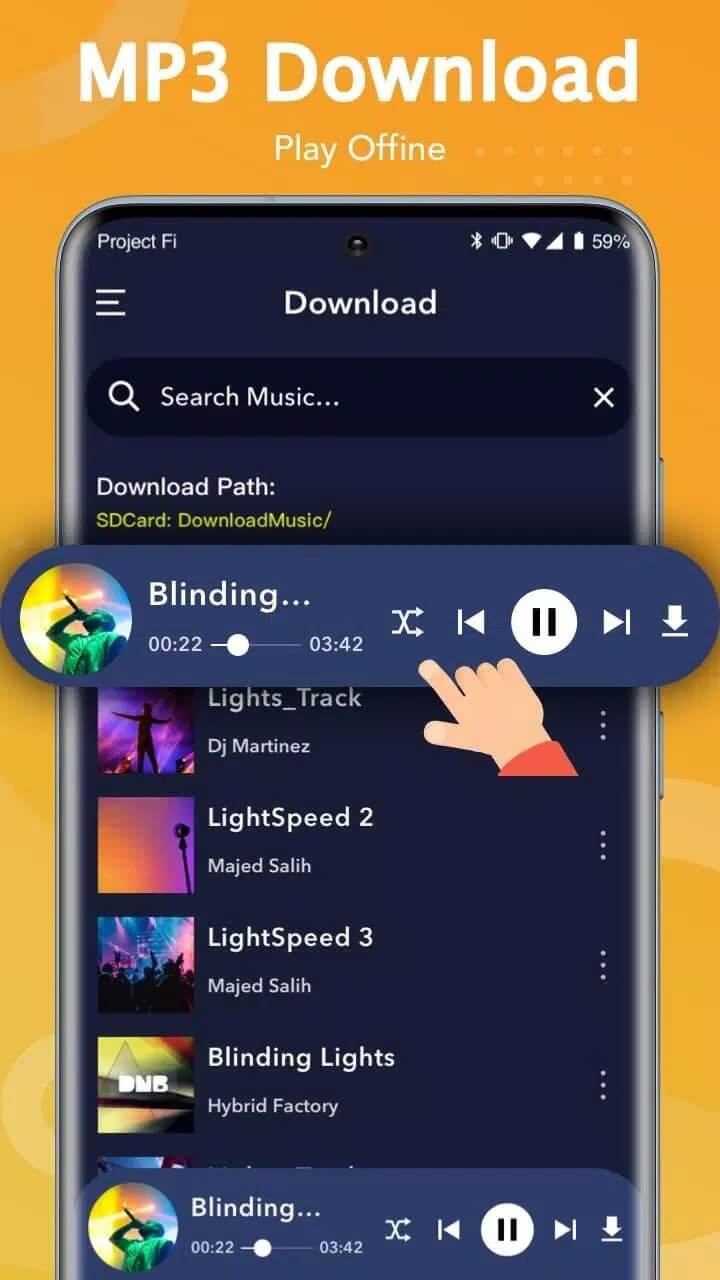
| Offline mp3 download | Save audio as an mp3 file so you can play it later with no data or Wi-Fi. |
| Basic playlists | Group saved tracks into simple lists for easier listening. |
That is the honest feature set. It does not remix or "mod" your other apps, and it does not learn your taste with clever recommendations, despite what some clones claim. What you get is search, play and save, done simply.
Is it legal? Copyright and terms
The app is just a tool. The legal part depends on the music you point it at. Downloading songs that are protected by copyright without the owner's permission is against the law in many countries, and that stays true no matter which downloader you use.
A couple of points worth knowing. Big sources like YouTube ban saving their content without permission in their terms of service, so pulling audio from them can break those rules even when nobody sends you a bill. And "royalty-free" does not mean "free with no strings". Royalty-free tracks still carry a licence, and that licence has conditions you are meant to read and follow. We are not here to push you toward taking music you do not have the right to. We would rather you knew the line before you cross it.
Legal ways to download music
Plenty of music is free to download and fully legal. A few good starting points:
- Free Music Archive and Jamendo host large catalogs of Creative Commons and free-to-download tracks.
- Bandcamp lets many artists offer their songs as free or name-your-price downloads directly.
- YouTube Audio Library gives you cleared music and sound effects, handy for videos and personal use.
- Official streaming apps like Spotify, YouTube Music and Apple Music support offline saving on a paid plan, which is the licensed way to keep songs on your phone.
Those routes cover most needs, from background tracks to a full offline library, without the copyright headache.
How to download and install
The download here is a single Android APK, roughly 8.6 MB. It installs in under a minute on most phones.
- Tap the green Download APK button at the top of this page, the file comes down directly with no sign-up.
- Allow installation from unknown sources for your browser or file manager (Settings → Security).
- Open the downloaded file and tap Install, then launch the app when it finishes.
New to sideloading? Our APK install guide walks through the same steps with screenshots. The app needs Android 4.1 or newer, so almost any current device runs it fine.
Safety notes
Free downloaders tend to lean hard on ads and sometimes ask for more access than they need. Treat this one the same way you would any small utility. Install the verified file from the button above, hand it the minimum permissions, and skip clones with pop-ups on every tap. If an app wants your contacts or location to fetch an mp3, that is a red flag.
Want a simpler, cleaner setup for what you already own? A dedicated music player from our catalog plays your local files without the ad load. It pairs well with the legal sources above.
FAQ
What is Mp3 Download — Free Music Downloader?
Is downloading music with it legal?
What does "free" really mean here?
What are the legal alternatives?
Is the APK safe?
How big is it and what does it need?
Download Mp3 Download — Free Music Downloader
- No viruses
- No spyware
- No malware
The reviews (0)