- No viruses
- No spyware
- No malware
com.shallwaystudio.nodevideoThis file was downloaded, scanned and installed by our editors before publishing.
Every file is also checked with VirusTotal before publishing.

Node Video MOD APK (Lifetime Unlocked)

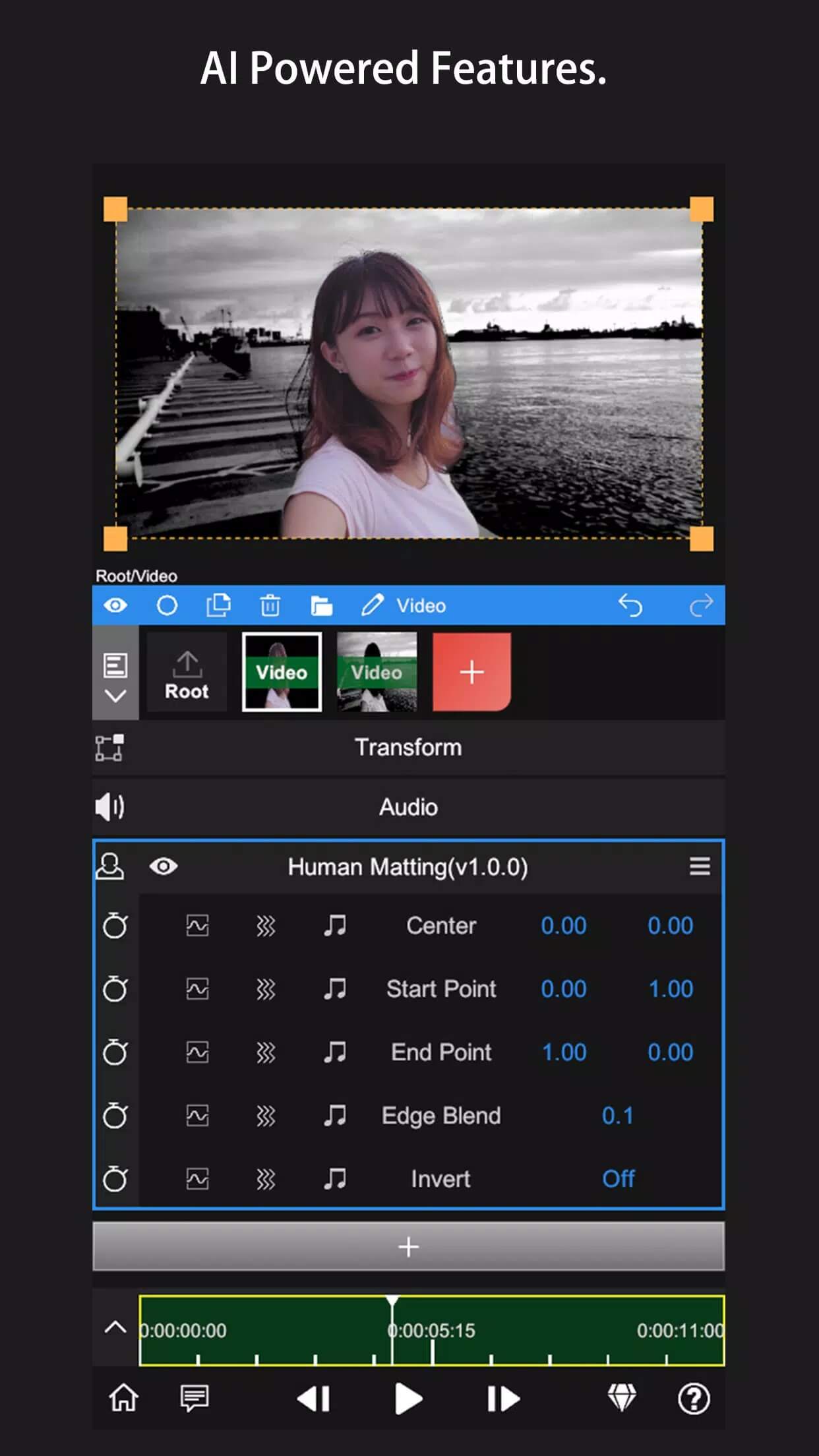
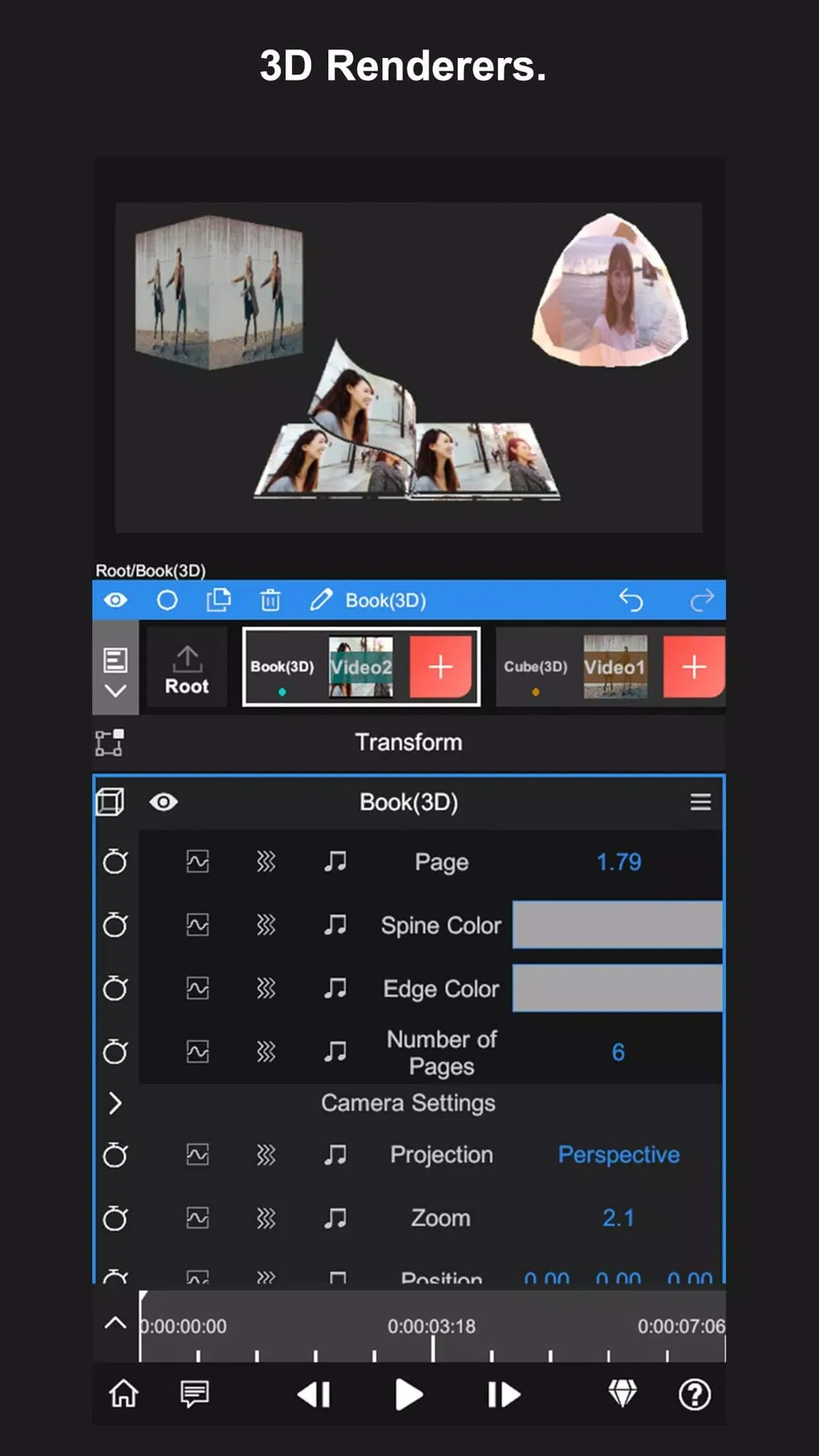
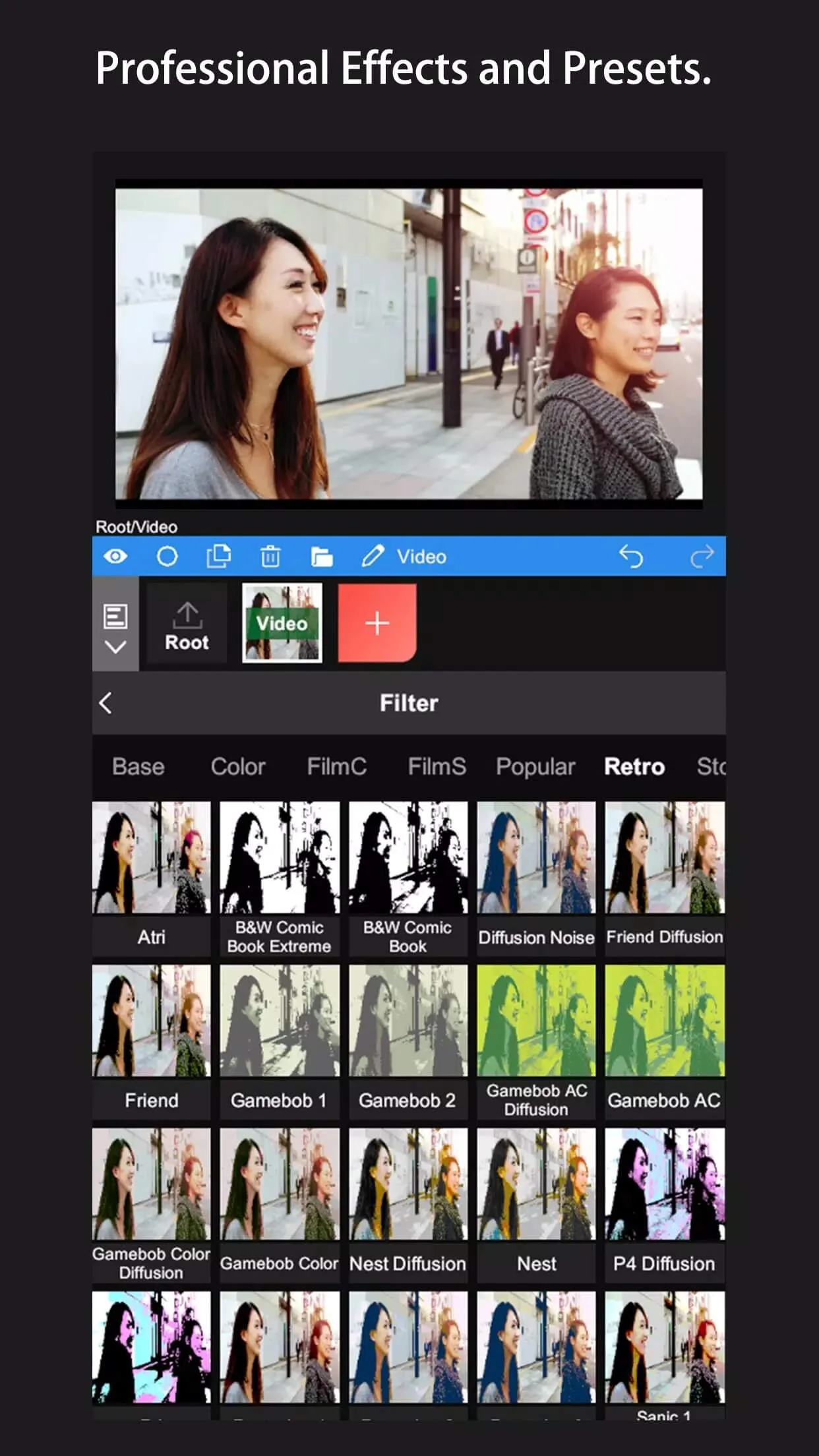
Additional information about Node Video MOD APK (Lifetime Unlocked)
com.shallwaystudio.nodevideoThe description of Node Video MOD APK (Lifetime Unlocked)
Node Video MOD APK hands you the full Pro editor from the first launch: no watermark on your exports, 4K/60fps output, every effect and preset, and none of the usual limits. It is Shallway Studio's mobile video editor, the kind of app that lets you keyframe almost any parameter and pull off shots that normally need a desktop timeline. Every file on this page is scanned for malware and installed on a real Android device by our editors before publishing, and we have done this since 2018.
The Lifetime unlock here is a client-side change inside the APK itself, so the Pro tools open the moment you install. No account upgrade, no subscription screen, no trial countdown.
What is Node Video?
Node Video is a serious mobile editor. It runs a real multi-layer timeline, so you stack clips, text, audio and effect layers and move them around like you would on a computer. That layout is what pulls people over from lighter apps once they outgrow simple cut-and-caption tools.
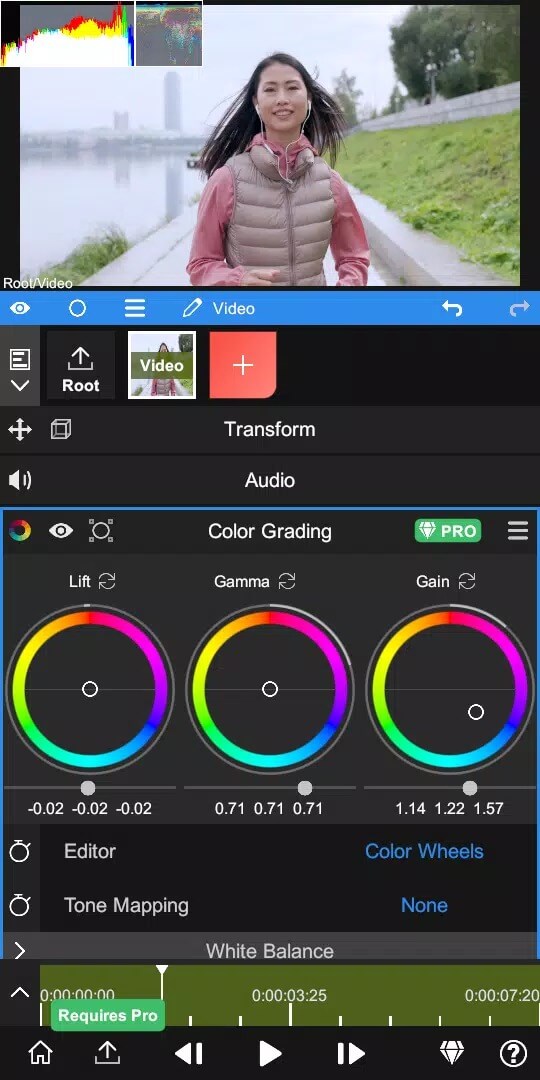
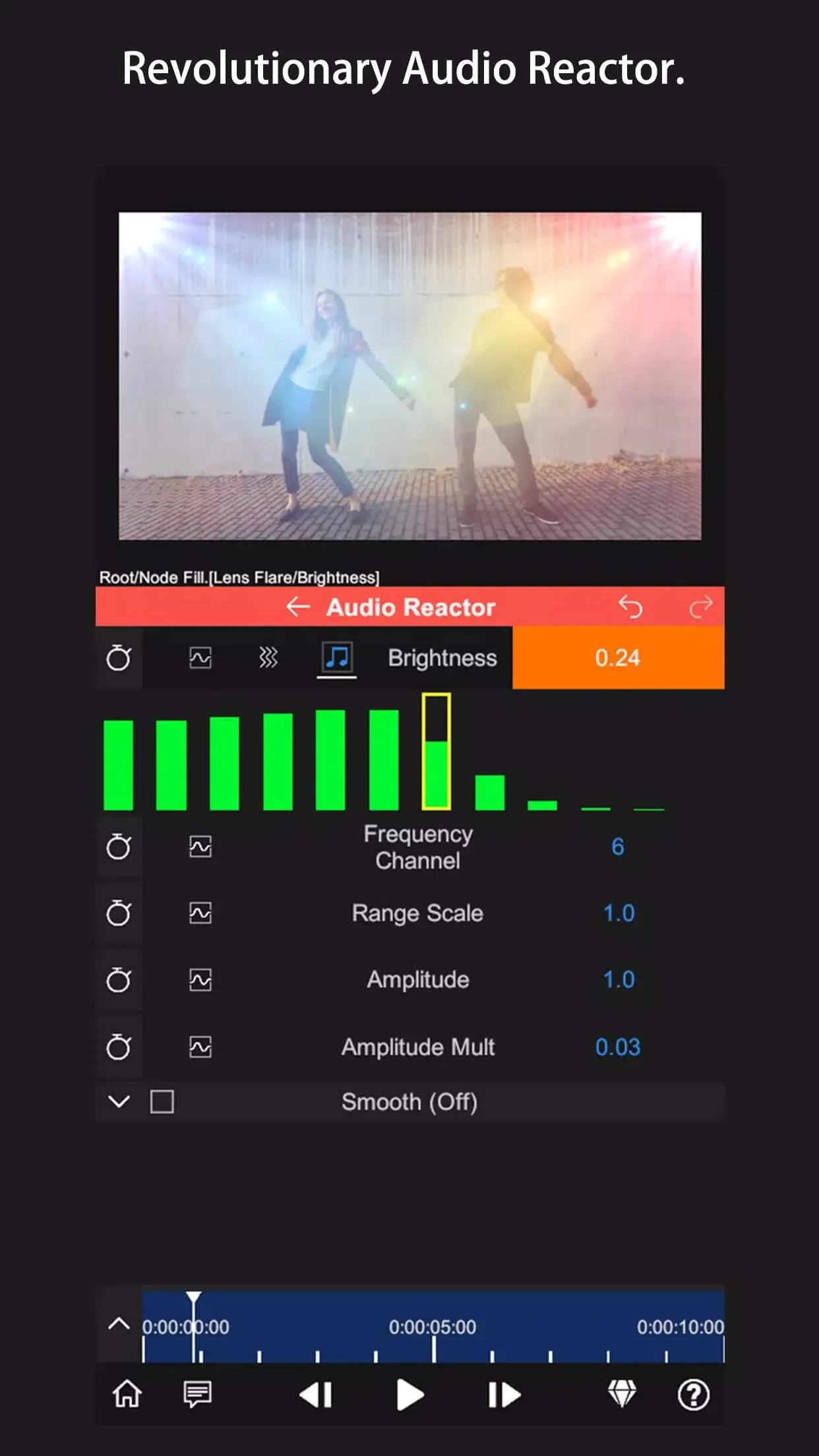
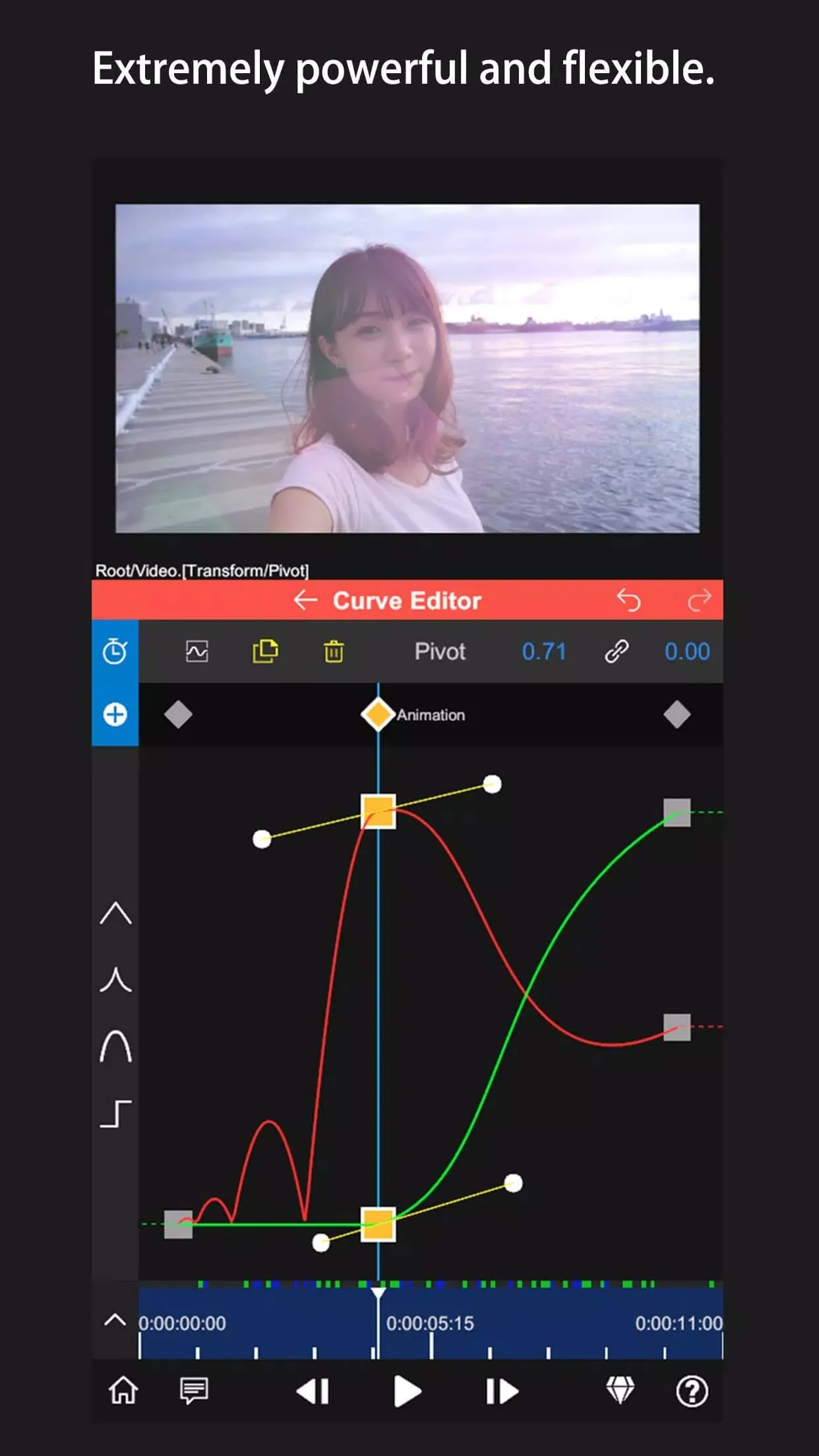
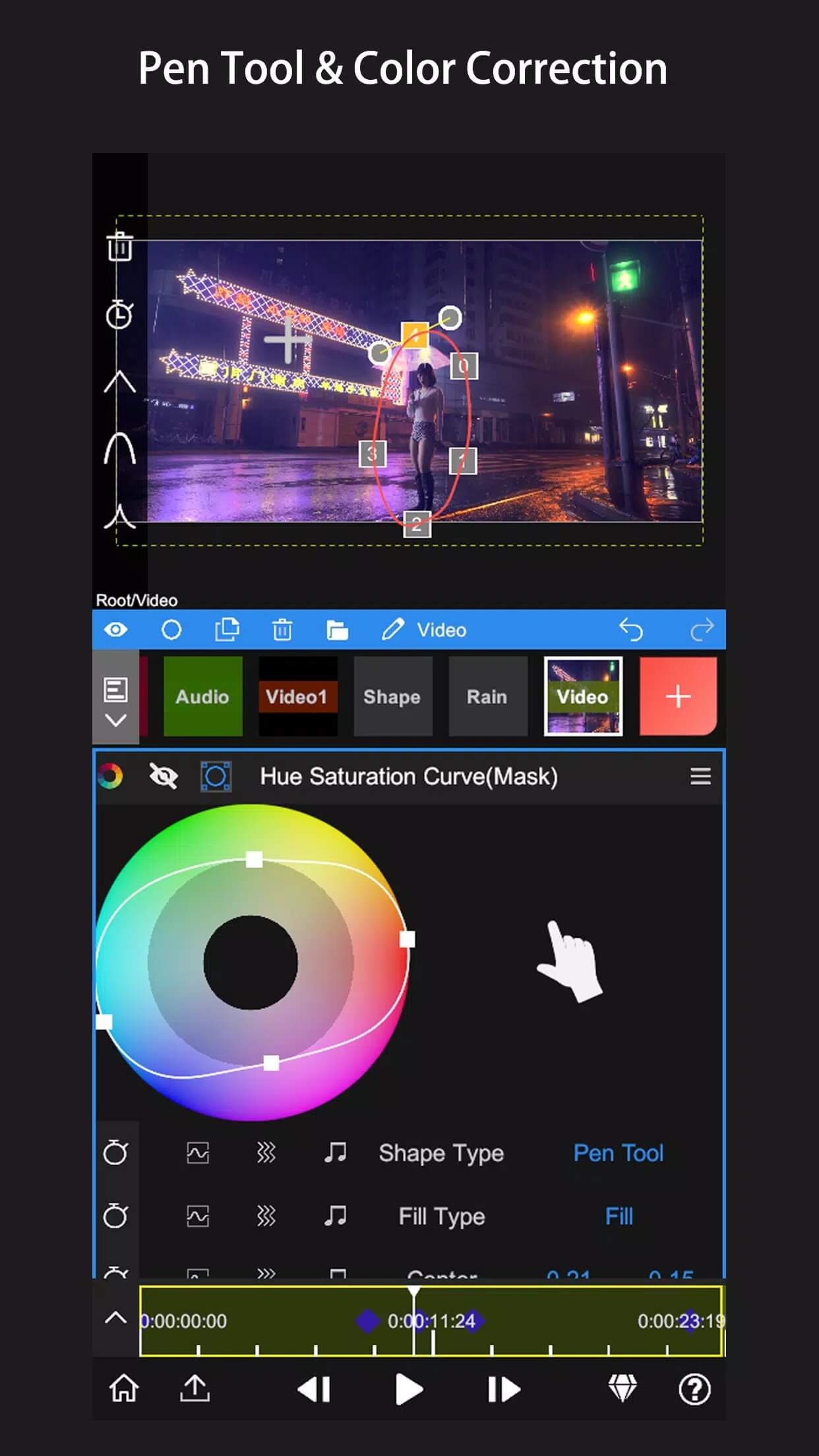
The toolset goes deep. You get keyframe animation on nearly every property, a Curve Editor for smooth easing, masking, color correction, and an Audio Reactor that drives visuals off your sound. There is real-time AI that separates a person from the background, plus 3D renders for titles and motion. It is closer to a desktop editor than most phone apps get.
What the MOD (Lifetime) unlocks
| MOD feature | What it changes in the app |
|---|---|
| No watermark on export | Your finished videos render clean, with no Node Video mark in the corner. |
| All Pro effects & presets | The full effect and preset library is open, nothing greyed out behind Pro. |
| 4K / 60fps export | Export at high resolution and frame rate instead of the capped free output. |
| No time or feature limits | The Pro-only tools stay available with no trial timer or paywall. |
One honest note. Lifetime here means the Pro features baked into the app are turned on inside the APK on your device. That covers the watermark, the effects, export quality and the feature limits. It does not add cloud storage, account perks or anything that would live on Shallway's servers, so treat it as a full local Pro unlock, which is exactly what most people want it for.
Editing tools that stand out
- Keyframe animation on almost any parameter — position, scale, opacity, effect strength — for movement that actually looks planned.
- Audio Reactor, which ties visual changes to the beat of your track for music edits.
- Real-time AI masking that lifts a person off the background without a green screen.
- 3D rendering for titles, logos and objects that move through space.
- High-quality export, up to 4K and 60fps once Lifetime is on.
How to download and install Node Video MOD APK
The download is a single APK, around 111 MB, and it runs on Android 7.0 and up. Everything starts from this page.
- Tap the green Download APK button at the top of this page. The file downloads directly, no sign-up.
- Allow installation from unknown sources for your browser or file manager (Settings → Security).
- If you already have the Play Store version, remove it first — the MOD won't install over it because the signature differs.
- Open the file, tap Install, then launch the editor and check that the Pro tools are unlocked.
First time sideloading an app? Our APK install guide walks through the same steps with screenshots.
Tips for mobile editing
- Build your edit in layers on the timeline. Keeping clips, text and effects on separate tracks makes changes painless later.
- Use keyframes for any camera-style move. Two keyframes and a curve beat a jumpy manual drag every time.
- Try the AI mask to swap or blur a background instead of setting up a real green screen.
- Export in 4K when the footage supports it — Lifetime drops the watermark, so there is no reason to render lower.
- Watch your storage and RAM. Node Video projects get heavy, so close background apps before a big export.
MOD or original?
The original Node Video is free on Google Play, with Pro sold as a subscription or a lifetime purchase. If you can spare it, buying Pro is the way to back Shallway Studio and keep the app funded. The MOD gives you those same Pro tools with Lifetime already unlocked and no watermark, which is the pull for anyone who wants to test the full editor before paying, or who just edits on the side. Want to compare options first? Browse more video players & editors or check the rest of our MOD catalog, and if you want a lighter tool for quick clips, InShot covers the basics well.
FAQ
What does Node Video Lifetime unlock?
Does the MOD remove the watermark?
Is Node Video good for professional editing?
Is the MOD APK safe?
Can I export in 4K?
How big is the download and what are the requirements?
Download Node Video — Pro Video Editor Mod (Lifetime Unlocked)
- No viruses
- No spyware
- No malware
The reviews (0)