- No viruses
- No spyware
- No malware
com.videoeditorpro.androidThis file was downloaded, scanned and installed by our editors before publishing.
Every file is also checked with VirusTotal before publishing.

VivaCut Pro MOD APK (Unlocked All)
Additional information about VivaCut Pro MOD APK (Unlocked All)
com.videoeditorpro.androidThe description of VivaCut Pro MOD APK (Unlocked All)
VivaCut Pro MOD APK is the Pro build of the VivaCut team's mobile video editor, with the watermark taken off, the ads gone and the premium effects, transitions and filters opened on your phone. Our editors scanned the file for malware and installed it on a real Android device before publishing. One honest note up front: the Pro features that live inside the app open cleanly, but the cloud material and the AI tools are handled on VivaCut's servers, so read the client-versus-cloud section before you count on every extra working for free. The download runs about 171 MB and needs Android 5.0 or newer.
What is VivaCut?
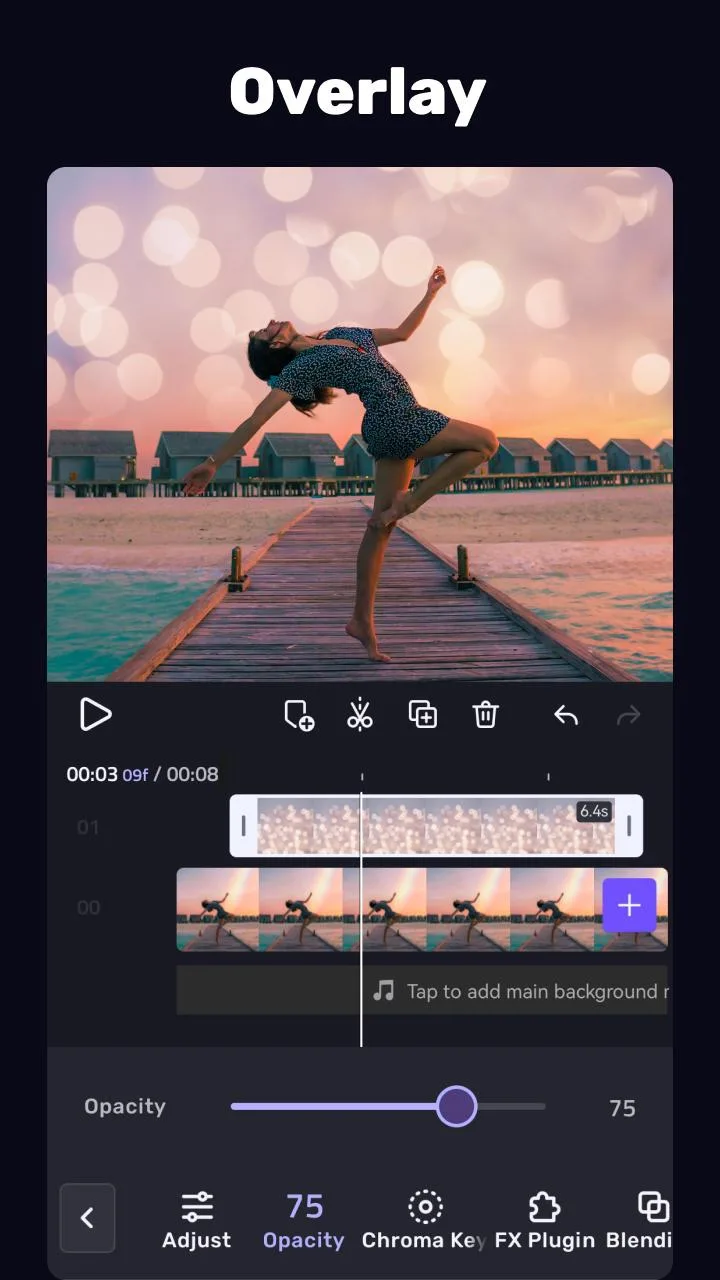
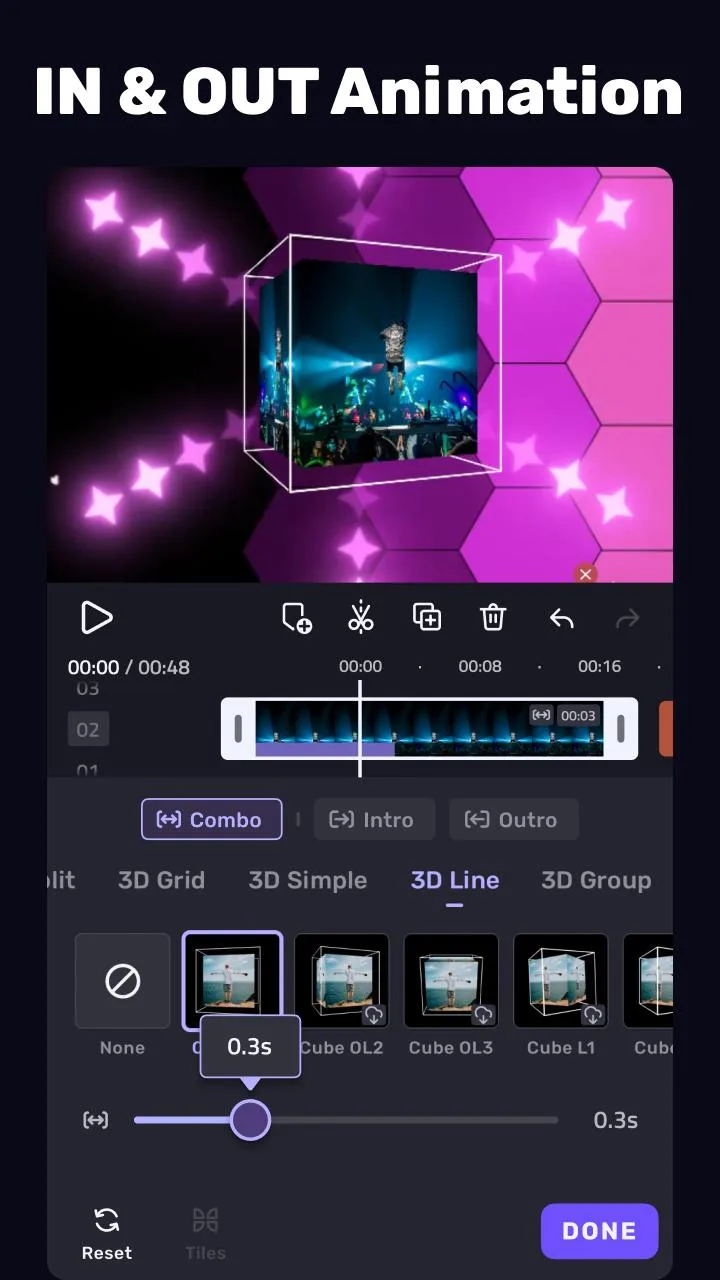
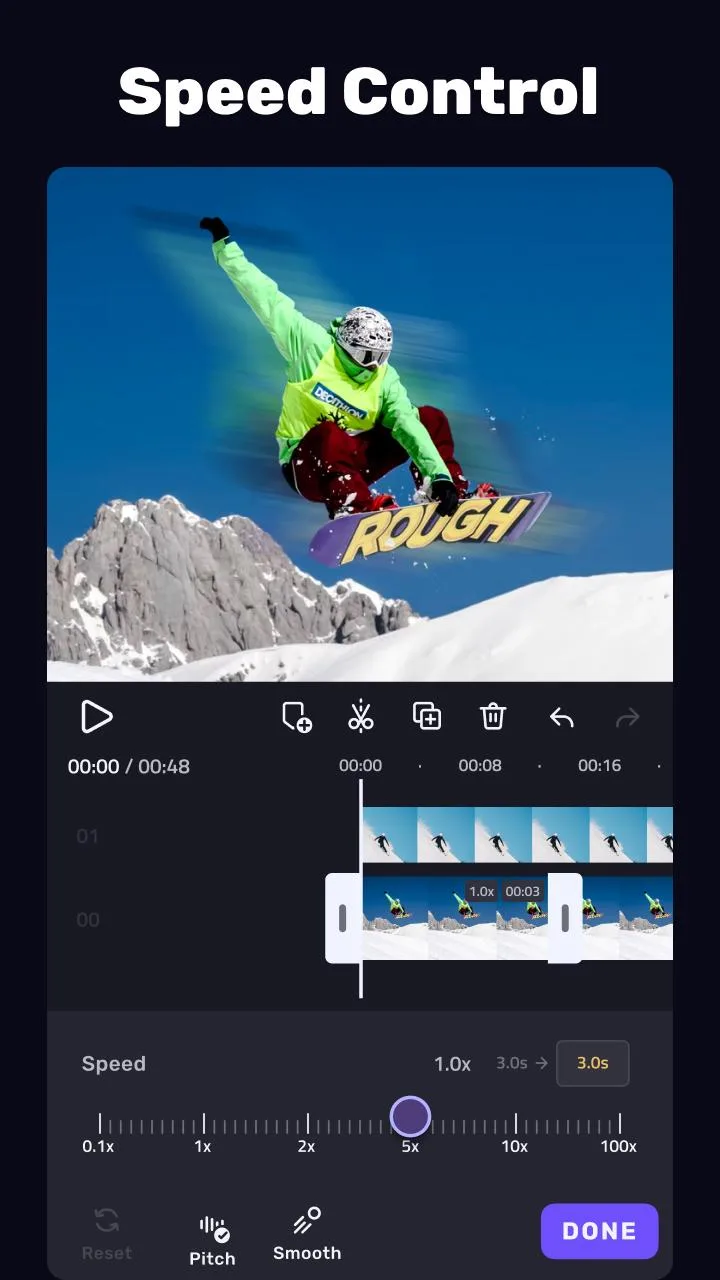
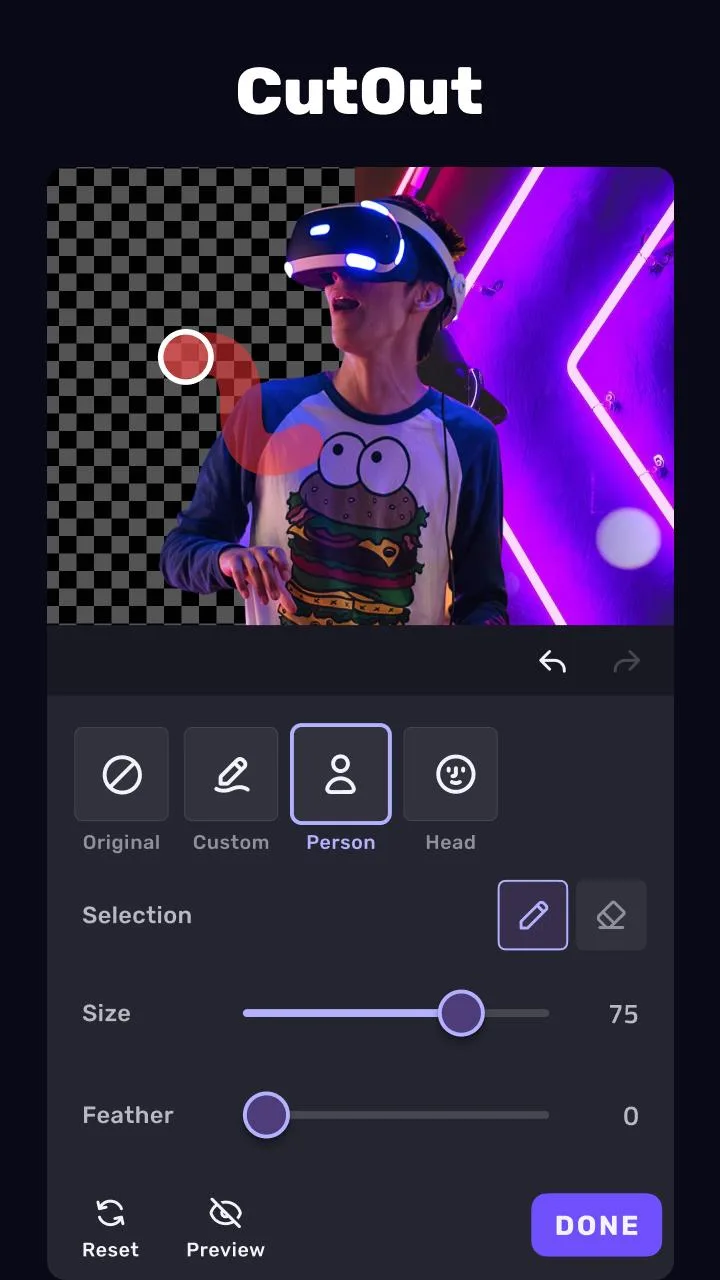
VivaCut is a pro-level video editor for Android from the VivaCut team, built for editing straight on your phone rather than on a desktop. It runs on a multi-layer timeline, so you can stack video, text, overlays and music and line them up frame by frame. The core tools cover chroma key (green screen), speed control, crop and transform, transitions and keyframe animation.
It suits vloggers, short-form creators and anyone cutting clips for social feeds. You edit on the timeline, add effects and titles, then export to your gallery or straight to a social app. The layout is made for touch, not squeezed down from a big-screen suite.
What the Pro MOD opens up
The Pro build lifts the limits the free app puts on your exports and effects. Here is what changes and where each part is handled.
| Pro feature | What it changes |
|---|---|
| No watermark | Saves and shares your video clean, without the VivaCut stamp in the corner. |
| No ads | Removes the banners and the clips that interrupt editing. |
| 2K and 4K export | Raises the export ceiling for sharper output on the device. |
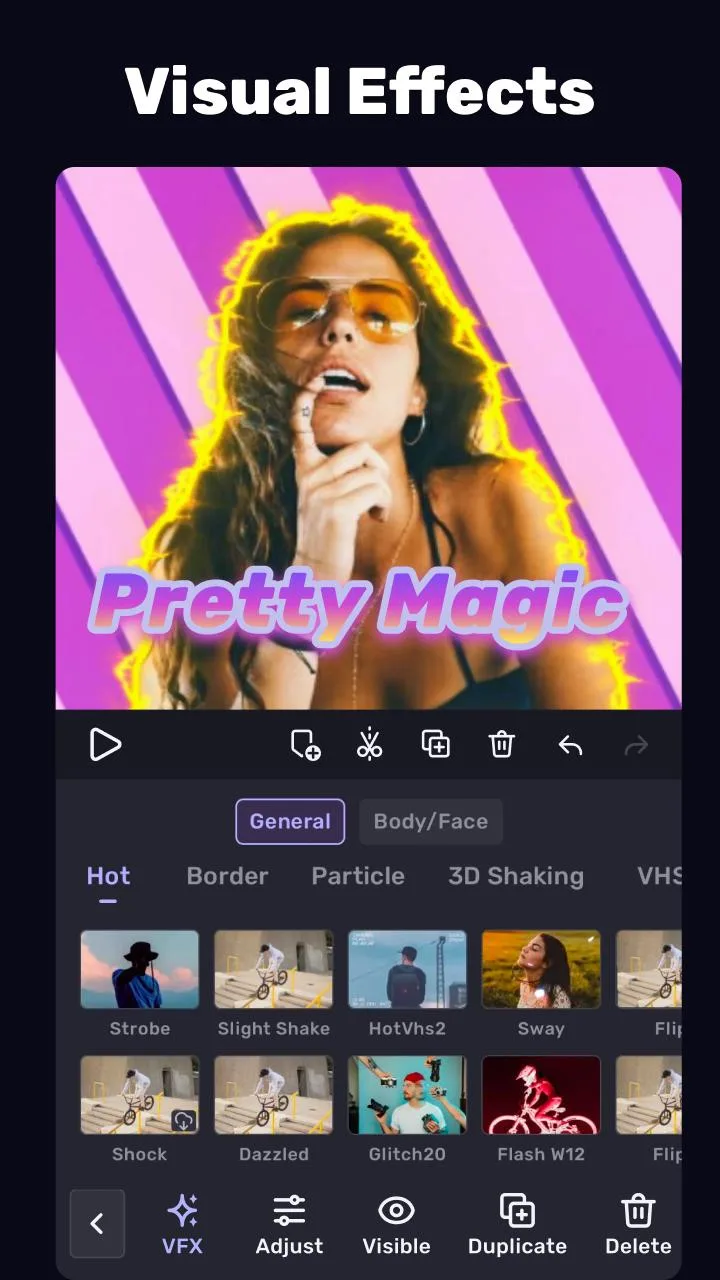
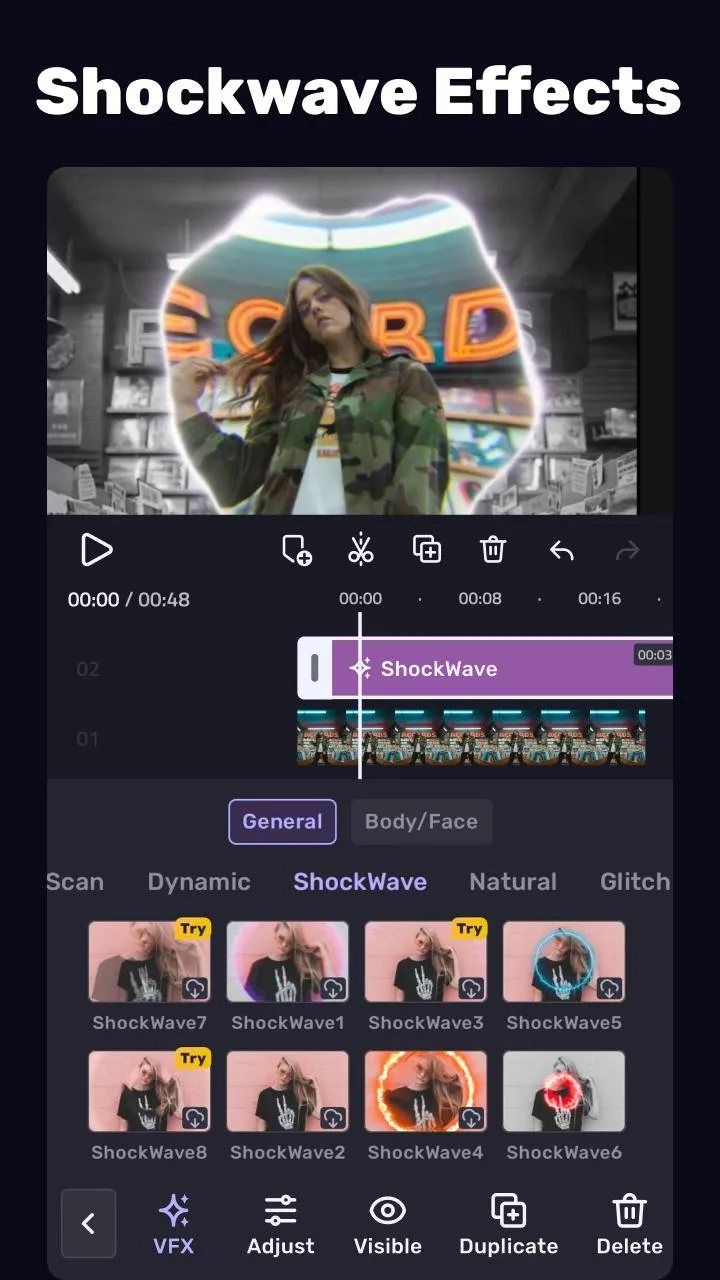
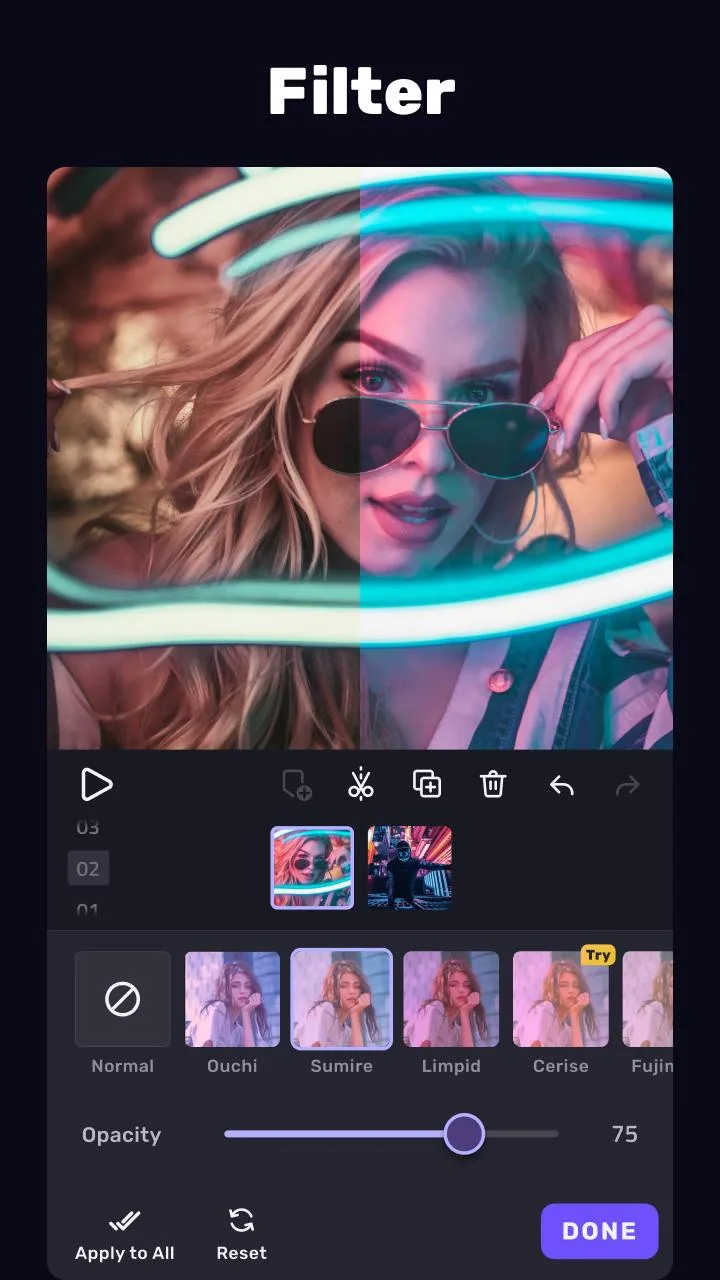
| All effects, transitions and filters | Opens the effect, transition, filter and sticker packs kept behind Pro. |
| Formats and presets | Opens the extra export formats and ratio presets. |
These are the client-side parts, the ones a modified file changes on your phone. The watermark and the ads come off reliably, because both are switched inside the app itself. The next section covers what the file cannot touch.
What the MOD does NOT open
This is the part most download pages skip. VivaCut splits its work between your phone and the VivaCut team's servers, and a modified APK only changes the phone side.
Cloud material packs, the online asset library and the AI tools are fetched from VivaCut and can still ask for a real account or a paid Pro tier. No modified file moves that server work onto your device. So treat the Pro MOD as a clean, ad-free editor with the on-device effect packs opened, not as a key to VivaCut's cloud. There is no game account here to get banned from, since this is a utility; the only real limit is that server content stays on VivaCut's side. Check the MOD info line at the top of this page for what the current build carries.
How to download and install VivaCut Pro MOD APK
- Tap the green Download APK button at the top of this page. The file is around 171 MB and downloads directly, no registration or SMS.
- Allow installation from unknown sources for your browser or file manager (Settings then Security).
- If the Play Store copy is installed, remove it first, since the MOD has a different signature and will not install over it. It needs Android 5.0 or newer.
- Open the app, grant it gallery and storage access, and start a new project.
New to sideloading? Our APK install guide walks through the same steps with screenshots.
Editing tips
- Shoot chroma key clips against a flat, evenly lit backdrop so the green screen keys out clean.
- Use keyframes for smooth zooms and moves instead of hard cuts.
- Export at 1080p or 2K for social feeds; 4K is heavier and most platforms downscale it anyway.
- Stack layers for text and music overlays, and mute the source clip when you add a separate audio track.
- Save the project before a long export, so a render never costs you the edit.
MOD or original?
The original VivaCut is free on Google Play, and the VivaCut team sells Pro as a subscription that keeps the premium effects, clean exports and cloud material stable across updates. The MOD mainly gives you an ad-free, watermark-free editor with the on-device effect packs open and 2K/4K export raised, while the cloud library and the AI tools still depend on a real account. Pick the route that fits how you edit: the subscription if you lean on cloud templates and AI, the MOD if you mostly want clean, watermark-free exports and the effect packs. If VivaCut earns a spot in your workflow, buying the Pro subscription supports the developer.
Want more editors to compare? Try KineMaster, browse the video players and editors category, or check fresh MOD APKs in the catalog.
FAQ
What does the VivaCut Pro MOD open?
Does it remove the watermark?
Will cloud and AI features work?
Is the MOD APK safe to install?
Do I need to uninstall the Play version?
What are the requirements and size?
Download VivaCut Pro Mod (Unlocked All)
- No viruses
- No spyware
- No malware
The reviews (0)