- No viruses
- No spyware
- No malware
com.camerasideas.trimmerThis file was downloaded, scanned and installed by our editors before publishing.
Every file is also checked with VirusTotal before publishing.

YouCut MOD APK (Pro Unlocked): What Actually Works

Additional information about YouCut MOD APK (Pro Unlocked): What Actually Works
com.camerasideas.trimmerThe description of YouCut MOD APK (Pro Unlocked): What Actually Works
YouCut MOD APK is passed around as a "Pro Unlocked" build of InShot Inc.'s video editor, but here is the part most download pages leave out: the free version of YouCut already exports with no watermark and shows no banner ads while you edit. The single biggest reason people go looking for a MOD is already covered by the normal app. On this page our editors explain what YouCut Pro actually adds, why a local patch cannot reliably turn it on, and how to install and update the app safely, tested on real Android devices.
What is YouCut?
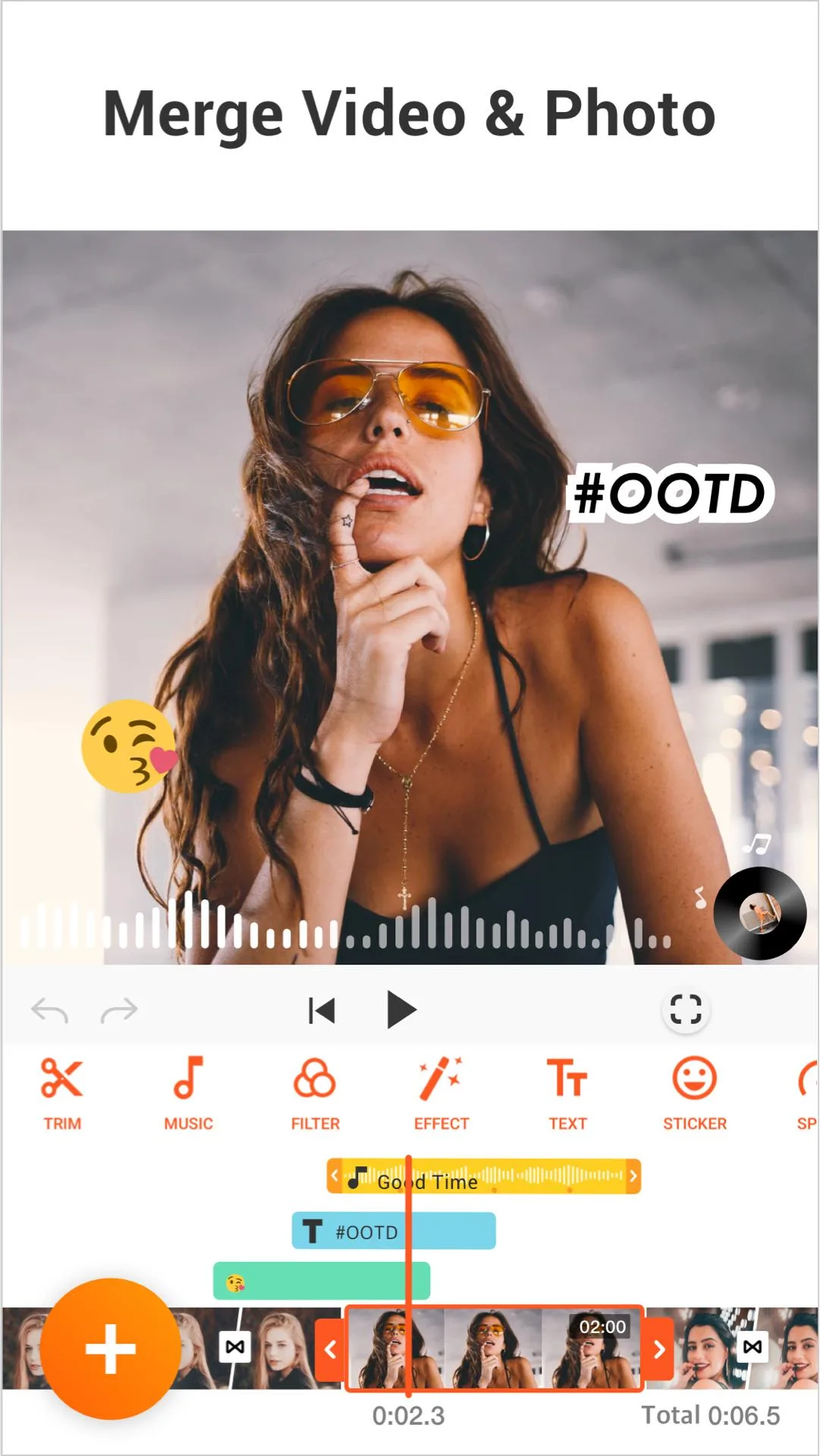
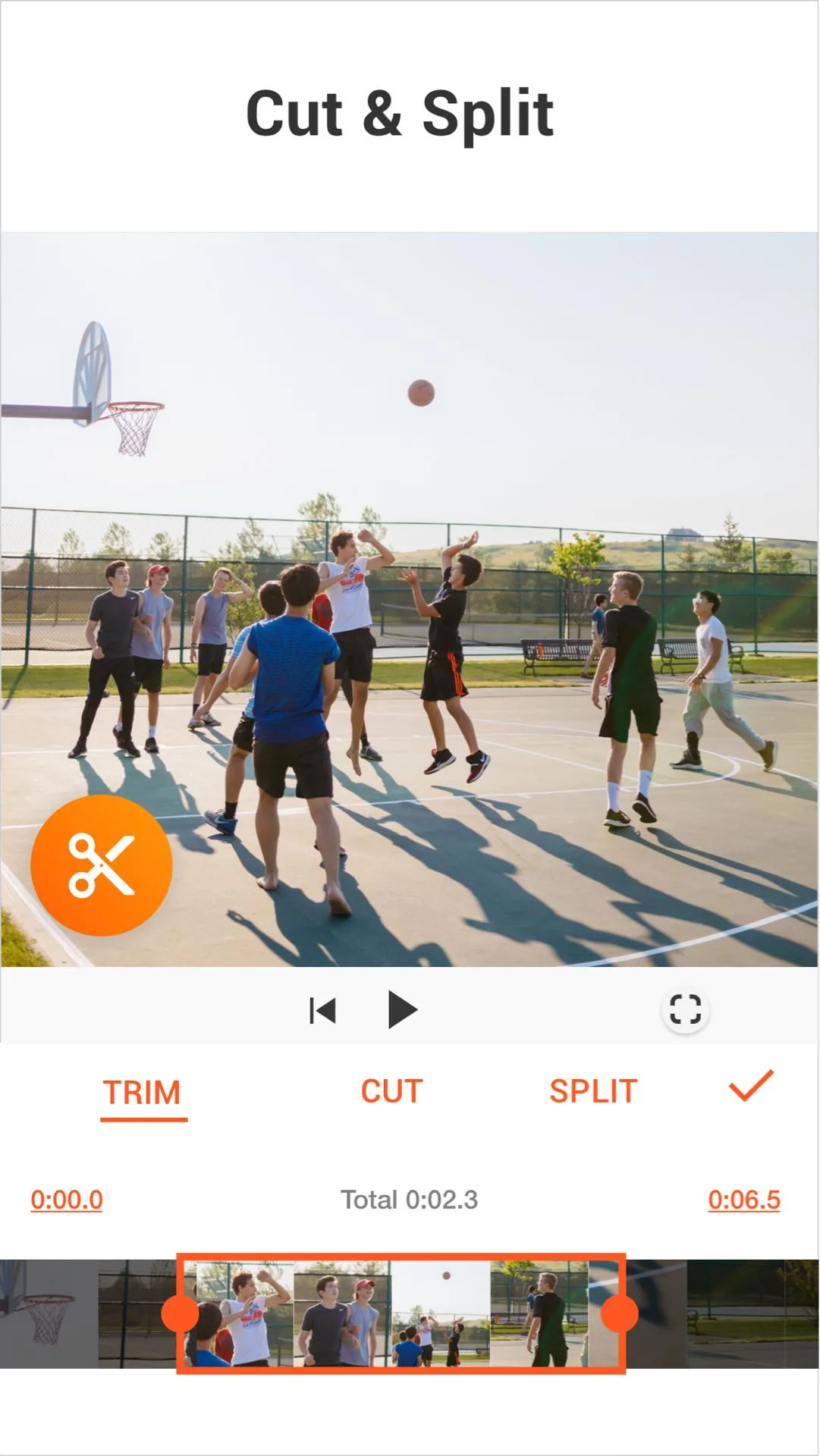
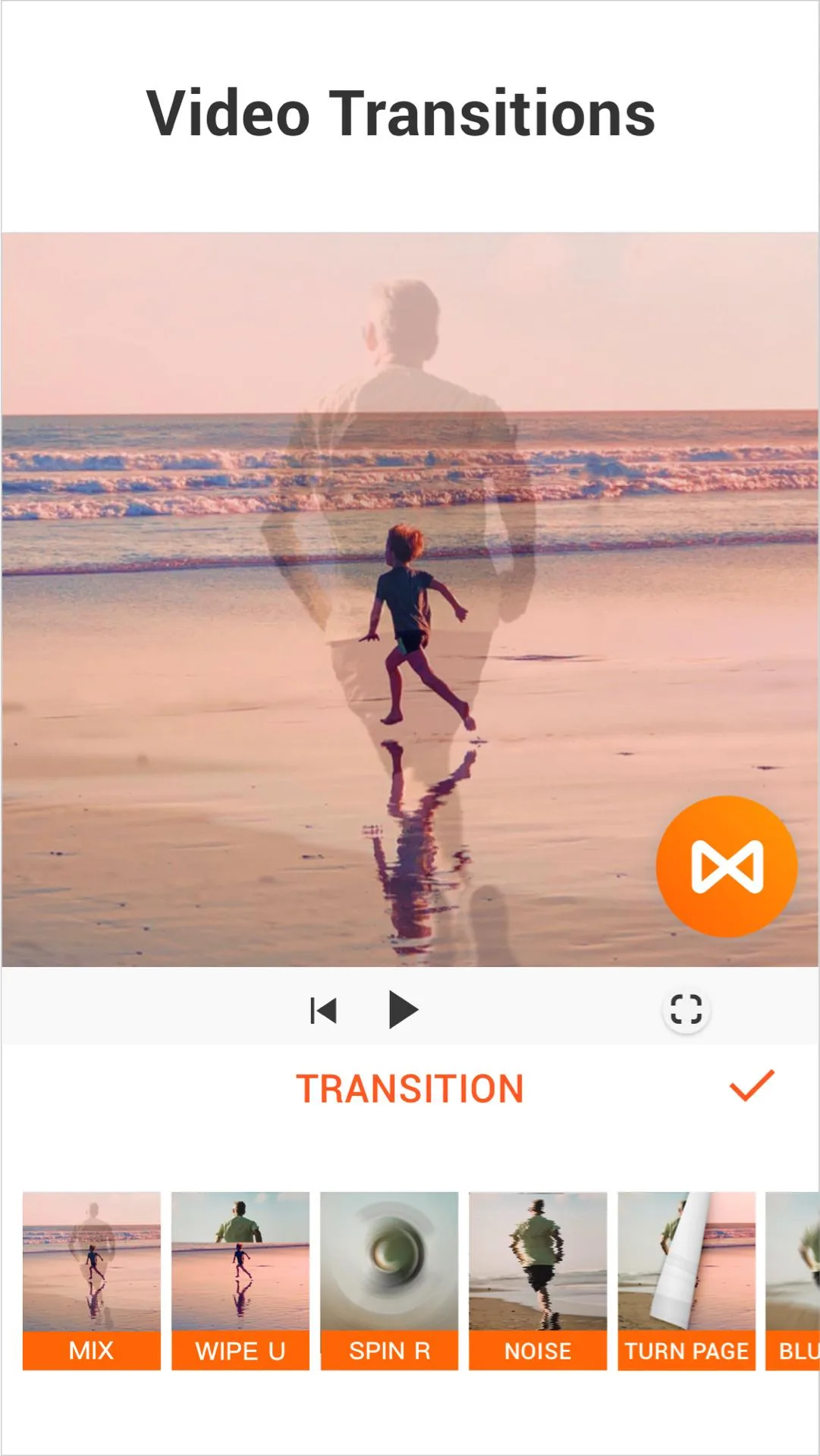
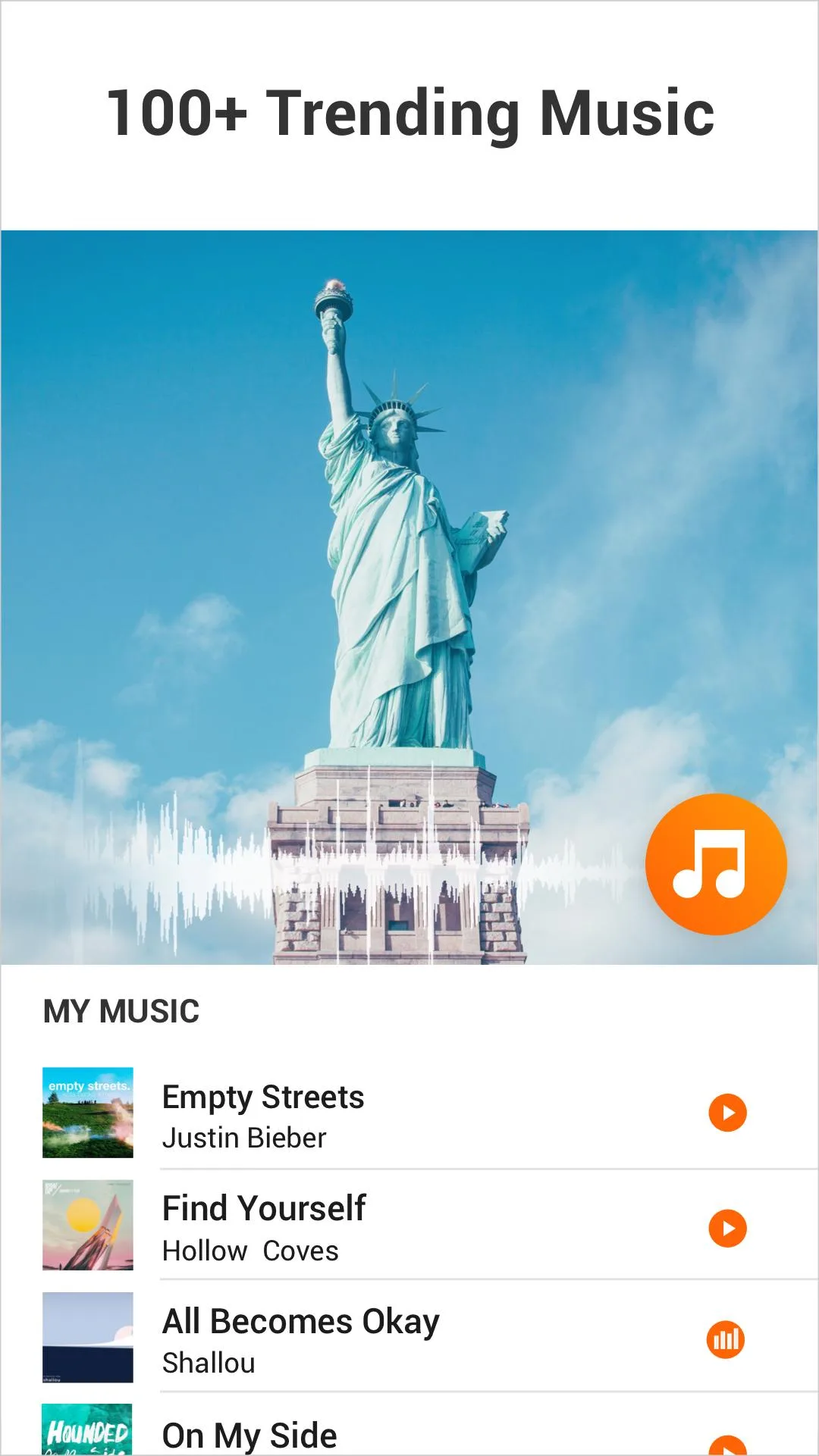
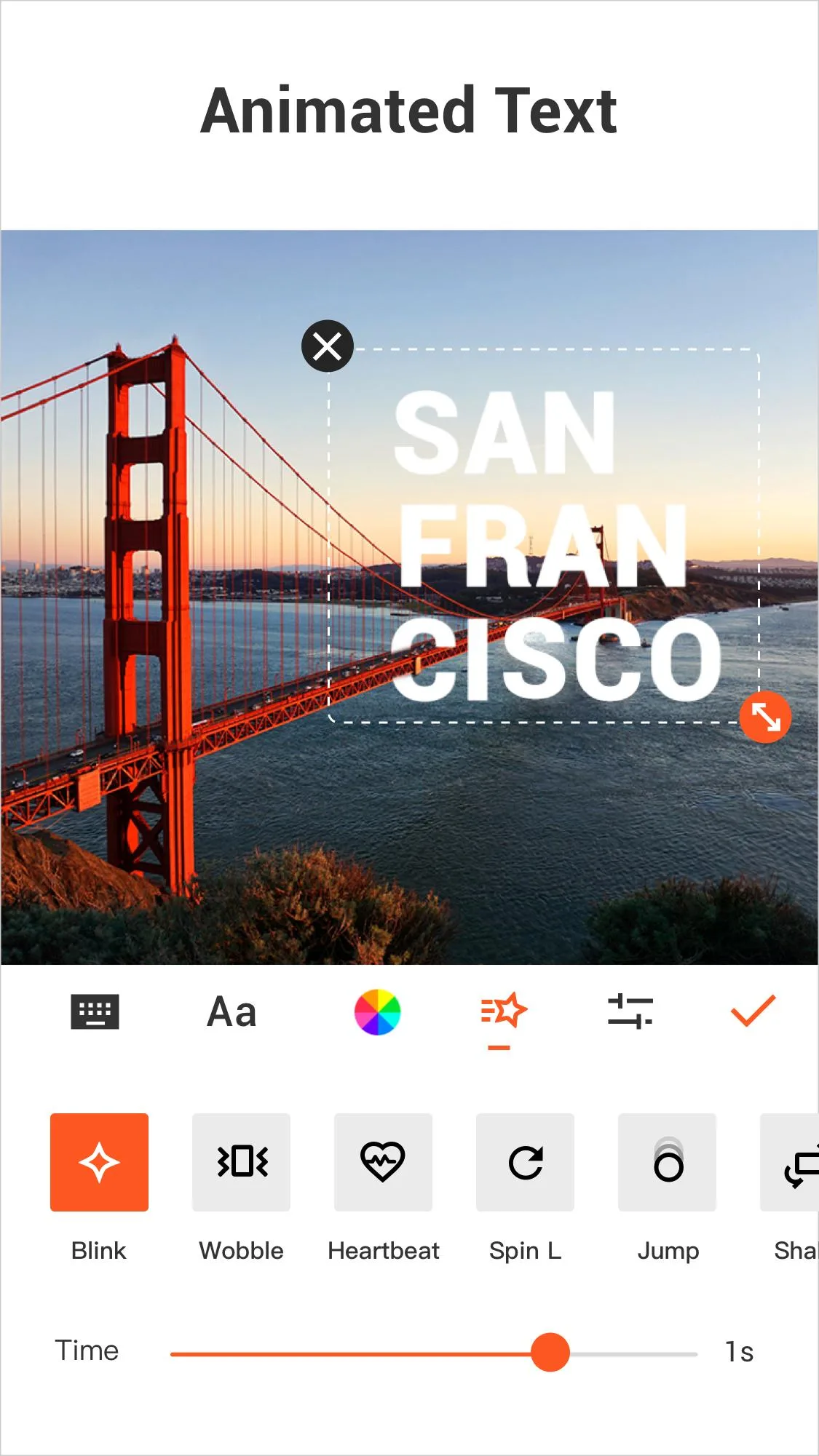
YouCut is a free video editor by InShot Inc. (package com.camerasideas.trimmer), one of the most installed editing apps on Android. It covers the everyday jobs: trim, merge and split clips, add text and more than 30 transitions, change speed from 0.2x to 4x, drop in music, and apply filters. Export presets are ready for TikTok, YouTube and Instagram, so you pick the aspect ratio and the app handles the frame.
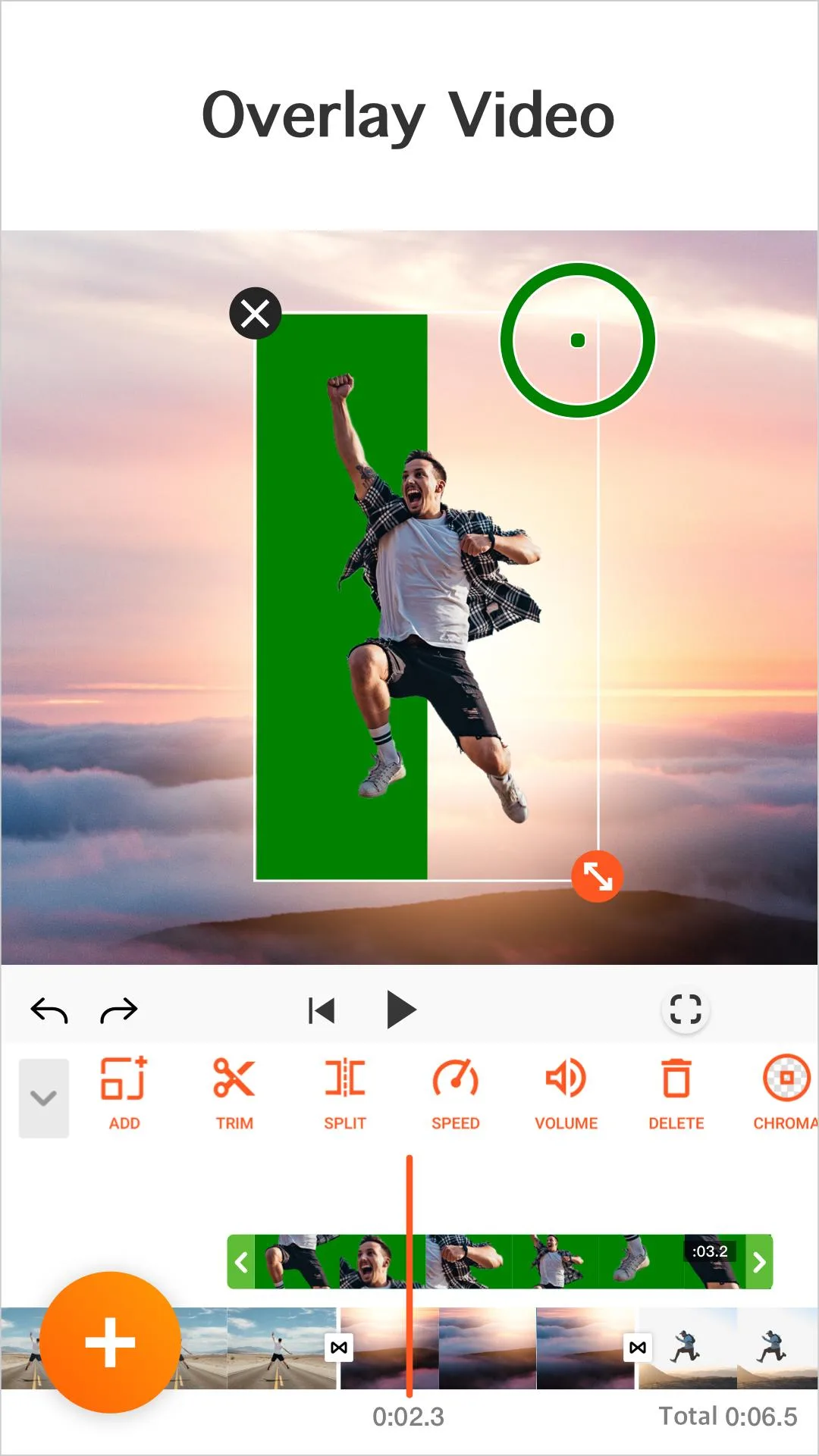
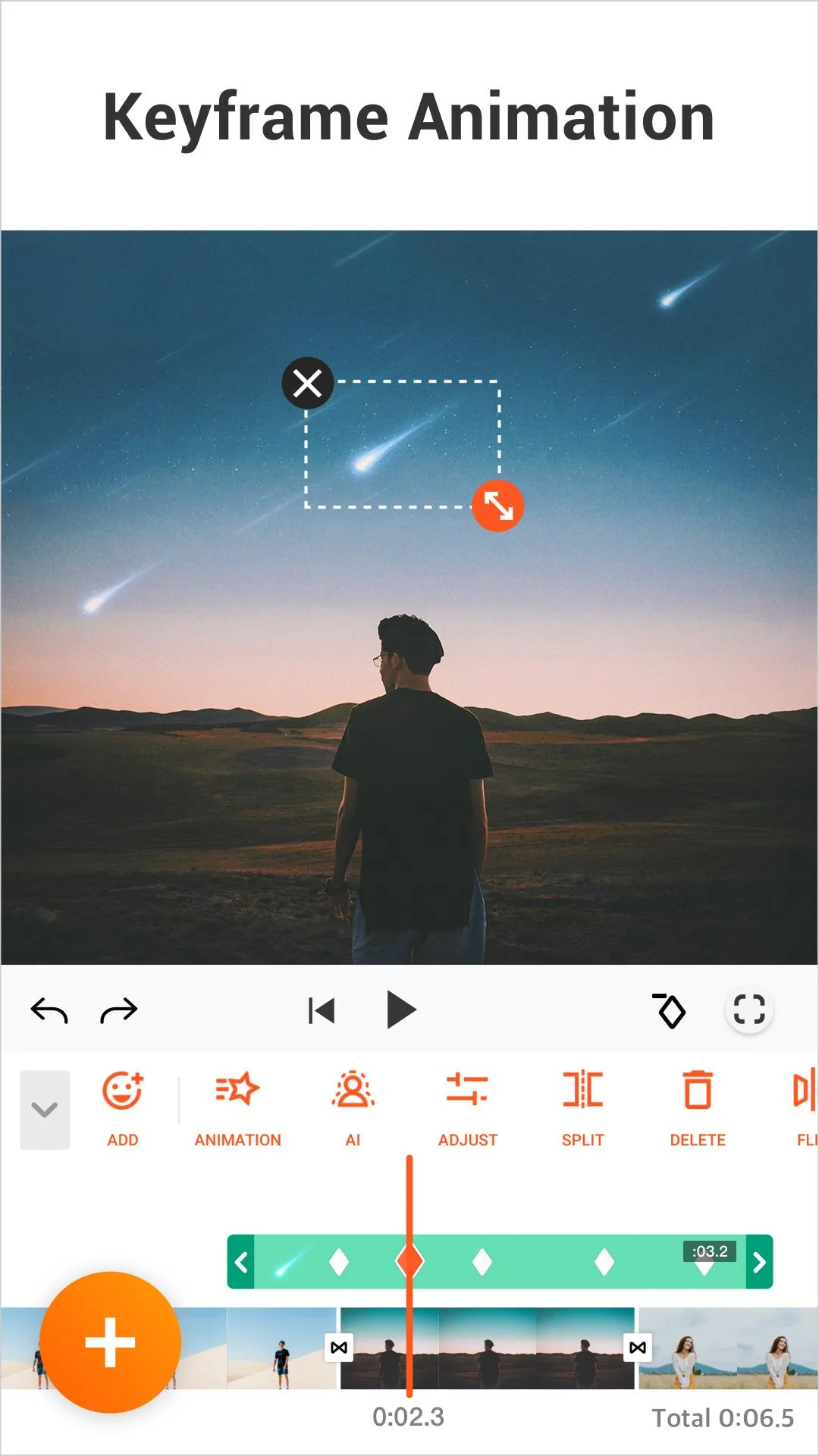
Newer builds go further than a basic trimmer. You get a multi-layer timeline, chroma key (green screen), AI auto-captions and background removal, the kind of tools that used to mean opening a desktop program. Most of this runs in the free app, which is why the honest question is not "how do I get a MOD" but "do I even need one".
Free vs Pro: what the MOD claims
The card here carries a MOD badge marked as Pro. Before you weigh it, it helps to see what actually sits behind the Pro paywall, because the headline features are already free.
| Free YouCut | Pro / Unlimited |
|---|---|
| No watermark on exports | Extra editing tools |
| No banner ads while you edit | Extra material: more filters, effects and music |
| Core editing: trim, merge, text, 30+ transitions, speed 0.2x to 4x | Fully ad-free across the whole app |
Read the table the honest way: the parts most people want, no watermark and a clean editing screen, are in the free version. Pro is a convenience and extras layer, not the thing standing between you and a clean export.
Why a "Pro Unlocked" patch is unreliable
YouCut Pro is a subscription tied to your Google account, and it is checked on InShot's servers, not just inside the app. That is the catch with any patched "Pro" build: a local patch can flip a switch in the file, but the server still decides if your account holds Pro. When the two disagree, Pro tends to fall back to free.
What that means in practice:
- Pro resets. Tools that looked active drop back to the free tier after a sync or a restart.
- Sign-in problems. A modified build can fail Google or InShot account checks, which breaks login and cloud features.
- No updates. A patched APK does not update through Google Play, so you sit on an ageing build while the real app moves on.
- Account risk. Tampering with a paid service can flag or restrict the account you signed in with.
None of this is a scare pitch, it is just how a client and server split works. The editing itself runs locally and works fine; the paid layer lives on InShot's servers, and that is the part a MOD cannot honestly promise.
How to install the YouCut MOD APK safely
However you get YouCut, keep the install clean and the version current.
- To download the APK from this page, tap the green Download button at the top. The file is scanned for malware and installed on a real device by our editors before it goes live, the same check we have run since 2018.
- Allow installation from unknown sources for your browser (Settings → Security), then open the file and tap Install. The app is about 48 MB and needs Android 6.0 or newer.
- First time sideloading? Our APK install guide walks through it with screenshots.
- Check the version. The card here should match the current Play release (around 1.716.x at the time of writing); an older build like 1.680 is worth refreshing so effects and export stay stable.
For the version that always auto-updates and keeps a Pro subscription valid, the app is free on Google Play under InShot Inc.
MOD or original?
For most people the free YouCut is enough: no watermark, no banner ads, and the full core toolset. If that is what you were after, you already have it. If you want the Pro extras and fully ad-free editing, buy the subscription from InShot inside the app, it supports the developer and keeps updates flowing.
Want a heavier editor from the same studio? See InShot Pro MOD APK, or browse more video players and editors and fresh MOD APKs in the catalog.
FAQ
Does the free YouCut add a watermark?
What does YouCut Pro actually add?
Does the "Pro Unlocked" MOD really work?
Can I get banned for a modded YouCut?
What version and requirements does YouCut need?
Is YouCut free and legal?
Download YouCut Mod (Pro Unlocked)
- No viruses
- No spyware
- No malware
The reviews (0)