- No viruses
- No spyware
- No malware
com.uc.browser.enThis file was downloaded, scanned and installed by our editors before publishing.
Every file is also checked with VirusTotal before publishing.

UC Mini APK (UC Browser Mini) for Android
Additional information about UC Mini APK (UC Browser Mini) for Android
com.uc.browser.enThe description of UC Mini APK (UC Browser Mini) for Android
UC Mini (also known as UC Browser Mini) by UCWeb is a lightweight, fast web browser for Android built for slow networks. It saves mobile data, loads pages quickly and ships with a built-in video downloader for offline viewing. On this page you can get the UC Mini APK as an editor-tested mirror, and the browser is also available on Google Play, so you can pick whichever route suits you.
What is UC Mini?
UC Mini is the compact version of UC Browser from the UC Team. It is built to speed up page loading and cut data use on slow or unstable connections, which is why it stays popular on entry-level phones and 3G networks. The app is small, about 11.5 MB, and runs on Android 4.4 and newer, so it fits older hardware that struggles with heavier browsers. Its package name is com.uc.browser.en, the same one on the official store listing, where the app is labelled UC Mini- Download Video Status.
Key features
- Fast browsing with data saving: pages are compressed before they reach your phone, so they load faster and use fewer megabytes.
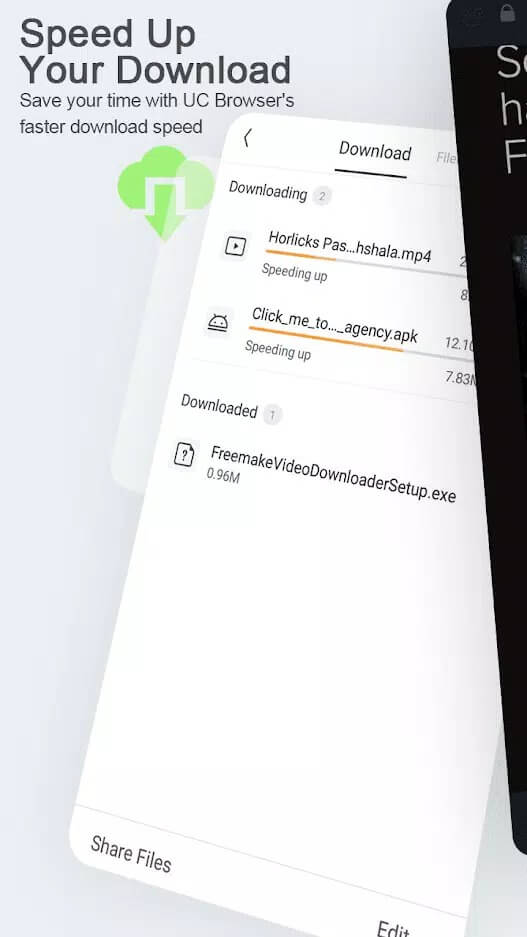
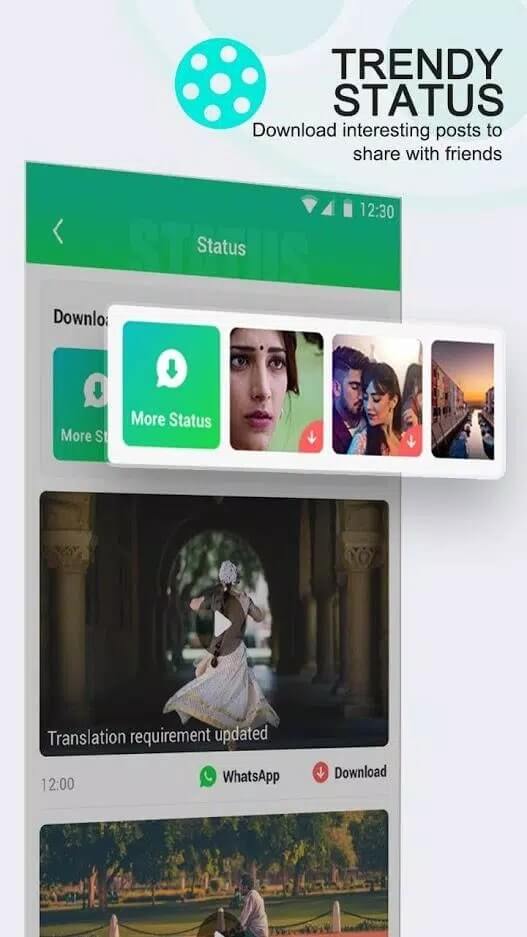
- Built-in video downloader: save videos from supported pages and watch them later with no connection.
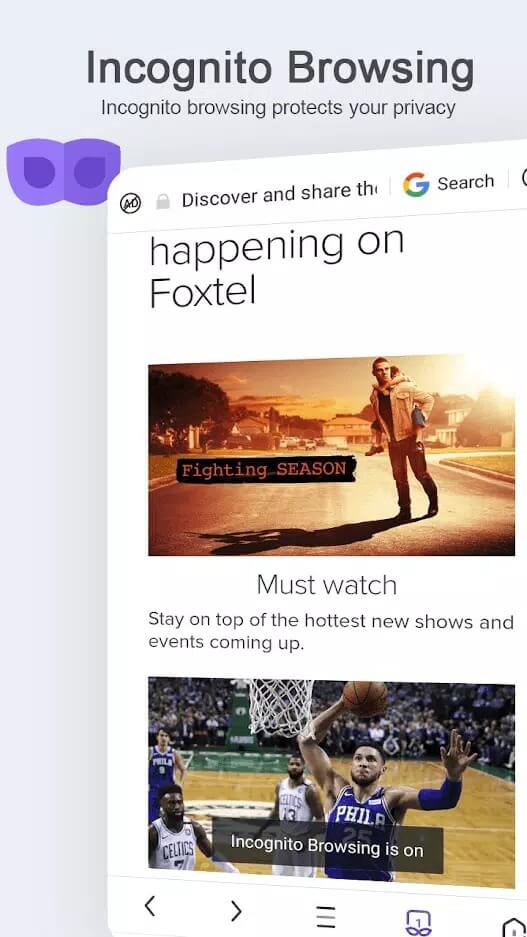
- Incognito mode: a private tab that keeps no history, cache or cookies for that session.
- Ad block: cuts common banners and pop-ups for a cleaner page.
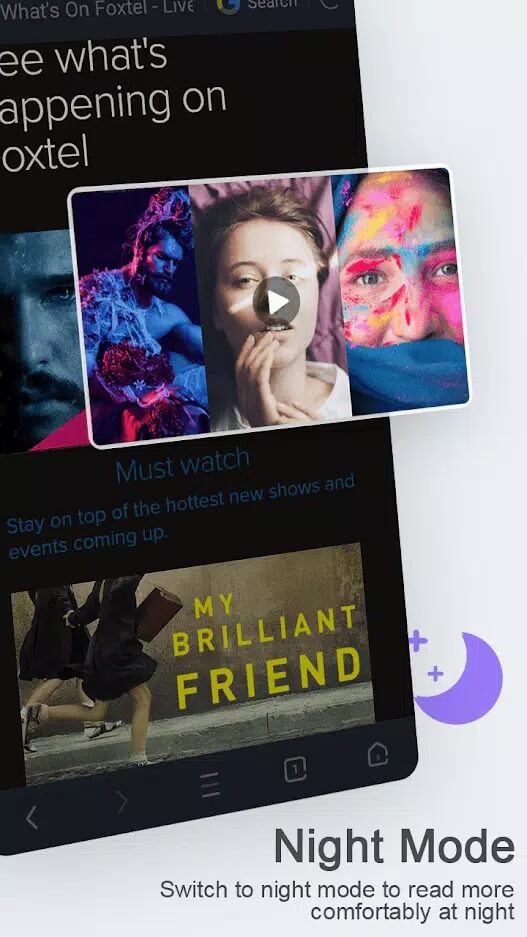
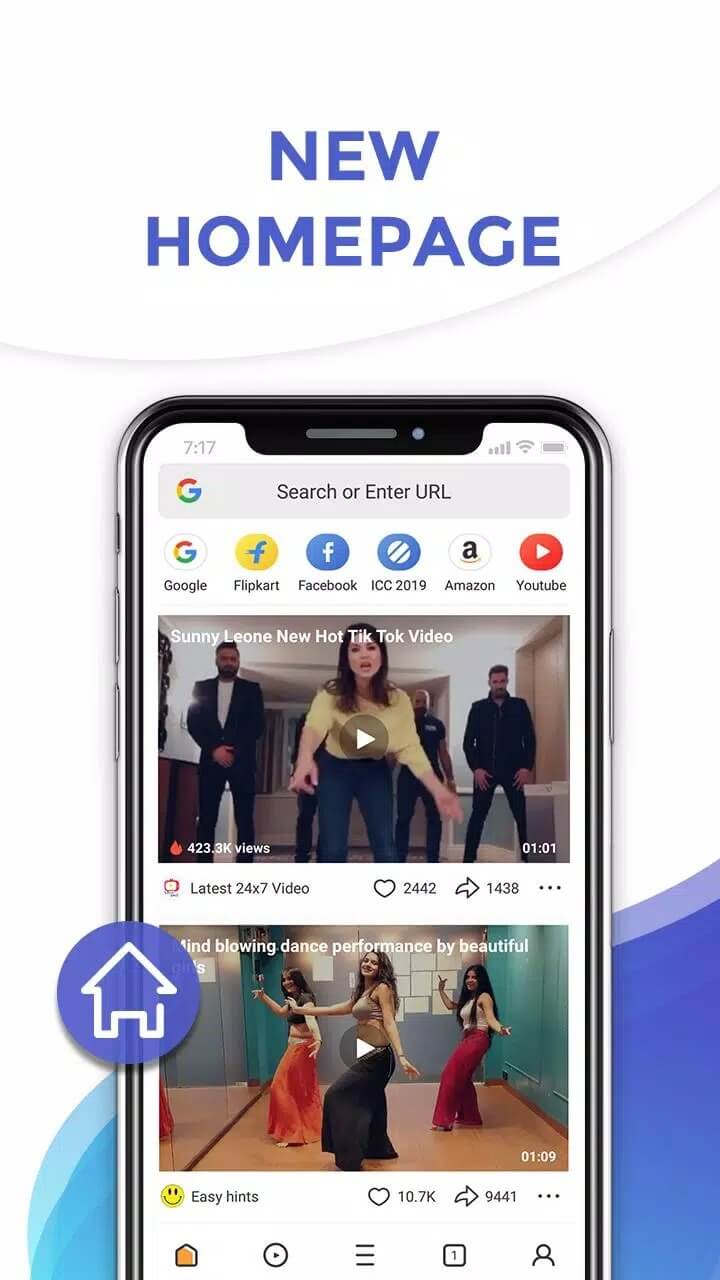
- Interface personalization: change themes and rearrange the home screen to fit how you browse.
- Background downloads: files keep transferring while you read or open another tab.
Fast and data-saving browsing
Data saving is the main reason people pick the UC Mini browser. Pages are routed through compression before they load, so heavy sites open faster and use less of your data plan. On a weak signal the difference is easy to feel: text and images arrive sooner, and the same page costs you fewer megabytes.
When you want to browse without leaving a trace on the device, switch to incognito mode. It stores no history, cache or cookies for that session, so nothing from those tabs stays on your phone once you close them.
Video downloader
The UC Mini video download feature is built straight into the browser. Open a supported page, and the app can save the clip to your phone for offline viewing, while the transfer keeps running in the background as you carry on browsing. It works with pages that allow saving; it is not a tool for pulling protected or paid streams, and we do not suggest using it that way. Saved files land in your device storage, so you can play them later from any video player.
How to get UC Mini APK
- The main route is Google Play: search for UC Mini- Download Video Status (package com.uc.browser.en) and install it like any other app.
- Want a direct file instead? Tap the Download APK button on this page to get the editor-tested mirror, then allow installation from unknown sources for your browser (Settings → Security).
- Open the downloaded file, tap Install and launch the browser. The app is about 11.5 MB and needs Android 4.4 or newer, so it fits most phones.
Need an earlier build? The UC Mini old version files sometimes run better on very old hardware, so check the file list on this page for what we currently host. First time sideloading? Our APK install guide walks through the same steps with screenshots.
Is UC Mini APK safe and official?
Yes. This is the original UCWeb app, not a modified or repacked build. UC Mini is a free browser, so there is no MOD, no paid tier to open up and nothing extra bolted on. The safest route is Google Play, where the official listing sits under the same package com.uc.browser.en. If you take the APK from this page instead, our editors scan the file for malware and install it on a real device before it goes live, the check we have run since 2018. Keep Play Protect on and you are good to go.
Looking for other light browsers? Compare it with the full UC Browser, the classic Opera Mini or the privacy-focused Aloha Browser, and browse more communication apps or the full apps catalog.
FAQ
What is UC Mini?
Is UC Mini on Google Play?
Is UC Mini a MOD?
Can UC Mini download videos?
Is the UC Mini APK safe?
What are the size and requirements?
Download UC Mini-Download Video Status
- No viruses
- No spyware
- No malware
The reviews (0)