- No viruses
- No spyware
- No malware
com.opera.mini.nativeThis file was downloaded, scanned and installed by our editors before publishing.
Every file is also checked with VirusTotal before publishing.

Opera Mini APK — Fast Web Browser with Data Saver



Additional information about Opera Mini APK — Fast Web Browser with Data Saver
com.opera.mini.nativeThe description of Opera Mini APK — Fast Web Browser with Data Saver
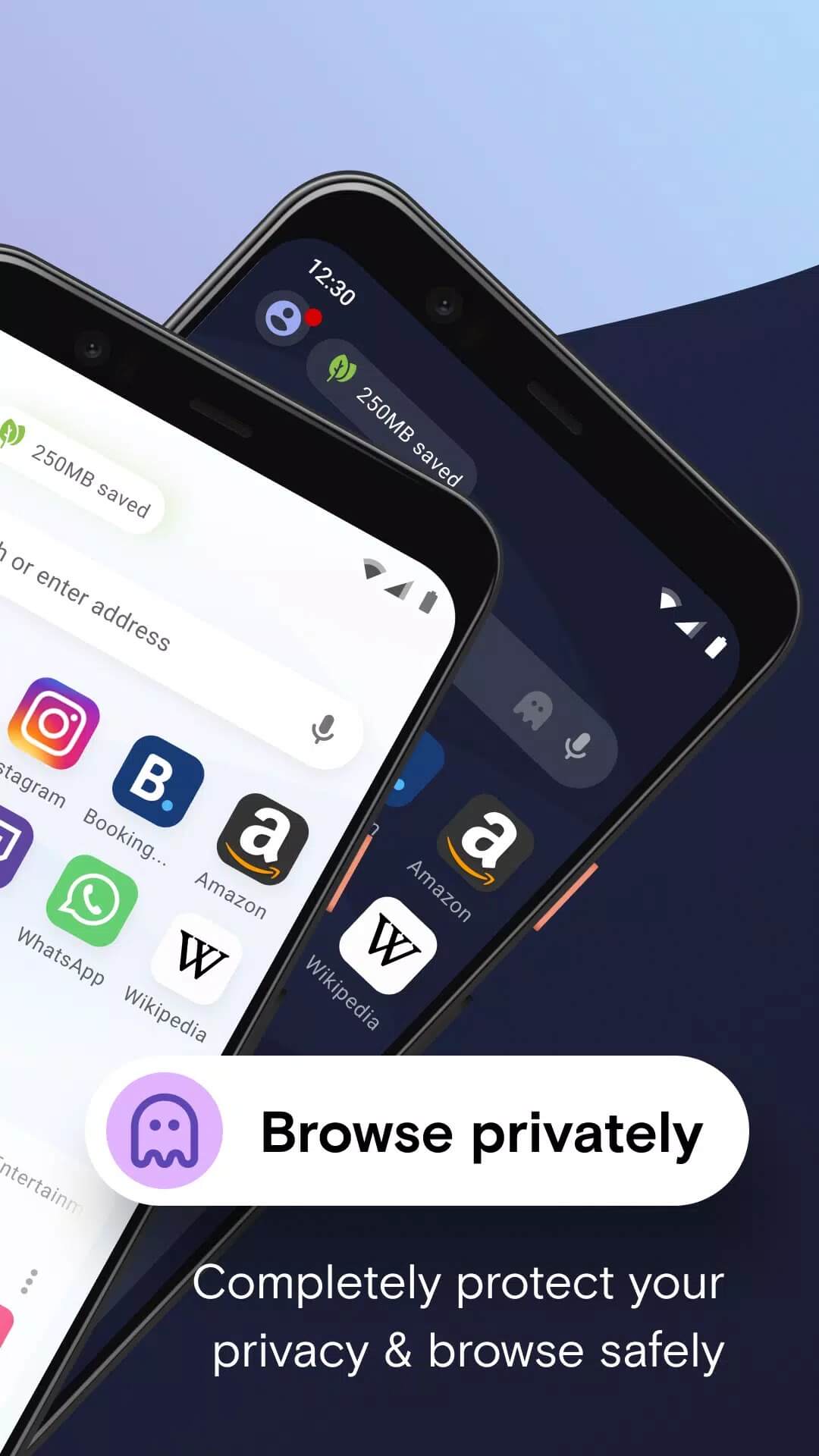
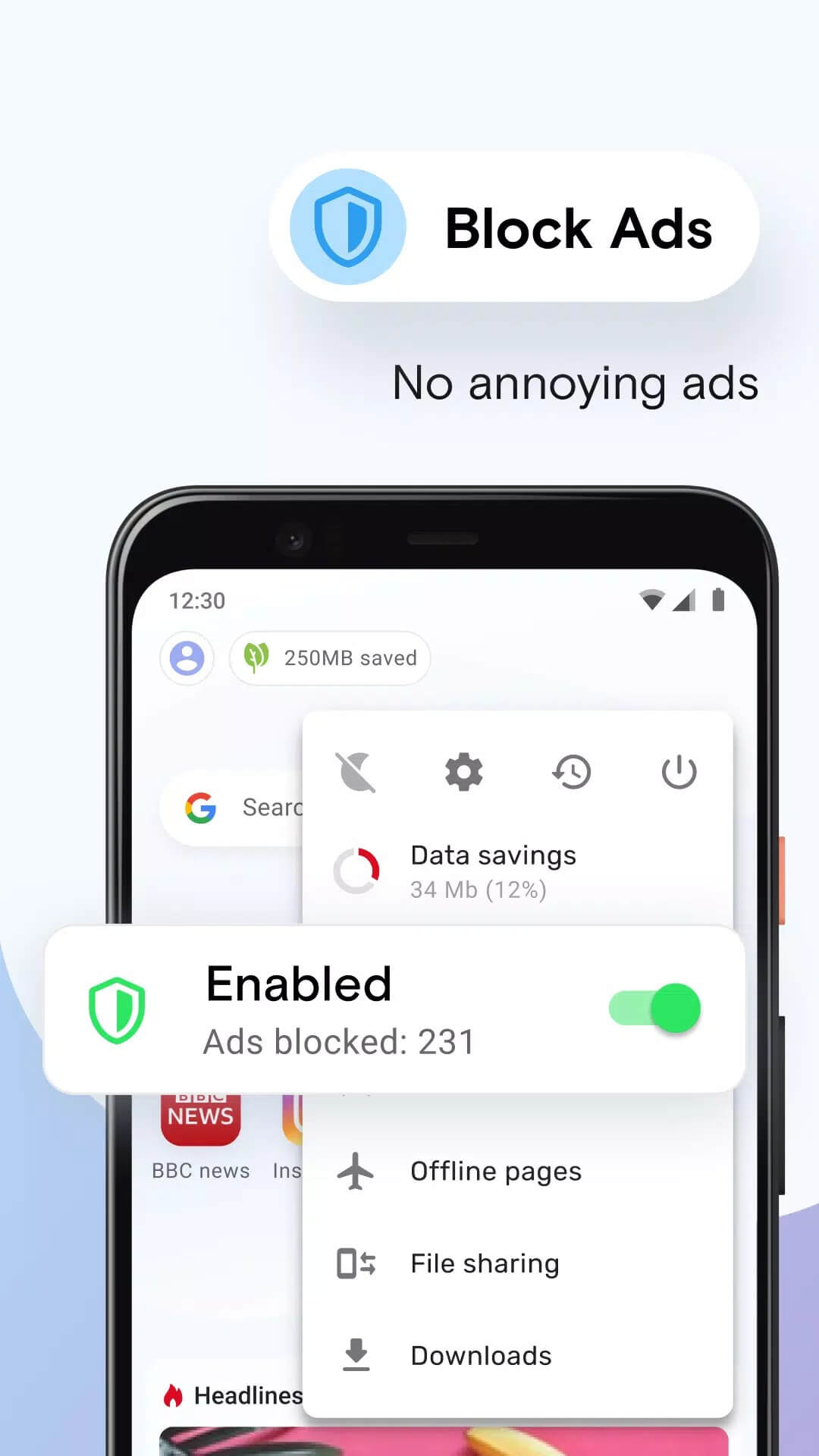
Opera Mini APK is the free, lightweight browser from Opera built for Android phones that run on weak hardware or a slow, pricey data plan. It squeezes web pages down before they reach your phone, so you spend less data and pages open faster. Data savings and an ad blocker come built in, with no subscription to buy. The file on this page is the original Opera build, scanned for malware and installed on a real Android device by our editors before publishing, we have done this since 2018.
So there is no login wall, no trial, nothing locked behind a paywall. You download it, open it, and browse.
What is Opera Mini?
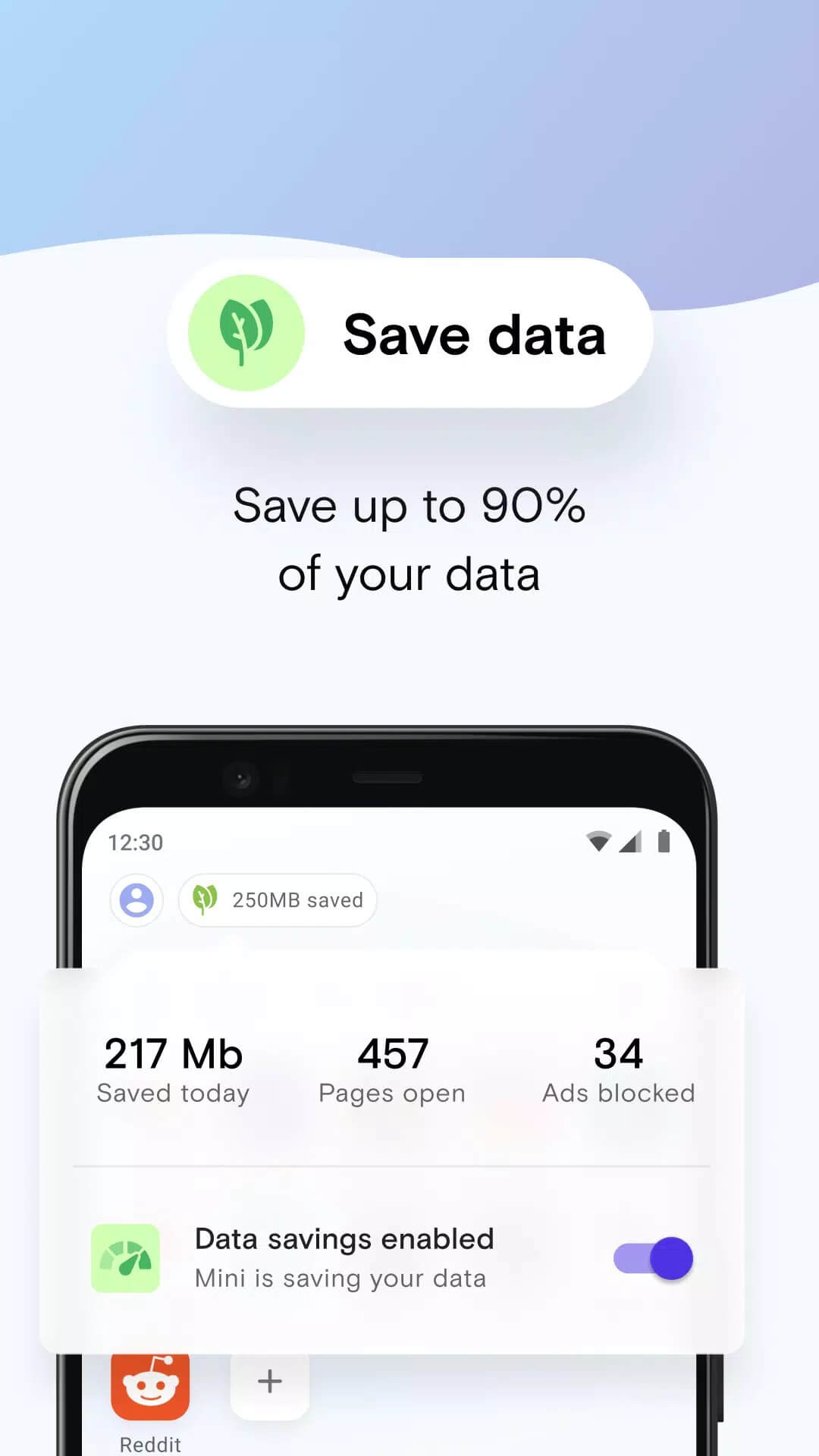
Opera Mini is the stripped-down version of Opera's browser for Android. It is aimed at older phones, small screens and networks that crawl, the kind of connection where a normal browser just sits and spins. The trick is server-side compression: your pages route through Opera's servers, get shrunk, and then land on your phone as a much smaller file. Less to download means faster loads and a lighter bill.
This is where it splits from the full Opera Browser. The full app is packed with features and eats more storage and data. Opera Mini keeps the app small and puts data saving first, which is why it stays popular on entry-level devices and prepaid plans across India and beyond.
Key features
| Feature | What it does |
|---|---|
| Data savings | Compresses pages on Opera's servers, cutting data use by up to about 90% on heavy sites. |
| Ad blocker | Built in, so most ads are stripped before the page loads, which also speeds things up. |
| Fast loading on weak networks | Smaller page sizes mean sites open even on 2G or a shaky signal. |
| Sync across devices | Keep bookmarks and open tabs in step between your phone and other devices. |
| Downloads manager | Grab files, pause and resume, and track them in one place. |
| Free, no subscription | Every feature is free. There is no premium tier to unlock. |
Opera Mini MOD APK — do you need it?
Short answer: no. Search around and you will see sites pushing an "Opera Mini MOD APK" with "VPN unlocked," "no ads" or "premium unlocked." Here is the honest part. The browser is already free, and the things those mods claim to hand you, data saving and ad blocking, ship in the normal app at no cost. There is nothing to unlock.
The "VPN" claim is the biggest mix-up. A built-in VPN lives in the full Opera Browser, not in Opera Mini, so no mod can bolt a real Opera VPN onto Mini. A repackaged APK from a random site can, on the other hand, carry adware or worse, and it breaks the automatic security updates you get from the real thing. Stick with the original file, that is what we host here.
Data saving explained
When you open a page, Opera Mini sends the request to Opera's servers first. They fetch the page, compress the images and code, and pass a slimmed-down version to your phone. You get the content for a fraction of the data, which matters a lot when you are on a capped plan or paying by the megabyte.
One honest note. Heavy compression can change how a page looks, a photo may lose a little sharpness, or a fancy layout may render plainer. For everyday reading, search and social it is a fair trade for the savings, and you can ease off the compression in settings if a site needs to look exact.
How to download and install
The download is a small APK, roughly 35 MB, and it runs on Android 6.0 and up.
- Tap the green Download APK button at the top of this page. The file downloads directly, no registration or SMS.
- Allow installation from unknown sources for your browser or file manager (Settings → Security).
- Open the file, tap Install, then launch Opera Mini and pick your data-saving level.
- Prefer the store? You can also grab the same app from Google Play. Either way it is the original Opera build.
New to sideloading? Our APK install guide walks through the same steps with screenshots.
Opera Mini vs full Opera Browser
Both come from Opera, but they are built for different phones. Opera Mini is the light, data-thrifty one, small install, aggressive compression, easy on old hardware. The full Opera Browser carries more features, including that built-in VPN and a richer settings menu, at the cost of more storage and data.
If your phone is tight on space or your data is precious, Mini is the pick. Want more control and do not mind the extra weight? Go full Opera. If you like a fast, feature-packed alternative, Aloha Browser Turbo is worth a look in our browser tag too.
FAQ
Is Opera Mini free?
Is there an Opera Mini MOD APK?
Does Opera Mini have a VPN?
How does data saving work?
Does it block ads?
What are the requirements?
Download Opera Mini APK Android
- No viruses
- No spyware
- No malware
The reviews (0)