- No viruses
- No spyware
- No malware
com.jb.gosmsThis file was downloaded, scanned and installed by our editors before publishing.
Every file is also checked with VirusTotal before publishing.

GO SMS Pro APK — Free Themes and Premium

Additional information about GO SMS Pro APK — Free Themes and Premium
com.jb.gosmsThe description of GO SMS Pro APK — Free Themes and Premium
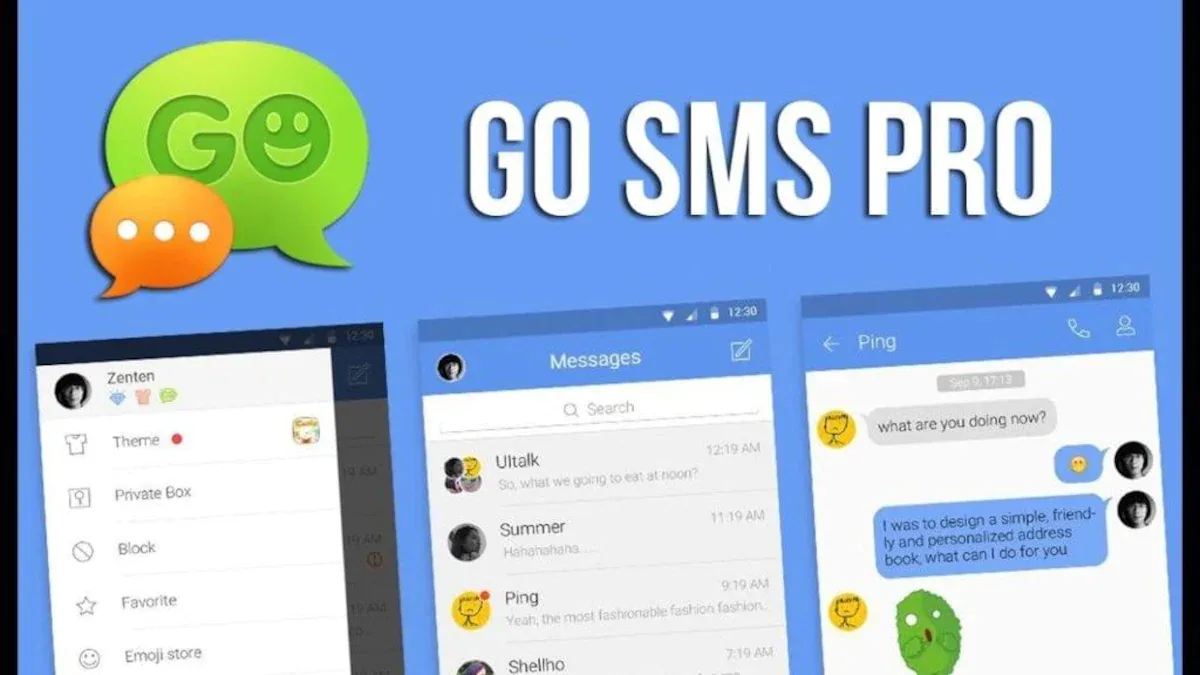
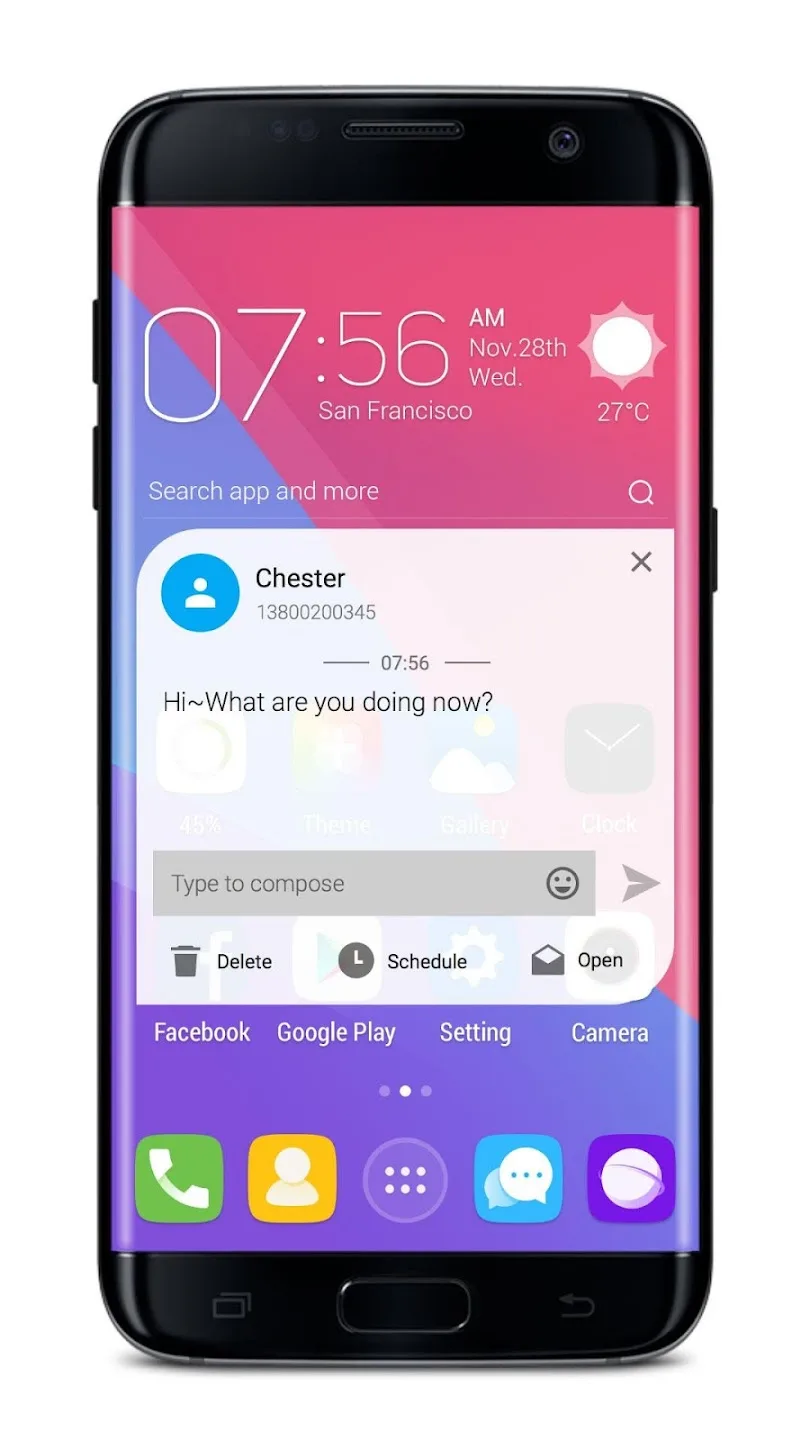
GO SMS Pro themes free is what most people come here for: a custom SMS and MMS app from GO Dev Team (GOMO) that replaces your stock messaging with themes, emoji, stickers, and a password-protected private box. The base app is free, and there is a Premium tier that removes ads and adds VIP features. On this page you can grab the current version, tested by our editors on real devices before publishing, plus a straight note on the app's safety history.
We list two files: the original from Google Play and a Premium-unlocked build. Both are scanned for malware and installed on a real Android device by our editors first. Below you get the honest version of what GO SMS Pro does well, where Premium helps, and one privacy point worth knowing before you trust it with private media.
What is GO SMS Pro?
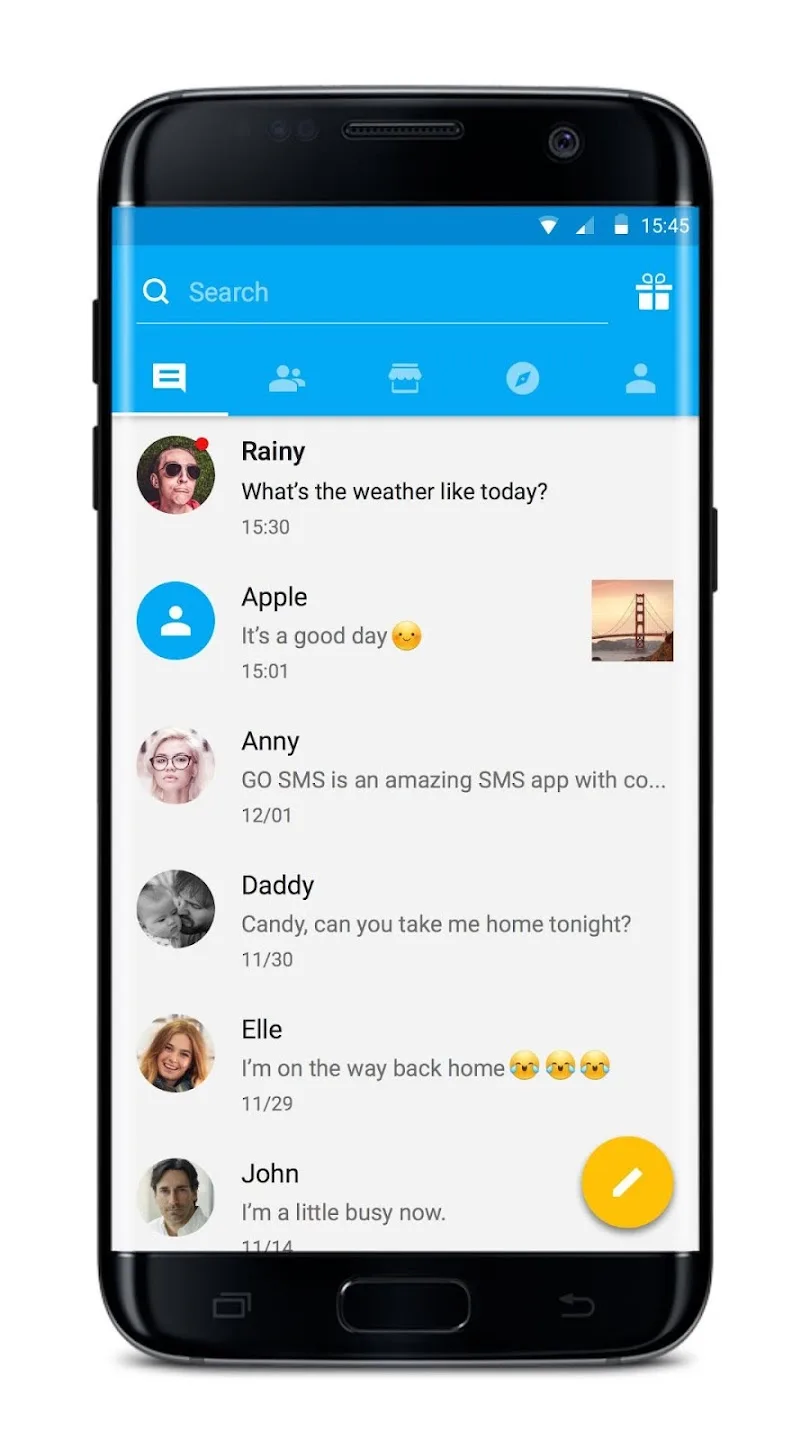
GO SMS Pro is a replacement for your phone's built-in texting app. You set it as the default SMS app, and it sends and receives SMS and MMS through your carrier, the same as any messenger. It does not use the internet to deliver texts, so it is not a chat app like WhatsApp.
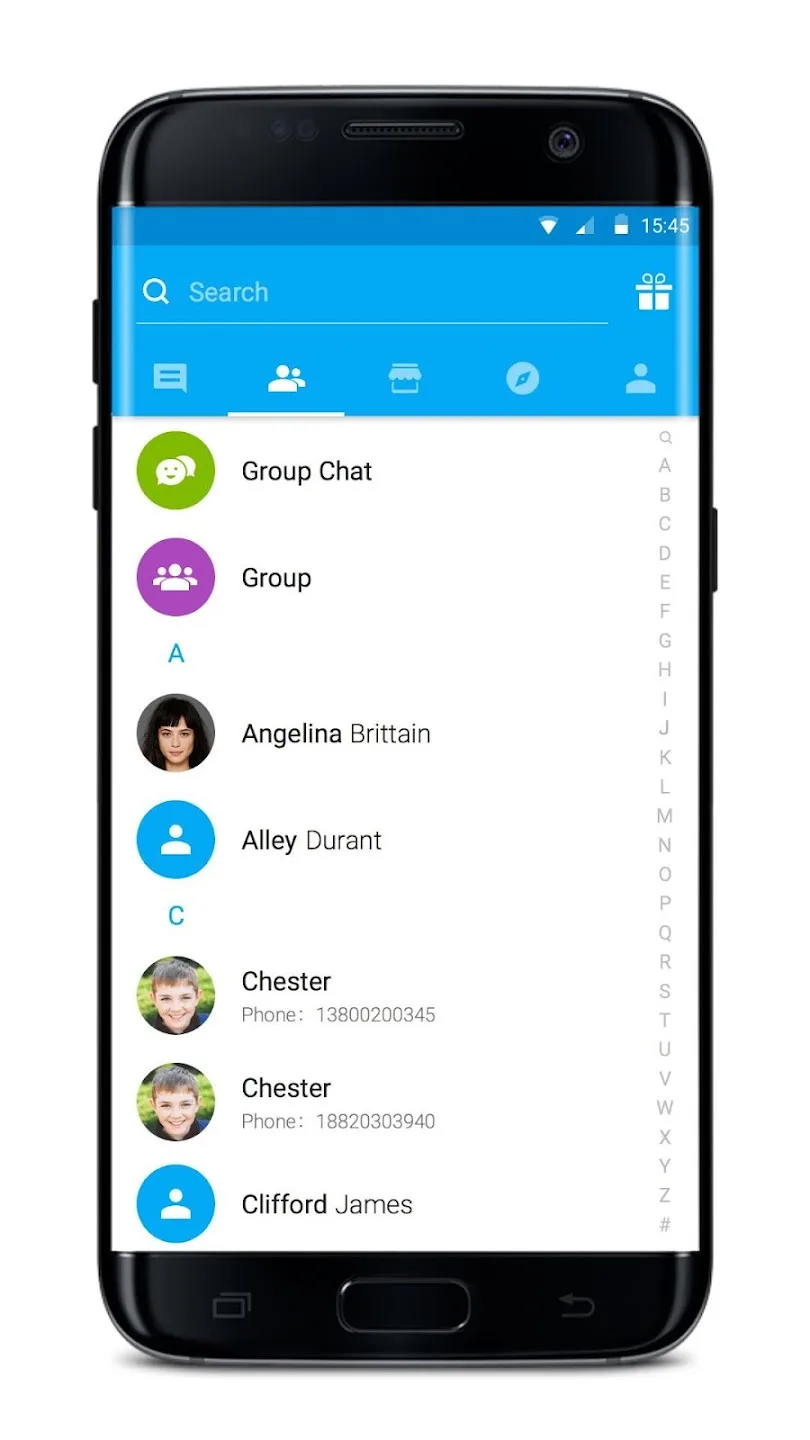
What it adds is control over how messaging looks and works: themes, fonts, and backgrounds you can set per contact, sticker and emoji packs, scheduled sending, message search, a blacklist, and voice or video attachments. It is a heavier app than the stock one, but that is the trade for the customization.
Themes and customization
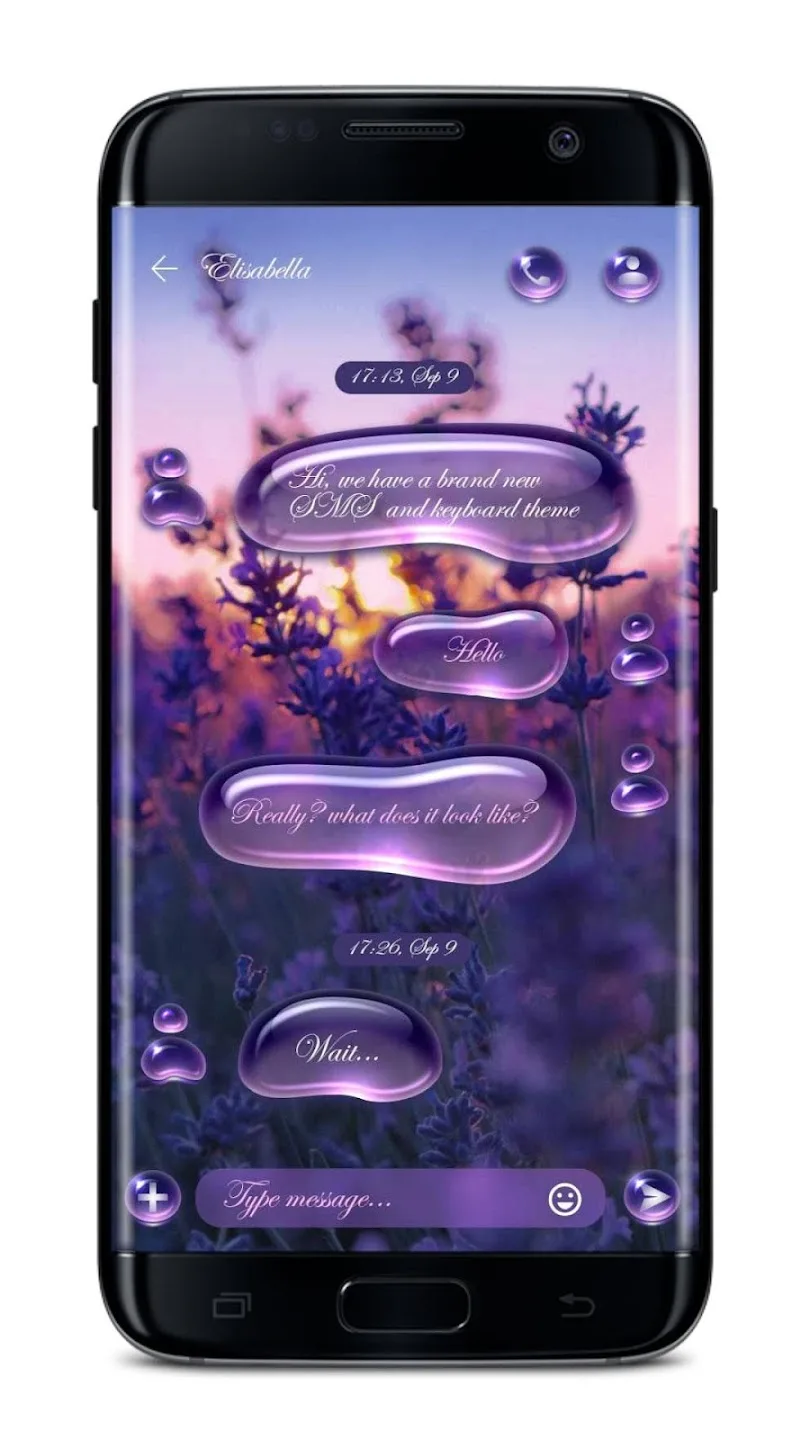
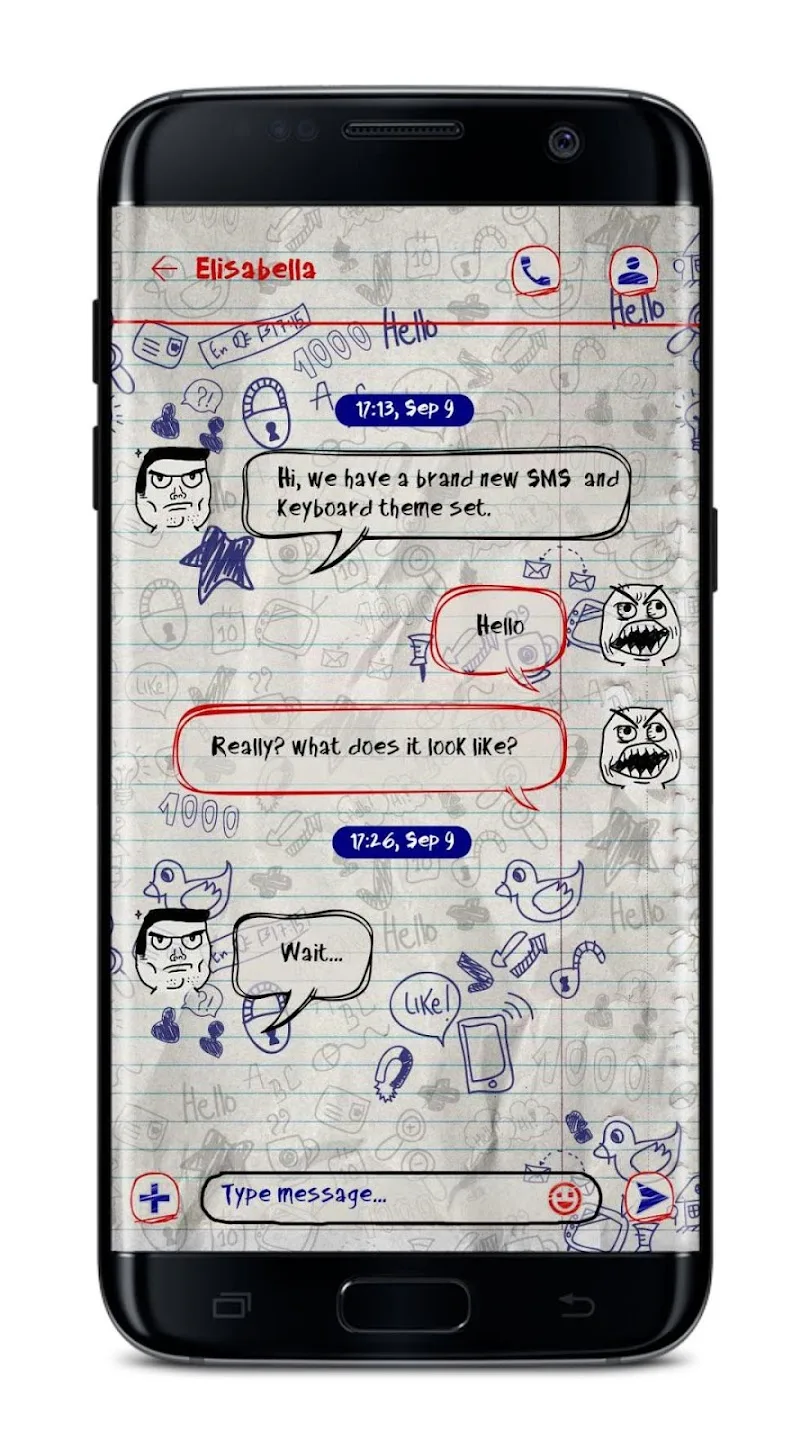
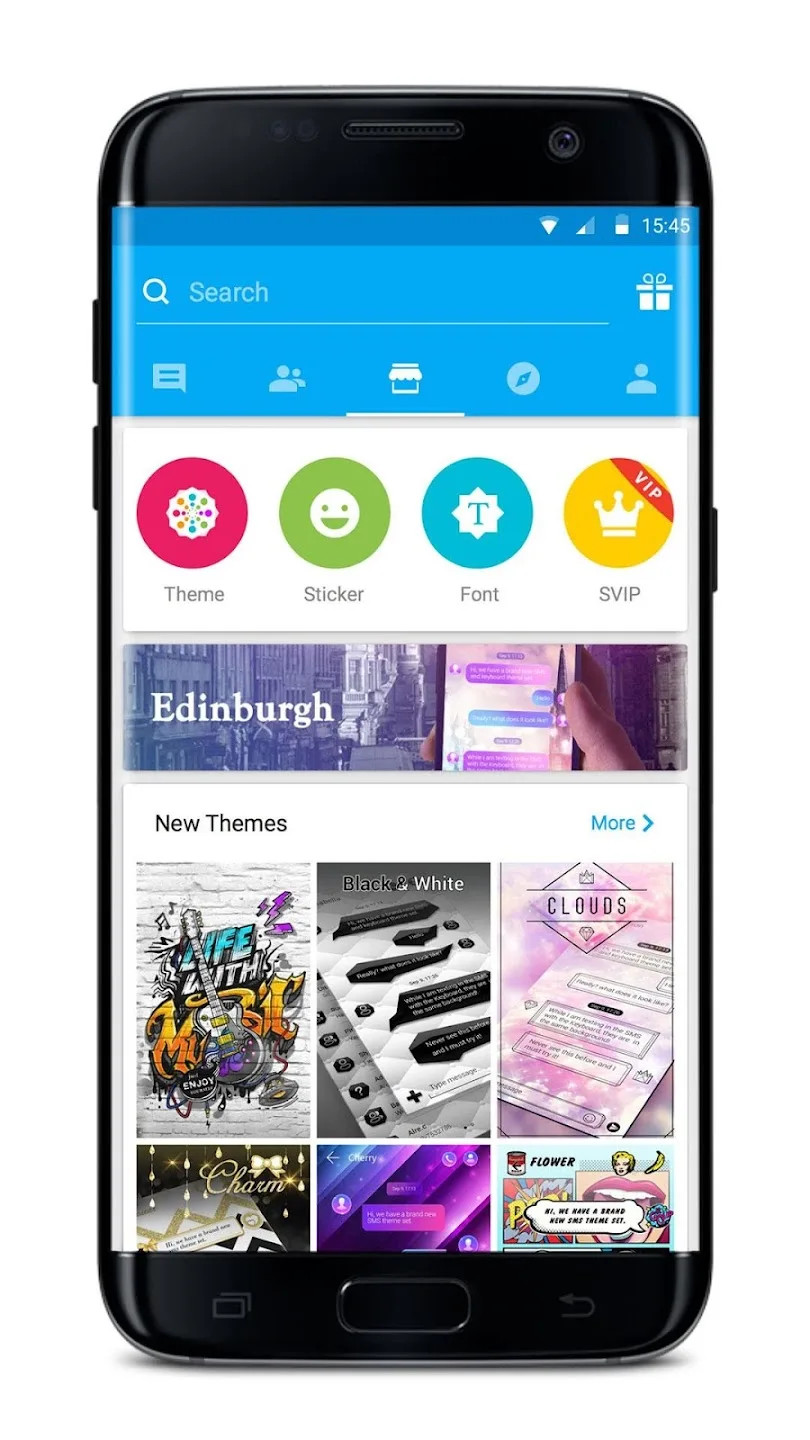
Themes are the headline feature. You browse a theme store inside the app, download the ones you like, and can assign a different look to each contact. Emoji and sticker plugins work the same way. One honest detail: the theme and sticker store loads from GOMO's servers, so if that service has problems, some themes may not download even though your texting keeps working through the carrier.
Free vs Premium
| Premium feature | What it adds |
|---|---|
| Ad-free | Removes the banner and interstitial ads from the free version. |
| Hidden private box entry | Opens the private box without a visible icon on screen. |
| Unlimited cloud backup | Backs up your messages without the free-tier cap. |
| Bigger MMS and higher limits | MMS up to 20 MB and more than 100 messages per hour. |
The Premium-unlocked file on this page opens these paid features. To be clear, that is all it does: it unlocks Premium, it does not change how the app sends messages.
Safety and privacy
The private box keeps chosen conversations behind a password, which is useful, but treat it with some care. Back in November 2020 GO SMS Pro was pulled from Google Play over a security flaw: private photos, videos, and files could be reached through predictable links. The developer fixed it and the app returned to the store, and the current build is the updated one.
So the practical advice is simple. Keep the app on its latest version, do not treat the private box as unbreakable storage for sensitive media, and add a separate app-lock or SIM lock if privacy matters to you, since the app has no PIN of its own on the main inbox.
How to download and install GO SMS Pro
- Tap the green Download button at the top of this page. The app is about 24 MB.
- Allow installation from unknown sources for your browser in Android settings (Settings, Security).
- Open the file, tap Install, then set GO SMS Pro as your default SMS app when it asks, or it cannot send or receive texts.
- Pick a theme and you are set. Step-by-step screenshots are in our APK install guide.
GO SMS Pro or the stock app?
If you want per-contact themes, stickers, and scheduled texts, GO SMS Pro gives you far more than the built-in app. If you prefer a clean, minimal inbox, the stock messenger is lighter and less cluttered. Weigh the customization against the extra weight and the privacy note above. Browse more apps or fresh MOD APKs in the catalog for other options.
FAQ
Is GO SMS Pro free?
Is GO SMS Pro safe?
How do I add themes in GO SMS Pro?
Was GO SMS Pro removed from Google Play?
What does Premium give?
Does GO SMS Pro have to be the default SMS app?
Download GO SMS Pro Premium
- No viruses
- No spyware
- No malware
The reviews (0)