- No viruses
- No spyware
- No malware
com.apkeditor.new.explorer3This file was downloaded, scanned and installed by our editors before publishing.
Every file is also checked with VirusTotal before publishing.

APK Editor Pro APK (Premium Unlocked)
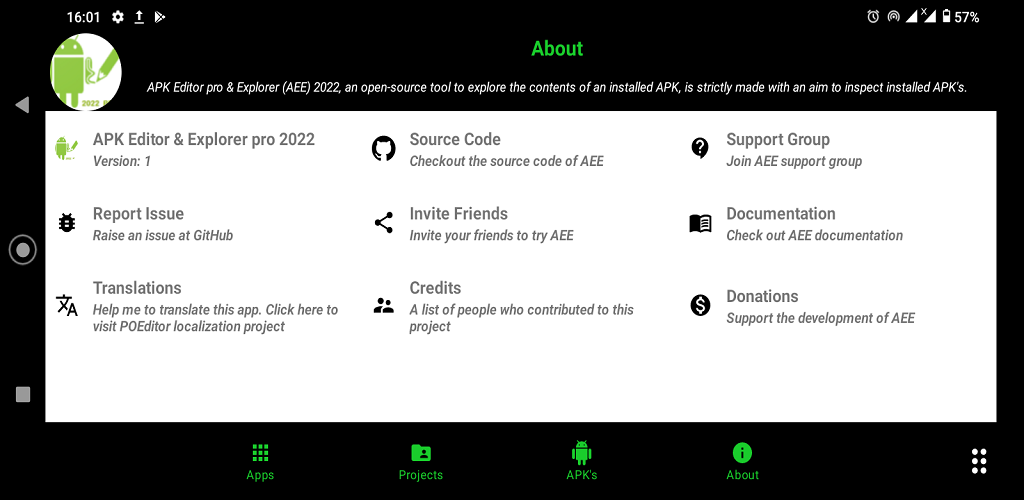
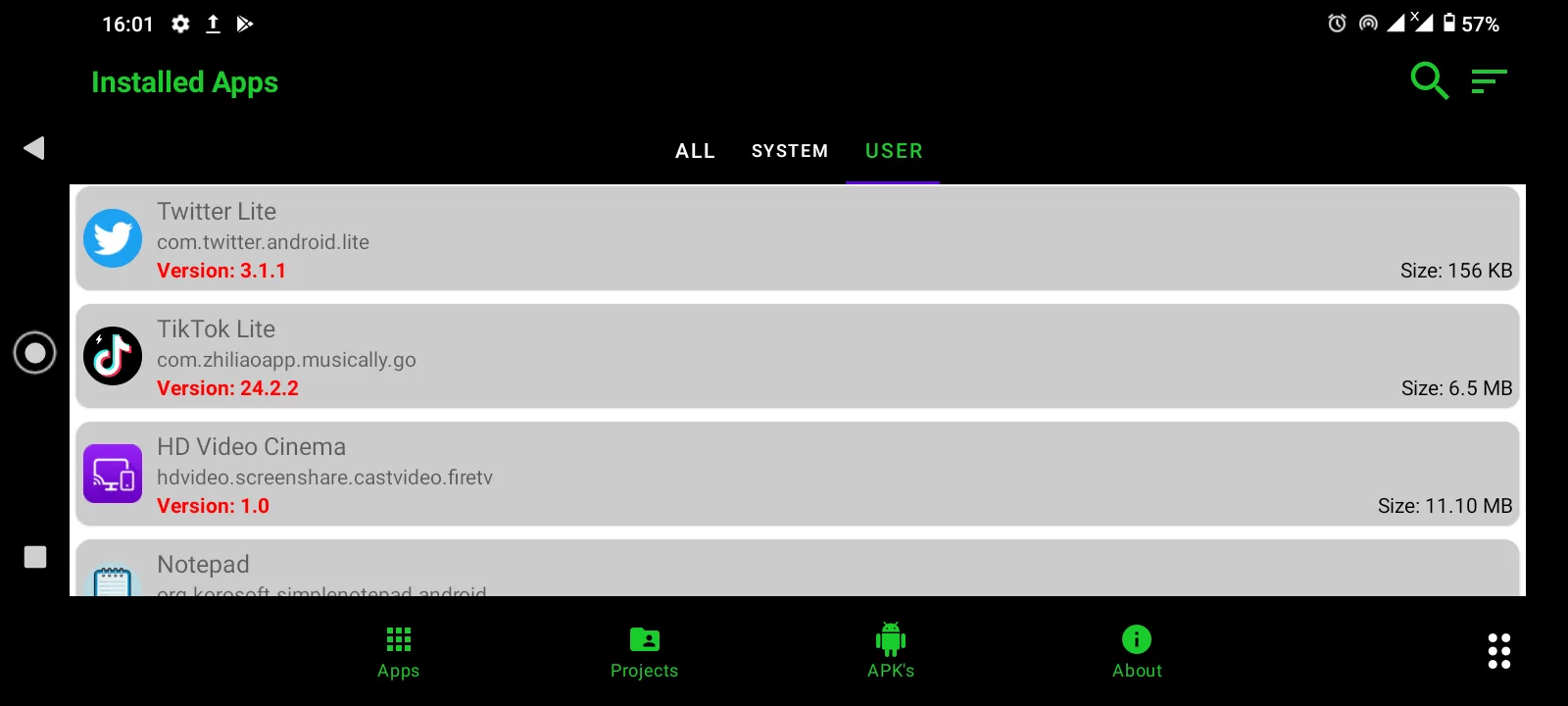

Additional information about APK Editor Pro APK (Premium Unlocked)
com.apkeditor.new.explorer3The description of APK Editor Pro APK (Premium Unlocked)
APK Editor Pro is a tool for opening, editing and repacking APK files right on your phone, and this build has the premium features unlocked and no ads. It is aimed at people who want to change their own apps: swap an icon, translate the on-screen text, tweak resources, or study how a package is put together for learning. That is the honest scope here. It is a utility for your own and educational work, not a way to break into other people's paid apps. Every build on this page is scanned for malware and installed on a real Android device by our editors before it goes live, a check we have run since 2018.
Below is what the tool actually does, what the mod unlocks, the legal side of editing apps, and a short step-by-step for making your first change.
What is APK Editor Pro?
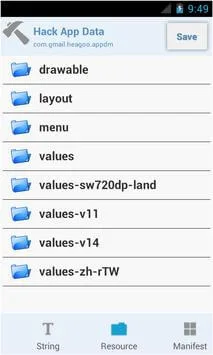
APK Editor Pro lets you take an APK apart and put it back together. It has two main modes. Simple Edit swaps out resources like icons, images, strings and layouts without a full rebuild, which is the fast path for renaming an app or translating its text. Full Edit rebuilds the package from its resources and code, so you can go deeper. You can view the manifest, browse dex and smali, change resources, then sign the file and run zipalign so it installs cleanly. It is the kind of tool developers and hobbyists use to learn how Android apps are structured.
What the MOD gives you
| MOD feature | What it changes |
|---|---|
| Premium unlocked | The Pro tools are open without paying, so Full Edit and the advanced options are available. |
| No ads | The interface runs without ad interruptions. |
| Faster decoding, themes | Quality-of-life extras such as quicker decode and interface themes, depending on the build. |
To be clear about what this is: the mod unlocks the premium tier of the editor itself. It does not "crack" other games or apps for you. What you do with the tool is on you, and the honest, safe use is editing your own files.
Legal and safe use
Editing an app you made, translating an app for your own use, or taking one apart to learn reverse engineering are all normal things to do with a tool like this. Modifying someone else's paid app to get around its licence or DRM is not, and this page does not cover that. There is a safety angle too. Repacked and pirated builds of any software are a common source of malware, so only run files from a source you trust, and never enter account logins or payment details into an app you have modified.
How to download and install
Recent builds ship as a small XAPK of a few megabytes, so installation is quick.
- Tap the green Download APK button at the top of this page. The file downloads directly, with no registration or SMS.
- Allow installation from unknown sources for your browser (Settings, then Security).
- If an older copy with a different signature is installed, remove it first so the new build can install.
- Open the file and install. If it is an XAPK, our install guide covers that format.
New to XAPK files? Our APK install guide walks through the same steps with screenshots.
Step-by-step: edit an APK
Here is the short version of changing an app's name and icon, using your own file:
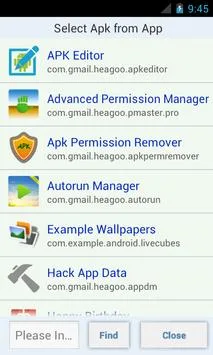
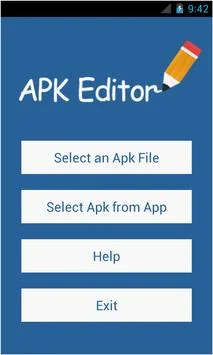
- Open APK Editor Pro and pick the APK you want to change, or select an installed app.
- Choose Simple Edit for a quick change like an icon, a string or an image.
- Replace the resource, for example the app label or the launcher icon, and save.
- Let the tool re-sign the file so Android will accept it.
- Install your edited build and check it opens. If it does not install, an unsigned or mismatched-signature file is the usual cause.
Does it need root?
No, not for the basics. You can open, edit, sign and install your own APKs without root. Root only comes into play for deeper system-level tasks, which most people editing an icon or a translation never touch. When you want related tools, browse the catalog. See the Android glossary if any term here is new, or check more tools and fresh MOD APKs.
FAQ
What is APK Editor Pro used for?
Is APK Editor Pro free with the mod?
Does APK Editor Pro need root?
Is it legal to edit apps?
Is APK Editor Pro safe?
How do I edit an APK?
Download APK Editor Pro Mod APK (Premium Unlocked)
- No viruses
- No spyware
- No malware
The reviews (1)