- No viruses
- No spyware
- No malware
com.everimaging.photoeffectstudioThis file was downloaded, scanned and installed by our editors before publishing.
Every file is also checked with VirusTotal before publishing.

Fotor AI Photo Editor MOD APK (Pro Unlocked)
Additional information about Fotor AI Photo Editor MOD APK (Pro Unlocked)
com.everimaging.photoeffectstudioThe description of Fotor AI Photo Editor MOD APK (Pro Unlocked)
AI Photo Editor MOD APK (this is Fotor by Everimaging) gives you the Pro tools, filters and templates with no ads and no watermark, working right on your device. You can edit, apply premium effects and export clean photos without a subscription. This build was tested by our editors on real devices before it went live, scanned for malware and installed like any normal app.
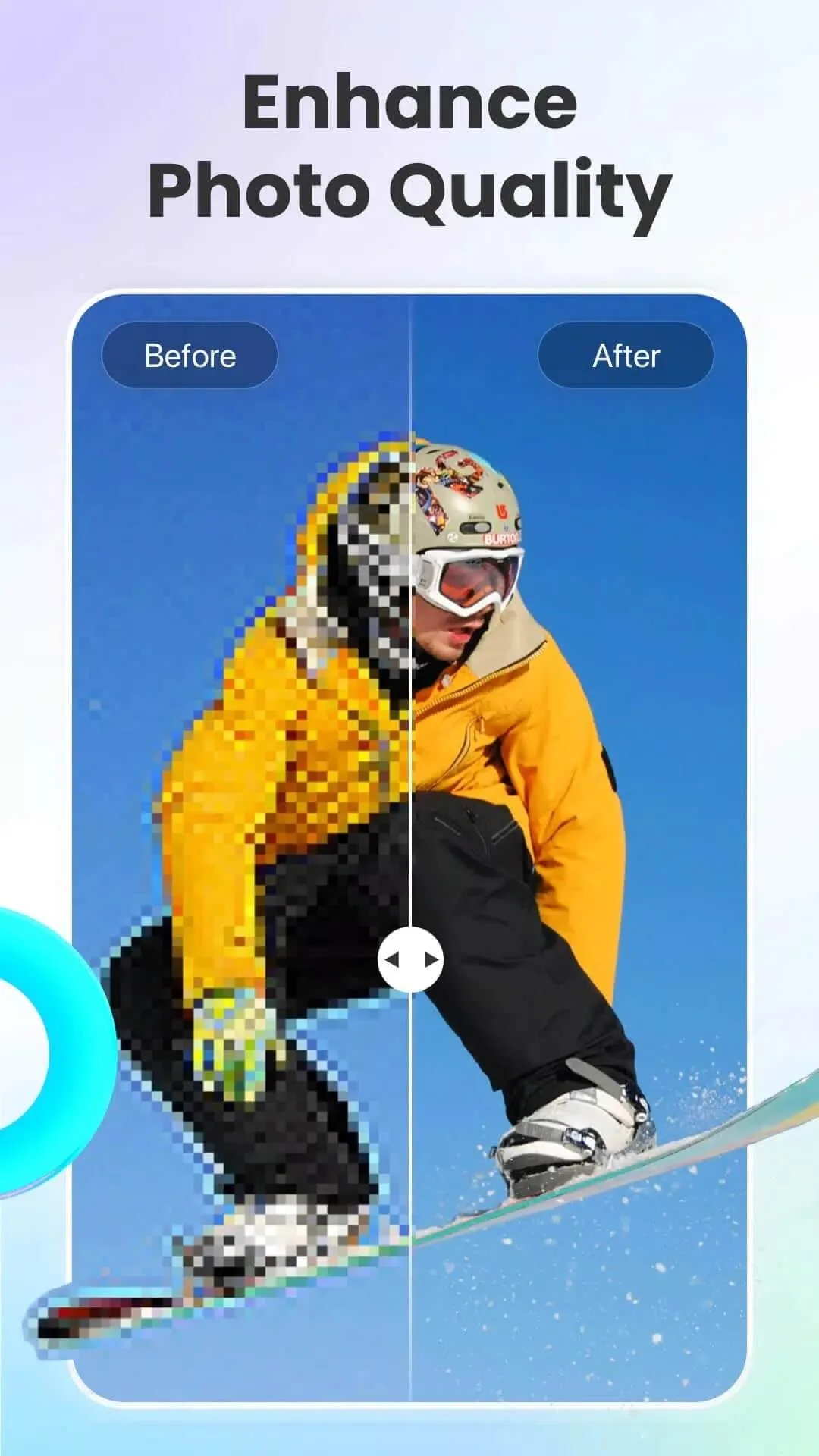
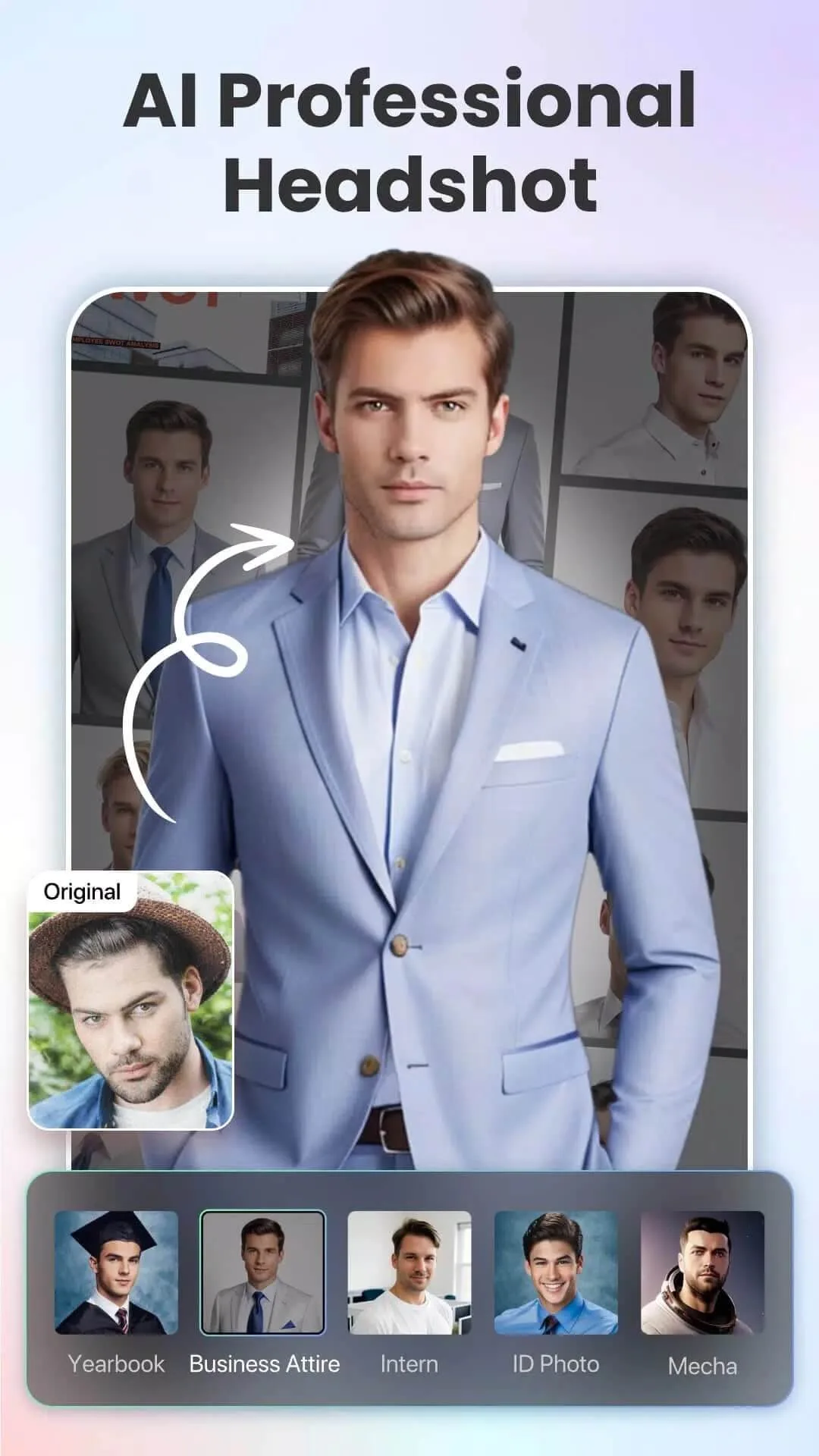
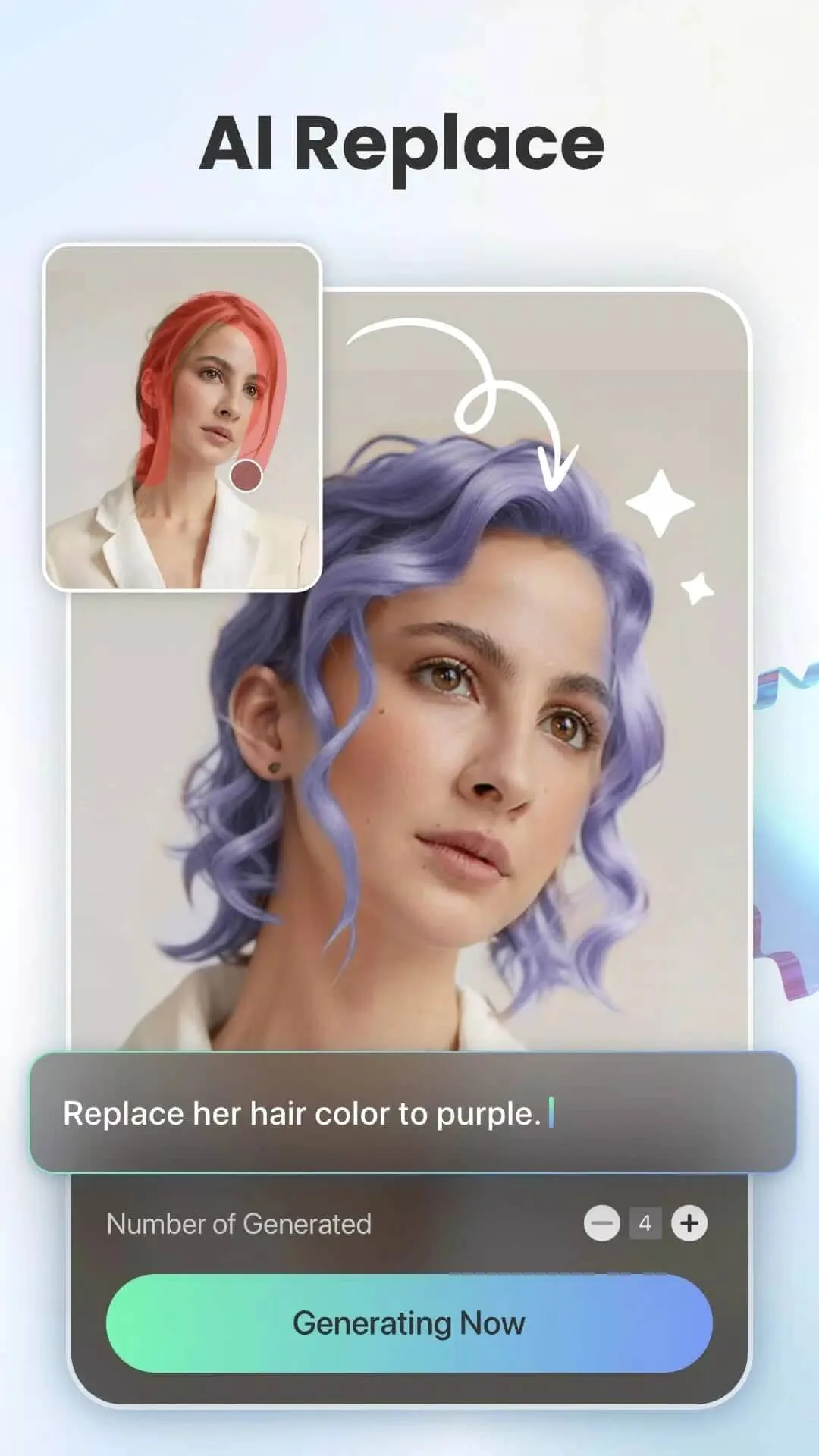
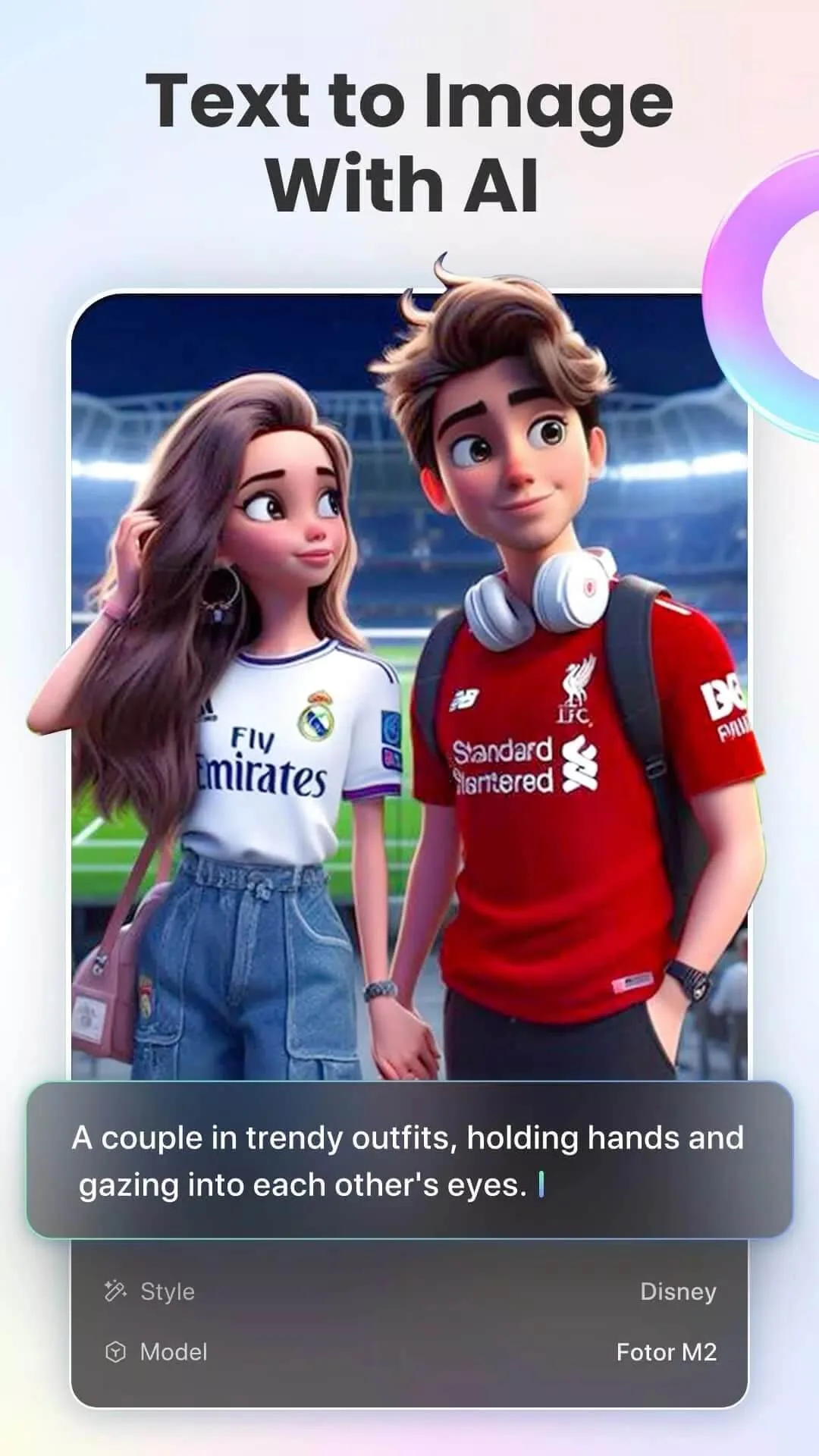
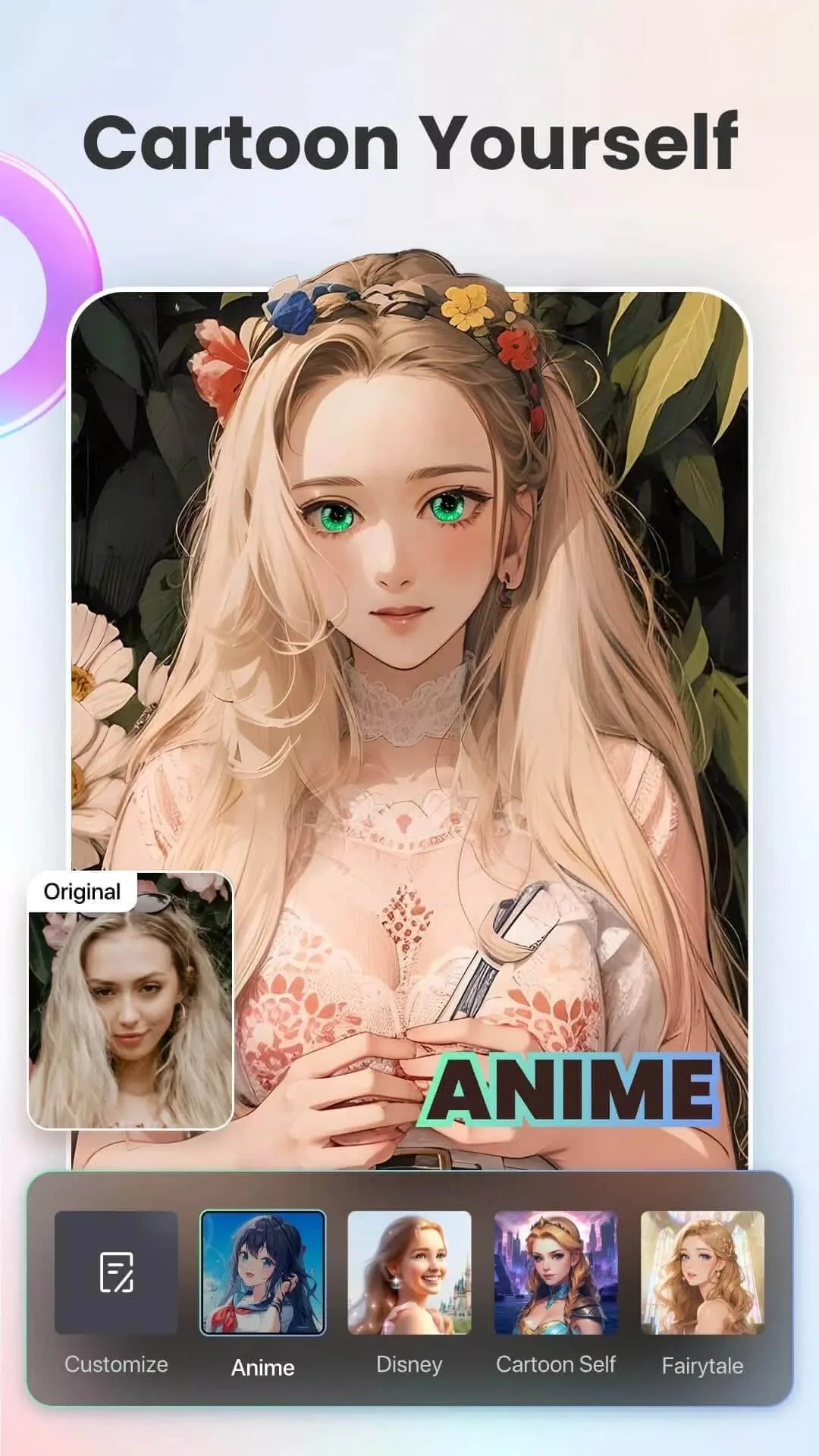
One honest note before you download. The Pro MOD covers the on-device editing tools. It does not hand you endless cloud AI. Fotor's AI features (AI enhance, headshots, old-photo restore, avatars and background removal) run on Fotor's servers and are tied to a login and to credits, so they still need the internet and an account. The MOD makes the local editor Pro; it cannot make the online AI free forever.
What is Fotor (AI Photo Editor)?
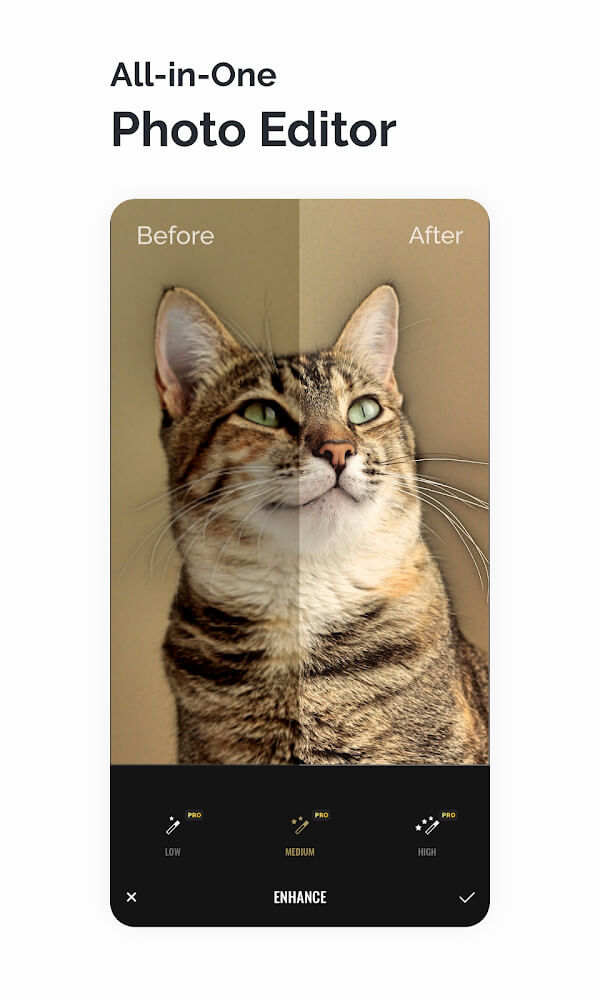
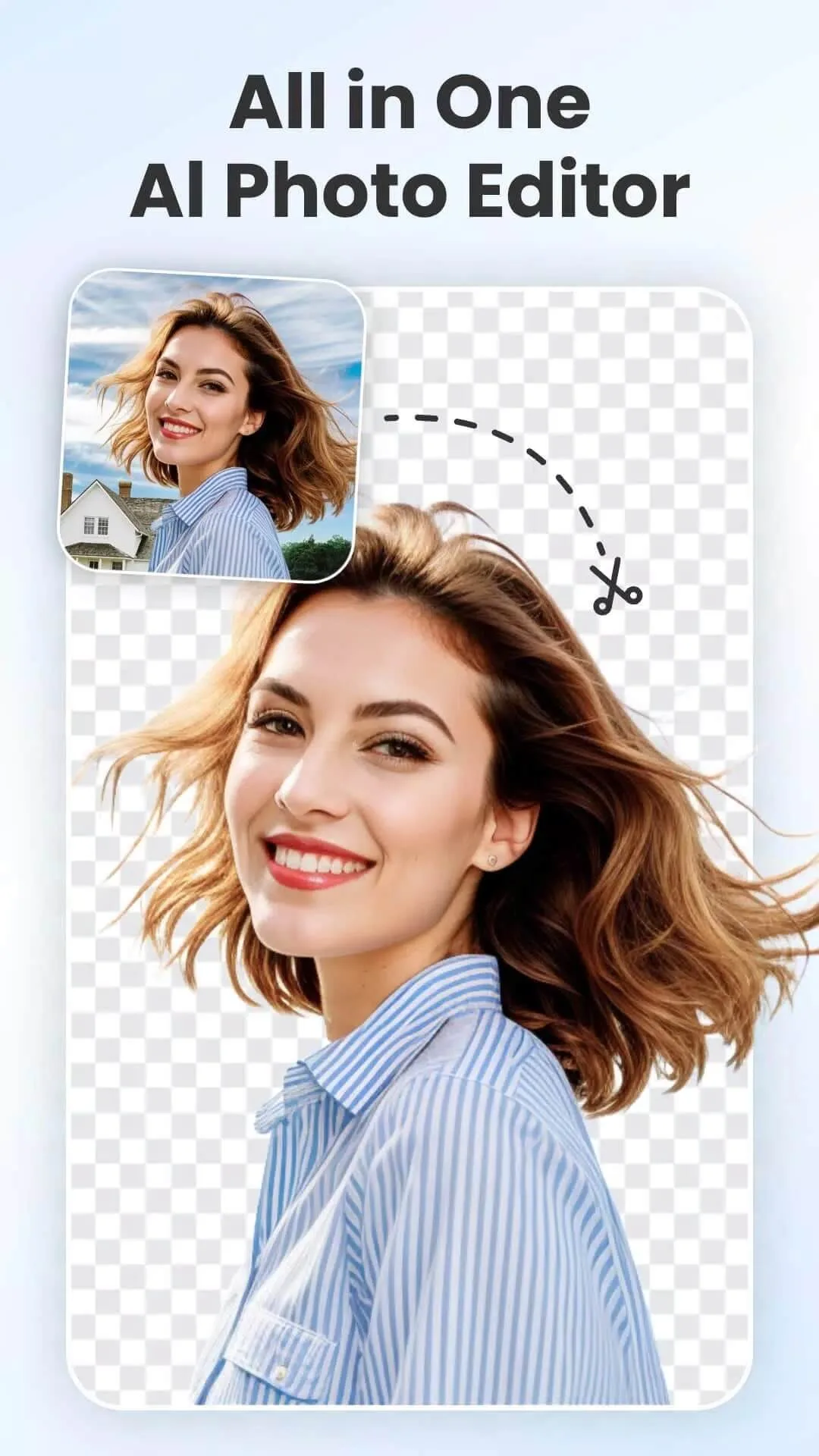
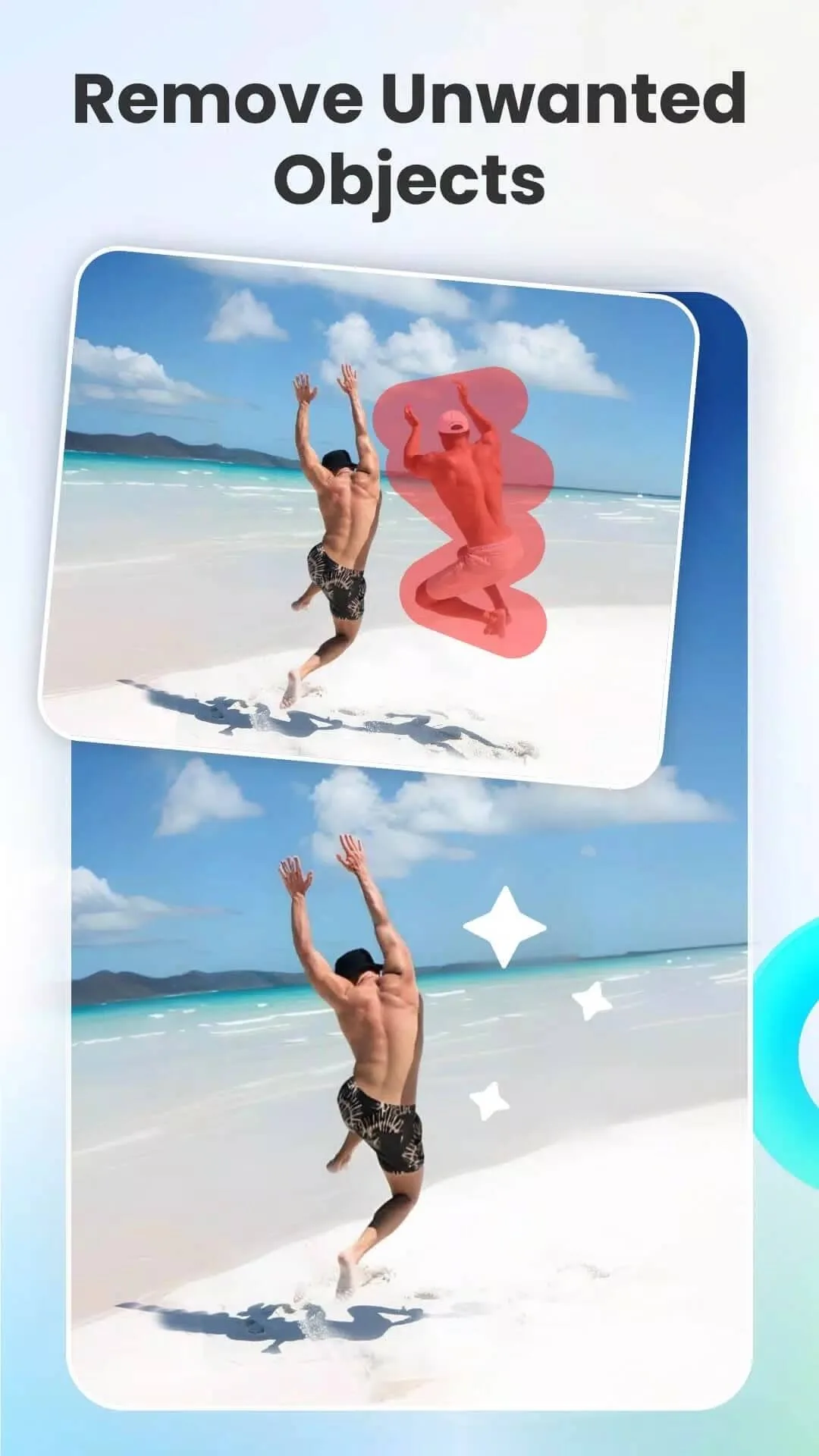
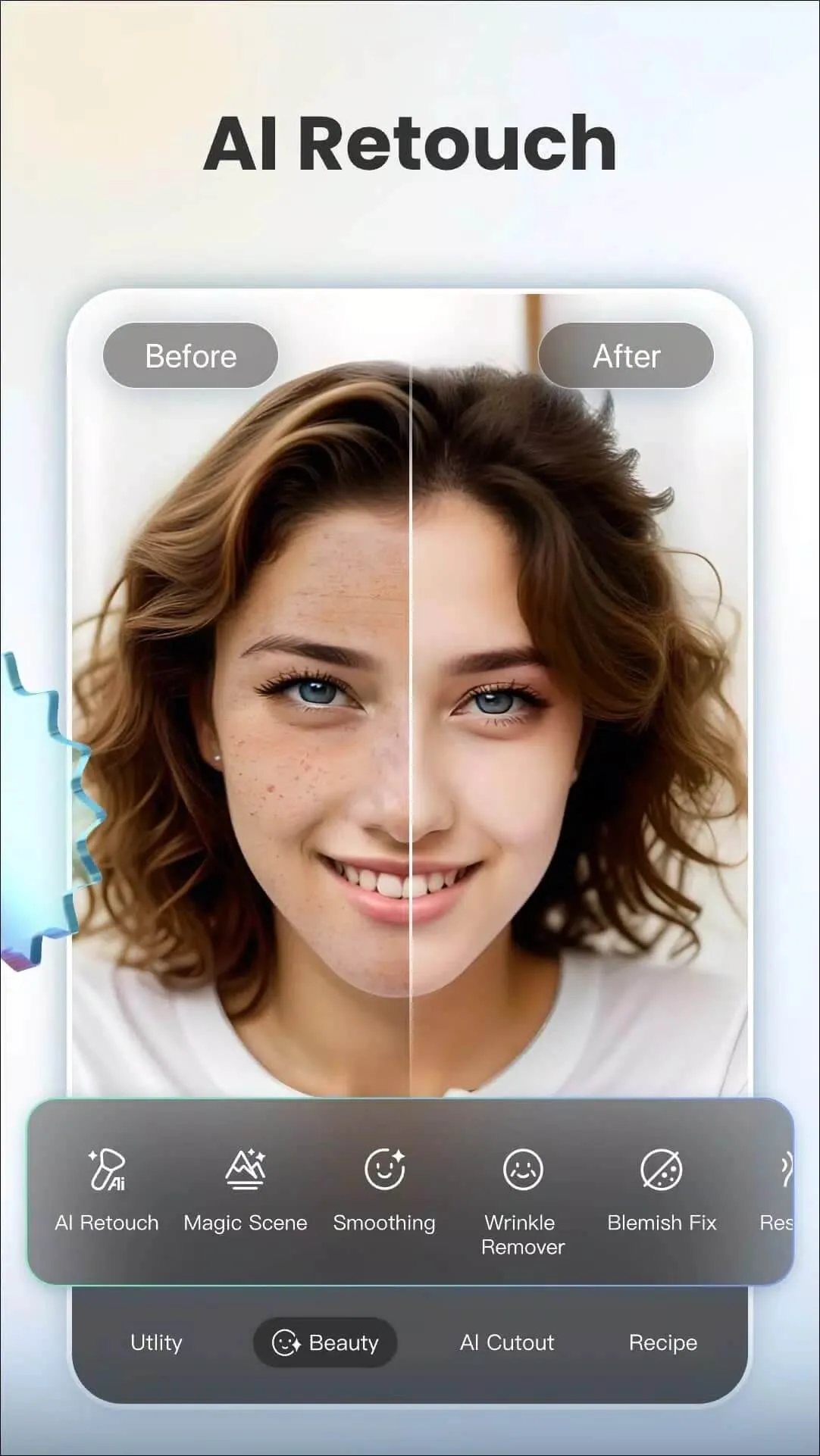
Fotor by Everimaging is a full photo editor for Android. On the local side it has filters, fine controls like Curve, HSL, Color Balance and Dehaze, plus stickers, frames, fonts, basic retouch and hundreds of ready templates. On top of that sit the AI tools (enhance, background removal and avatars), which do their heavy work in the cloud. Knowing which half is which is the key to using this app well.
What the Pro MOD gives you (on-device)

| MOD feature | What it changes in the app |
|---|---|
| Pro editing tools | All premium filters, adjustments and effects are available with no subscription. |
| No ads | Edit without ad interruptions. |
| No watermark | Export clean images with nothing stamped on them. |
| Premium templates and effects | The paid template and effect library is open from the start. |
All of this works offline, on your phone, and that is the honest part of the promise. The exact MOD package for the current build is listed in the "MOD info" line at the top of this page, and we re-test it after each app update.
What the MOD can't do (cloud AI)
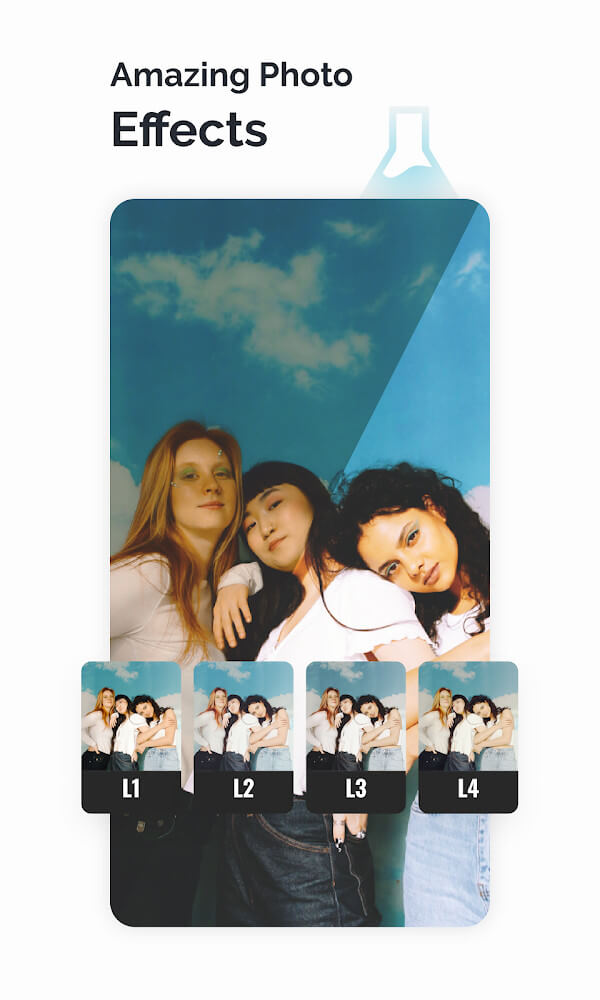
Here is the limit, stated plainly. The AI generations (enhance, restore, headshots, avatars, background cut-outs) are processed on Fotor's servers, not on your phone. They are linked to your account and to a credit or subscription balance, so a modded APK cannot give you an unlimited supply of them. You will still need to sign in and stay online for those, and the credits are counted server-side.
If your main goal is heavy AI generation, keep that expectation realistic. If your goal is a strong, ad-free, watermark-free editor with every local Pro tool available, the MOD is exactly that.
How to download and install AI Photo Editor MOD APK
- Tap the Download APK button at the top of this page — the file downloads directly, no registration.
- Allow installation from unknown sources for your browser in Android settings (Settings → Security).
- If the original Google Play version is installed, remove it first — the MOD has a different signature and won't install over it.
- Open the file, tap Install, and launch the app. The download is around 280 MB, so leave room for it plus cache.
Step-by-step screenshots are in our APK & XAPK install guide.
Tips for cleaner edits
- Edit non-destructively: use Curve and layer-style adjustments so you can dial changes back later.
- Build a few presets for the looks you use most, then apply them in one tap.
- Export at full size with the watermark off — that is the main day-to-day win of the Pro MOD.
- Clear the cache when big projects start to lag; the editor holds a lot in memory.
MOD or original?
If you rely on the cloud AI and want account sync across devices, the original from Google Play (free, with a subscription) is the right choice. If you mainly want the local editor with Pro tools, no ads and no watermark, the MOD is for you. For more photo apps, try ReLens Camera MOD, browse the photography section, or explore more apps in the catalog.
FAQ
Does Fotor / AI Photo Editor work offline?
Does the Pro mod give me the AI features for free?
Is the AI Photo Editor MOD safe to download?
Does the mod remove the watermark and ads?
Which version should I get?
How do I update the mod?
Download AI Photo Editor Mod (Pro Unlocked)
- No viruses
- No spyware
- No malware
The reviews (0)