- No viruses
- No spyware
- No malware
com.snowcorp.epikThis file was downloaded, scanned and installed by our editors before publishing.
Every file is also checked with VirusTotal before publishing.

EPIK MOD APK — AI Photo Editor (Premium Unlocked)
Additional information about EPIK MOD APK — AI Photo Editor (Premium Unlocked)
com.snowcorp.epikThe description of EPIK MOD APK — AI Photo Editor (Premium Unlocked)
EPIK MOD APK gives you Premium Unlocked: the pro filters and paid tools are open, the watermark is gone, and there are no ads while you edit. It is the same EPIK from SNOW Corporation, just without the paywall on the local features. Our editors scanned this file for malware and installed it on a real Android device before publishing, the way we have done since 2018.
One thing to say up front, because most sites hide it. EPIK's headline AI tricks run on SNOW's servers, not on your phone. Premium Unlocked opens everything the app does locally, but it cannot hand you free server-side AI. More on that below, so you know exactly what you are getting.
What is EPIK?
EPIK is an AI photo and video editor from SNOW Corporation, the Korean team behind the SNOW and B612 camera apps. The name stands for "Excellent Picture Ink." It launched in 2022 and has grown to roughly 78 million downloads, largely on the back of its viral AI features.
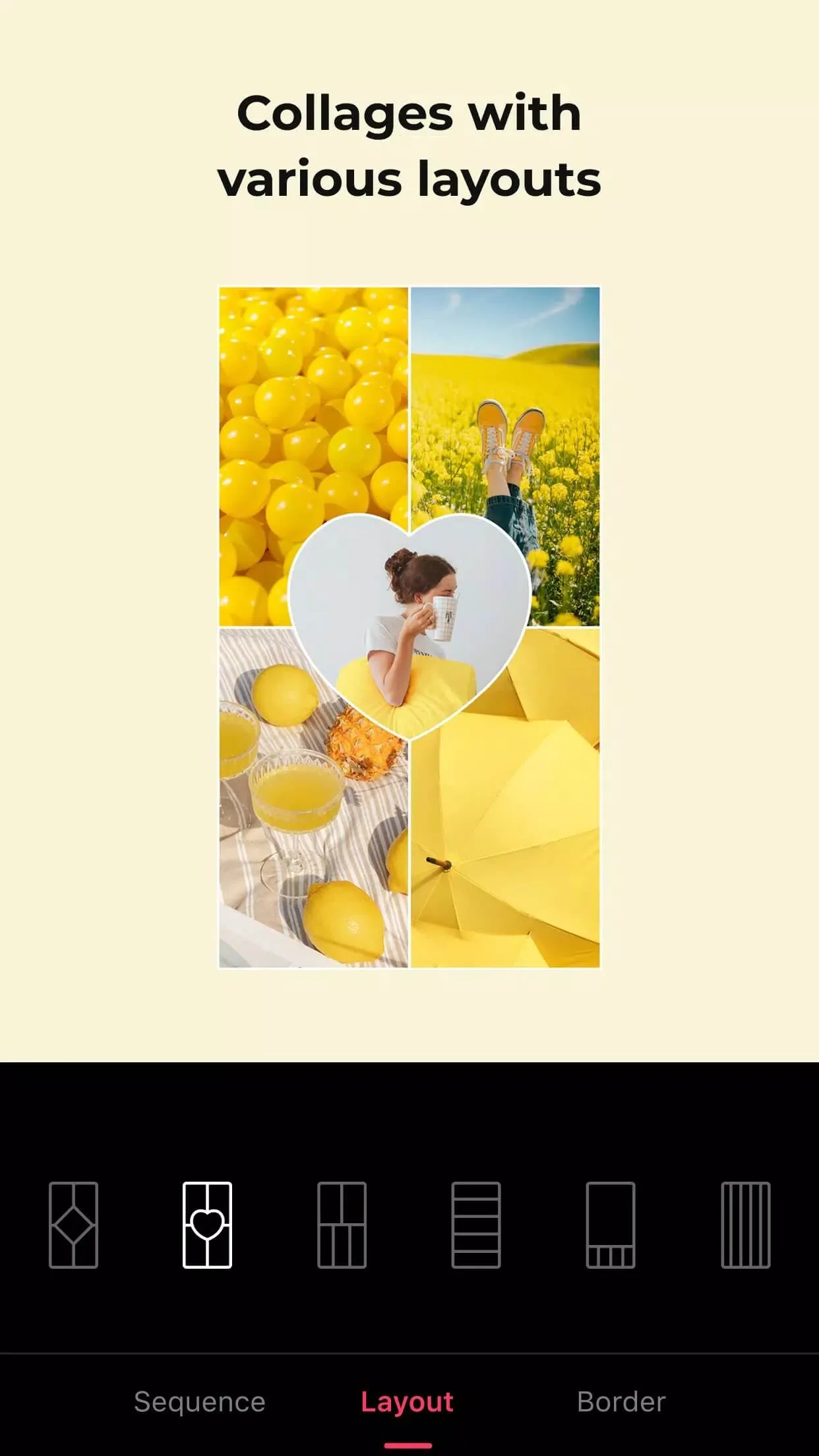
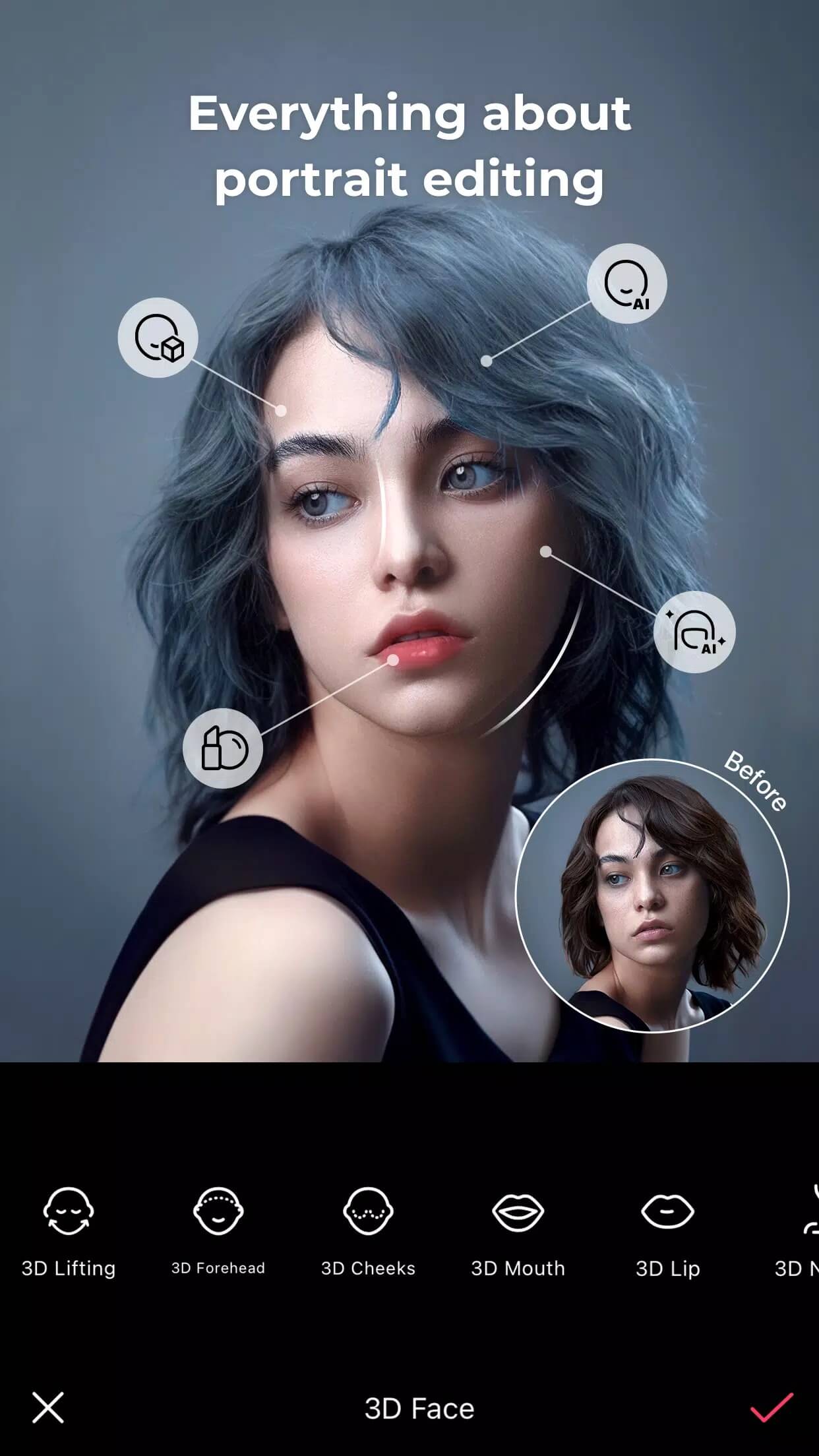
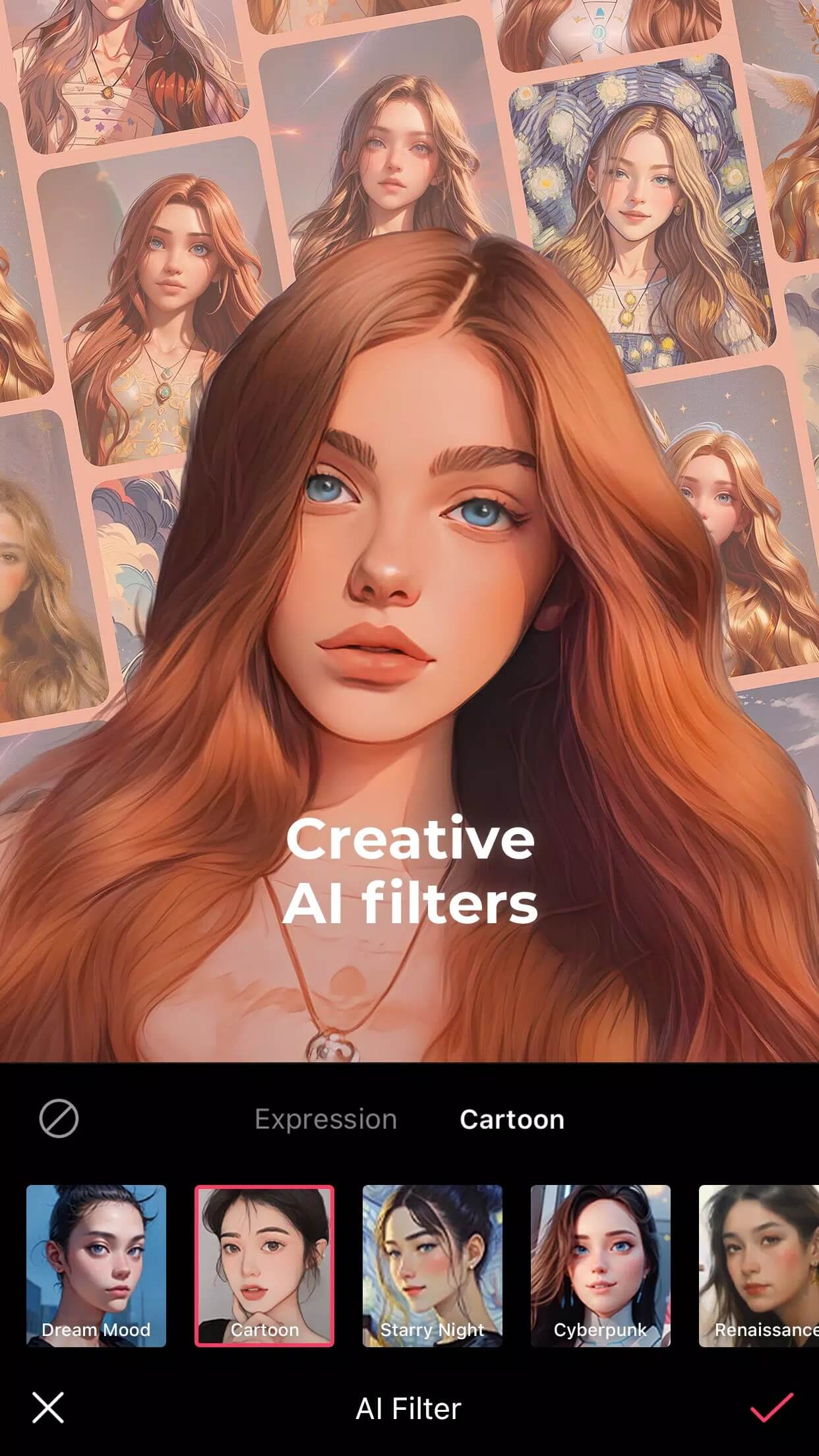
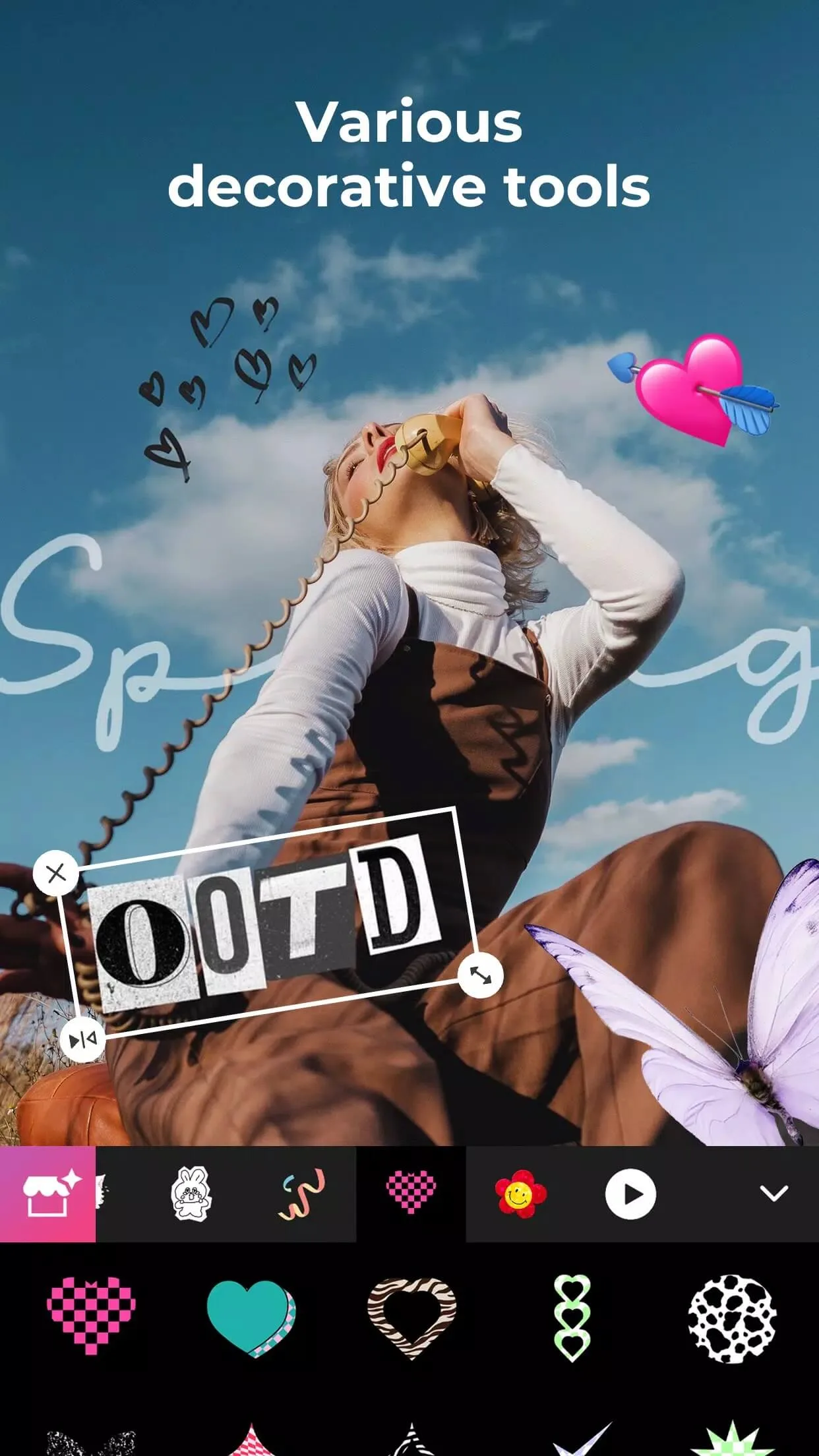
Day to day, it does the normal editor stuff well: skin and face retouch, color correction, a big library of filters, stickers, text, and quick collages. You can also trim clips, add music, and export video. Most people first heard of it through AI Avatars and the AI Yearbook trend, where you feed it selfies and it generates stylized portraits of you.
What the MOD (Premium Unlocked) unlocks
| MOD feature | What it changes in the app |
|---|---|
| Pro filters & tools | Paid filters, presets and editing tools are open from the start. |
| No watermark | Your exported photos and videos come out clean, no EPIK stamp. |
| No ads | No banner or full-screen ads interrupting an edit. |
| Local limits removed | On-device caps tied to the free tier are lifted. |
One honest note goes at the bottom of that list. These unlocks all cover the local side of EPIK, the parts that run on your device. The AI generation features are a separate story, and the next section explains why.
Local features vs server-side AI (honest)
This is the part that matters, and the part the aggregator sites skip. EPIK has two kinds of features, and only one of them a MOD can touch.
Local tools run on your phone: cropping, basic retouch, filters, text, stickers, collages. Premium Unlocked opens these, and they work offline once installed. No account needed for the basics.
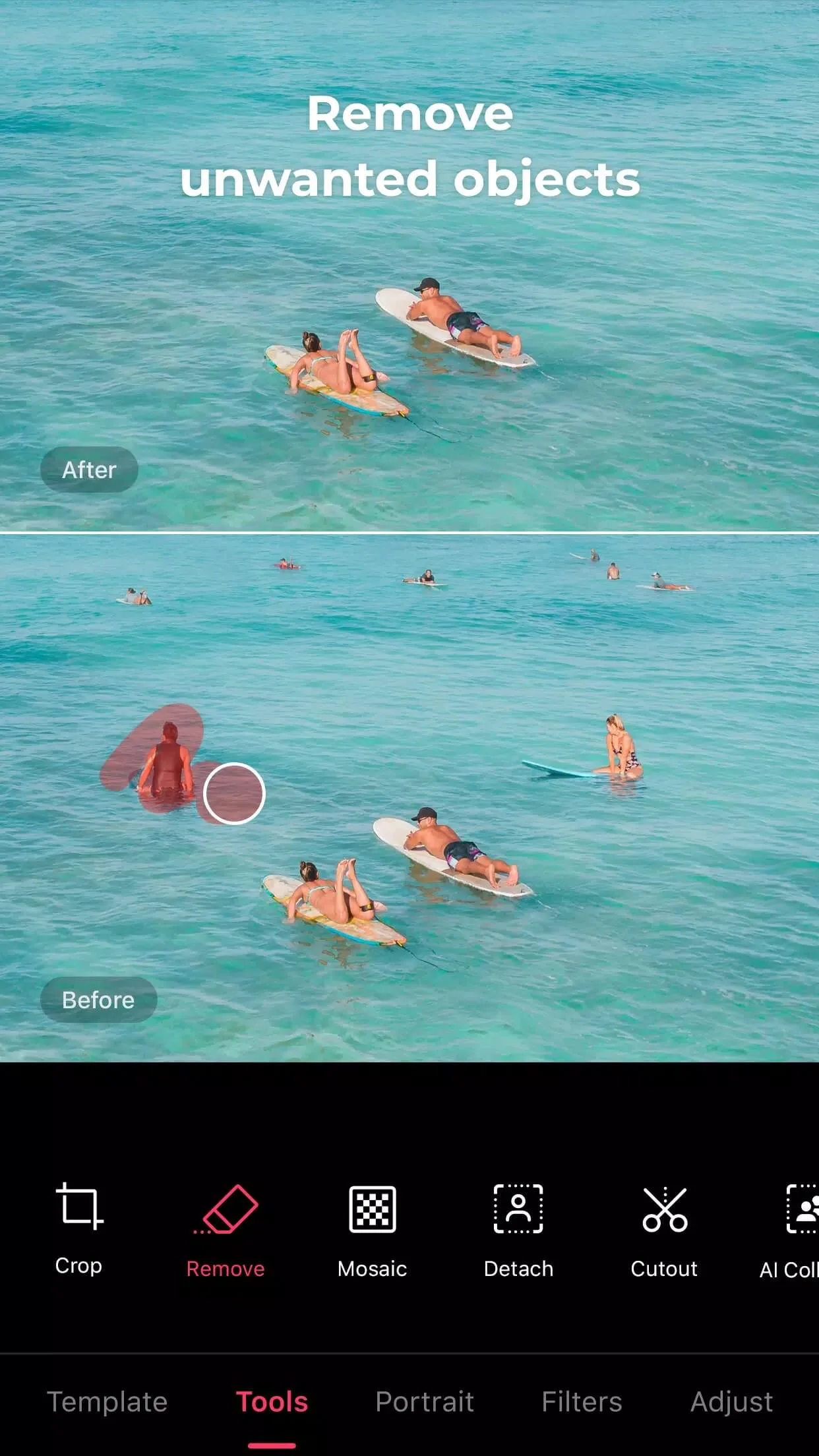
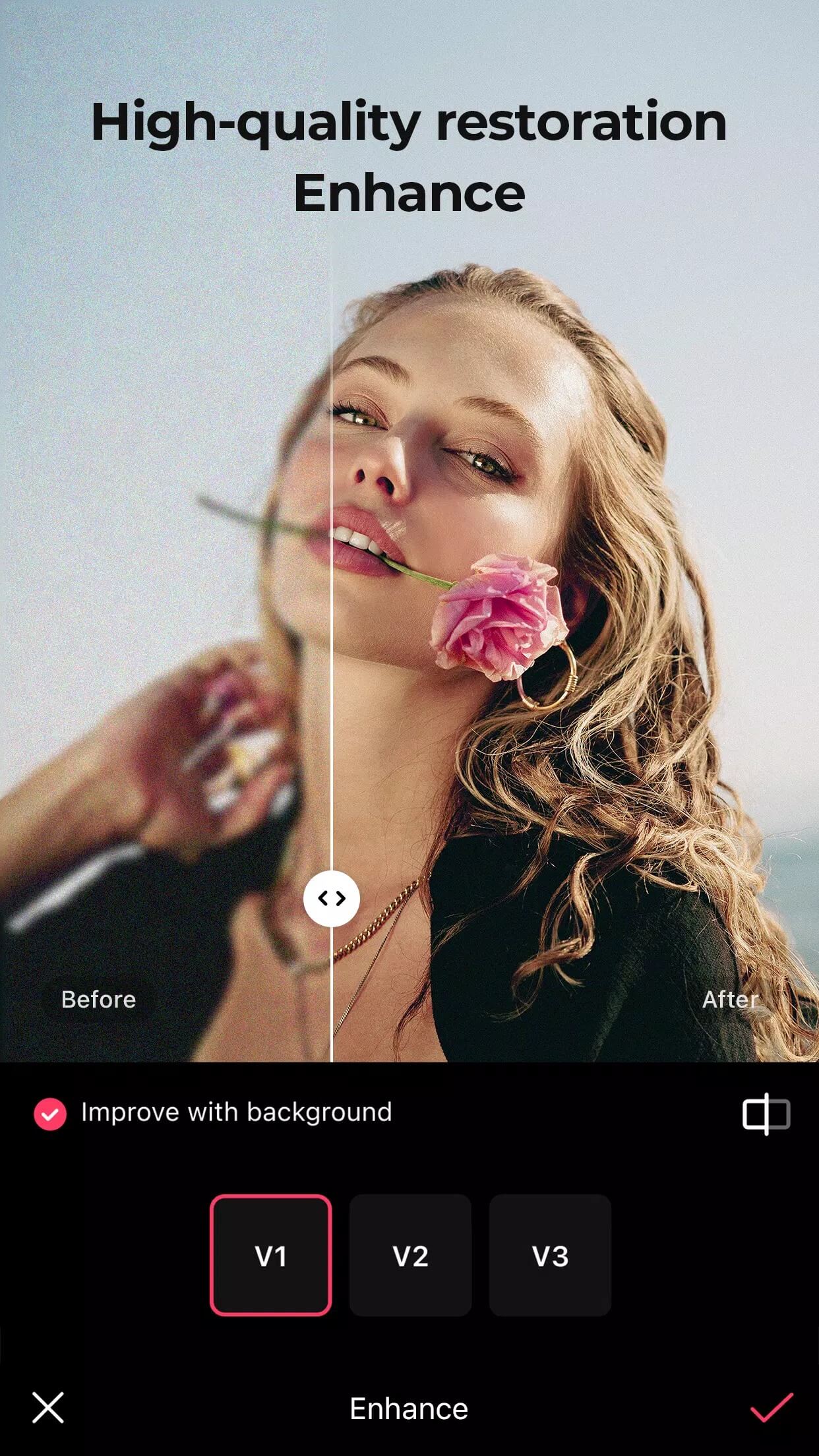
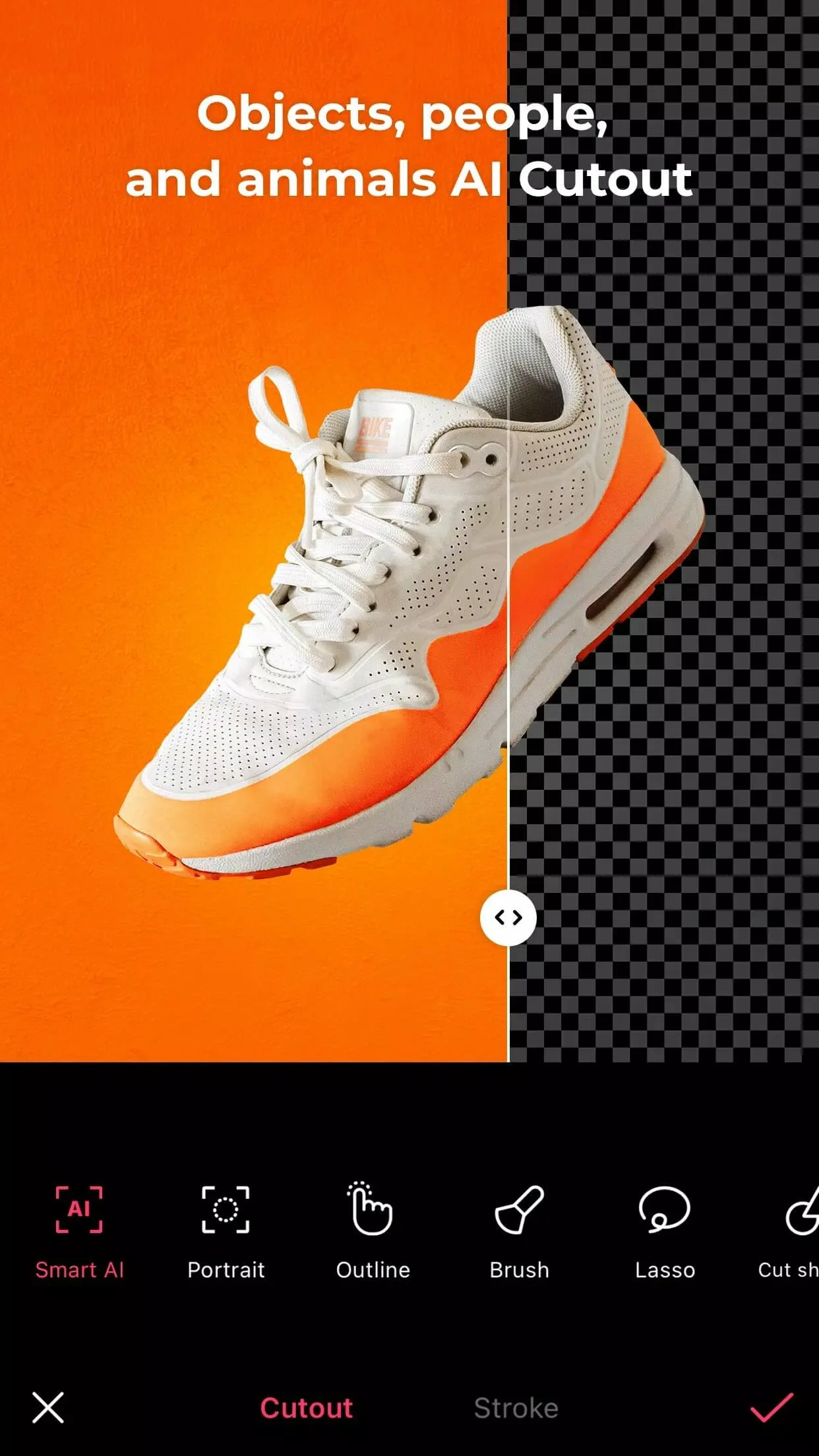
The AI generation, though, is different. AI Avatars, AI Yearbook, Enhance, AI skin, Smart cutout, Remove and the rest send your photos to SNOW's servers to be processed. That path needs you to sign in to a SNOW account, and it draws on a server-side subscription or credits that live on SNOW's side, not yours. A MOD cannot mint those credits. So "Premium Unlocked" does not equal free unlimited AI avatars, no matter what other pages promise. Local editing without a watermark or ads, yes. Free server AI, no.
Photo and video tools
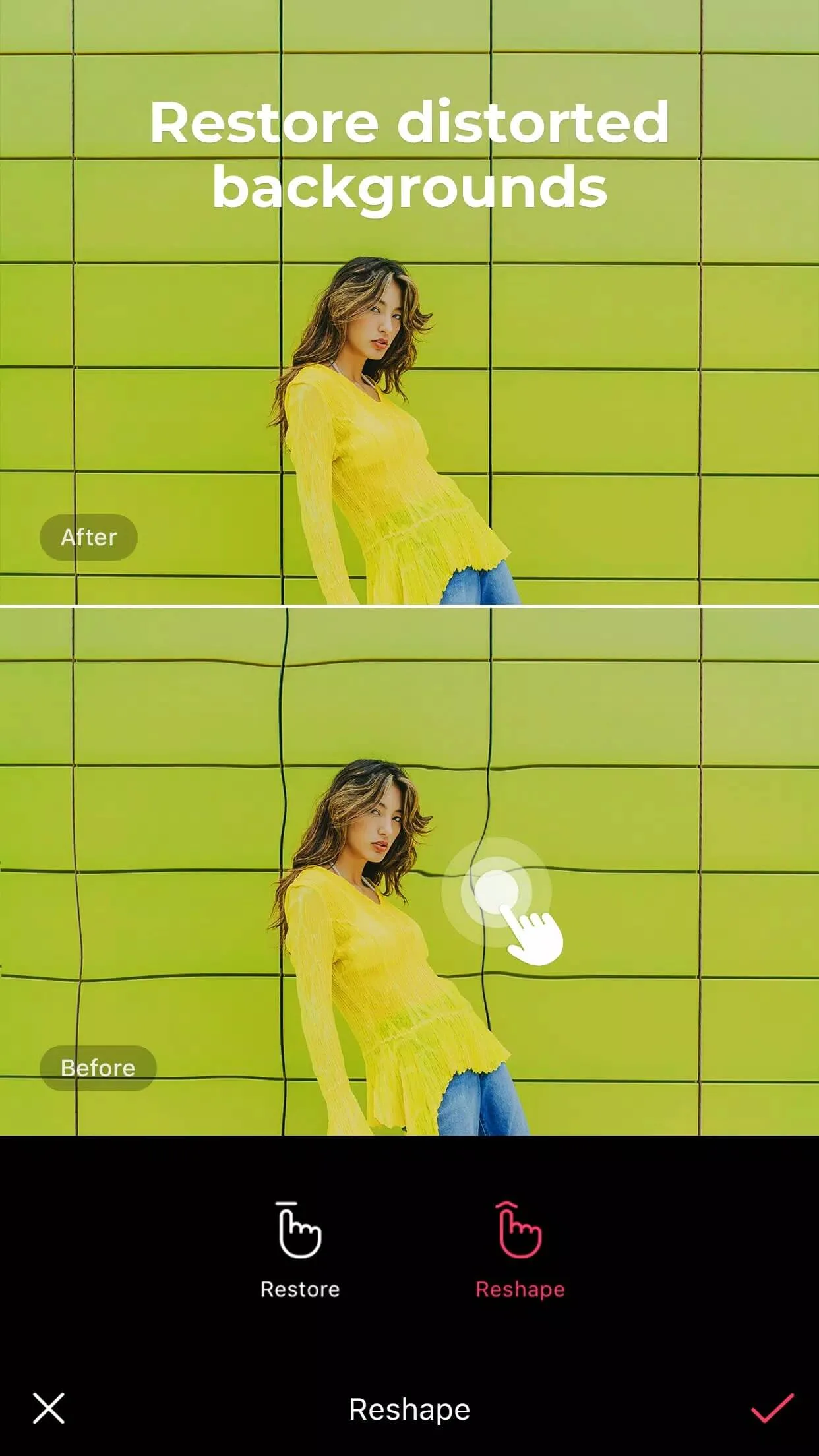
- Skin and face retouch: smooth, reshape, and fix blemishes with fine control.
- Object cutout and background swap for clean composites.
- Backgrounds, stickers, text, and music to dress up a shot or a clip.
- Collages and slideshows from a batch of photos.
- Video trimming and editing with export up to 4K.
How to download and install EPIK MOD APK
The download is a single APK, around 228 MB. It installs like any sideloaded app.
- Tap the green Download APK button at the top of this page, the file downloads directly, no registration or SMS.
- Allow installation from unknown sources for your browser or file manager (Settings → Security).
- If the Google Play version is already installed, remove it first, the MOD won't install over it because the signature differs.
- Open the file, tap Install, and launch EPIK.
- Want the AI tools? Sign in to a SNOW account inside the app, that path still runs on SNOW's servers.
EPIK needs Android 8.0 or newer. First time sideloading an app? Our APK install guide walks through the same steps with screenshots.
MOD or subscription?
It comes down to what you actually use. If you mostly crop, retouch, filter, and post, the MOD is the easy pick: pro tools open, clean exports, no ads, and no yearly fee. If your reason for opening EPIK is the AI avatars and Yearbook portraits, the official subscription (around $40 a year) is what reliably gets you the server AI, and it keeps SNOW building the app. Plenty of people run both, the MOD for everyday edits, an account when they want the AI. Browse more photography apps or other MOD apps in the catalog if you want to compare.
FAQ
What does EPIK Premium Unlocked include?
Do the AI features (avatars, Yearbook) work in the MOD?
Is the EPIK APK safe?
Is there a watermark or ads?
Which Android version do I need and how big is it?
Is this the latest version?
Download EPIK — AI Photo Editor Mod (Premium Unlocked)
- No viruses
- No spyware
- No malware
The reviews (0)