- No viruses
- No spyware
- No malware
com.adsk.sketchbookThis file was downloaded, scanned and installed by our editors before publishing.
Every file is also checked with VirusTotal before publishing.

Autodesk SketchBook Pro APK (Full Unlocked)
Additional information about Autodesk SketchBook Pro APK (Full Unlocked)
com.adsk.sketchbookThe description of Autodesk SketchBook Pro APK (Full Unlocked)
SketchBook Pro APK is the full Android build of SketchBook, the professional drawing and painting app that started at Autodesk and is now free from Sketchbook, Inc. This page hosts the complete app, scanned for malware and installed on a real Android device by our editors before publishing. One thing to be clear about from the start: SketchBook is a free app today, so there is no paid tier to buy back and nothing sitting behind a paywall.
What is SketchBook Pro?
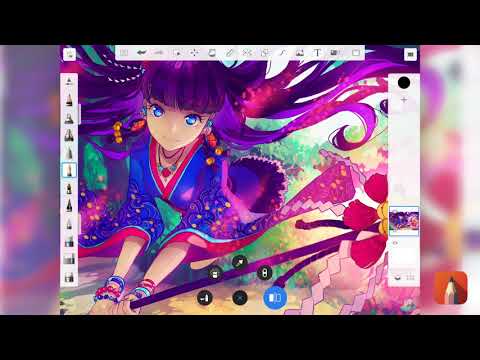
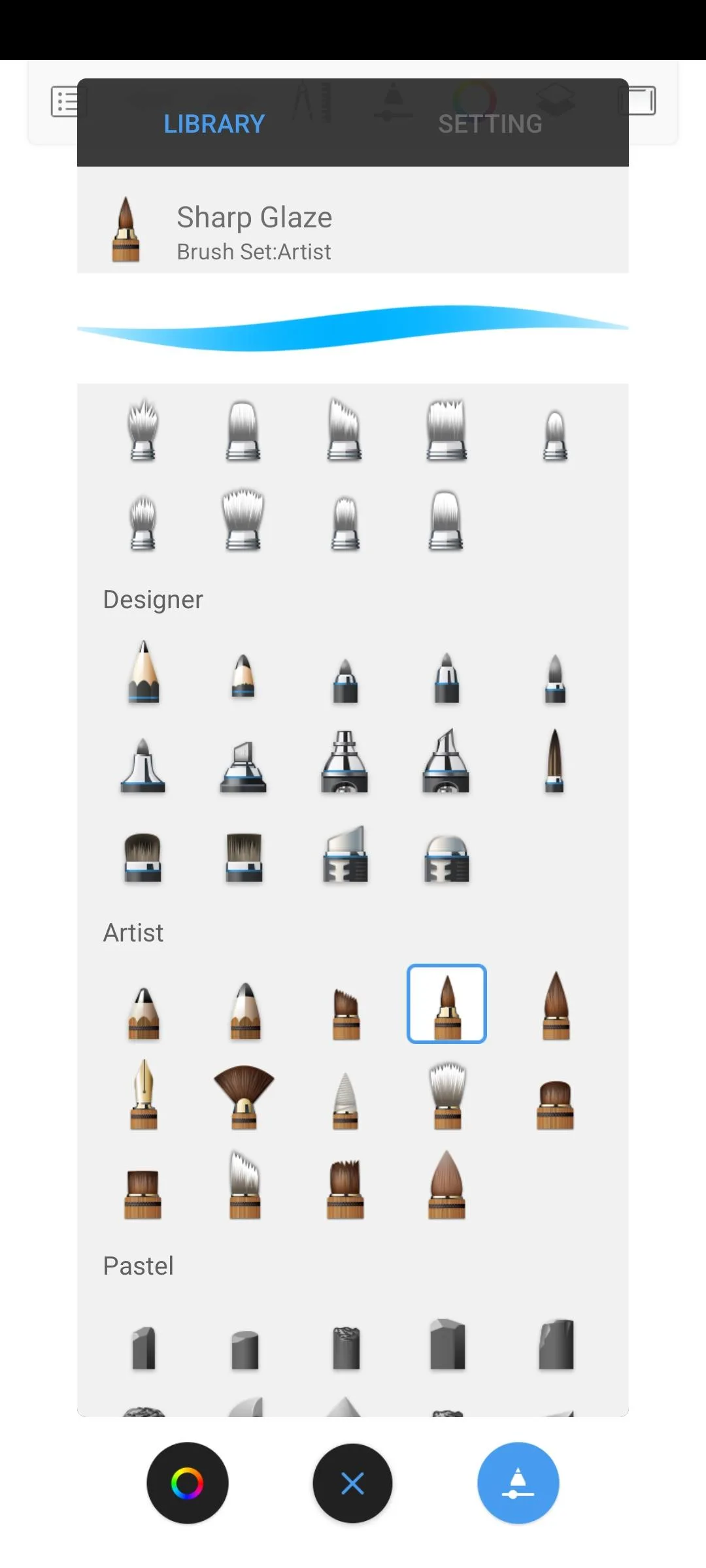
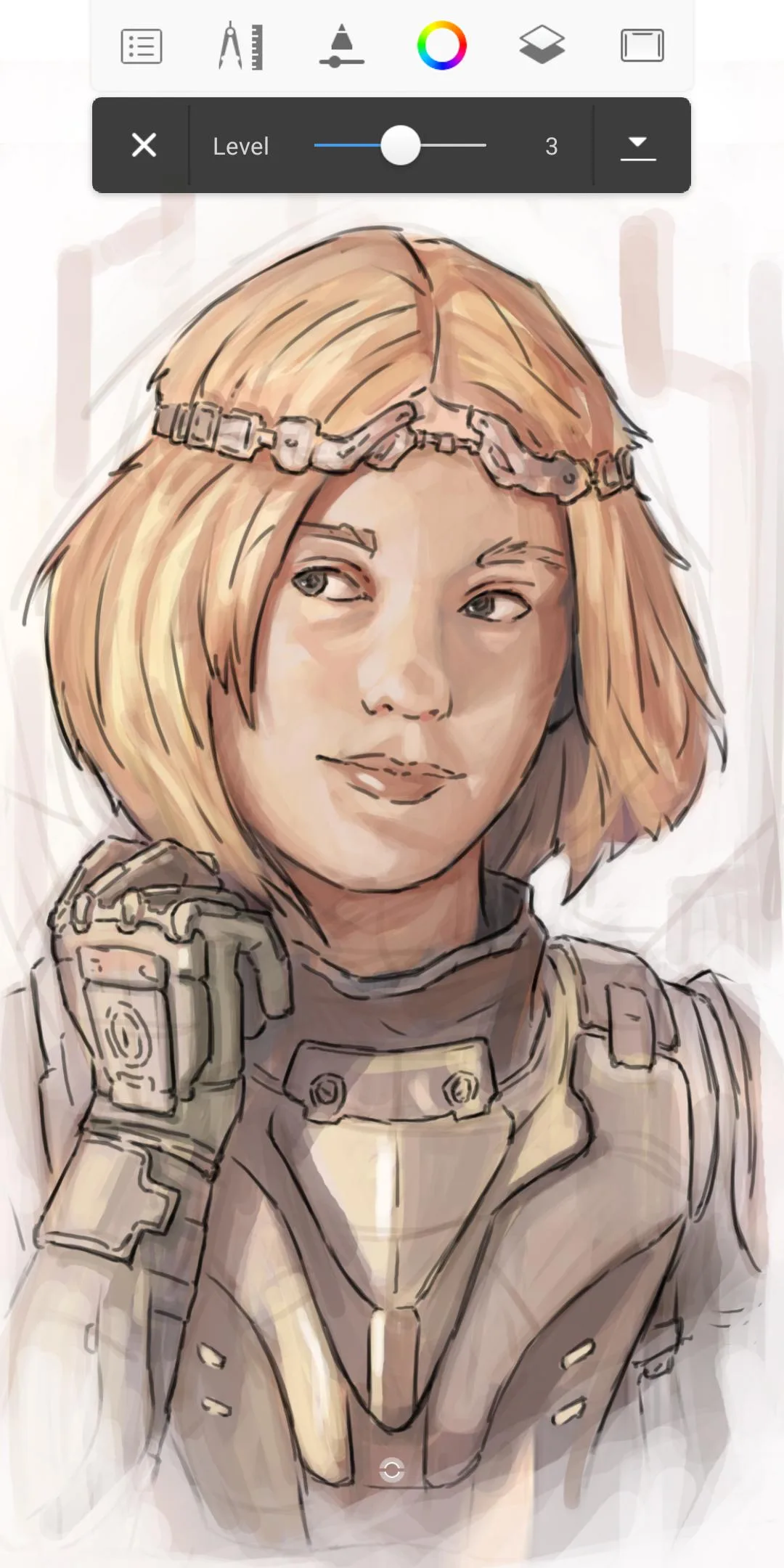
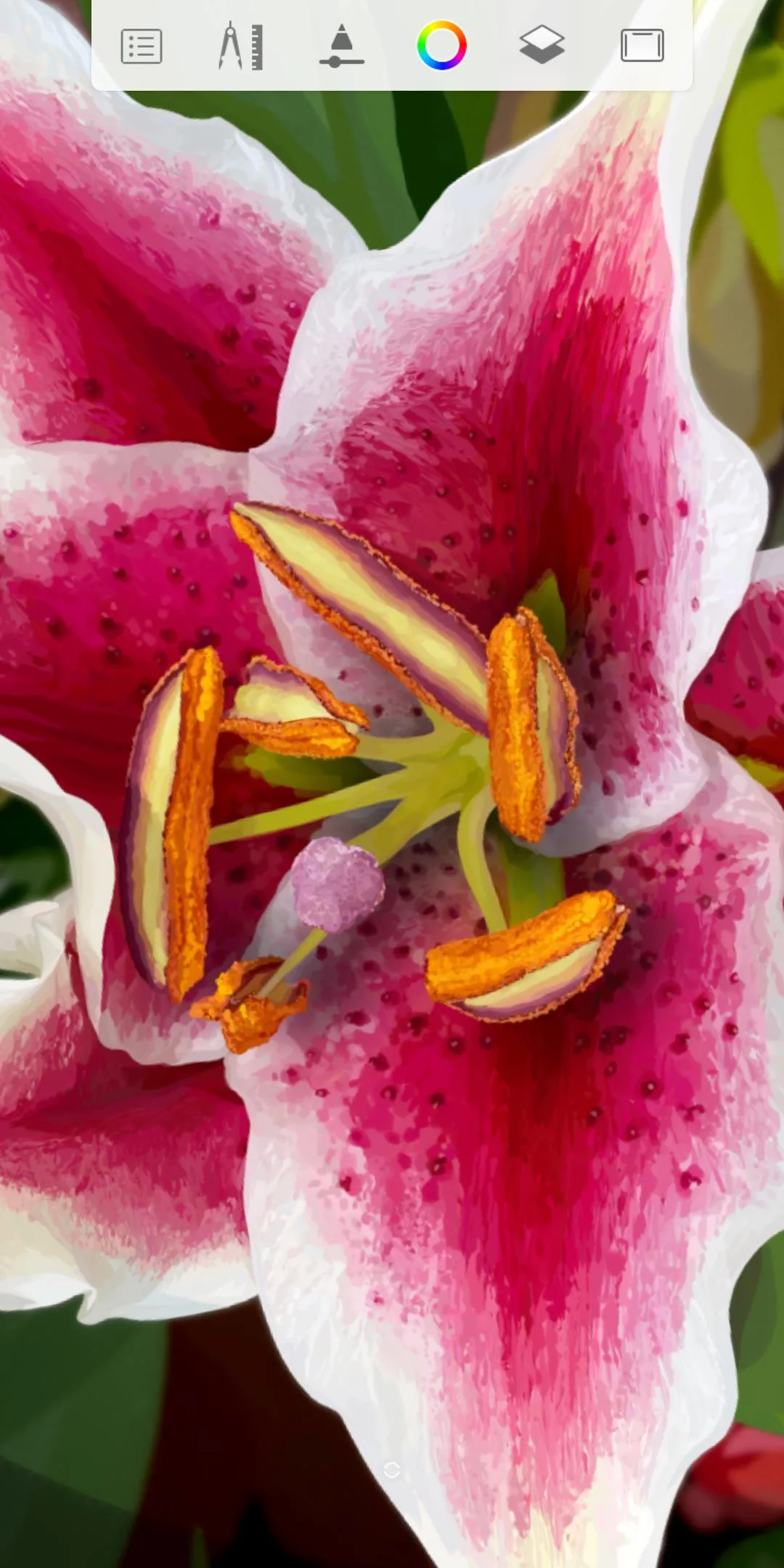
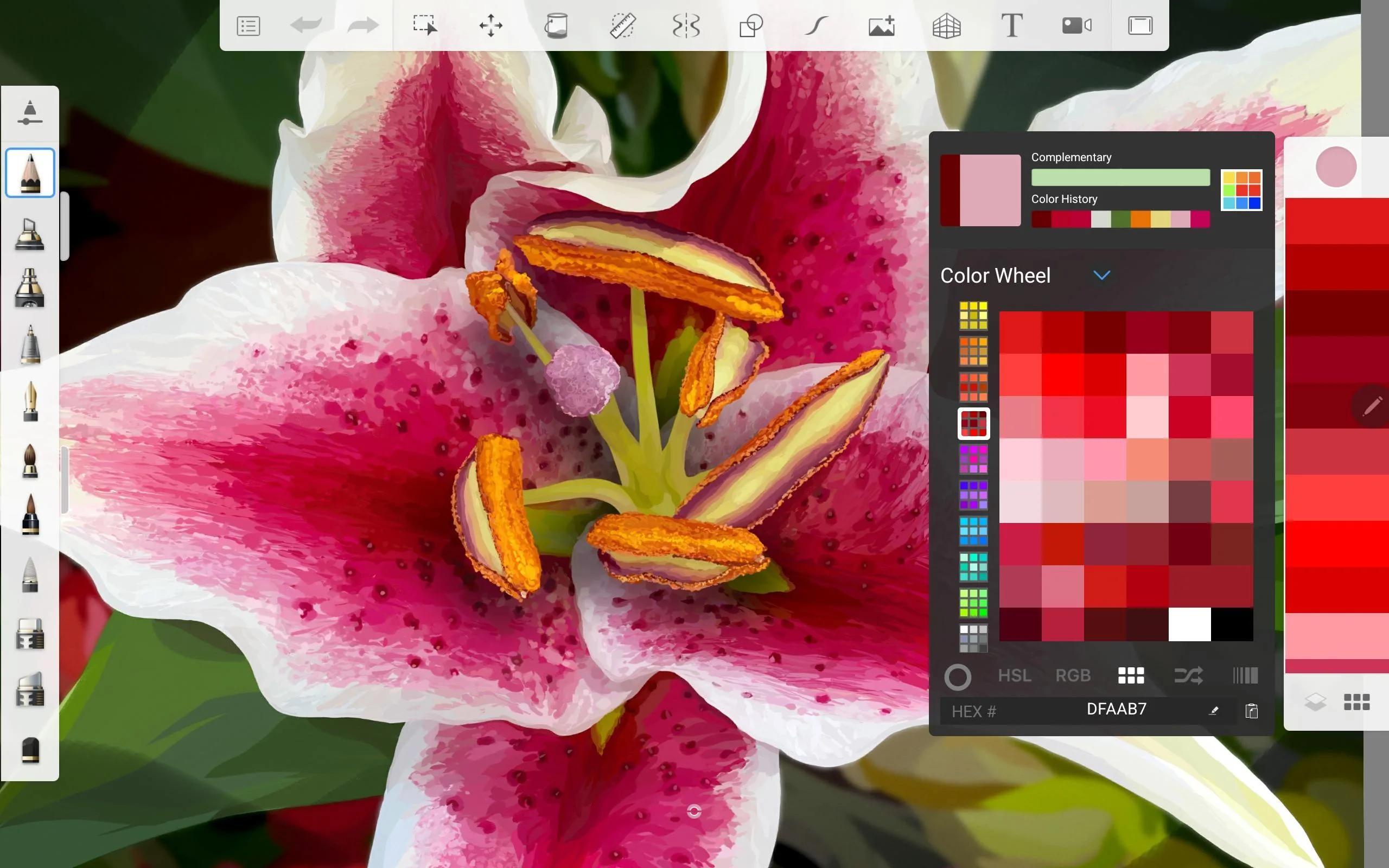
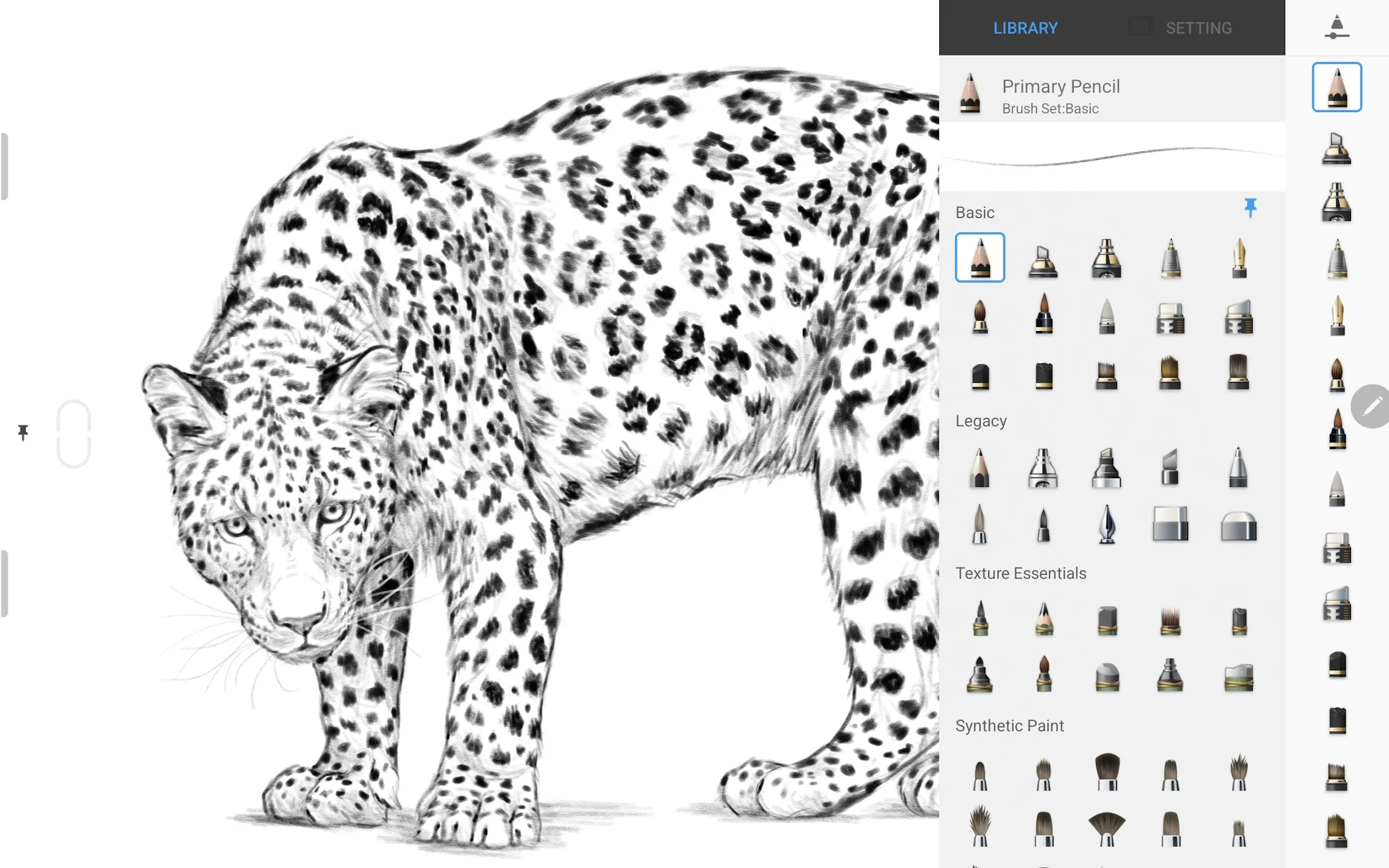
SketchBook is a digital drawing and painting app built for illustrators, designers, concept artists and anyone who sketches on a tablet or phone. It ships with more than 100 brushes and pencils, from hard graphite to wet paint, inks and airbrushes, and each one can be resized and adjusted to taste.
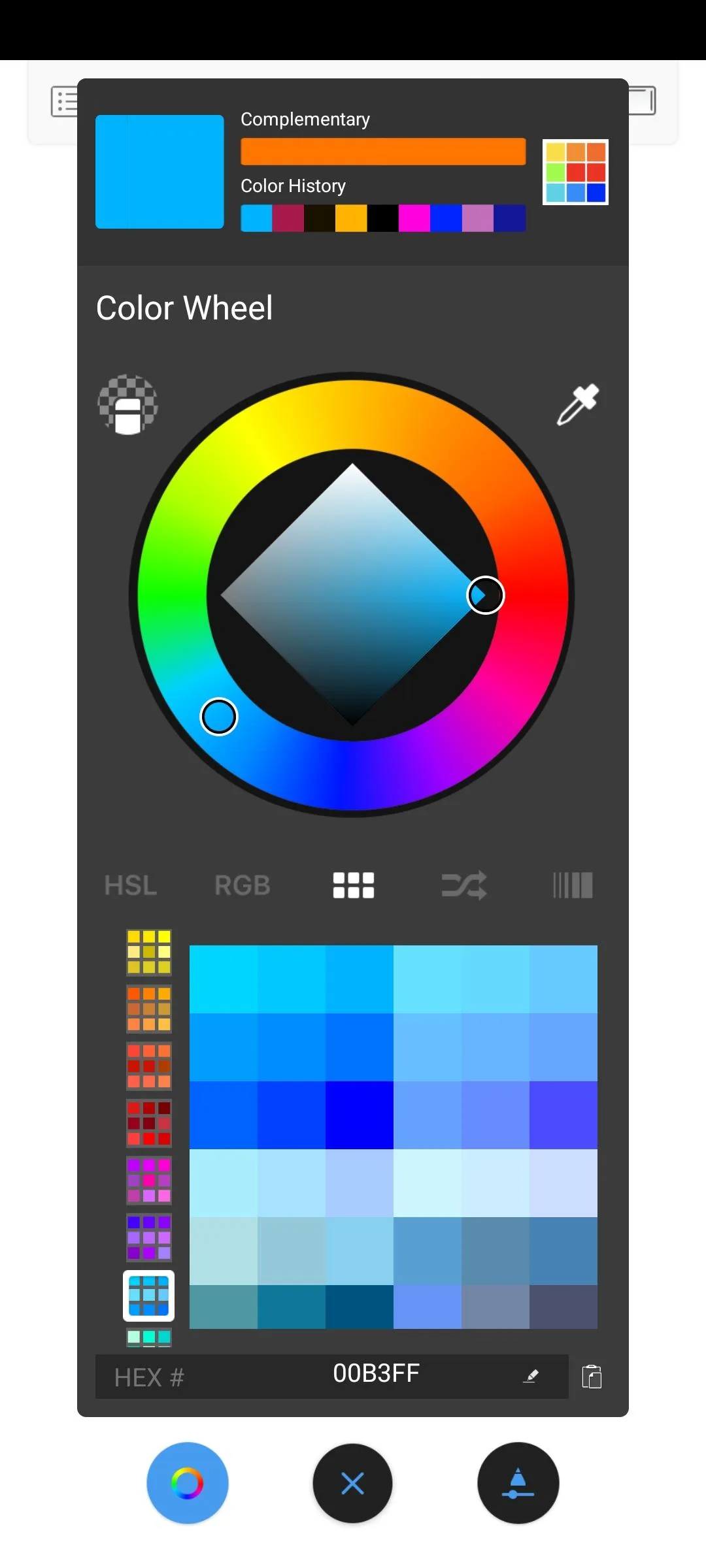
On top of that sits a full layer system with around two dozen blend modes, so you can shade, glaze and mix colors the way you would in a desktop editor. The app reads pressure and tilt from a stylus, which means line weight follows your hand the way it does on paper. Zoom deep into the canvas for fine detail, then pull back to judge the whole piece.
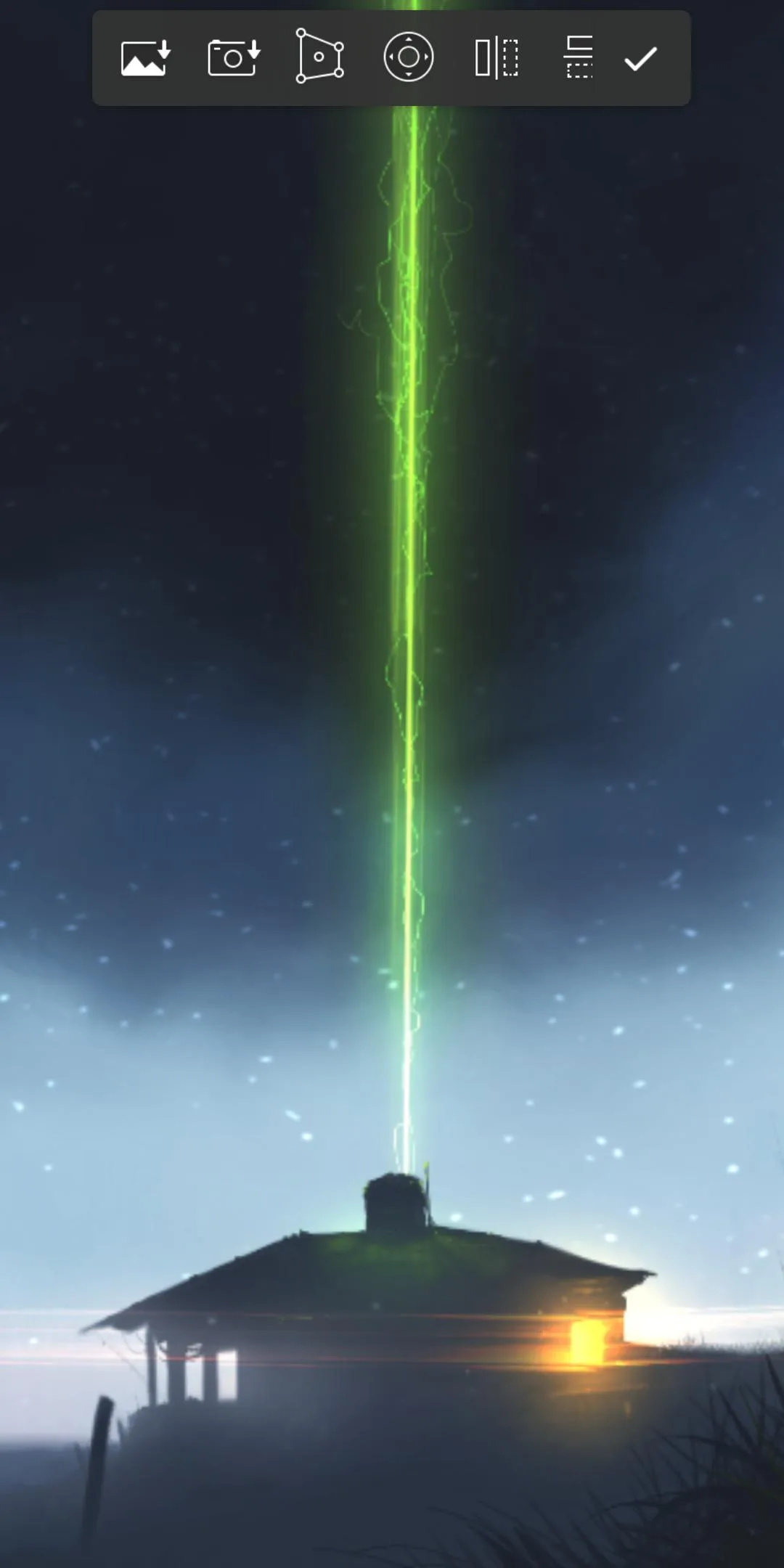
The interface stays out of the way. Tools hide at the edges until you need them, so most of the screen is canvas. There is also a recording mode that saves your session as a time-lapse, handy for tutorials or for showing how a piece came together.
From Autodesk to Sketchbook, Inc. (why it is free now)
Here is the part most download pages get wrong. On 30 June 2021 Autodesk stopped selling and supporting SketchBook. The app did not disappear: a new company, Sketchbook, Inc., took it over and made it free for everyone, with every former Pro feature switched on.
So the version you install here is the full app, not a trimmed free edition. The brushes, layers, blend modes and export tools that once sat behind a Pro subscription are all included at no cost. If you read an older guide that talks about paying for Pro, it is describing how the app used to work under Autodesk, not how it works now.
Key features
- 100+ brushes and pencils: pencils, inks, markers, wet paint and airbrushes, each one adjustable.
- Layers with blend modes: stack your work and mix layers with around two dozen blend modes.
- Pressure and tilt: full stylus support, so strokes react to how hard and at what angle you press.
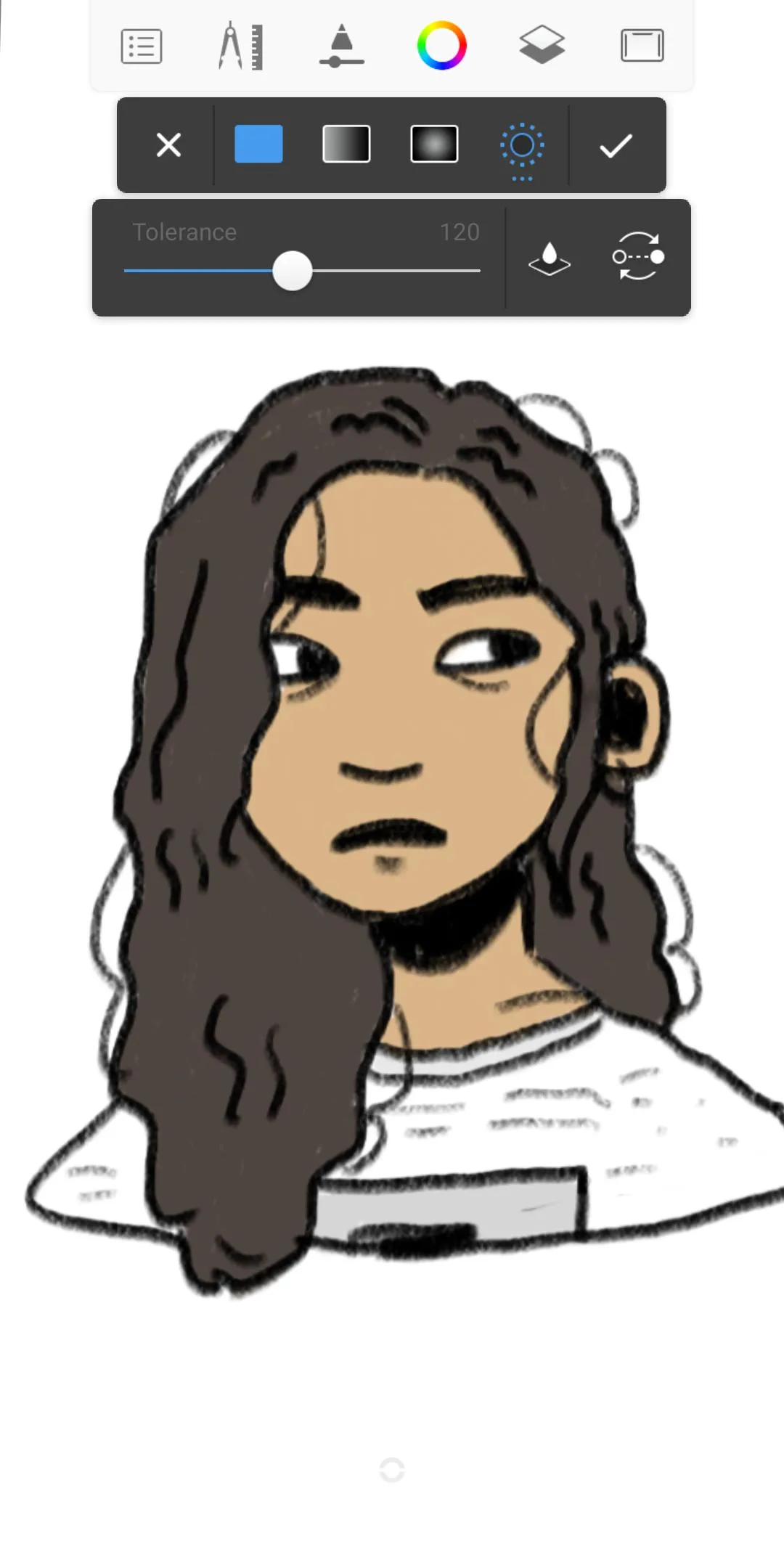
- Selection tools: lasso and marquee selections for moving or editing part of a drawing.
- Guides and symmetry: rulers, perspective guides and symmetry to keep lines clean.
- PSD export: save layered files as PSD to carry your work into Photoshop.
What the "Unlocked" build means
You may see this file tagged as "Unlocked" in the MOD info line at the top of the page. Be clear on what that means today: there is nothing left to open. SketchBook is free, every Pro feature already comes with the app, so no subscription is being bypassed and no payment is skipped.
What this APK is actually good for is offline use. It lets you install the full app without the Play Store, or hold on to a specific stable build if a newer one misbehaves on your device. Think of it as the complete SketchBook in a file you control, not as a workaround for something paid.
How to download and install SketchBook Pro APK
- Tap the green Download APK button at the top of this page. The file is about 145 MB and downloads directly, no registration or SMS.
- Allow installation from unknown sources for your browser or file manager (Settings then Security).
- If a Play Store copy is already installed with a different signature, remove it first so the file can install.
- Open the downloaded file and tap Install. The app needs Android 5.0 or newer.
- Launch SketchBook and grant it storage access so it can save and open your artwork.
New to sideloading? Our APK install guide walks through the same steps with screenshots.
Original or our APK?
The original is free on Google Play and updated by Sketchbook, Inc., so if you want automatic updates that is the simple route. Our file gives you the same full app offline, which helps when you cannot reach the Play Store or want to pin a build that works on your device. Either way you get the complete SketchBook, with no paid tier in the picture.
Want more tools for drawing on Android? Browse our art and design section or the wider apps catalog for other creative apps.
FAQ
Is SketchBook Pro free now?
Who develops SketchBook now?
What does the "Unlocked" version give?
Does it support a stylus and pressure?
Is the APK safe to install?
What are the requirements?
Download Sketchbook Pro (Unlocked)
- No viruses
- No spyware
- No malware
The reviews (3)