- No viruses
- No spyware
- No malware
com.brakefield.idfreeThis file was downloaded, scanned and installed by our editors before publishing.
Every file is also checked with VirusTotal before publishing.

Infinite Design MOD APK (Pro Unlocked)
Additional information about Infinite Design MOD APK (Pro Unlocked)
com.brakefield.idfreeThe description of Infinite Design MOD APK (Pro Unlocked)
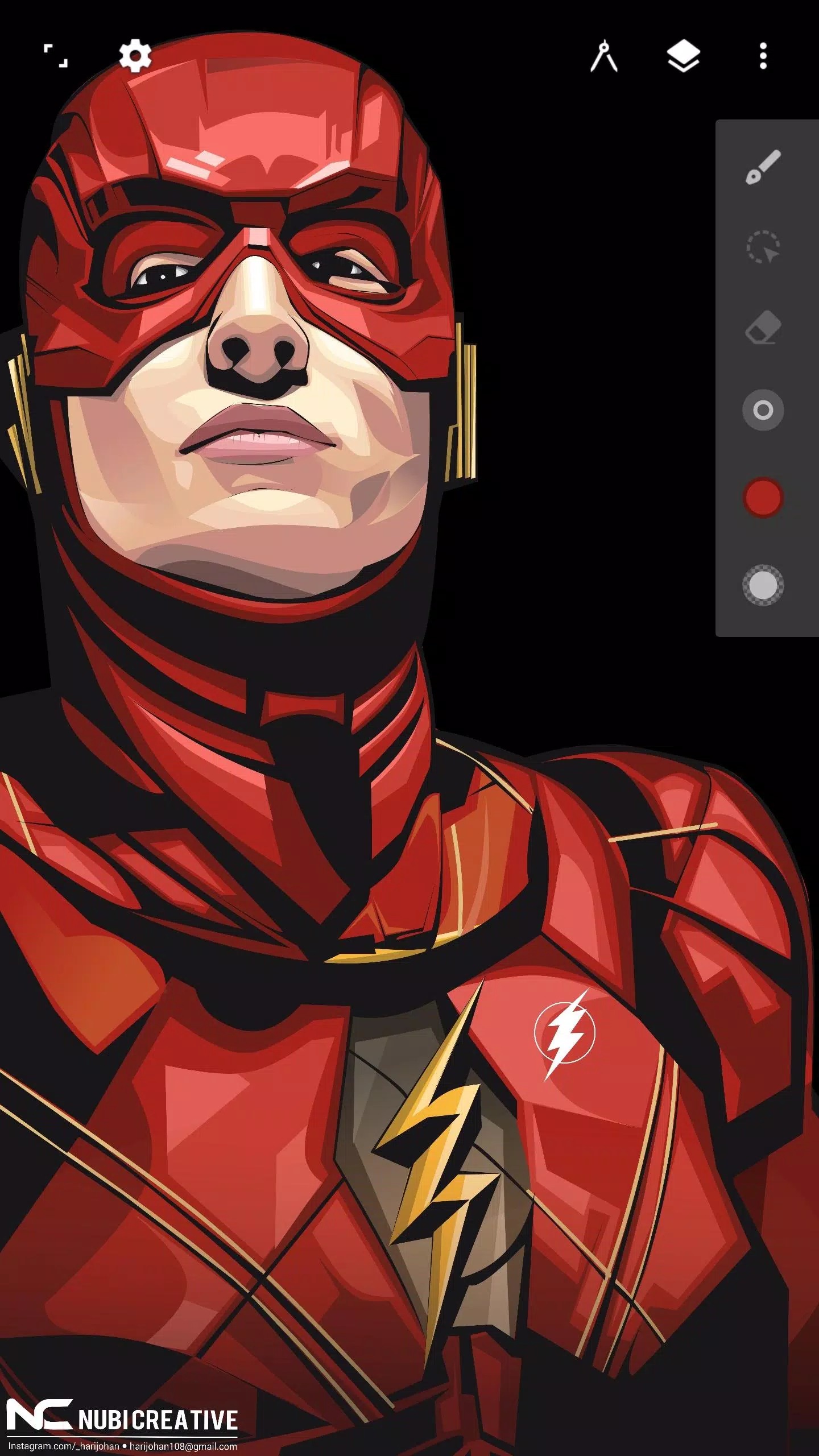
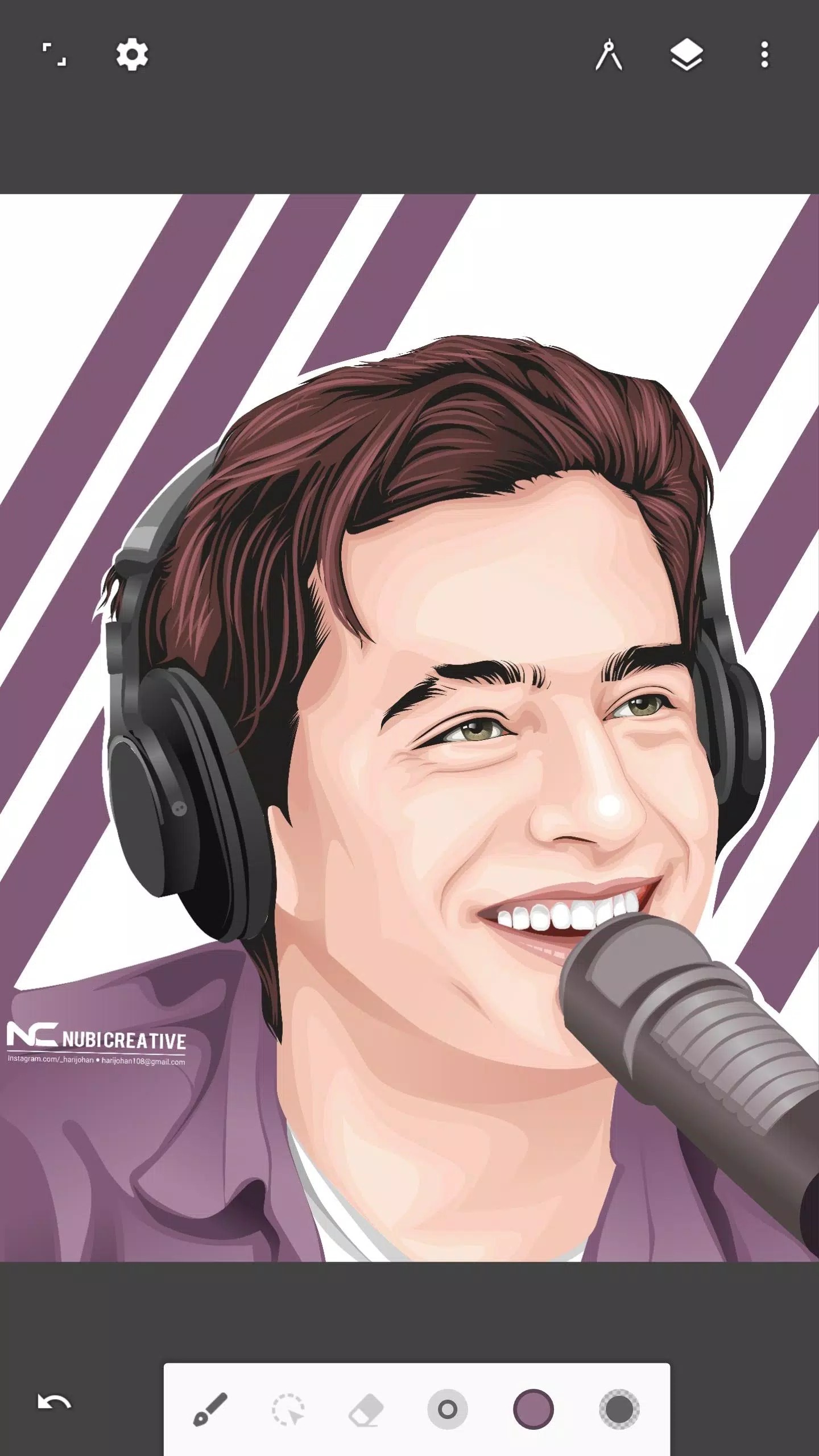
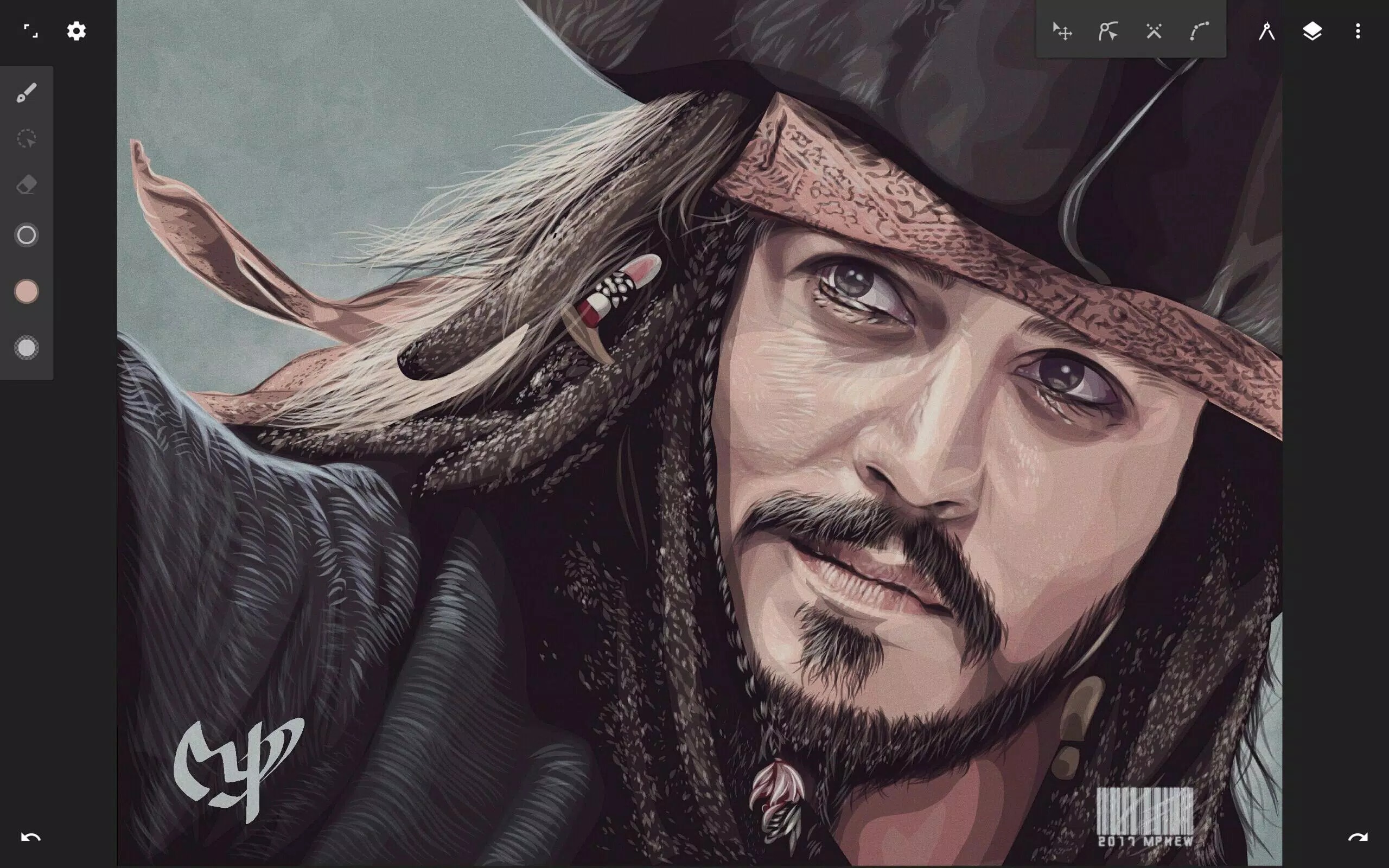
Infinite Design MOD APK gives you the Pro Unlocked build of Infinite Studio's vector editor, so the paid drawing tools open without an in-app purchase. That means vectorize, patterns, gradients, the text tool and 3D perspectives are ready from the first launch. Draw, ink and export straight to SVG.
Infinite Design is a freemium app: the base editor is free, and a Pro upgrade unlocks the advanced tools. The MOD on this page opens those Pro tools for you. Every file we host is scanned for malware and installed on a real Android device by our editors before publishing, we have done this since 2018.
What is Infinite Design?
Infinite Design is a professional vector drawing app for Android, made by Infinite Studio LLC (the same team behind Infinite Painter). It runs on an infinite canvas you can pan, zoom and rotate, so your artboard never boxes you in. You get precise path editing, boolean operations to merge or cut shapes, and clean export to SVG, PNG or JPEG. It suits doodlers and working illustrators alike, whether you sketch on a phone or ink detailed line art on a tablet.
Key drawing tools
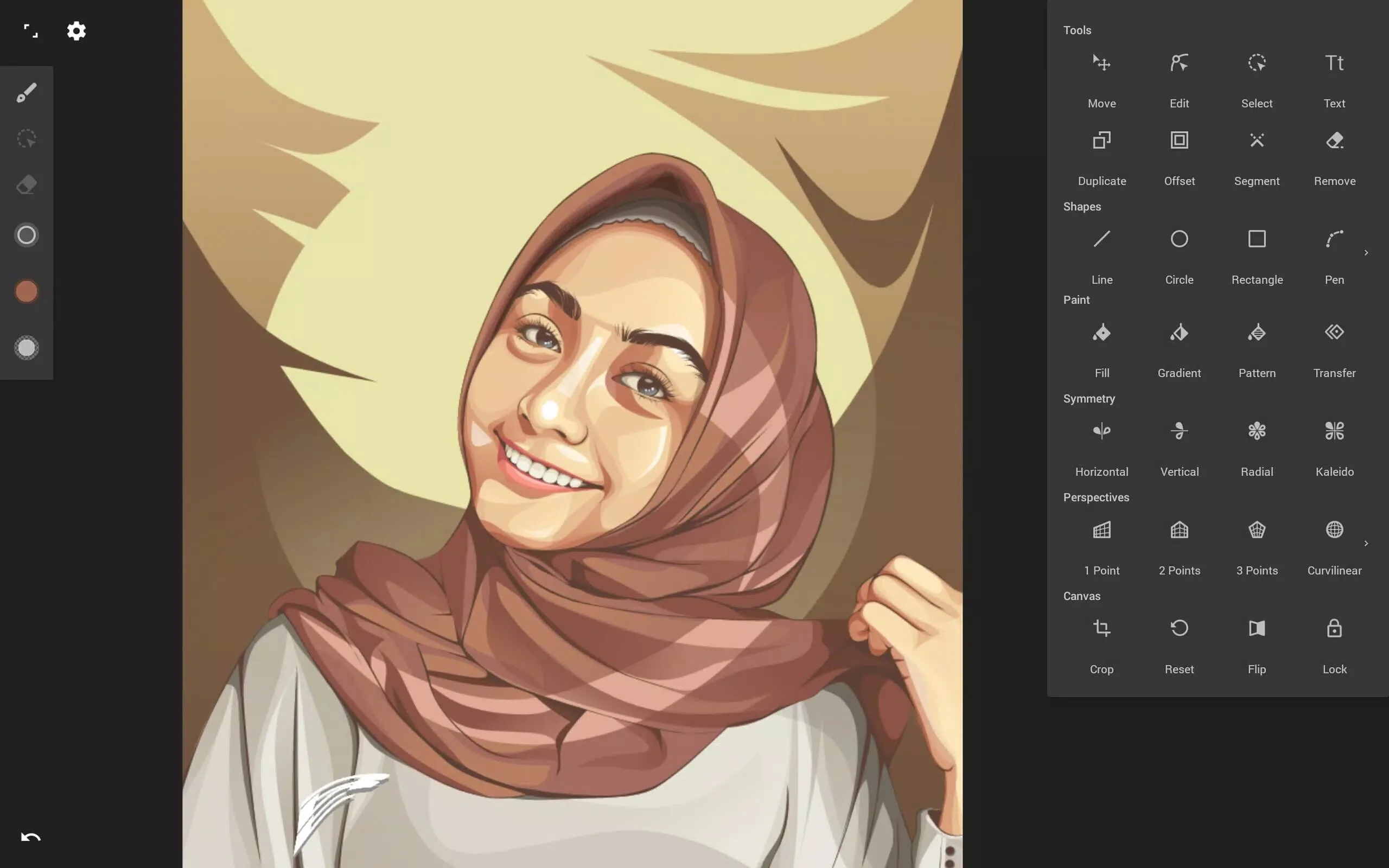
The toolset is deep for a mobile app. Here is what you actually get to work with:
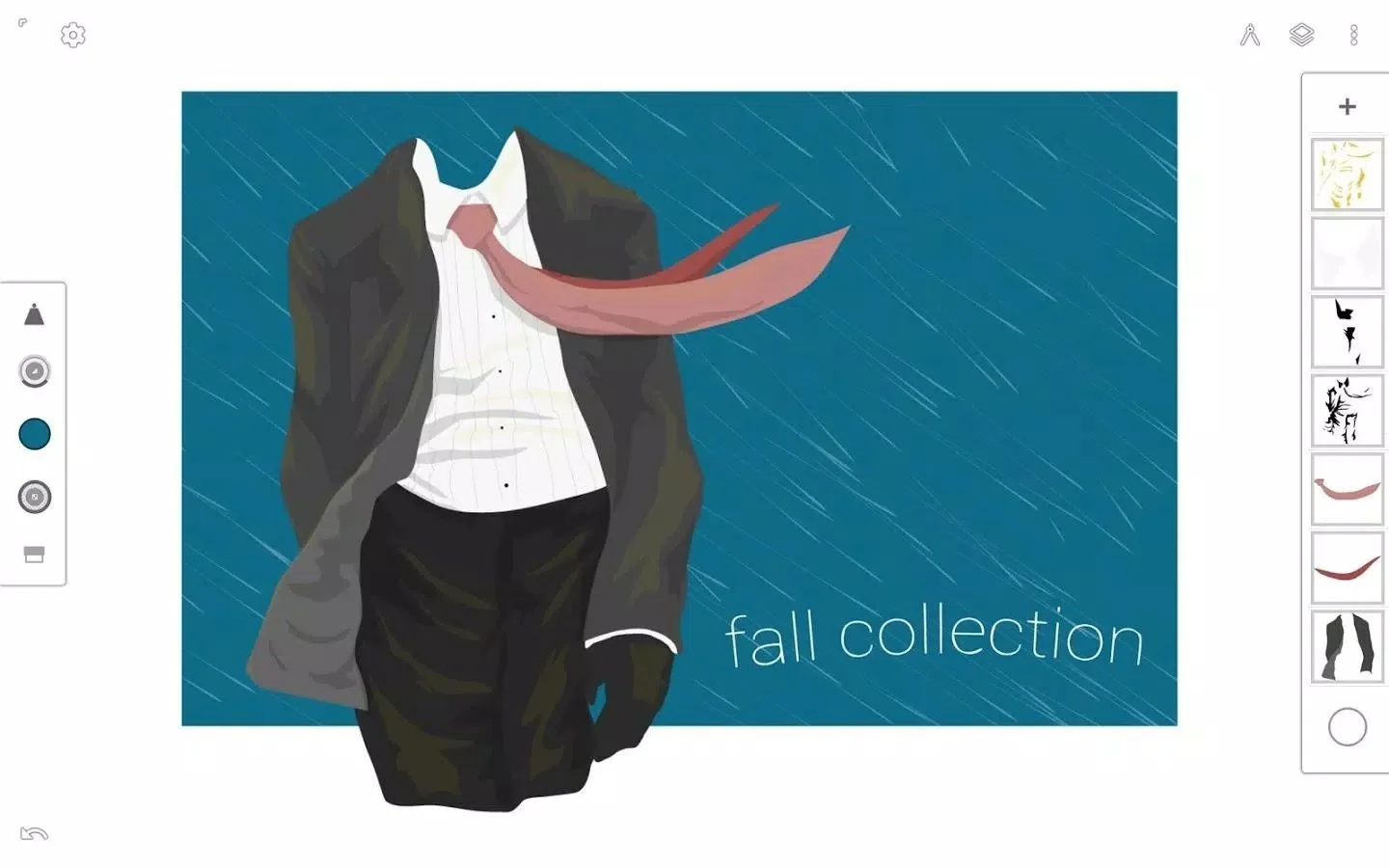
- Unlimited layers, so you can keep line art, color and notes apart.
- Unlimited undo with a history slider that scrubs back through every change.
- Four symmetry modes for mandalas, patterns and balanced lettering.
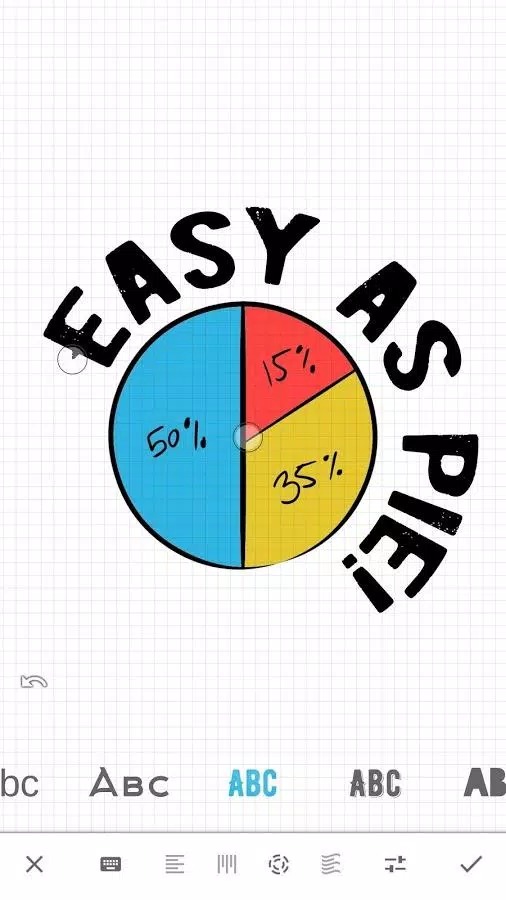
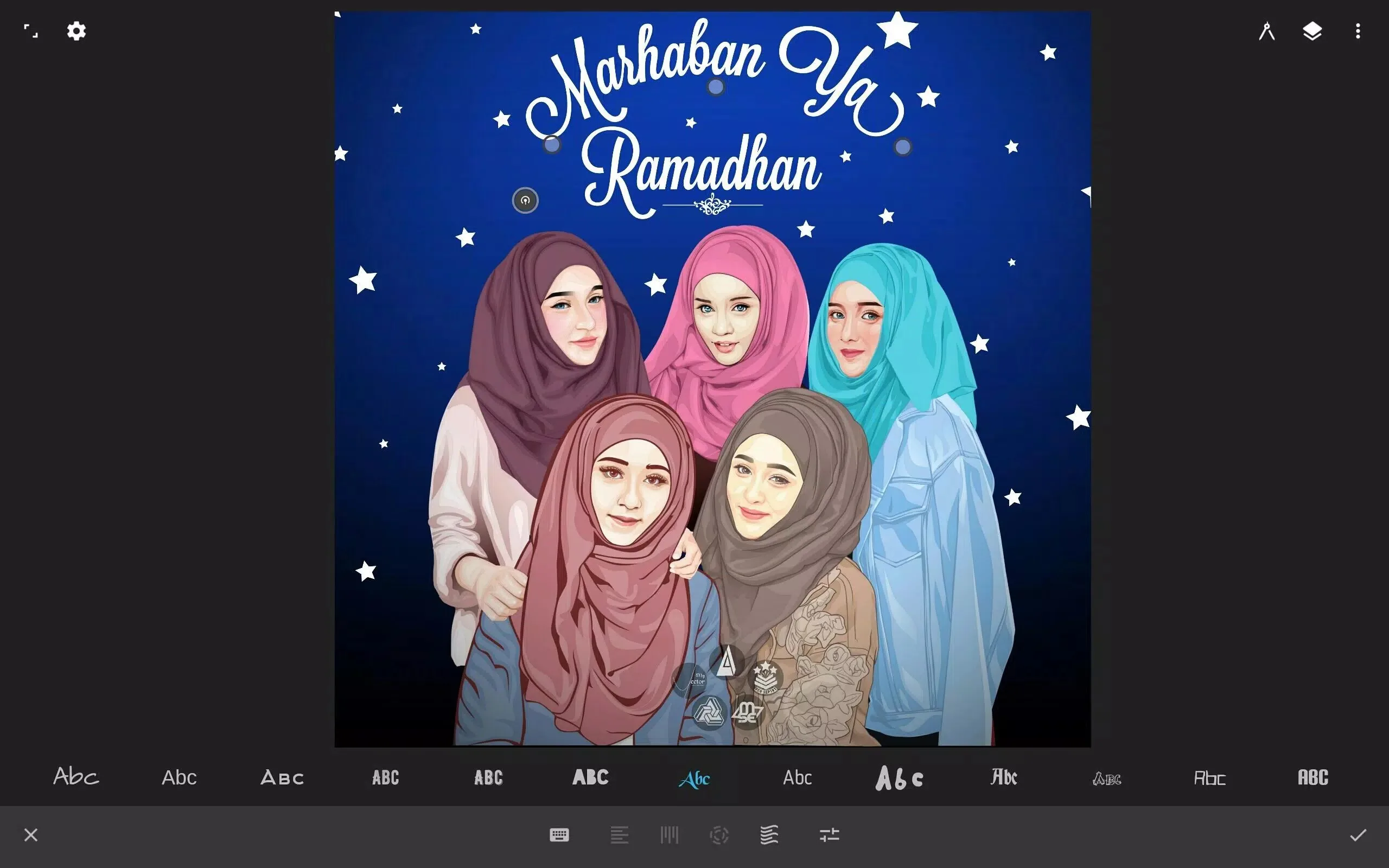
- Text on a path, bending type along any curve you draw.
- 3D perspective with up to five guides for clean vanishing points.
- Transform tools: scale, rotate, skew and distort any selection.
- Gradients and patterns for fills that go beyond flat color.
- Auto shape detection that snaps your rough stroke into a clean shape.
- Vectorize, which turns a raster sketch into editable vector paths.
What the Pro Unlocked MOD gives you
| Pro feature | What it unlocks |
|---|---|
| Vectorize | Convert a raster image or scan into editable vector paths. |
| Patterns | Fill shapes with repeating pattern brushes and tiles. |
| Gradients | Multi-stop gradient fills for smooth shading. |
| Text tool | Add and shape type, including text on a path. |
| Perspectives | 3D perspective guides for accurate depth. |
| Essentials | The rest of the Pro bundle, opened without an in-app purchase. |
One honest note. Some of these tools may be tied to a license check or an Infinite Studio account. If a given feature verifies its status online, a MOD unlock is not guaranteed to hold, so we do not promise every Pro tool free forever. The drawing itself works fine offline either way. We re-test the build after each app update and keep the MOD info line at the top of this page accurate.
Infinite Design vs Pro / official
The official app is free to install, and the Pro tools are sold through an in-app purchase. Buying Pro is the direct way to support Infinite Studio, and it ties the unlock to your account, so updates and any license checks stay clean. The MOD gives you the same Pro tools without paying, which is handy if you just want to test the full editor before you commit. Both give you the drawing app. The difference is who holds the license, and how safe you want the unlock to be over future updates.
How to download and install
The download is a single APK, around 43 MB, and it needs Android 7.0 or newer. Everything starts from this page.
- Tap the green Download APK button at the top of this page, the file downloads directly, no registration.
- Allow installation from unknown sources for your browser or file manager (Settings → Security).
- If the Google Play version is already installed, remove it first, the MOD won't install over it because the signature differs.
- Open the file, tap Install, then launch Infinite Design and start a new canvas.
First time sideloading an app? Our APK install guide walks through the same steps with screenshots.
Tips for vector drawing
- Put line art, color and shading on separate layers so you can edit each part without touching the rest.
- Turn on a symmetry mode for mandalas, logos or repeating borders, it does half the work for you.
- Use vectorize to turn a rough pencil sketch into clean vector paths you can refine.
- Export to SVG when you plan to keep editing on a desktop app later, the paths stay fully editable.
- Rearrange the tool panel to match how you draw, quick access to your top tools saves a lot of taps.
FAQ
What is Infinite Design used for?
What does the Pro Unlocked MOD give?
Is Infinite Design free?
Is the MOD APK safe?
Does it work offline?
What are the requirements and size?
Download Infinite Design APK Android
- No viruses
- No spyware
- No malware
The reviews (0)