- No viruses
- No spyware
- No malware
This file was downloaded, scanned and installed by our editors before publishing.
Every file is also checked with VirusTotal before publishing.

U Launcher Pro-NO ADS APK (No Ads Unlocked)
Additional information about U Launcher Pro-NO ADS APK (No Ads Unlocked)
The description of U Launcher Pro-NO ADS APK (No Ads Unlocked)
U Launcher Pro-NO ADS is the paid, ad-free build of the U Launcher home screen by Moboapps: no banners, no full-screen ads, and the premium themes, wallpapers and icon packs are already switched on. On this page you can download the APK, scanned for malware and installed on a real Android device by our editors before publishing, we have done this since 2018.
What is U Launcher Pro-NO ADS?
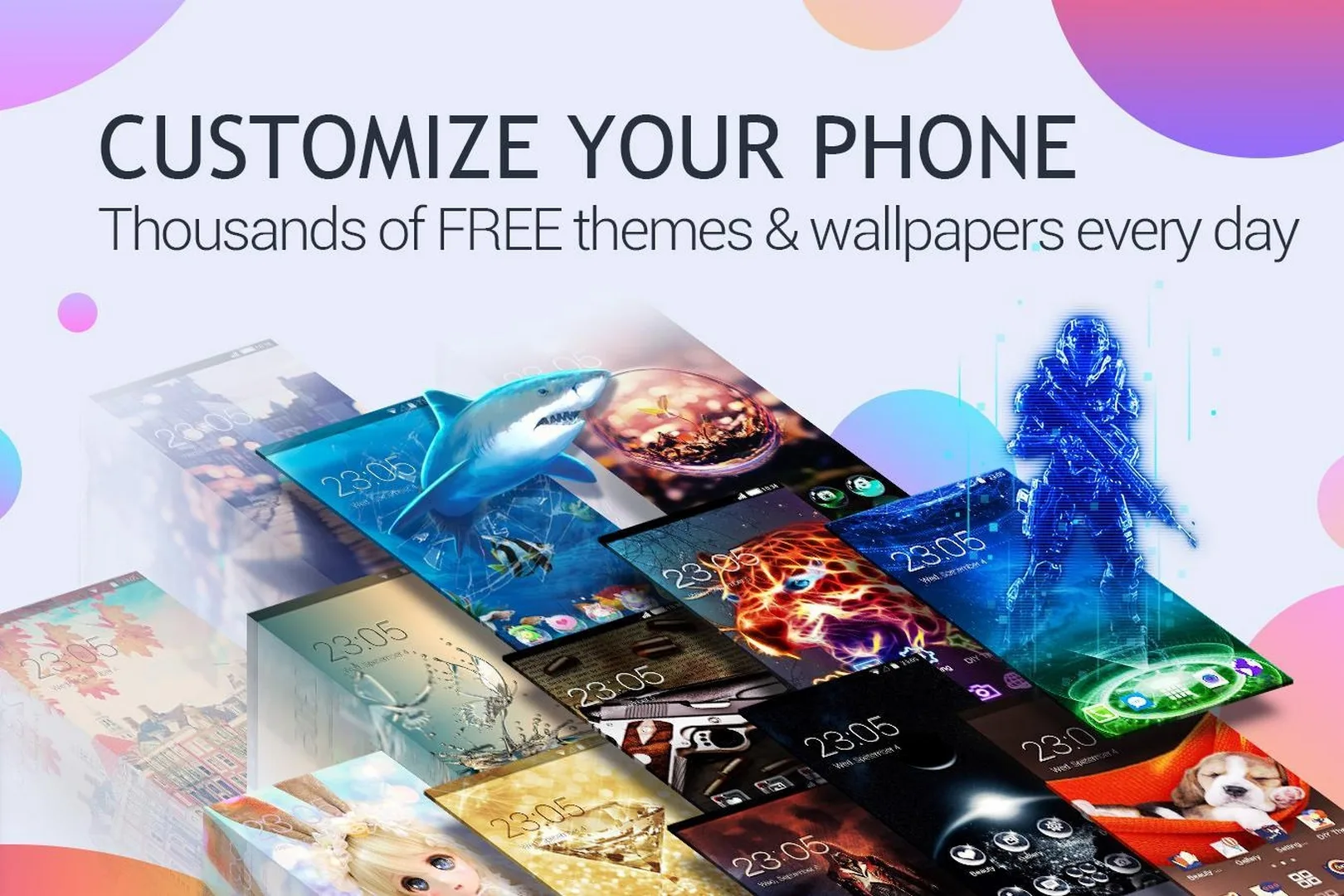
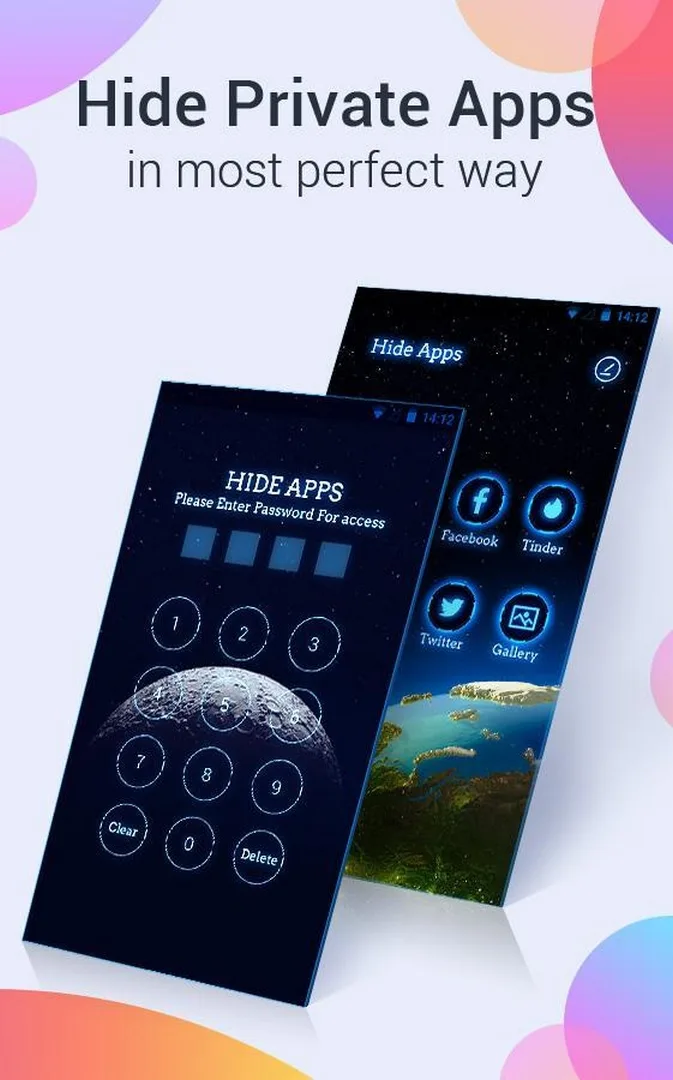
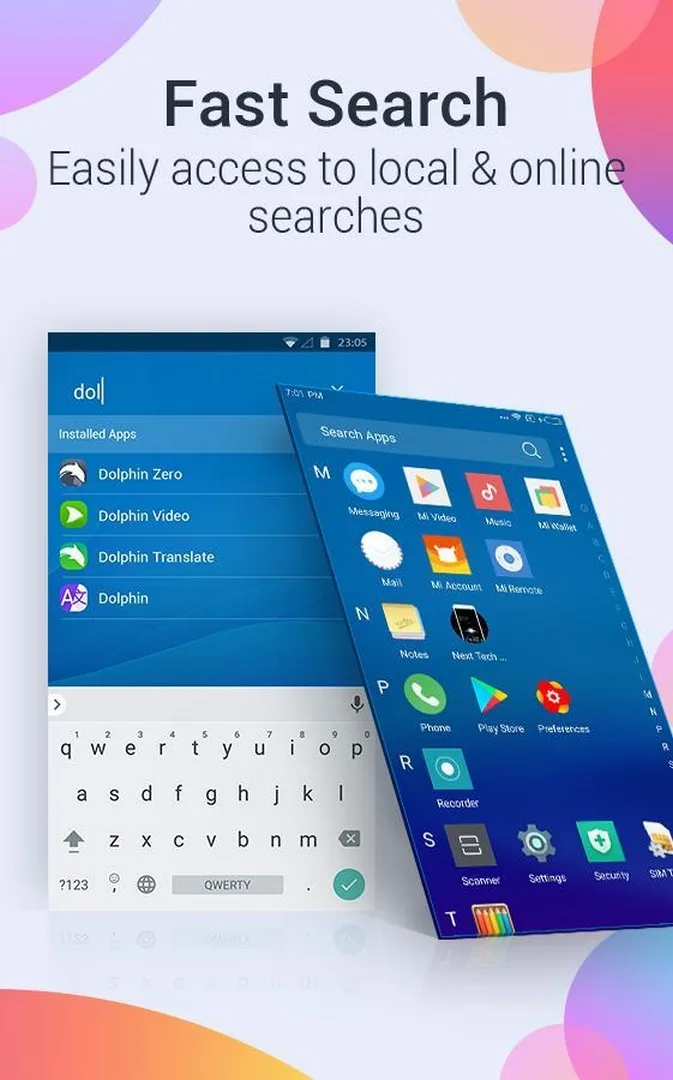
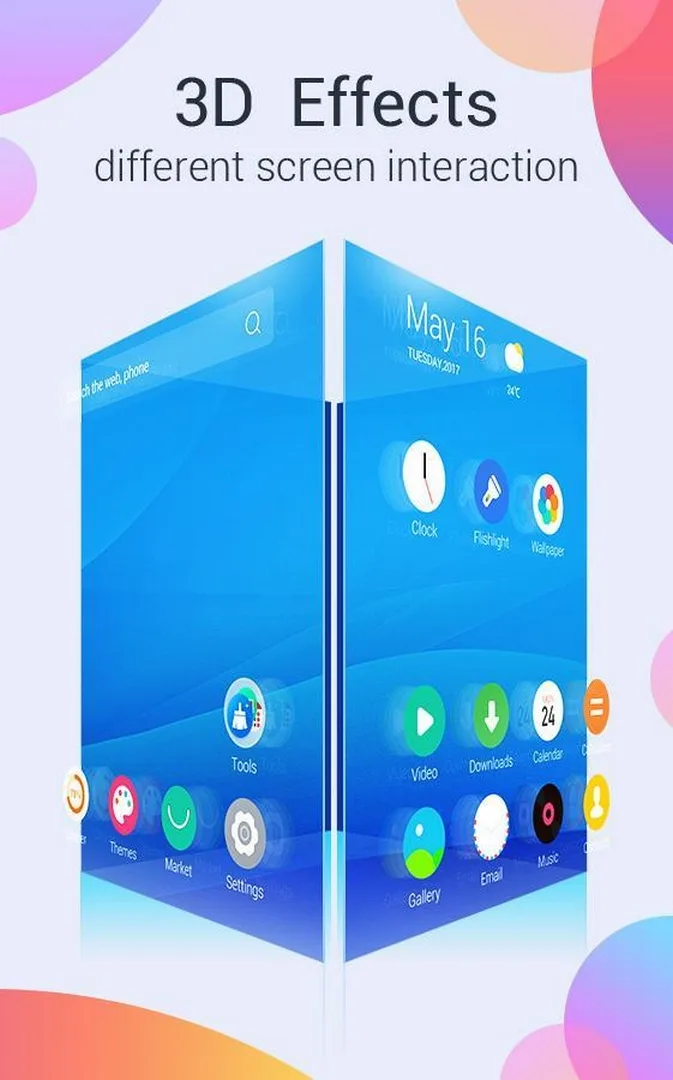
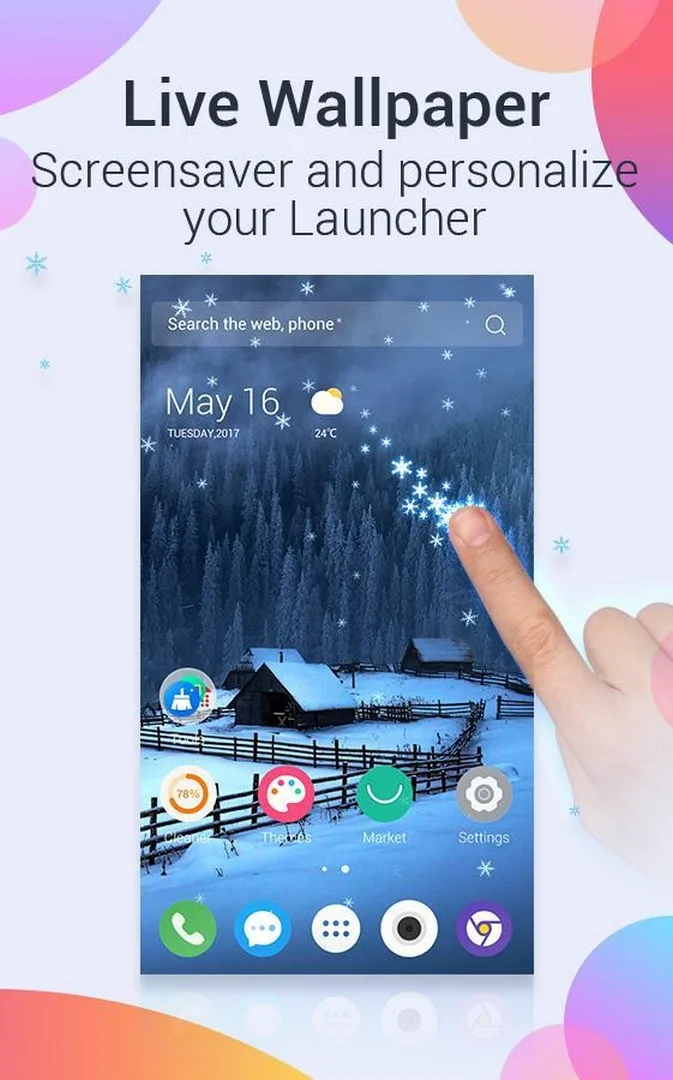
U Launcher is a custom home screen, a launcher that replaces the stock one on your phone and changes how the desktop, app drawer and icons look. The Pro-NO ADS version keeps all of that and drops the ads. You get live themes, animated wallpapers, custom icon packs, transition animations and light 3D effects, plus app hide and app lock, so private apps can sit behind a password.
It is a client app. The launcher itself runs offline once installed, but new themes and wallpapers are pulled from the Moboapps server, so you need an internet connection to browse and download fresh content. Anything you have already saved stays on the phone without a signal.
What the Pro / No-Ads build gives you
| Feature | What it means on your phone |
|---|---|
| No ads | No banner strips and no full-screen ads between actions. |
| Premium themes & wallpapers | The paid theme and wallpaper packs are already available, no extra purchase. |
| App hide / app lock | Hide apps from the drawer and put a password on apps or the gallery. |
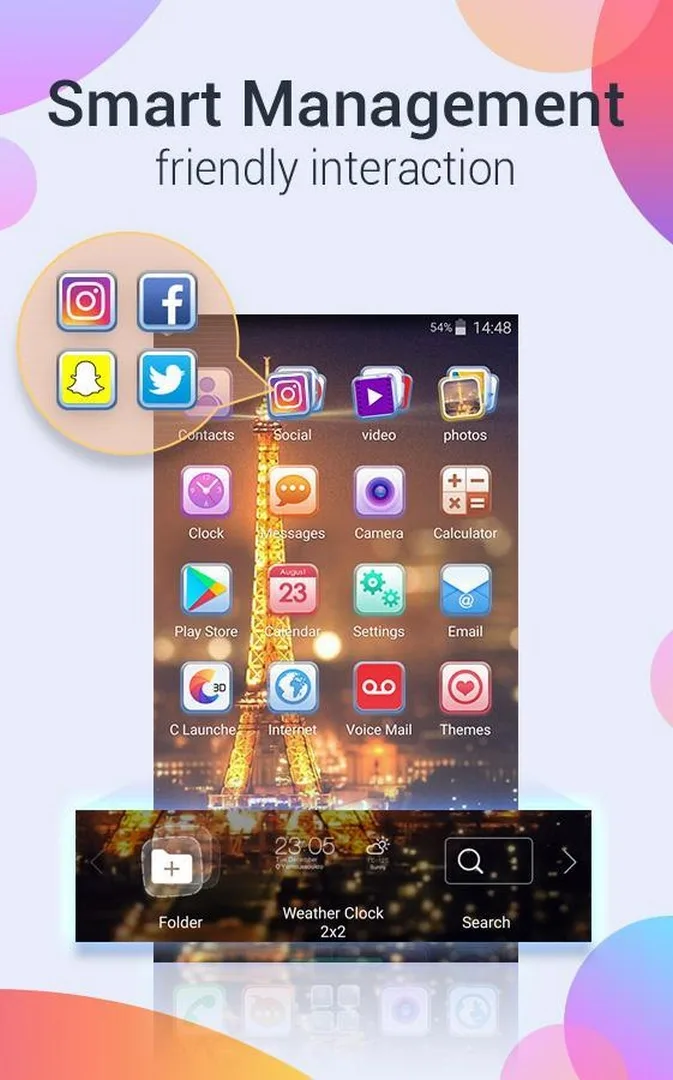
| Icon & transition customization | Swap icon packs, change the grid and pick the swipe animations. |
To keep it honest: this is the paid Pro version of the launcher, offered here for free. Every feature is client-side, part of the app on your phone. There are no coins, no accounts and nothing that touches the rest of your system.
Is it safe to change your launcher?
Yes. A launcher only controls the home screen and app drawer, it does not touch your system files, messages or other apps. If you decide U Launcher is not for you, open Settings → Apps → Default apps → Home app and pick your old launcher. The switch is instant and reversible.
The file itself was scanned for malware and installed on a real device by our editors before it went live. Keep Play Protect on and download only from the button on this page.
How to download and install
- Tap the green Download APK button at the top of this page. The file is about 9 MB and downloads directly, no registration or SMS.
- Allow installation from unknown sources for your browser or file manager (Settings → Security).
- Open the downloaded file and tap Install. Android 4.0.3 or newer is enough.
- Press Home, choose U Launcher as your default home app and set it to Always.
First time sideloading an app? Our APK install guide walks through the same steps with screenshots.
Tips for customization
- Apply a full theme for a matching icon-and-wallpaper look, or keep your wallpaper and change only the icon pack.
- Turn on app lock for private chats or your gallery, then hide those apps from the drawer as a second layer.
- Change the home grid and swipe animations to fit how you actually reach your apps.
- Go easy on heavy live wallpapers on older phones. They are the first thing to drain the battery and slow down scrolling.
Pro build or original?
The free build of U Launcher shows ads and keeps some theme packs behind payment. This Pro-NO ADS build removes the ads and includes the premium packs, which is the whole reason to pick it. If you would rather stay on the store version and pay for what you want, that route is fine too.
Want to compare before you commit? Look at Nova Launcher Prime for a lighter, cleaner setup, or browse more personalization apps and other MOD APKs in the catalog. You can also open the full apps section for related tools.
FAQ
Is U Launcher Pro-NO ADS free?
What is removed compared to the free version?
Does U Launcher Pro-NO ADS work offline?
Is changing my launcher safe and reversible?
What Android version do I need?
Is the APK safe to install?
Download U Launcher Pro-NO ADS
- No viruses
- No spyware
- No malware
The reviews (0)