- No viruses
- No spyware
- No malware
This file was downloaded, scanned and installed by our editors before publishing.
Every file is also checked with VirusTotal before publishing.

CCPlay APK
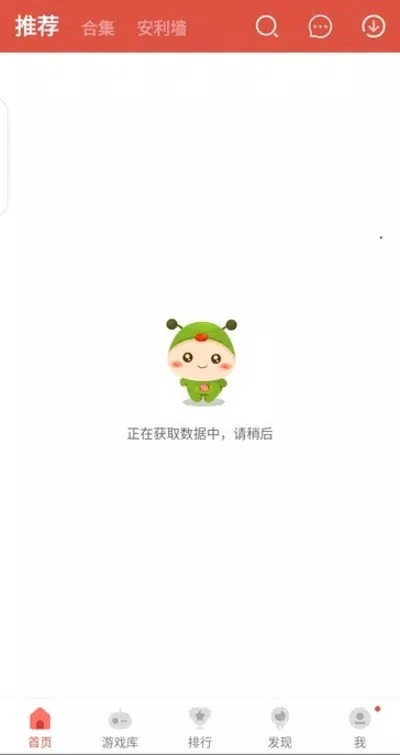
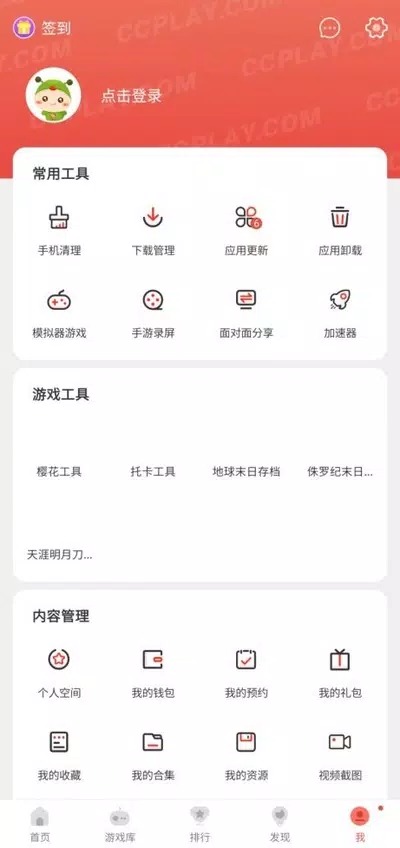
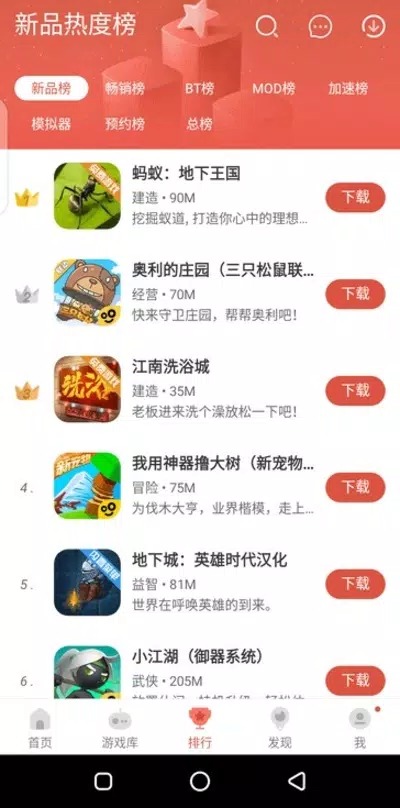
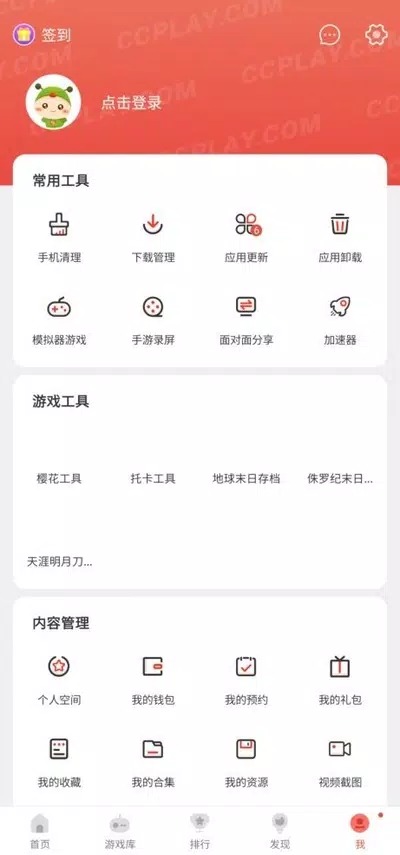
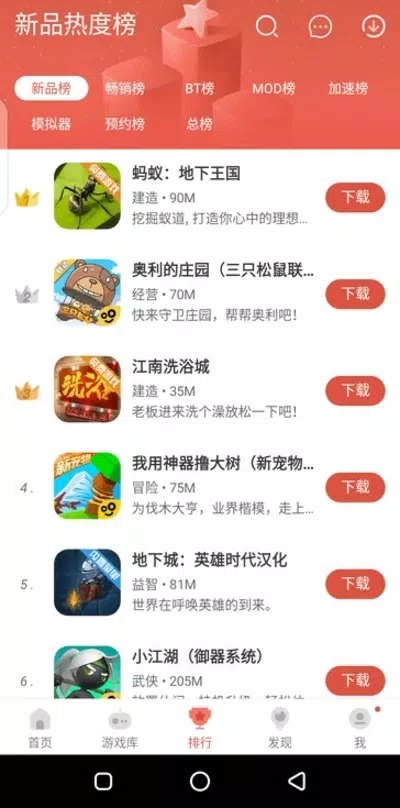
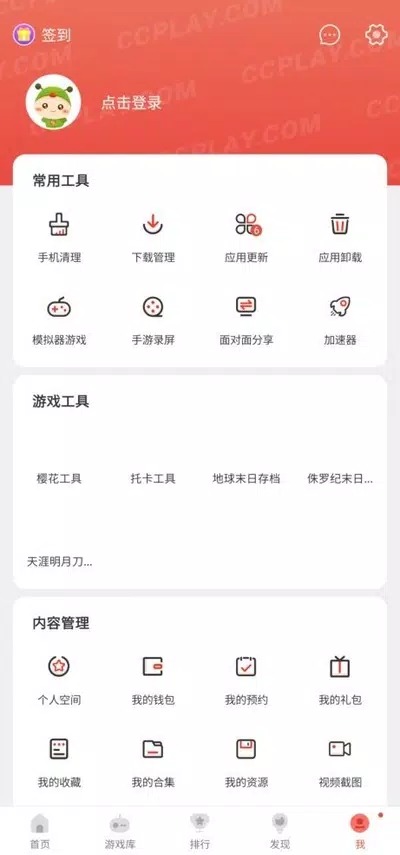
Additional information about CCPlay APK
The description of CCPlay APK
CCPlay APK is a third-party Android store that puts games, apps and modded games in one place, so you can grab free titles and unlimited-coins builds without hunting across a dozen sites. It is not Google Play, and it is not a mod itself. It is a separate store app from NatStudio, and you install it on your own phone. The file on this page is scanned for malware and installed on a real Android device by our editors before publishing, we have done this since 2018.
One thing up front, so you know what you are getting. CCPlay is an unofficial source. It hands out modified games and premium apps that come from outside the official channels, and that carries real trade-offs we spell out below.
What is CCPlay?
CCPlay is an alternative app store, built by developer NatStudio, with the package name com.lion.market. It started out serving markets where Google Play was hard to reach, and it grew into a single catalog of games, regular apps and mods. The interface is in English, and you don't need root to use it. You browse, you tap, it installs.
Being honest about it: CCPlay is not connected to Google, and there is no official Google Play listing for it. Any "Get it on Google Play" badge you see for CCPlay is really just a search result, not a real store page. What you install here you install from the APK on this page.
What you get
- One catalog that mixes games, everyday apps and mods, so you search in a single place instead of five.
- Daily picks and updates, with fresh titles and new versions surfaced on the home screen.
- Modded games, the kind with unlimited coins or gems already applied, ready to download.
- Premium and region-locked apps that can be hard to reach through the normal store.
- No root and no account needed, per the developer, so setup stays quick.
Worth saying plainly: the mods and premium apps here are third-party builds. They are repackaged by someone other than the original developer, which is exactly why they can offer things the official version won't.
Is it safe? Risks to know
Short answer, it depends on what you install and how careful you are. The CCPlay file on this page is checked by our editors, but CCPlay itself is a store for third-party content, so a chunk of the responsibility lands on you. Modified games break the terms of service of most publishers, and if you sign into an online account with a modded build, you risk getting that account flagged or banned. That's not a scare line, it's just how online games treat tampered clients.
So use it with your eyes open. Keep a scanner or Play Protect on, stick to titles you actually recognize, and for standard apps like banking, chat or anything with a login, get the official version from Google Play instead. CCPlay earns its place for mods and hard-to-find apps, not as a wholesale replacement for the official store.
How to download and install CCPlay APK
The download is a single APK, roughly 53 MB, and it runs on Android 6.0 and up. Here is the whole process.
- Tap the green Download APK button at the top of this page. The file downloads directly, no registration or SMS.
- Allow installation from unknown sources for your browser or file manager (Settings → Security, or the prompt Android shows you).
- Open the downloaded file, tap Install, then open CCPlay and let it load its catalog.
First time sideloading an app? Our APK install guide walks through the same steps with screenshots. Once CCPlay is in, anything you install from inside it is a separate download, and the same unknown-sources permission covers it.
CCPlay on PC
You can run CCPlay on a computer, though it is an Android app, so it needs an emulator. Install BlueStacks or LDPlayer on your PC, then install the CCPlay APK inside that emulator the same way you would on a phone. From there the store behaves as it does on mobile. Handy if you want a bigger screen or you're testing games before moving them to your phone.
CCPlay vs Google Play
They aren't really rivals, they cover different needs. This table lays out where each one fits.
| CCPlay | Google Play | |
|---|---|---|
| Official / vetted | No, third-party store | Yes, Google's official store |
| App review & moderation | Limited | Full review process |
| Mods (unlimited coins/gems) | Yes | No |
| Region-locked / pulled apps | Often available | Blocked by region |
Bottom line: for standard apps, Google Play is the safer, more reliable pick. CCPlay is the one to reach for when you want mods or something the official store won't give you, and you understand the risk that comes with it. Want to explore more? Browse our modded games or the wider apps catalog.
FAQ
Is CCPlay official or from Google?
Is CCPlay safe?
Do I need root or an account?
Can mods get me banned?
Can I run CCPlay on PC?
What are the requirements and file size?
Download CcPlay APK Android
- No viruses
- No spyware
- No malware
The reviews (1)