- No viruses
- No spyware
- No malware
com.changpeng.enhancefoxThis file was downloaded, scanned and installed by our editors before publishing.
Every file is also checked with VirusTotal before publishing.

EnhanceFox MOD APK (Premium Unlocked)


Additional information about EnhanceFox MOD APK (Premium Unlocked)
com.changpeng.enhancefoxThe description of EnhanceFox MOD APK (Premium Unlocked)
EnhanceFox MOD APK unlocks Premium, so you export your AI-enhanced photos and videos without the watermark, reach every processing mode and filter, and skip the ads. It is an AI photo and video enhancer: point it at a blurry shot or an old family picture and it sharpens, cleans and upscales the result. The file on this page is scanned for malware and installed on a real Android device by our editors before publishing, we have done this since 2018.
One thing to know up front. EnhanceFox does the heavy AI work on the developer's servers, not on your phone, so you will need an internet connection to run an enhancement. Premium removes the limits inside the app itself. More on where that line sits below.
What is EnhanceFox?
EnhanceFox is an AI image and video tool from Pixl Concerto Technology, the studio also known as risingcabbage. On Google Play it is listed as AI Photo Enhancer — EnhanceFox. You feed it a photo, pick a mode, and the AI rebuilds detail that the original file lost. It is a phone app, made for Android, not a desktop program.
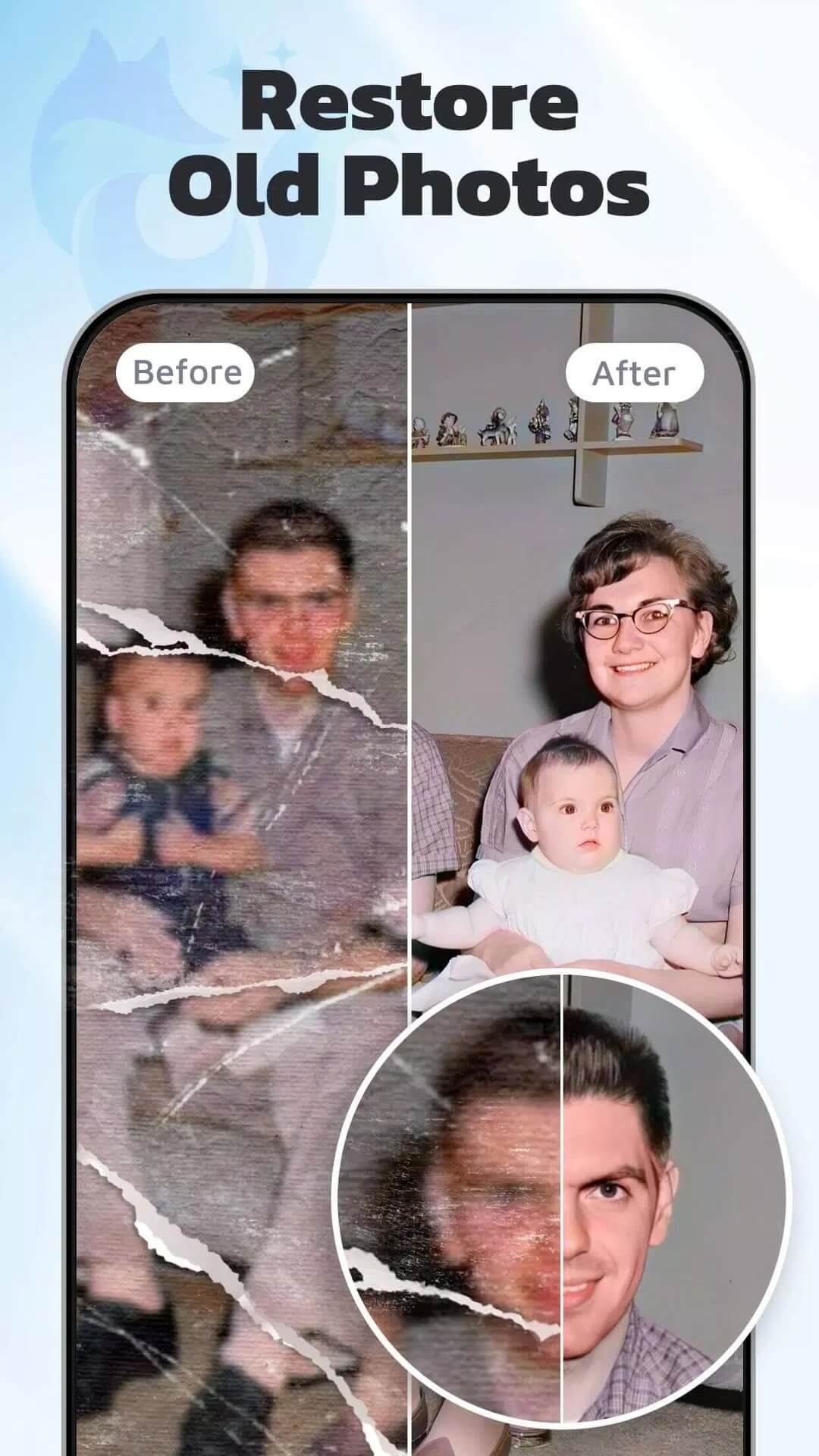
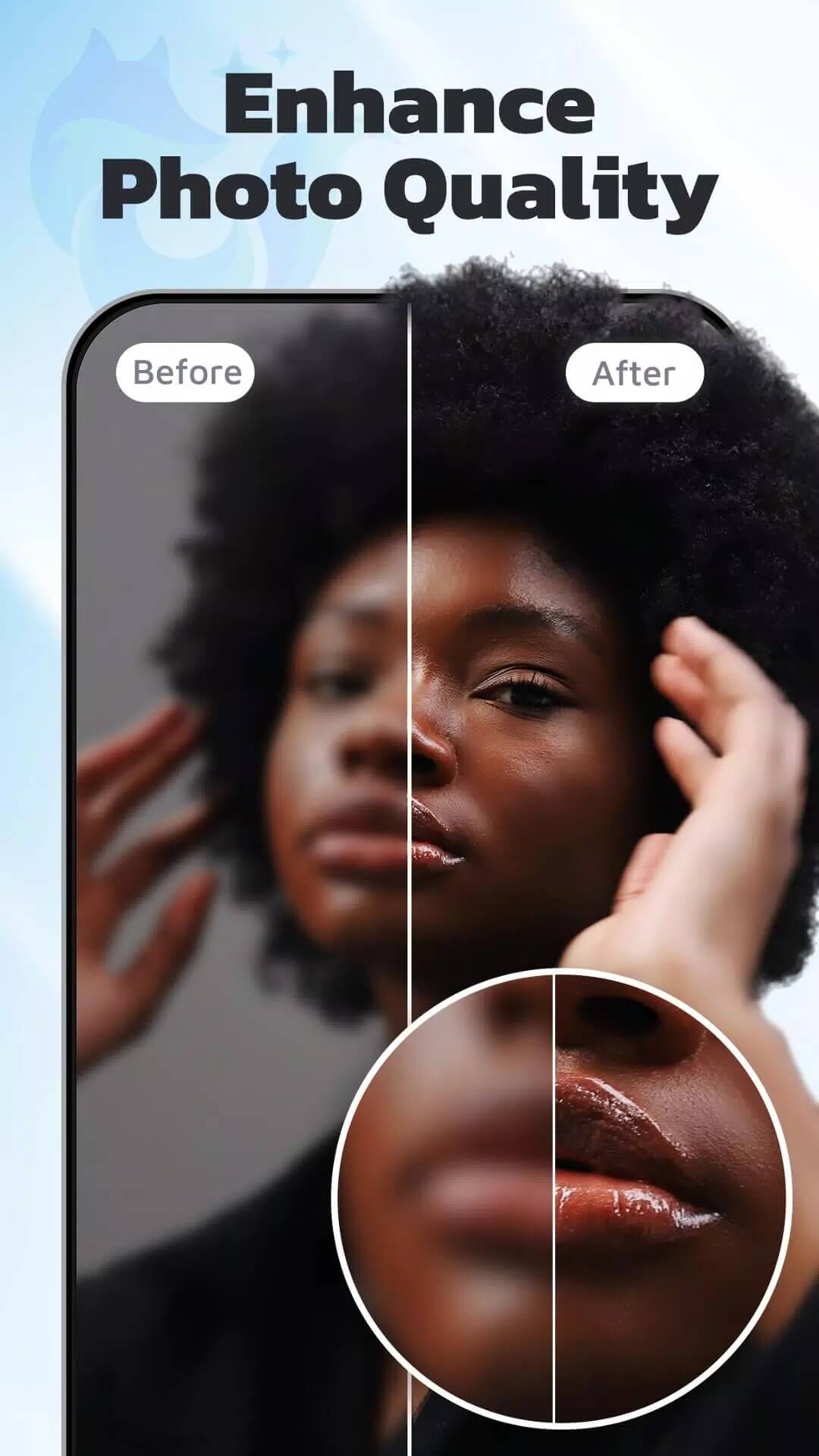
The main job is fixing pictures that look rough. Blurry snaps, faded scans, grainy low-light shots, old prints you photographed years ago, EnhanceFox tries to bring them back. It handles faces and portraits, landscapes, and even anime or drawn art, and it can upscale an image up to 4K. Every job shows a before and after slider so you can see exactly what changed before you save.
What the Premium unlock gives you
| Premium feature | What it changes in the app |
|---|---|
| No watermark on export | Your saved photos and videos come out clean, without the EnhanceFox stamp. |
| All processing modes and filters | Every enhance mode, filter and style is open, not just the free ones. |
| HD / high-resolution export | Save at the full output size instead of a downscaled free version. |
| No ads | No interstitials between jobs. |
Here is the honest part. The Premium unlock lifts the client-side limits, the watermark, the locked modes, the export cap, the ads. But the AI itself runs on the developer's servers, often through a queue or a credit system. That means the MOD does not hand you unlimited server processing, and if the service counts credits or quotas on its side, those can still apply. So treat this as full Premium features on your phone, not a magic key to endless AI runs.
Photo vs video enhance
EnhanceFox works on both, but the tools differ.
Photo
This is the deeper toolkit. You get deblur to sharpen soft shots, denoise to clean grain from night photos, colorize to add color to black-and-white pictures, and restoration for old or damaged prints. Face and portrait modes give better results on people than the general one.
Video
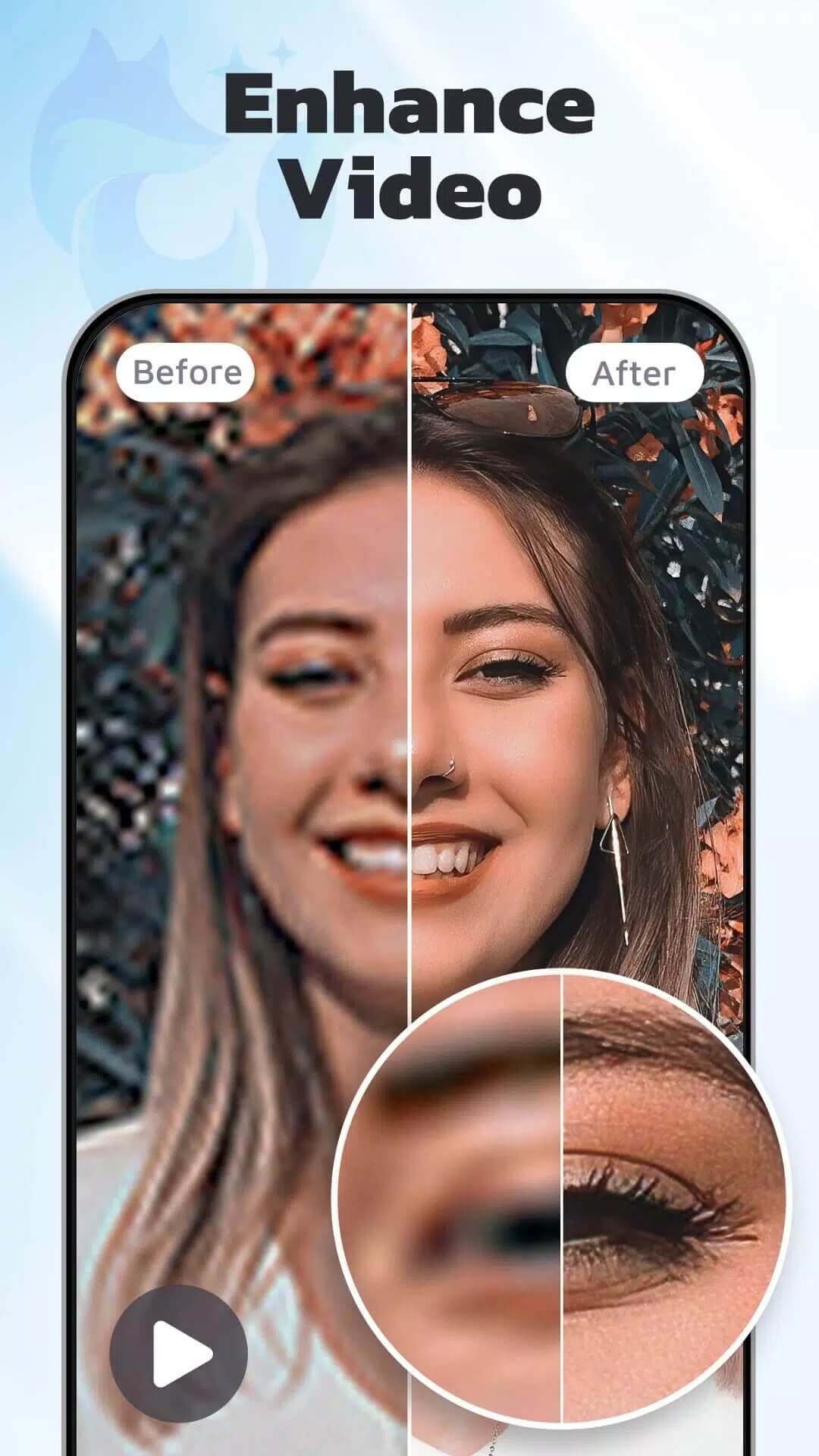
For clips, the focus is sharpening and upscaling: raising the clarity of a soft or low-res video and pushing it to a higher resolution. It is heavier work, so a video job takes longer than a single photo. Either way, enhancement needs an internet connection, since the AI runs on the server, not on your device.
How to download and install EnhanceFox MOD APK
The download is a single APK from this page, no registration and no SMS.
- Tap the green Download button at the top of this page.
- Allow installation from unknown sources for your browser or file manager (Settings → Security).
- If the original Google Play version is installed, remove it first, the MOD won't install over it, since it has a different signature.
- Open the file, tap Install, then launch the app and sign in if you want your history synced.
The original build is around 194 MB, and the MOD file is about 139 MB. You need Android 6.0 or newer. First time sideloading? Our APK install guide walks through the same steps with screenshots.
Tips for best results
- Start from the largest, sharpest source you have. AI adds detail, but a tiny thumbnail gives it little to work with.
- Don't stack several passes back to back. Re-enhancing an already processed image often looks worse, not better.
- For people, use the portrait or face mode instead of the general one, it treats skin and eyes with more care.
- Check the before/after slider every time and save only when the change actually helps.
MOD or original?
The original EnhanceFox is free on Google Play, with paid upgrades and a subscription for Premium. The MOD on this page gives you those Premium client features, no watermark, all modes, HD export, no ads, without the in-app purchase. Just remember the AI processing still runs server-side either way. Want more tools like this? Browse our photography catalog, see the full MOD section, or try ReLens Camera if you are after portrait and camera effects too.
FAQ
What does the EnhanceFox Premium unlock give?
Does the MOD give unlimited AI enhancements?
Can EnhanceFox work offline?
Does it enhance video too?
Is the EnhanceFox MOD APK safe?
What are the requirements and file size?
Download EnhanceFox Mod (Premium Unlocked)
- No viruses
- No spyware
- No malware
The reviews (0)