- No viruses
- No spyware
- No malware
snapedit.app.removeThis file was downloaded, scanned and installed by our editors before publishing.
Every file is also checked with VirusTotal before publishing.

SnapEdit MOD APK (Premium Unlocked)



Additional information about SnapEdit MOD APK (Premium Unlocked)
snapedit.app.removeThe description of SnapEdit MOD APK (Premium Unlocked)
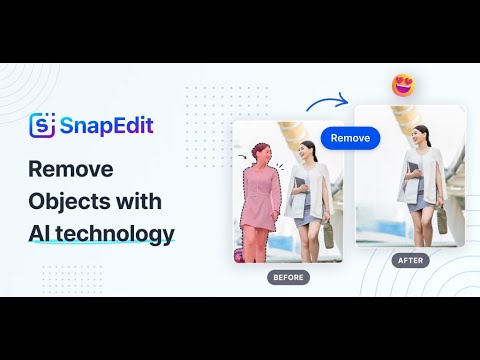
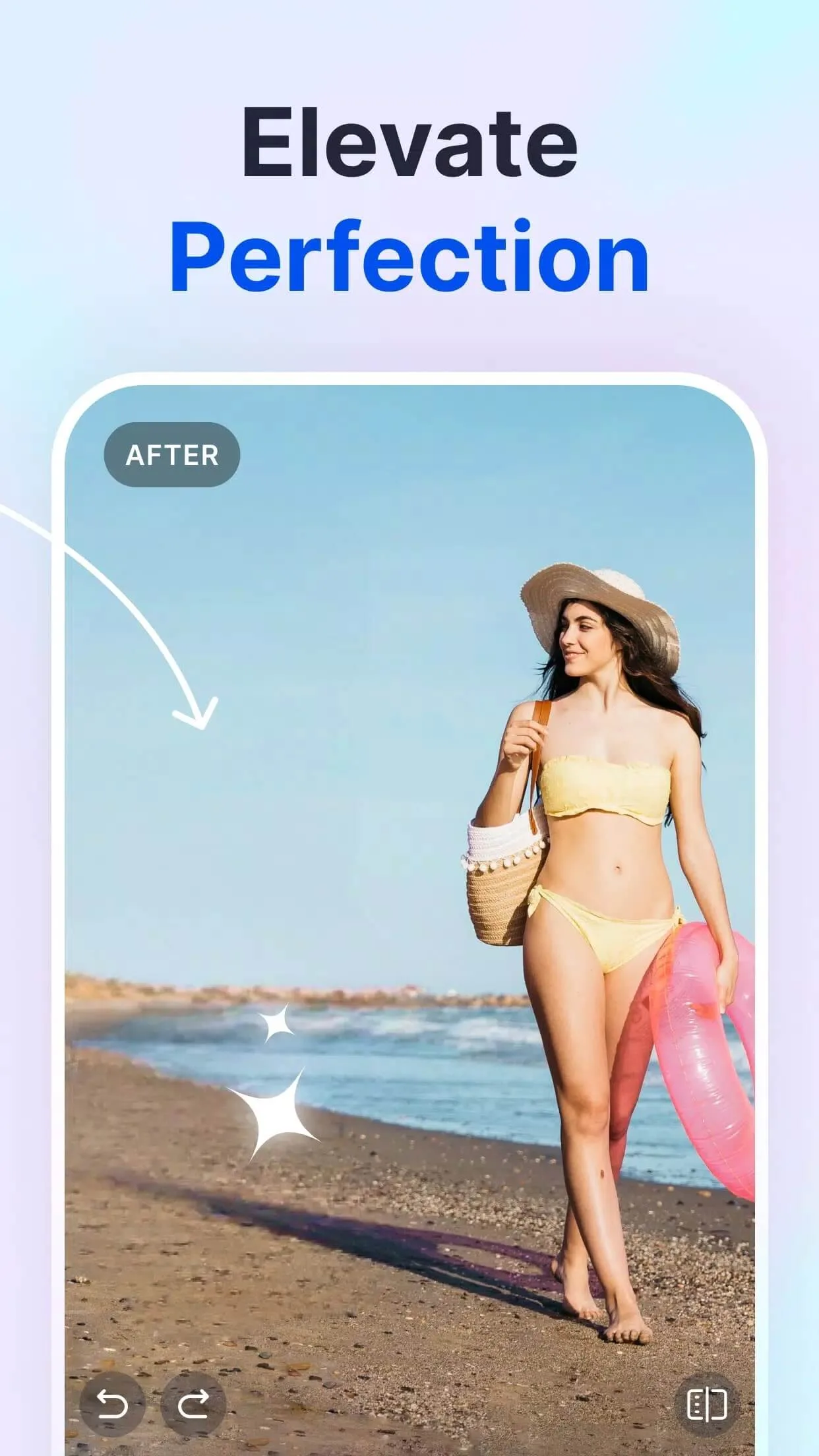
SnapEdit MOD APK gives you the Premium tools unlocked: you can wipe out unwanted objects and people, cut or swap the background, replace a dull sky, and upscale old photos, then save the result with no watermark and no ads getting in the way. It is the same AI photo editor from SilverAI Inc, just with the paid interface open from the start.
Before it went up here, this file was scanned for malware and installed on a real Android device by our editors. We have done that with every APK since 2018. One thing to know up front: SnapEdit does a lot of its heavy lifting in the cloud, so the mod opens the premium UI and strips the watermark, but it can't hand you an endless server on its own. More on that below, honestly.
What is SnapEdit?
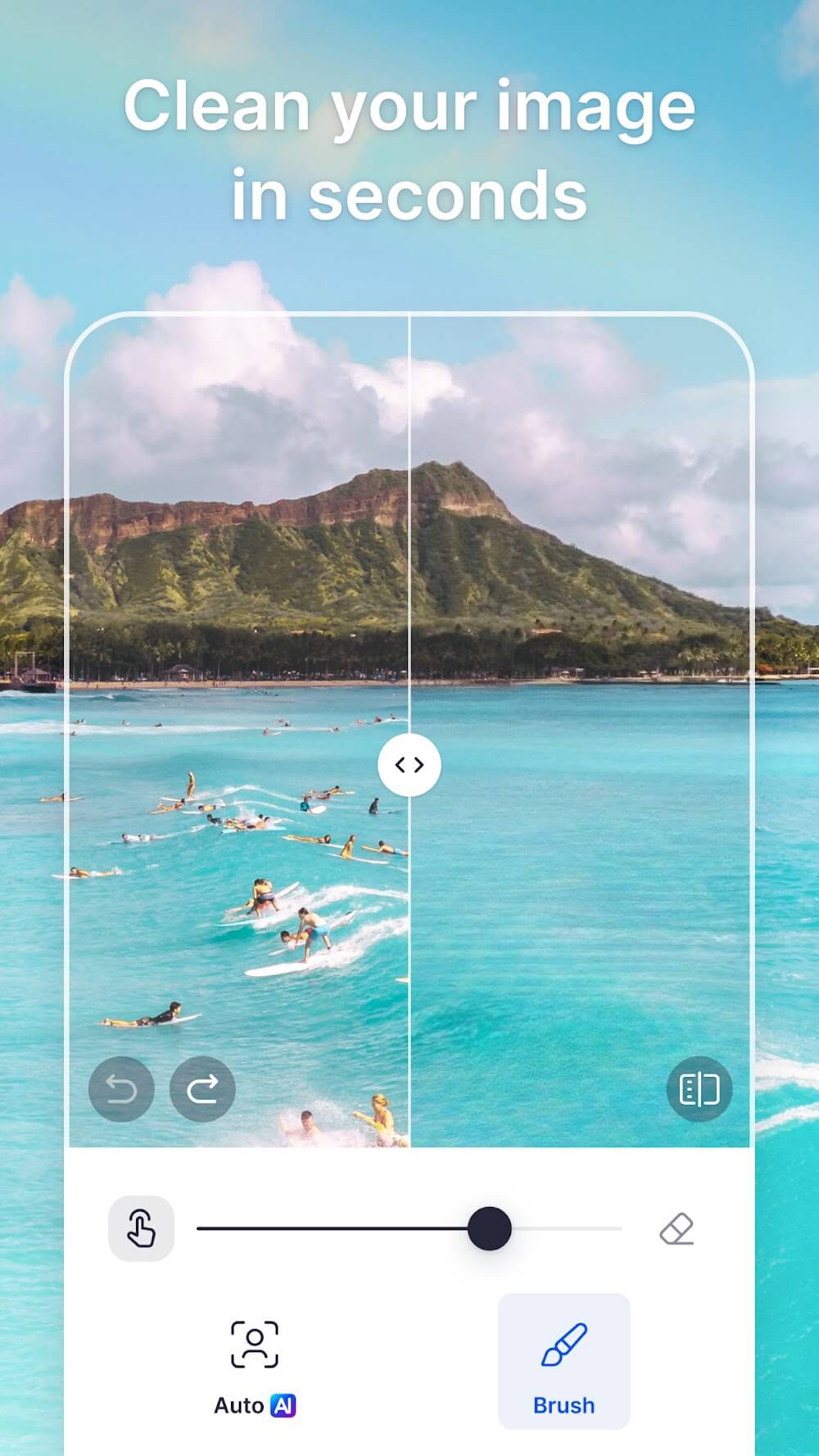
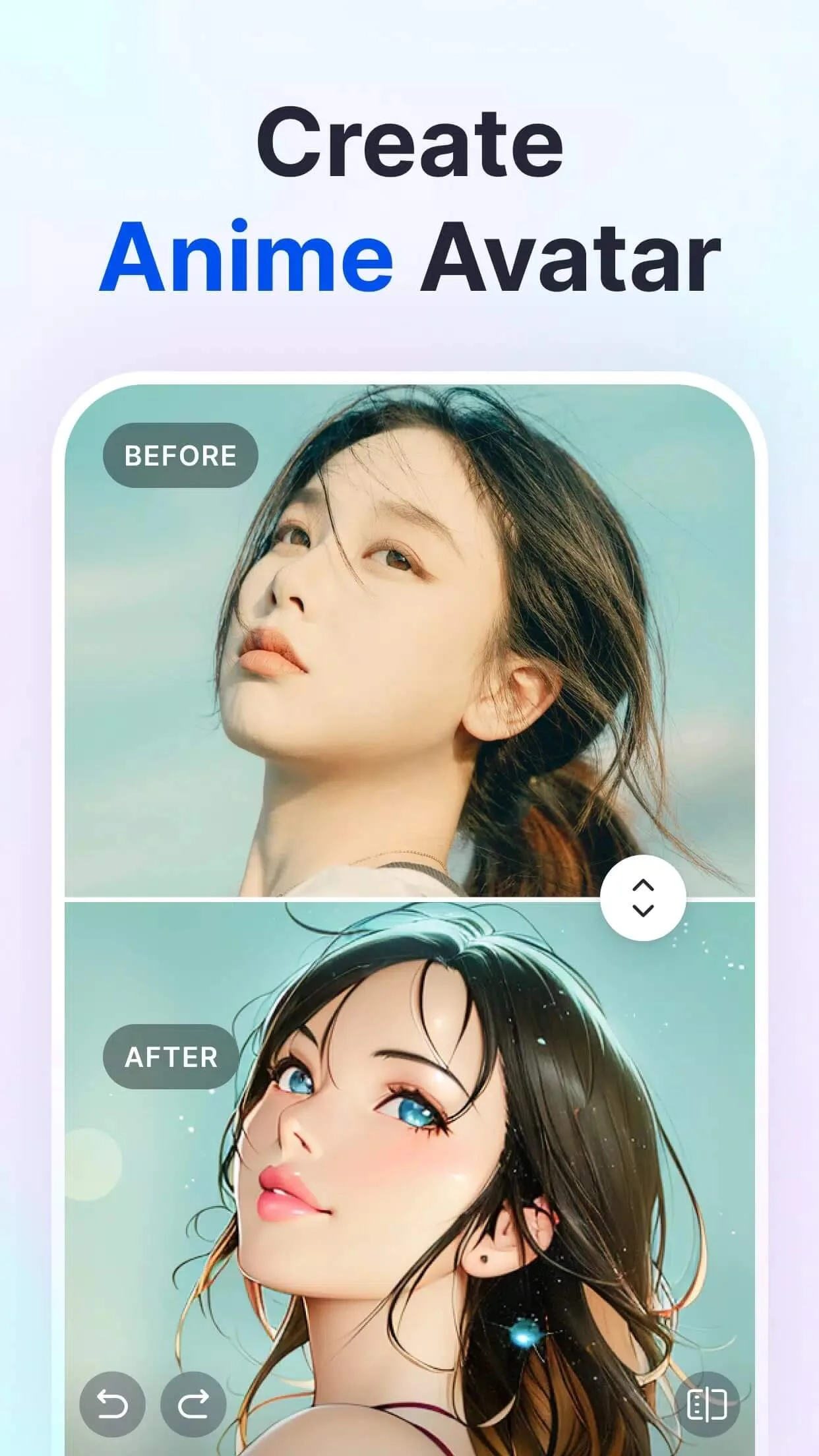
SnapEdit is an AI photo editor built by SilverAI Inc. Point it at a picture and it does the fiddly retouching for you. Tap an object, a stranger in the background, a stray power line, and the AI paints them out so the spot looks like they were never there.
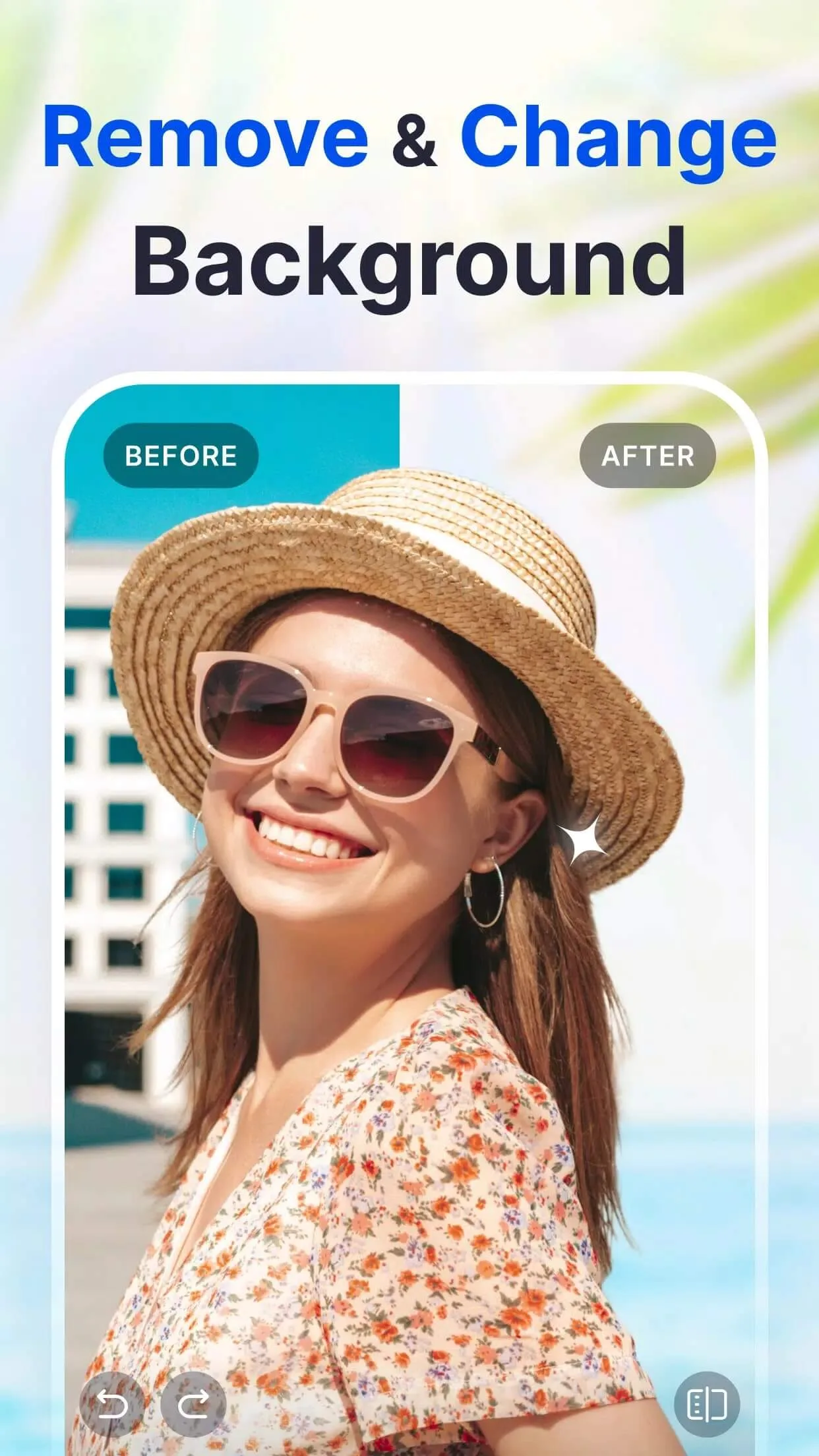
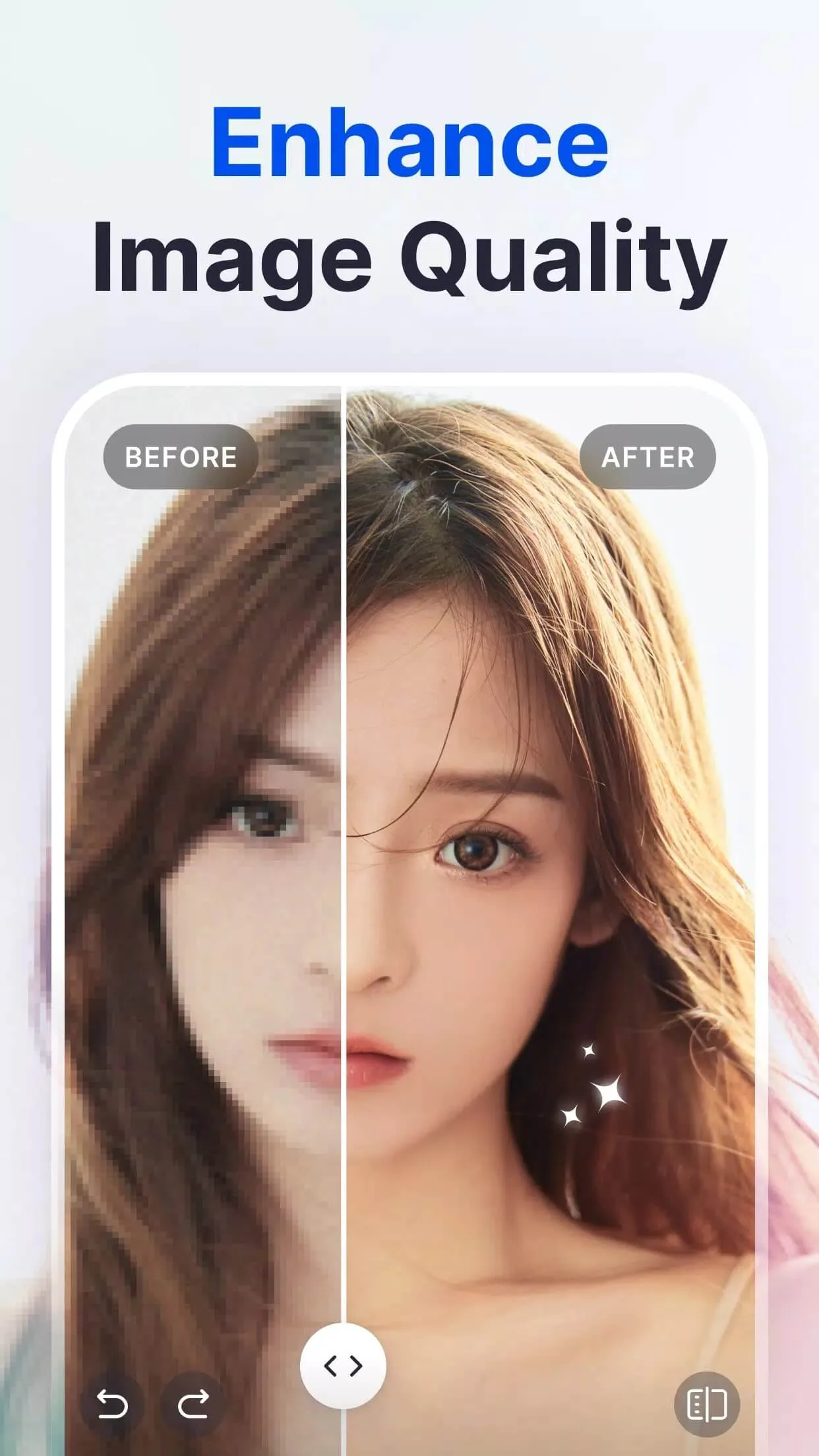
The rest of the toolkit follows the same idea. You can remove or change the background, drop in a new sky when yours came out flat and grey, sharpen and upscale old low-resolution shots, and smooth out portraits. That is the whole job of the app. It edits photos. It does not deal with A6 postcards, PDF export, printing, or password-protected folders, so ignore any page that tells you otherwise.
What the MOD gives you

| MOD feature | What it changes in the app |
|---|---|
| Premium tools unlocked | The editing tools normally kept behind a subscription are open in the interface from the start. |
| No watermark on export | Your saved image comes out clean, without the SnapEdit stamp. |
| No ads | No banner or full-screen ads breaking up your editing. |
One honest note here. A chunk of SnapEdit's AI runs on SnapEdit's own servers, not on your phone. The mod removes the watermark and the ads and opens the premium UI, but the server-side limits and output quality still sit with the service. So it does not promise unlimited cloud AI, and any page claiming it does is guessing.
Client vs server: how the AI works
This is the part worth getting right. The heavy jobs, like object removal on a big image or a 4x upscale, are processed on SnapEdit's servers under a credit model. The service hands out a small number of free credits and sells Standard, PRO and Business plans on top. That accounting lives online, on your account, not in the file you download.
So a local mod can change what you see, unlock the tools, kill the watermark, remove the ads, but it cannot rewrite how many credits the server thinks you have. Lighter edits that run on the device work fine. The really demanding AI calls still answer to the server. That is the honest border, and it is the same border every SnapEdit mod runs into.
How to download and install SnapEdit MOD APK
Everything starts from the button on this page. It is a single APK, roughly 88 MB, and it runs on Android 7.0 and up.
- Tap the green Download APK button at the top of this page. The file downloads directly, no registration and no SMS.
- Allow installation from unknown sources for your browser or file manager (Settings → Security).
- If the Google Play version is already on your phone, remove it first. The mod won't install over it, since it carries a different signature.
- Open the file, tap Install, then launch SnapEdit and start editing.
First time sideloading an app? Our APK install guide walks through the same steps with screenshots. The button here serves the latest version we have tested, so grab whichever build is current instead of hunting an old one down.
Tips for best results
- Start with a well-lit photo. Clean light gives the AI a cleaner edge, so object removal looks less smudged.
- For a sky swap, pick a shot with a flat, clear horizon line. The AI blends the new sky far better when the seam is straight.
- Save upscaling for genuinely small or old images. On a photo that is already sharp, you won't see much.
- Check the before and after each time. A quick toggle catches soft patches you can redo before you export.
MOD or original?
The original SnapEdit is free on Google Play, with a daily credit limit and the option to subscribe if you want more. Paying for a plan supports SilverAI and gets you the full cloud allowance, so if you lean on the AI every day that route is fair. The mod suits you if you mostly want the premium interface open, clean exports with no watermark, and no ads in the offline-friendly parts of the app, without a monthly bill. Want more like this? Browse our photography apps or the wider MOD catalog for another editor.
FAQ
What does the SnapEdit MOD unlock?
Does the MOD give unlimited AI edits?
Is SnapEdit MOD APK safe?
What can SnapEdit actually do?
Which version and requirements?
Do I need an account or internet?
Download SnapEdit Mod (Premium Unlocked)
- No viruses
- No spyware
- No malware
The reviews (0)