- No viruses
- No spyware
- No malware
com.photoroom.appThis file was downloaded, scanned and installed by our editors before publishing.
Every file is also checked with VirusTotal before publishing.

PhotoRoom MOD APK (Pro Unlocked)
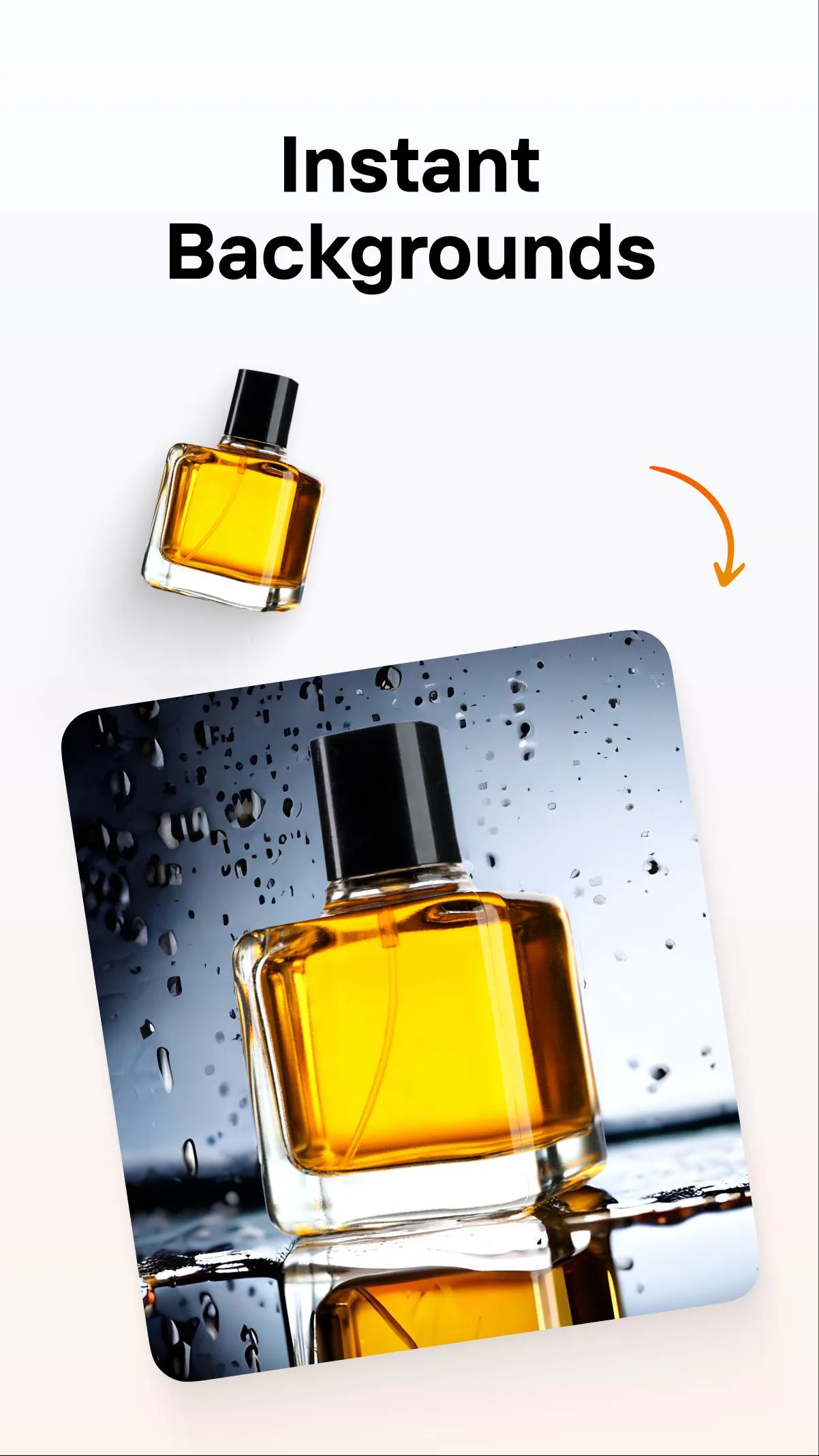
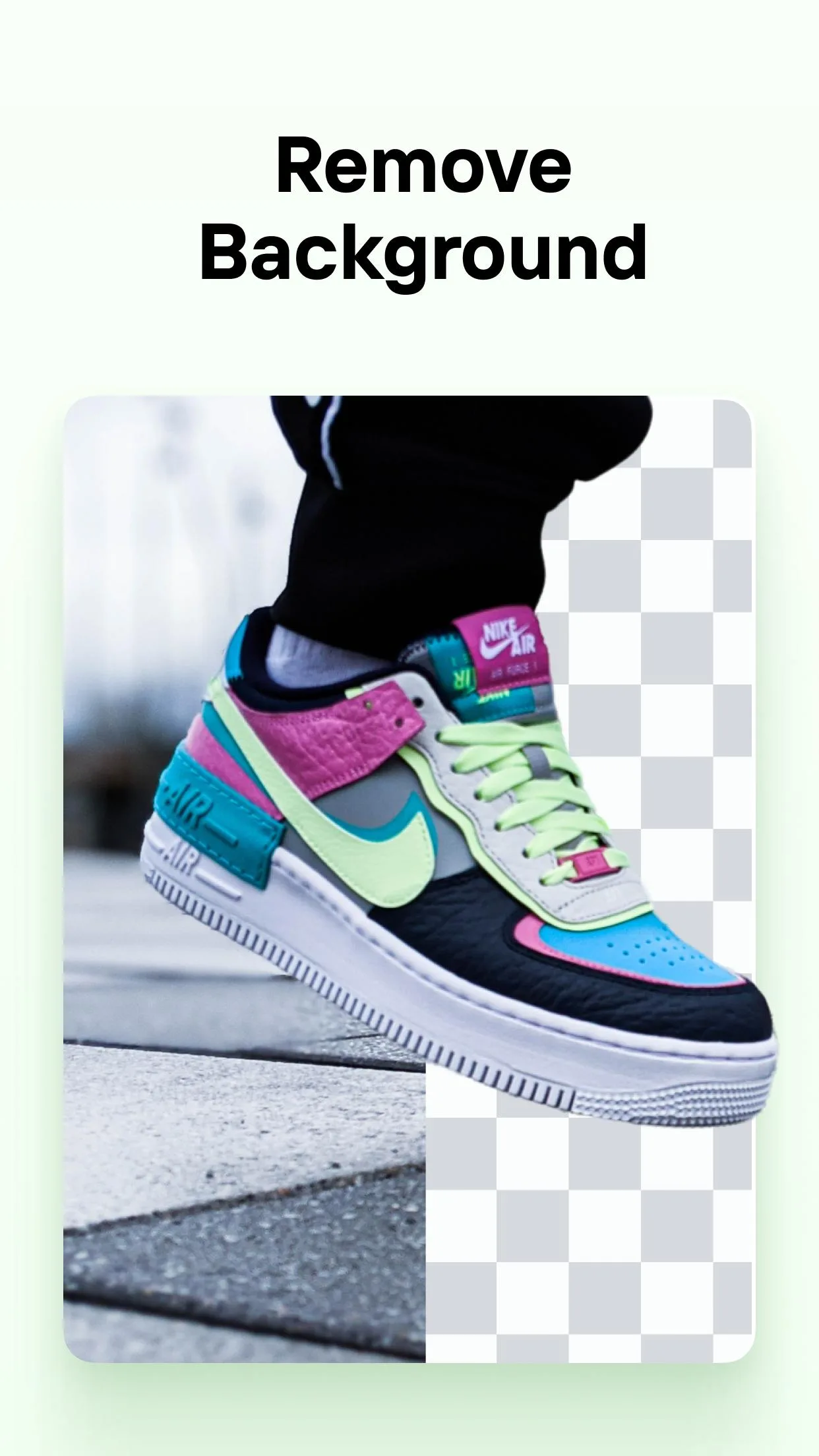
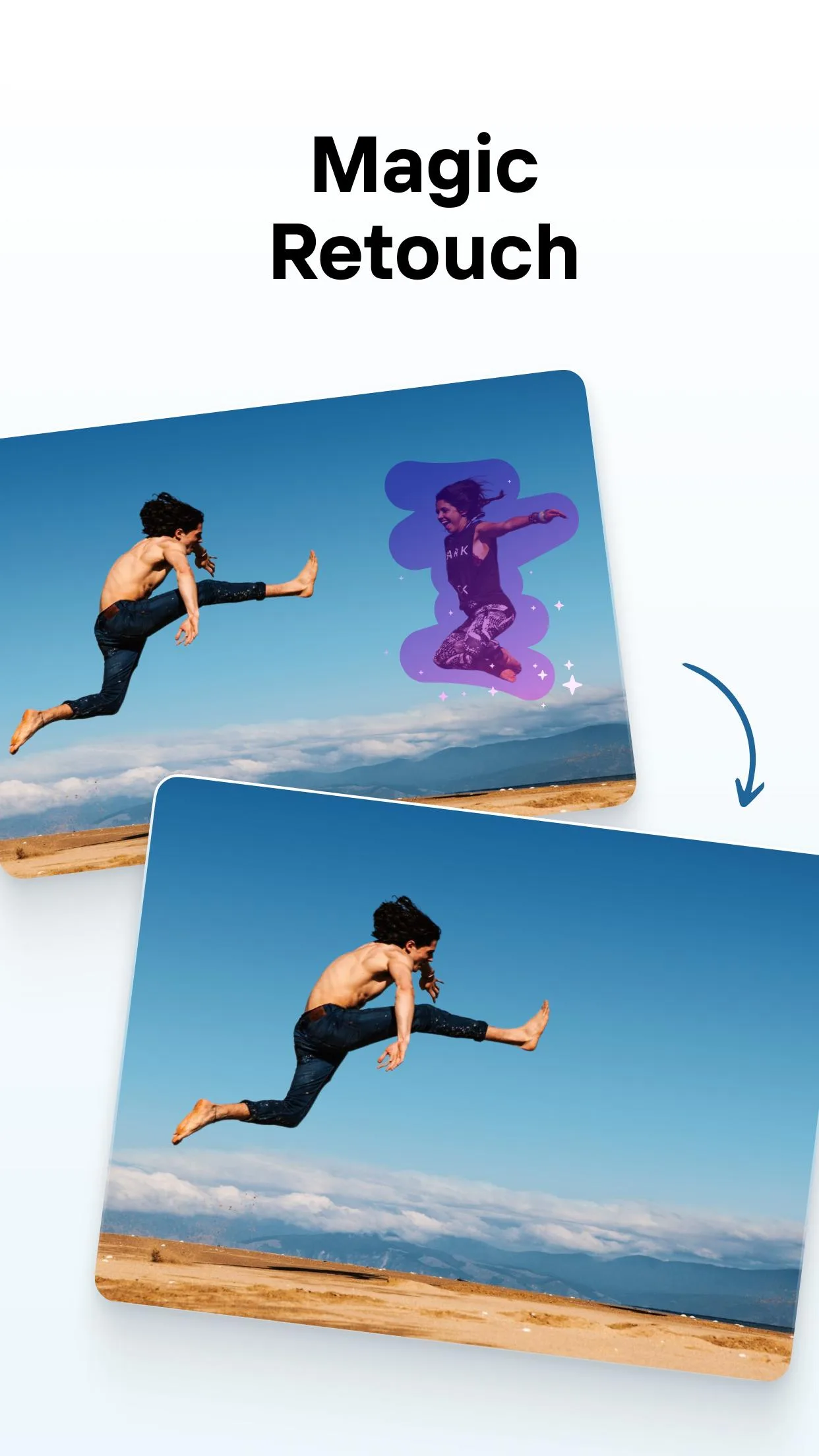
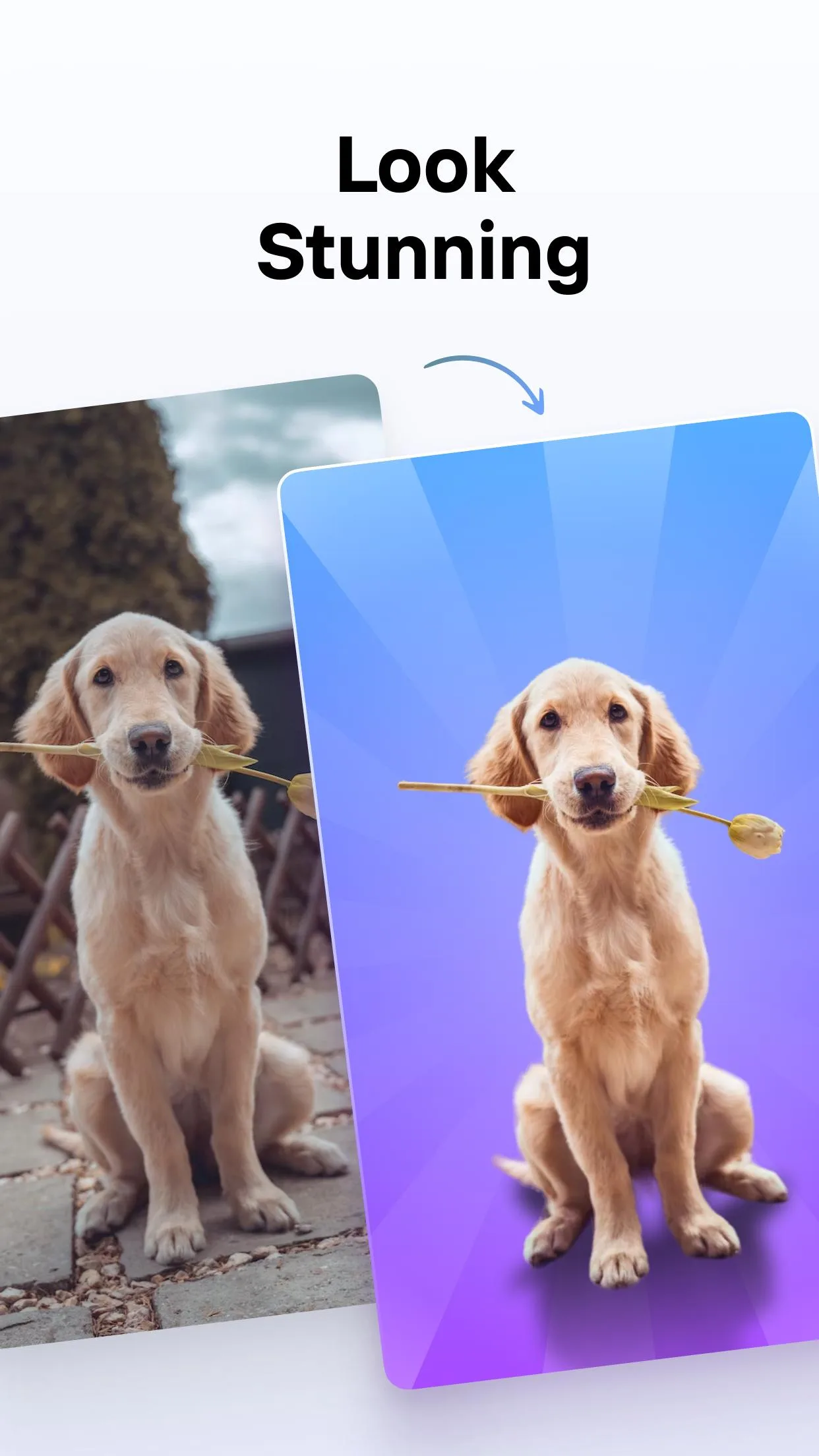
Additional information about PhotoRoom MOD APK (Pro Unlocked)
com.photoroom.appThe description of PhotoRoom MOD APK (Pro Unlocked)
PhotoRoom MOD APK gives you Pro unlocked: HD export with no watermark, the full template and background library, and no ads. You cut out a product, drop it on a clean backdrop and export a sharp image in a couple of taps. This is the real Photoroom AI photo editor, the one that removes and replaces backgrounds, not some brush-and-pencil paint app.
The file on this page is scanned for malware and installed on a real Android device by our editors before publishing, we have done this since 2018. It runs on Android 10.0 and up and weighs around 78.5 MB.
What is PhotoRoom?
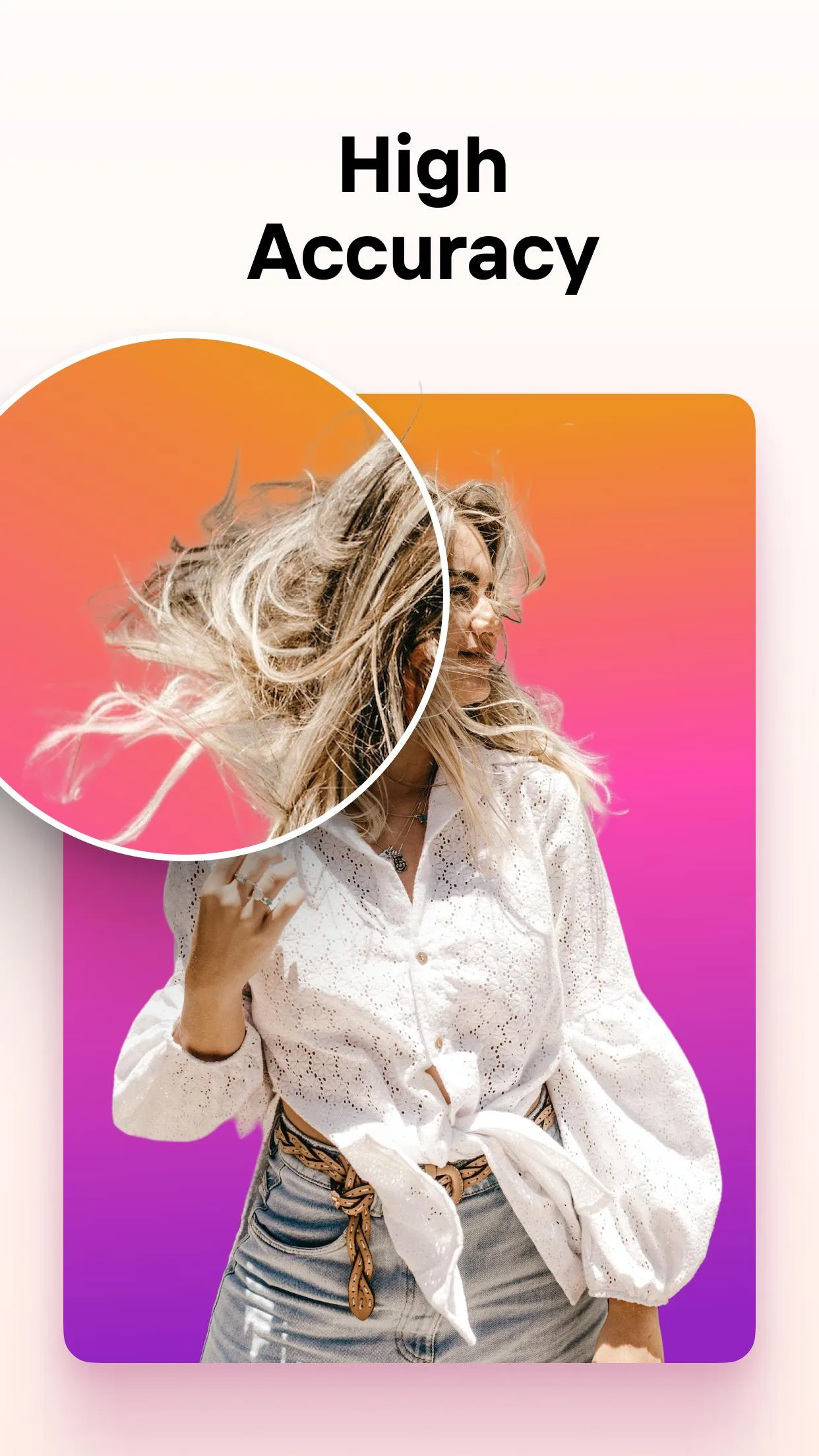
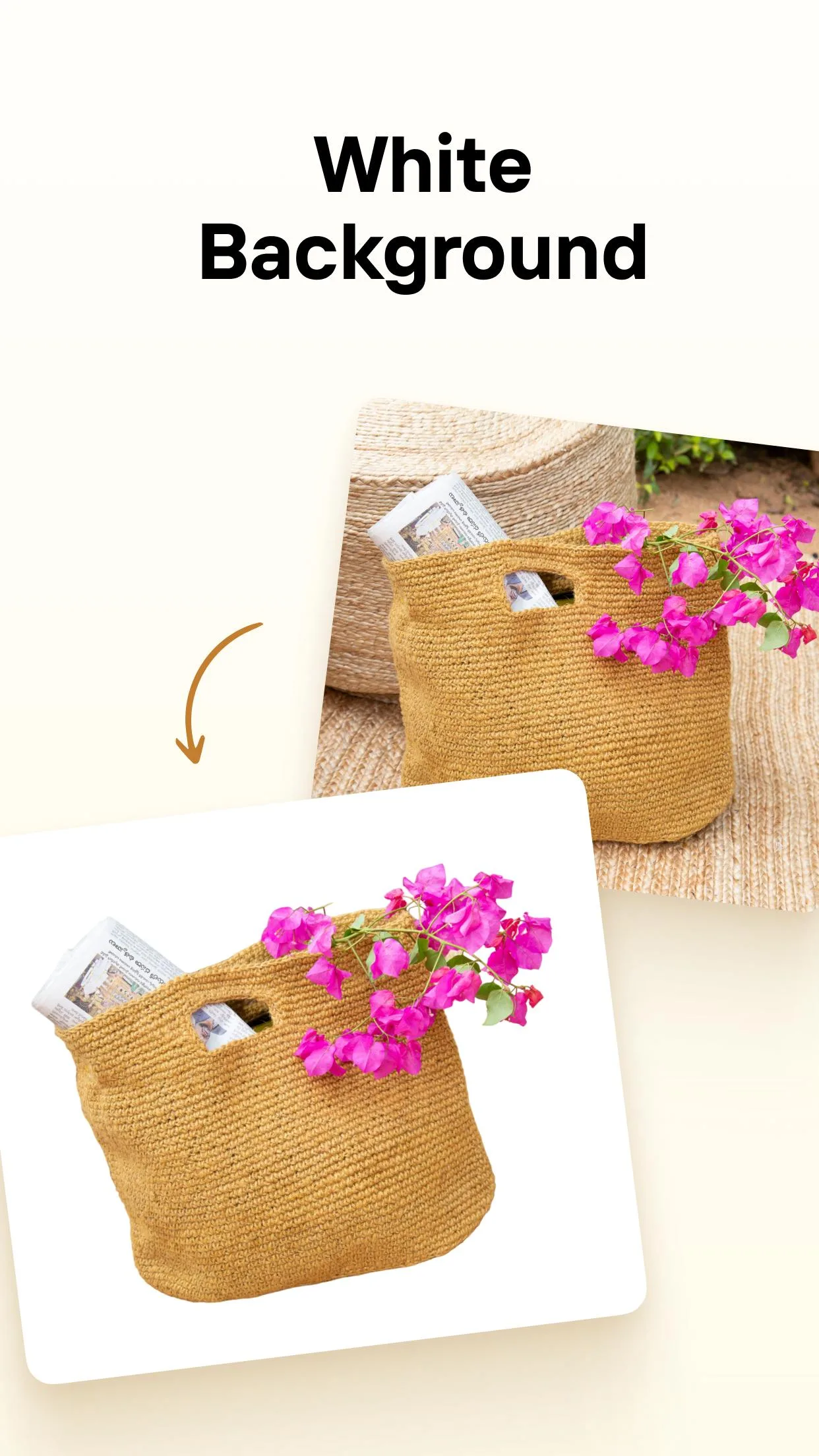
PhotoRoom is an AI photo editor built by Photoroom for one main job: getting rid of the background. Point it at a photo, tap once, and it lifts the subject out and hands you a clean cutout. From there you can swap in a plain color, a studio-style backdrop, or a generated scene, then finish with retouch tools and export.
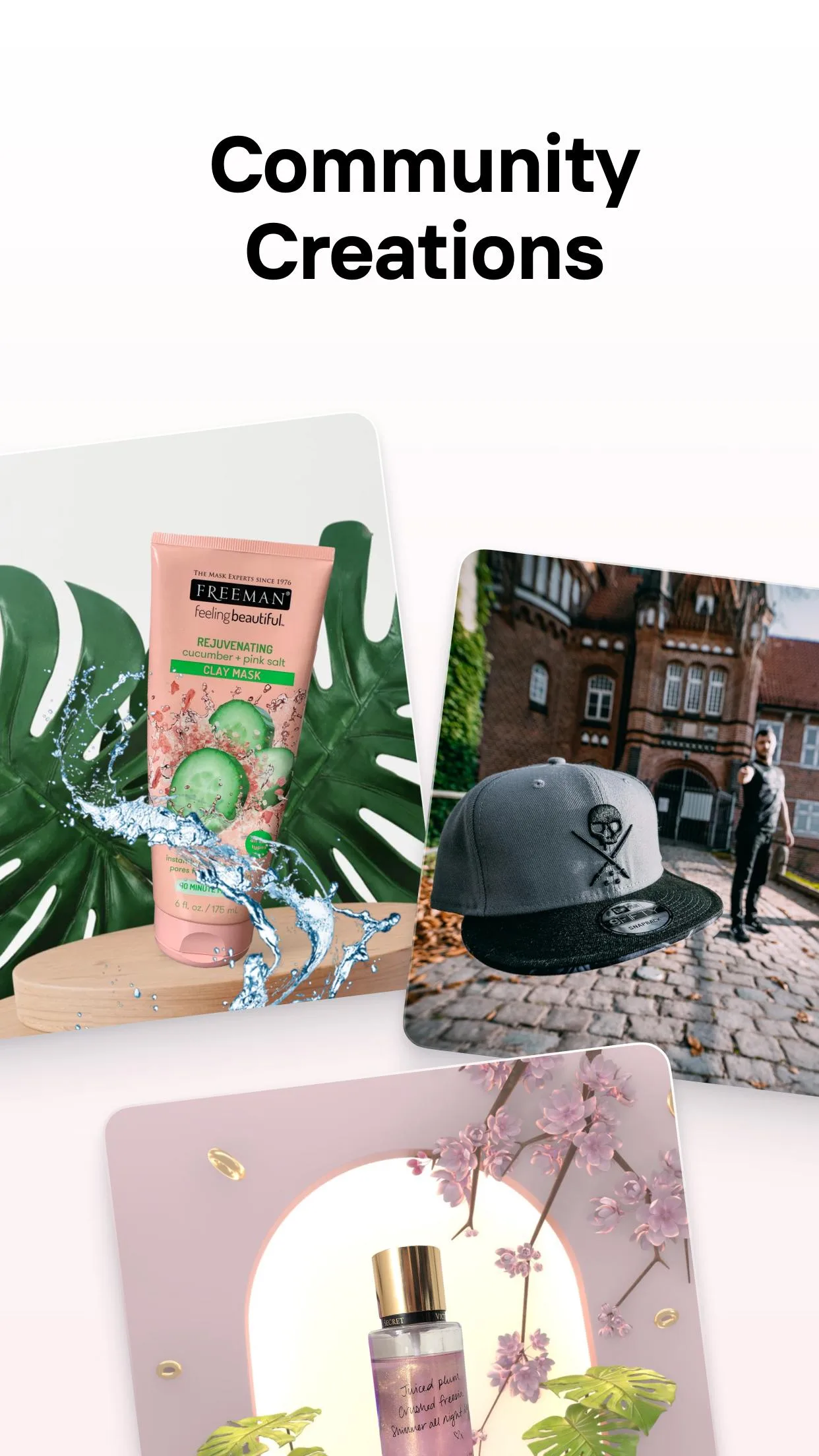
It leans hard toward selling and posting. There are ready-made templates for marketplace listings, Instagram posts and story ads, so a phone snapshot turns into something that looks shot in a studio. Batch mode handles a whole run of products at once, which is why resellers and small shops like it. It is a Photography app at heart, but the workflow is really about e-commerce and social media.
What the MOD (Pro) unlocks
| MOD feature | What it changes in the app |
|---|---|
| Pro unlocked | The Pro-locked buttons in the editor open up, so you are not hitting a paywall mid-edit. |
| HD export, no watermark | Save your images in full resolution with the Photoroom watermark stripped off. |
| Premium templates & backgrounds | The paid template packs and background presets are available to pick from. |
| No ads | No banner or upsell interruptions while you work. |
To be clear about what this MOD touches: the watermark and the Pro locks in the interface are handled on your device, so those parts are genuine and they stick. The premium templates and export options open the same way. That is the honest scope of a Pro unlock here.
Cloud AI: what to expect
Here is the part most sites skip. The heavy AI work, the background removal and the generated backdrops, does not run on your phone. It runs on Photoroom's servers, which usually means you need an account and an internet connection for those steps to fire. That is just how the app is built.
So the MOD unlocks the interface, the watermark and the export, but it cannot hand you unlimited server-side AI. If Photoroom sets a cap on cutouts or generated scenes, that cap lives on their side, and no modified build changes it. Anyone promising endless free AI backgrounds is guessing. Basic edits are fine offline, the AI steps are not, and it is fair to know that before you download.
How to download and install PhotoRoom MOD APK
The download is a single APK straight from this page. No sign-up, no SMS.
- Tap the green Download APK button at the top of this page, the file starts right away.
- Allow installation from unknown sources for your browser or file manager (Settings → Security).
- If the Google Play version is already on your phone, remove it first, the MOD won't install over it because the signature is different.
- Open the downloaded file, tap Install, then launch PhotoRoom and sign in if you want the AI features.
The package is about 78.5 MB and needs Android 10.0 or newer, a touch higher than most apps, so check your version if you are on an older phone. New to sideloading? Our APK install guide walks the same steps with screenshots.
Tips for clean cutouts
- Shoot your product against a contrasting background. A dark item on a light surface gives the AI a clean edge to work with.
- After the auto-cutout, use the refine brush to fix stray edges by hand, hair and thin straps are where it slips.
- Start from a marketplace template instead of a blank canvas, the sizing and framing are already set for listings.
- Running a full catalog? Use batch mode so a whole set of photos gets the same background and crop in one pass.
- Keep a plain white and a plain grey backdrop saved as favorites, they read as neutral on almost any storefront.
MOD or original?
The original PhotoRoom is free on Google Play and gates its extras behind a Photoroom Pro subscription. The MOD on this page removes the watermark and opens the Pro-locked buttons, so if what you want is clean HD exports and the full template library without paying monthly, it does the job. Just remember the cloud AI stays server-side either way, that line does not move.
Want to compare tools before you commit? Browse the rest of our photography apps, or see what else is on the MOD shelf. Pick the editor that fits how you actually shoot, then grab the file from the button above.
FAQ
What does the PhotoRoom MOD unlock?
Is the AI background removal unlimited?
Who develops PhotoRoom?
Does it work offline?
Is the MOD APK safe?
What are the requirements?
Download PhotoRoom Mod (Pro Unlocked)
- No viruses
- No spyware
- No malware
The reviews (0)